Computer Peripherals
Best Ergonomic Mice 2025: Five Options from Budget to Premium
A practical guide to five ergonomic mice designed to reduce wrist strain and improve comfort during long work or gaming sessions.
Why Ergonomic Mice Matter
Wrist pain and hand fatigue are common complaints for anyone spending extended hours at a desk. An ergonomic mouse addresses these issues by supporting your hand in a neutral position, reducing strain on tendons and joints. Whether you work in an office, create content, or game for hours, the right mouse can make a meaningful difference in comfort and productivity.

The key is finding a design that matches your hand size, grip style, and primary use case. Some mice prioritize wrist support, others focus on precision for gaming, and some excel at quiet operation for shared spaces.
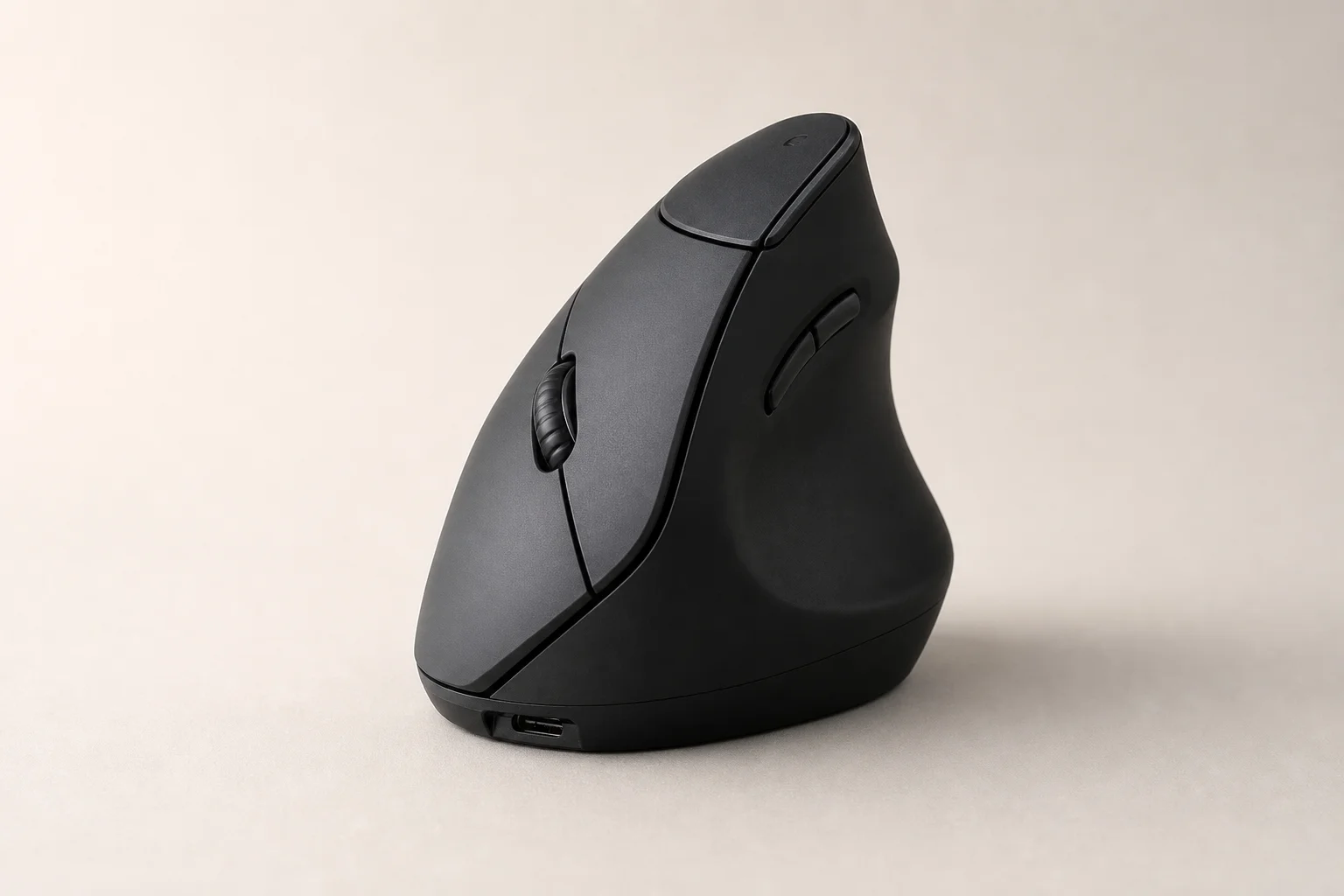
Best Budget Option: Anker Vertical Ergonomic 2.4G Mouse
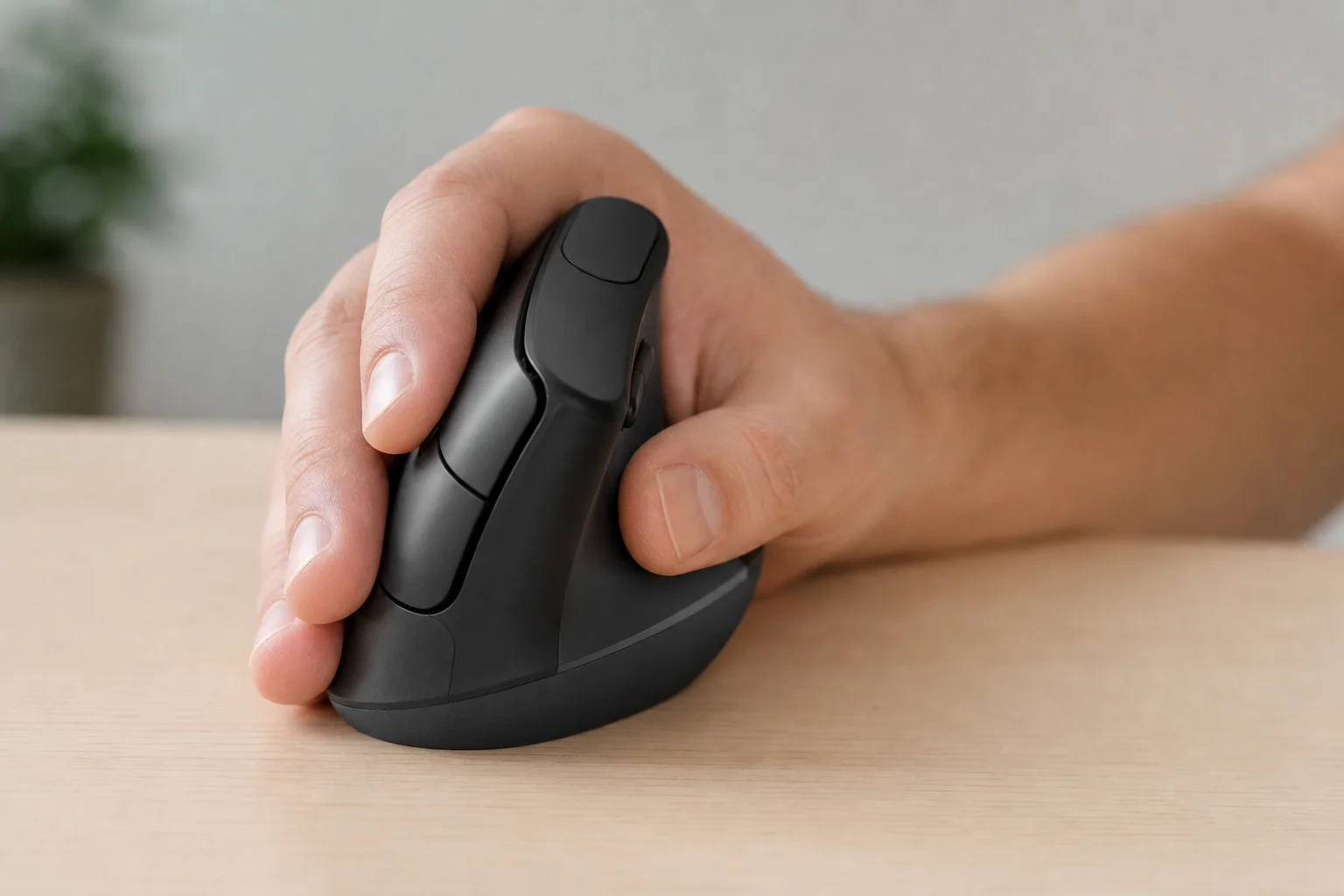
The Anker Vertical Ergonomic 2.4G Mouse is an excellent entry point for anyone new to ergonomic designs or working within a tight budget. Its vertical, handshake-style grip naturally positions your wrist in a neutral alignment, reducing the pronation that causes strain during long sessions.
The mouse uses optical tracking technology for smooth, reliable navigation across most surfaces. Connectivity is handled via a 2.4 GHz wireless connection, eliminating cable clutter without the complexity of Bluetooth pairing. Setup is straightforward: plug in the USB receiver and start using it immediately.
This mouse works best for casual computing, light productivity work, and general web browsing. It is less suited for precision gaming or tasks requiring rapid, complex movements, but for everyday comfort at a low price point, it delivers solid value.
Best for Wrist Support: Le Ergonomic Mouse 2.4 GHz
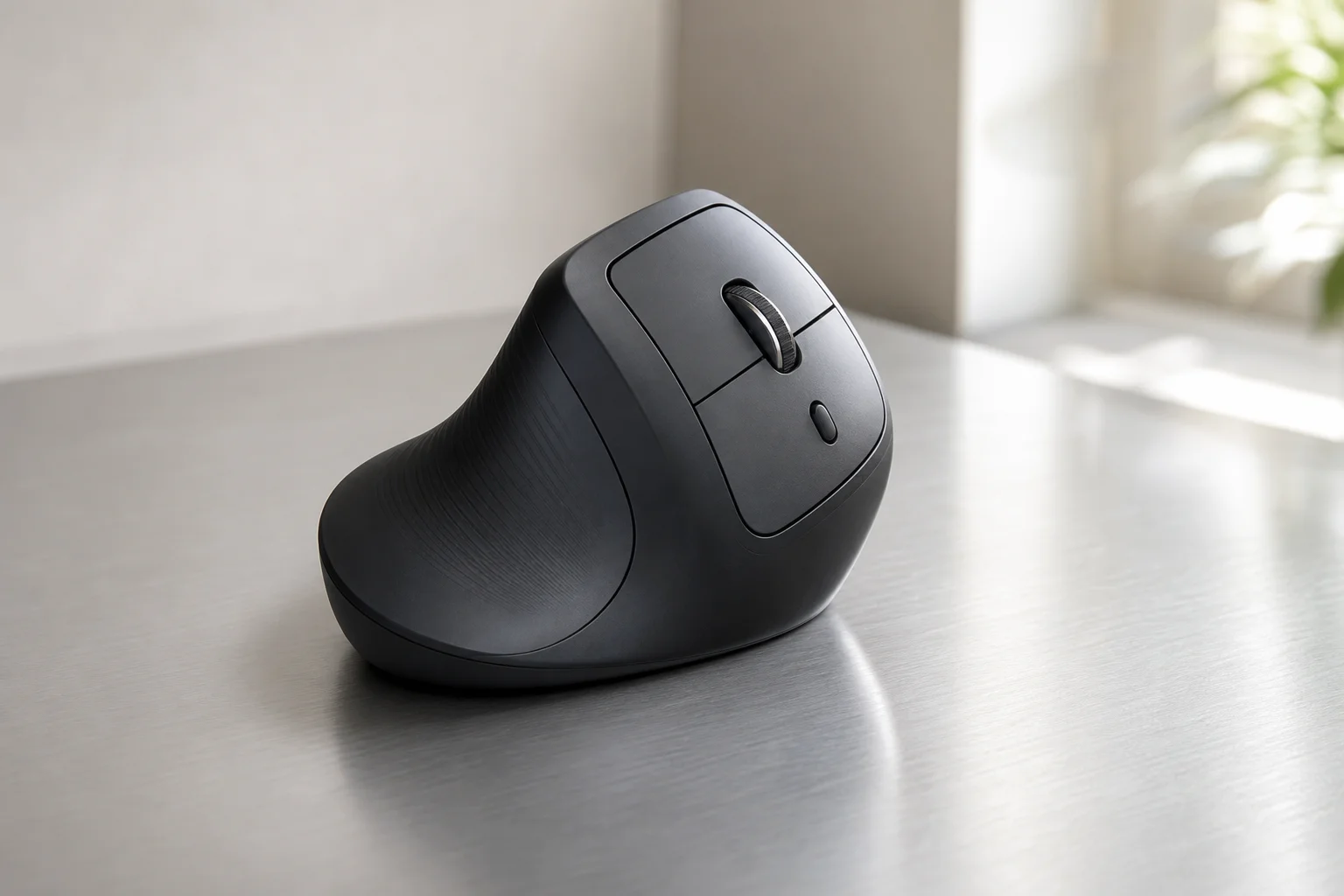
The Le Ergonomic Mouse prioritizes wrist support through an angled design that keeps your wrist in a neutral position even during extended use. This angle reduces pressure on the underside of the wrist, making it particularly useful for people prone to wrist discomfort.
The mouse connects via 2.4 GHz wireless, offering the same plug-and-play convenience as the Anker. Its user-friendly design means no complex software or configuration is needed. The styling is understated and professional, fitting naturally into any workspace.
The Le is best suited for office workers and professionals who spend most of their day at a desk. Its focus on wrist support makes it less ideal for gaming, where responsiveness and button customization are more important.
Best for Gaming: Razer Pro Click V3
The Razer Pro Click V3 bridges the gap between ergonomic comfort and gaming performance. Its ergonomic shape is designed to fit naturally in your hand, reducing fatigue during long gaming marathons or work sessions. Unlike purely gaming-focused mice, this model acknowledges that many users need comfort for both activities.
The mouse features an advanced optical sensor with ultra-accurate tracking, ensuring precision for both competitive gaming and professional work. Customizable buttons allow you to tailor the mouse to your specific needs, whether you are gaming, multitasking, or working with specialized software.
The Razer Pro Click V3 is the choice for users who need a single mouse that performs well in both gaming and productivity contexts. Its premium build quality and responsive design justify the higher price for those who demand versatility.
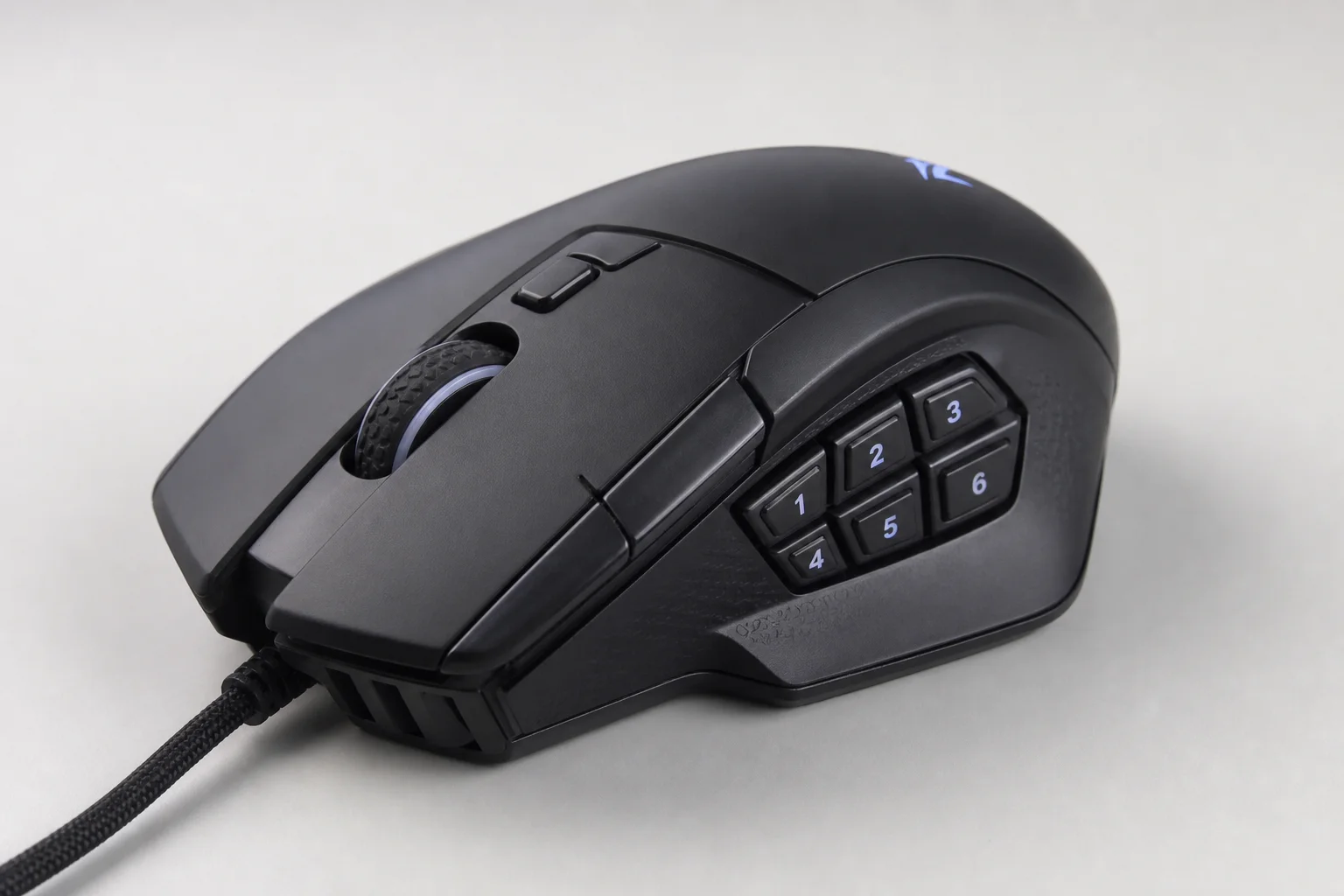
Best for Quiet Productivity: Lenovo 600 Bluetooth Silent Mouse
The Lenovo 600 Bluetooth Silent Mouse is engineered for environments where noise matters. Its silent click mechanism operates without the audible feedback of traditional mice, making it ideal for shared offices, libraries, or quiet home workspaces where you do not want to disturb others.
Connectivity is handled via Bluetooth, eliminating the need for a USB dongle and offering seamless pairing with laptops and tablets. The compact, lightweight design makes it excellent for travel and small workspaces. Despite its diminutive size, it maintains an ergonomic profile that supports comfortable extended use.
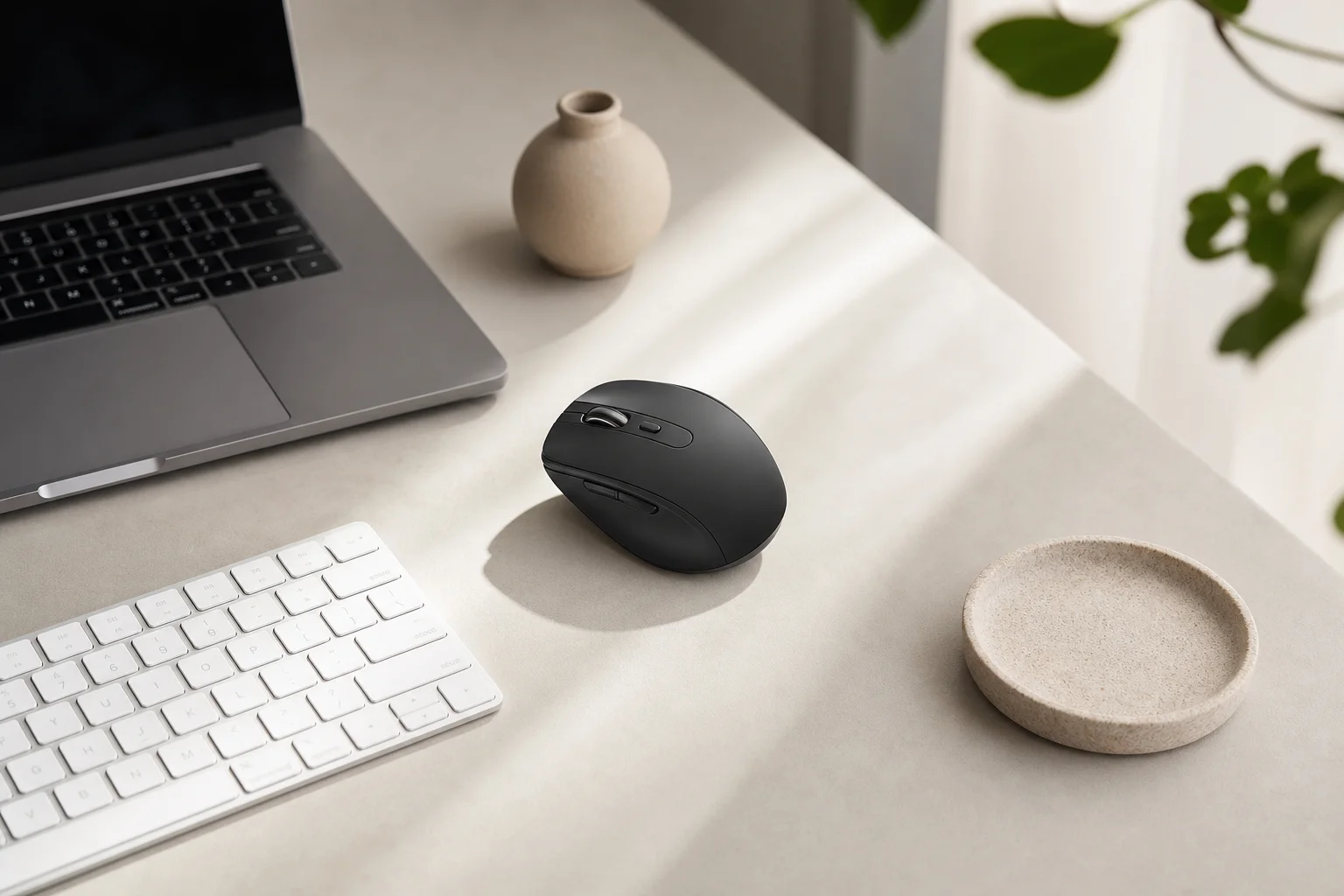
This mouse is best for professionals working in quiet spaces or anyone who prefers a discreet, silent setup. It is less suited for gaming or tasks requiring extensive button customization, but for quiet, productive work, it excels.
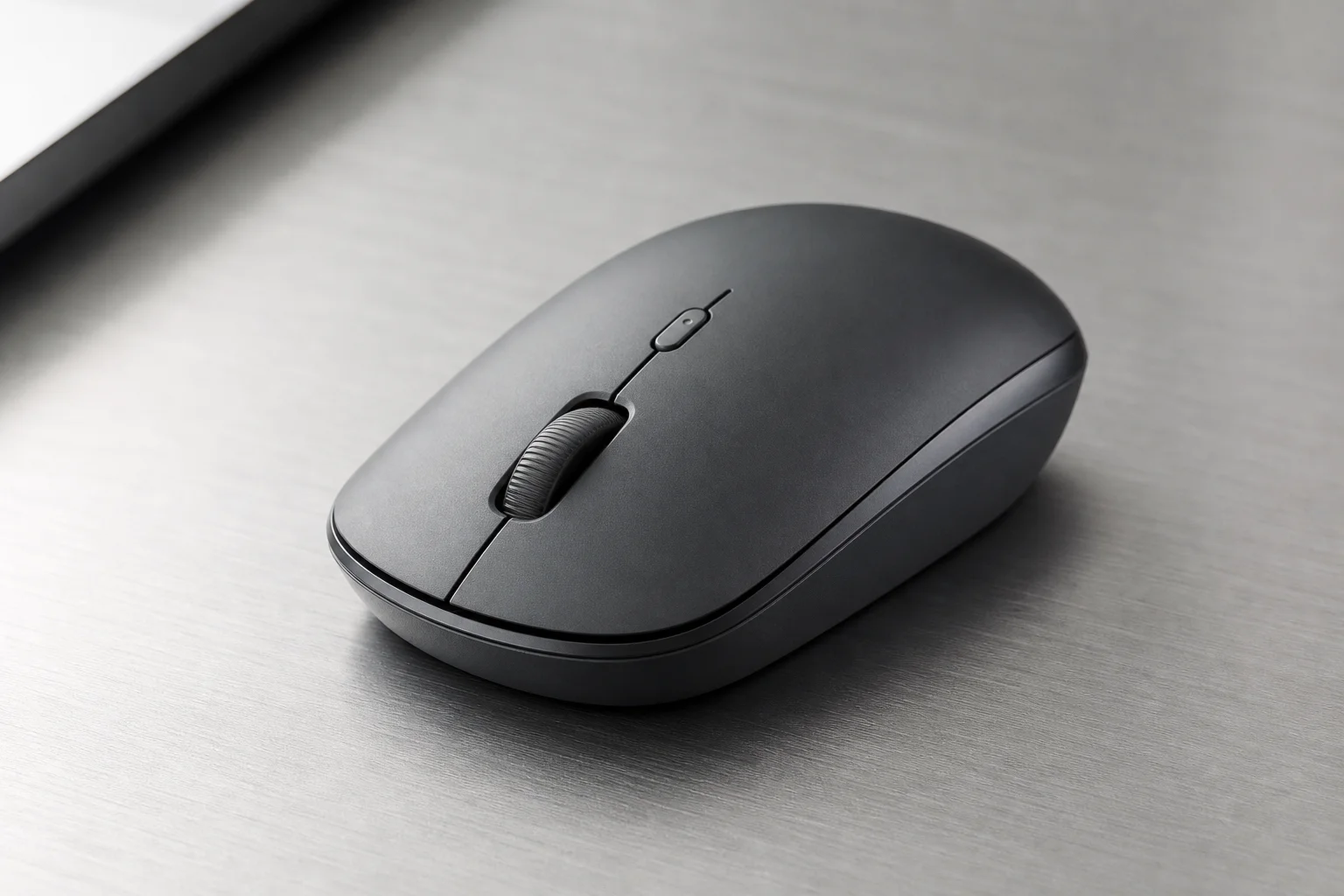
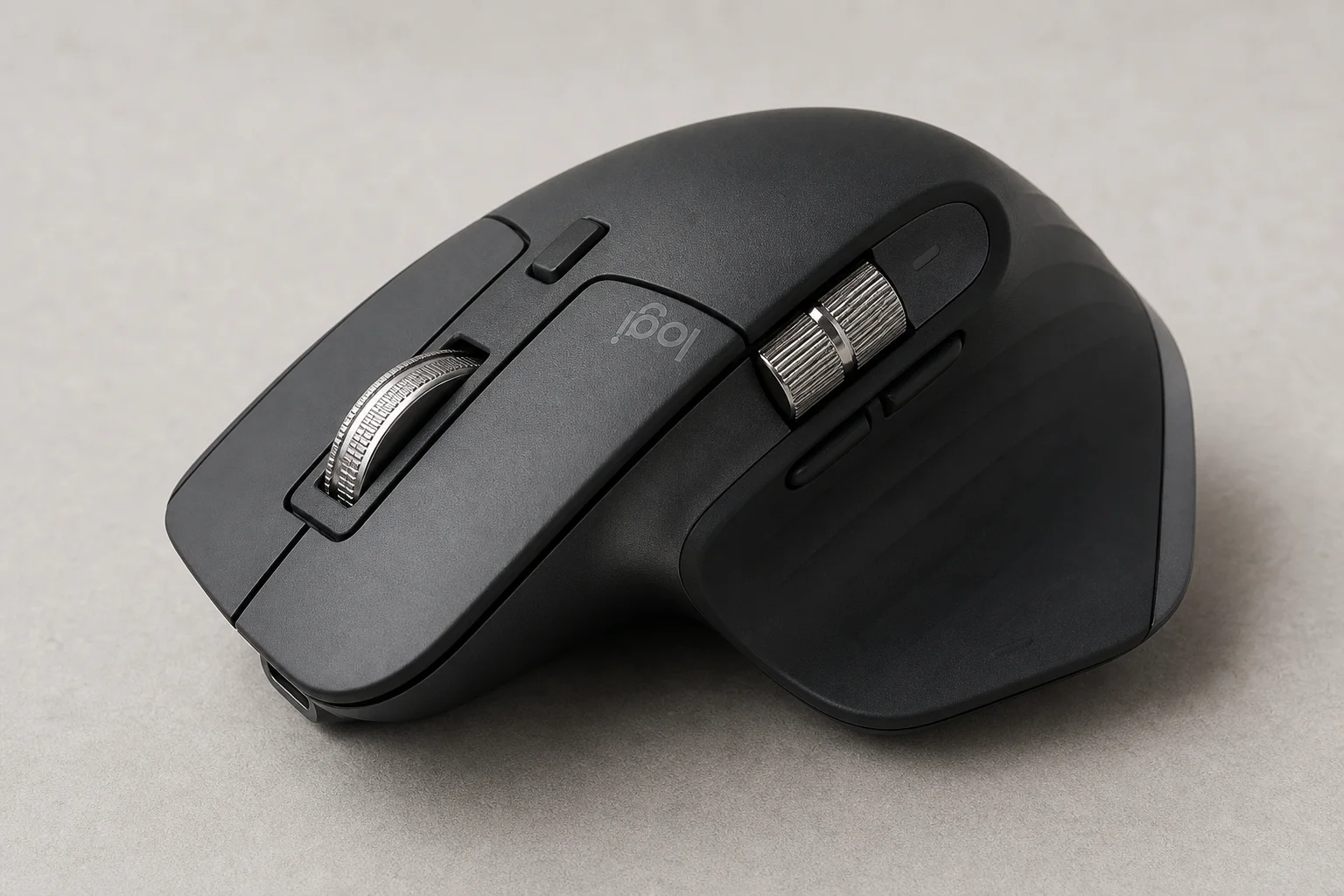
Best Overall: Logitech MX Master 3s
The Logitech MX Master 3s is the gold standard for ergonomic mice, combining exceptional comfort with advanced features that enhance productivity. Its perfectly sculpted shape includes a dedicated thumb rest, supporting all-day comfort even during intensive work sessions.
The standout feature is MagSpeed scrolling, which uses electromagnetic technology to let you zoom through long documents at incredible speed while maintaining precise control when you need it. The 8,000 DPI sensor ensures smooth performance on virtually any surface, from glass desks to textured mousepads.
Multi-device support is a game-changer for users who work across multiple computers or tablets. You can effortlessly switch between devices, making the mouse ideal for professionals, creatives, and power users who juggle multiple screens and workflows.
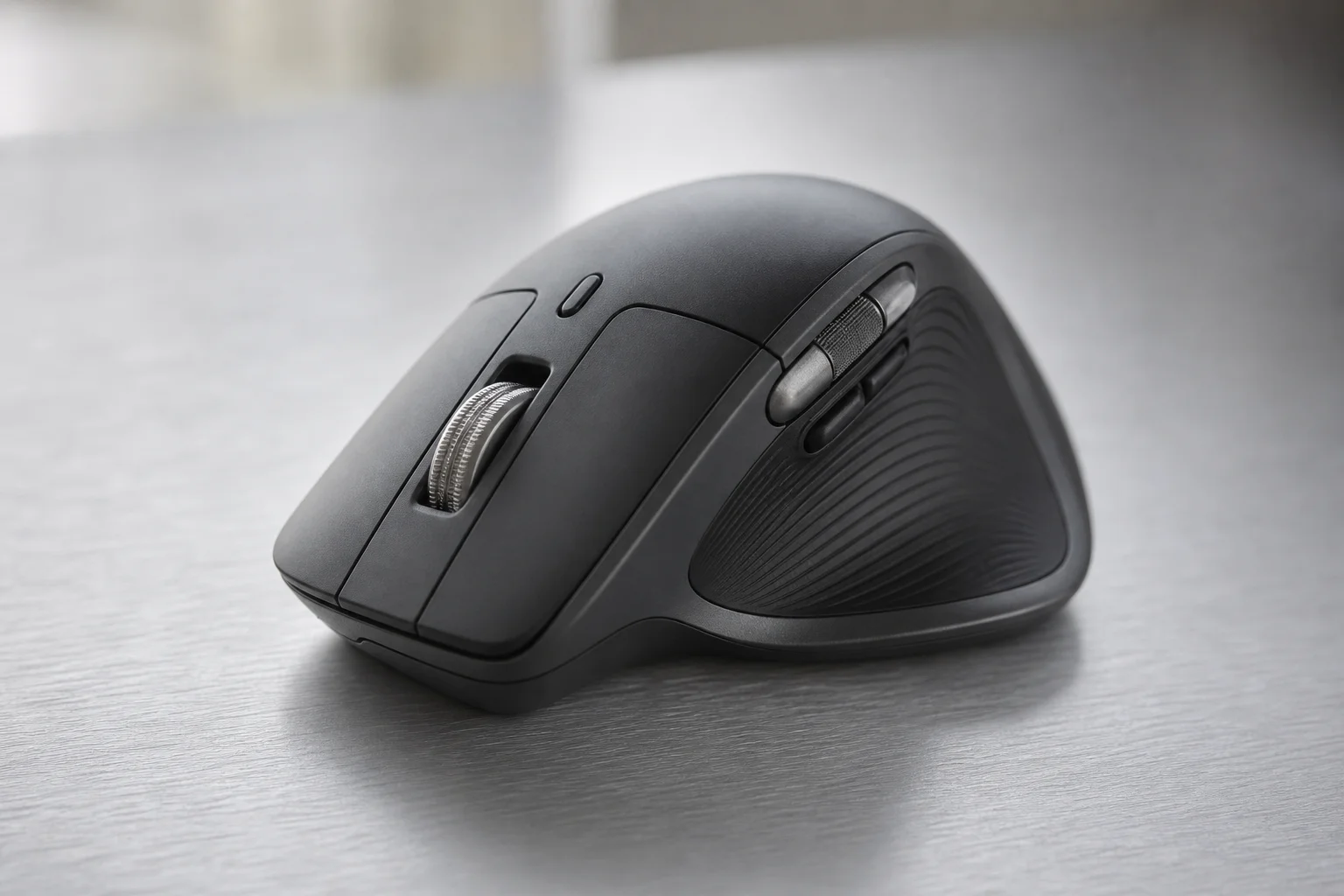
The Logitech MX Master 3s is the best choice for professionals, creatives, and anyone who values comfort and productivity above all else. Its premium price reflects its advanced features and exceptional build quality, making it a worthwhile investment for those who spend significant time at a desk.
Conclusion
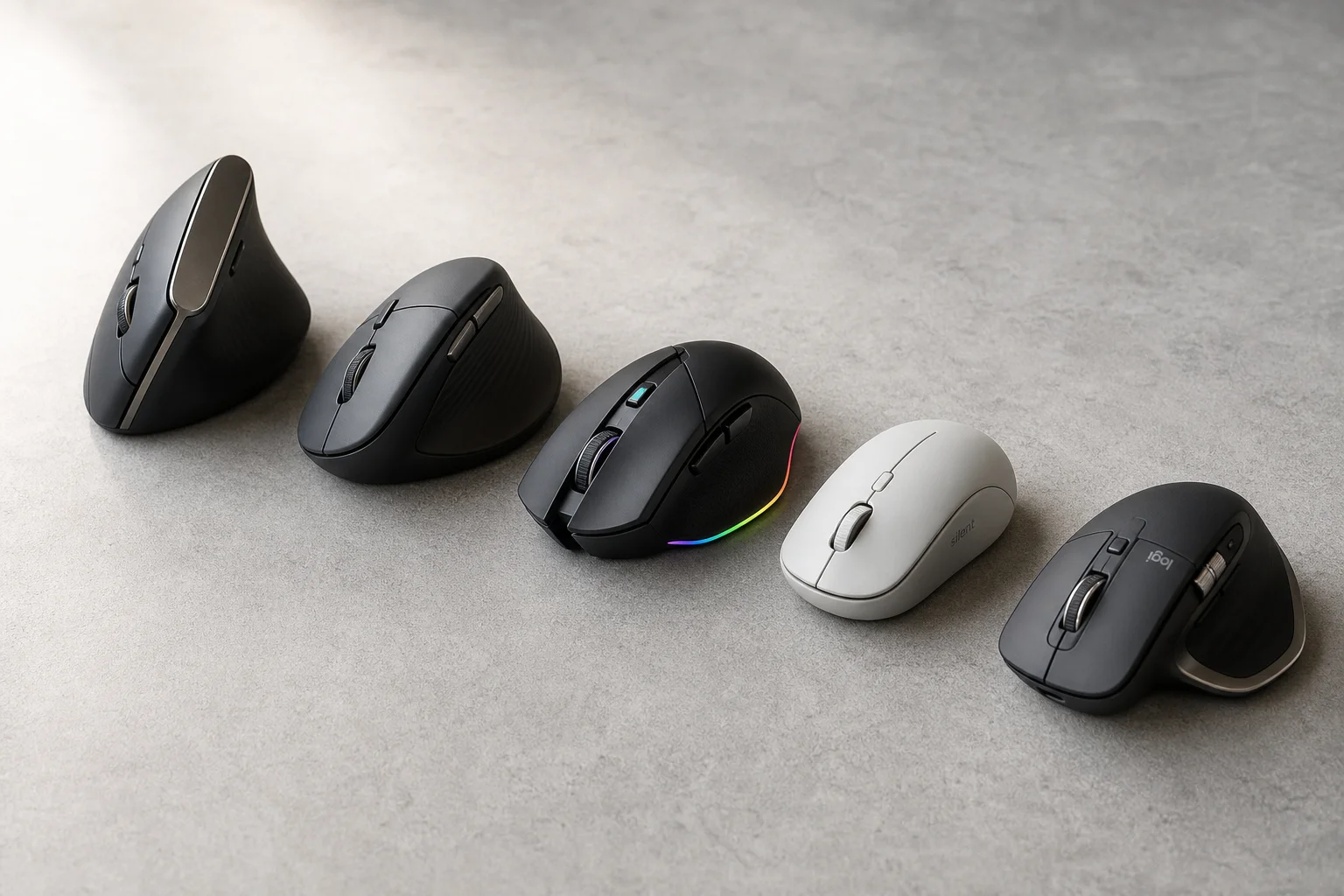
Choosing the right ergonomic mouse depends on your specific needs and budget. The Anker Vertical offers excellent value for casual users, the Le provides focused wrist support, the Razer Pro Click V3 balances gaming and work, the Lenovo 600 prioritizes quiet operation, and the Logitech MX Master 3s delivers premium comfort and features for power users. Evaluate your primary use case, hand size, and workspace environment to find the mouse that will keep you comfortable and productive.
Further reading
Related Reviews
Pickleball Paddles
2025 Paddle Awards: The Best Pickleball Paddles of the Year
A category-by-category breakdown of the best pickleball paddles of 2025, covering value, control, all-court, power, and paddle of the year.
Automotive Accessories
70mai Dash Cam Comparison: A200 vs A510 vs A810
Three dash cameras from 70mai across different price points reveal how resolution and sensor quality impact real-world footage clarity, especially for number plate visibility and low-light performance.
Mobile Gaming Accessories
8BitDo FlipPad vs GameSir Pocket Taco: Which Vertical Phone Controller Fits You Best?
Two compact vertical phone controllers with very different approaches to connectivity, controls, and everyday use. Here is how they compare across seven practical categories.