Smart Home
Best E-Paper Picture Frames 2026: Three Color E-Ink Displays Compared
Color e-paper picture frames offer a calmer alternative to bright LED screens. We compare three models with different approaches to connectivity, image quality, and price.
Introduction
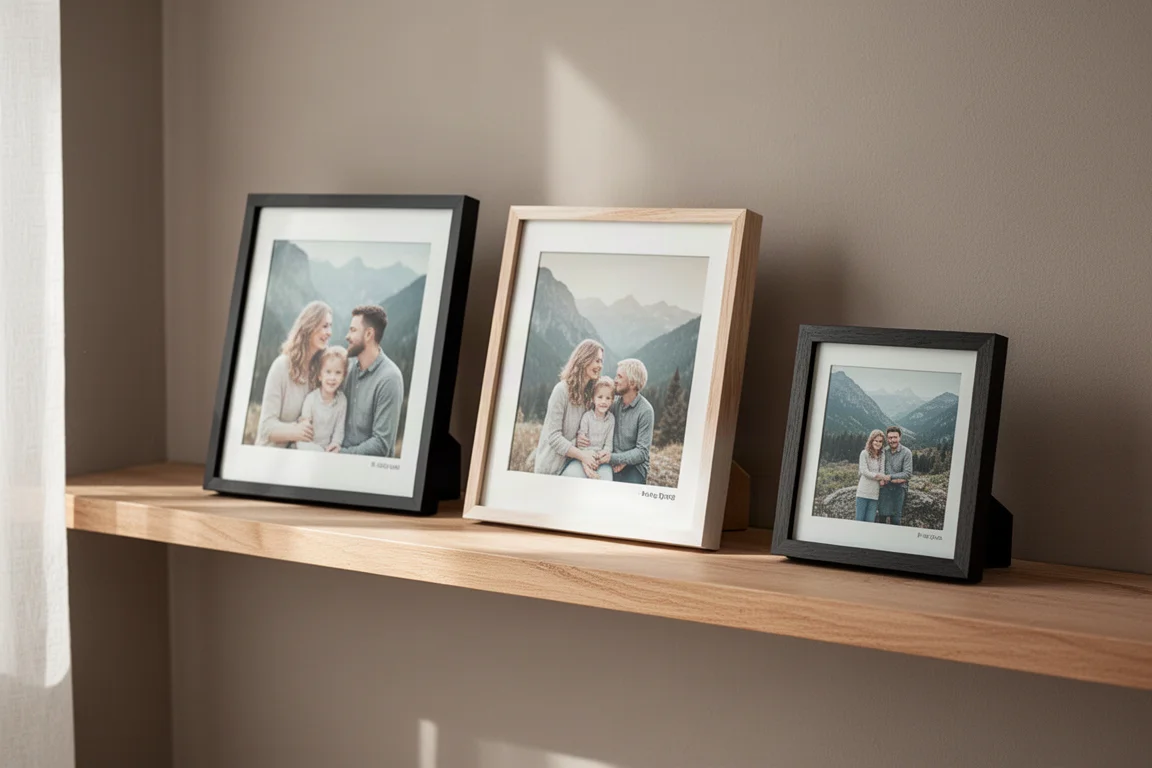
Digital picture frames have been around for a while, but color e-paper displays change the experience in a meaningful way. Instead of a bright LED screen glowing in the corner of a room, these frames use the same kind of display technology found in e-readers. The result is something that looks far more like a printed photograph and blends into a room instead of competing with it.
E-paper displays are also much easier on the eyes and use significantly less power. Because the screen only draws power when the image changes, a frame can hang on a wall without a power cord and potentially run for months or even years between charges. That makes them an appealing option for anyone who wants to display family photos or travel memories without adding another glowing screen to their home.
This comparison covers three color e-paper picture frames with very different approaches. One is a simple tap-to-transfer model, one uses cloud syncing for remote updates, and one sits in between with local storage and smart home integration. Each has its own strengths and trade-offs.
What Makes E-Paper Picture Frames Different
The core appeal of an e-paper picture frame is the display itself. Unlike a typical digital frame with an LED panel, e-paper screens reflect ambient light rather than emitting it. This makes them look much closer to a real printed photo, and they remain readable even in bright rooms. They are also far more pleasant to look at over long periods, especially in a living space where you already have plenty of screens.
Battery life is another major advantage. Since the display only uses power when the image changes, these frames can go for extended periods without charging. That means no visible power cord, no awkward cable management, and more freedom in where you place the frame.
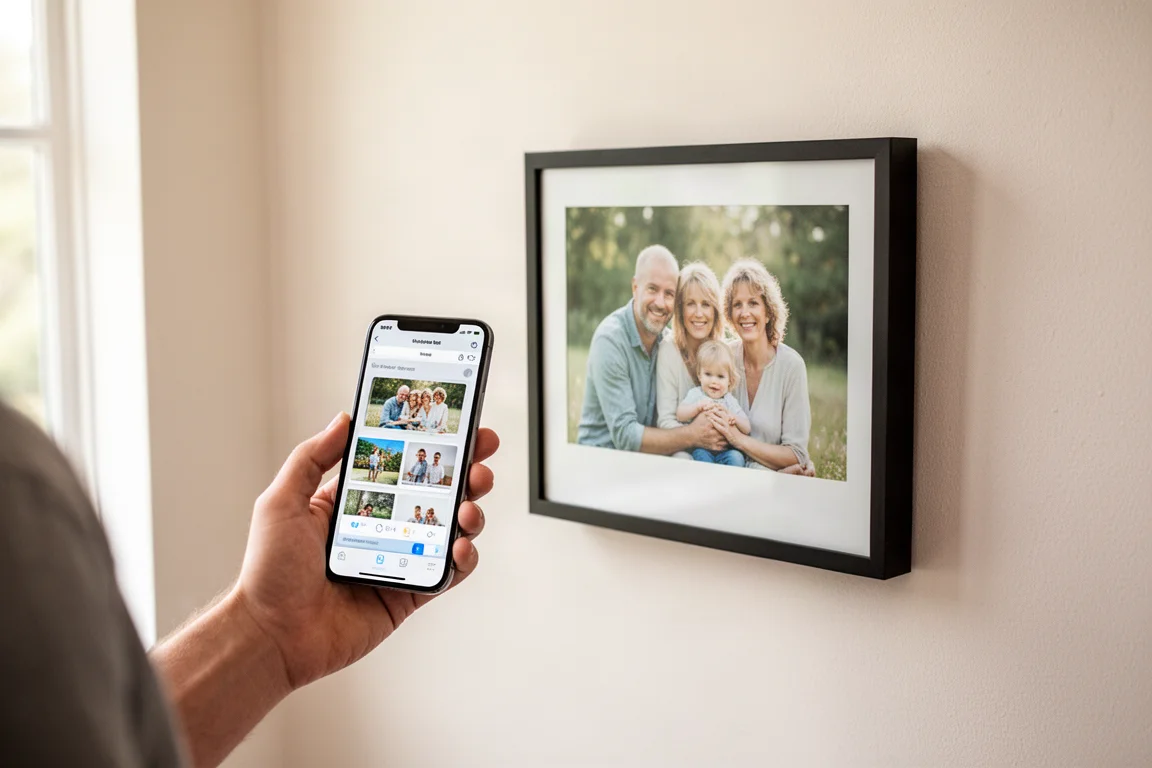
That said, the three frames covered here take very different paths to getting pictures onto the screen. One relies on a simple phone tap, another uses cloud syncing, and the third stores images locally with scheduled rotation. Understanding those differences is key to picking the right one for your situation.
Reflection Frame: The Simple, Accurate Option
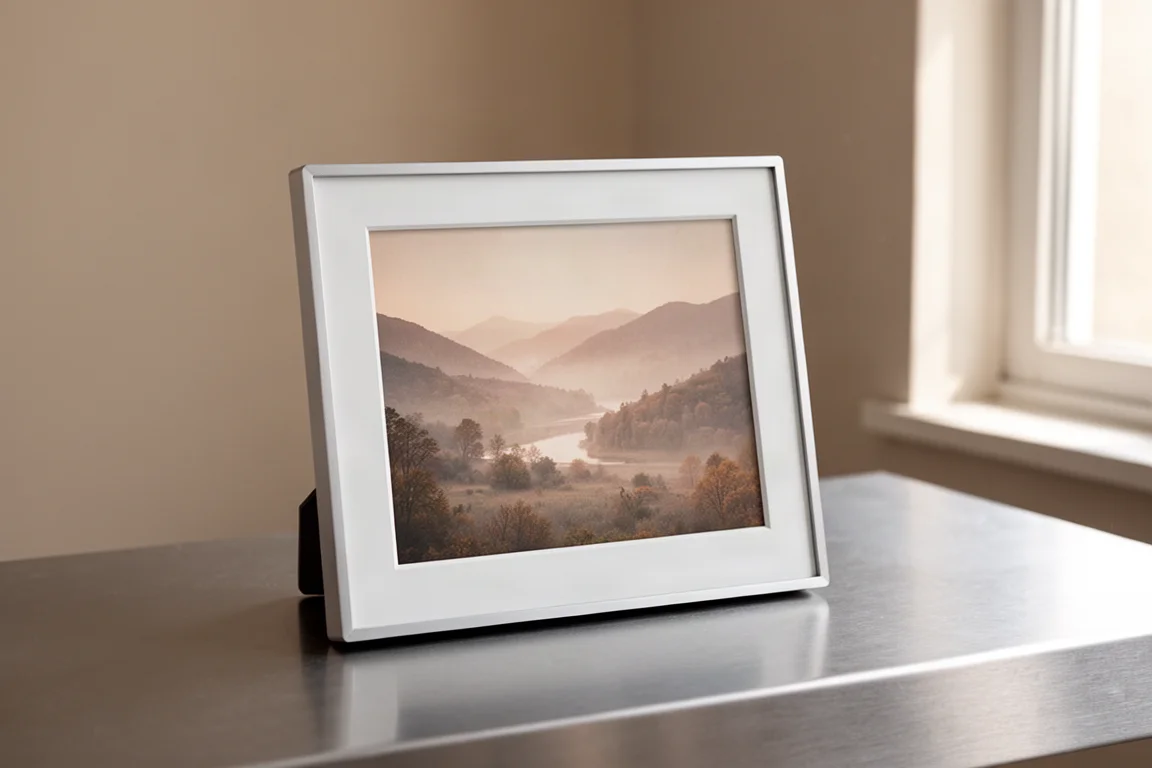
The Reflection Frame is the most straightforward of the three. To add a picture, you open the companion app on your phone, select an image, and tap the bottom left corner of the frame with your phone. The frame uses NFC to establish a connection and Bluetooth to transfer the image. That is the entire process. There is no Wi-Fi setup, no cloud account, and no subscription.
This simplicity is both the frame’s biggest strength and its main limitation. Because there is no Wi-Fi, you cannot load multiple pictures at once or add images remotely. Every time you want to change the photo, you need to pull out your phone and repeat the tap-to-transfer process. For someone who wants a set-and-forget display, that could become tedious.

Where the Reflection Frame stands out is image quality. It produces the most accurate colors of the three frames tested. Photos look very close to the original image on a phone, with no visible color blotching. Yellows and other warm tones render naturally, which is something the other two frames struggle with to varying degrees.
The frame is available in different frame colors, though it does not seem possible to change the frame later. At $350, it is not cheap, but for anyone who prioritizes image fidelity and wants a simple, no-cloud device, it is a strong choice.
Aura E-Paper Picture Frame: The Premium Cloud Option
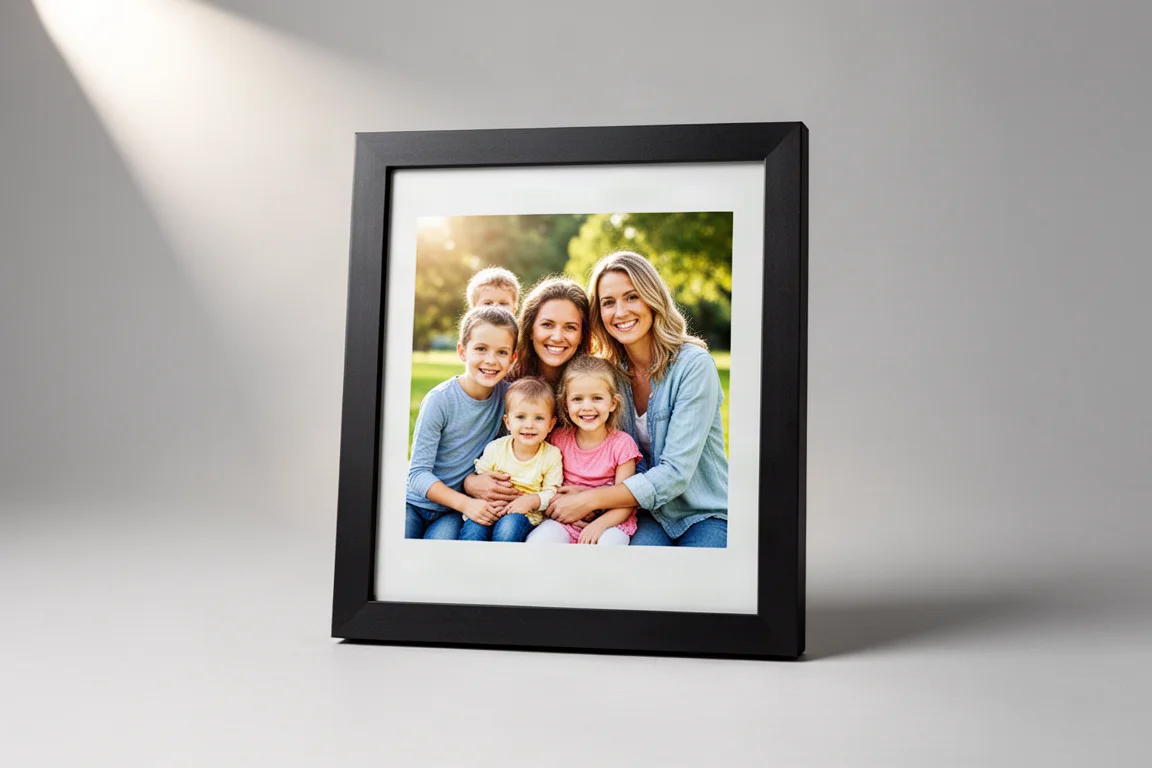
The Aura e-paper picture frame comes from a company already known for digital picture frames, and this is their first e-paper version. It takes a completely different approach from the Reflection Frame. Instead of direct phone-to-frame transfer, the Aura connects over Wi-Fi and uses cloud syncing. You select one or multiple pictures in the Aura app, they sync to the cloud, and the frame updates accordingly.
This makes the Aura far more convenient for regularly changing photos. You can set pictures to rotate every day, multiple times a day, or stay on a single image. You can also add pictures remotely, which makes it an excellent option for sharing photos with parents or grandparents who live far away. There are no subscription fees, and Aura says you can add an unlimited number of photos with no hidden costs.
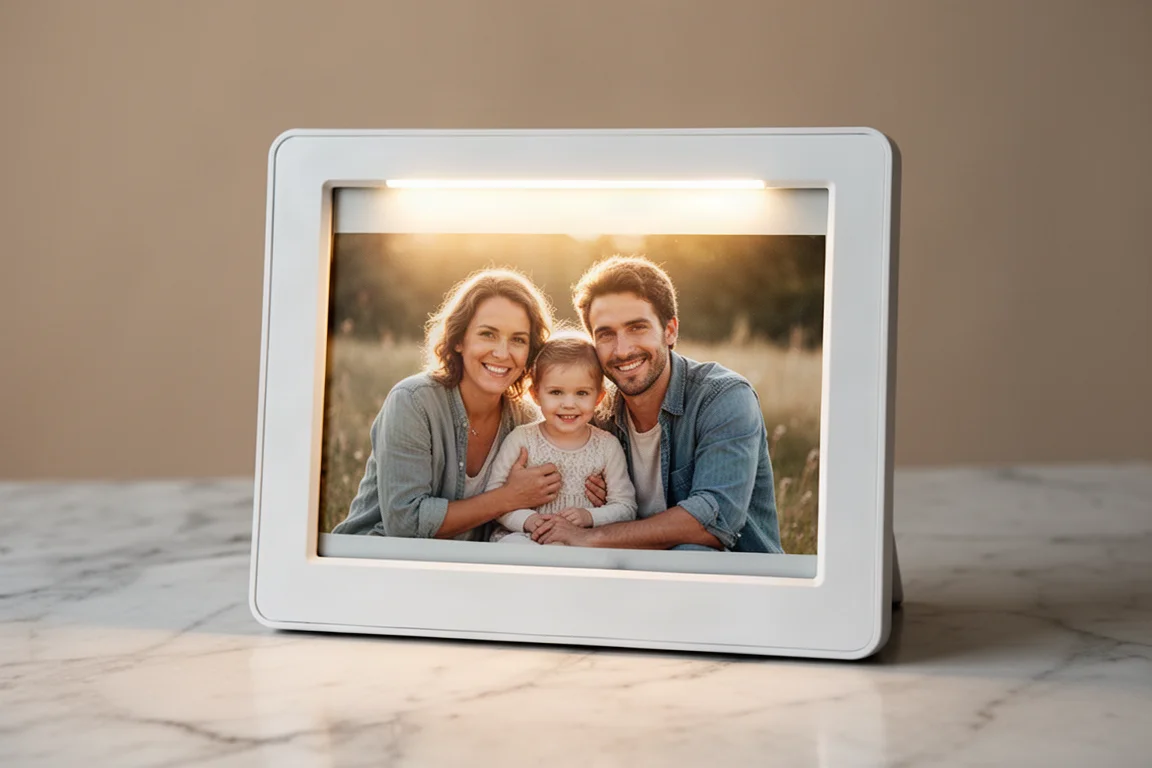
The Aura also has a feature the other two frames lack: a front light. An ambient light sensor adjusts the brightness to match the room, which helps the image pop and makes a noticeable difference in how the photo looks. This is especially helpful for addressing some of the inherent drawbacks of color e-paper displays, which can look a bit flat in dim lighting. A motion sensor ensures the light only activates when someone is nearby, and you can limit when it turns on through a schedule to preserve battery life.
Image accuracy is close to the Reflection Frame, though not quite as good. The Aura does not render yellow tones very well, displaying them as almost white in some cases. It can also show slight blotchiness in areas with subtle color gradients. These are minor issues, but worth knowing about.
The Aura is the most premium-feeling of the three, and it is priced accordingly at $500. That is a significant investment, but for a gift that multiple family members could split, it might be worth it. It is available now.
SwitchBot E-Paper Picture Frame: The Smart Home Option
The SwitchBot e-paper picture frame sits between the other two in how it functions. Instead of using the cloud, you add pictures through the SwitchBot app directly to the frame. Unlike the Reflection Frame, however, you can store up to 10 images on the frame and set them to rotate on a schedule.
The SwitchBot frame is also compatible with IKEA ROLOME frames, so you can buy an inexpensive IKEA frame and swap it out to change the look. It is also expected to work with Home Assistant, which would allow you to swap images through your smart home setup. For anyone already running Home Assistant, that integration is a significant draw.
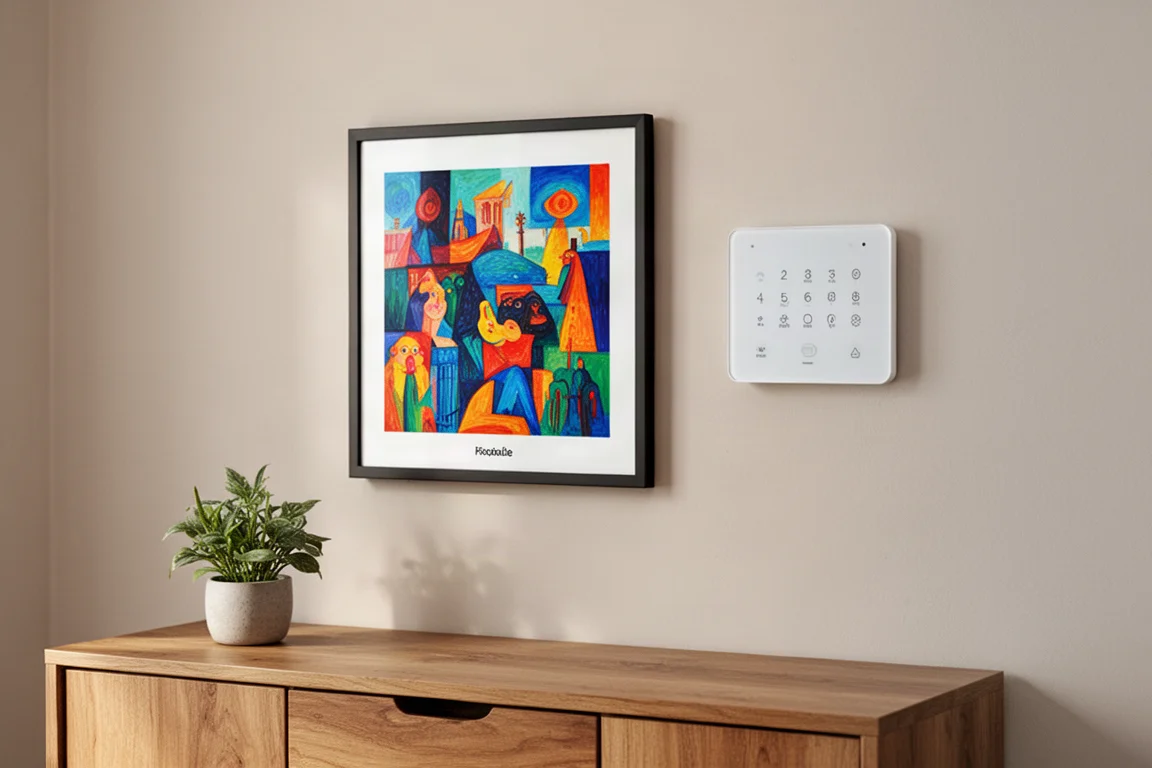
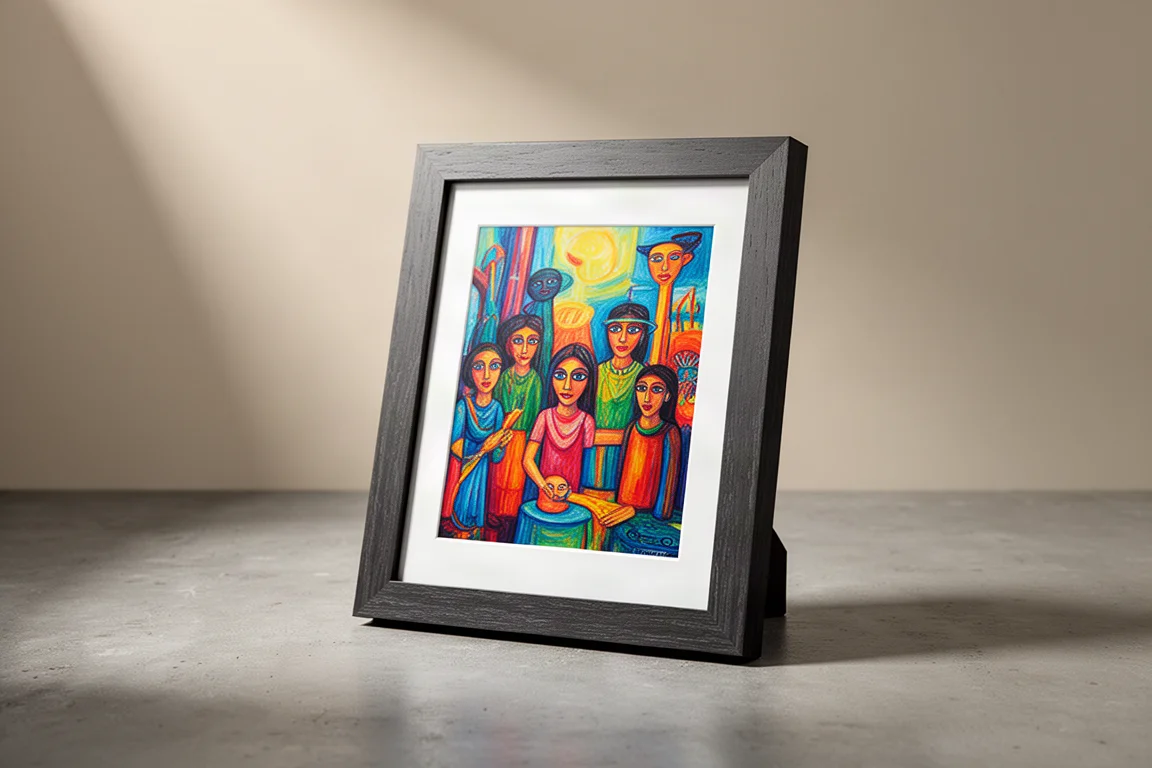
The biggest drawback is image quality. The SwitchBot frame produces the least natural-looking images of the three. Colors appear oversaturated and contrast is boosted heavily, giving photos an almost oil-painting-like appearance. The frame does offer image adjustments when saving a picture, allowing you to lower saturation and contrast, but even at the lowest settings the image still does not look as natural as the others. It is worth noting that this unit was a prototype, and the company is reportedly working on improvements.
The SwitchBot frame also offers AI-generated art, but that feature requires a subscription. That may appeal to some users, but for those who simply want to display family photos, it is an unnecessary extra.
At $350, the SwitchBot frame costs the same as the Reflection Frame. It offers more flexibility with frame swapping and smart home integration, but the current image quality holds it back.
Overall Buying Advice
All three of these e-paper picture frames are expensive, which is typical for new technology. Prices are likely to come down over time, but for now, the choice comes down to what matters most to you.
If image accuracy is your top priority and you do not mind manually swapping pictures, the Reflection Frame is the best value at $350. It delivers the most natural-looking images of the three and is available now.
If you want the most convenient experience, especially for sharing photos with family members who live far away, the Aura is the strongest option. Its cloud syncing, unlimited photo storage, and front light make it the most polished product, but the $500 price is a significant commitment.
If smart home integration is essential and you are willing to accept current image quality limitations, the SwitchBot frame has potential. The Home Assistant compatibility and IKEA frame compatibility are compelling, but the oversaturated image processing is hard to ignore until the company releases further improvements.
Conclusion
Color e-paper picture frames are a genuinely appealing alternative to traditional digital frames. They look better in a room, are easier on the eyes, and use far less power. The three models compared here each take a different approach, and the right choice depends on your priorities.
For most people, the Aura offers the best overall experience with its cloud syncing and front light, despite the higher price. The Reflection Frame is the pick for image purists who value simplicity. The SwitchBot frame is one to watch for smart home enthusiasts, but its image quality needs refinement before it can be wholeheartedly recommended.
Further reading
Related Reviews
Smart Home
Amazon Echo Hub Review: A Smart Home Dashboard That Finally Gets It Right
The Amazon Echo Hub puts smart home controls front and center with a fast, simple interface. Here is how it performs as a family-friendly dashboard.
Smart Home
15 Amazon Smart Home Automations: Practical Ideas for Every Room
Fifteen practical Amazon Alexa routines and automations that solve real household problems, from pet care to security and entertainment.
Smart Home
Apple TV as HomeKit Hub: Why It's Your Best Choice for Home Automation
The Apple TV combines HomeKit hub functionality with a display, camera viewing, and local automation control. Here's what makes it stand out from iPad and HomePod Mini alternatives.