Astrophotography
Best Astrophotography Kits Under $500: Smart Telescopes vs a DIY Tracker
Three complete deep sky setups under $500 tested head to head on the Pleiades and the Orion Nebula: the DWARF II, the ZWO Seestar S50, and a used DSLR with a 3D printed star tracker.
Introduction
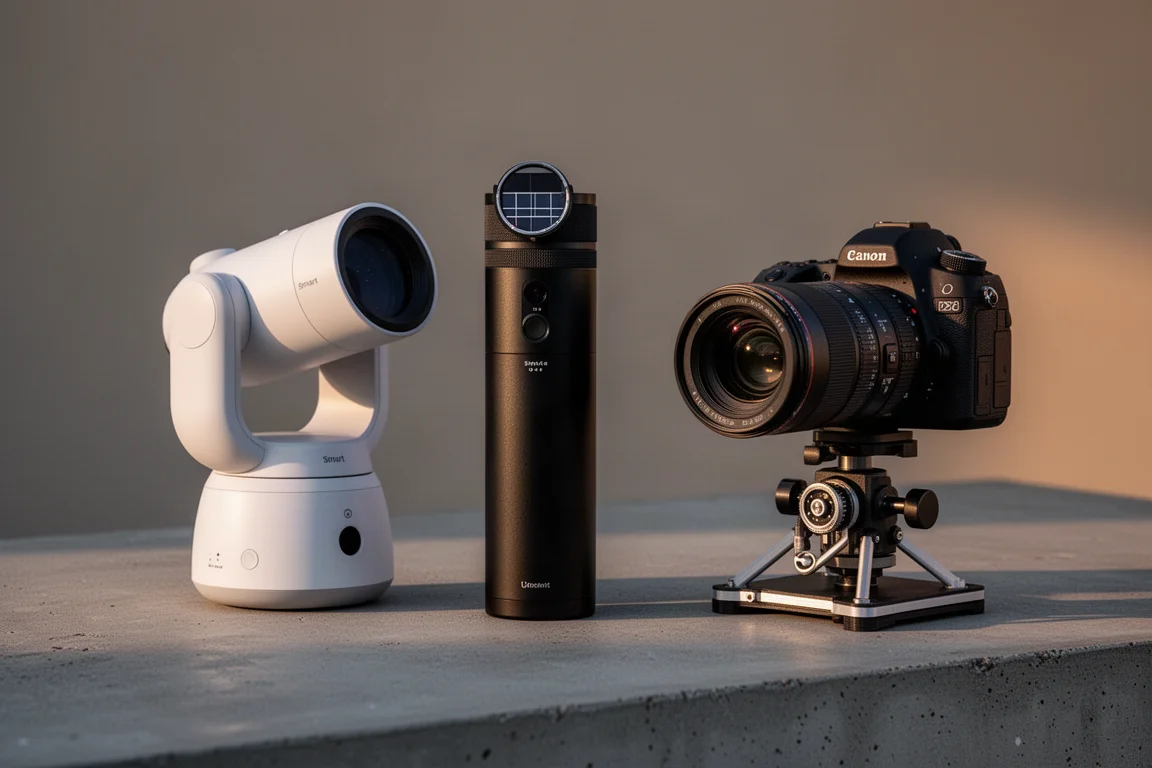
Getting into deep sky astrophotography no longer requires a mortgage. Three very different kits can each be assembled for under $500, and each takes a genuinely different path to the same goal: capturing nebulae, star clusters, and galaxies from your backyard. This comparison puts the DWARF II Smart Telescope, the ZWO Seestar S50, and a DIY kit built around a used DSLR and a 3D printed star tracker head to head, with each shooting the same two targets: the Pleiades star cluster and the Orion Nebula.
The Contenders
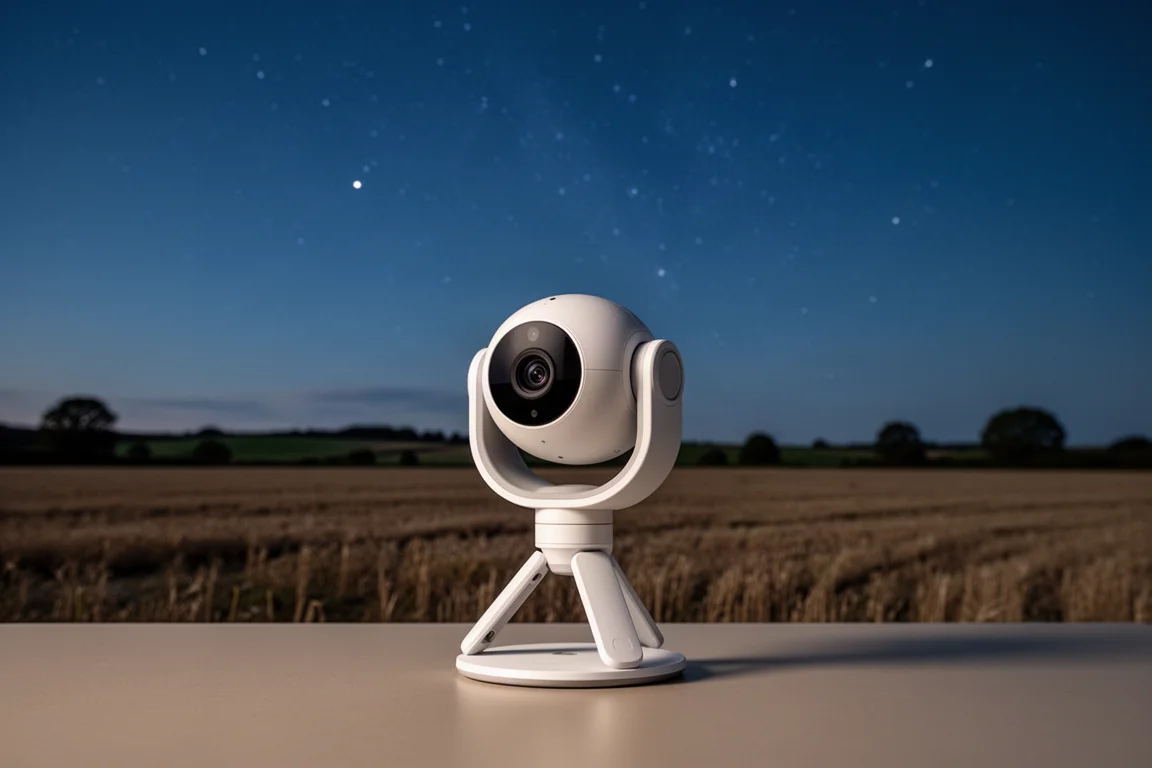
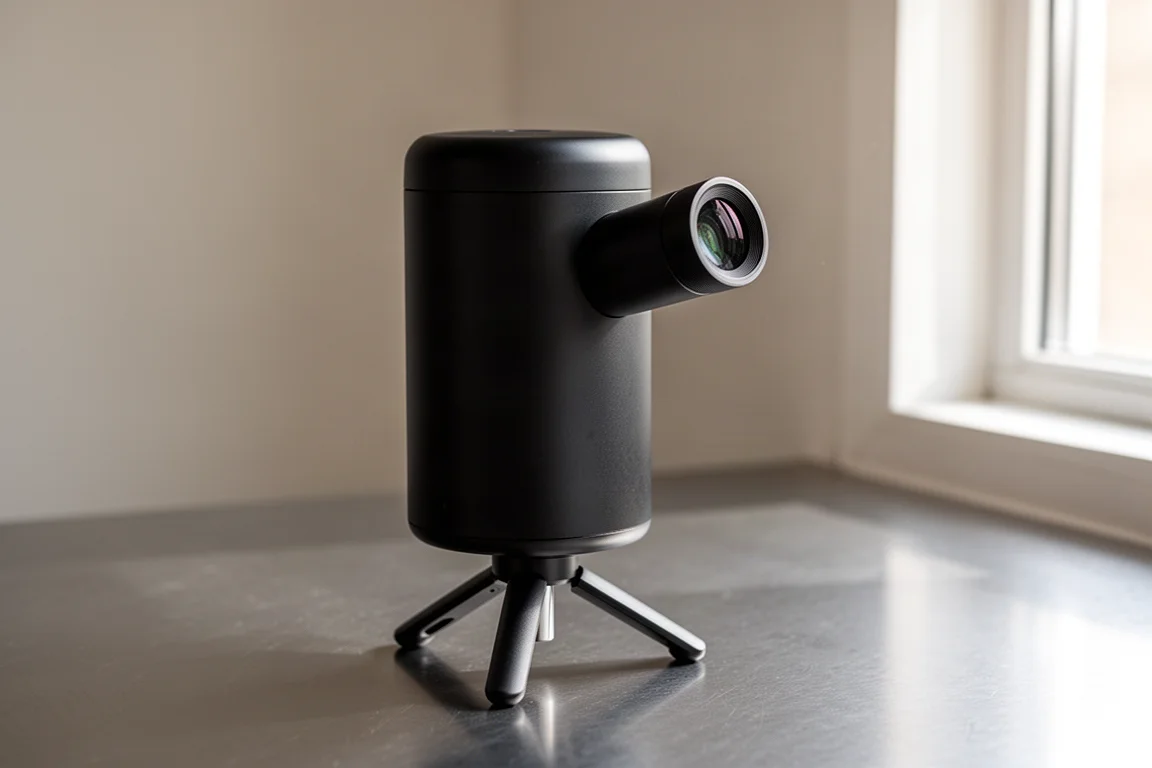
All three setups were tested under a dark rural sky, so light pollution was not a factor in the results. The first is the DWARF II, a smart telescope that packs a tracking mount, camera, electronic focuser, and optics into one compact, self-contained device controlled from a phone or tablet app. The classic package costs $460 and includes the telescope, a micro SD card, one battery, a mini tripod, and a carrying case. A $600 deluxe package adds an extra battery plus a solar filter and an ultra high contrast filter useful for emission nebulae under light pollution.
The second is the ZWO Seestar S50, another all-in-one smart telescope, priced at $499 with a mini tripod, solar filter, USB-C charging cable, and carrying case. The third takes a completely different approach: a 3D printed OG Star Tracker kit paired with a used Canon T7 DSLR, a used Canon 75-300mm zoom lens, and a used Bogen 3001 tripod.
DWARF II Smart Telescope: Compact and Hackable
Setting up the DWARF II is straightforward: charge the internal battery over USB-C, attach the mini tripod, level it using the ball head if needed, and flip up the middle section. A distinctive feature is its dual camera system, combining a wide-angle and a telephoto camera. The wide-angle view is fun for daytime and solar use, though it adds little for deep sky work since the view is very dark.
The app workflow starts with a Bluetooth connection followed by the telescope’s own Wi-Fi network. First-time setup involves taking dark frame calibrations, which eliminate distracting hot pixels, and a go-to calibration where the telescope plate solves its position against star patterns. Once calibrated, it reliably slews to any visible object. For bright deep sky targets, settings of 10-second exposures, gain 100, auto white balance, and the IR cut filter proved safe and repeatable. Like other smart telescopes, it stacks live on the device so you can watch the image build up in the app, typically over a 30-minute session. Raw subframes can also be pulled off the device for manual stacking if you want a better final result.
The pros: it is remarkably lightweight and compact given everything built in, the wide-angle plus telephoto capability is genuinely fun, go-to is fast and accurate after calibration, and the Wi-Fi connection has proven smooth. The cons: the autofocus routine is hit or miss, sometimes hanging or missing the mark, and the small sensor and small aperture mean fairly noisy images, with visible grain in the darker parts of the sky even after 30 minutes of exposure. On the plus side, it retains real photographic controls like shutter speed and filter selection, which makes it feel more like operating a camera, and its wider field of view frames large objects like the Pleiades and Orion Nebula more completely than the Seestar.
ZWO Seestar S50: The Set-and-Forget Option
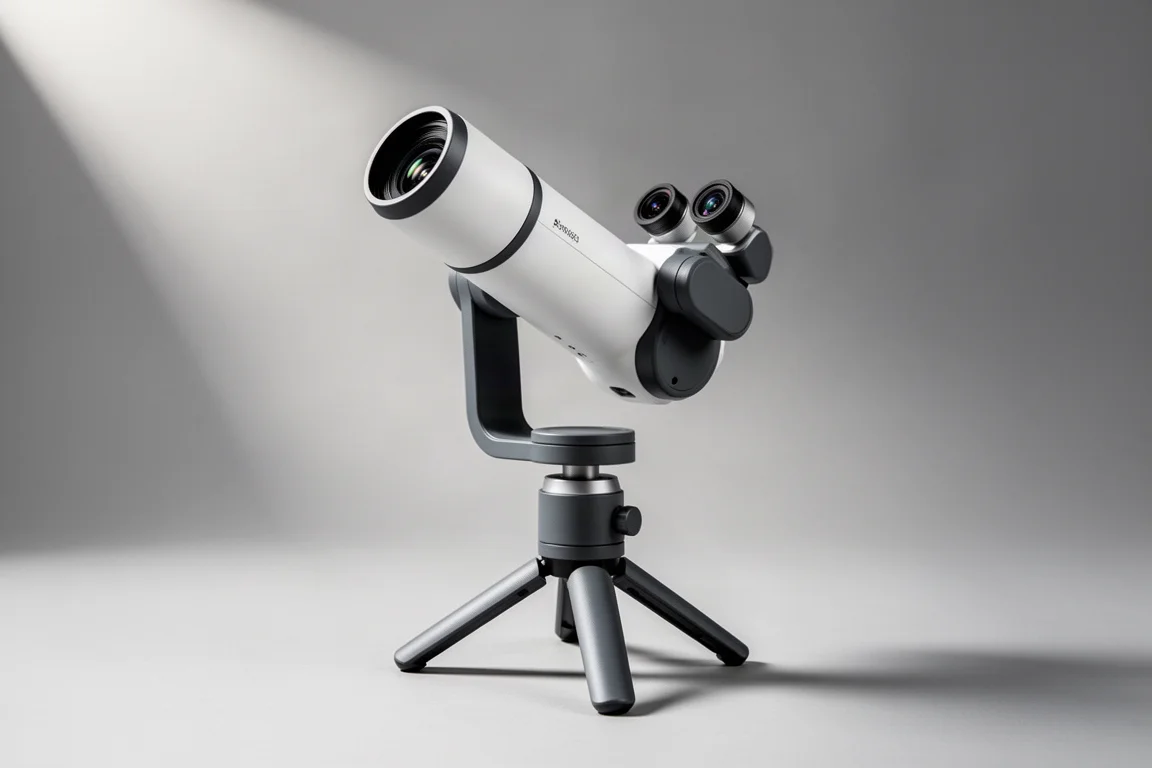
The Seestar S50 shares the smart telescope concept but takes automation much further. Where the DWARF II feels like operating a camera, the Seestar feels like commanding a device that simply shows you deep sky objects with no prior photography or astronomy knowledge. Setup mirrors the DWARF: charge over USB-C, connect via Bluetooth then Wi-Fi. One pleasant difference is its built-in speaker, which gives vocal status prompts so you always know when a step has finished. The app also prompts you to level the scope before imaging, a genuinely helpful touch.
After that, it is almost entirely automatic. There are no dark frames or go-to calibration routines to learn; you simply pick stargaze mode and it handles the rest, including a reliable autofocus routine and automatic exposure settings. Composition can be adjusted by tapping a survey image and dragging a rectangle to reposition the pointing. The main limitation is field of view: the larger 50mm aperture produces better image quality for the price, but the narrower view means popular targets like the Pleiades, the Orion Nebula, and the Andromeda galaxy tend to get cut off, since an alt-az mount cannot control framing rotation. Smaller objects such as the Dumbbell Nebula fit comfortably. Finished images come with location and object name overlay at the bottom.
The pros are ease of use, anyone familiar with smartphone apps will feel at home, and image quality that punches above the price point thanks to the larger aperture and intelligent frame rejection during stacking. The cons are the cut-off framing on large objects, a still-small sensor, and very few manual controls in deep sky mode. That last point is conditional: if you want the decisions made for you, it is a feature, not a flaw.
The DIY Star Tracker Kit: Flexible and Upgradable
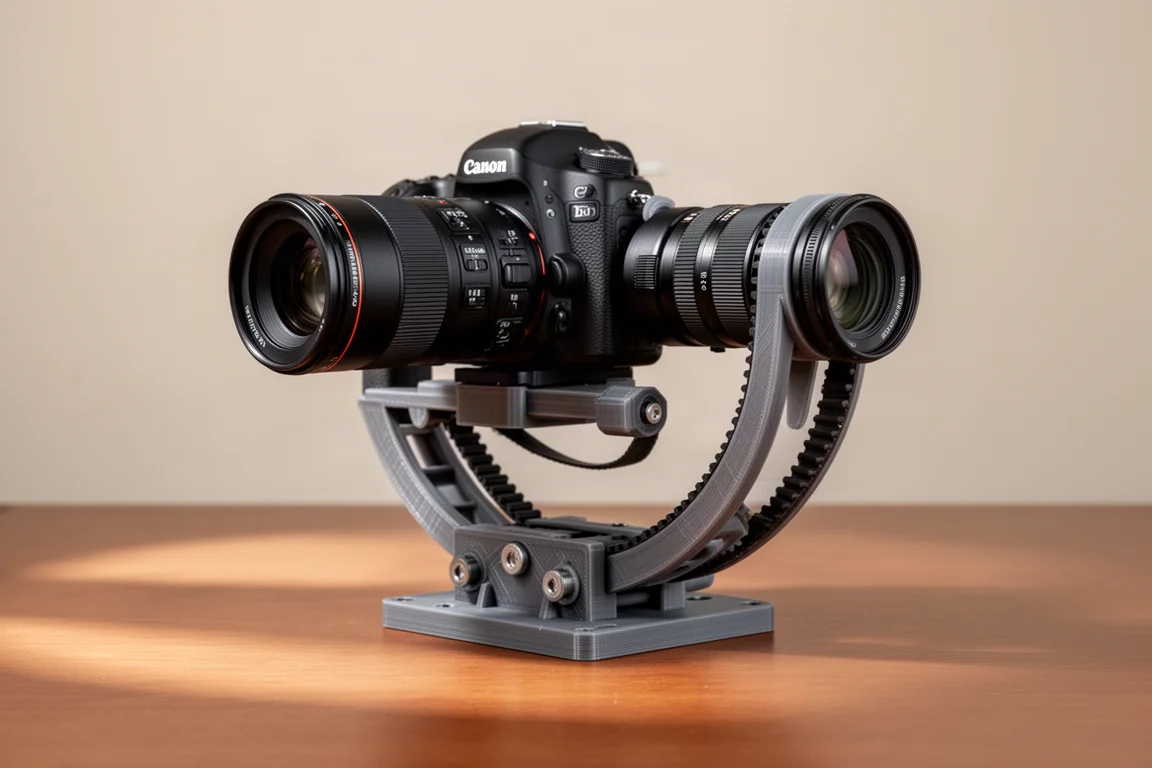
The third kit pairs an OG Star Tracker, a 3D printed belt-driven star tracker designed by Ondřej Gejdoš with electronics and firmware work by collaborator Jugal Jesing, with a used Canon T7 DSLR, a used Canon 75-300mm zoom lens, and a used Bogen 3001 tripod. The tracker’s standout design choice is belt drive rather than the gears typical of trackers this size. The kit arrives partially assembled and requires careful but not difficult assembly, with instruction videos available.
Getting under $500 requires hunting deals on the used components: the Bogen 3001 is a very good tripod available used for around $50 with a head, and the Canon 75-300 zoom can be found very cheap on the used market. Any modern Canon, Nikon, or Sony camera works, and if you already own one, use it. An inexpensive USB lens warmer keeps the front element from frosting up, and the tracker app includes a built-in intervalometer that drives the camera through a simple cable to the control box, which runs off a USB battery bank or AC power and creates its own Wi-Fi network accessed through a mobile browser.
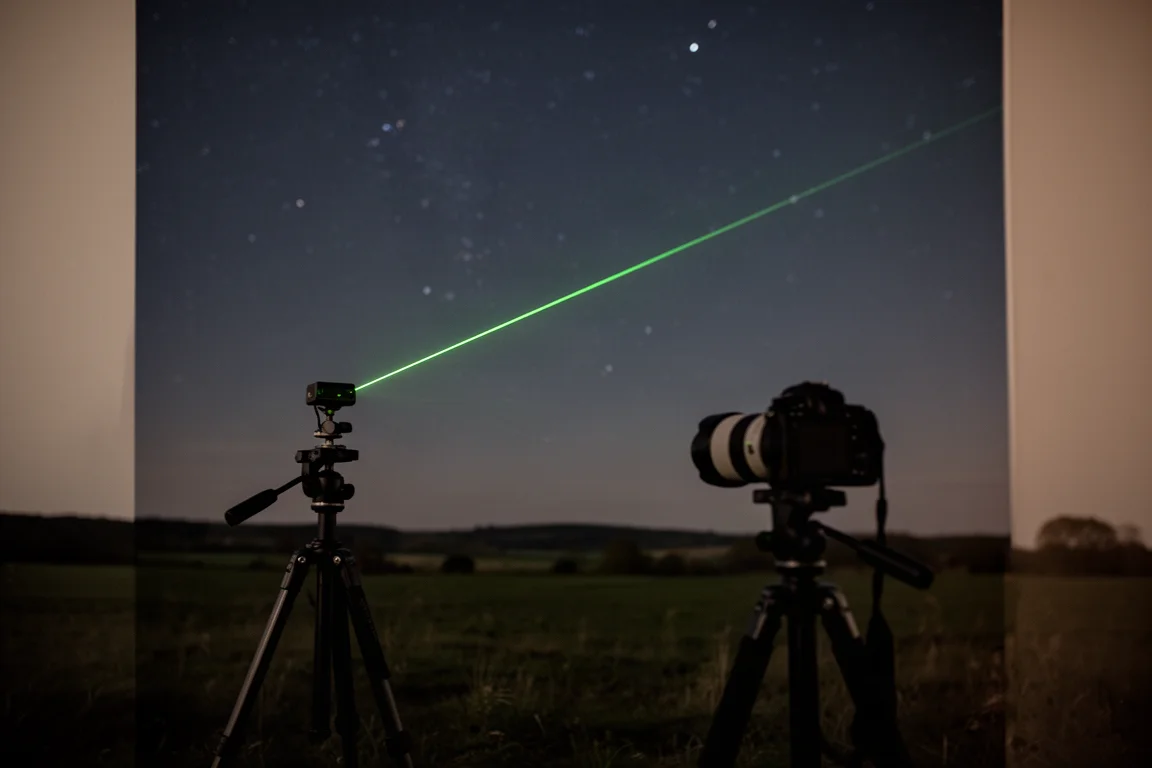
Polar alignment is done by aiming the mount north and adjusting the altitude knobs while following a green laser pointer beam to Polaris. For short 45-second exposures at 200mm, that level of alignment is sufficient. Focusing is manual: zoom out to 75mm to find the constellation in live view, raise the ISO, center the target, zoom back in, then adjust the focus ring in manual focus until dimmer stars pop into view in the dark areas of the screen. A thin magenta ring of chromatic aberration at best focus is normal with this lens. The kit’s strengths are flexibility and upgrade paths: better lenses like a fast 135mm prime, a declination motor upgrade, or eventually a bigger mount and telescope while keeping the camera. Changing lens or zoom changes the field of view, opening up creative options from wide Milky Way shots to tighter nebula framing. Exposures are limited only by your polar alignment quality, so one to three minute subexposures are possible, yielding cleaner images with dimmer detail. The trade-offs: more complexity, more setup time, more learning, and no autofocus, go-to, or automatic features. Also worth noting, green laser pointers stop working in extreme cold, so keep the pointer warm until you need it.
All three kits produced finished images of the Pleiades and the Orion Nebula from 30 minutes of total exposure, stacked and processed on a computer for a fair comparison. The tracker kit used slightly longer subexposures within the same total integration time.
Buying Advice: Which Kit Fits You
The star tracker plus DSLR route suits anyone thinking about astrophotography long term. It offers a real upgrade path, but demands learning polar alignment, manual object finding, and manual focusing. The Seestar S50 is the one-time-purchase option: simple to use, good enough pictures out of the box, and no expectation of upgrading within the same ecosystem. The DWARF II appeals to people who want the most compact smart telescope, accept somewhat lower image quality, or want something more hackable, with more photographic controls and a wider field of view that frames large targets better than the Seestar.
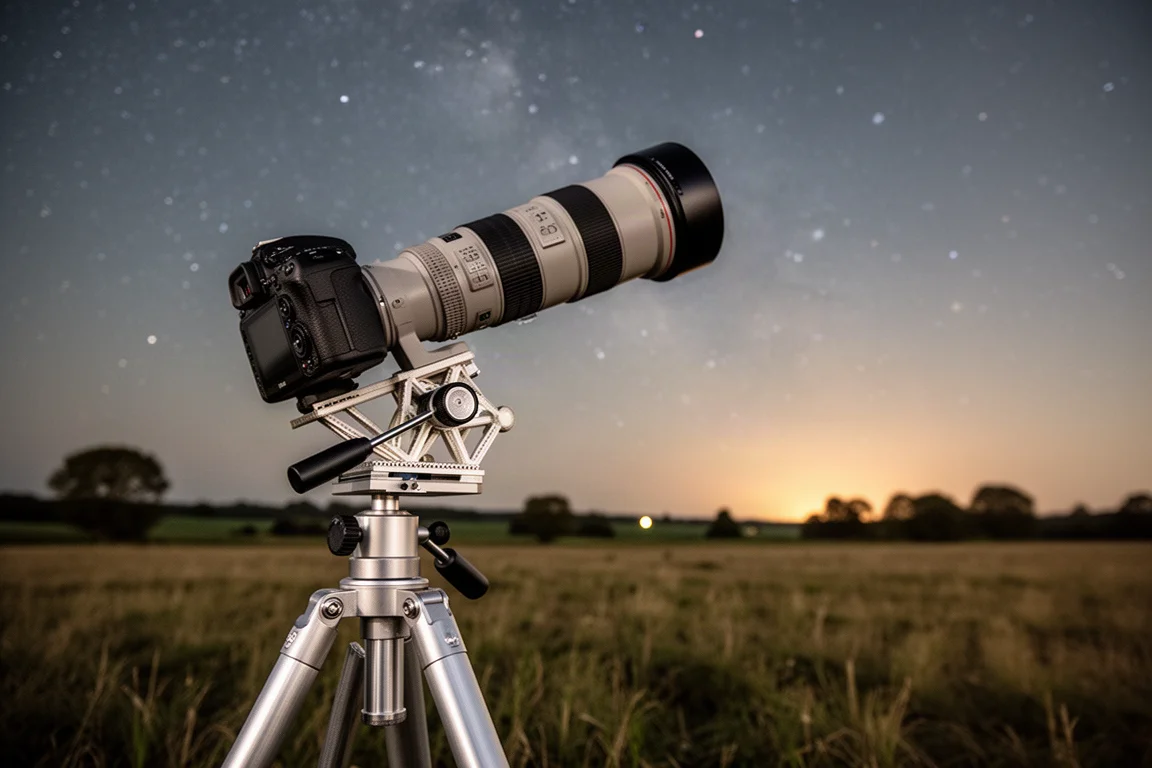
For someone just starting out who wants the easiest path to impressive deep sky images, the smart telescopes are likely to be the more enjoyable entry point. For those who love the craft side of the hobby, the tracker kit is hard to beat.
Conclusion
All three kits deliver real deep sky results for under $500, and the right choice depends entirely on how you want to work. Choose the ZWO Seestar S50 for maximum simplicity, the DWARF II for compactness and more manual control, or the DIY star tracker kit for flexibility, creativity, and a long upgrade path. Clear skies, and whichever kit you pick, you will be capturing nebulae sooner than you think.
Further reading
Related Reviews
Astrophotography
ASKAR FRA400C Review: A Versatile 400mm Refractor for Astrophotography and More
The ASKAR FRA400C is a compact 72mm refractor that balances reach, versatility, and portability for astrophotographers and visual observers.
Astrophotography
Askar SQA106 Review: A Premium 106mm Astrograph With Exceptional Optics
The Askar SQA106 is a premium 106mm quintuplet astrograph with impressive sharpness across full-frame sensors, though its price and weight demand careful consideration.
Astrophotography
Astro Imaging Gear 2026: Eight New Products Worth Watching
A look at the most interesting new astrophotography and astronomy products announced this year, from fast telescopes to smart cameras and wireless accessories.