Apps
Spark Art App Review: A Free, Community-Driven Creative Playground for iPhone
Spark is a free art app that blends doodling, prompts, and community collaboration. Here is what it does well and who it is really for.
Introduction
Spark is a free art app created by Moriah Elizabeth, released recently for iPhone, and it has quickly gathered an active following. After spending real time with it, the verdict is simple: it is a lot of fun, the features work, and it fills a niche that mainstream drawing apps do not really target.
This is not a professional illustration tool, and that is exactly the point. Spark is built around quick creative moments, prompts, and a community of people sharing small pieces of artwork.
What Spark Is and What It Is Not
Spark is not Procreate, and it is not trying to be. It is a simple app where you are not going to produce the most complicated, realistic art. Instead, it is where you come every day for little bits of inspiration and creativity.
It is technically possible to draw in it, so in that sense it is a drawing app, but the whole purpose leans toward being an inspiration-driven, community-based creative space where you can have a bit of fun on your phone. If you sometimes just want to doodle without a grand plan, this is exactly the kind of app that fits.
Creative Tools That Punch Above Their Weight
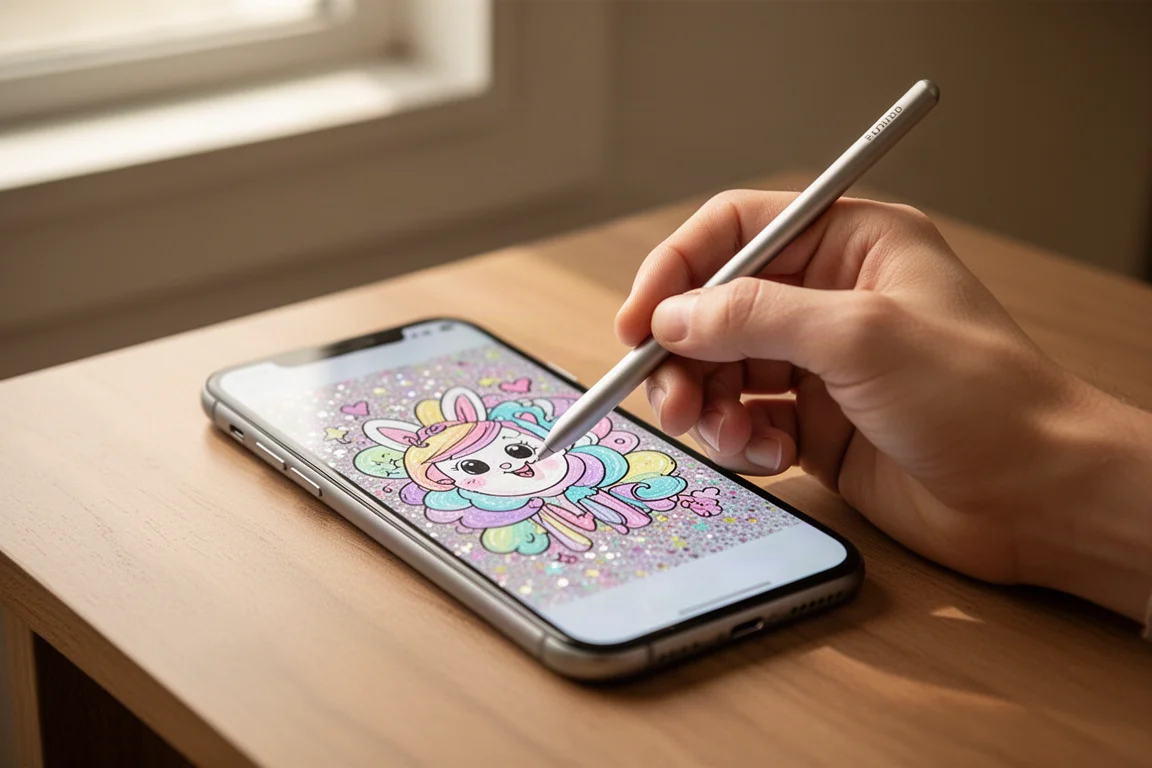
For an app pitched as simple, the toolset is surprisingly complete. Brush sizes go from very large to tiny, and there is an eraser that scales the same way. Color selection is a genuine highlight: the entire rainbow spectrum is available, and you can even enter a hex code to get the exact shade you want, something many art apps frustratingly omit.
There are also playful extras like a glitter brush, “magic” effects, vines, shapes organized into categories such as animals, celestial, flowers, and sweets, plus sticker packs featuring popular characters and themes from holidays to veggies. Overlays like sprinkles and gradients, with adjustable opacity, round things out.
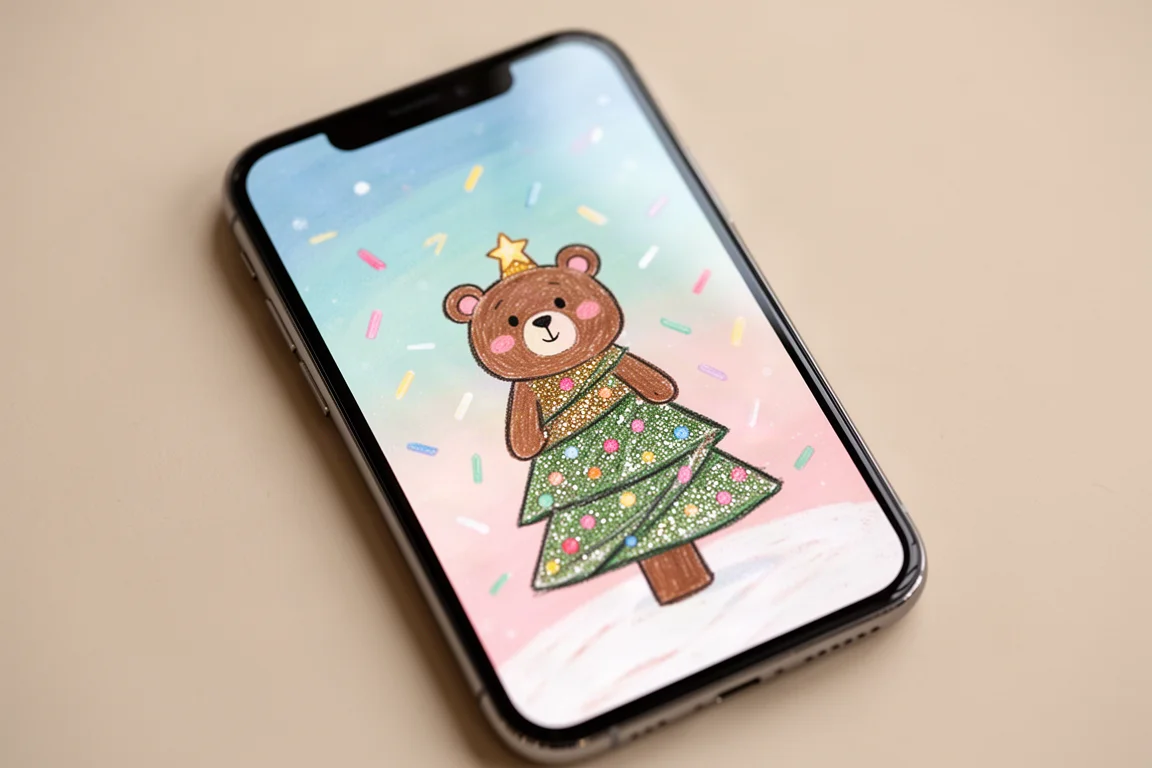
Two features genuinely impress for an app at this level: layers and a mirror tool. Layers are enormously helpful for any digital work, letting you sketch on one layer and paint on the layer above, then remove the sketch later. There is also a color picker, and you can add backgrounds to your canvas, including themed options like underwater or beach scenes.
The Community and Collaboration Side
The community aspect is what makes Spark feel original. You can view other people’s profiles and artwork, and draw over any piece, yours or anyone else’s, to add your own touch. A notification-style feed shows creations from the community, and the app even includes a small “weekly wisdom” nudge encouraging your creativity.
Prompts and challenges drive engagement. Examples include “Create the end of the rainbow,” “Create something squishy,” and “Make an animal in disguise.” Completing Sparks counts toward leveling up: completing a set number moves you to the next level, with a hundred Sparks completing your first adventure. There are also events, such as designing a holiday greeting card for a chance to be featured on a fan wall and win exclusive app stickers.
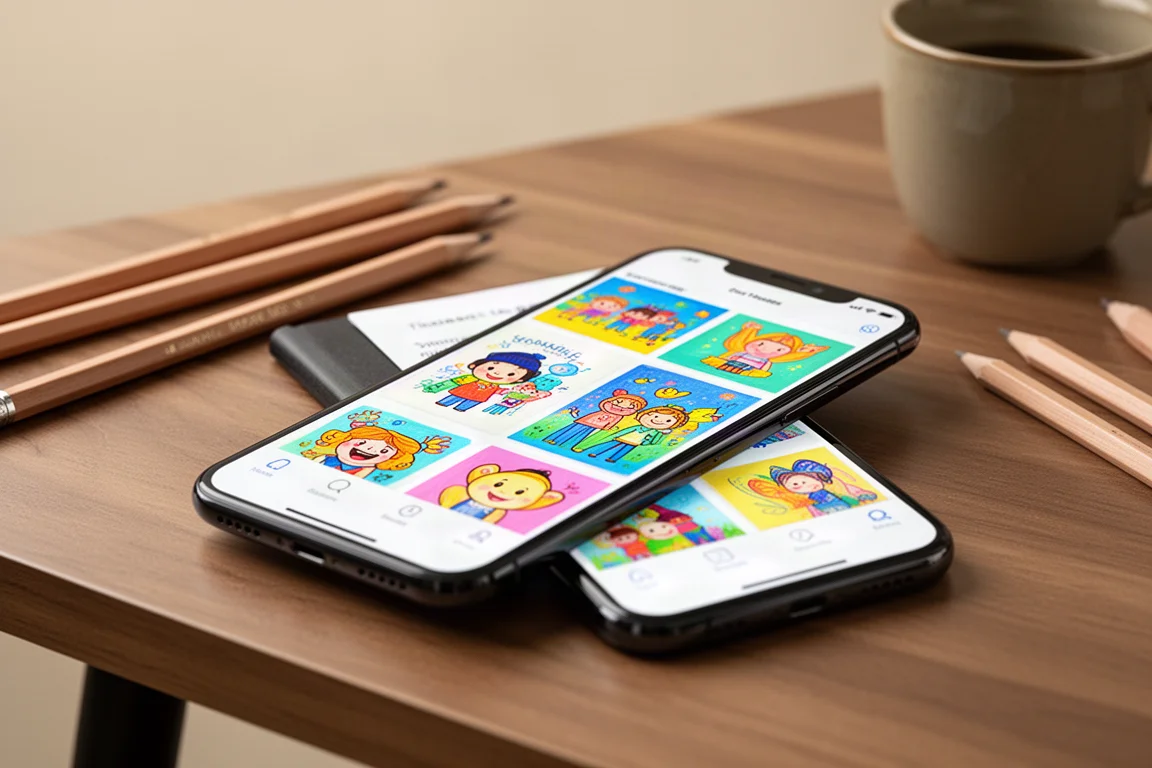
The activity is real. Shortly after submitting one prompt response, dozens more submissions to the same challenge appeared within minutes, which says a lot about how popular and active the app already is.
Things to Consider Before Buying
Availability is the main limitation. Spark is currently only on Apple devices, and as of December 13, only on iPhones. There is no iPad version yet. That does not mean it will never arrive on other devices; as a brand new app, the team is testing features and gauging response. Following Spark on Instagram is the suggested way to stay updated on future platform support.
On the technical side, the experience was clean: no glitching, no crashes, and no issues with any of the recent updates. One practical note: drawing with your finger works, but the app really rewards a decent stylus. A low-quality stylus makes precise doodling frustrating, so if you plan to spend time on detailed pieces, use a good one.
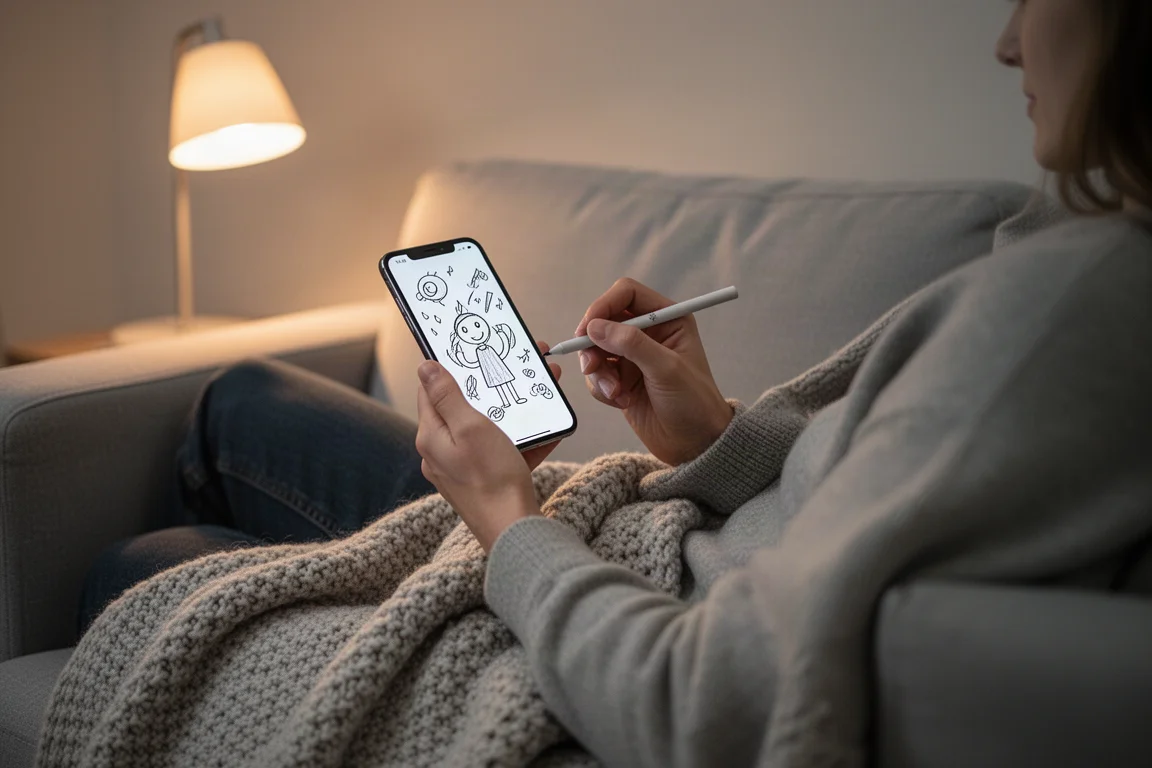
Who Spark Is Best For
Spark is a great fit for fans of Moriah Elizabeth, for creative people who want something fun to play around with, and for anyone who enjoys doodling without pressure. It also works as a gentle entry point into digital art; the opacity-based blending style will feel familiar to anyone who learned to draw digitally on casual games rather than professional tools.
Buying Advice
There is nothing to buy: the app is completely free to download. If you have an iPhone and even a passing interest in drawing or creative community spaces, it costs nothing to try. Given that it launched only a couple of months ago, more features and a growing user base are likely on the way, so checking it out now means watching an app grow from an early stage.
Conclusion
Spark is original, fun, and very much on the way up. The feature set covers layers, full color control, stickers, gradients, and collaborative drawing, all wrapped in a charming, community-first package. For casual creativity on an iPhone, it is an easy recommendation.
Product link
View more details for Spark
This product is mentioned in the review. Check the specifications, options, and compatibility before buying.
View more details for SparkFurther reading
Related Reviews
Apps
Best Adult Coloring Apps: The Standout Picks After Testing 100 Apps
We tested 100 iPad coloring apps to find the ones genuinely worth downloading. Here are the honorable mentions and the five apps that truly delivered.
Art Apps
Best Art Apps Worth Trying: Six Apps Tested, From Doodle Editors to Pose References
Six top-rated art apps put to the test, covering photo doodling, drawing games, forensic sketch puzzles, keyboard customization, and poseable figure references.
Coloring & Crafts
Johanna Basford 30 Days of Creativity: A Coloring Book Built for Building a Habit
A closer look at Johanna Basford's 30 Days of Creativity, a prompt-driven coloring and drawing book designed around short daily creative sessions rather than finished masterpieces.