Action Cameras
Best Action Cameras for Scuba Diving: Four Underwater Performers Tested
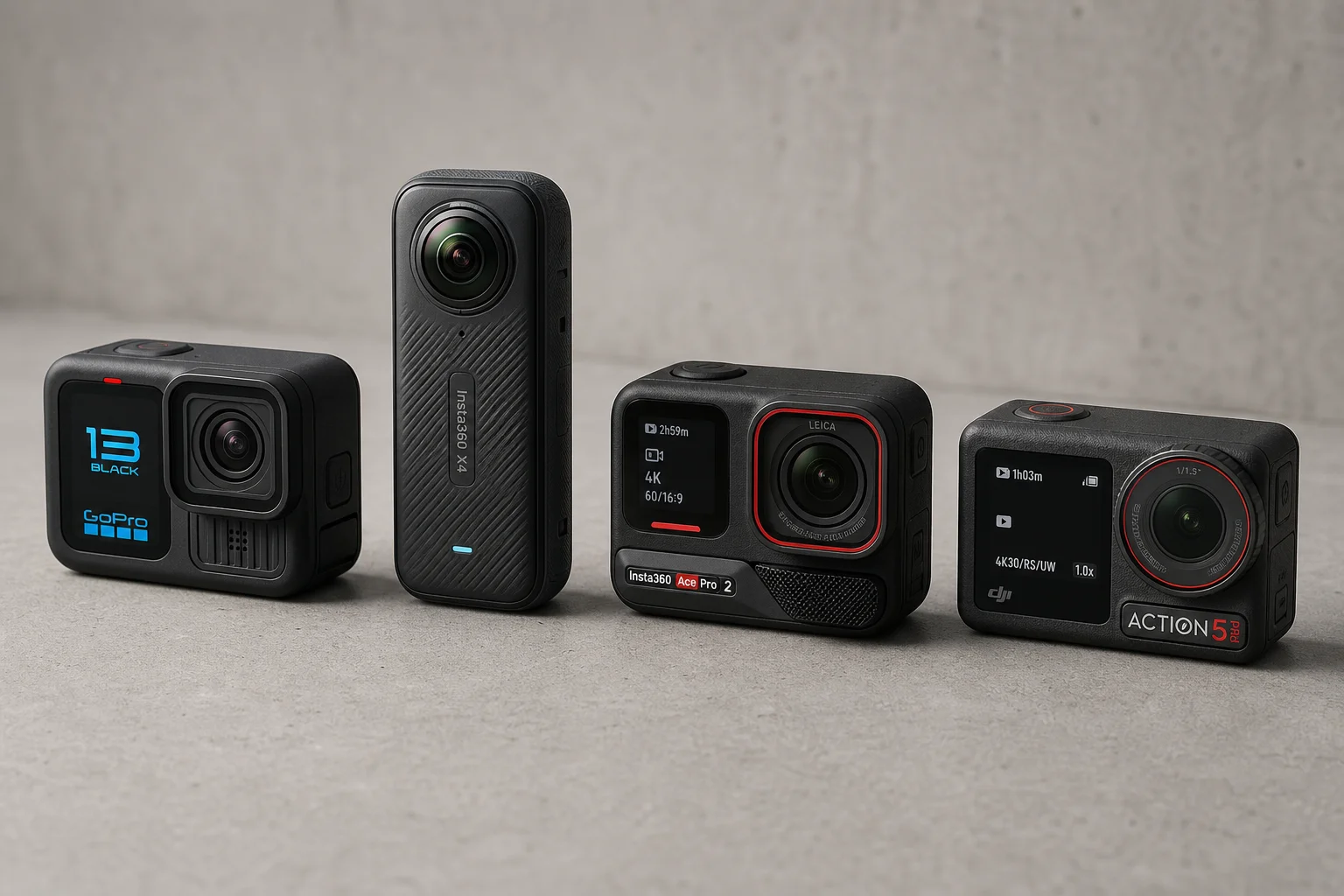
We tested the GoPro Hero 13, Insta360 X4, Insta360 Ace Pro 2, and DJI Osmo Action 5 on multiple dives in tropical and cold water. Here's how they compare for underwater filming.
Introduction
Choosing an action camera for scuba diving requires balancing waterproof depth ratings, underwater footage quality, ease of use in a housing, and post-dive editing capabilities. We tested four leading models across multiple dives in both clear tropical water and murky cold water to help you understand which camera suits your diving style.
Waterproof Ratings and Housing Requirements
All four cameras have different native waterproof depths. The DJI Osmo Action 5 stands out with a 20-meter depth rating, which covers most recreational diving without a housing. The GoPro Hero 13 and Insta360 X4 are rated to 10 meters, while the Insta360 Ace Pro 2 reaches 12 meters. Beyond these depths, you need a housing.
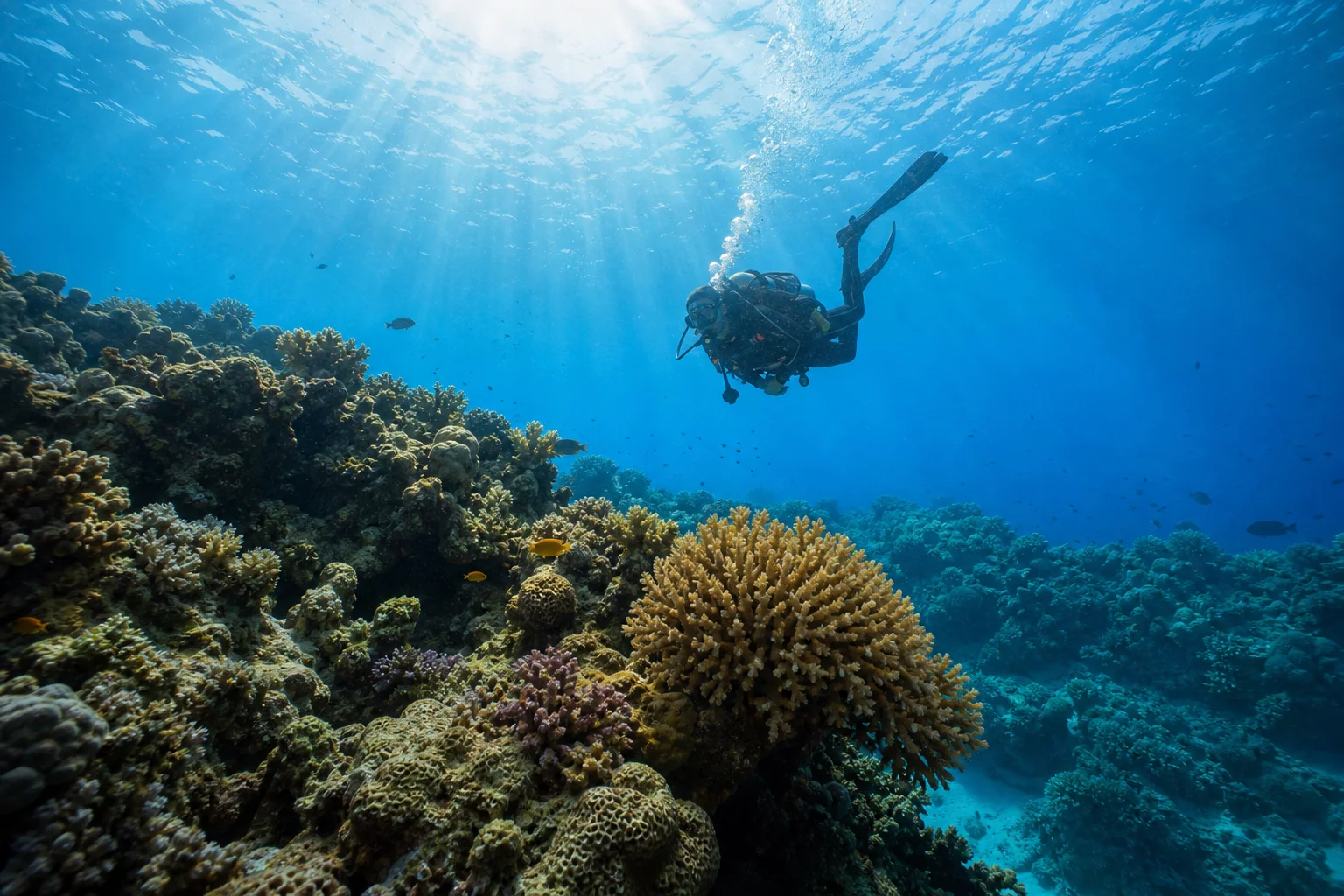
Most manufacturers offer housings rated to 60 meters, which is sufficient for recreational diving. The Insta360 X4 requires a housing even for shallow dives because the stitching between its two lenses only works properly underwater with the dive casing. We recommend purchasing the manufacturer’s own housing rather than cheaper third-party options. These housings use a double-latch system and are waterproof on their own, creating a foolproof setup. For the GoPro Hero 13, additional deeper housings are available if you plan technical dives beyond 60 meters.
Usability Underwater
Once in a housing, all cameras operate similarly. You activate dive casing mode in the settings, which disables the touchscreen. The side button switches between photo and video modes, while the top button captures photos. Holding the power button turns the camera on or off.
The Insta360 Ace Pro 2 offers a unique advantage: hand gesture controls work underwater. A stop hand pauses or resumes recording, and a peace sign captures a photo. This is particularly useful when wearing thick gloves or at depth where button access becomes difficult.
The Insta360 X4 has buttons on both sides, but you must orient it correctly in the housing or you’ll lose button access. The GoPro Hero 13 and DJI Osmo Action 5 both have straightforward button layouts with no orientation issues.
Screen Options
All cameras feature a 2.5-inch main screen. The GoPro Hero 13 and DJI Osmo Action 5 both have functional front screens that display what you’re filming, making them excellent for selfie-mode shots. The Insta360 Ace Pro 2 has a front screen that only shows metrics like recording mode and battery time, not the live feed. Its flip screen works well above water but flips down in a housing, limiting visibility.
The Insta360 X4 has a single screen that typically faces away from the filming direction, but since it captures 360-degree footage, you don’t need to monitor framing. After filming, you can reframe the footage and choose your viewing angle.
Underwater Footage Quality and Color Handling
This is where the cameras diverge most noticeably. Fresh out of the camera, color rendering differs significantly. The Insta360 Ace Pro 2 produces a desaturated, cool blue-gray look. The GoPro Hero 13 and Insta360 X4 deliver more aqua-like tones. The DJI Osmo Action 5 renders more saturated blues overall.
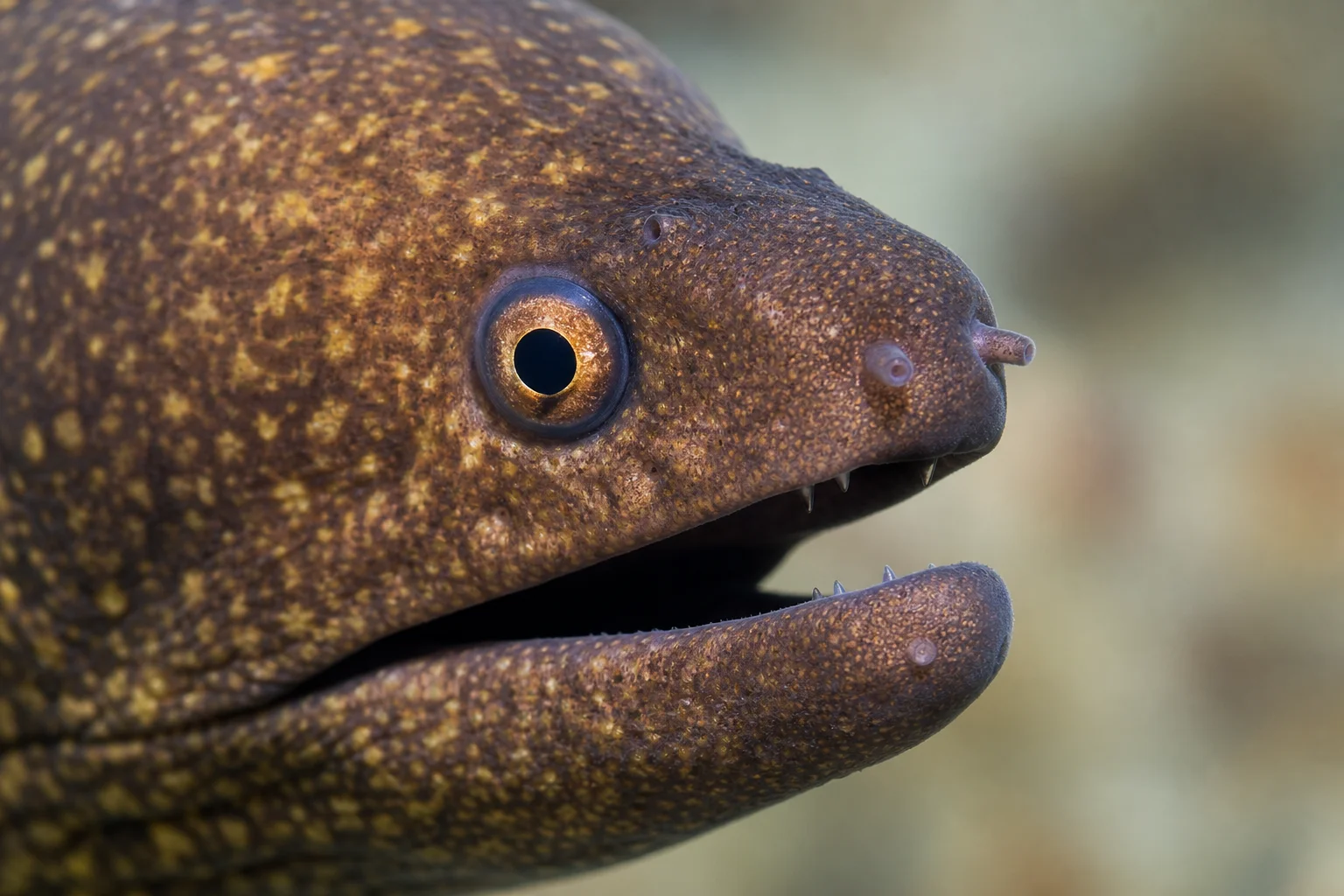
Contrast handling is the most critical difference. The GoPro Hero 13 produces the flattest footage with minimal bright whites and dark blacks, giving you maximum flexibility in post-production editing. The DJI Osmo Action 5 applies aggressive contrast, creating deep blacks and bright whites. This looks striking but can obscure detail in high-contrast scenes like a diver’s face or a moray eel’s features. The Insta360 Ace Pro 2 falls between these extremes.
The DJI Osmo Action 5 includes a color sensor that continuously reads the scene and adjusts colors in real time. You can observe this working as the camera shifts color balance when you point it at different subjects. This creates visually pleasing footage but can distort bright whites and dark blacks.
Clarity also differs. The Insta360 X4 shows variable clarity across the frame because it focuses after filming. Edges appear softer than the center, but you can refocus in post-production. The GoPro Hero 13, Insta360 Ace Pro 2, and DJI Osmo Action 5 maintain consistent clarity throughout. The DJI exhibits slightly more noise in blue backgrounds, appearing more pixelated than competitors.
Stabilization and Light Handling
All cameras handle dramatic lighting changes well, such as transitioning from backlit scenes to facing the sun. When transitioning from water to air, colors briefly shift before recalibrating within seconds.
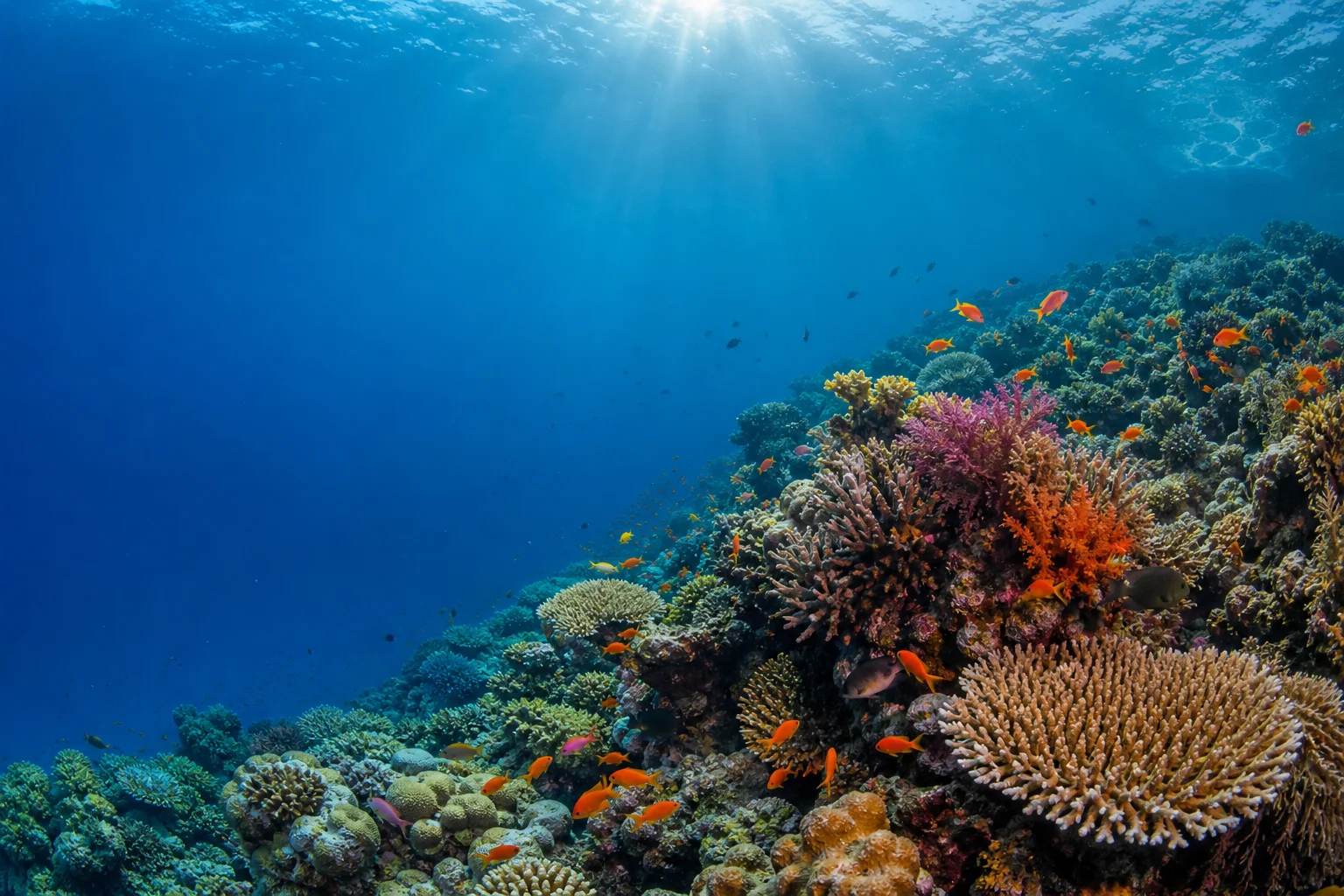
In a shake test, the Insta360 X4 performed best because it captures everything and refocuses afterward. Among the other three, stabilization is comparable and subjective. All three maintain footage steadiness despite significant camera movement.
The Insta360 X4: A Different Approach
The Insta360 X4 is fundamentally different because it captures 360-degree footage. This eliminates the need to think about framing or pointing direction. You capture your entire dive and choose the viewing angle during editing. Many divers find this liberating, as you can relive moments you didn’t consciously film and discover details you missed in real time, such as a manta ray passing behind you.
The X4 also works well mounted on larger cameras, providing a helicopter-view perspective of yourself diving. This creative flexibility makes it a game-changer for underwater storytelling, though it requires a different editing mindset than traditional action cameras.
Mobile Editing Apps and Post-Production Workflow
Post-dive editing is where these cameras show their biggest differences. The Insta360 app is the clear winner, offering intuitive keyframe editing for all footage. For the X4, you set checkpoints throughout the video to define where the camera should focus, essentially editing the 360 footage into a traditional video. The app includes Aquavision 2.0, an underwater filter that enhances colors and contrast. An Auto mode handles most editing automatically.
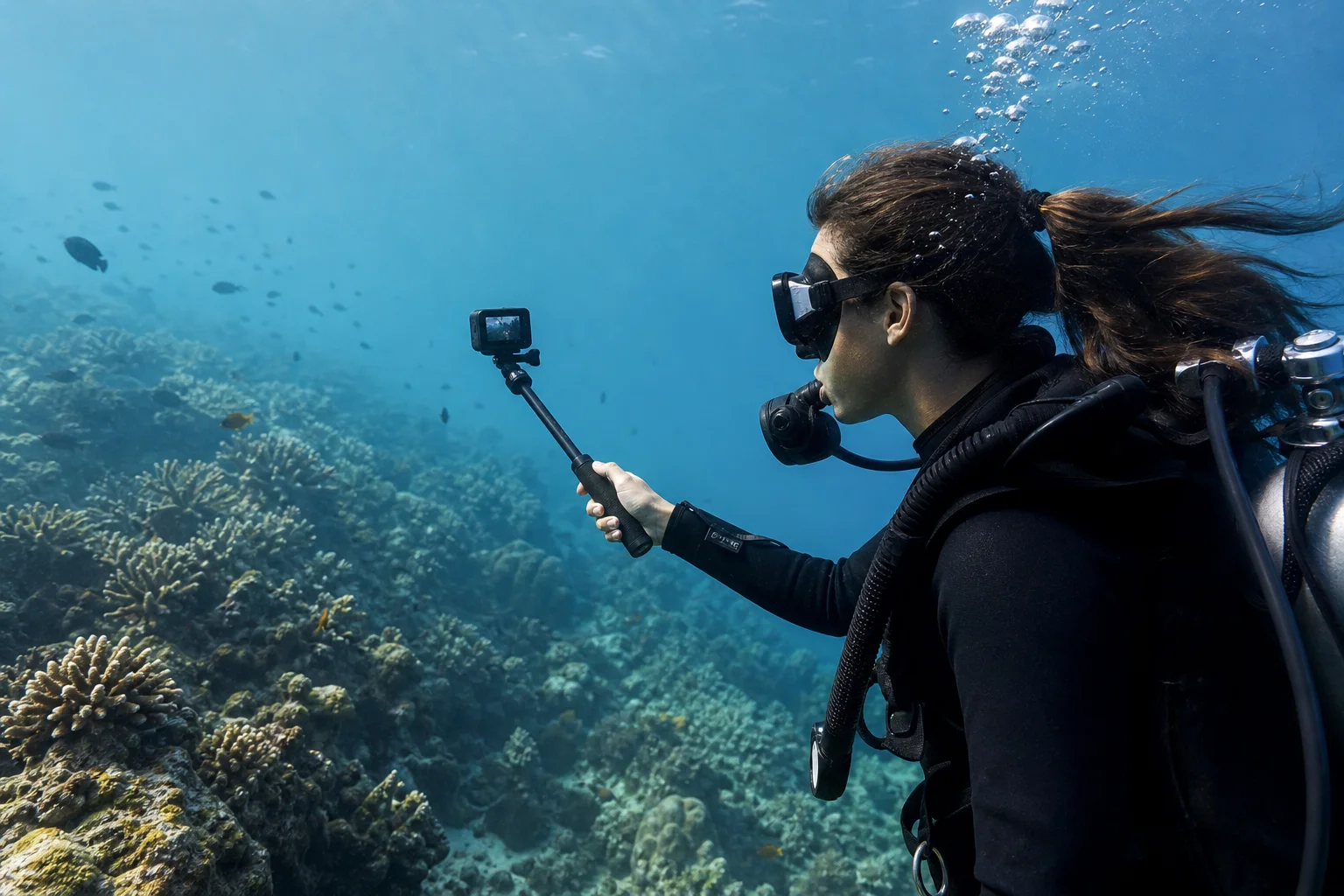
The DJI Memo app offers similar editing features with a Vivid Underwater filter that adds warmth and color correction. A unique advantage is the ability to display dive stats like depth and dive time directly on the video. You can sync data from compatible dive computers, though this requires downloading a fit file and manual integration.
The GoPro Quick app is the weakest option. It requires a paid subscription to access the underwater filter, which doesn’t significantly enhance footage. Other free apps on your phone offer comparable or better editing tools. GoPro does offer cloud storage and product discounts with a subscription, but many divers find this model frustrating compared to free alternatives.
Both the Insta360 Ace Pro 2 and DJI Osmo Action 5 can integrate dive computer data, though the process is easier with the DJI. The Insta360 app’s superior interface and auto-editing capabilities make it the most practical choice for recreational divers who want quick, professional-looking results.
Which Camera Should You Choose?
The GoPro Hero 13 remains the most versatile action camera overall, with extensive accessory compatibility and excellent footage quality. If you plan to use it for diving and other activities, it’s a solid choice. However, if underwater filming is your primary use, the DJI Osmo Action 5 and Insta360 Ace Pro 2 are better options.
The DJI Osmo Action 5 excels for divers who want minimal hassle. Its 20-meter depth rating means most recreational divers can use it without a housing. The front screen works well for selfie shots, built-in storage eliminates memory card concerns, and depth sensors display your depth on screen. The footage is visually striking, though the high contrast can obscure fine details.
The Insta360 Ace Pro 2 produces superior footage with better detail retention and color balance. Its dual-chip design performs exceptionally well in low-light underwater conditions. Hand gesture controls are genuinely useful underwater, and the Insta360 app’s editing capabilities are unmatched. The trade-off is a less functional front screen in housing mode and no native depth sensor integration.
The Insta360 X4 is the creative choice. If you want to capture your entire dive and edit it afterward, or if you want to mount it on larger cameras for unique perspectives, the 360-degree capability is transformative. It requires a different editing workflow but opens possibilities the other cameras cannot match.
Conclusion
There is no single best underwater action camera because the choice depends on your diving style and priorities. If you dive primarily in tropical water and want the most striking footage, the DJI Osmo Action 5 delivers. If you prioritize detail and editing flexibility, the Insta360 Ace Pro 2 is the better choice. If you want creative freedom and 360-degree capture, the Insta360 X4 is worth the learning curve. The GoPro Hero 13 remains excellent if you need a versatile camera for both diving and other activities. Test the footage from each camera in conditions similar to your diving environment, and choose based on which visual style resonates most with you.
Product link
View more details for GoPro Hero 13
This product is mentioned in the review. Check the specifications, options, and compatibility before buying.
View more details for GoPro Hero 13Further reading
Related Reviews
Action Cameras
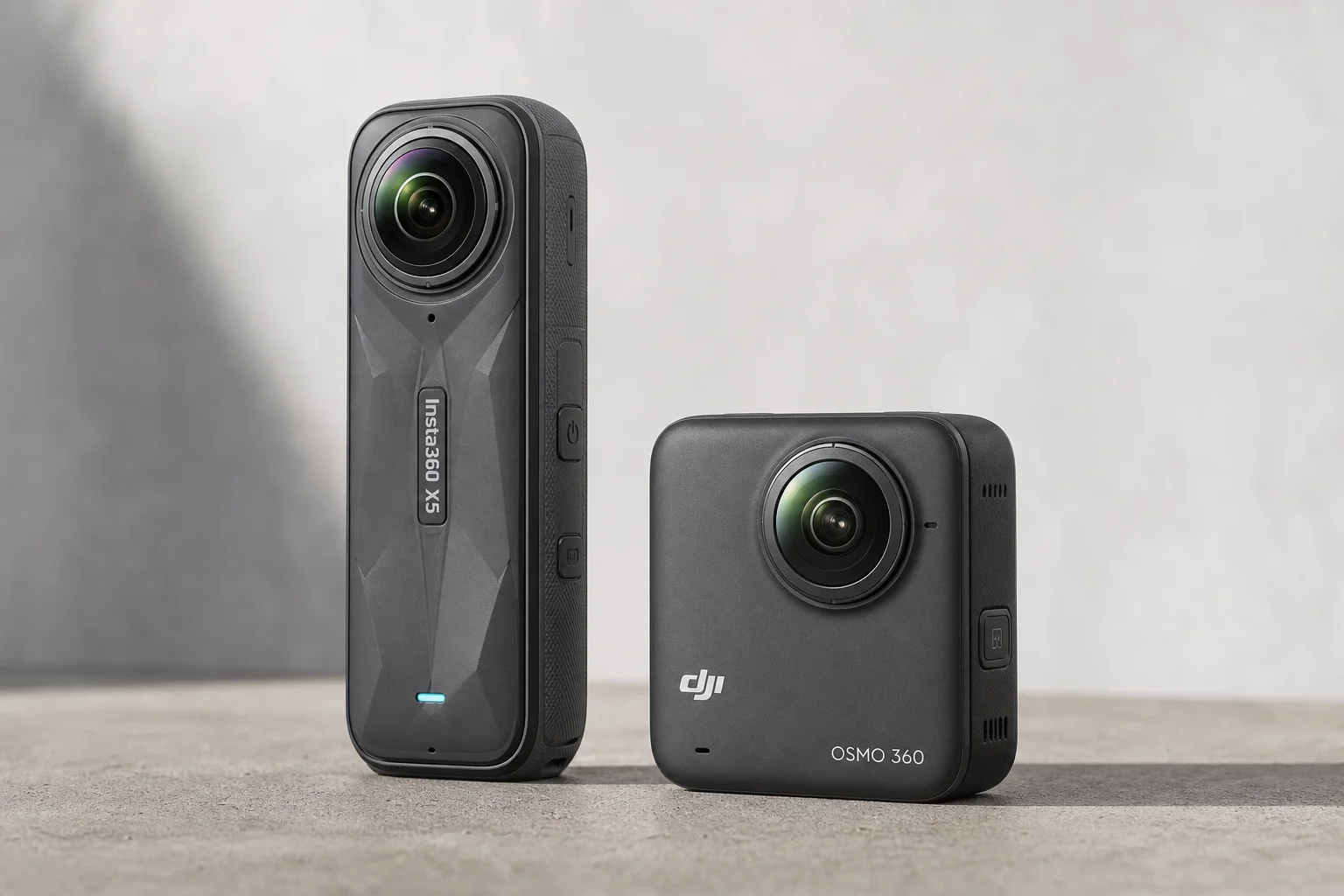
360 Cameras for Adventure Motorcycling: Insta360 X5 vs DJI Osmo 360
Two 360-degree action cameras designed for off-road and adventure riding. A detailed comparison of features, stabilization, and real-world performance for motorcycle touring.
Action Cameras
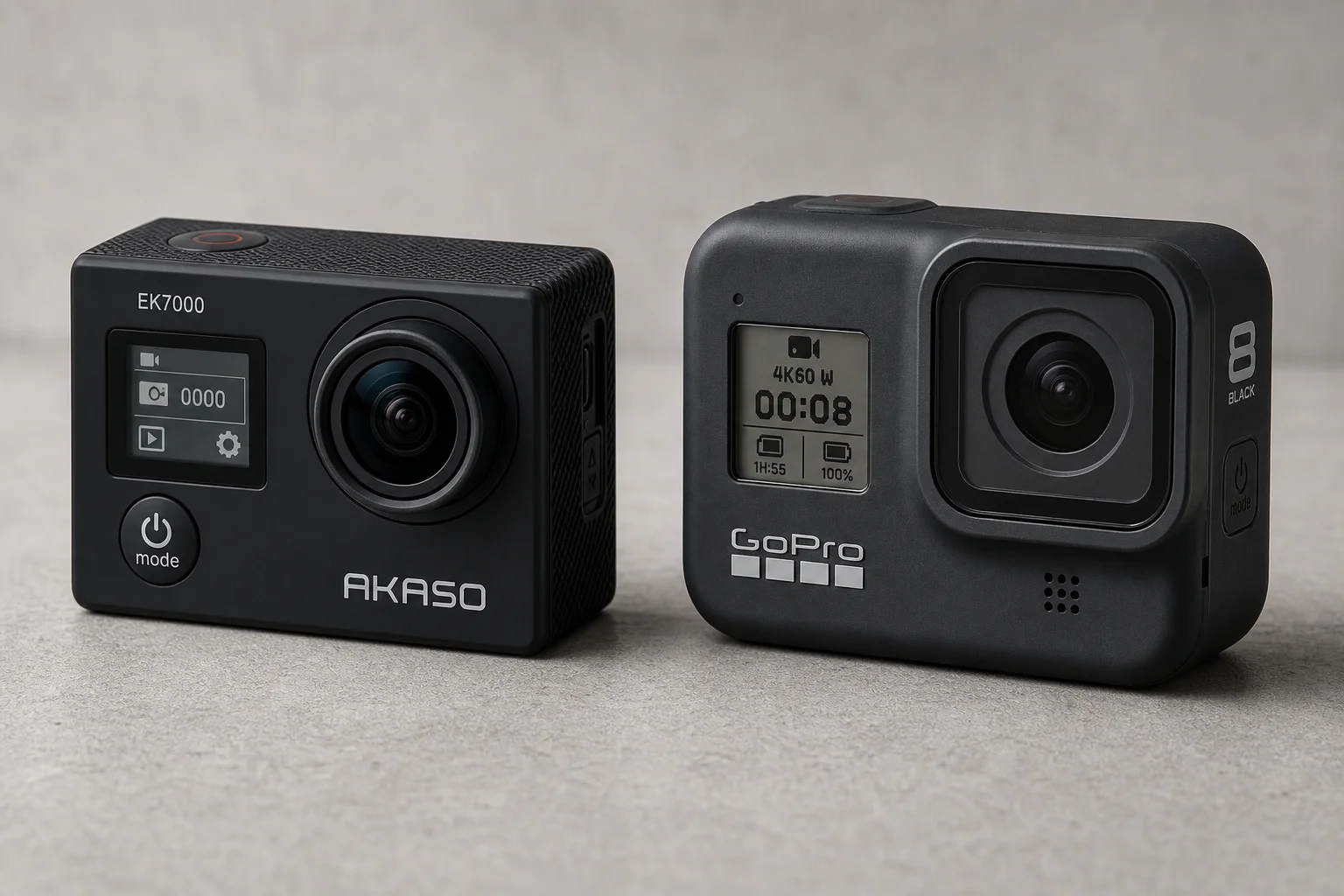
Akaso EK7000 vs GoPro Hero 8 Black: Budget Action Camera Tested
A $50 budget action camera faces off against the GoPro Hero 8 Black. Here's how the Akaso EK7000 really performs in video, audio, and photo quality.
Action Cameras
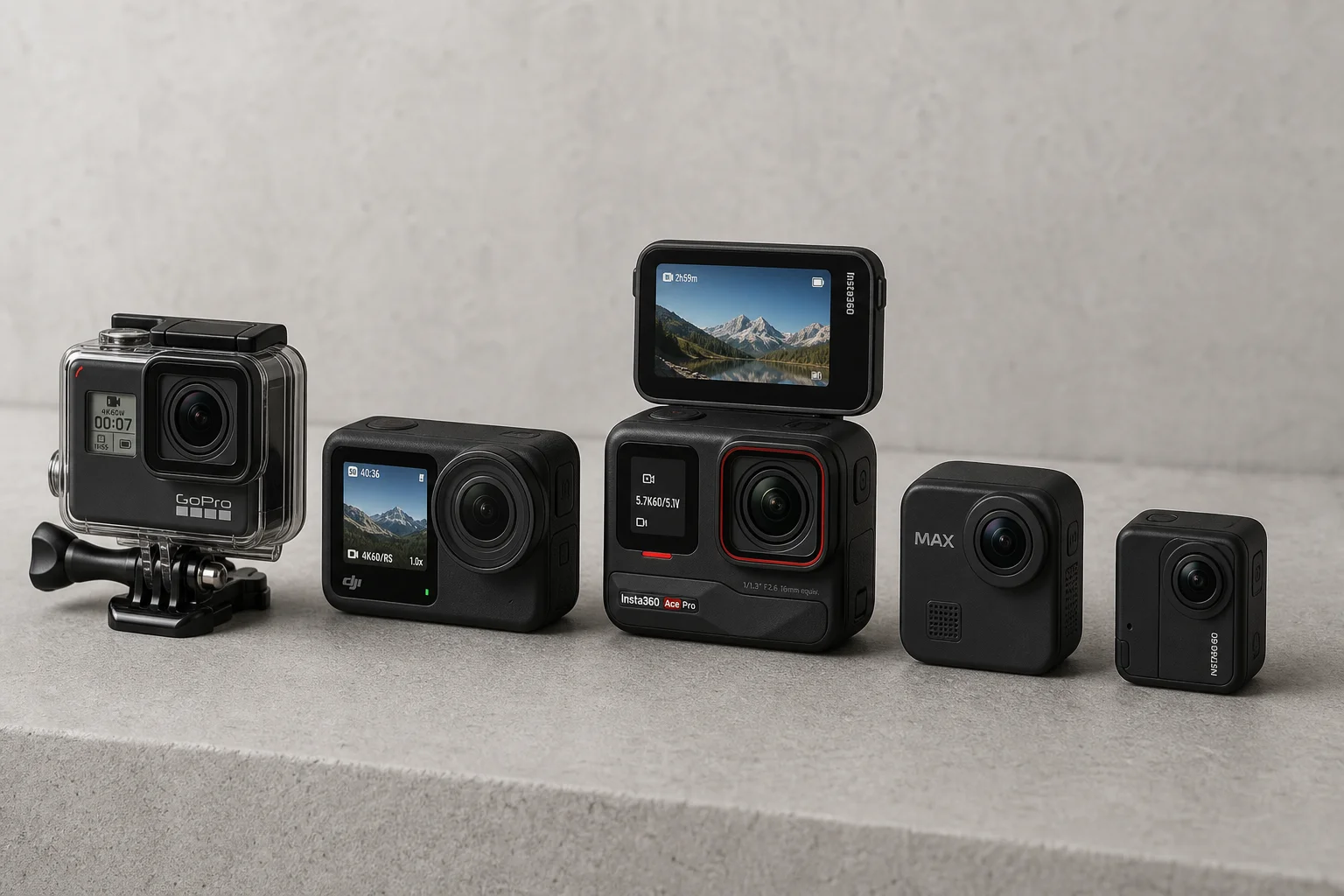
Best Action Cameras 2026: Five Top Picks Ranked
A comprehensive ranking of five action cameras from budget-friendly to premium, covering durability, video quality, stabilization, and low-light performance.