Tech Displays
Best 5K Displays for Mac 2025: Apple Studio Display vs Samsung, Asus, BenQ, and Kuicon
Five 5K displays compared across design, ports, panel quality, and price. Find out which offers the best value for Mac users in 2025.
Introduction
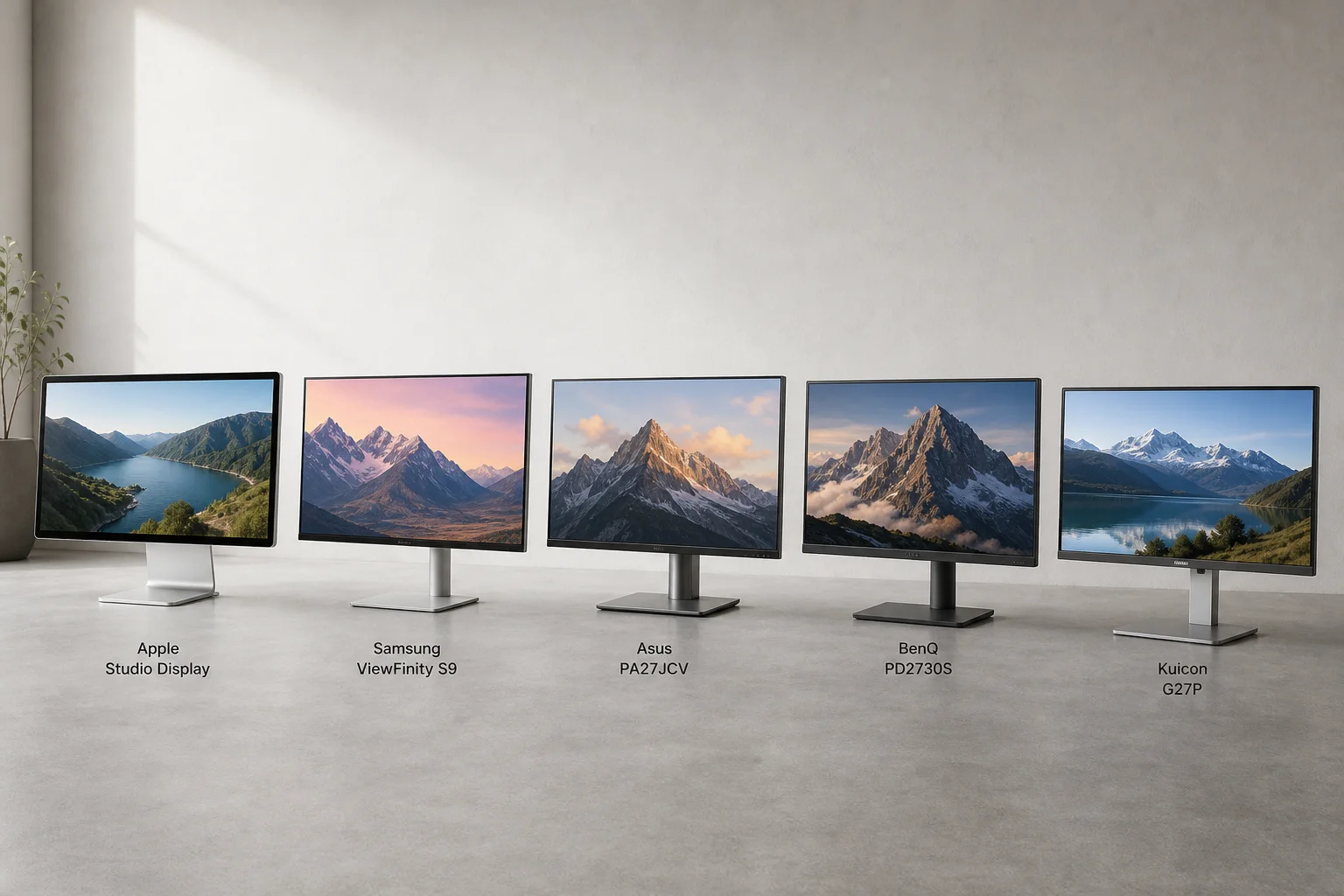
If you use a Mac and care about visual quality, the Apple Studio Display has long been the default choice. But in 2025, genuine alternatives have emerged. Samsung, Asus, BenQ, and the lesser-known Kuicon now offer 5K displays that challenge Apple’s premium monitor in design, performance, and price. This guide compares all five across the factors that matter most: how they look and feel, what they connect to, panel quality, and what you’ll actually pay.
Design and Build Quality
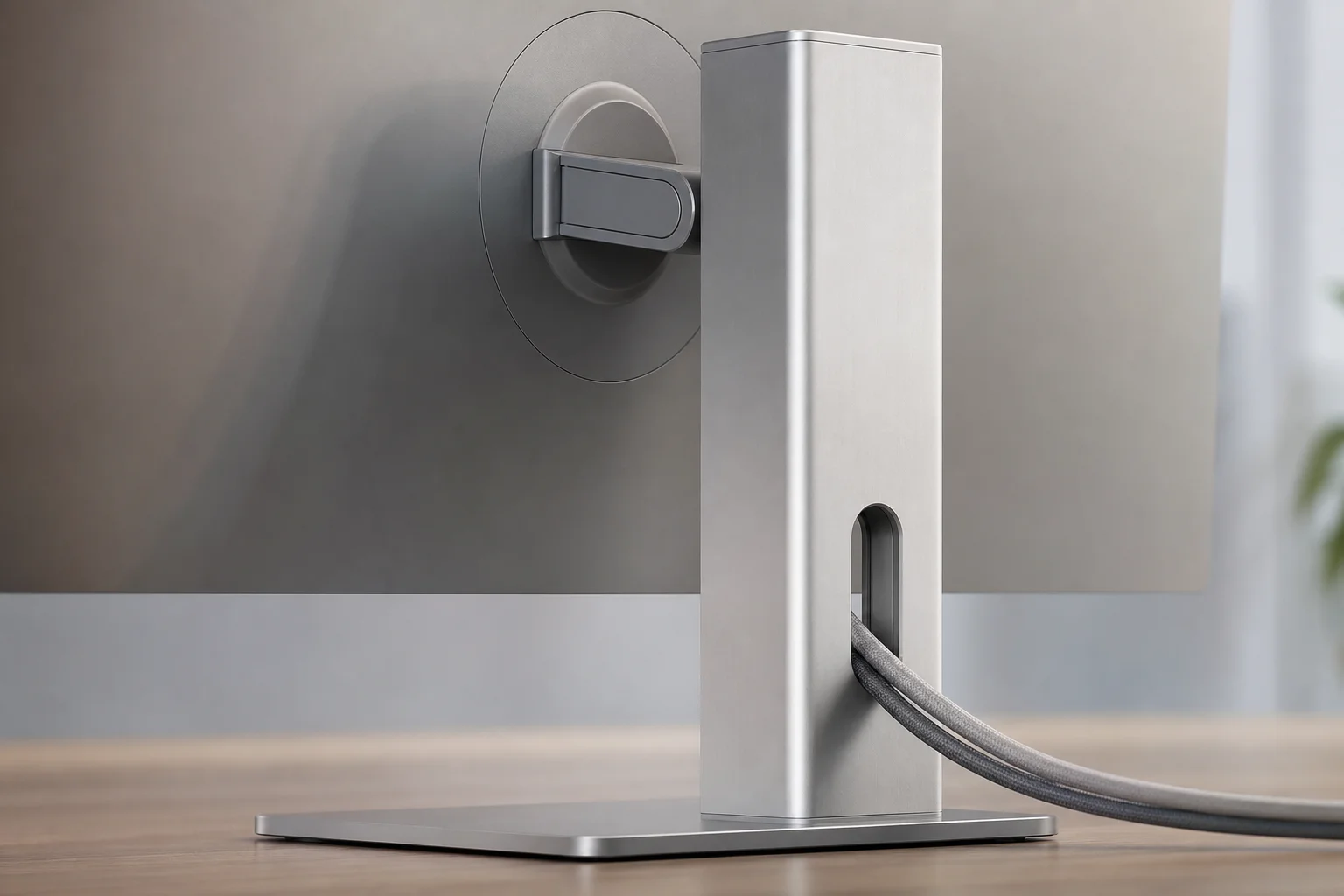
The Apple Studio Display sets the design standard with its unibody aluminum construction that feels genuinely premium. The height-adjustable stand moves with remarkable smoothness, responding to even the lightest touch. It’s the kind of design that makes you appreciate the monitor simply by looking at it on your desk.
Samsung’s ViewFinity S9 attempts to match this aesthetic from a distance, but up close reveals mostly plastic construction. The stand creaks noticeably during adjustment, and the included power brick is oversized with a cord that’s too short and difficult to route. Asus and BenQ land in the middle ground. Both look clean and professional without being flashy. The Asus PA27JCV and BenQ PD2730S both have a visible bezel chin, and BenQ’s frame leaves an annoying gap around the bezels that collects dust easily.
The Kuicon G27P emerges as the surprise contender. Despite the unfamiliar name, it mimics the Studio Display’s design remarkably well. It features a full aluminum frame with uniform bezels and chamfered edges around the cable management hole. While it lacks Apple’s seamless unibody construction, it represents a significant step up from the plastic-heavy competition.
Regarding stand functionality, Apple offers three options: tilt only, height and tilt, or VESA mount. The height-adjustable stand is exceptionally smooth and makes micro-adjustments effortless. Samsung’s stand offers full rotation and height adjustment but feels stiff and uneven, with the power cord easily caught during adjustments. Asus and BenQ stands handle the basics well with tilt, swivel, rotate, and lift functions. BenQ’s stand is particularly sturdy. Kuicon’s stand ranks among the best in the group, adjusting height, tilting, and rotating 90 degrees without wobble. All non-Apple displays accept standard VESA mounts out of the box.
Ports and Connectivity
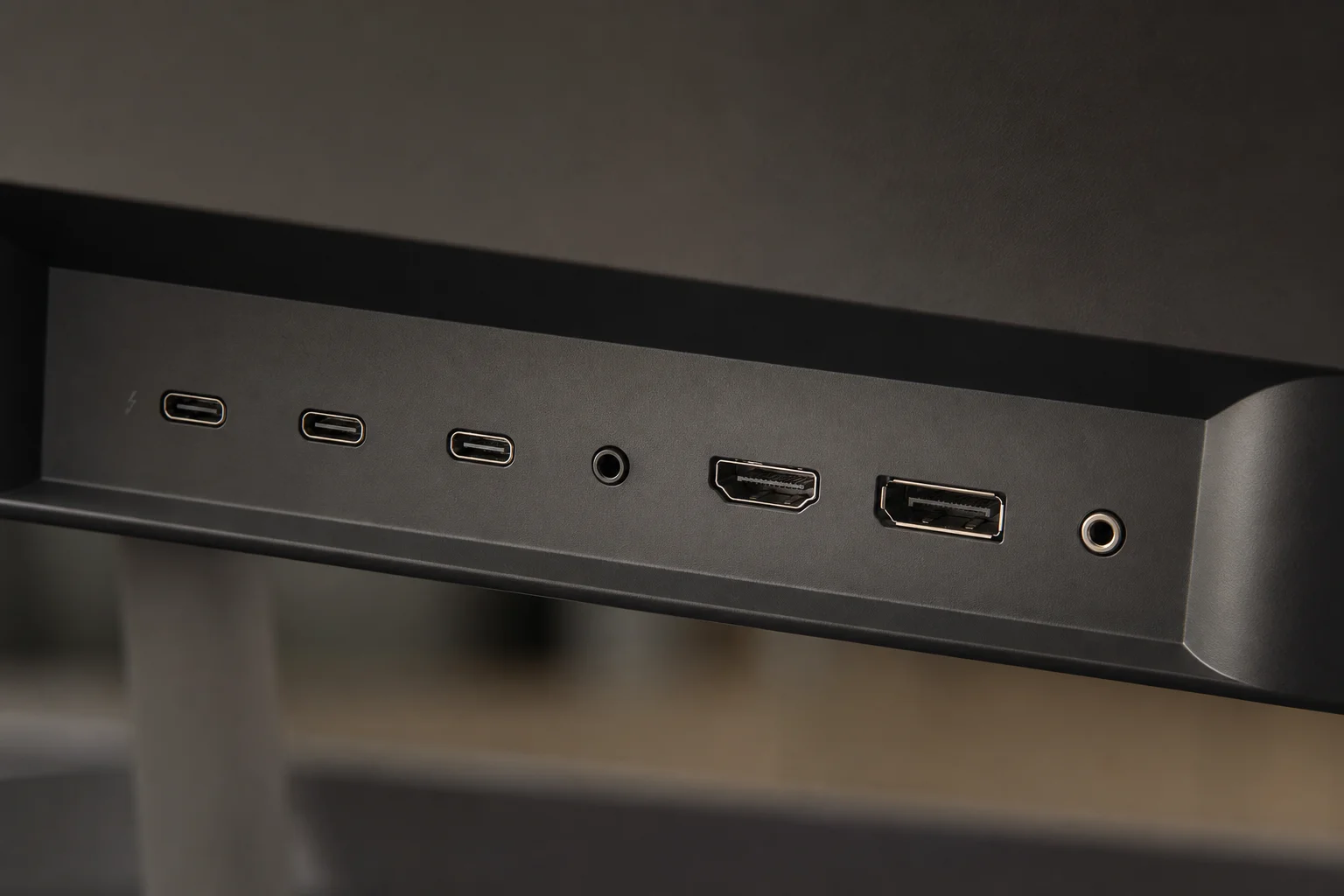
The Apple Studio Display uses a single Thunderbolt 3 input port that delivers 96 watts of power to your MacBook, plus three downstream USB-C ports supporting up to 10 Gbps for accessories. There’s no HDMI, DisplayPort, or alternative connectivity without adapters. This setup is sleek but restrictive.
The BenQ PD2730S commits fully to connectivity with two Thunderbolt 4 ports (one for your computer, one for daisy-chaining displays or devices), plus HDMI, DisplayPort, USB-C, multiple USB-A ports, and a headphone jack. It provides up to 90 watts of power through Thunderbolt.
The Asus PA27JCV offers USB-C with 96 watts of charging power, HDMI, DisplayPort, an additional USB-C port for data, and several USB-A ports limited to 5 Gbps. Like BenQ, it supports KVM switching between two devices and includes a headphone jack. It lacks Thunderbolt but covers the essentials well.
Samsung’s ViewFinity S9 is unconventional, featuring Thunderbolt 4 with 90 watts of charging, three USB-C ports, and a mini DisplayPort, but lacks HDMI and full-size DisplayPort, potentially limiting flexibility.
The Kuicon G27P offers surprising versatility with USB-C for display input, HDMI, DisplayPort, two USB-A ports, and a headphone jack. However, the USB-A ports are limited to USB 2.0 speeds, suitable only for mice or keyboard dongles.
Display Panel Quality
Evaluating these displays requires examining five key areas: glossy versus matte finish, brightness, color accuracy, backlight consistency, and refresh rate.
The Studio Display and Kuicon G27P both use glossy panels, delivering rich contrast and vibrant colors with a sense of depth that matte panels sometimes lack. However, glossy surfaces reflect more light, which can be problematic depending on your lighting setup. The Kuicon is noticeably more reflective than the Studio Display. Samsung, Asus, and BenQ all use matte finishes. Samsung employs a nanoexture-style matte that resists reflections well. BenQ’s matte coating is excellent, minimizing glare without excessive graininess. Asus’s anti-glare coating is decent but shows slight rainbow artifacts on lighter backgrounds.
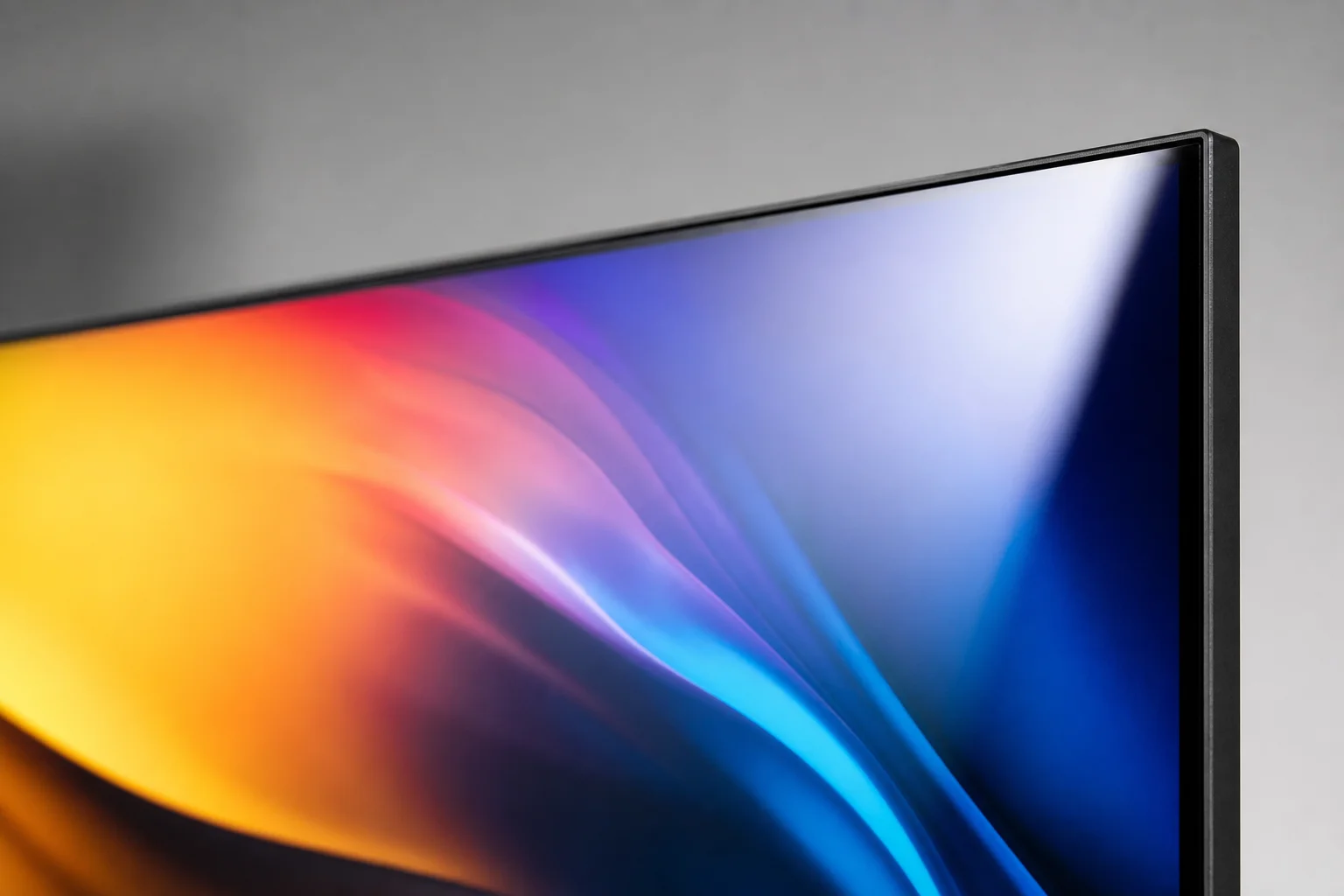
For brightness, the Studio Display measured 570 nits, more than sufficient for normal use. The Kuicon actually leads the group with a measured peak of 704 nits. Samsung reached nearly 600 nits, while Asus and BenQ generally hovered around 400 to 500 nits depending on settings. The Asus display dims noticeably toward the edges due to its matte coating. BenQ’s higher brightness requires disabling uniformity mode.
Regarding color accuracy, all five displays perform exceptionally well with high P3 coverage and strong Adobe RGB performance. The differences between them are negligible for most users, whether consumer, prosumer, or professional.
For backlight consistency, the Studio Display wins with excellent uniformity and minimal light bleed. BenQ is solid as well. The Kuicon looks good visually but shows a 29 percent brightness variation from corner to corner under testing, a significant shift. Both Asus and Samsung suffered from backlight bleed in areas that proved distracting when watching letterboxed videos. No backlight LCD panel is perfect, and consistency varies between brands and individual units.
On refresh rate, all displays are 60 Hz, standard for content creation and office work. The Kuicon pulls slightly ahead with a 75 Hz panel. While not a gaming feature, animations and scrolling are marginally smoother than 60 Hz.
macOS Integration and Features
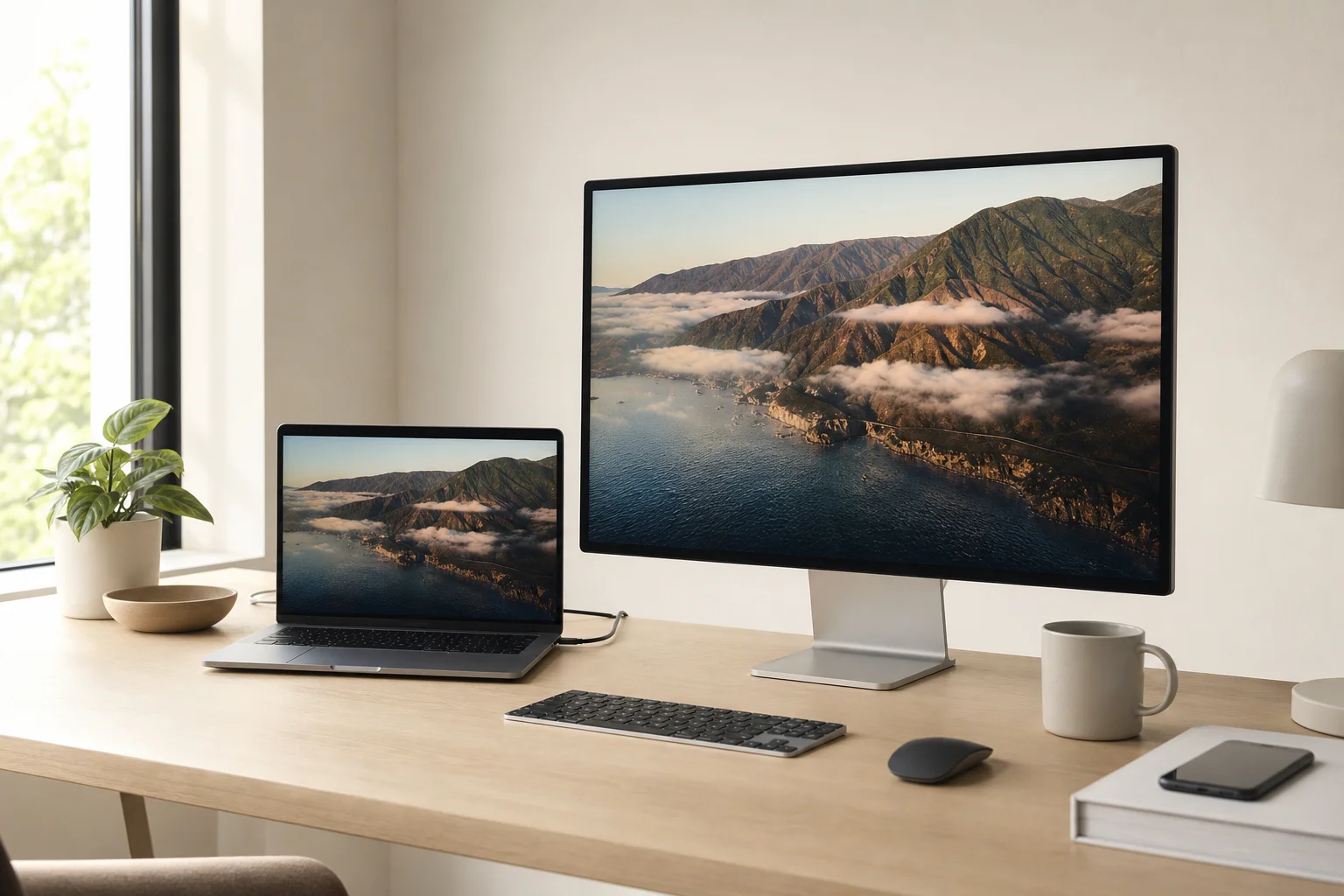
The Apple Studio Display integrates seamlessly with macOS through True Tone, automatic brightness adjustment, and system-level volume and brightness control via keyboard. This integration is unmatched.
BenQ attempts to replicate this with Display Pilot software, allowing brightness and volume control via keyboard with proper setup. Other displays require button or remote adjustment. However, a free utility called Monitor Control enables brightness adjustment from the Mac keyboard on any of these displays.
For multimedia, the Studio Display includes a six-speaker system with force-cancelling woofers, spatial audio, and surprisingly rich sound quality. Most users won’t need external speakers. Samsung’s speakers are rear-firing and thin. Asus and BenQ sound like they’re coming from inside a cereal box. Kuicon includes no speakers at all.
The Studio Display’s 1080p camera and microphones are mediocre but usable. Samsung includes a detachable 4K webcam that underwhelms. BenQ, Asus, and Kuicon don’t include cameras.
Samsung attempts smart display features with apps, AirPlay, and a gaming hub, but these are better handled by your Mac directly. BenQ focuses on professional features like color calibration tools and presets with dual device support via KVM switch. Asus offers similar KVM functionality. Kuicon includes a remote and 75 Hz refresh rate.
Pricing and Value
The Studio Display carries an MSRP of $1,599, but frequently sells for around $1,299 at retailers like Amazon, B&H, and Best Buy, a solid $300 discount. This is the tilt version only; the height-and-tilt version costs an additional $400 and is harder to find on sale.
The BenQ PD2730S launched at $1,199, approaching Studio Display pricing, but tariff impacts have driven the current price to around $1,499, making it difficult to justify.
The Asus PA27JCV launched at $799, the cheapest option, but tariff pricing has increased it to approximately $849.
The Samsung ViewFinity S9 started at $1,599 but currently sells for around $999. Before tariffs and during sales, it reached as low as $699, though that price is now difficult to find.
The Kuicon G27P is priced at $799 for the panel and $189 for the stand separately, or just under $900 bundled together.
Conclusion
The Apple Studio Display remains the premium choice, justified by build quality, reliability, speakers, camera, seamless macOS integration, and best-in-class support. BenQ is feature-rich but suffers from tariff-driven pricing. Asus offers the most budget-friendly option but makes significant panel compromises. Samsung provides big discounts but delivers a mixed experience.
The Kuicon G27P stands out as the value leader, delivering a great panel, aluminum build, and impressive performance for under $900. The trade-off is uncertainty around long-term support and warranty service. If you want the best display experience for your Mac without compromise, the Studio Display remains king. If you’re budget-conscious or seeking the best value, the Kuicon delivers surprising performance at a compelling price.
Product link
View more details for Apple Studio Display
This product is mentioned in the review. Check the specifications, options, and compatibility before buying.
View more details for Apple Studio DisplayFurther reading
Related Reviews
Pickleball Paddles
2025 Paddle Awards: The Best Pickleball Paddles of the Year
A category-by-category breakdown of the best pickleball paddles of 2025, covering value, control, all-court, power, and paddle of the year.
Automotive Accessories
70mai Dash Cam Comparison: A200 vs A510 vs A810
Three dash cameras from 70mai across different price points reveal how resolution and sensor quality impact real-world footage clarity, especially for number plate visibility and low-light performance.
Mobile Gaming Accessories
8BitDo FlipPad vs GameSir Pocket Taco: Which Vertical Phone Controller Fits You Best?
Two compact vertical phone controllers with very different approaches to connectivity, controls, and everyday use. Here is how they compare across seven practical categories.