Network Attached Storage
ASUSTOR Flashstor 6 Review: A Silent All-Flash Home for Your Music Library
An all-flash NAS built with music playback in mind: six M.2 slots, near-silent operation, and a built-in optical output for high-res listening.
Introduction
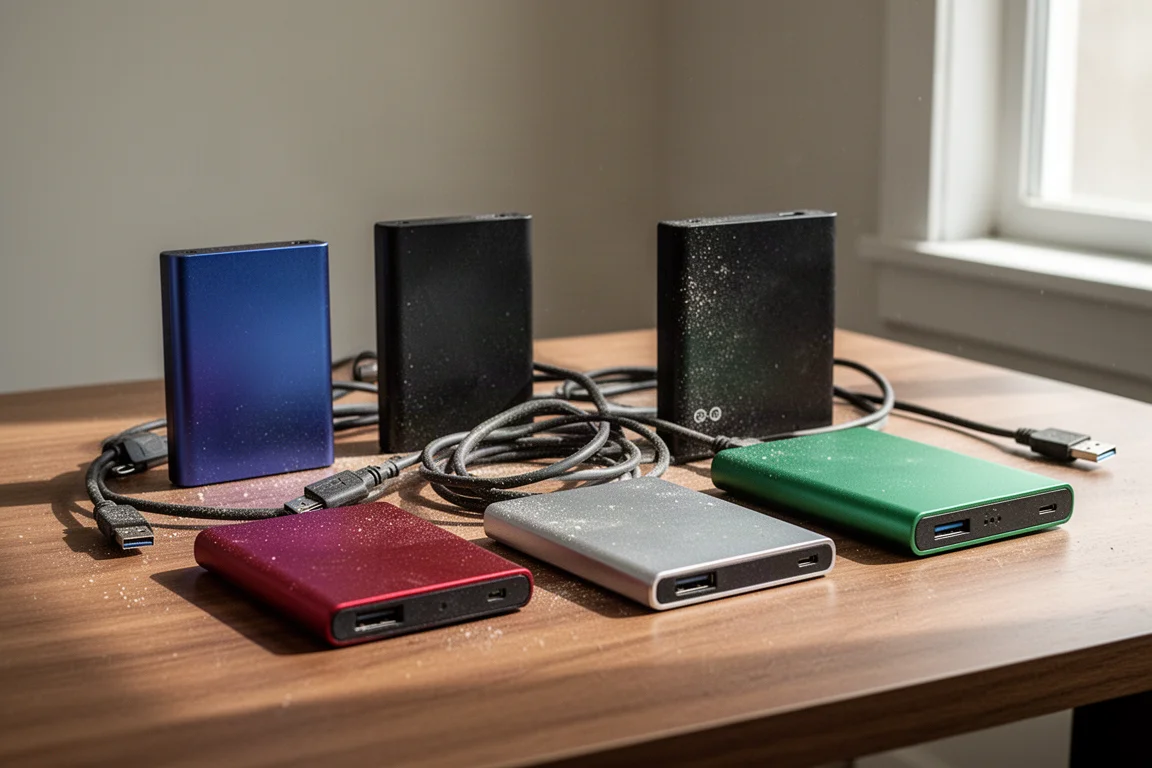
If you have been building a digital music library for years, there is a good chance it no longer looks like a library. It looks like a set of unrelated piles. A USB drive on the shelf, another drive in a drawer, a folder on the internal SSD of whatever streamer is in the rack this year, and a batch of high-res downloads on a disk that has not been plugged in for over a year. Each one holds something worth keeping, but none of them talk to each other.
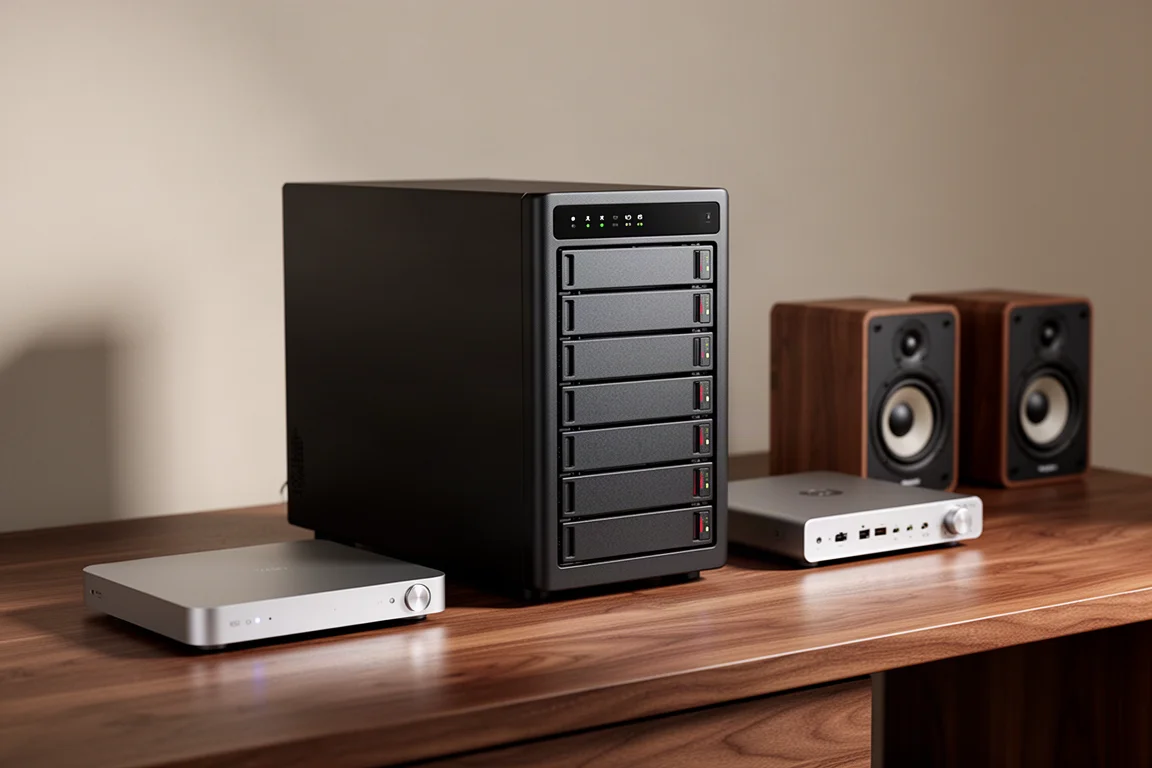
That is the problem a network attached storage device is built to solve, and the ASUSTOR Flashstor 6 approaches it from a direction that matters to anyone who listens seriously. It uses flash storage only. There are no spinning hard drives inside, which means no hum, no vibration and no mechanical noise in the room where the music actually plays.
This review covers what the Flashstor 6 does well, where it asks for patience, and whether it makes sense for a music collection rather than an IT rack. The short version is that it is one of the few network storage devices designed with playback in mind rather than file serving alone.
Who This NAS Is For
The Flashstor 6 is aimed at listeners who have already accumulated a real library and want it in one place. That usually means a mix of high-res downloads, DSD files, and albums ripped or bought specifically for a particular mastering or format. Those files tend to be large, and they tend to be spread across whatever storage happened to be available at the time.
It also suits households with more than one playback system. A NAS does not live inside a single streamer. It lives on the network, which means a listening room system, a desktop setup in another room, and an entertainment system elsewhere can all reach the same library at the same quality. Nobody has to copy files between drives or remember which album ended up where.
If your entire listening habit is streaming, this is not the product for you. The Flashstor 6 is for people who want a local library they control alongside the streaming services they already enjoy.
Silent Storage Built for Music Libraries
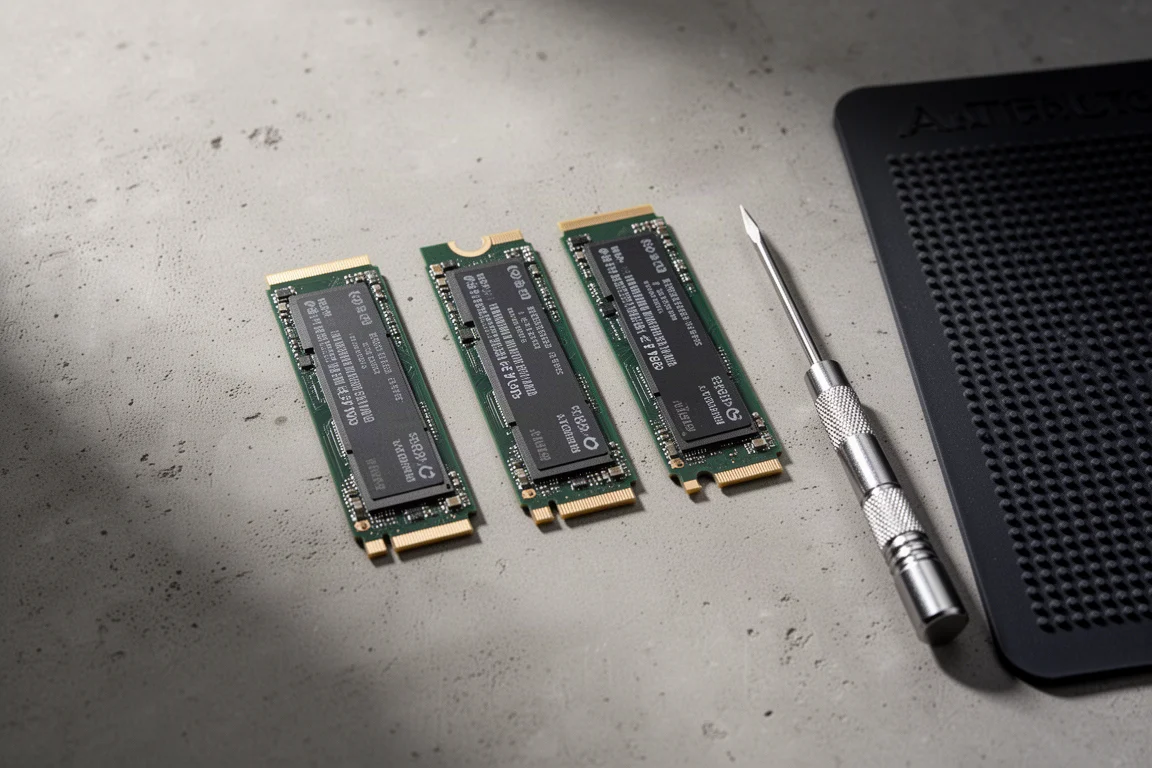
The most obvious difference between this unit and a conventional NAS is what is missing: spinning disks. The Flashstor 6 is built entirely around M.2 NVMe storage, so there are no moving parts. ASUSTOR rates it at 18.7 dB, which in practice means it stays effectively silent in a listening room.
For anyone who has heard a hard-drive based NAS hum in the corner, that alone changes where the device can live. It can sit on a shelf near the system instead of being banished to another room.
The second difference is the feature set. The Flashstor 6 includes a built-in S/PDIF optical output, supports a high-res player for DSD and lossless formats, and can run music server software natively if that is how you prefer to organise playback. It is a rare case of a storage device that has clearly considered how music is actually played rather than how files are merely stored.
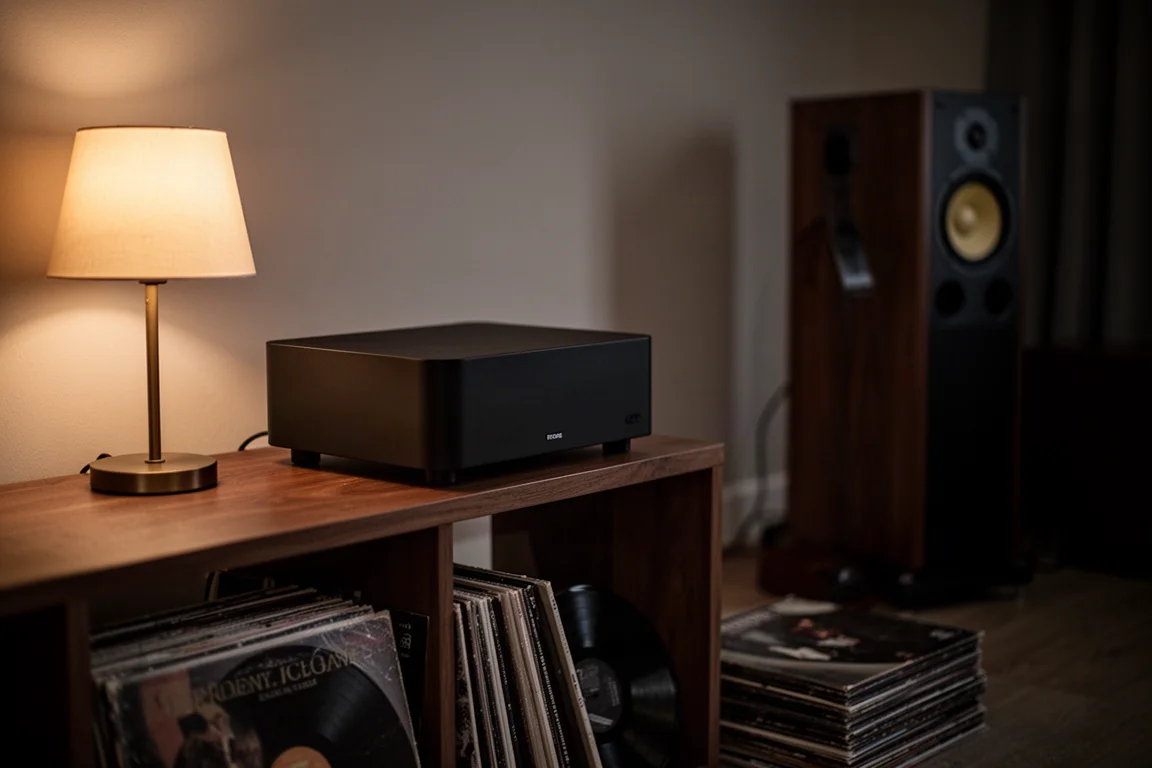
ASUSTOR’s ADM software is also worth noting. It is more intuitive than a lot of network storage interfaces, which shortens the learning curve considerably for anyone who is new to this side of the hobby.
Capacity and Speed in a Compact Chassis
The Flashstor 6 provides six M.2 slots, which works out to as much as 24 TB when populated with 4 TB NVMe drives. That is more music than most listeners could reasonably work through in a lifetime, and it removes the awkward ritual of deciding which recordings are allowed to stay on the main system.
Physically, the unit is smaller than most audio stacks, so it fits into a shelf or a corner without becoming a piece of furniture in its own right.
NVMe speed is the other practical advantage. Large DSD files move quickly, and the same hardware handles heavy video files without strain. If your storage also holds working footage or large media projects, transfers happen at a pace spinning drives simply cannot match.
Redundancy is handled through RAID, which means a corrupted file does not automatically mean a lost file. For a library built up over years, that layer of protection is arguably the most valuable thing a NAS adds.
Things to Consider Before Buying
Setting up a NAS is not plug and play, and it is worth being honest about that before ordering one. SMB shares, network configuration, and making sure your streamer can actually find the device on the network all take some learning. Budget an afternoon for it rather than twenty minutes.
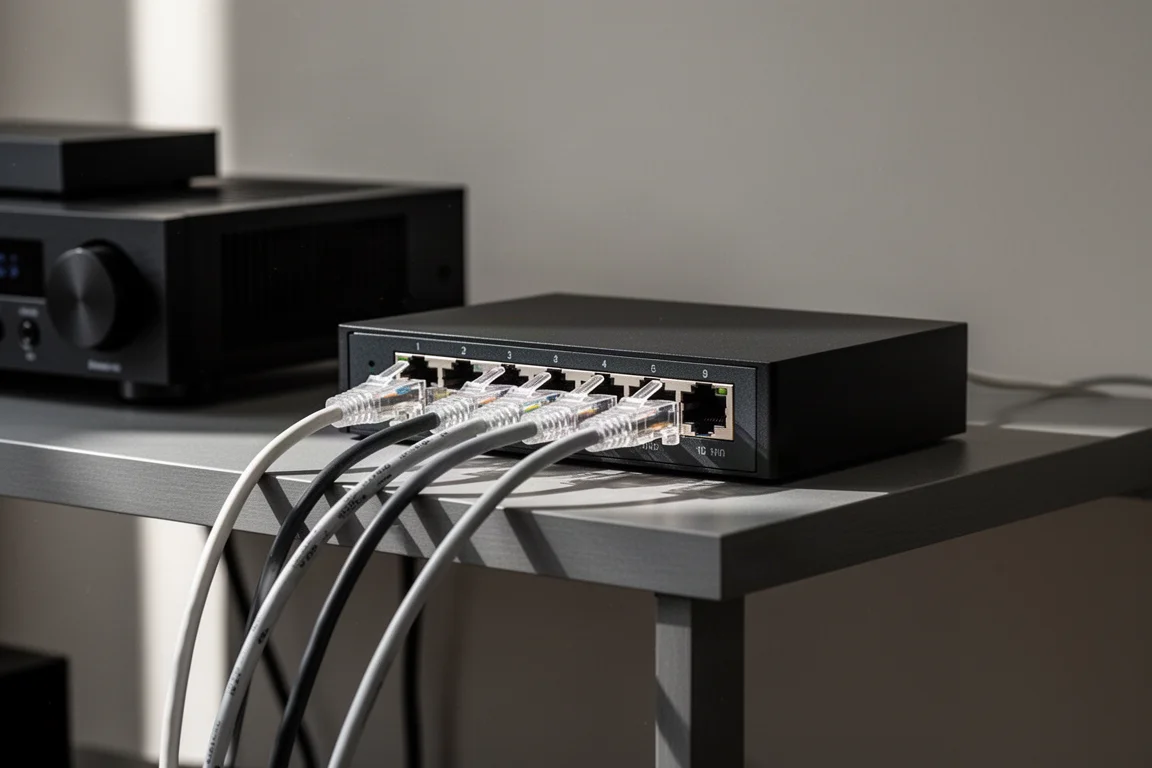
The good news is that it is a one-time effort. Once the shares are configured and the streamer is pointed at the library, the system runs quietly and reliably day after day. The Flashstor 6 makes that process smoother than many alternatives because it already accounts for music playback and integration, but it is still networking at the end of the day. If the terminology is new to you, give yourself permission to go slowly.
One more thing to plan for: the drives themselves. The capacity figures depend entirely on the NVMe modules you install, so the total cost of the setup is the unit plus the storage you put in it.
How to Get the Most From a Music NAS
The workflow that makes the most sense is a split one. Keep using streaming services for discovery, for late-night rabbit holes, and for sampling albums before committing to a purchase. Then, when something really lands and you know you will return to it, buy the high-res download, drop it onto the NAS, and it becomes instantly available on every system you own.
The first step is consolidation. Move every scattered drive, folder, and forgotten download into one centralised library. It is tedious for an evening and transformative afterwards, because a library you can actually see is a library you will actually browse. Albums that were invisible for two years suddenly sit in the same list as everything else.
Connecting a streamer over SMB is straightforward once the share exists, and because the library lives on the network rather than inside one device, adding another system later costs nothing but a few minutes of configuration.
Buying Advice
Start by measuring your library honestly. DSD files and high-res downloads add up quickly, so choose drive sizes that leave room to grow rather than filling every slot on day one. Redundancy is worth planning from the beginning, since it protects the collection rather than just the hardware.
Expect the setup to take an afternoon if this is your first network storage device, and expect it to be finished after that. If silence in the listening room is a priority, or if you want optical output and native high-res playback support from the storage device itself, this is one of the few options built with those needs in mind.
For listeners who want the freedom of streaming without giving up ownership of the music that matters most, a device like this closes the gap. Streaming for discovery and a local library for the albums you return to are not competing ideas. They complement each other.
Conclusion
The ASUSTOR Flashstor 6 is not the simplest purchase in this hobby, and it is not meant to be. It is a device for listeners who have realised that scattered files, limited space, and no backup are quietly working against the collection they spent years building.
What it offers is a single, silent, fast home for that collection, with playback features that most storage devices ignore. Set it up once, connect your systems, and the music you already paid for becomes visible again. That is a different kind of upgrade from a new DAC or a cable swap, and for many listeners it will matter more.
Product link
View more details for ASUSTOR Flashstor 6
This product is mentioned in the review. Check the specifications, options, and compatibility before buying.
View more details for ASUSTOR Flashstor 6Further reading
Related Reviews

Backpacking Gear
Building a 10 lb Base Weight: An Ultralight Backpacking Gear List
A practical walkthrough of the ultralight pieces behind a 10 lb base weight, from a 765 g pack and a roomy one-person tent to a full camp chair and a dependable water filter.

Road Bikes
10 New Road Bikes Worth Watching: Aero, Titanium, Steel and Endurance Standouts
A practical roundup of 10 new road bikes, from aero flagships chasing single-watt gains to titanium, steel and endurance platforms built for real roads.
Bikepacking Gear
11 Bikepacking Essentials for Long-Distance Cycling
Eleven bikepacking essentials for long-distance cycling, from a steel gravel frame and a two-person tent to helmet lights, packable gloves, and a frame bag that puts weight in the right place.