Outdoor Watches
Apple Watch vs Garmin: Which Outdoor Watch Should You Buy?
A practical comparison of Apple Watch Ultra, Apple Watch SE, the Garmin Fenix and Epix lines, and the two apps that add offline trail maps to an Apple Watch.
Introduction
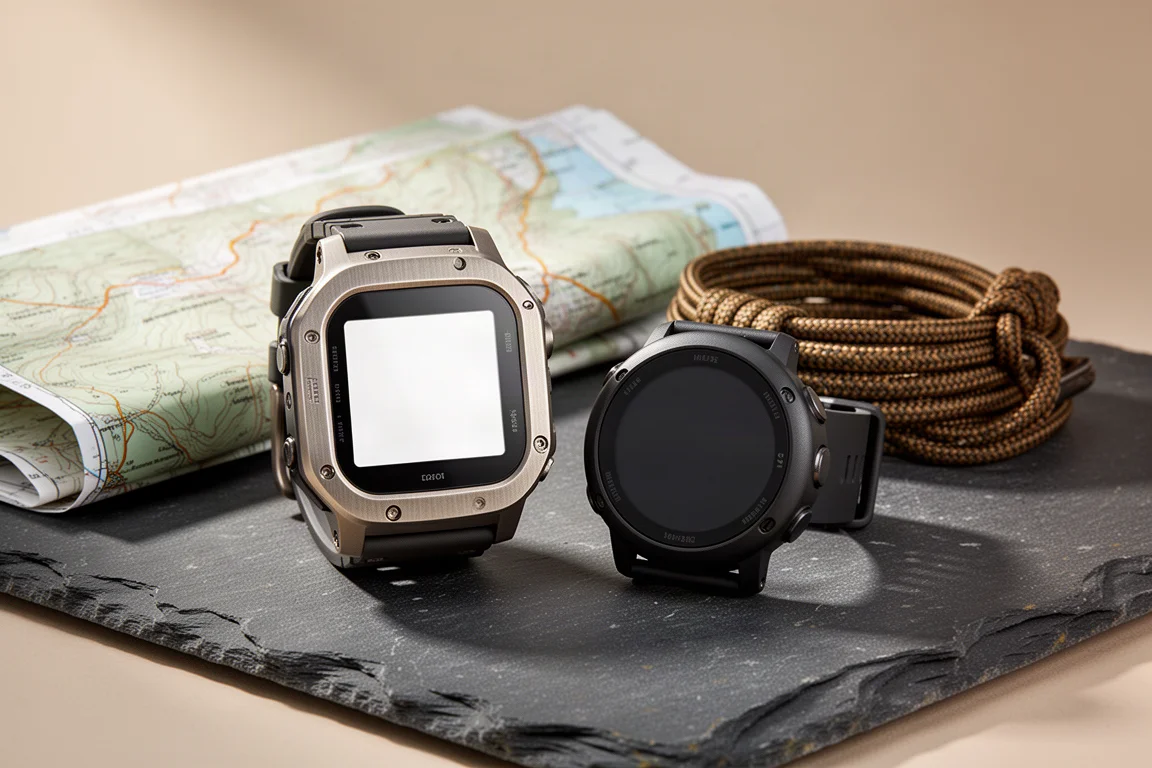
Choosing between an Apple Watch and a Garmin comes down to how you actually spend your time. Apple and Garmin are two of the biggest names in outdoor technology, and both make watches that handle GPS tracking, long hikes, and everyday wear. The difference is in where each one puts its emphasis.
The Apple Watch Ultra is, in practice, a larger and tougher Apple Watch: a bigger battery, a more durable build, and a bigger crown. What it does not include out of the box is built-in offline trail mapping, which is exactly why so many outdoor users look at Garmin first. Garmin watches take longer to learn, but they are built around ruggedness, battery life, and predictable behaviour in the field.
This guide covers the main options on both sides, including two apps that close much of the outdoor gap on an Apple Watch, and finishes with a straightforward recommendation.
What to Look For in an Outdoor Watch
Three things matter most: battery life under GPS load, the accuracy of the location hardware, and how quickly you can read what you need while moving.
On accuracy, both platforms use multi-band GPS, and in demanding terrain the two perform about the same. Two separate parts are involved: the antenna, which receives the signal, and the chipset, which interprets it and hands a position to the operating system. Antenna design gets a lot of attention, but the practical difference between these watches is small.
Battery is where the platforms diverge. Apple Watch offers a general low power mode and a workout low power mode. The general mode switches off the always-on display, which otherwise drains the battery steadily for no real benefit on a long day out. Garmin watches are designed around multi-day battery life from the start.
The third factor is interface. Apple’s setup is deliberately simple to pick up, while Garmin has a steeper learning curve. The payoff on the Garmin side is consistency: learn one Garmin watch and you can operate the rest of the range.

A watch that stays readable in bright sun, in rain, or with cold hands will serve you better than a long feature list you never open on the trail.
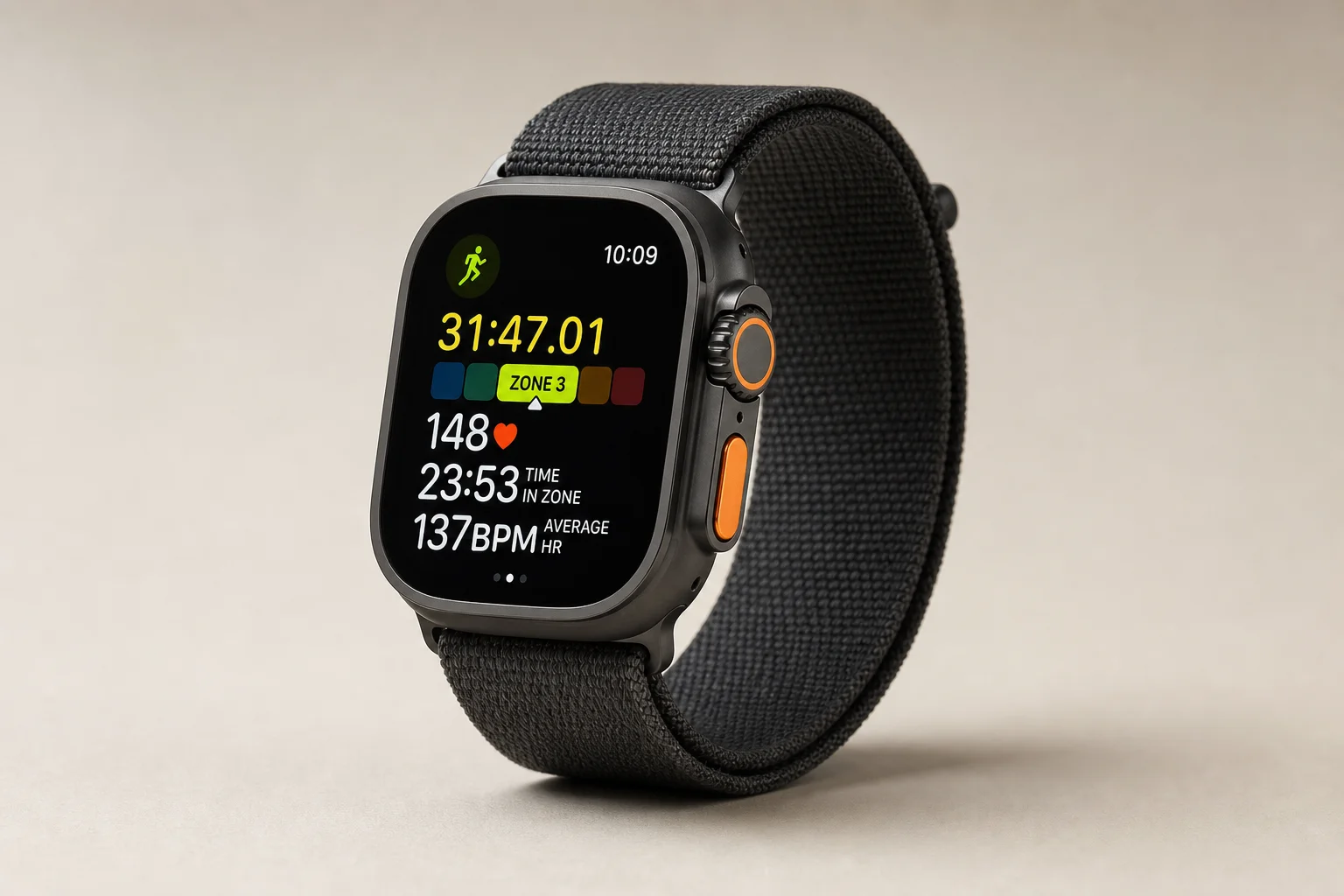
Apple Watch Ultra: A Bigger, Tougher Apple Watch
The Ultra is best understood as an Apple Watch with a larger battery, a more durable case, and a bigger crown. If you already carry an iPhone, it is the most seamless daily driver available, because Apple’s devices work together with almost no setup. Moving to a Garmin works, but it does not do everything an Apple Watch does as smoothly within that ecosystem.
What the Ultra does not offer natively is offline mapping for trails. Apple’s strength has always been its app platform, and the company leaned on third-party developers rather than building trail navigation in. For anyone expecting offline hiking routes from Apple’s own maps, that was a missed opportunity.
Two details are worth knowing before you buy. The Action button can be assigned to launch specific apps, and both navigation apps covered below support it. Fall detection can also trigger an emergency call after a hard fall, and Apple’s documentation indicates that satellite SOS on a compatible iPhone may be used when cellular service is not available.
Apple Watch SE: Capable Navigation at a Lower Cost
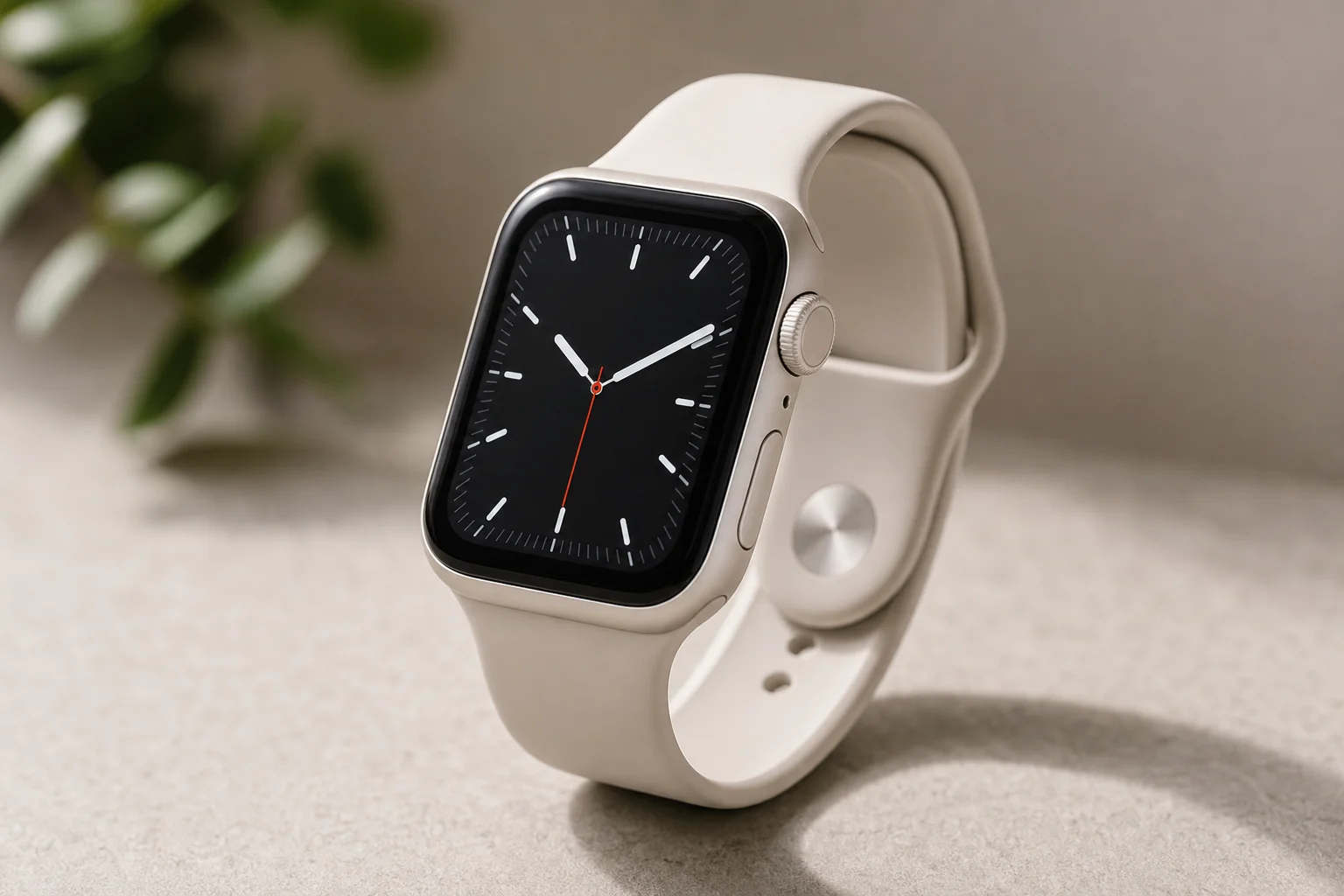
The Ultra is not the only way into this ecosystem. The apps that add offline maps and structured workout screens also run on the Apple Watch SE, and on older Apple Watches as well, so a less expensive watch can still follow a route and log a hike.
The trade-offs are predictable: less battery, less capable GPS, and no Action button. For a three to five hour hike that is usually enough. Most people are not out for twelve hours at a time, and the SE is also far lighter on the wrist than the Ultra.

If your trips are day hikes with the occasional longer outing, the SE covers the essentials without the premium price.
Footpath: Turn-by-Turn Trail Navigation
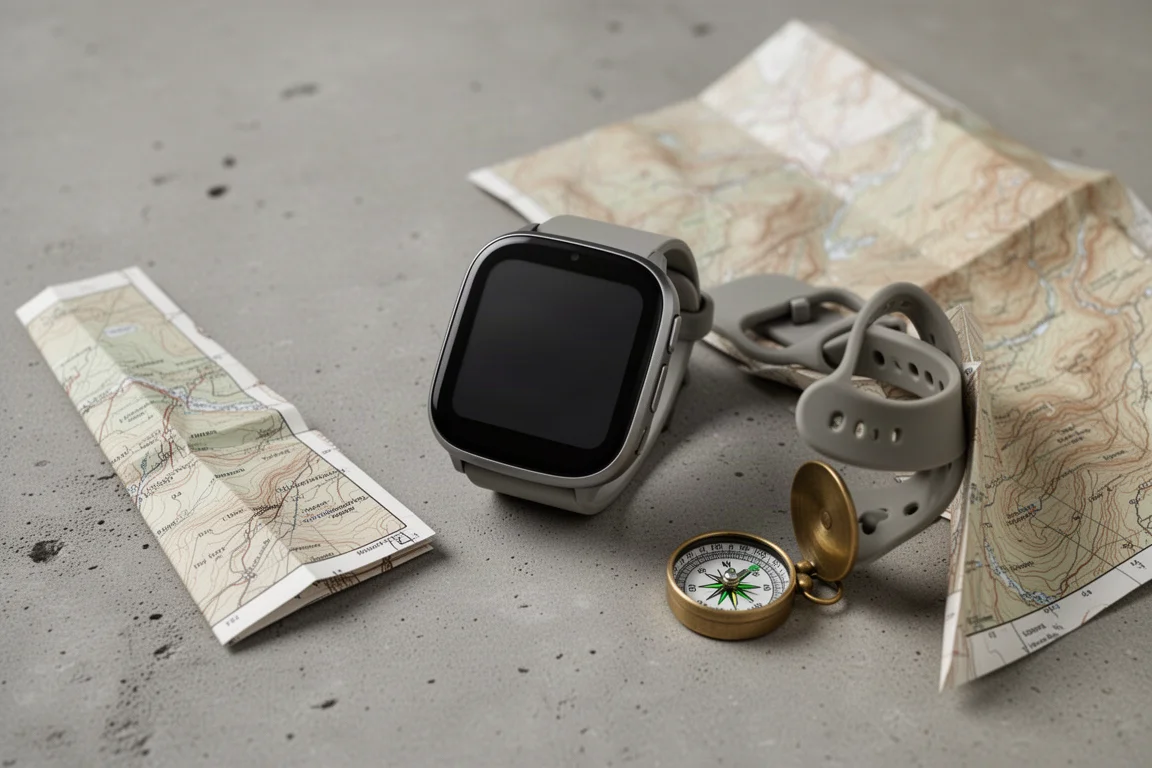
Footpath adds the offline maps and routing that the Apple Watch does not include natively. You can load offline maps onto the watch and follow a GPX route with turn-by-turn directions, much like a dedicated GPS device or a phone navigation app. Guidance arrives as small prompts on the wrist, for example a distance to the next turn and the name of the trail to take.
Full functionality, including offline maps, sits behind a premium subscription, so budget for that on top of the cost of the watch itself. The app also supports the Action button, which means a single press can drop you straight into navigation.
WorkOutdoors: A Garmin-Style Experience on Apple Watch
WorkOutdoors takes a different approach and leans into data density. It offers hundreds of data screens, offline maps, and the ability to build multiple custom screens, which is the closest an Apple Watch gets to the configurable layout Garmin users are used to.
Like Footpath, it requires an additional purchase, and it also works with the Action button. For anyone who wants pace, elevation, and route information arranged their own way, this is the app that makes an Apple Watch feel like a training tool rather than a notification device.
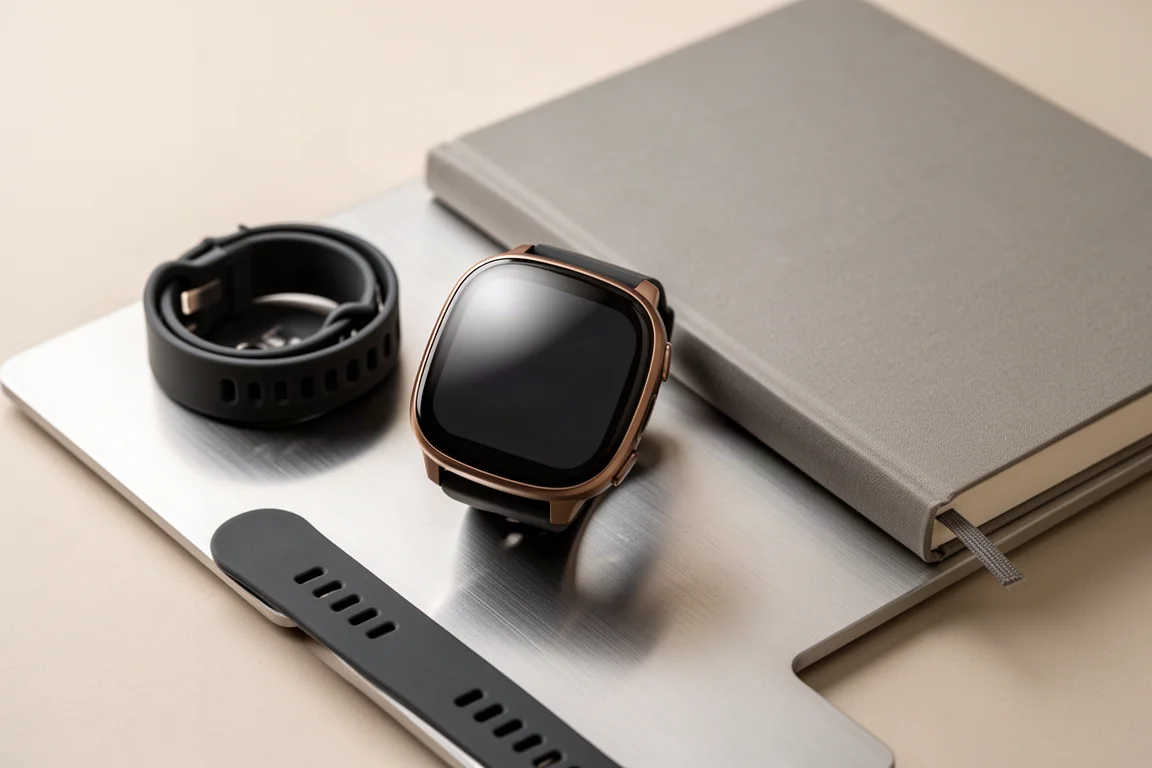
Garmin Fenix 6 Sapphire: Rugged and Simple
The Fenix 6 Sapphire sits at the rugged end of the range. It has no touchscreen, which is deliberate: buttons work with gloves, in rain, and when the display is wet. It is also expensive, in the same region as a premium Apple Watch, and it is the watch to choose if you want something that behaves identically every time you press a button.
The learning curve is real. Garmin menus are deeper and less obvious than Apple’s, but the knowledge transfers: once you understand one Garmin watch, you can use any of them.
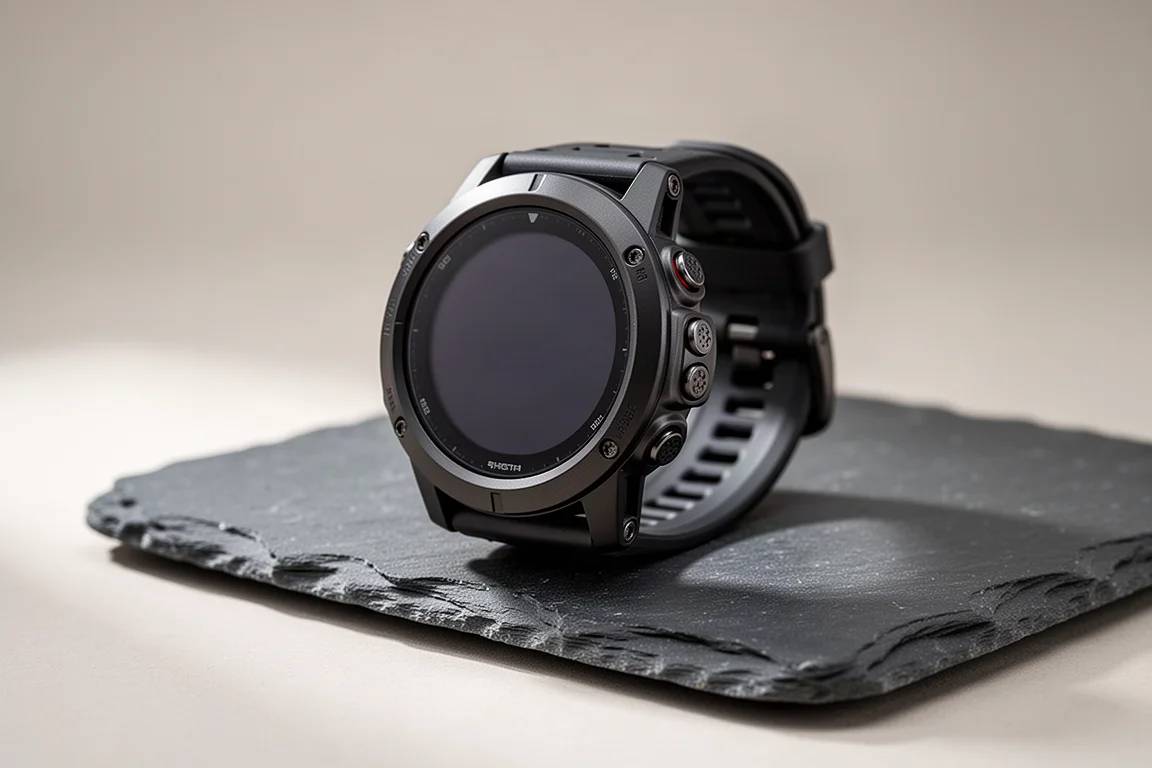
Garmin Fenix 7: Touchscreen Control on the Trail
The Fenix 7 is the newer generation and adds a touchscreen to the formula. That makes map panning and menu navigation faster, and the touch layer can be disabled when you would rather rely on buttons alone.
Everything else that makes the Fenix line appealing carries over: strong GPS performance, dependable battery life, and a design built for people who spend a lot of time outside. If you want the rugged Fenix formula with a more modern interface, this is the version to look at.
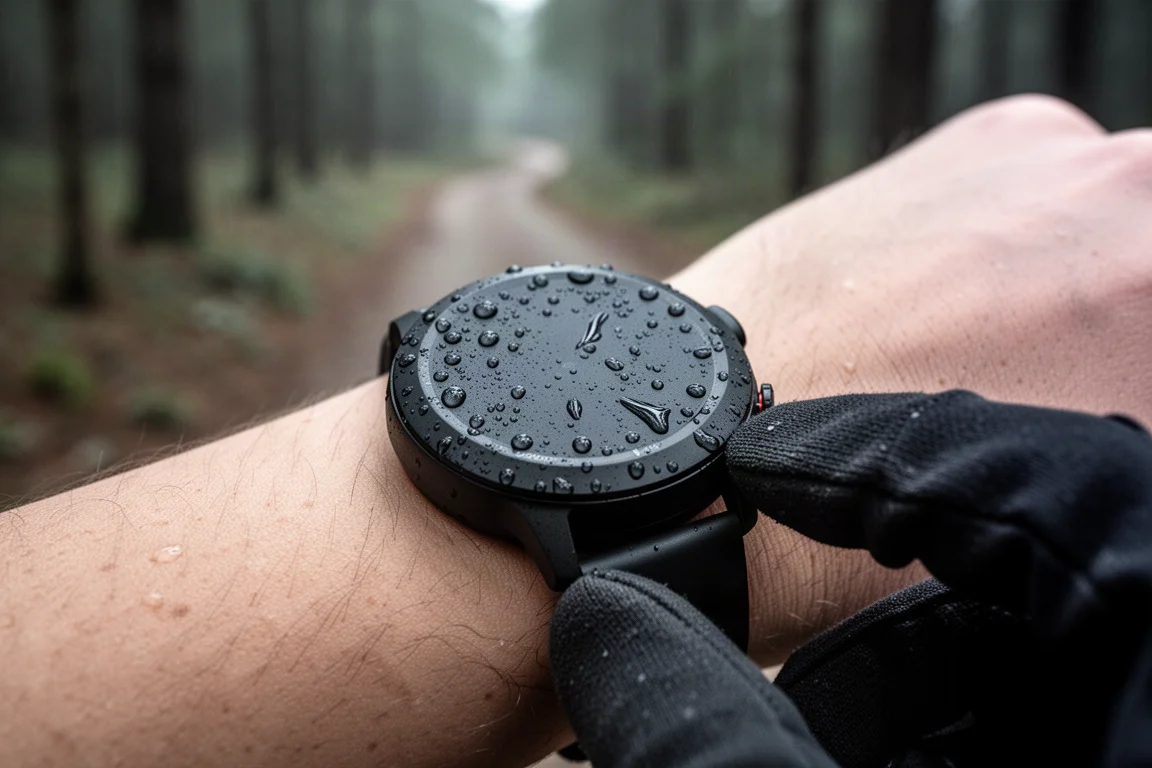
For long days out, the combination of a physical button layout and an optional touchscreen is a practical compromise between speed and reliability.
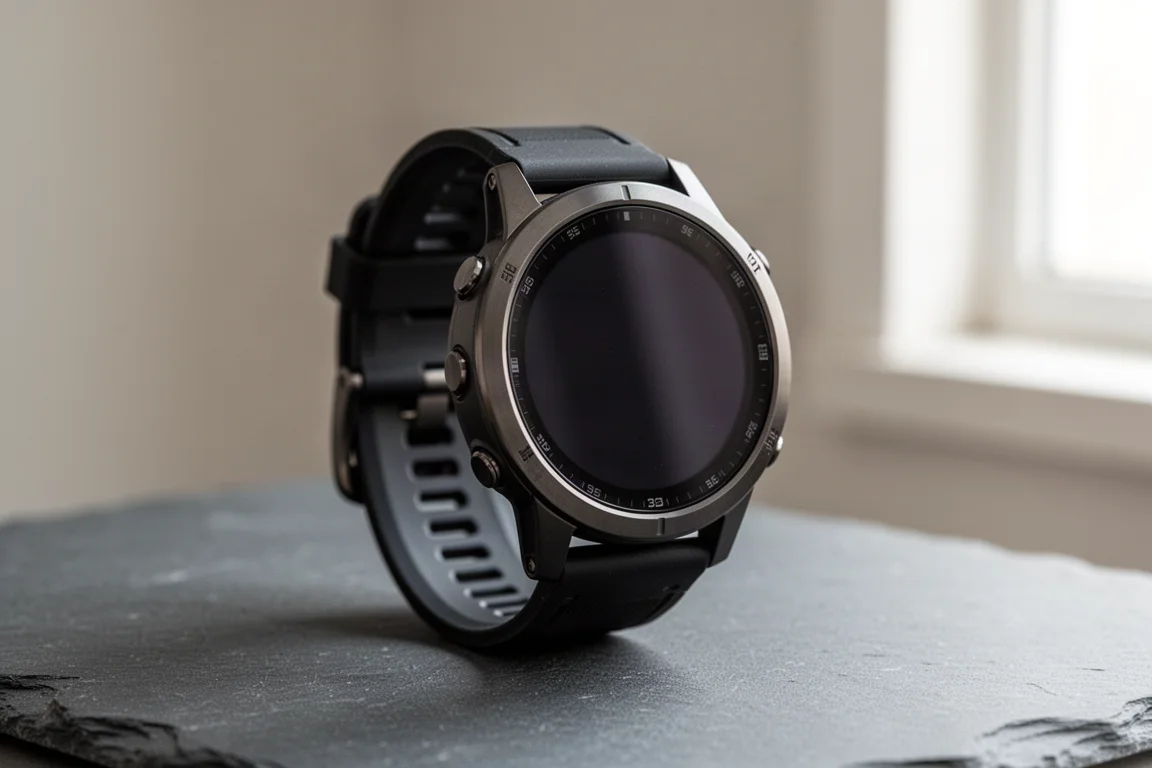
Garmin Epix: A Brighter AMOLED Display
The Epix sits between the Fenix line and a smartwatch. It uses an AMOLED display, so the screen is brighter, higher resolution, and shows more colors, which makes a real difference when you are reading trail names on a map. It also has a touchscreen, and like the Fenix 7, that touch input can be turned off.
The result is a watch that is easier to read at a glance while keeping the outdoor fundamentals intact. If map legibility matters to you more than maximum battery life, the Epix is the more comfortable choice of the two.
Overall Buying Advice
The honest answer depends on the ratio of trail time to desk time. If you are a casual hiker who does the occasional bucket list trip or backpacking weekend, but most of your life happens in the front country, an Apple Watch is the better fit. It will handle longer hikes and the odd demanding day, and it works more smoothly with the phone you already carry.
If you work outside, run ultras, or simply spend a great deal of time in the backcountry, a Garmin is the better tool. It is rugged, it lasts, and it stays straightforward when conditions turn bad.
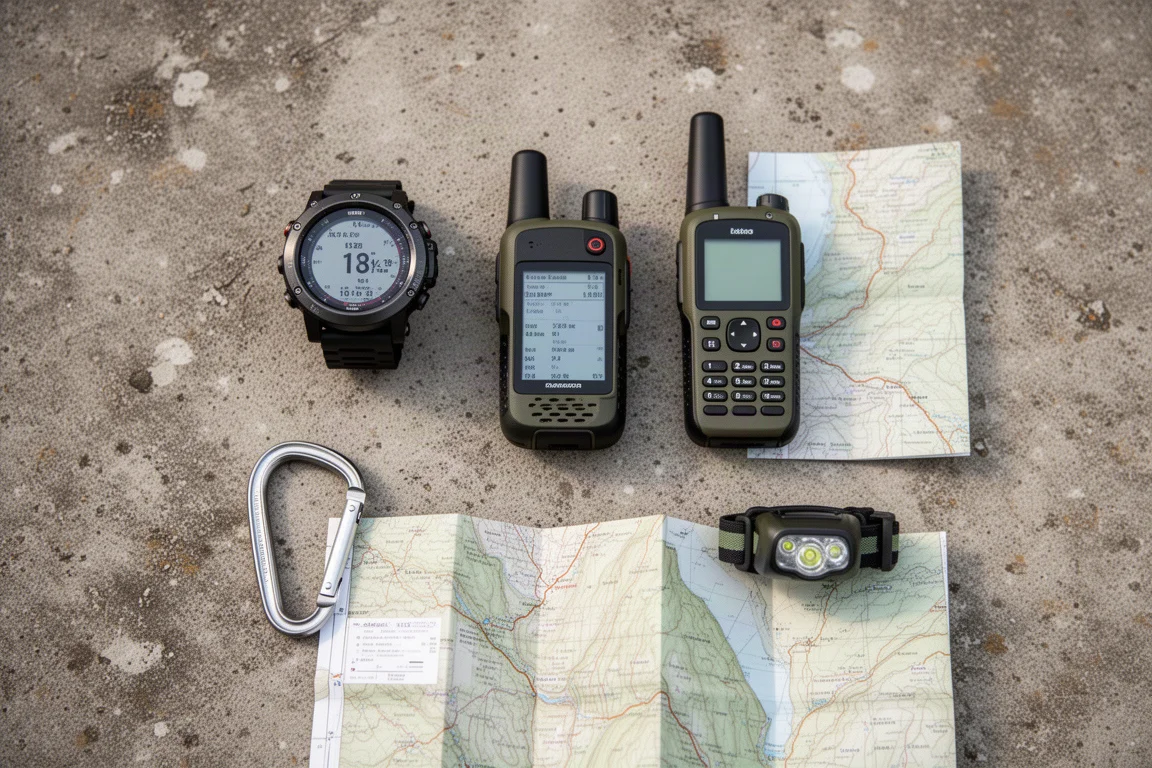
The gap between the two platforms is narrower than it looks. Both deliver accurate GPS, both aim for long battery life, and an Apple Watch can be pushed much closer to a Garmin experience with the right apps. What neither platform offers today is satellite communication built into the watch itself. That is the next significant step for this category, and while a watch is unlikely to replace a dedicated handheld communicator, it would change how people think about emergency contact in remote areas.
Conclusion
Start with how you use a watch, not with the brand. An Apple Watch Ultra or Apple Watch SE paired with Footpath or WorkOutdoors covers most hiking needs while giving you the best daily-wear experience. A Garmin Fenix or Epix covers the people who are outside constantly and want a tool that never needs babysitting.
Further reading
Related Reviews
Outdoor Watches
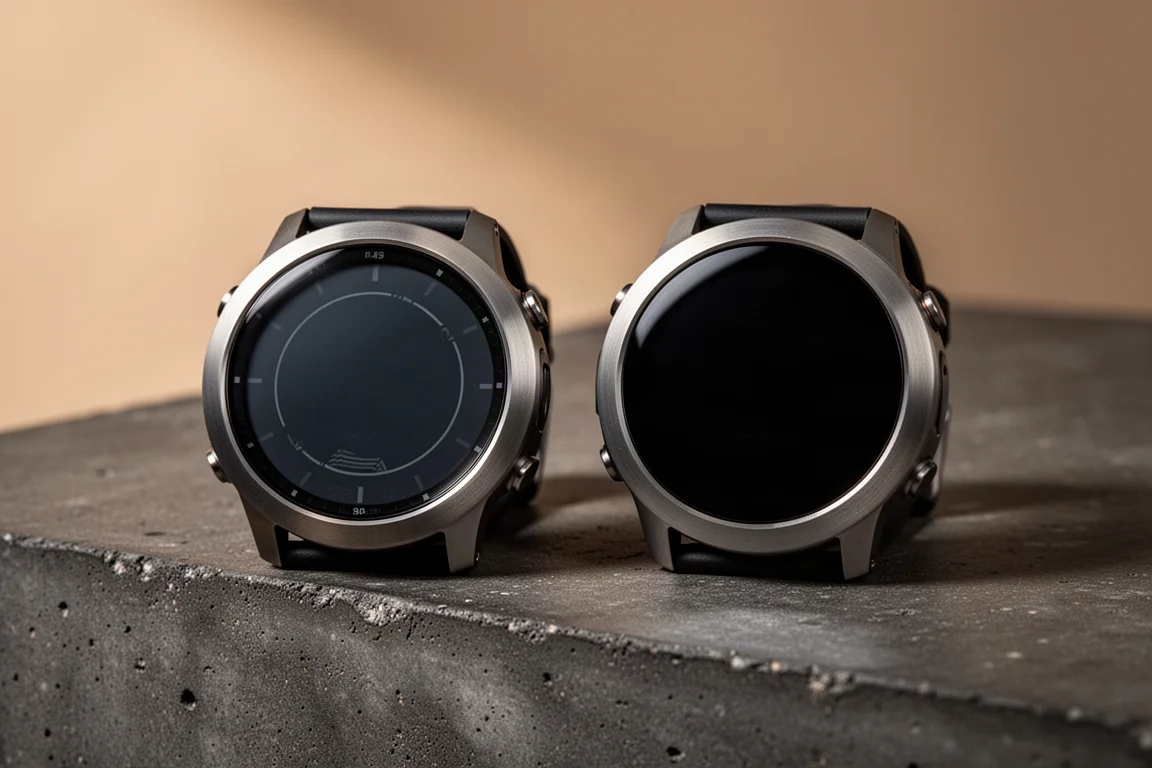
Garmin Fenix 7 Solar vs Garmin Epix: Which Outdoor Watch Fits Your Adventures?
Two top-end Garmin watches share the same build and feature set. The screen technology decides battery life, daylight readability, and how much detail you can pull from a map.
Outdoor Watches
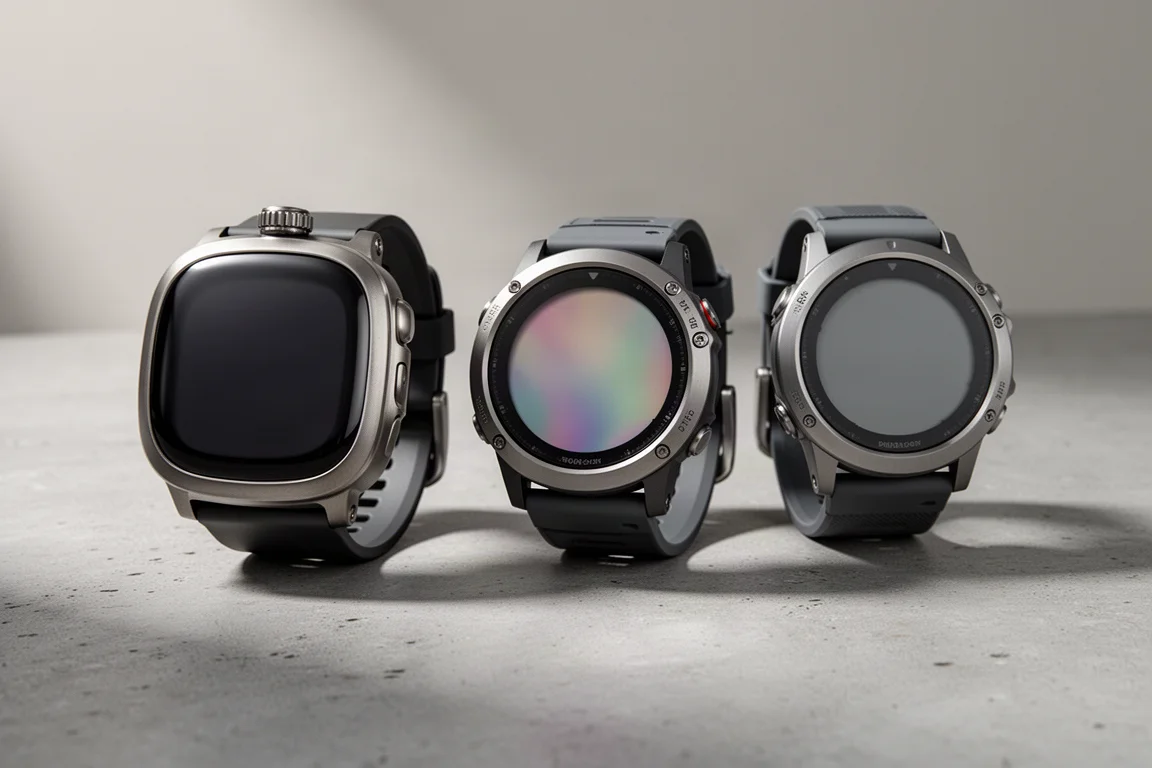
Apple Watch Ultra for Hiking: How It Compares to the Garmin Epix and Fenix
Six months of trail use show what the Apple Watch Ultra does well on hikes, where navigation falls short, and when a Garmin Epix or Fenix is the better fit.
Outdoor Watches
Garmin Enduro 3 vs Garmin Fenix 8 51mm AMOLED: Battery, Screen, and Comfort Compared
A practical comparison of the Garmin Enduro 3 and the Garmin Fenix 8 51mm AMOLED, covering battery life, screen technology, comfort, and the UltraFit nylon band that improves both watches.