Outdoor Watches
Apple Watch Ultra for Hiking: How It Compares to the Garmin Epix and Fenix
Six months of trail use show what the Apple Watch Ultra does well on hikes, where navigation falls short, and when a Garmin Epix or Fenix is the better fit.
Introduction
The Apple Watch Ultra is positioned as a rugged outdoor watch, complete with imagery of athletes crossing deserts and pushing through extreme conditions. On real trails, the picture is more mixed. The hardware holds up well, while the software side asks hikers to do more work than they should.
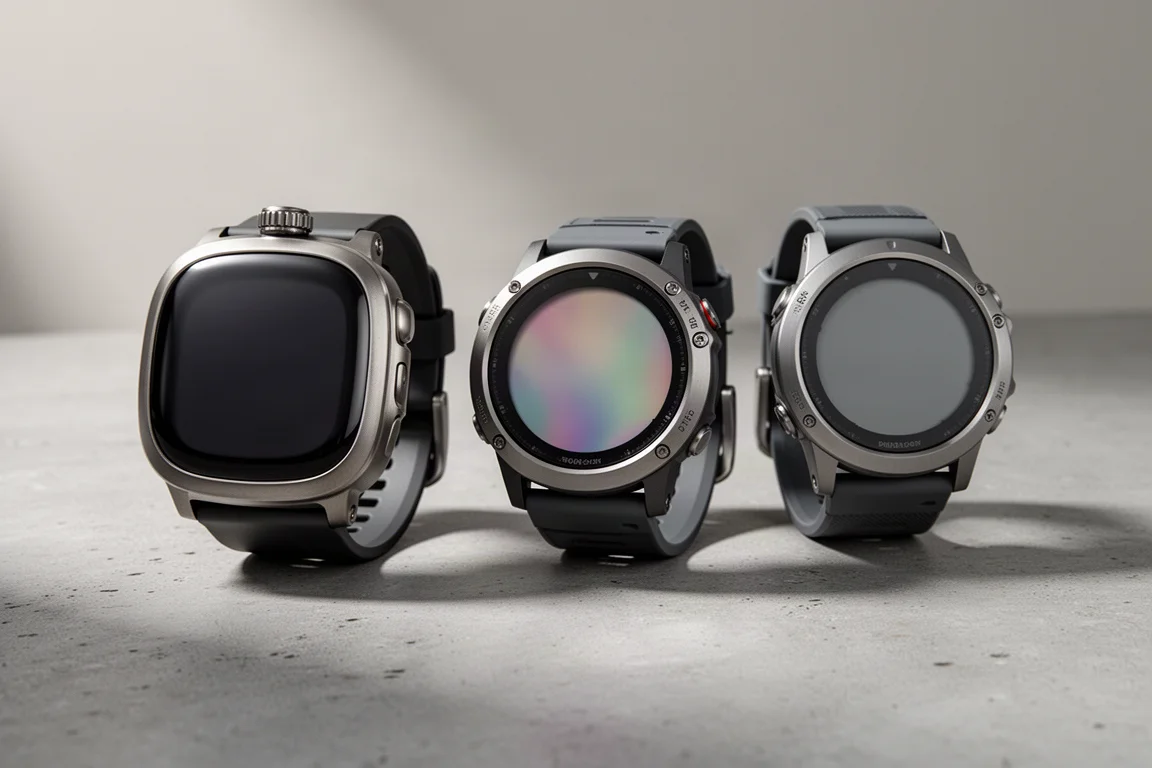
Six months of hiking with the Ultra, often worn alongside a Garmin Epix for direct comparison, makes the trade-offs clear. This guide covers what works, what does not, and how the Garmin Epix and Garmin Fenix compare for anyone who mainly wants a watch for the outdoors.
What a Hiking Watch Needs to Get Right
A hiking watch earns its place on the wrist through four things: battery life that covers a full day, positioning that stays accurate in difficult terrain, navigation you can follow without reaching for a phone, and controls that still work when hands are cold, wet, or tired.
Battery life sets the ceiling on what a watch can record. Positioning and navigation decide whether the recorded track is useful when you need it. Controls decide how much attention the watch demands at the moment you have the least attention to spare.

Most hiking watches handle one or two of those well. The Apple Watch Ultra and the Garmin watches differ mainly in how much of the navigation work is built in from the start.
Apple Watch Ultra: Hardware, Battery, and Positioning
Hardware has been the strongest part of the Ultra experience. The casing and screen have survived rough handling without scratching, the display stays bright and readable in daylight, and the oversized buttons work reliably. Nothing has broken.
The band is a different story. An Alpine Loop, chosen because the name suggests hiking, proved slow to put on and take off, since threading and hooking it takes noticeably longer than a standard band. The good news is that the Ultra accepts the regular large Apple Watch bands, so any inexpensive third-party band works. A magnetic band has been a simple and dependable alternative.
Battery life is where the Ultra separates itself from other Apple Watches. Standard models cap out at roughly six or seven hours of activity tracking, which is not enough for a long hike. The Ultra records 12 to 13 hours of hiking in normal mode, enough for most of the longest single-day hikes.
Low power mode is worth using. It turns off the always-on display so the screen wakes only when you lift your wrist, and it reduces Wi-Fi and Bluetooth communication with the phone, which means fewer notifications when you are out of range anyway. In low power mode the watch can stretch to a couple of days if those days are not too demanding.
There is also an ultra low power mode that promises around 60 hours of activity tracking, but it records a track point only every two minutes. On switchbacks that produces a straight line where you actually walked, so the distance and route data are not worth much.
Charging is manageable. A fast charge to around 80 percent fits into a coffee and a shower, and a car charger covers the trip home. Safety features are a genuine plus: a loud siren, and fall detection that can place an emergency call, send a text to emergency services when cellular coverage exists, or trigger a satellite SOS when paired with an iPhone 14 in areas without coverage. A countdown allows the alert to be cancelled. Satellite communication is not built into the watch itself.
Positioning is excellent. The Ultra uses multi-GNSS reception, drawing on satellite systems from multiple regions rather than only the US GPS network, and it is multi-band, which means it can use newer and more reliable positioning signals. Tracks come out accurate and consistent, even in challenging conditions.
One limitation: GPS behavior cannot be adjusted the way it can on a Garmin. There is no way to force GPS-only mode or to choose between every-second and smart recording. Location services sit inside the operating system, so app developers have little control, and Apple’s location stack also draws on cellular signals, Wi-Fi, the accelerometer, and the barometer. In a city, a recorded activity might lean on cell towers more than satellites. The barometer and altimeter perform well and are comparable to Garmin’s, with typical altitude accuracy of about 5 to 20 feet, though an altimeter is not a precision instrument.
Apple Watch Ultra: Where Navigation Falls Short
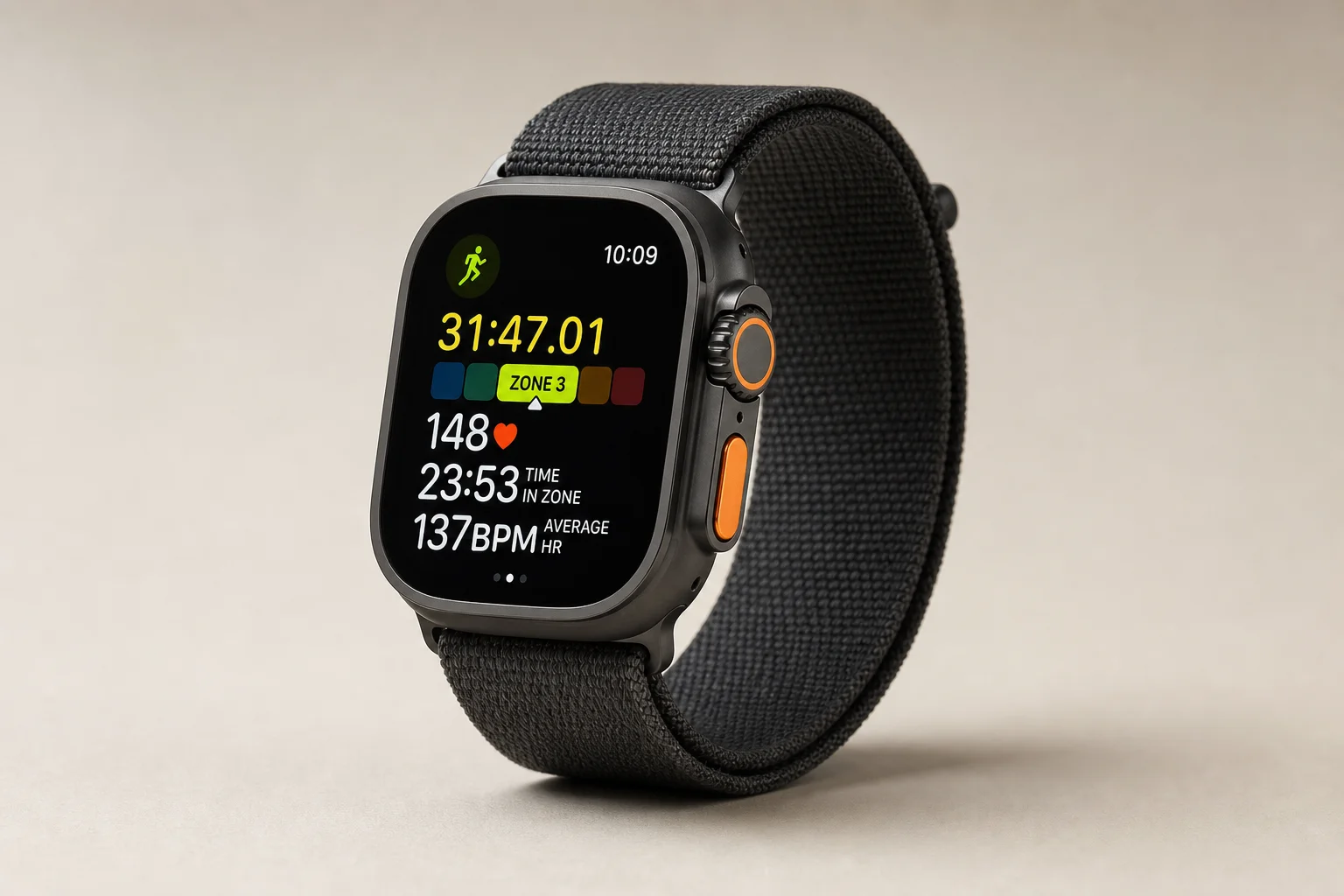
Navigation is the Ultra’s biggest weakness as a hiking watch. No navigation software is bundled, Apple Maps does not offer offline maps with walking directions, and the built-in workout app has no maps at all. The workout app is basic: data fields can be customized for a hike, but there is nothing close to what a Garmin offers, and no offline navigation.
The compass app works, and waypoints can be dropped, which is useful. Those waypoints cannot be exported or used outside the watch, and returning to one only provides a straight line. If a waypoint was dropped at the car before a long wandering hike, the route back ignores terrain and offers no context, because there are no maps on the device.
Backtrack is meant to cover this gap. It is supposed to activate when the watch is out of cellular and Wi-Fi range, saving a point every two minutes so you can retrace your steps. It did not always trigger, even well outside coverage, and it carries no map data. Garmin’s equivalent tracks far more frequently, roughly every second, and provides a detailed route back, including the option to navigate to the car on the fly.
The action button is another missed opportunity. It works with a handful of built-in apps, but not with third-party hiking apps such as AllTrails or Gaia GPS. It can be assigned a shortcut where an app supports watch shortcuts, which many do not.
Two hardware quirks are worth knowing about. Long sleeves and jacket cuffs can catch the buttons and stop an activity without warning; wearing the watch on the other wrist, or flipping its orientation, solves this. Wet sleeves can also interact with the touchscreen, though some apps allow the screen to be locked.
Touch interaction is required for almost everything outside the default workout app, whether that means swiping, pinching, tapping, or holding. That is normally fine, but after 15 to 20 mile days and 10 to 12 hours of hiking, hitting an exact tap target takes more attention than it should.

The app situation softens the navigation gap. WorkOutdoors adds configurable data screens, offline maps stored on the watch, GPX track import, and off-track alarms. Footpath comes closest to reproducing the Garmin experience, with route planning on the phone by drawing with a finger and features such as climb profiles, and it requires a subscription. Both are paid apps, a modest addition next to the cost of the watch itself. Neither removes the need to prepare software before a hike the way a Garmin does.
Garmin Epix: Navigation Built In, With a Bright Display
The Garmin Epix approaches hiking from the opposite direction. Five physical buttons plus a touchscreen, which can be disabled, cover every function. Once the button layout is learned, everything can be done without looking, even with heavy gloves or wet mittens on.
Navigation is part of the operating system rather than an add-on. Maps are already on the watch, a route can be planned on trails at the trailhead, surrounding trails are visible, and an intended track can be sent to the watch easily. Trackback records detailed points and provides a reliable route home. Notifications from either an Android phone or an iPhone come through, though the app ecosystem is far more limited than Apple’s.
The Epix uses a bright AMOLED color display similar to the Ultra’s, and map detail is excellent. Battery life lands at around a week.
Garmin Fenix: The Long-Battery Alternative
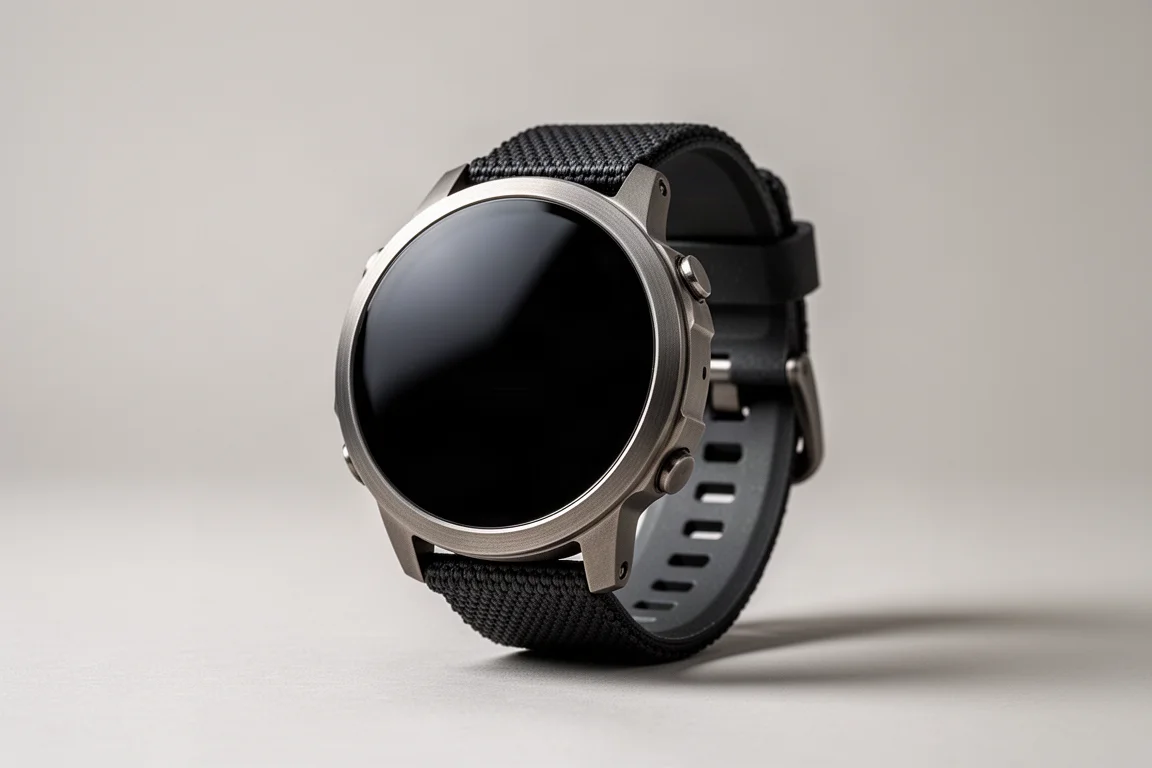
The Fenix shares the same button layout and the same built-in navigation, and trades screen quality for endurance. Its transflective display is dimmer, shows less map detail, and often needs to be angled toward the light to read clearly. In exchange, battery life runs to roughly a month.

That trade-off matters most on multi-day trips, where removing charging from the equation is a real convenience. Even the Ultra needs charging every day or so, which is one more device to keep topped up.
What the Apple Ecosystem Adds
For anyone already using an Apple Watch, the Ultra keeps everything the platform offers: Apple Pay, music, workouts, unlocking a computer, notifications, and a deep app library. It is a rugged outdoor watch that also happens to be a full smartwatch, and that combination is the reason to choose it.
The Garmin watches are not trying to compete on that front. They handle notifications, and their apps are limited, but they are built around the outdoors first.
Choosing Between Them: Practical Buying Advice
If you already use an Apple Watch and rely on it for payments, music, workouts, and unlocking your devices, the Ultra is the right choice. It handles long day hikes and overnight backpacking trips, its battery solves the biggest limitation of standard Apple Watches, and it is worth the step up from a regular model, especially when upgrading from an older generation.
If the outdoors is the priority and you want navigation and battery life without workarounds, a Garmin is the better tool. The Epix suits hikers who want a bright color screen, detailed maps, and about a week of battery. The Fenix suits those who would rather charge once a month and accept a dimmer display.

Neither choice is wrong, but they serve different habits. The Ultra rewards people who want one watch for everything, while the Garmin watches reward people who want the trail to be the watch’s main job.
Conclusion
The Apple Watch Ultra is a durable, capable hiking watch with excellent positioning, solid battery life for a single long day, and useful safety features. Its weakness is navigation, which depends on paid third-party apps and still does not match what Garmin builds in by default. For hikers inside the Apple ecosystem who want one watch for everything, it is a strong choice. For hikers who want the best outdoor tool first, the Garmin Epix and Garmin Fenix remain the more focused options.
Further reading
Related Reviews
Outdoor Watches
Garmin Fenix 7 Solar vs Garmin Epix: Which Outdoor Watch Fits Your Adventures?
Two top-end Garmin watches share the same build and feature set. The screen technology decides battery life, daylight readability, and how much detail you can pull from a map.
Outdoor Watches
Apple Watch vs Garmin: Which Outdoor Watch Should You Buy?
A practical comparison of Apple Watch Ultra, Apple Watch SE, the Garmin Fenix and Epix lines, and the two apps that add offline trail maps to an Apple Watch.
Outdoor Watches
Garmin Enduro 3 vs Garmin Fenix 8 51mm AMOLED: Battery, Screen, and Comfort Compared
A practical comparison of the Garmin Enduro 3 and the Garmin Fenix 8 51mm AMOLED, covering battery life, screen technology, comfort, and the UltraFit nylon band that improves both watches.