Outdoor Smartwatches
Apple Watch Ultra 3 vs Garmin Fenix 8 Pro: Satellite Messaging Compared
A practical comparison of satellite messaging on the Apple Watch Ultra 3 and Garmin Fenix 8 Pro, covering connection methods, reliability, messaging workflows, battery impact, and subscription considerations.
Introduction
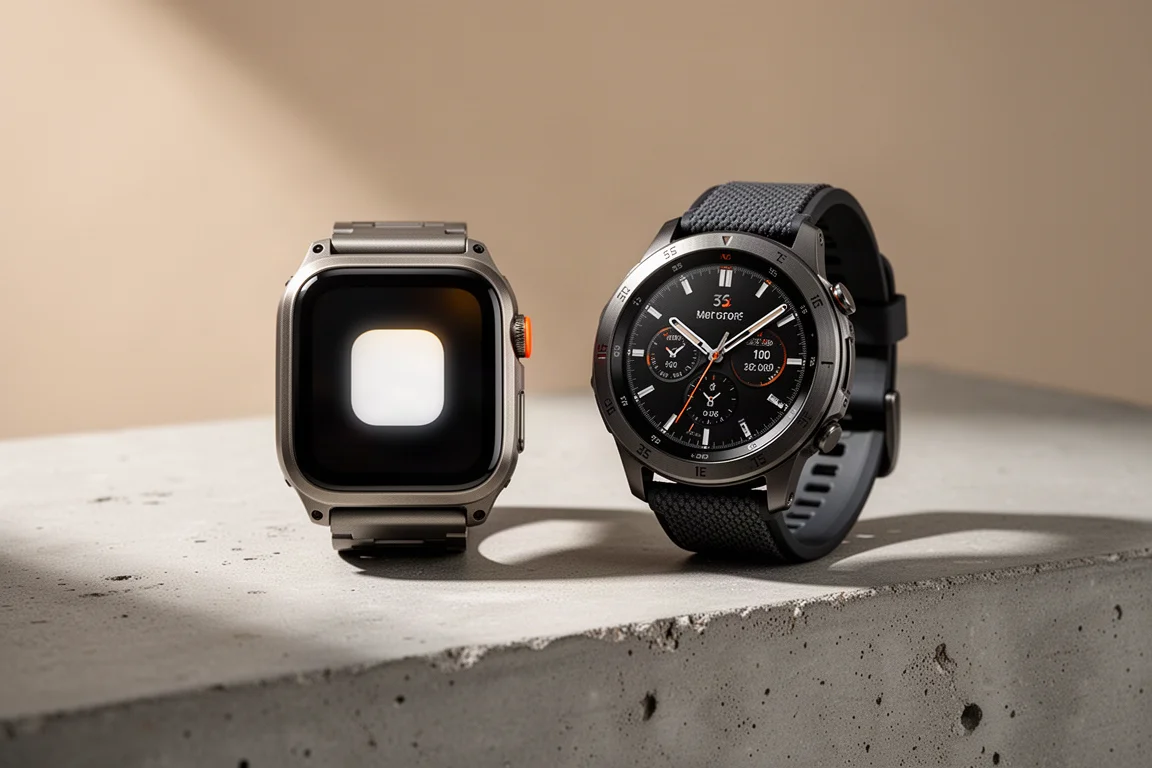
Both the Apple Watch Ultra 3 and the Garmin Fenix 8 Pro can send and receive messages over satellite without a phone. That capability changes what a watch can do in the backcountry, but the two watches approach it differently. The choice comes down to how each one connects, how messaging fits your existing habits, and what you are willing to manage before you leave the trailhead.
How Satellite Connectivity Works on Each Watch
The Apple Watch Ultra 3 uses low Earth orbit satellites. These satellites circle the Earth roughly 879 miles above the surface, and several dozen are in motion at any time. If no satellite is overhead, one is likely to pass within range in a few minutes. That matters if you are stuck on a cliff or in a narrow drainage and cannot move. You can stay put and wait for a satellite to come into view.
The Garmin Fenix 8 Pro uses geostationary satellites about 22,000 miles above the surface. They sit over the equator and remain fixed over one spot as the planet turns. That gives each satellite a huge footprint on Earth, so coverage from a single satellite is broad. The trade-off is that the farther you are from the equator, the lower the satellite sits on the horizon, which can make a connection trickier. Because the satellite does not move for you, you may need to move if terrain blocks your line of sight.

Apple also has a specific condition for switching to satellite. The watch uses satellite only when there is no cellular or Wi-Fi signal. If you have a paired iPhone with you, that iPhone also needs to be disconnected or out of cell and Wi-Fi range. If the iPhone connects to the T-Mobile Starlink system, that counts as a connection, and the Apple Watch Ultra 3 will not switch to satellite mode. When everything is disconnected, a small satellite icon appears on the watch.
Garmin takes a more flexible approach. You can carry your phone in airplane mode, which many hikers do, and the watch will try its internal LTE connection first, then fall back to satellite. You can also go into settings and configure the watch to use satellite only when your phone is not connected. That user control is a meaningful difference for anyone who wants to decide when satellite is used.
Apple Watch Ultra 3: Connection and Reliability
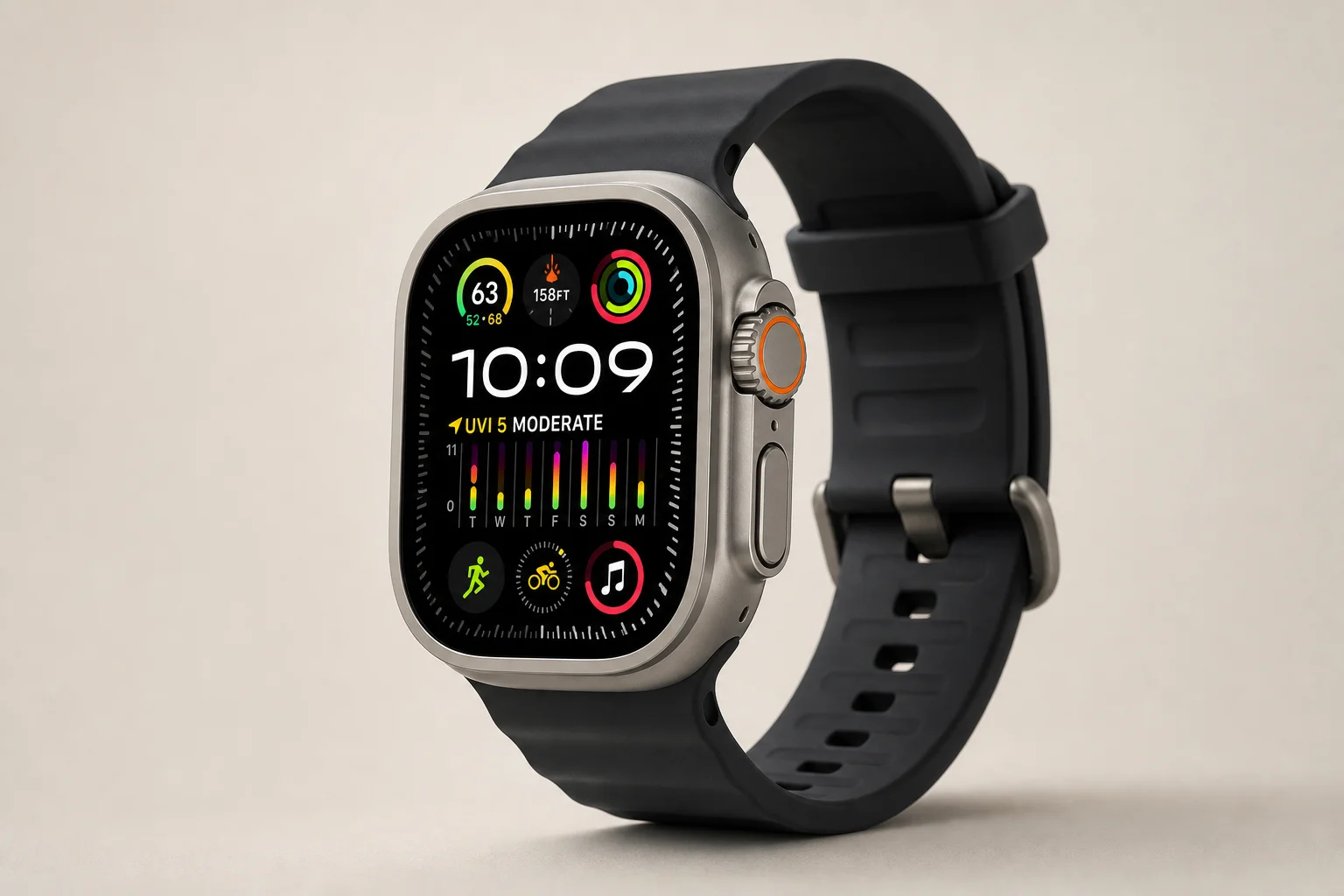
On the Apple Watch Ultra 3, you can open satellite options from the small satellite icon or by adding a satellite control to Control Center. The Control Center route gives you a larger tap target, which is easier when you are sweaty, tired, or wearing gloves. From there you can send a message, share your location, or start an emergency SOS.
The connection process is designed to be simple. You compose a message, hit send, and wait for a satellite to come into range. The interface tells you when a satellite is coming or how long you may have to wait. You can hold the watch naturally, as you would when checking the time, rather than twisting your wrist into an awkward position. When the satellite comes overhead, a circle turns green, and a progress bar shows the message going out.
In field use, this watch has been remarkably consistent. Over weeks in the backcountry, connections have been solid, with only occasional waits of a few minutes for a satellite to pass into view. Messages have gone out and come back without requiring a special stance or repeated repositioning. For anyone who has used satellite messaging on an iPhone, the experience feels like a miniature version of that same flow.
Messaging is where the Apple Watch Ultra 3 feels most integrated. You can use offline speech-to-text by talking to the watch, or bring up a keyboard if you prefer. Messages go to the same contacts you already text from your iPhone, and replies arrive at your regular phone number. There are no secondary apps or workarounds in the normal case.
There are caveats. For iMessage recipients, you must have texted them within the last 30 days for satellite messaging to work. For non-iMessage recipients, such as an Android phone, your iPhone must be powered on and connected to cellular or Wi-Fi data, though it does not need to be with you. If your phone is with you and offline, that path does not work. Location sharing is manual through the Find My app, and satellite SOS goes to a standard emergency service such as 911.
Garmin Fenix 8 Pro: Messaging and Subscription Requirements
The Garmin Fenix 8 Pro connects through geostationary satellites, which requires pointing the watch toward the satellite. The process starts by rotating your body to face the satellite, using a compass rose and a satellite icon on the screen. If the compass needs calibration, you may have to move your wrist and arm in a figure-eight pattern. Then you tilt your wrist so the watch face lines up with the satellite. When the circles on the screen overlap, you hold steady. The circle turns blue while the watch searches, then green when it connects.
Because the satellite is fixed over the equator, you cannot wait for it to move into a better position. If a cliff, dense canopy, or steep terrain blocks the signal, you may need to relocate. The broad footprint of a geostationary satellite helps in many places, but the low horizon angle at higher latitudes can make the alignment more difficult.
Once connected, the Garmin Fenix 8 Pro has low latency. Messages go out quickly and replies come back quickly. The watch can send and receive messages and even handle tapback reactions over satellite. It can message anyone, ideally through the free Garmin Messenger app for the best experience, or through an SMS number. The watch does not have its own phone number, so messages come from a random number that can change over time.
Typing is the main compromise. There is no voice-to-text, so you type on the watch keyboard. Predictive text helps, and you can load quick text messages ahead of time through the Messenger app. You can also share your location by sending a normal message with your location attached, and you can trigger a satellite weather forecast from the phone in the Messenger app. Satellite SOS goes to the Garmin Response team, which is set up for outdoor emergencies and has handled more than 20,000 backcountry rescues.
Satellite features require a Garmin InReach subscription, with different levels depending on how much satellite time you use. Coverage is available in certain countries, and unlike traditional Garmin InReach devices, the Fenix 8 Pro does not work on 100 percent of the globe. The watch also uses a different satellite system than those traditional InReach units.
Messaging Features and Workflow Differences
The feature sets overlap in important ways. Both watches can send and receive messages over satellite, and both can keep a connection alive so you can text back and forth without reconnecting after every message, unless the connection drops. Both show a green icon when connected. Both make location sharing a manual action rather than automatic tracking.
The difference is how naturally each fits into your existing messaging life. The Apple Watch Ultra 3 works through your normal messaging flow. If you want to text the same people you text every day, the watch behaves like a smaller version of your phone. The Garmin Fenix 8 Pro works best when the person on the other end is willing to use the Garmin Messenger app. If they are, the experience is fine. If you want to send ordinary text messages without asking someone to install another app, the Apple Watch Ultra 3 has the advantage.
Battery Life and Real-World Reliability
Satellite use does affect battery life, though the impact depends on how much you message. Sending four to six messages, or having a heavier back-and-forth exchange, drained the battery by roughly 1 to 2 percent. Sending a message every hour or two did not put much of a dent in the battery. In an SOS situation, you would likely send more messages, so charging to 100 percent before heading out is a sensible habit.
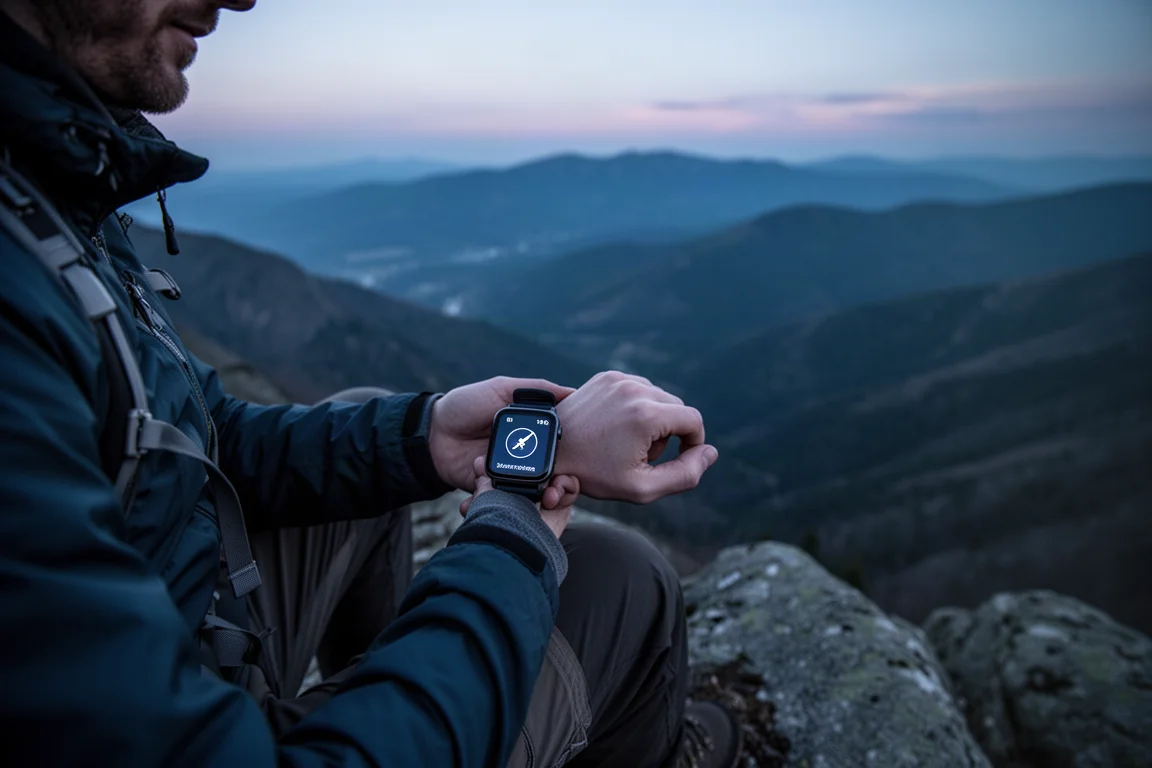
Reliability is the bigger practical difference. The Apple Watch Ultra 3 has been the more consistent performer for satellite connections. It has connected reliably, sometimes after a short wait for a satellite to pass overhead, and it has allowed messages to be sent and received while holding the wrist naturally. The Garmin Fenix 8 Pro has been more hit or miss when connecting. Once connected, it is fast, but there have been repeated difficulties getting to that point. It tends to struggle under tree cover and has failed even under blue skies, though blue skies are where it works best. Both watches can also take longer to send and receive than larger devices such as an iPhone or a handheld Garmin InReach.
Coverage and Subscription Considerations
Coverage for both watches is limited by country, and the limitation is generally regulatory rather than technical. If satellite messaging is not available where you live, the satellites may still pass overhead; the service simply has not been approved. Apple has been adding countries to its supported satellite list over time, and the same is likely to continue for the Apple Watch Ultra 3.
The subscription models differ. The Apple Watch Ultra 3 includes free text messages and location sharing over satellite for two years, but it requires an active carrier or cellular plan on the watch. In the United States, that is usually an add-on to a phone plan that costs between 10 and 20 dollars. Emergency SOS works whether or not you have a cellular plan on the watch. The Garmin Fenix 8 Pro requires a Garmin InReach subscription for connected features, including SOS, and the plan levels depend on how much satellite time you expect to use.
Buying Advice: Which Watch Fits Your Satellite Needs
If satellite reliability and a familiar messaging workflow matter most, the Apple Watch Ultra 3 is the stronger choice. It was easier to connect, more reliable in the field, and it fits into the same messaging habits you already use on an iPhone. It is a good match for trail runners, hikers, and anyone who wants a watch that can send a message without asking the recipient to use a separate app.
If you prefer explicit control over when satellite is used, or you already rely on Garmin outdoor tools and the Garmin Messenger app, the Fenix 8 Pro has real appeal. It works in airplane mode, lets you decide how satellite and LTE are prioritized, and connects to the Garmin Response emergency team. It is a reasonable choice for users who are comfortable managing a subscription and who value the ability to configure the connection behavior.
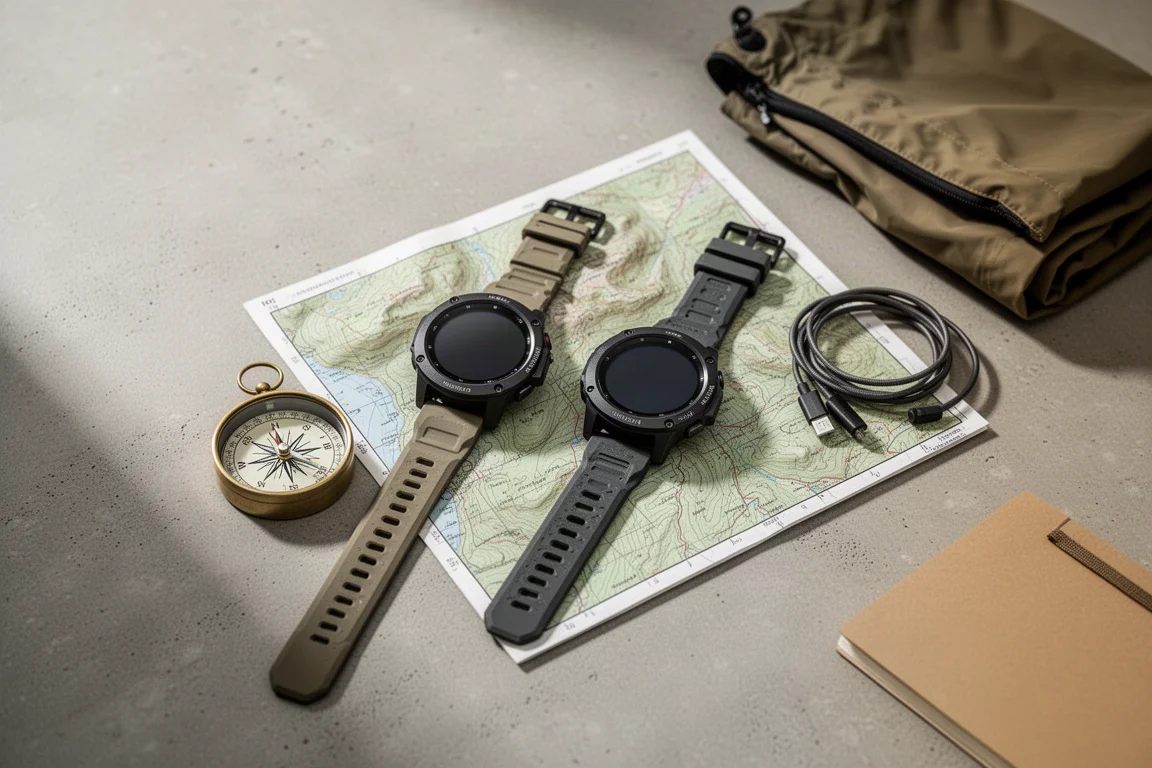
For many people, the watch will not be the only satellite communicator they carry. A phone with satellite messaging, a handheld satellite messenger, or both can add redundancy. The watch still adds a useful layer because it stays on your wrist. If you fall, lose your phone, or drop your pack, satellite connectivity on your wrist can remain available. The right choice depends on whether you want the simplest and most integrated experience or the most configurable one.
Conclusion
The Apple Watch Ultra 3 and the Garmin Fenix 8 Pro both bring satellite messaging to the wrist, but they do it in different ways. The Apple Watch Ultra 3 wins on connection reliability, ease of use, and integration with everyday messaging. The Garmin Fenix 8 Pro offers more user control, a broader single-satellite footprint, and a dedicated outdoor emergency response team, but it asks more of you in setup, alignment, and subscription management. Match the watch to the way you actually communicate outdoors, and either one can be a valuable safety tool.
Further reading
Related Reviews

Backpacking Gear
Building a 10 lb Base Weight: An Ultralight Backpacking Gear List
A practical walkthrough of the ultralight pieces behind a 10 lb base weight, from a 765 g pack and a roomy one-person tent to a full camp chair and a dependable water filter.

Road Bikes
10 New Road Bikes Worth Watching: Aero, Titanium, Steel and Endurance Standouts
A practical roundup of 10 new road bikes, from aero flagships chasing single-watt gains to titanium, steel and endurance platforms built for real roads.
Bikepacking Gear
11 Bikepacking Essentials for Long-Distance Cycling
Eleven bikepacking essentials for long-distance cycling, from a steel gravel frame and a two-person tent to helmet lights, packable gloves, and a frame bag that puts weight in the right place.