Fitness Wearables
Apple Watch Training Load and Effort Rating: A Long-Term Training Review
watchOS 11 brings effort ratings, training load tracking, and a new Vitals app to the Apple Watch. Here is how they work and where they fall short.
Introduction
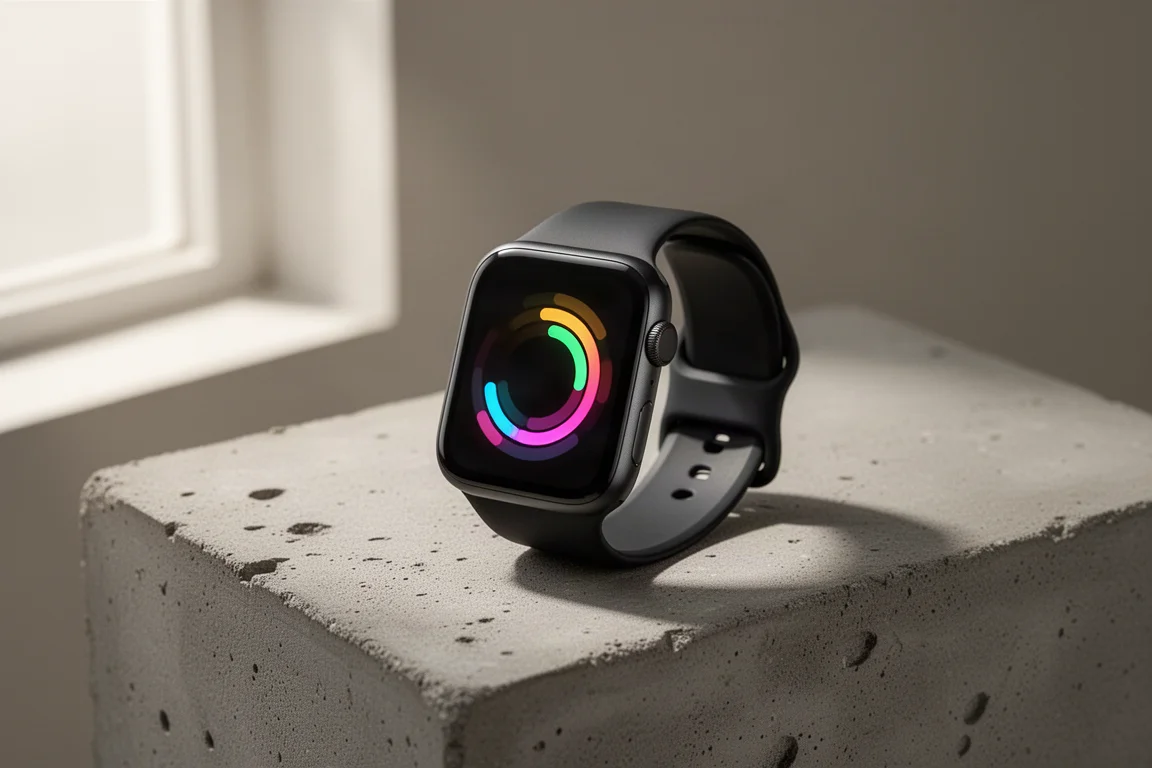
Apple watches are widely considered some of the best smartwatches around, but on the training side they have historically stopped at tracking individual workouts. You burned some calories, you closed your rings, and that was about it. Questions like how hard a workout actually felt, or whether you are putting in more work this week than the last four weeks, went unanswered.
With watchOS 11, Apple is finally addressing that gap with two new training features: an effort rating for individual workouts and a training load view for long-term trends. Alongside them comes a new Vitals app focused on the recovery side. Here is a closer look at what these features do, how they compare to traditional training tools, and who they make sense for.
Effort Rating: A 1 to 10 Score With Room for Your Opinion
Effort rating represents the intensity or exertion of a particular workout. It is assigned automatically for most cardio-based workouts, and it is not just about heart rate. The calculation factors in your age, height, and weight, along with workout data such as heart rate, GPS data, and elevation.
The scale runs from 1 to 10: easy (1 to 3), moderate (4 to 6), hard (7 to 8), and all out (9 to 10).
The most interesting part is that you can adjust the rating based on your own perception of the workout. Maybe you were not well rested, or conditions were extra humid or windy, or you crushed a session that the watch scored higher than it felt. Apple lets you override the automatic score, and that adjustment flows directly into your training load. This is the most distinctive difference between Apple’s implementation and how other brands handle training load.
In testing, most moderate to high exertion workouts landed around a 7, which matched perceived exertion reasonably well. Curiously, even some harder sessions still registered a 7, and a few supported cardio workouts did not receive an effort rating at all, with no clear pattern as to why. There were also occasions where the rating did not appear on the workout summary screen but showed up in the workout details inside the Activity app. Some of this may simply be early-software roughness.
For non-cardio workouts like weight training, you can add an effort rating manually.
Training Load: The Big Picture Over 7 and 28 Days
Training load takes your effort rating and factors in duration, then uses that per-workout data to track longer-term trends. The core comparison is your last 7 days of training against your last 28 days. That makes it useful in two common scenarios: ramping up training consistently for something like a marathon build, or tapering properly and making sure you are actually holding back before a race.
The concept closely mirrors what Garmin, Coros, TrainingPeaks, and many others already offer, but the definition varies. Traditional training load is a specific figure calculated from pure data, typically time spent in different heart rate zones. Apple instead incorporates your own perceived exertion into the calculation, which is genuinely different.
Does that approach work? Largely, yes. Consider two very different sessions: a brutal one-hour interval block pegging heart rate at its maximum, versus a five-hour hike where heart rate stays moderate the whole time. On a purely heart-rate-based system, the hike would produce a far lower training load figure, yet your body can feel equally spent after both. Apple’s perception-based model can account for that kind of scenario, and for extended low-heart-rate activities it is arguably a more honest reflection of the load on your body.

There are a couple of muddy areas, though. First, you do not get an individual training load score for each workout. You see your effort rating, and in the training load graph you see only a percentage indicating whether you are above or below your 28-day average, not an actual number. If training load is effort rating multiplied by duration, displaying that number per workout would make the system far easier to understand.
Second, adjusting effort rating for long workouts creates a mental loop. Duration already factors into training load, but duration also naturally raises how hard a long session feels. If you rate a long session harder because it was long, are you double-counting? It takes some time to wrap your head around, and clearer per-workout numbers would help resolve the confusion.
The Vitals App: Your Daily Recovery Check-In
The new Vitals app tracks a set of metrics while you sleep: heart rate, respiratory rate, wrist temperature, blood oxygen saturation, and sleep duration. The goal is a daily check-in showing whether these metrics fall within your normal range, with an alert if any data point is out of range.
Out-of-range readings have obvious explanations too: an elevated heart rate after a very hard workout, a higher respiratory rate when something is off, or lower blood oxygen while sleeping at altitude. The watch needs about a week to establish your baseline, after which it can flag outliers. In practice, a typical night might show a slightly lower heart rate and respiratory rate than usual, wrist temperature close to the edge of range, and longer sleep duration, all still within normal limits. You can also review the last 7 days for each metric and, at the bottom of the app, link back to your training load graph.
As a recovery tool, Vitals is currently telling you whether things look normal or abnormal. That means it can offer clues about days you should perhaps not train, but it does not tell you when you are primed for a big session. Notably, heart rate variability is not currently factored in, even though HRV can be an important signal for how well your body has recovered.
If you own an Apple Watch Ultra, you can add both Vitals status and training load as complications on the modular watch face, arranged around the bezel. What is missing is a direct tie-in between the two: a combined readiness-style verdict like the ones found on Garmin, Whoop, and Oura. For now, comparing your training load trend against your Vitals data requires manual analysis on your part.
Things to Consider Before Buying
These features work best if you understand what they are and are not. Effort rating makes sense for the most part, and the ability to adjust it to match reality is genuinely valuable, especially for long, low-intensity sessions that traditional heart-rate-based systems underscore. Training load is useful for tracking whether your training is increasing, holding steady, or decreasing over time, which is exactly what the concept is intended for.
The main critiques are naming and transparency. Training load is an established term built on hard, zone-based numbers, and Apple’s perception-informed version redefines it, which could confuse anyone arriving from other platforms. And without a visible per-workout training load number, the connection between effort rating and the resulting load remains opaque.
It is also worth framing all of this as a foundation. Apple has laid the groundwork for a more cohesive training and recovery system in the future, one that could eventually rival the readiness features on other platforms. Right now, it is a strong start rather than a finished recovery engine.
Buying Advice: Who Should Care About These Features
If you already track training with traditional tools, Apple’s approach is still worth engaging with, mainly for how it handles long endurance activities where heart-rate-only load undersells the effort involved. If you are newer to tracking long-term training trends, the 7-day versus 28-day comparison is a simple, approachable way to see whether you are building, maintaining, or cutting back, and Vitals gives you a daily sanity check on recovery signals.
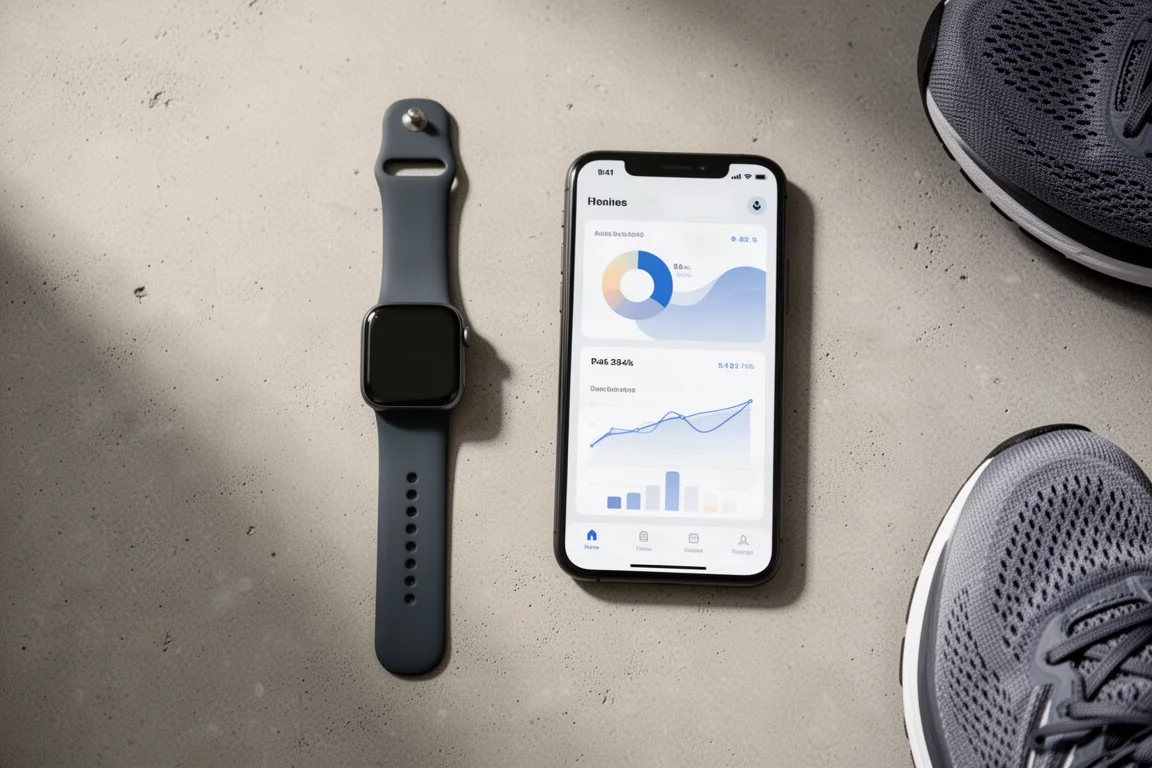
Anyone shopping for a smartwatch that now covers both workout tracking and basic recovery monitoring will find the watchOS 11 feature set meaningful, with the caveat that the deepest training and readiness insights still live on competing platforms. The elements are in place, and the direction Apple is heading looks promising.
Conclusion
Effort rating, training load, and the Vitals app fill a long-standing gap on the Apple Watch, turning it from a great workout logger into something closer to a training tool. The perception-based approach to load is a thoughtful take on a familiar concept, even if the missing per-workout numbers and the lack of HRV integration leave room to grow. As a first step toward a fuller training and recovery ecosystem, it is a convincing one.
Product link
View more details for Apple Watch
This product is mentioned in the review. Check the specifications, options, and compatibility before buying.
View more details for Apple WatchFurther reading
Related Reviews
Fitness Wearables
COROS EvoLab VO2 Max Review: How Close Is the Estimate to a Lab Test?
COROS EvoLab estimated a VO2 Max of 61 against a lab result of 63.5. Here is what the estimate gets right, where its limits sit, and who should trust it.
Fitness Wearables
Coros HR Monitor Review: A Simple Optical Armband That Mostly Delivers
The Coros Heart Rate Monitor broadcasts accurate heart rate over Bluetooth with a comfortable strap and solid battery life, but a few steady-state wobbles and missing features give some pause.
Fitness Wearables
Garmin Circa vs Whoop, Fitbit, Amazfit and Polar: Which Wearable Gets the Data Right?
We compare eight wearables across workout heart rate, automatic activity detection, sleep, steps and calories to see where each one earns its place on your wrist or bicep.