Mobile Gaming Accessories
8BitDo FlipPad vs GameSir Pocket Taco: Which Vertical Phone Controller Fits You Best?
Two compact vertical phone controllers with very different approaches to connectivity, controls, and everyday use. Here is how they compare across seven practical categories.
Introduction
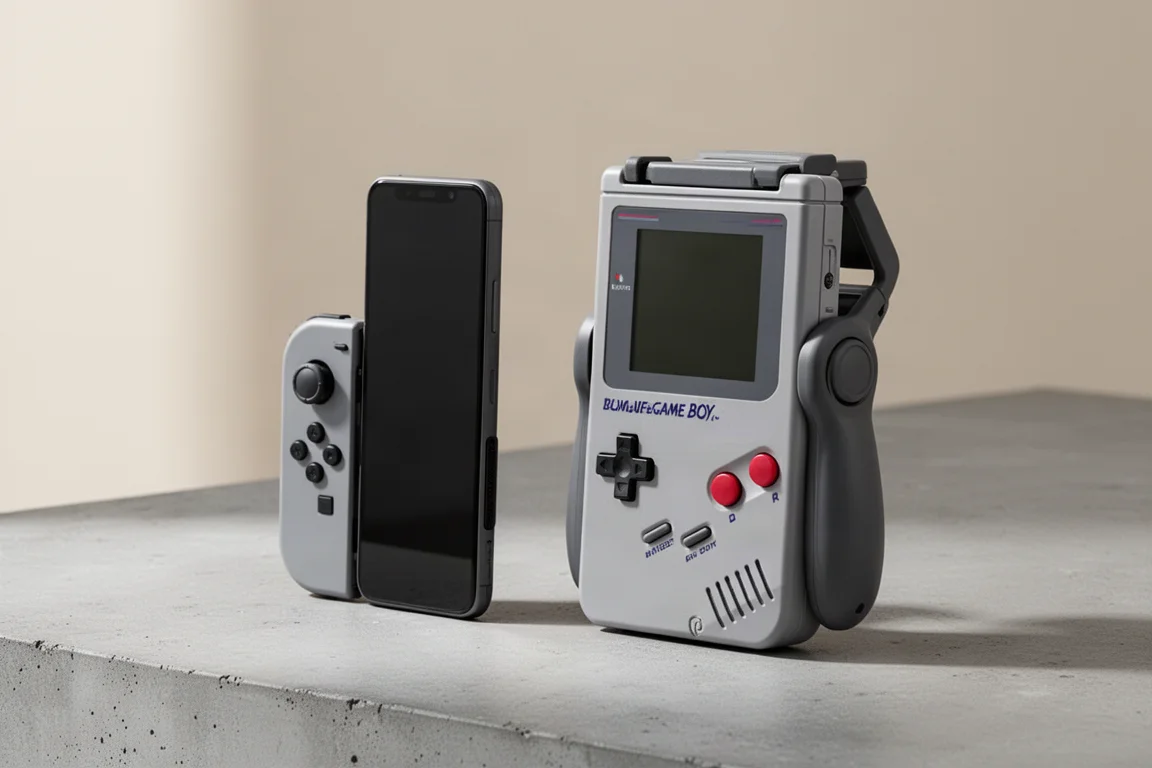
If you enjoy quick retro gaming sessions on your phone, a vertical controller can turn any commute into a pocket arcade. Two of the most talked-about options in this space are the 8BitDo FlipPad and the GameSir Pocket Taco. At first glance they look similar: both attach to your phone and let you play games in a vertical orientation. But once you dig into connectivity, controls, and everyday usability, they take very different approaches.
This comparison breaks down seven practical categories to help you decide which one matches your habits, your phone, and the games you actually play.
Price and Color Options
The 8BitDo FlipPad is the more affordable option at around $30, while the GameSir Pocket Taco typically retails for about $35. Both go on sale from time to time, so the gap can shrink depending on when you buy.
The price difference is partly justified by what comes in the box. The GameSir includes its own carrying case, and it also packs Bluetooth connectivity and an internal battery. The 8BitDo keeps things simpler: it is a wired controller that draws power directly from your phone.
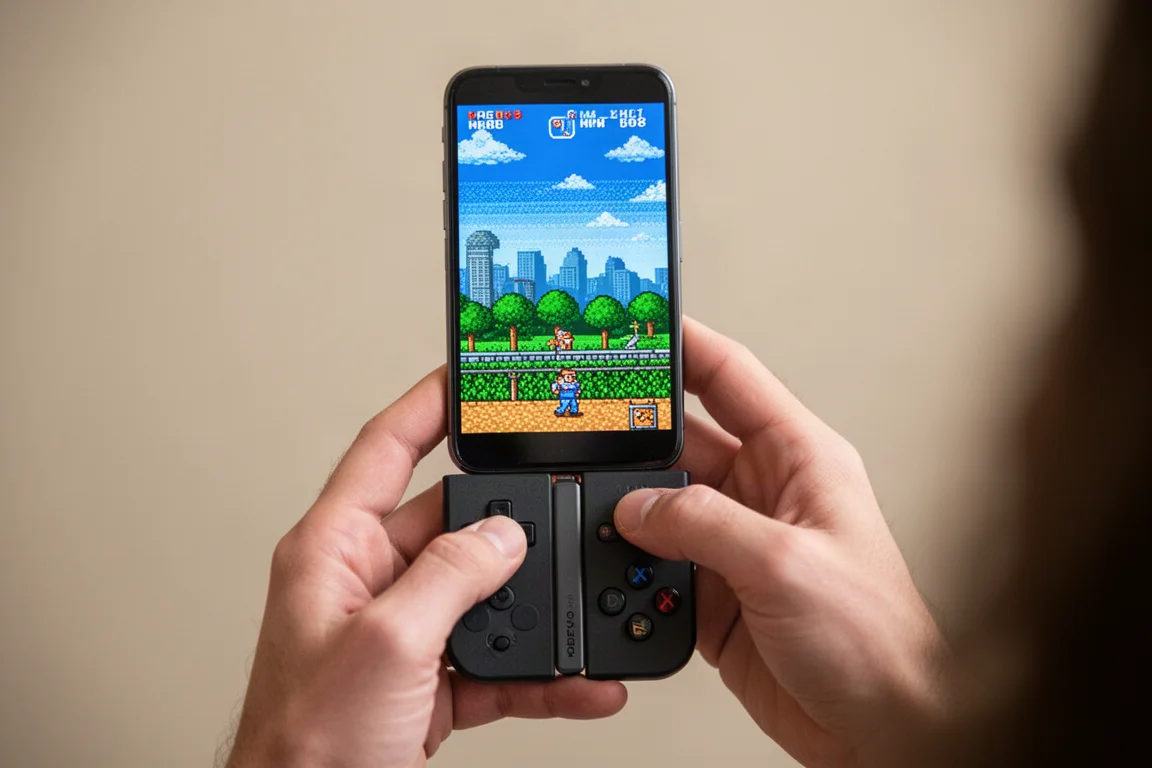
In terms of colors, the 8BitDo FlipPad launched with two options: a retro gray that nods to the original Game Boy, and an all-black version that blends in nicely for everyday carry. The black model is particularly appealing if you want something subtle for gaming on the go.
The GameSir Pocket Taco originally shipped with a Game Boy-inspired gray finish that closely matches the look and feel of the classic handheld. More recently, GameSir added a transparent purple colorway called Voltage Purple, which pairs nostalgic styling with black buttons.
For price and color, the 8BitDo takes the win here. It is cheaper, and the all-black option is hard to beat for low-key portability.
Fit and Compatibility
This is where the two controllers diverge significantly. The 8BitDo FlipPad is a wired controller that connects via USB-C directly into your phone. That means it only works with USB-C devices, so older iPhones with Lightning ports are out of luck.
The USB-C port on the FlipPad is slightly elevated to accommodate a phone case. If you do not use a case, you will likely notice a gap and some wobble when plugged in, which puts unnecessary strain on the port. With a slim case installed, however, the fit becomes rock solid with no movement at all.
The GameSir Pocket Taco sidesteps these concerns entirely. It uses a clamp design and connects via Bluetooth, so it does not matter whether your phone has USB-C or Lightning, or whether you use a thick case or no case at all. It simply clamps on and pairs wirelessly.
Because the 8BitDo is wired, it is limited to the vertical orientation when attached to your phone. The GameSir, on the other hand, can be used in multiple ways. You can open it up to trigger the power mechanism, or press and hold the home button to turn it on without opening it, allowing you to use it as a standalone Bluetooth controller in landscape orientation if you prefer.
There is even a 3D-printed landscape extension for the GameSir that adds MagSafe functionality and optional wings for extra comfort. For sheer compatibility and flexibility, the GameSir wins this section easily.
Size and Portability
If you want the smallest possible option, the 8BitDo FlipPad is the clear winner. It is incredibly thin and light, to the point where you can easily forget it is in your pocket.
The GameSir Pocket Taco, even without its carrying case, is roughly twice the size and weight of the 8BitDo. Add the included case and it approaches the footprint of a dedicated handheld console like the Miyoo Mini Flip. Both are pocketable, but the GameSir is noticeably present in your pocket, while the 8BitDo disappears.
One minor quirk with the 8BitDo is the exposed USB-C port that hangs off the side when not in use. It is a small design oddity, but not a dealbreaker.
For size and portability, the 8BitDo takes this category without much contest.
Buttons and Controls
The button feel on these two controllers is quite different, and which one you prefer will depend on the games you play.
The 8BitDo FlipPad uses dome switches that are clicky and responsive, similar to a Nintendo Switch Joy-Con but slightly stiffer and louder. The face buttons feel solid, and the D-pad is precise, though a bit stiff for some tastes. The select and start buttons are soft and rubbery.
One drawback is the button layout. Because there is no backing, the shoulder buttons sit on top and are treated more like additional buttons. Pressing a shoulder button and a face button simultaneously is awkward, though the shoulder buttons do work well for hotkeys in emulators.
The 8BitDo also includes a star button for turbo functionality and a home button. The home button position can be problematic: on iOS it may accidentally bring up the game menu, and on Android it can take you back to the home screen depending on the app.
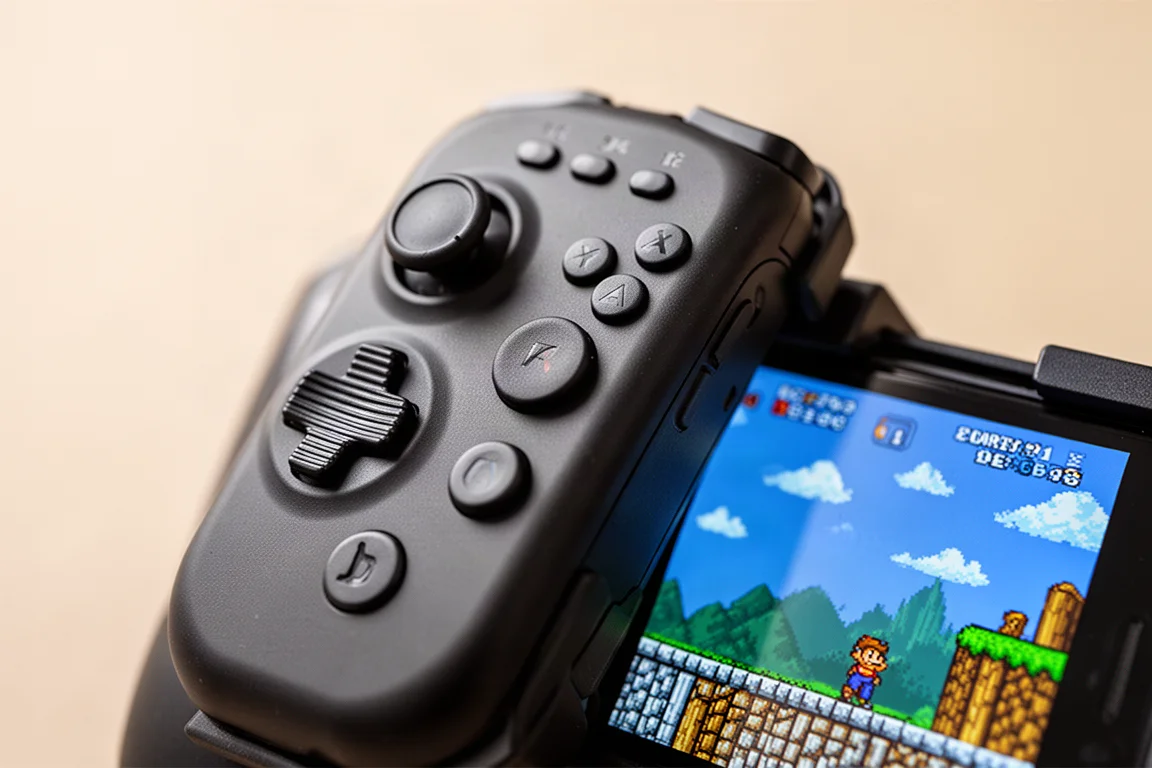
The GameSir Pocket Taco uses rubber membrane buttons that are quieter and softer, with a more mushy D-pad. The buttons are larger and roomier, and the select and start buttons feel like the original Game Boy. It also has proper shoulder buttons that are clicky but not too loud, which is a significant advantage.
The function buttons on the GameSir are positioned out of the way, reducing accidental presses. It also offers a diagonal lock feature: press and hold the M button plus down for about five seconds to switch to four-way input only, which eliminates false diagonals in games like Tetris or Pokémon. Toggle it off the same way when you need full diagonal control.
The GameSir also lets you remap the D-pad to act as a left or right analog stick by holding the M button with left or right. This opens up games that require analog input, like Mario Kart 7 on 3DS emulation, which the 8BitDo cannot handle at all.
In practice, the 8BitDo D-pad is more precise and passes the Contra test easily, while the GameSir D-pad produces false diagonals that can be frustrating in fast-paced games. The GameSir feels better overall with its roomier buttons and true shoulder buttons, but the 8BitDo is more accurate for precision platformers.
This section is essentially a draw. The GameSir offers more versatility with analog stick modes and shoulder buttons, while the 8BitDo delivers superior D-pad precision out of the box.
Comfort and Handling
You might expect the larger GameSir to be more comfortable, but the 8BitDo actually feels better in hand. Because it is so thin and flat, it sits on the front of your phone and feels like part of the device. The back of your phone remains exposed, creating a seamless and natural grip.
The GameSir is roomier with more space for your fingers and proper shoulder buttons to rest on, but it still feels like an attachment rather than an extension of your phone. It can also feel a bit flimsy, as if it could be pulled off easily.
Comfort is a personal preference. Some people will prefer the thicker grip of the GameSir, but the 8BitDo feels more cohesive and integrated.
Connectivity
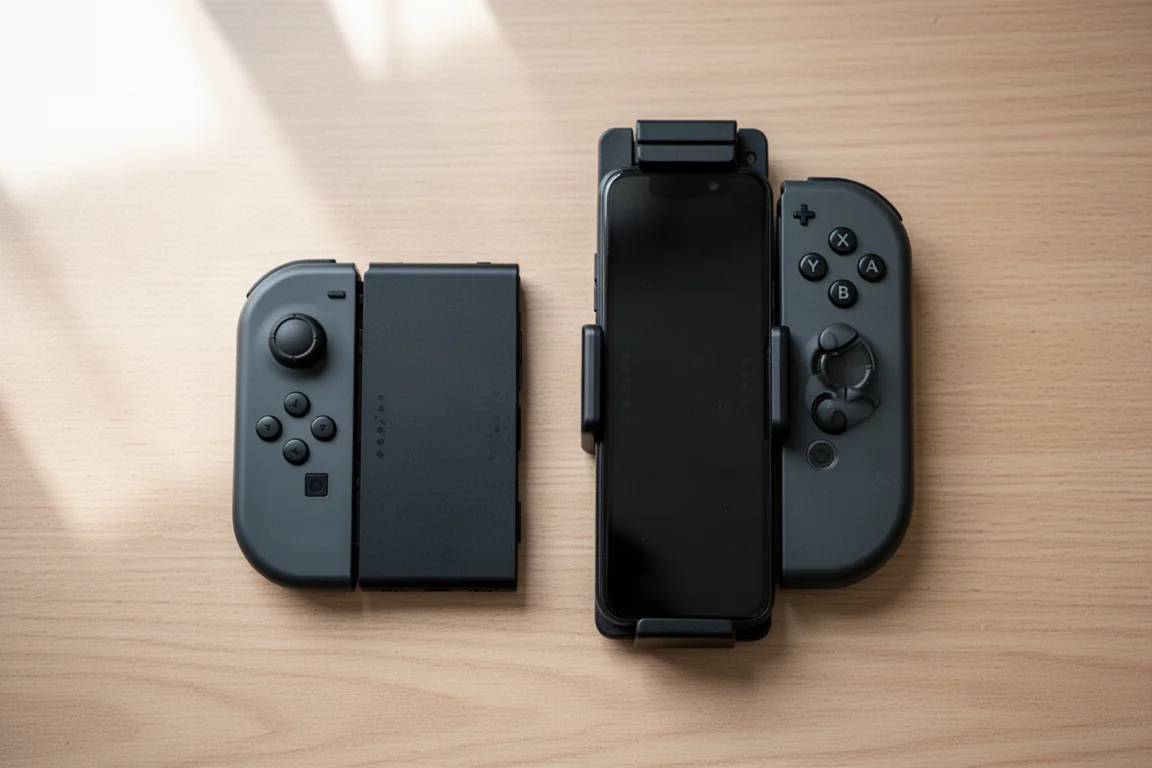
The 8BitDo FlipPad is plug-and-play. Connect it via USB-C and it works immediately with no pairing or configuration. It draws a small amount of power from your phone, though the drain is minimal in practice.
The GameSir Pocket Taco is a Bluetooth controller with multiple pairing modes. Hold B plus home for Android mode, A plus home for DualShock or PS4 mode, or Y plus home for Switch pairing mode. This flexibility means you can use it with a Nintendo Switch or as a standalone controller for landscape gaming.
Bluetooth also frees up your USB-C port, so you can charge your phone while playing by routing a cable through the clamp. The GameSir has its own internal battery, so it does not drain your phone.
For sheer connectivity options, the GameSir wins. But for simplicity, the 8BitDo is hard to beat. When you want a quick pickup-and-play session, just plugging in and going is a huge convenience.
Gameplay and Everyday Use
In daily use, the 8BitDo has been less headache-inducing. You can flip it open while it stays connected, making it easy to switch between apps or answer a quick message without removing the controller.
The GameSir is more cumbersome in this regard. You can open it slightly to tap the screen, but for the most part you have to pull it off to access your phone. It also has a tendency to power off the controller when you close it, which means reconnecting before your next session.
Both controllers are best suited for retro gaming in portrait orientation. On iOS, your main options are RetroArch and Delta, which work well with vertical layouts and custom skins. On Android, you have more robust emulation options, including Azahar for 3DS and Melon DS for DS games.
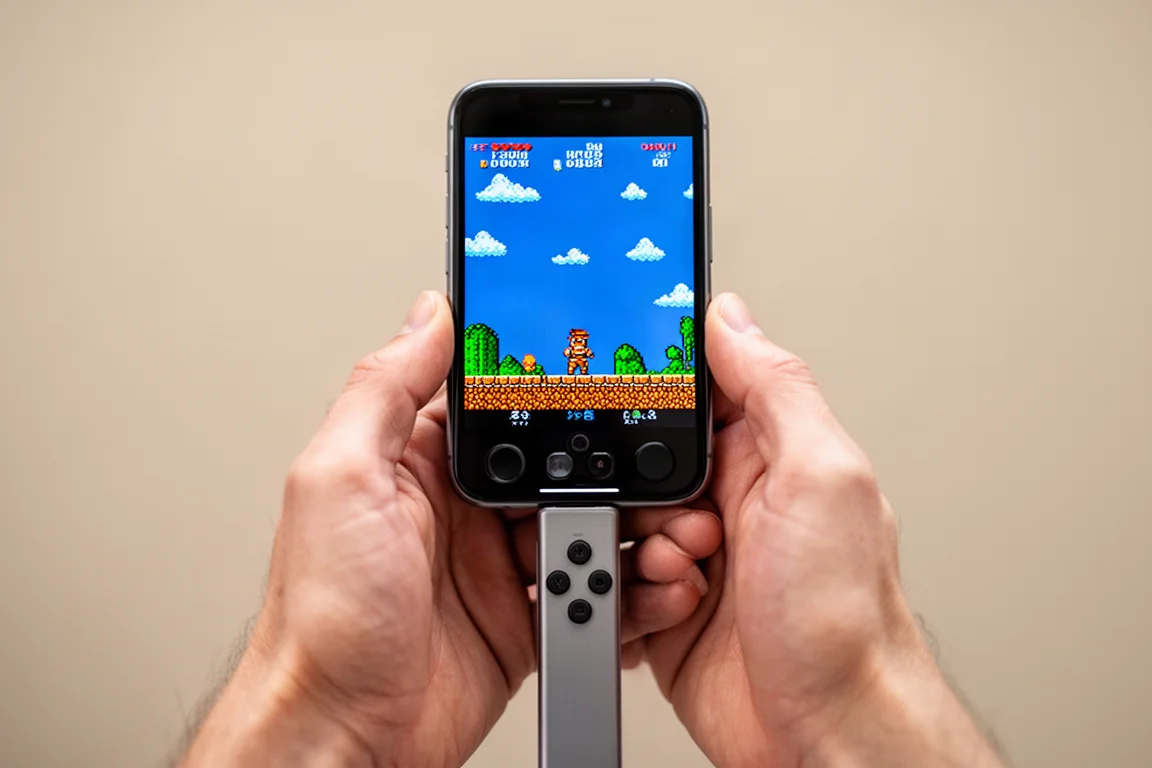
The GameSir’s analog stick toggle is genuinely useful for games that require analog input, like certain 3DS titles or PC games played through translation layers. The 8BitDo cannot do this, which limits its game library.
Input lag is not a noticeable issue with the GameSir’s Bluetooth connection in practice. The 8BitDo theoretically has lower latency with its direct connection, but most players will not notice a difference.
For gameplay flexibility, the GameSir offers more options. But for everyday convenience, the 8BitDo is smoother and less fiddly.
Overall Buying Advice
Both controllers have clear strengths and limitations, and neither is a universal recommendation. You need to want a vertical phone gaming setup in the first place for either to make sense.
The 8BitDo FlipPad works best if you have a USB-C phone, use a slim case that fits it perfectly, and focus on D-pad-centric games that benefit from precise controls. It is the better choice for quick, hassle-free sessions where you just want to plug in and play.
The GameSir Pocket Taco wins on versatility. Its Bluetooth connectivity, analog stick modes, and true shoulder buttons make it more capable across a wider range of games. It is the better option if you want to play more modern titles or use the controller beyond just your phone.
If you plan to use a controller primarily in landscape mode or as a standalone device, there are smaller and more comfortable alternatives at a lower price. The GameSir falls into an awkward middle ground: attached to a phone, the 8BitDo feels better; used separately, smaller controllers offer similar functionality in a more compact package.
Conclusion
For most people, the 8BitDo FlipPad is the more enjoyable daily companion. Its simplicity, precise D-pad, and pocket-friendly size make it ideal for quick retro gaming sessions on the go. The GameSir Pocket Taco is the more capable device on paper, with Bluetooth, analog stick emulation, and better shoulder buttons, but it asks you to accept a less refined D-pad and a bulkier footprint.
Your choice comes down to what you value more: effortless pickup-and-play convenience or broader game compatibility. If you mainly play classic D-pad games and want something that disappears into your pocket, the 8BitDo FlipPad is the one to get. If you need analog input and wireless flexibility for a wider library, the GameSir Pocket Taco is worth the extra consideration.
Product link
View more details for 8BitDo FlipPad
This product is mentioned in the review. Check the specifications, options, and compatibility before buying.
View more details for 8BitDo FlipPadFurther reading
Related Reviews
Pickleball Paddles
2025 Paddle Awards: The Best Pickleball Paddles of the Year
A category-by-category breakdown of the best pickleball paddles of 2025, covering value, control, all-court, power, and paddle of the year.
Automotive Accessories
70mai Dash Cam Comparison: A200 vs A510 vs A810
Three dash cameras from 70mai across different price points reveal how resolution and sensor quality impact real-world footage clarity, especially for number plate visibility and low-light performance.
Cycling Power Meters
Five Affordable Power Meters for Road and Off-Road Cycling
Five practical power meter options under $500 that deliver reliable power measurement without breaking the budget.