Indoor Cycling
Zwift Play Controllers Review: Handlebar Controls That Change How You Ride Indoors
Zwift's new Play controllers put steering, braking, menus, and workout controls right at your thumbs, and the introductory price makes them easy to recommend.
Introduction
Indoor riding on Zwift has always involved a small compromise: the game lives on a screen, but the controls live somewhere else. On a PC that means a keyboard, on a tablet it means reaching for the touchscreen, and on an Apple TV it means wrestling with a remote that gets miserable once your hands start sweating. The new Zwift Play controllers aim to fix that by putting the entire game interface on your handlebars, and after some hands-on time with them, they feel like a genuinely natural evolution for indoor riding.
Beyond simply moving menus and buttons closer to your thumbs, Zwift Play also adds steering and braking controls, plus a few new in-game experiences built around them. The hardware is final and polished; the software experience is rolling out as a beta, which is also why the current introductory price of $99 is lower than what it will be later.
Design and Ergonomics
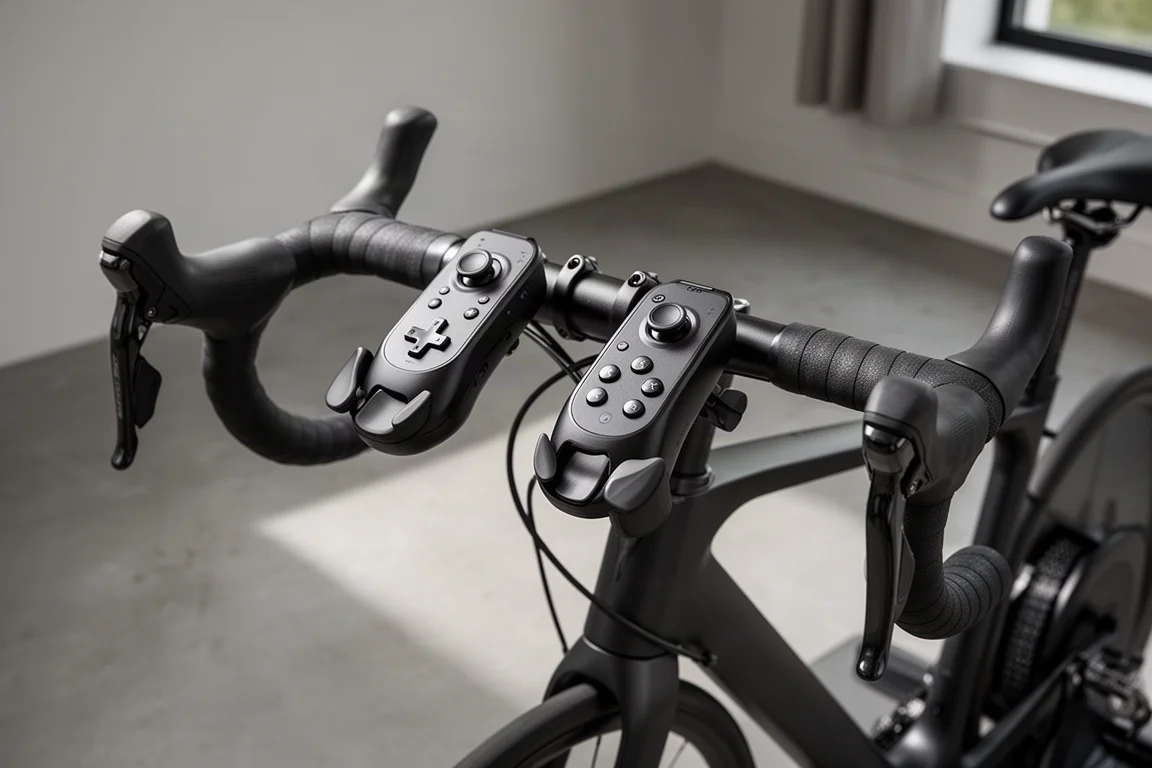
At their core, Zwift Play are essentially a video game controller split into two pieces. The left unit carries a d-pad, the right unit carries buttons, and each tucks neatly under your brake hoods, secured with a simple elastic strap that wraps around and hooks into place. Installation really could not be simpler.
The ergonomics are where they win you over. With hands on the hoods, the d-pad and buttons sit almost exactly where your thumbs naturally fall. There is no contorting your grip or hunting for buttons mid-ride, which is what makes the whole experience feel seamless rather than gimmicky.
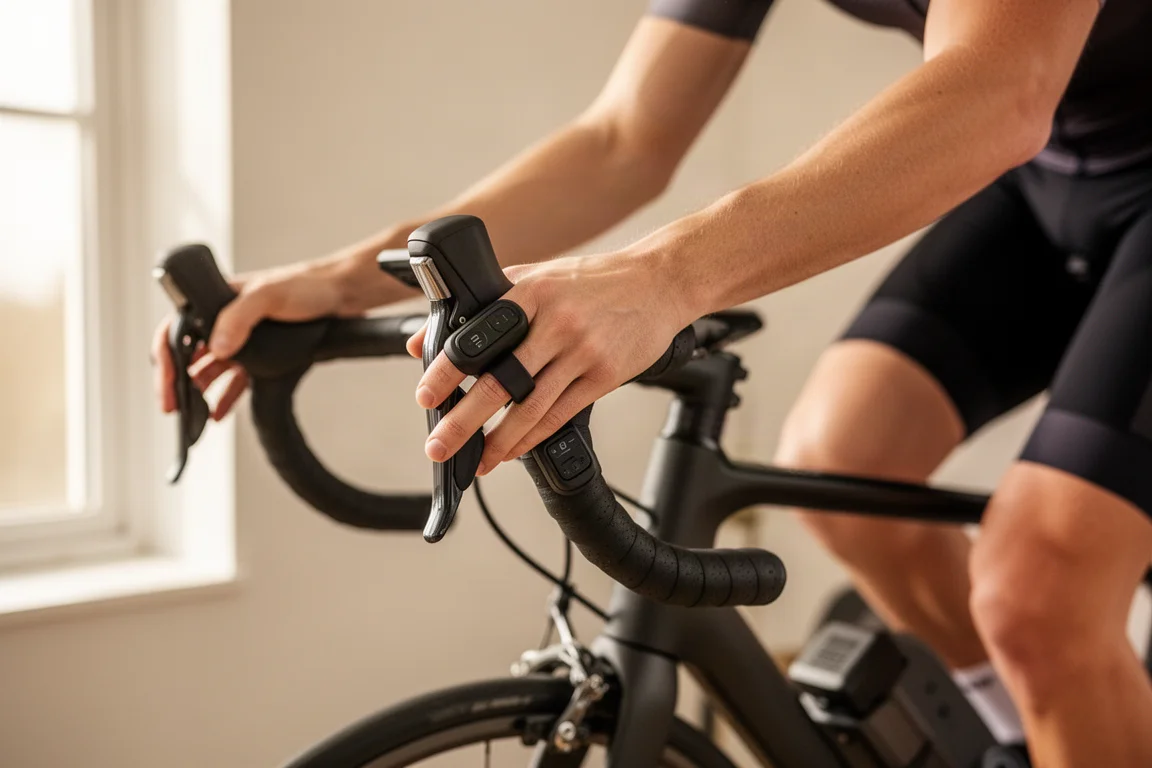
There are also paddles on the front of each controller for steering and braking. Because they sit right behind the brake levers, fit could have been a concern, but even with relatively tight access around the levers tested, there were no issues with finger clearance. Zwift has tested a wide range of handlebar and lever combinations for compatibility, though the controllers are not really designed for flat mountain bike bars.
Setup and Pairing
Pairing follows the same straightforward pattern as any other Zwift accessory. Press the right controller to turn it on, then the left, and both appear under the steering devices list in the pairing screen. The right controller is the primary connection to the game, and the left pairs through it.
A few practical connection options are worth knowing about. On an Apple TV with limited Bluetooth connections, you can pair a heart rate monitor and the controllers through the Companion app instead. And if you ride on a Zwift Hub, you can use the hub’s Bluetooth Bridge functionality to pair the controllers through it.
In-Game Controls and Navigation
Once paired, a short tutorial walks you through the layout: the d-pad navigates, A selects, B goes back, and the Z and Y buttons handle shortcuts. Navigation works both before and during a ride, so you can scroll menus, pick routes, and confirm options entirely from the bars. For anyone who has fumbled with a second-generation Apple TV remote mid-ride, this alone is a meaningful quality-of-life upgrade.
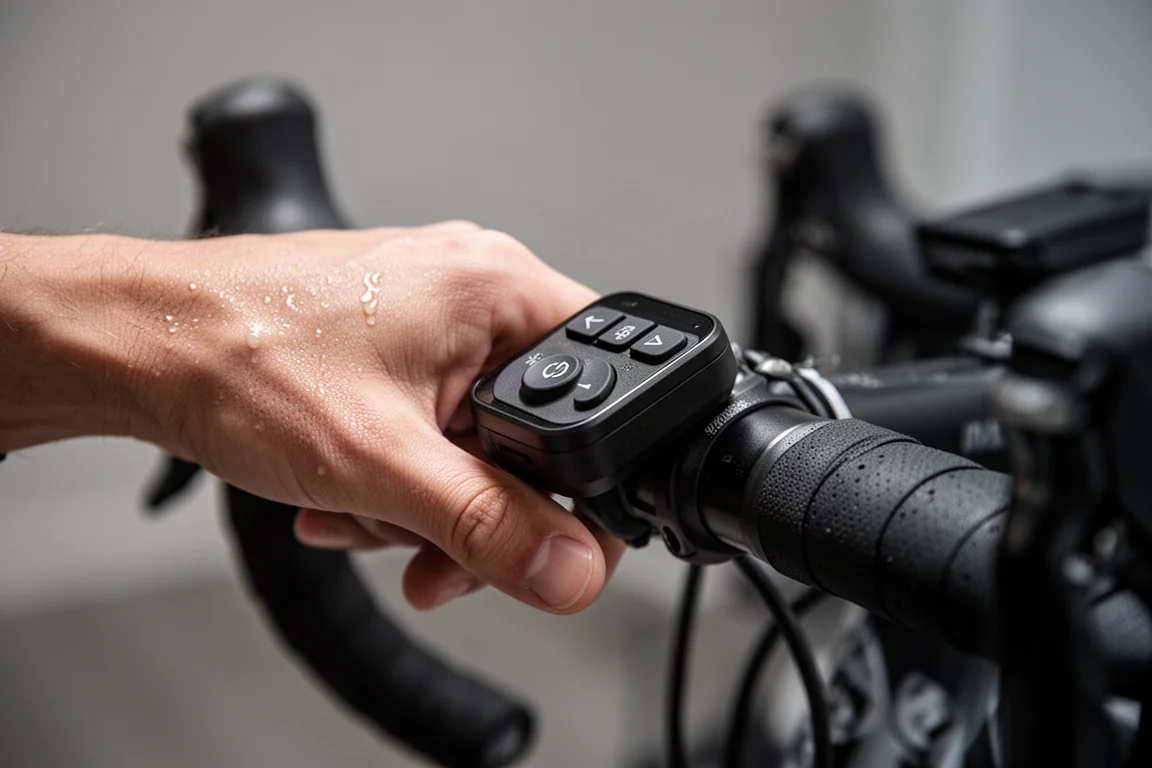
While riding, pressing the up arrow on the d-pad opens the action menu, where you can take screenshots, enable the Keep It Going (COP, or copy stop) mode option, or use the new teleport feature. There are dedicated shortcuts too: holding Z fires a ride-on bomb that gives ride-ons to riders around you, Y activates power-ups, and holding down performs a U-turn. The textured side buttons adjust trainer resistance up and down during workouts, and holding Y skips a workout block, which is genuinely convenient when you are deep into an interval session.
Steering and Braking
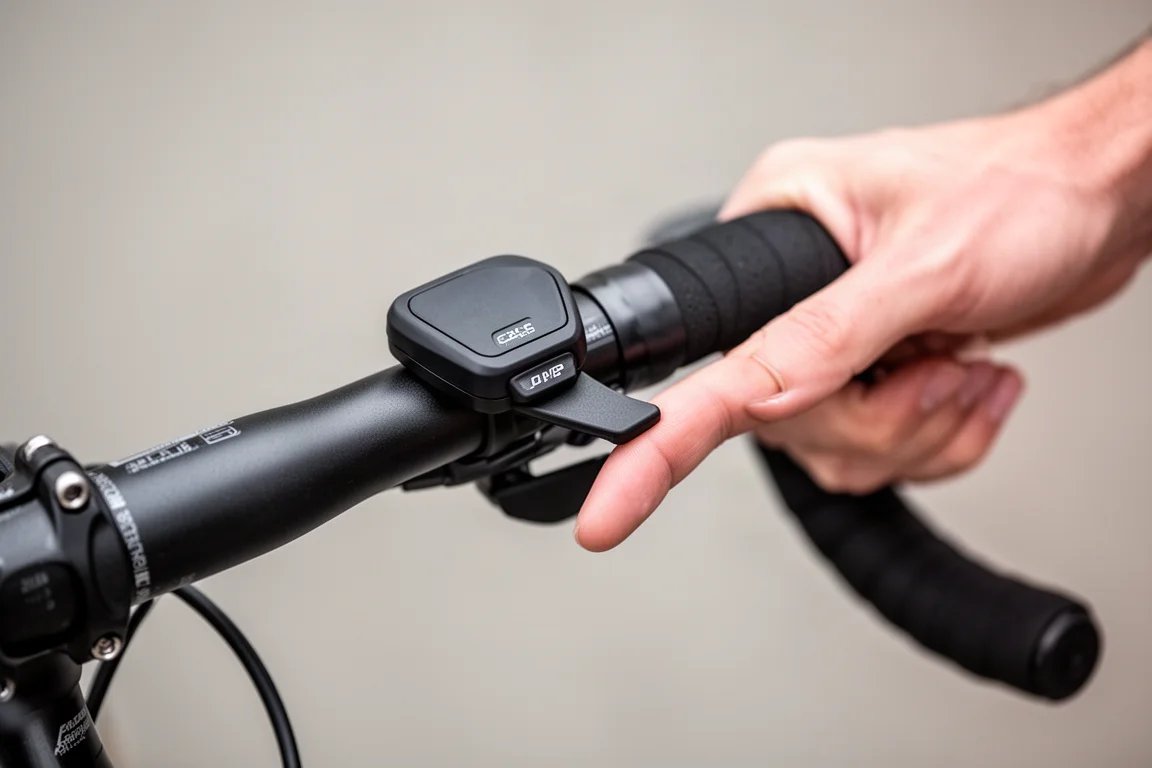
The steering experience is the most interesting part. Tilting the paddles turns you left or right in-game, and unlike a simple on-off switch, the paddles are pressure sensitive: a light touch produces a gentle veer, while a firmer press steers more decisively. That opens up proper bike-handling play in free rides, from drafting and repositioning to cutting the fastest line through corners, similar to what dedicated steering hardware has offered before.
New in-game content leans into this too. Repack Rush is a video-game-style experience where you steer to collect green coins for time bonuses, avoid red hazards that slow you down, and aim for blue zones that act as speed boosts. It is a surprisingly fun loop that rewards getting better each run.
Braking shares the same paddles: tilt them inward and the pressure-sensitive input slows you, useful in Repack Rush corners or when you drift too far ahead of a pace partner group. The one caveat is sensitivity. In early use the paddles felt a touch twitchy even with light taps, and there are no sensitivity adjustments yet the way some competing steering hardware offers. With more time the feel likely settles, and any tuning could arrive via a software update.
Workout Controls
During structured workouts, the textured side buttons let you raise or lower trainer resistance without breaking your grip, which is one of those features that sounds minor until you use it mid-interval. Holding Y skips a workout block entirely. Between that and the resistance control, you rarely need to reach for your phone, and the Companion app becomes optional rather than essential, freeing your phone up for things like viewing the map if you still want it.
Pricing and Availability
Zwift Play are available now at an introductory price of $99, with the price set to increase later. The rollout is framed as a beta experience, but that refers to the software side: the full game experience around the controllers is still being built out, and some screens may change with updates. The hardware itself is final. Buying in early also means contributing feedback on what works and what needs improvement, in exchange for the lower price.
Charging and Battery
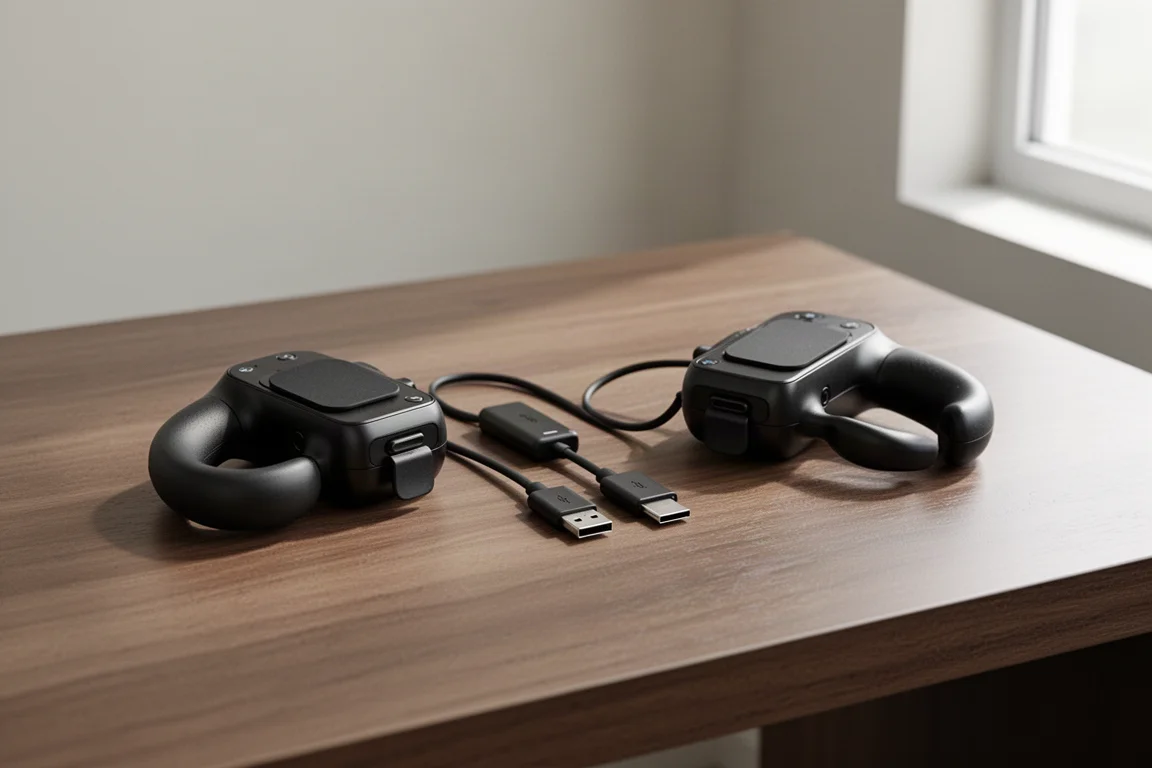
Both controllers charge over USB-C through a small rubber flap on the front of each unit, and a dual-sided cable in the box lets you charge both at the same time. Exact battery life figures were not provided, but the expectation is that they last a long time between charges.
Should You Buy Them?
For $99 at the introductory price, Zwift Play offer a lot of functionality for what is still a beta software experience. The core value is already fully present: nearly every aspect of the game becomes controllable without taking your hands off the bars, and the ergonomics make it feel natural rather than tacked on. If you ride on drop bars and have been frustrated by keyboards, touchscreens, or TV remotes, these are easy to recommend, with the caveat that steering sensitivity tuning is a reasonable future wish and flat-bar bikes are not the target.
Conclusion
Zwift Play feel like the next natural progression for indoor riding. They remove the friction between you and the game, add genuinely useful steering and braking on top of it, and do so with hardware that is comfortable, simple to install, and thoughtfully designed around road handlebars. The software will keep evolving from here, but even today the experience they enable is worth the entry price.
Product link
View more details for Zwift Play
This product is mentioned in the review. Check the specifications, options, and compatibility before buying.
View more details for Zwift PlayFurther reading
Related Reviews
Indoor Cycling
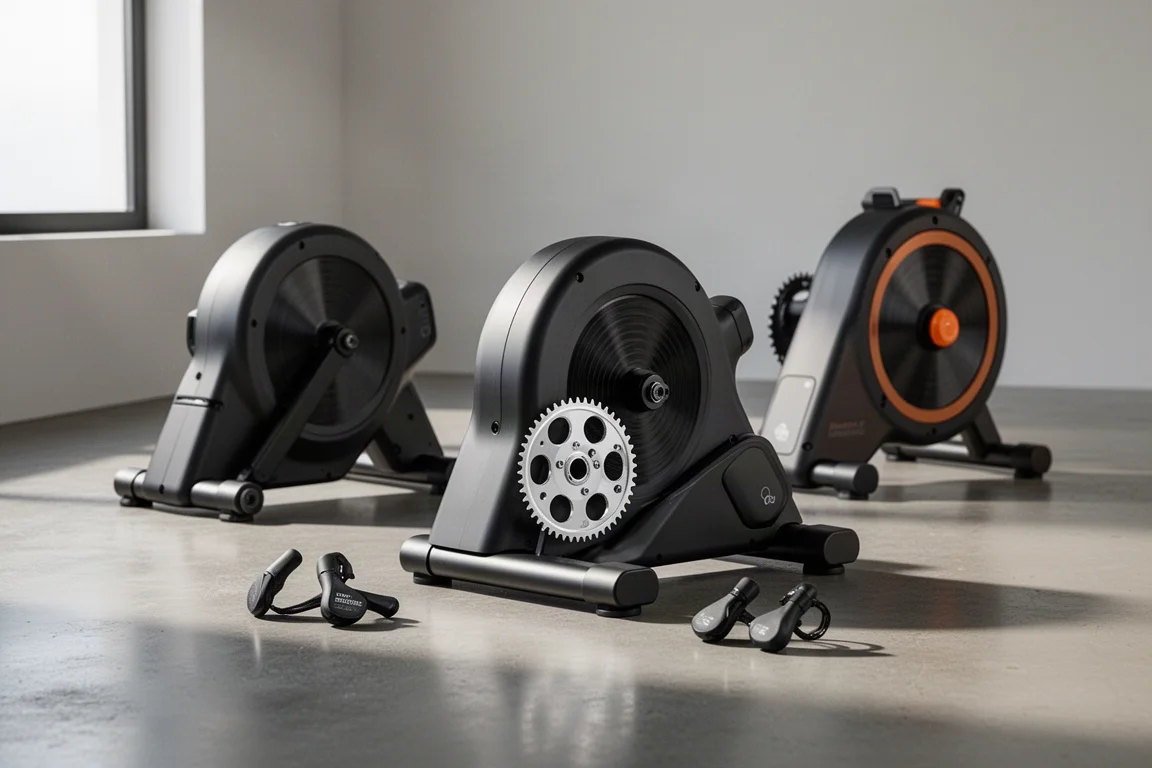
Best Budget Smart Indoor Trainer Setups: Six Options Worth Considering
Smart indoor trainers keep getting better while prices come down. Six setups and components worth considering, from the cheapest Zwift-ready option upward.
Indoor Cycling
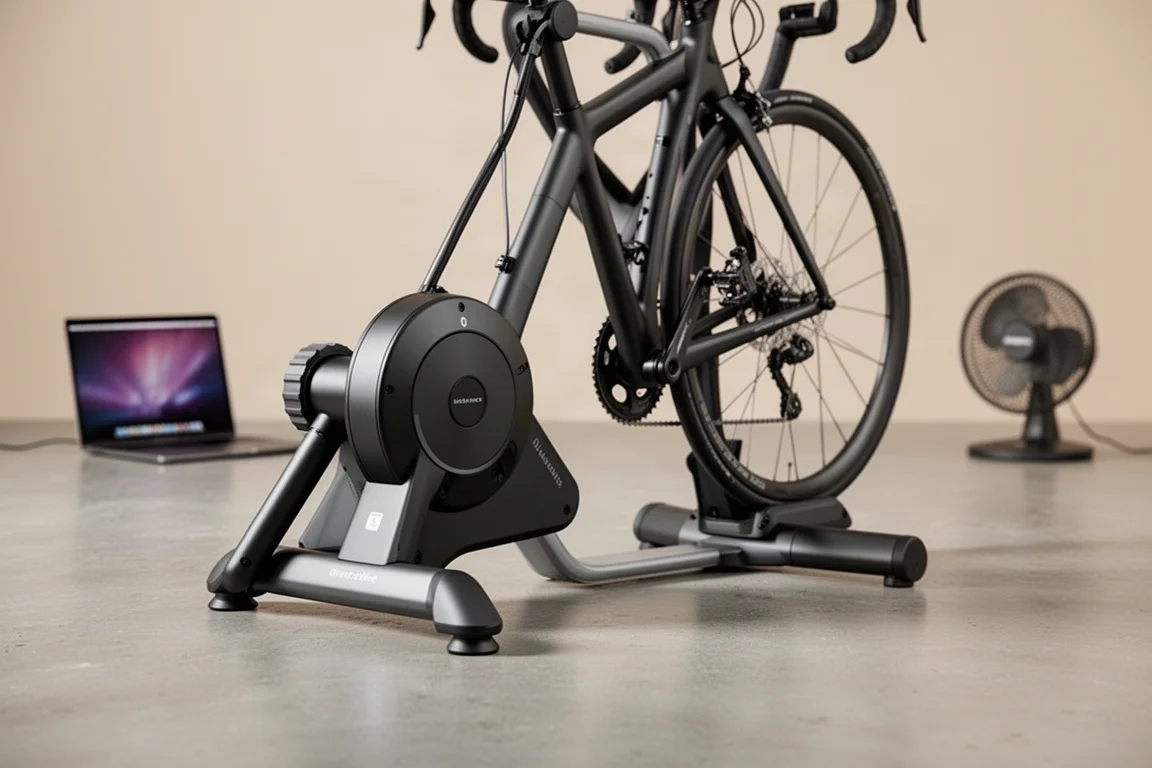
Best Budget Smart Indoor Trainers for Immersive Cycling in 2026
A practical guide to affordable smart indoor trainer setups, including budget and mid-range options with virtual shifting.
Indoor Cycling
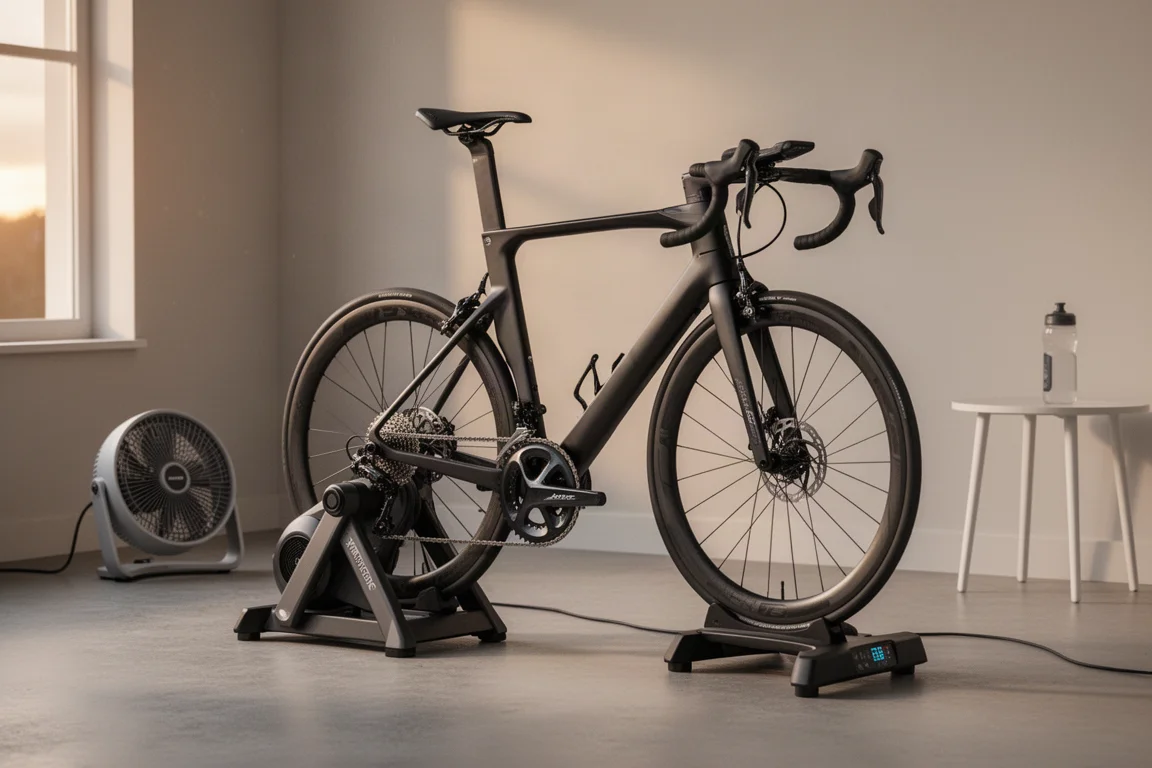
Best Indoor Cycling Apps and Smart Trainers: A Winter Buying Guide
A practical look at the indoor training platforms and smart trainers that matter this season, from a new challenger to Zwift to the entry-level trainer that stands out on value.