Indoor Cycling Tech
Zwift Play Controller Review: Full Game Control From Your Handlebars
The Zwift Play controllers put steering, power-ups, and the action bar at your fingertips, with solid battery life and a few rough edges to consider before buying.
Introduction
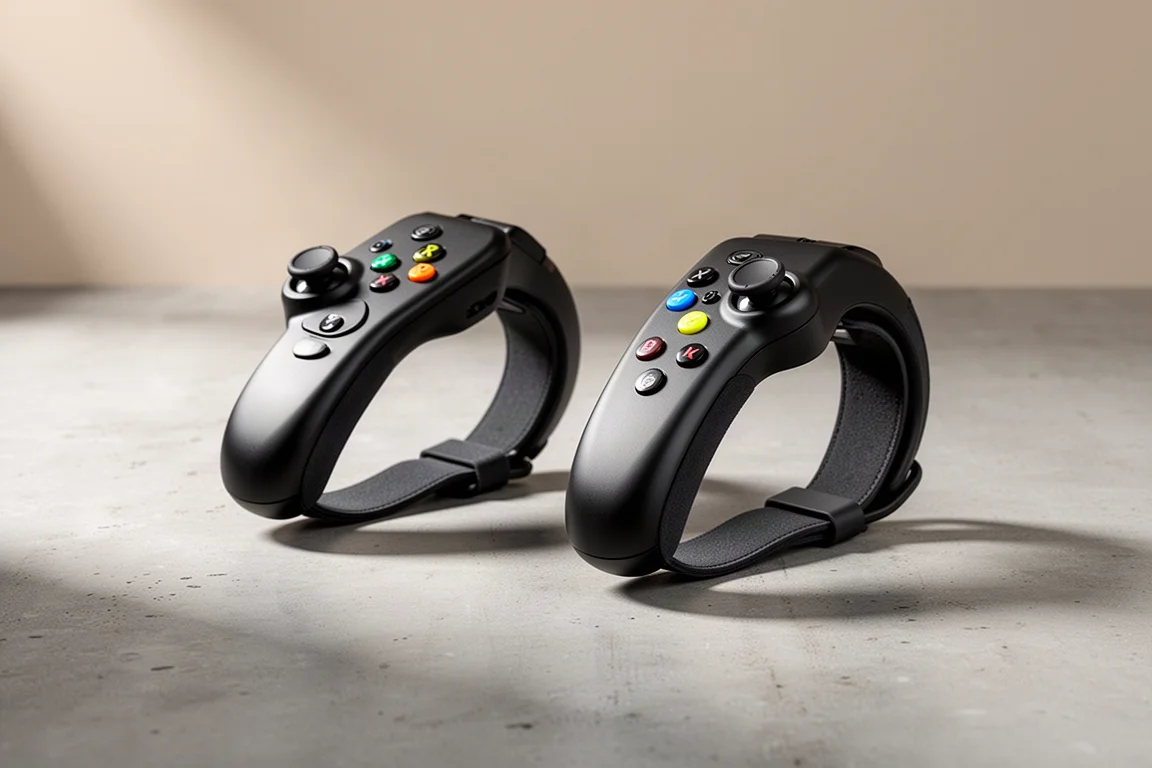
The Zwift Play controllers let you run almost the entire Zwift experience without ever taking your hands off the bars. Steering, the action bar, view changes, power-ups, ride-ons, and even ERG mode adjustments are all handled from a pair of compact units that strap directly onto your handlebars. After spending real time with them on the bike, here is how they hold up in practice.
What’s in the Box
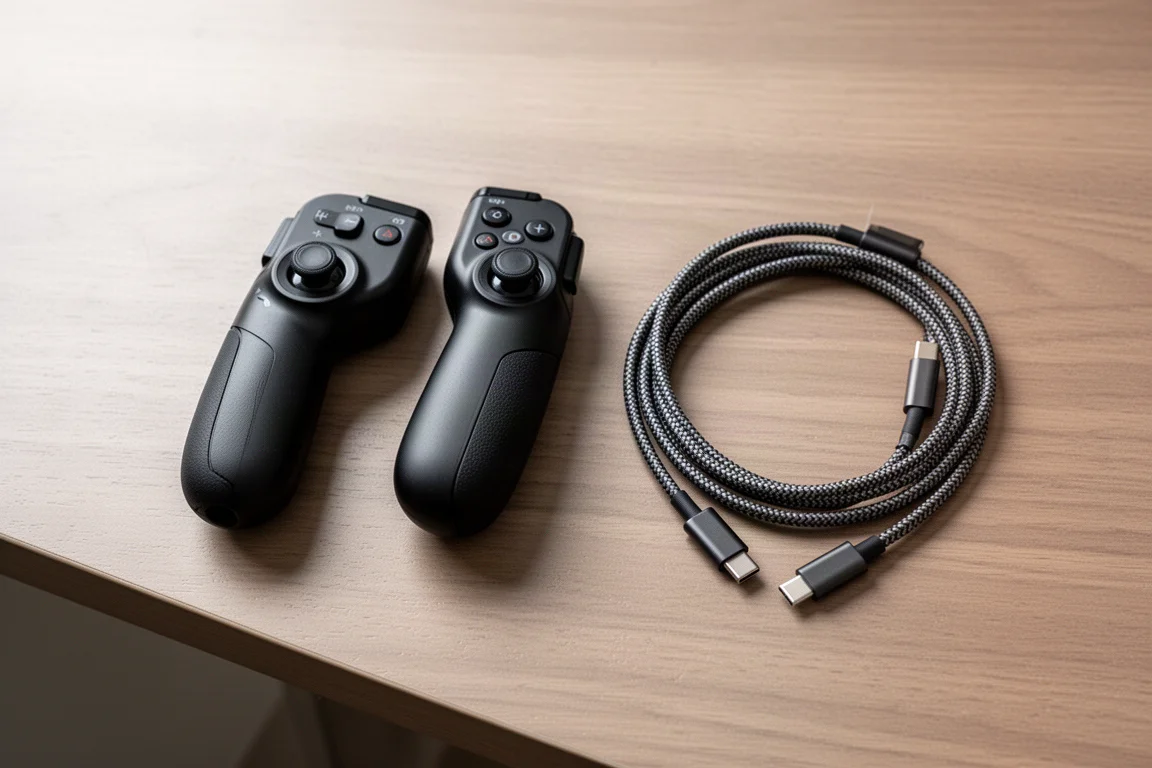
The package is refreshingly simple: the left and right controllers themselves, a paper manual, a sticker, and a dual-ended charging cable with two USB-C connectors on one end and a standard USB-C connector on the other. The dual USB-C end is a thoughtful touch, since it lets you charge both units at once, even mid-ride if needed. Two handlebar shims are also included for less common bar shapes.
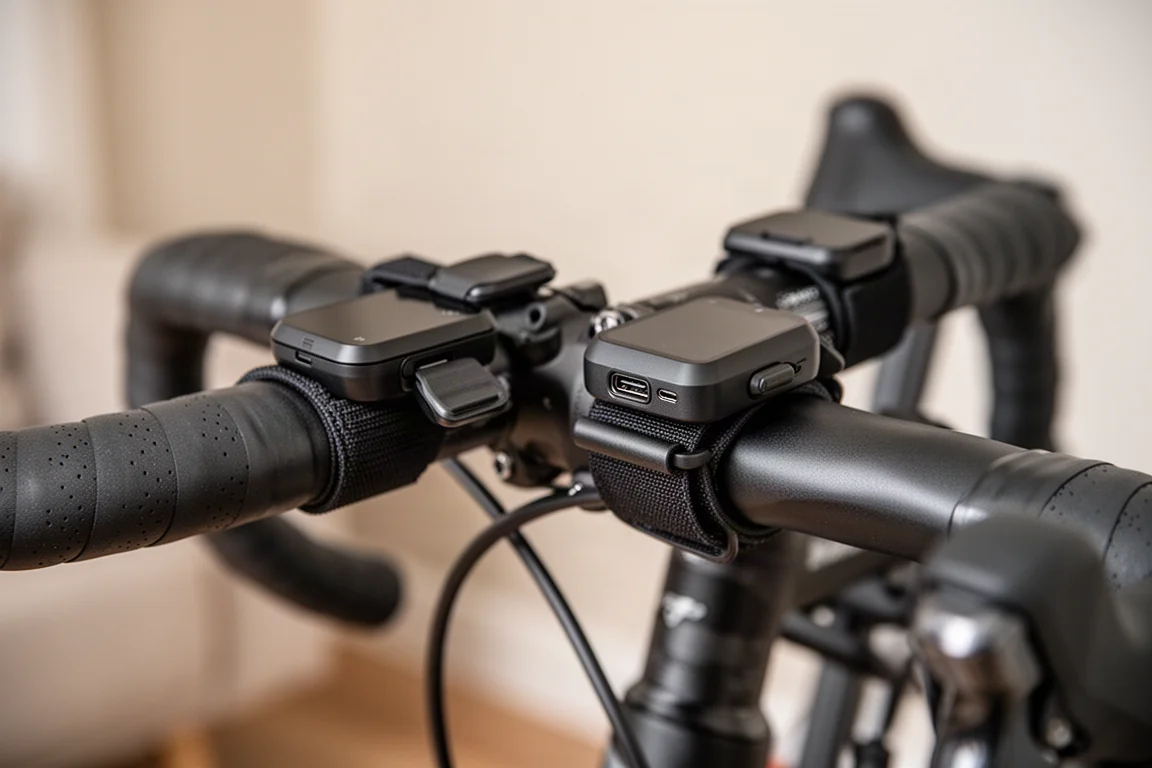
Each controller is clearly marked with an L or R, wraps around the bar with a snap-on strap, and takes seconds to mount. There is a USB-C charging port behind a waterproof door, and the units are internally waterproofed as well. Pairing is straightforward: select the two controllers in the steering pairing screen and you are ready to ride, with battery indicators usually appearing within a couple of seconds.
Everyday Controls on the Bike
The left controller opens the action bar, where you can navigate with directional inputs and confirm with the green button on the right unit. From here you can change your camera view, take a screenshot, toggle the clean display mode, show or hide data graphs, and access features like teleporting to another location or joining a group ride. It is genuinely efficient: joining a ride from the handlebars takes a few taps with no keyboard or mouse involved.
Long-pressing the Z button fires off a ride-on to everyone around you, and the Y button activates whatever power-up you currently hold. Quick, context-free access to both is one of the most pleasant parts of the setup, especially when you are mid-effort and do not want to reach for a phone or keyboard.
Steering and Junction Choices
At junctions, the controllers pop up a choice prompt: press right or left to pick your route, with a middle option for three-way junctions. No confirm press is needed, which keeps momentum through turns.
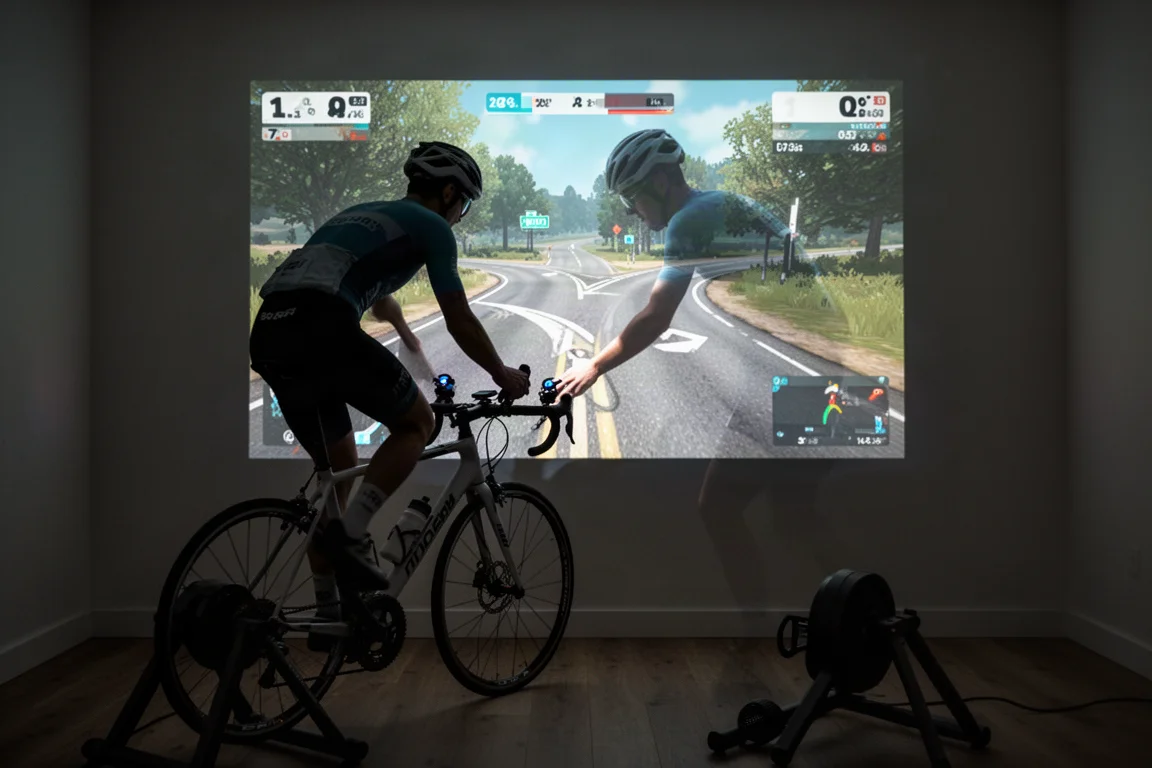
Actual steering uses a pull motion on the orange button rather than pressing it. Pulling left or right steers the rider, while pressing the button acts as braking, which is easy to trigger by accident at first. It takes a little getting used to, but it is not difficult to adapt to.
One caveat: in the Repack Rush game mode, steering felt noticeably less responsive, especially through tight turns, sometimes failing to turn far enough. Improvements to responsiveness and guide rails are reportedly on the way for that mode, but as it stands, the standard steering experience is smoother than the mini-game one.
ERG Mode Control
For structured workouts, the textured left and right buttons adjust ERG mode targets on the fly: tap the right side to increase resistance targets, the left side to decrease them. If you are feeling under the weather mid-workout, dialing targets down without leaving the bike is exactly the kind of quality-of-life feature these controllers are made for. The action bar also exposes ERG mode on/off and road mode toggles through the arrow keys.
Battery Life and Everyday Use
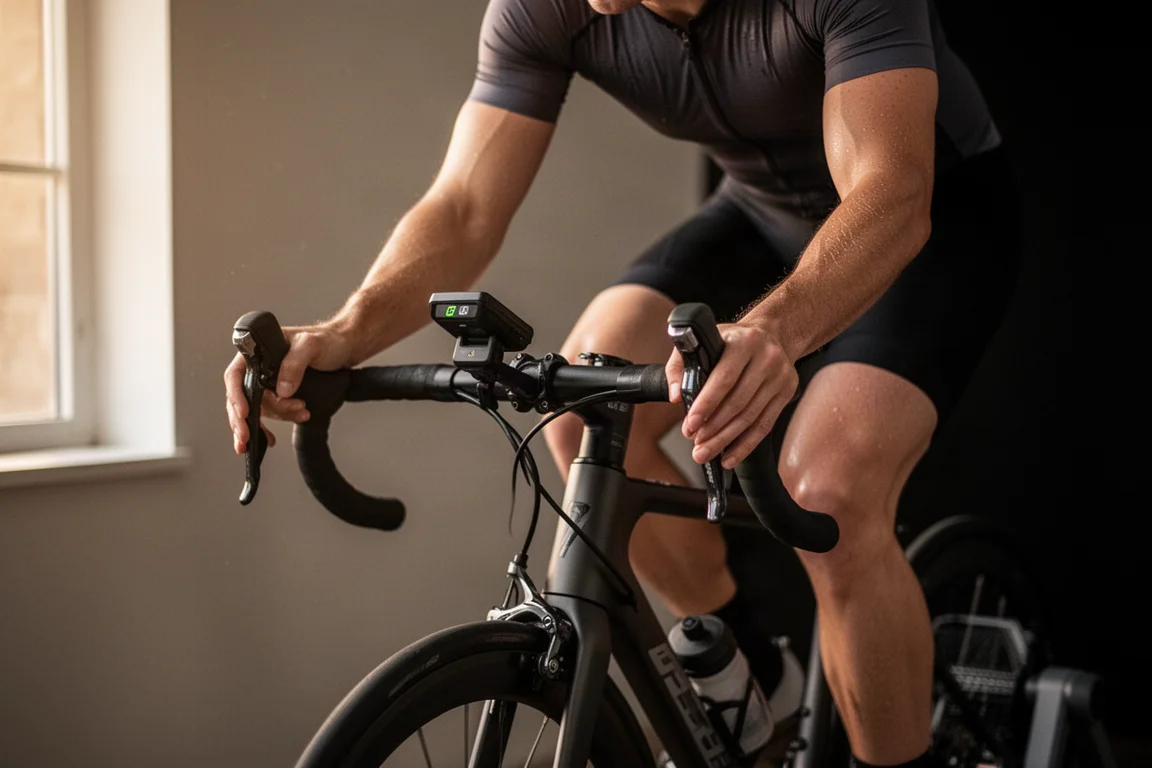
Zwift claims around 20 hours of battery life per charge. In practice, real-world use with a mix of action bar navigation, occasional steering, and ERG mode adjustments has delivered noticeably more, roughly double the claimed figure, since steering is the most battery-intensive activity. For most riders, charging every couple of weeks will be plenty.
Buying Advice
During the current beta period, the Zwift Play controllers cost $99, and Zwift has not specified how long that pricing lasts. After beta, the price rises to $150. At $99, this feels like an easy impulse purchase: sweat-proof, well integrated, and genuinely useful for regular Zwift riders. At $150, it becomes a tougher call. It is not wildly overpriced, but it loses the impulse-buy appeal, especially when a cheap wireless keyboard can cover typing (something these cannot do) for less money, albeit without sweat resistance or handlebar ergonomics.
There is another reason to pay attention: Zwift has stated the controllers use a protocol that will be opened up to third parties. That could mean smart bike buttons finally getting a purpose, and third-party trainer accessories building on the same standard. Zwift’s own steering ecosystem has historically been messy, so a more open approach is a meaningful step forward.
Conclusion
The Zwift Play controllers do one thing very well: they make Zwift dramatically easier to control mid-ride. Battery life outperforms the claim, mounting is quick, and steering plus the action bar genuinely improve the experience. At the beta price of $99, it is an easy recommendation for regular Zwift riders. At the post-beta $150 price, think it over a bit more carefully, and keep an eye on how the open protocol develops over time.
Product link
View more details for Zwift Play Controller
This product is mentioned in the review. Check the specifications, options, and compatibility before buying.
View more details for Zwift Play ControllerFurther reading
Related Reviews
Indoor Cycling Tech
Apple TV 4K Review: A Simple Route to Big-Screen Zwift
A practical look at using the Apple TV 4K as the brain of an indoor cycling setup, what it does well, and what you still need around it.
Indoor Cycling Tech
Apple TV 4K for Zwift: The Simplest Route to a Big-Screen Setup
A practical look at the Apple TV 4K as a Zwift device, covering what it does well, how it fits into an indoor cycling setup, and what to weigh before buying.
Indoor Cycling
Best Budget Smart Indoor Trainer Setups: Six Options Worth Considering
Smart indoor trainers keep getting better while prices come down. Six setups and components worth considering, from the cheapest Zwift-ready option upward.