Indoor Cycling Tech
Apple TV 4K Review: A Simple Route to Big-Screen Zwift
A practical look at using the Apple TV 4K as the brain of an indoor cycling setup, what it does well, and what you still need around it.
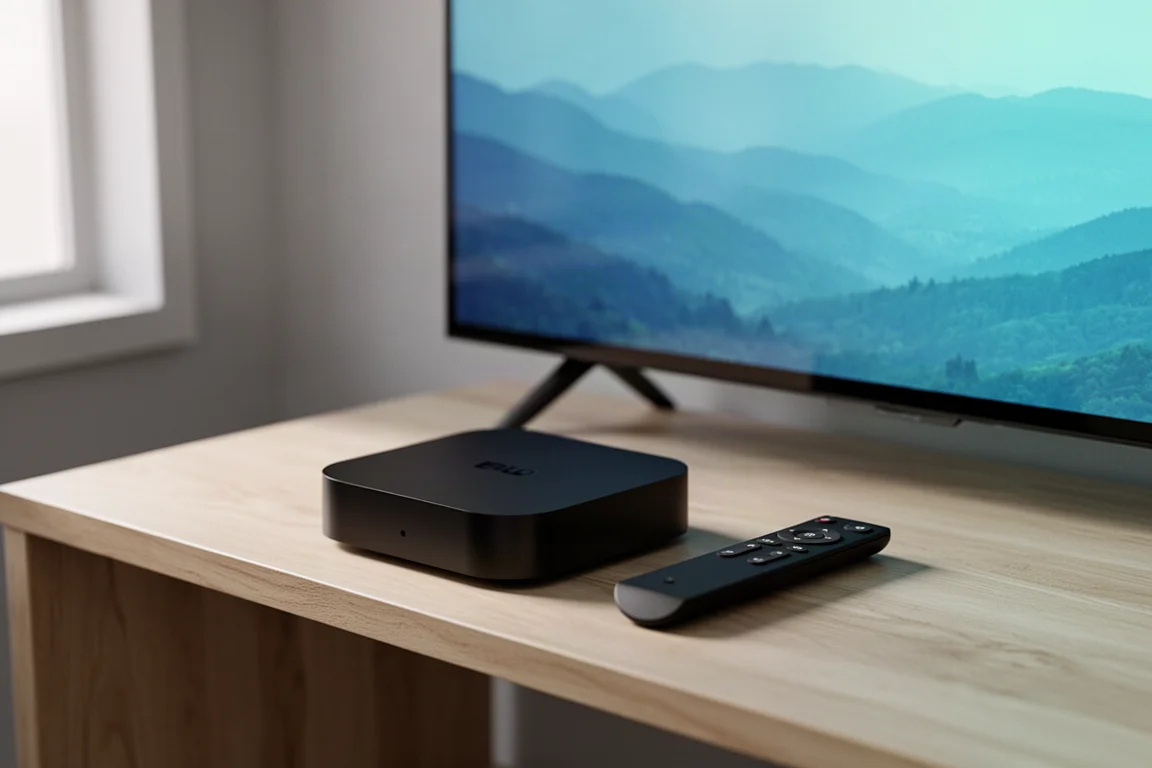
Introduction
Indoor cycling has become a year-round habit for a lot of riders, and Zwift is a large part of the reason. It is a massively multiplayer online cycling game with several virtual worlds to ride around, group rides to join, structured workouts and training plans to work through, and races to be won or lost. Getting the most out of it comes down to the setup you build around your bike, and one of the most common practical questions is how to get the game onto a screen that stays comfortable to look at for an hour or more.
Phones and tablets can run Zwift, and on a tight budget that is a perfectly sensible starting point. A bigger screen does change the experience, though, and buying a laptop or desktop computer purely for indoor riding is a lot of money and desk space for one job. The Apple TV 4K is the alternative many riders land on, and it handles that job with very little fuss.
Who This Setup Is For
This is aimed at riders who already have a bike and a trainer and want the game on a television rather than on a handheld screen. If the idea of a dedicated computer for indoor riding feels excessive, the appeal here is obvious: it is one of the best ways to play Zwift on a big screen, it plugs into a normal television, and it costs far less than a new laptop or desktop.
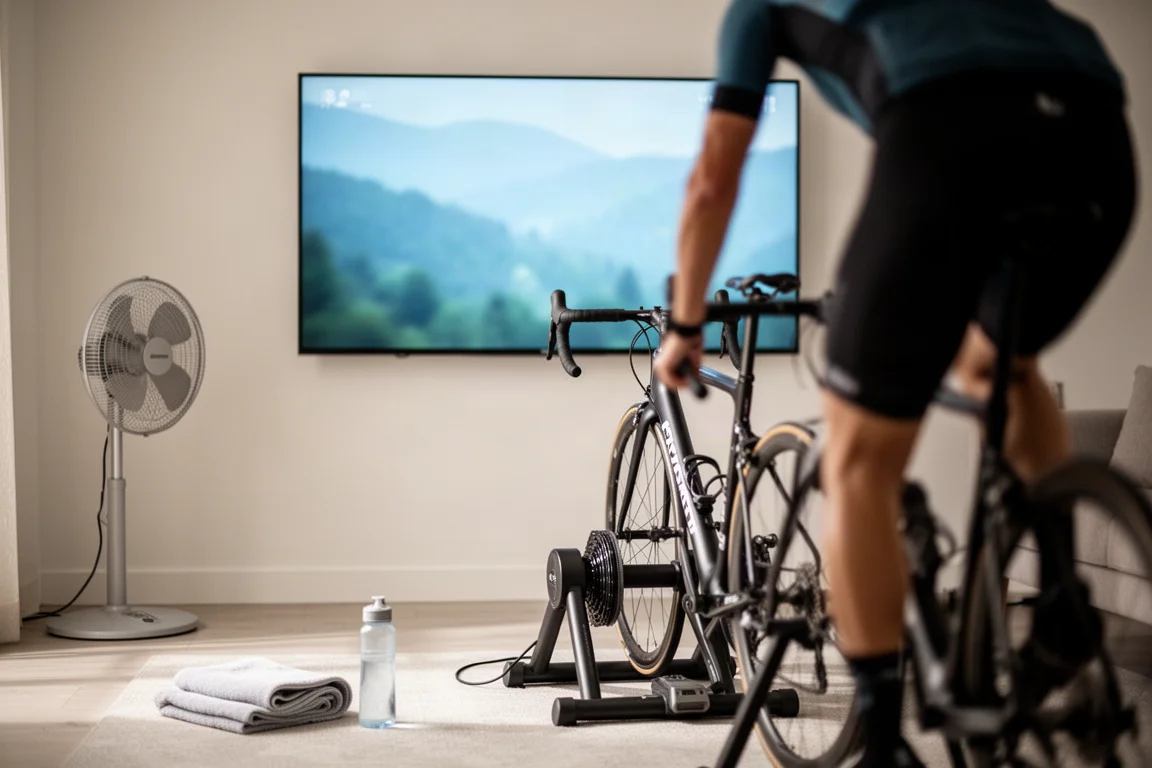
It also suits riders who ride indoors regularly but not obsessively. You do not need to be chasing a racing career for a large screen to be worthwhile. Easier winter miles, a workout plan, or a social group ride all feel more engaging when the virtual world fills your field of view instead of sitting in your hands.
Main Strengths
The clearest strength is the combination of a big-screen experience and a genuinely low asking price. The newer 4K model offers the best performance in the range, and with prices starting from around £169 it compares very favourably with buying a new laptop or desktop computer for the same purpose. For a lot of riders, that comparison alone decides it.
The second advantage is less obvious until you use it. Running the game through a set-top box frees up your smartphone, which means you can keep it within reach and use it for the Zwift Companion app while you ride. That is a much better division of labour than asking one device to run the game and everything around it.
Practicality matters here too. The unit is small, it lives under or beside a television without drawing attention, and it works with a standard television, so it slots into a room that already exists rather than demanding a new one.
What Else Completes the Setup
A screen is only part of the picture. Cycling indoors with no wind to cool you down is sweaty work, so investing in a fan is essential. There are expensive indoor-cycling-specific fans, but in reality you simply want to blast cool air at yourself so your body’s natural cooling can work efficiently, and most cheap desktop fans do a decent job.
Other inexpensive additions make a real difference. A front wheel riser block is not strictly required for many trainers, but it helps stabilise the bike and stops the front wheel from turning accidentally. Bluetooth headphones are handy if you want music or a podcast while you ride, and a set with some degree of water resistance is the smart choice. Keep a towel within reach so salty sweat does not end up all over your bike, and fill your water bottles before you start.
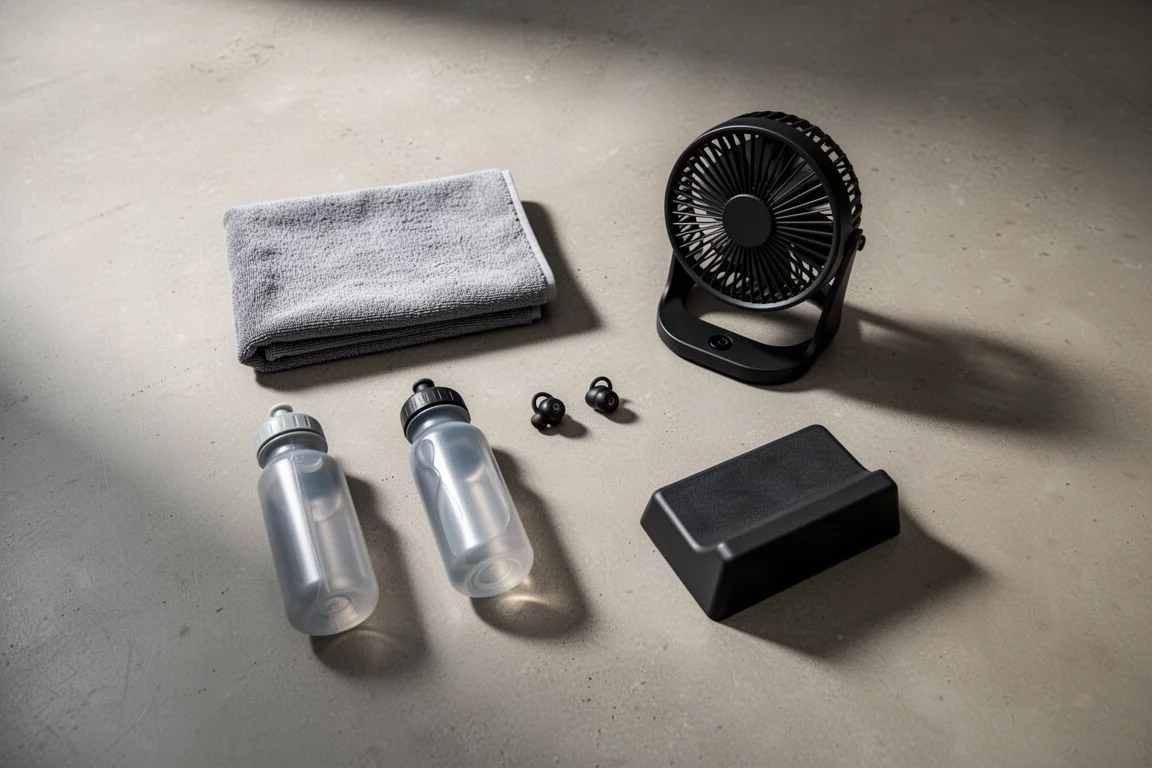
Beyond the basics, there are upgrades for riders who train seriously. A dedicated trainer table keeps devices, food and drinks within easy reach. Smart fans adjust their airflow automatically in sync with how fast you are riding or how hard you are working. Climb simulation devices tilt the bike up and down in response to in-game gradient changes, though you will want to check that your trainer is compatible before buying one.
Where the Apple TV 4K Fits Alongside Other Options
There is no single correct way to get Zwift onto a screen. A smartphone or tablet can drive the game directly, and if you want that on a larger display, there are plenty of reasonably priced adapters that connect a phone or tablet to a monitor. The set-top box is simply the tidiest version of the same idea, with a remote, no cable dangling across the room, and the phone left free.
If you already own a more powerful laptop or desktop computer, that can be an ideal device for Zwift as well. As with many computer games, there is almost untapped potential for higher resolution graphics and higher frame rates, which makes the game more immersive and more responsive. You could even hook a smart device up to a projector for a genuinely cinematic experience, space permitting.
The choice really depends on what you already own. The value of the Apple TV 4K is not that it beats a high-end computer on image quality, it is that it delivers the big-screen experience for a fraction of the cost and with far less clutter.
Things to Consider Before Buying
The most important thing to be clear about is that this is not a standalone solution. You still need a television or an external monitor to connect it to, so the overall cost and the space it occupies are defined by the screen as much as by the box itself.
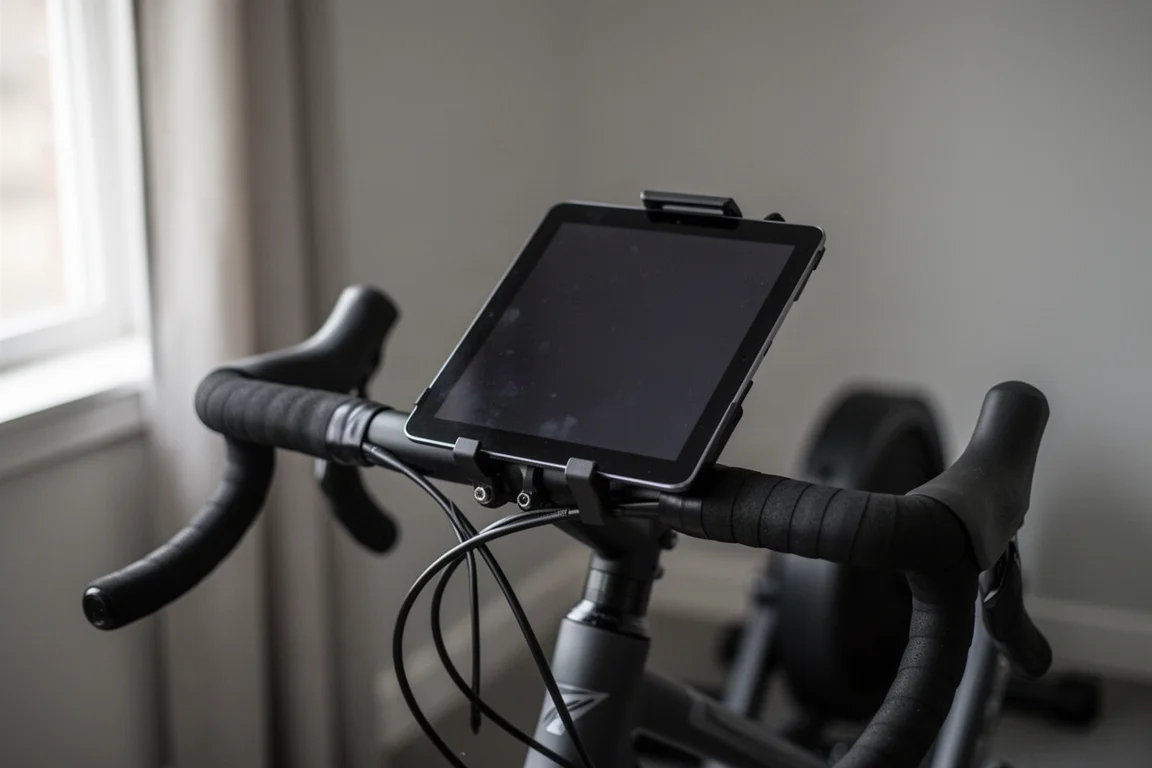
It is also worth being honest about how much of a step up you will notice. If you already ride happily from a tablet mounted on your handlebars and you are content with that, the gain from moving to a television is smaller than the gain from moving off a handheld screen altogether. The riders who benefit most are the ones who have been squinting at a small display and have a television sitting idle in the same room.
Finally, think about the rest of the setup. A better screen and a noisy trainer make for an odd pairing, and the money saved here is often best redirected into a quieter direct drive trainer or a larger fan rather than into a second screen.
Matching the Box to Your Riding Goals
It helps to see the display decision as one part of a wider budget. Entry-level wheel-on smart trainers typically sit somewhere around £250 to £400, and while they deliver the basic promise of an immersive indoor cycling experience, they tend to be loud, less accurate on power and cadence, and limited in maximum power and simulated gradient.
The biggest leap in performance comes at roughly the $450 mark, where direct drive models appear. Here you get a genuine step up in ride feel and accuracy, along with higher maximum power and simulated gradients, plus noticeably quieter operation. For most riders, this is the sweet spot, and pairing a direct drive trainer with a big screen is a sensible place to end up.
Above that, flagship trainers tick every box, with pinpoint power and cadence measurement and sturdier construction, though returns diminish for everyday riders. If space and budget allow, smart indoor bikes start from around $2,000 and offer highly adjustable fit and the most stable ride feel available, but they need a permanent home because they cannot be folded away.
Buying Advice
Accessories are not tied to any single tier of the market. Most of the extras mentioned here can be mixed and matched to suit your own needs, so there is no reason to buy a complete package if two or three items cover what you actually want.
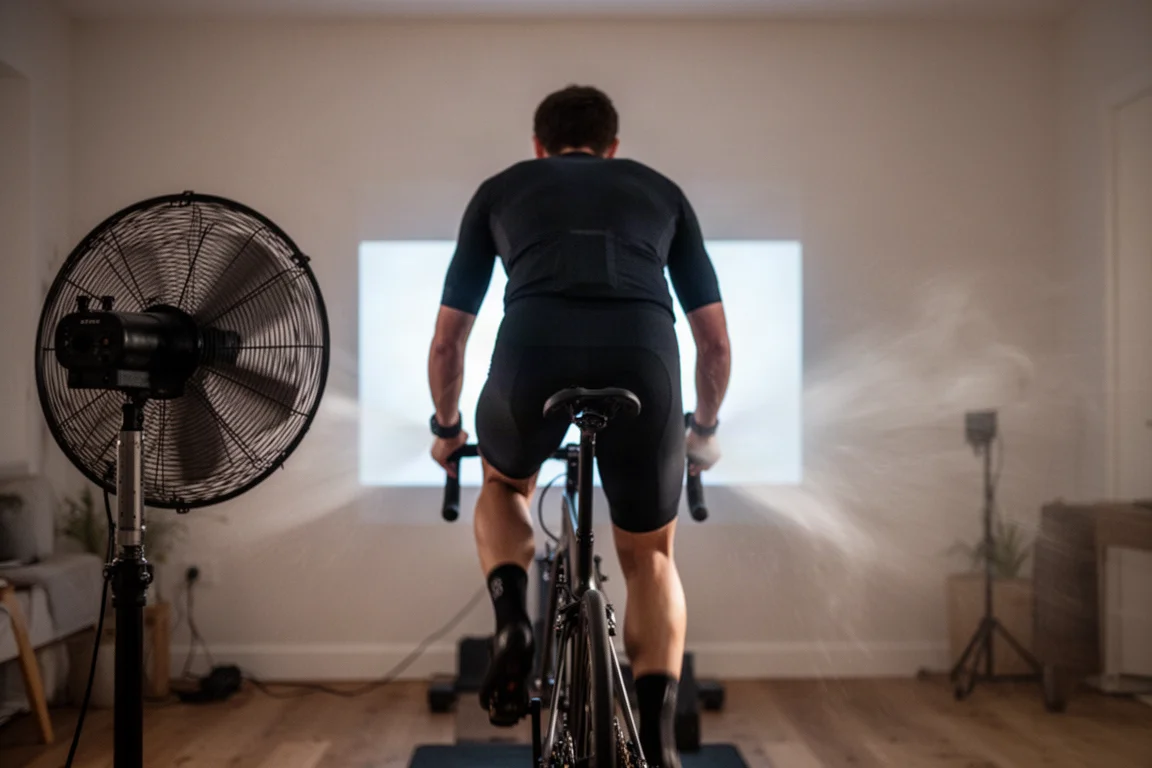
For most people, the strongest combination is a mid-range direct drive smart trainer matched with a television and a set-top box, plus a decent fan and a couple of small conveniences. That setup covers practically every feature Zwift offers without spending flagship money on equipment you will never fully use. If your budget is tighter, a wheel-on trainer and the same big-screen approach still delivers most of the fun, as long as you can live with the noise and the accuracy limitations.
The key thing is to build the setup around your requirements and not someone else’s. A rider logging easy winter miles and a rider launching a virtual racing career need very different equipment, and only one of them needs to pay for the top of the range.
Conclusion
The Apple TV 4K earns its place in an indoor cycling setup by doing one job very well. It puts Zwift on a big screen without the cost and clutter of a dedicated computer, and it leaves your phone free for the Companion app while you ride. For riders who want a cleaner, more engaging indoor experience at a sensible price, it is a straightforward and dependable choice.
Build it around a trainer that matches your ambitions, add a fan you will actually use, and keep the rest of the setup simple. That is a combination most riders can live with for years.
Product link
View more details for Apple TV 4K
This product is mentioned in the review. Check the specifications, options, and compatibility before buying.
View more details for Apple TV 4KFurther reading
Related Reviews
Indoor Cycling Tech
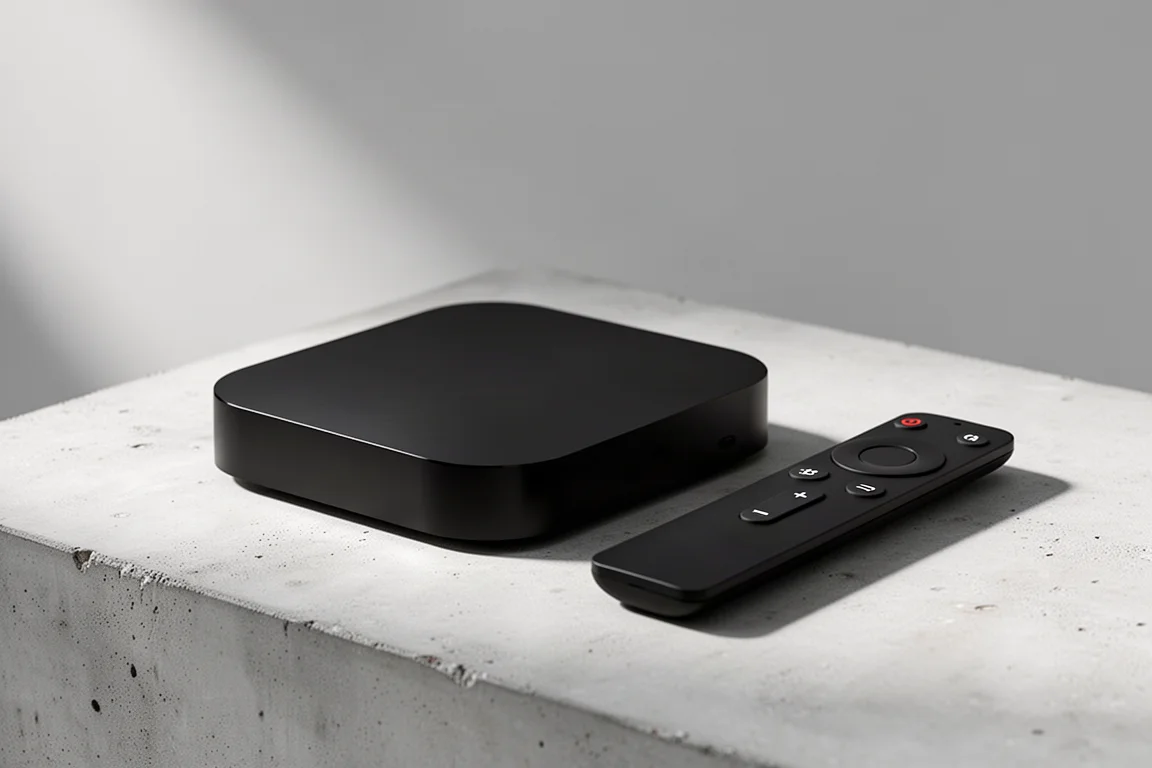
Apple TV 4K for Zwift: The Simplest Route to a Big-Screen Setup
A practical look at the Apple TV 4K as a Zwift device, covering what it does well, how it fits into an indoor cycling setup, and what to weigh before buying.
Home Theater
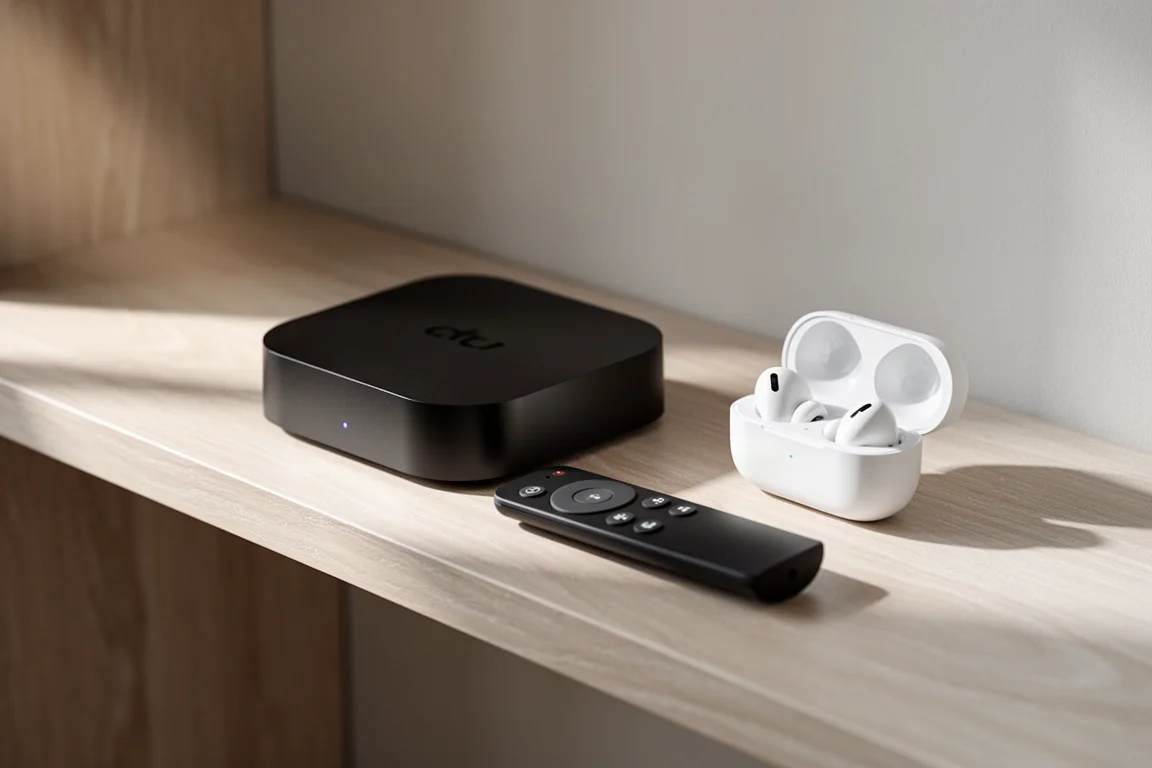
Apple TV 4K With AirPods: A Best-Value Home Theater Setup
An Apple TV 4K paired with AirPods over Bluetooth makes a compact home theater setup for movies, spatial music and late-night viewing, and it can be assembled for as little as $300.
Indoor Cycling
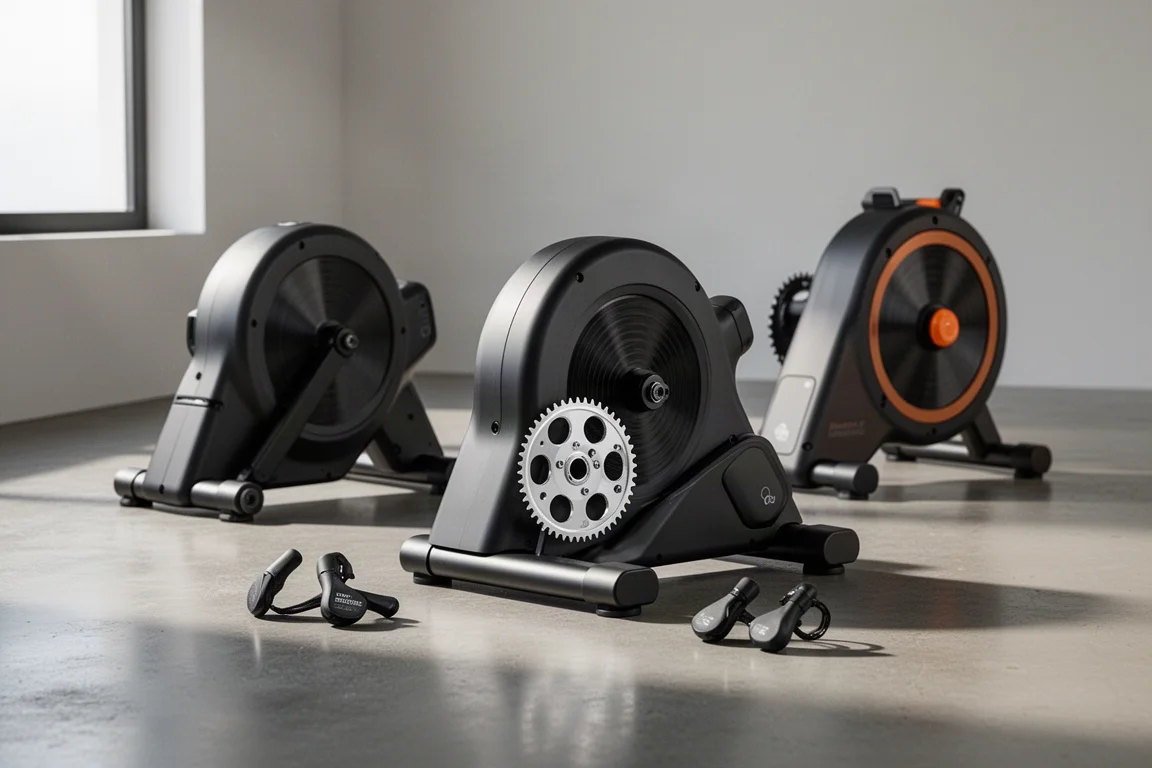
Best Budget Smart Indoor Trainer Setups: Six Options Worth Considering
Smart indoor trainers keep getting better while prices come down. Six setups and components worth considering, from the cheapest Zwift-ready option upward.