Smart Trainers
Zwift Hub One Review: A Direct Drive Trainer with Virtual Gearing
The Zwift Hub One pairs a direct drive smart trainer with a single-cog Zwift Cog and handlebar-mounted Clicks, removing cassette swaps entirely.
Introduction
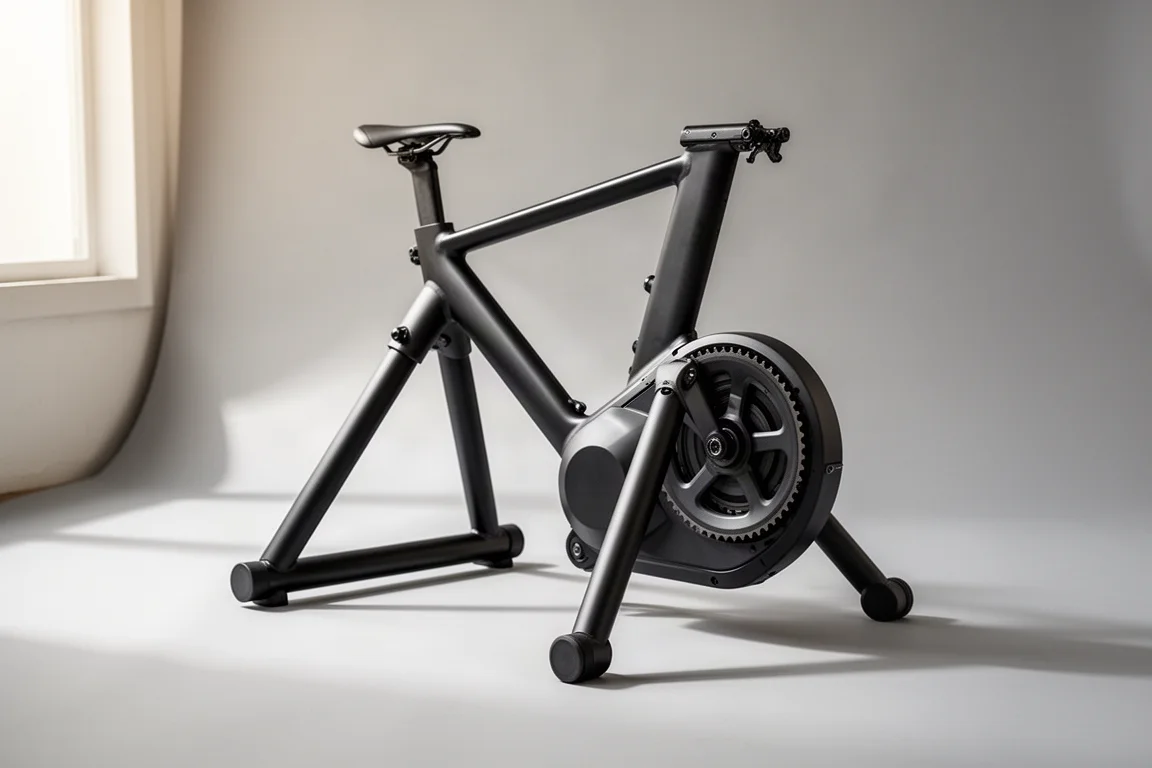
The Zwift Hub One takes the Zwift Hub trainer that has been on the market for about a year and adds two new pieces: the Zwift Cog and the Zwift Clicks. The result is one of the first direct drive trainers to ship without a traditional cassette. Instead of 8 to 12 individual cogs, there is a single cog on the back, and shifting happens virtually through a small remote mounted on your handlebars.
The package also includes one year of Zwift membership, which is now standard across all Zwift Hub trainers. If you want a low-friction indoor setup, especially one shared between multiple bikes, this design has genuine appeal. But it also comes with a meaningful trade-off around app compatibility that you should understand before buying.
Specs and Core Features
The Hub One is a direct drive trainer, meaning you remove your rear wheel and mount your chain directly on the trainer, or in this case on the Zwift Cog. Compared to wheel-on trainers, direct drive typically delivers better accuracy and, more importantly, much better traction: you can put out hard sprint efforts without slippage.
Key specifications from the source material:
- 4.7 kg flywheel, the same as the original Zwift Hub, aimed at a realistic road-like feel
- Simulates gradients up to 16% and resistance up to 1,800 watts
- Stated accuracy of plus or minus 2.5%
- ANT+ and Bluetooth Smart support for both control and power broadcasting
- Ability to pair a heart rate strap through the trainer itself, useful for Apple TV’s limited Bluetooth channels
- Quick-release and through-axle adapters included
- Claimed 8-speed through 12-speed cassette compatibility
Getting Started and the Zwift Cog
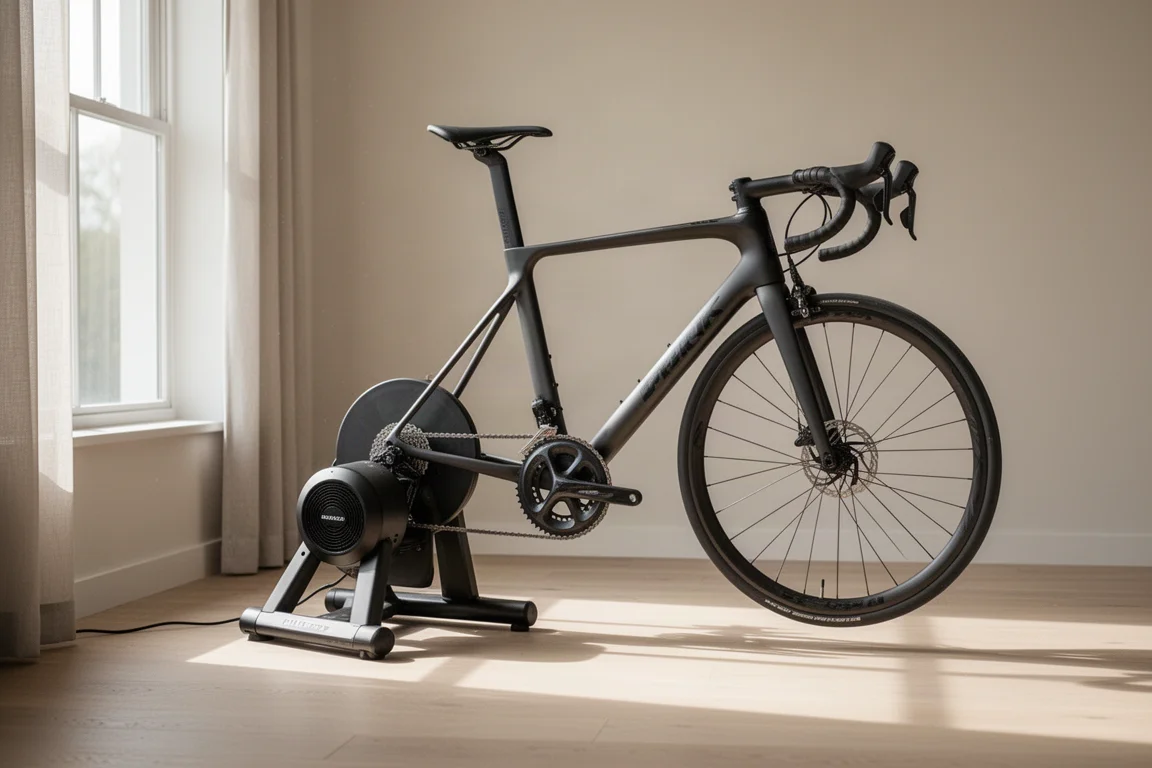
Assembly is minimal: attach the front and rear legs (which have markings so you cannot install them the wrong way), plug in the power cord, and mount your bike. The box includes the Clicks remote, power cables, and axle adapters on colour-coded cards that even have a built-in ruler to help you identify the right through-axle length.
When you first mount your bike on the Zwift Cog, your rear derailleur may not line up perfectly. Simply adjust your shifting as you normally would until it runs quietly. Noisy pedalling usually just means the chain is not centered; shift until it sounds right. Both Shimano and SRAM chain widths worked fine in short-term testing.
The Zwift Cog replaces a normal cassette, but you are not locked in: you can remove it and fit a regular cassette if you prefer. The main benefits of the Cog are:
- It works with any bike, so Zwift does not need to ask which cassette you own
- Mountain bikes and high-incline gearing get more flexibility thanks to the virtual gear range
- You can swap between bikes with different cassette counts without ever changing cogs
Existing Zwift Hub owners can buy the Zwift Cog for $79, and that bundle also includes the Clicks.
Shifting with the Clicks
Riding with the Hub One means learning one new habit: do not use your bike’s shifters. If you shift with the bike’s own levers, the chain drifts off the cog and the result is a loud, messy sound until you shift back. It is not damaging, just noisy, and it takes a few rides to unlearn the muscle memory, especially if you switch bikes mid-session.
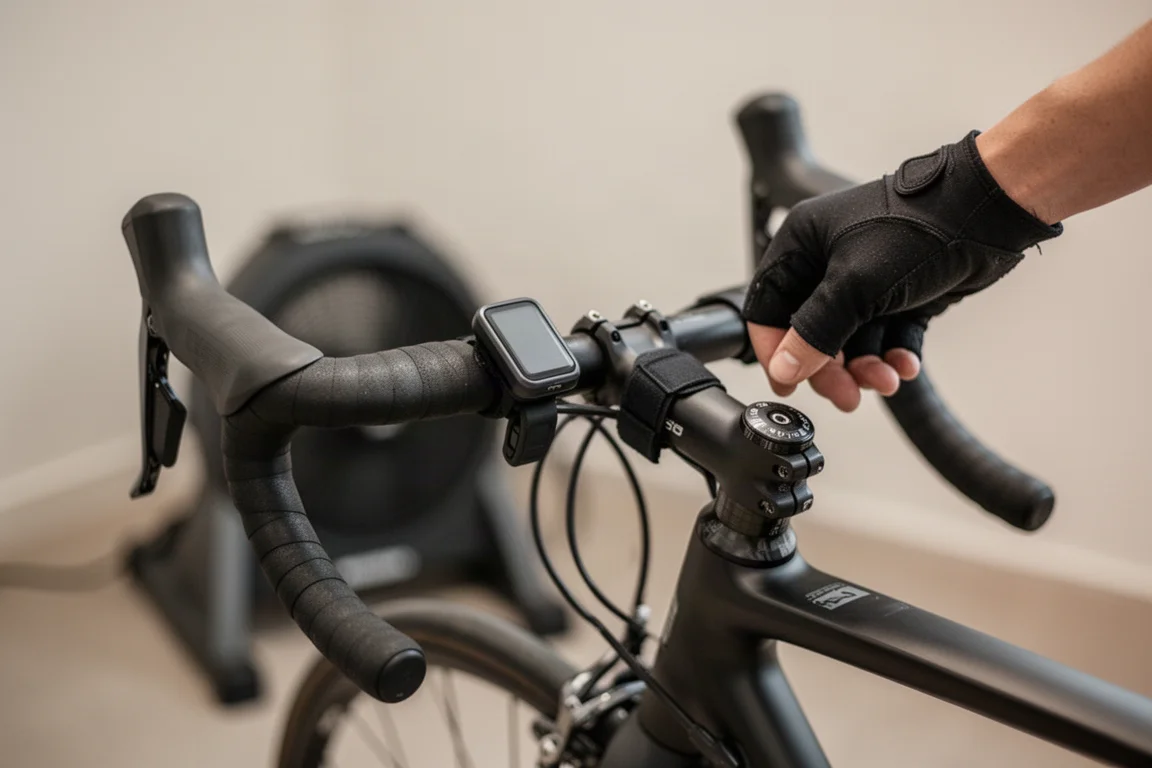
Shifting is done with the Zwift Clicks remote on your handlebars, moving up or down a 24-gear virtual cassette displayed in the Zwift app. For steady riding, most use sits somewhere in the middle of that range, dropping down for easy pedalling and climbing toward the top for sprints. There is no big-ring/small-ring concept; it is one continuous gear range.
Responsiveness is excellent. Shifting feels virtually identical to electronic shifting on Di2 or SRAM, with no perceptible lag. Multi-press sprinting works fine too. One technical note: shift commands travel through the Zwift app to the trainer, not directly from the Clicks to the trainer, which matters for app compatibility (more below). Also note that the virtual cassette is not customizable, unlike some smart bikes.
For regular Zwift riding, the big chainring worked best, since the small ring can run out of gears at the top of the range during hard efforts. For ERG mode and structured workouts, it does not matter at all.
Ride Feel and Noise
On the road feel side, the Hub One sits in the same territory as the Wahoo KICKR CORE and most trainers in that price ballpark. It is essentially the same trainer as the original Zwift Hub, which earned its popularity by simply feeling good. Gradient changes and resistance response are convincing.
Noise is a non-issue: the trainer is virtually silent apart from the sound of your chain. Since there is no physical shifting at the back, there is arguably slightly less drivetrain wear over time.
Third-Party App Compatibility
This is the most important section for buyers who use more than one platform. The trainer hardware itself is fully standards-compliant: ANT+ and Bluetooth Smart across control and power broadcasting, and it works with third-party apps like TrainerRoad without problems. The included year of Zwift does not restrict the hardware.
Smart trainers effectively have two modes you care about:
- Sim mode, which simulates gradient as terrain changes. This is what Zwift uses for normal riding.
- ERG mode, which holds a set wattage target (200W, 350W, and so on) automatically through structured workouts.
In ERG mode, the Hub One and Zwift Cog work with any app, because you never shift. In sim mode with the Zwift Cog installed, shifting commands only work through the Zwift app, so platforms like Rouvy or INDIVIA that require shifting will not work with the Cog installed.
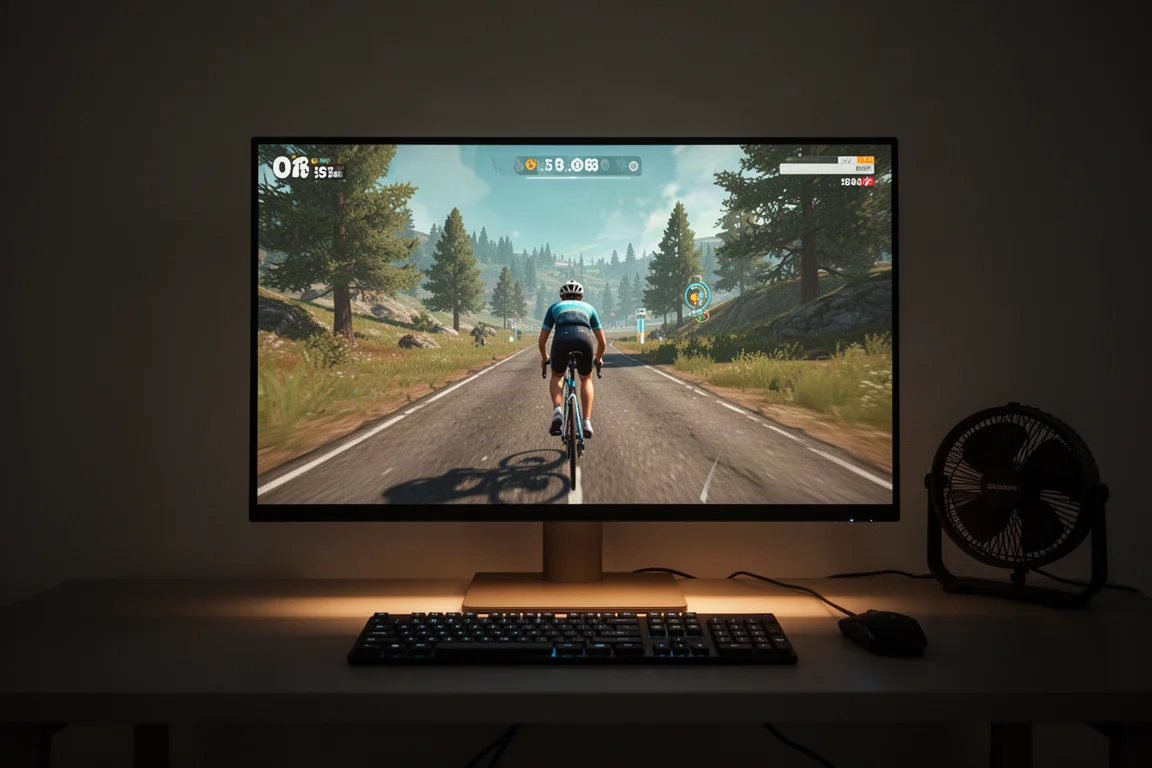
The workaround is simple: remove the Zwift Cog and fit your own cassette, which takes a few minutes at most. But if you leave the Cog on, you are effectively tied to Zwift for sim-mode riding.
Buying Advice: Hub One or Hub Classic
Zwift sells two versions: the Hub One with the Zwift Cog and Clicks, and the Hub Classic with a normal cassette. Both include one year of Zwift.
The Hub One’s killer feature is multi-bike convenience. If your household has bikes with 10, 11, and 12-speed cassettes, everyone can ride on the same trainer with zero cassette swapping. That is a genuinely significant benefit.
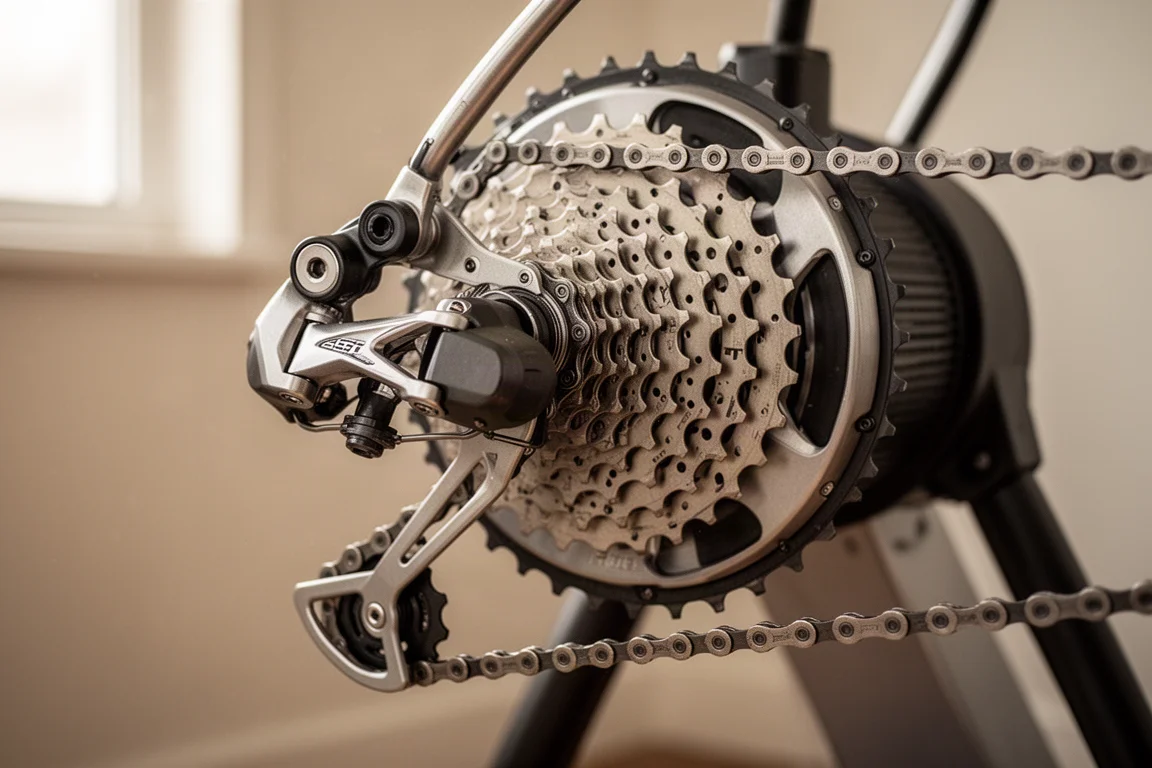
But if you have just one bike, or all your bikes share the same cassette standard, the calculation changes. Buying the Hub Classic with a cassette matched to your bike keeps you on open industry standards, free to use any platform forever. If you value standards, third-party integration, and future flexibility, the Classic is the safer pick. If you live in Zwift and value effortless bike swapping, the Hub One is the better fit.
Conclusion
The Zwift Hub One is a well-rounded direct drive trainer with instant, electronic-shifting-quality virtual gears and a clever single-cog design that removes cassette compatibility headaches entirely. Its only real limitation is that sim-mode shifting through the Zwift Cog requires the Zwift app. Multi-bike households and Zwift-first riders should be very happy; riders committed to other platforms should consider the Hub Classic instead.
Product link
View more details for Zwift Hub One
This product is mentioned in the review. Check the specifications, options, and compatibility before buying.
View more details for Zwift Hub OneFurther reading
Related Reviews
Smart Trainers
Pinnacle HC Review: An Affordable Direct Drive Smart Trainer
A close look at the Pinnacle HC, a £500 direct drive smart trainer with a 2,200W ceiling, a 5.7kg flywheel, and a quiet, stable ride feel for indoor training.
Smart Trainers
Wahoo Kickr Core vs Zwift Hub: Which Budget Direct Drive Smart Trainer Should You Buy?
A practical head to head between the Wahoo Kickr Core and the Zwift Hub, covering price, flywheel weight, setup, noise, connectivity, and power accuracy.
Smart Trainers
Elite Avante Review: A Smart Trainer That Punches Above Its Hardware
The Elite Avante pairs mid-range trainer hardware with high-end software features like built-in Wi-Fi and heart rate bridging. Here is how it holds up after months of riding.