Indoor Cycling
Zwift Click Review: The New Compact Controllers for Virtual Shifting and More
Zwift's next-generation Click controllers pack nearly all the Play Controller functionality into two small, mount-anywhere pods for a very reasonable kit price.
Introduction
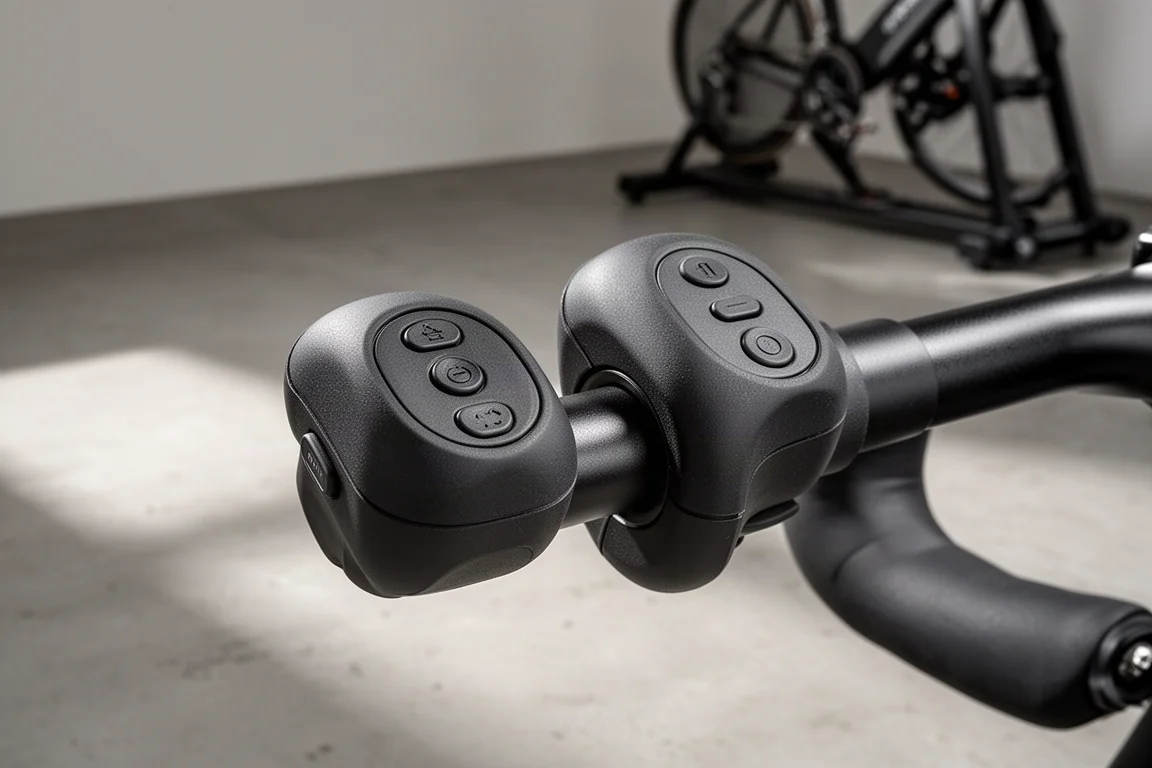
Zwift’s next-generation Click controllers are a big step up from the original Click. Instead of a single pod with just up and down shifting buttons, you get two small pods with nearly all the functionality of the Play Controllers, mountable pretty much anywhere on your bike. In fact, these new Clicks are replacing both the Play Controllers and the original Click, which makes a lot of sense given how much they pack in.
The kit arrives with the two Click pods, Zwift’s new cog, and that cog pre-mounted to a freehub body for your specific trainer. Units for Garmin Tacx, Wahoo, Elite, Van Rysel, and Jet Black trainers are available in addition to Tacx. The upgrade kit costs $49, which is genuinely reasonable for what you get, and sales began September 9 on zwift.com.
Who These Controllers Are For
These pods are really aimed at anyone riding a traditional frame on a Zwift-compatible virtual shifting trainer. Dedicated controllers for the Zwift Ride frame are sticking around, but if you’re on a normal bike, this is the new default.
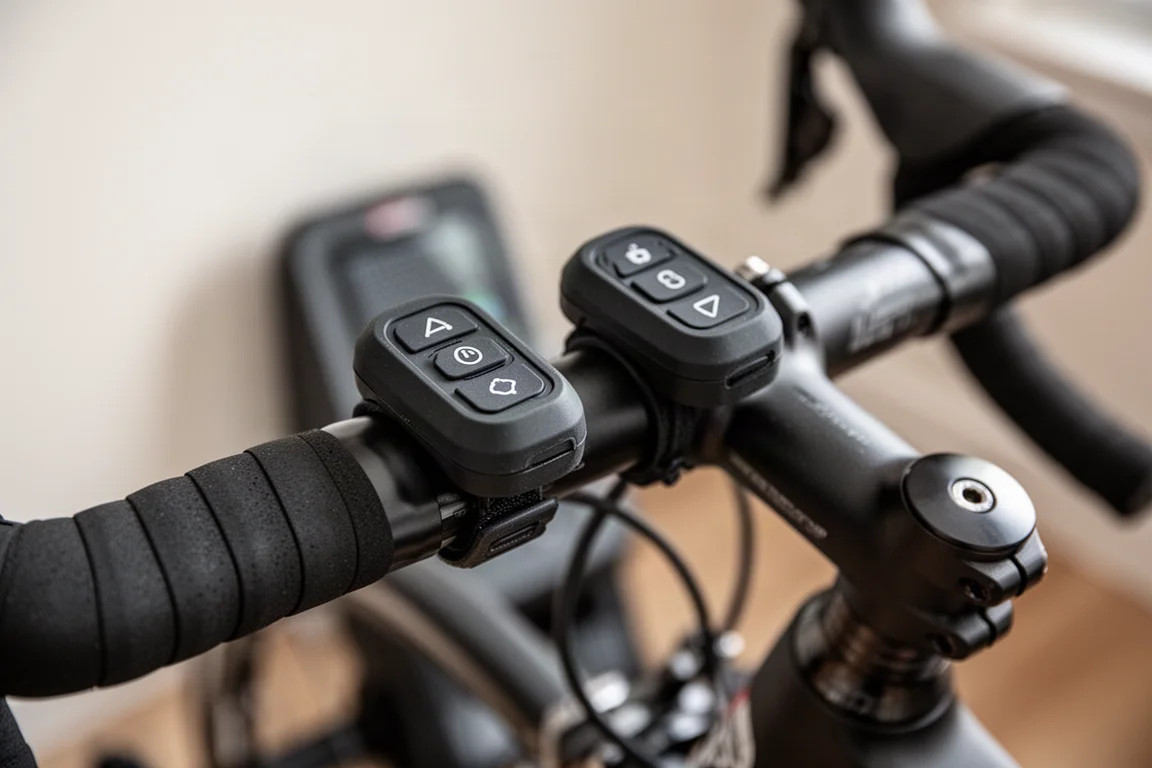
If you owned the original Play Controllers, you already know their main limitation: they were great on a road handlebar but awkward on a mountain bike bar. The new design solves that, since you can mount the pods on virtually any handlebar and in any orientation you like.
What They Can Do
Virtual shifting works just like before, but better distributed: each pod now has its own plus and minus buttons, usable both for shifting gears and for increasing or decreasing resistance in erg mode.
The left pod adds a directional pad for navigating menus, starting routes, and steering in game. It also brings up the action bar, where you can take a screenshot or teleport to a robo pacer. The right pod carries the standard A/B buttons for select, back, power-ups, and ride-ons.
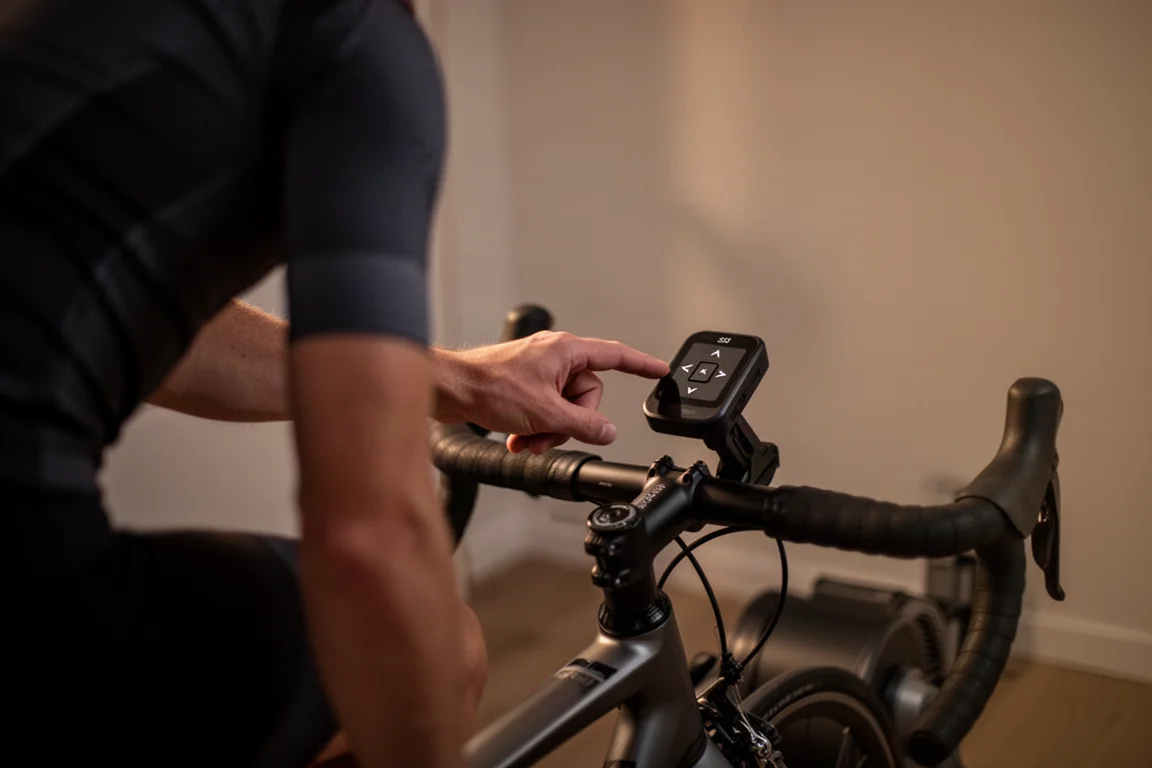
Zwift shared some interesting usage stats for Play Controller owners: 84% of Zwifters with controllers access the action bar, they are 2.6 times more likely to use the teleport feature, and 1.7 times more likely to give a ride-on. That tracks with how much easier it is to interact when you don’t have to reach for your laptop mid-ride.
Design and Button Feel
Setup includes a quick tutorial on the button functions, and you can customize the pod orientation so the plus and minus buttons sit where you want them. When you rotate a pod, the directional pad adjusts to match, while the A/B buttons stay consistent since they are both labeled and color-coded.
Button feel is close to the Play Controllers and original Click: positive and tactile, perhaps slightly less clicky, but satisfying. The rubber-coated bodies should be sweatproof like the original Click, and both pods run on the same coin cell battery as before. Unlike the Play Controllers, they are not rechargeable.
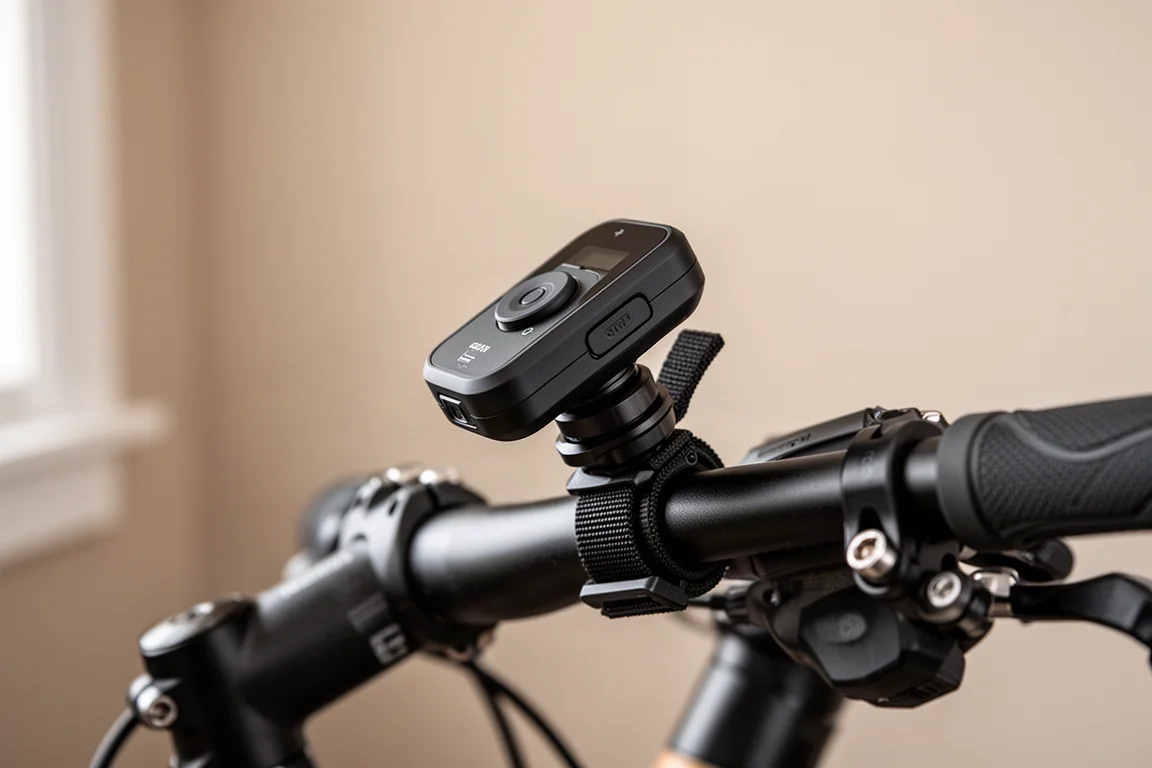
Pairing is pleasantly simple: both Clicks connect over a single Bluetooth connection, with only one entry appearing in the controls menu in Zwift. The pods talk to each other directly, which is handy if your device has limited Bluetooth capacity.
Things to Consider Before Buying
There is very little to complain about here. If pressed, there can be a bit of excess strap that flaps around on smaller handlebars, but you can simply trim it off.
The bigger quibble is that the Clicks cannot be bought standalone without the cog and pre-mounted freehub body. If you already own a cog, you will end up with a spare, though the included cog is at least an upgrade itself: it is now adjustable and quieter than the original.
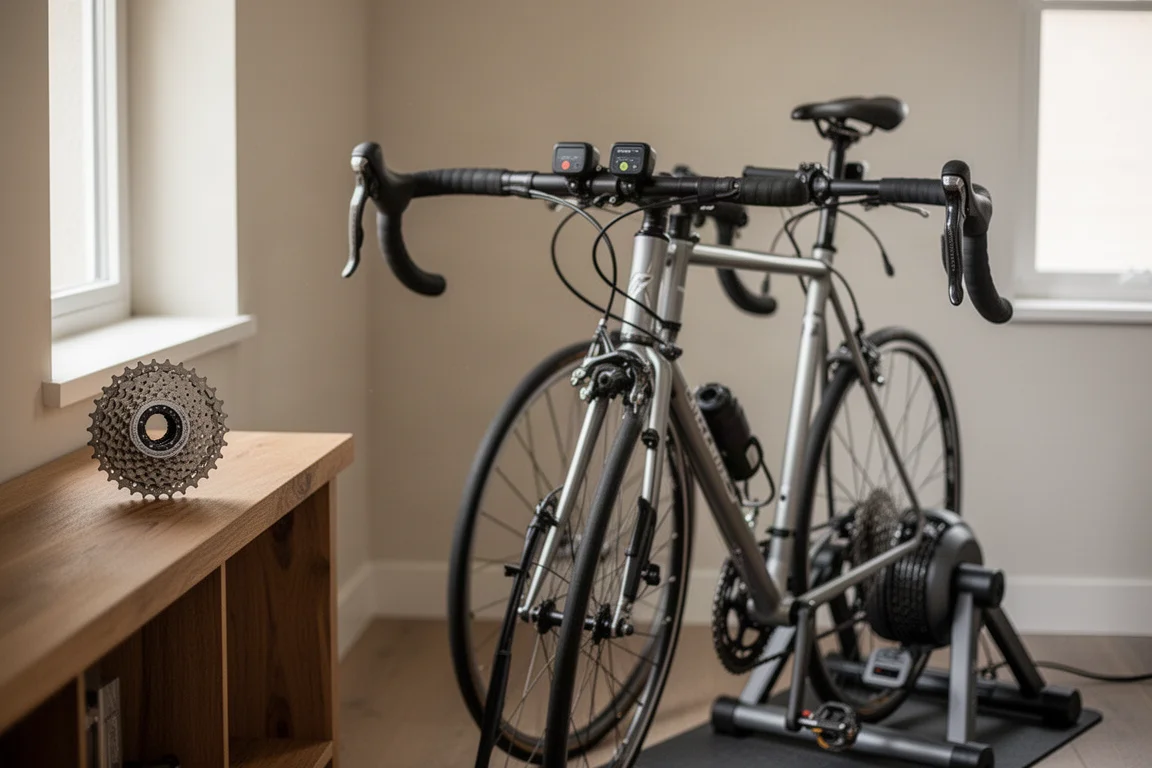
Even with that bundling, $49 for the full kit of Clicks, cog, and freehub body is a solid price. It is also reasonable to expect future Zwift-compatible trainers to ship with these instead of the original Click.
Buying Advice
If you ride a traditional frame with a Zwift-compatible virtual shifting trainer, these are an easy recommendation at $49. The added navigation, steering, and action bar controls genuinely change how much you interact with Zwift mid-ride, and the flexible mounting makes them work on almost any handlebar. Just plan on having a spare cog if you already own one.
Conclusion
The new Zwift Click controllers essentially condense the best of the Play Controllers into a smaller, more flexible, mount-anywhere format. They are comfortable, easy to pair, sweatproof, and priced fairly as a kit. For most indoor riders on Zwift-compatible trainers, this is the controller to buy.
Product link
View more details for Zwift Click
This product is mentioned in the review. Check the specifications, options, and compatibility before buying.
View more details for Zwift ClickFurther reading
Related Reviews
Indoor Cycling
Best Budget Smart Indoor Trainer Setups: Six Options Worth Considering
Smart indoor trainers keep getting better while prices come down. Six setups and components worth considering, from the cheapest Zwift-ready option upward.
Indoor Cycling
Best Budget Smart Indoor Trainers for Immersive Cycling in 2026
A practical guide to affordable smart indoor trainer setups, including budget and mid-range options with virtual shifting.
Indoor Cycling
Best Indoor Cycling Apps and Smart Trainers: A Winter Buying Guide
A practical look at the indoor training platforms and smart trainers that matter this season, from a new challenger to Zwift to the entry-level trainer that stands out on value.