Indoor Training
Zwift Click Review: Affordable Handlebar Control for Indoor Training
The Zwift Click packs virtual shifting, steering, and menu control into two thumb buttons for $49, including the Zwift Cog and freehub.
Introduction
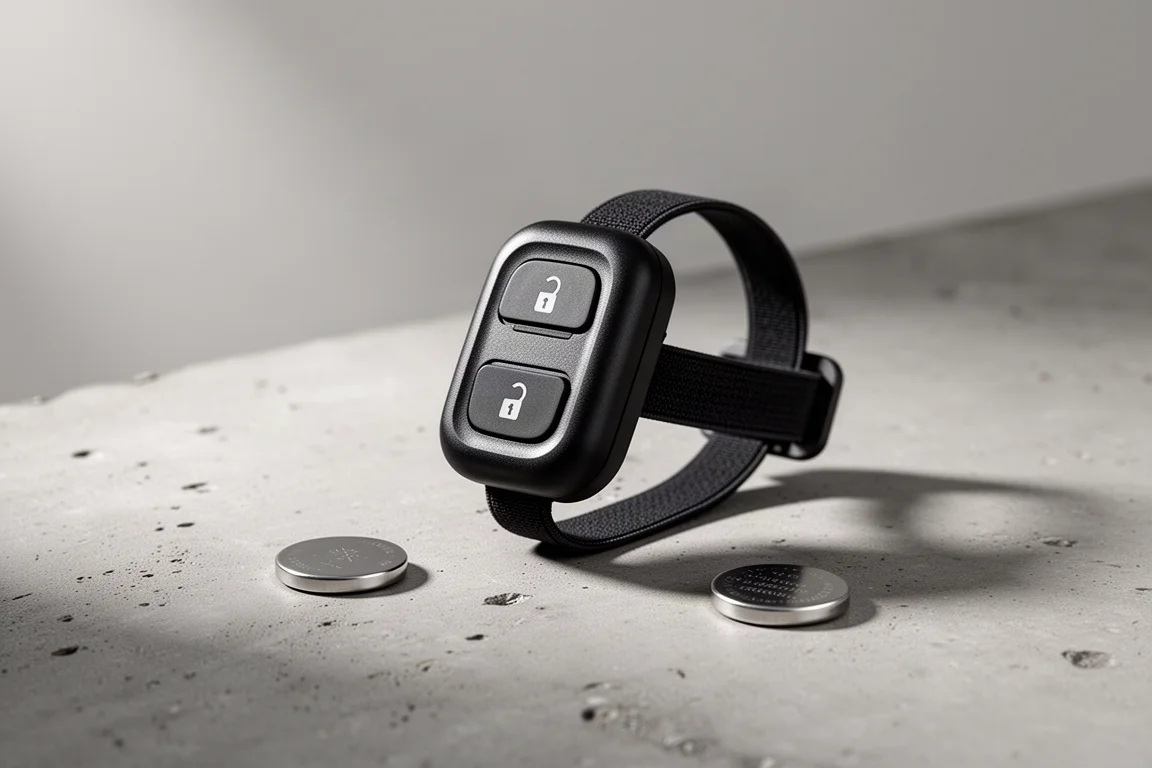
The Zwift Click is one of those rare pieces of training hardware that manages to be genuinely useful and genuinely affordable at the same time. At just $49, the bundle includes not only the two-button remote itself but also the Zwift Cog and a freehub matched to your trainer. Compared with the accessories typically announced around it, that pricing borders on cheap, and it makes handlebar-based control far more accessible than the older Zwift Play controllers ever were.
This is not a complicated product, and this review will not be complicated either. It is a small remote with two buttons that does a surprising amount of work inside Zwift. Here is what it does, how it mounts, and where it falls short.
What’s in the Box
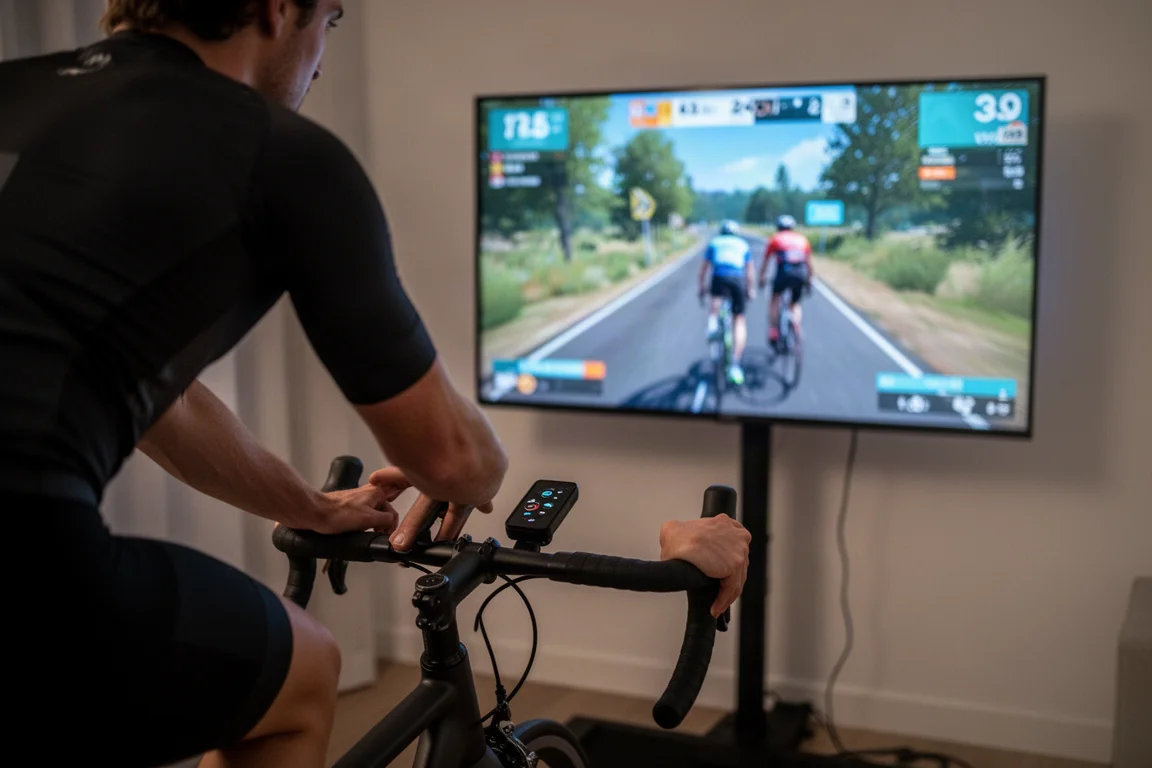
Inside the box you get the Click remote itself plus four elastic mounting bands. The bands let you attach the unit in several different positions depending on your bike. On a road bike you can strap it on top of the bars, or closer to the shifters either inside or outside. The inside-of-the-shifters position tends to work well if you prefer using your thumbs to press down on the buttons. Triathlon riders can mount it on aero bars, and mountain bikers can attach it to their bars as well, so in practice you can put it wherever you want.
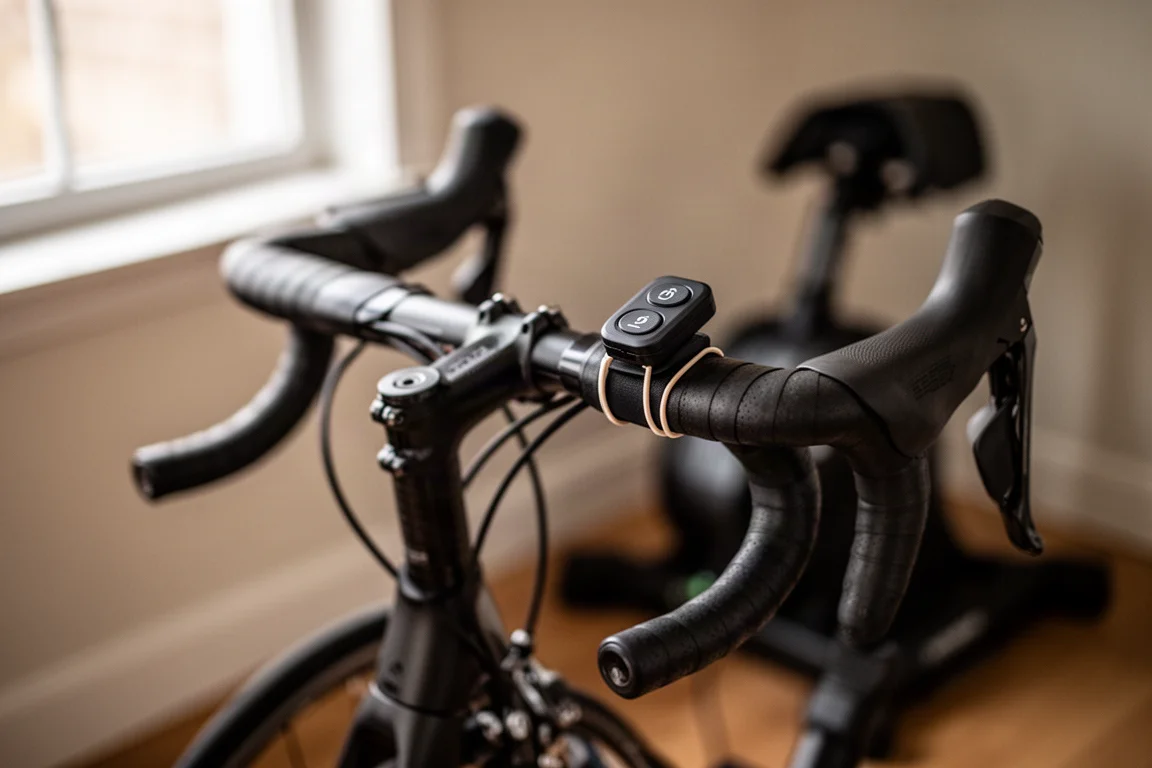
The bands are the main frustration here. Each one has a floppy end that has to be wrapped back under a notch and tucked in, which is fiddly when you repeatedly take a bike on and off the trainer for outdoor rides. If you do not have a dedicated trainer bike, this gets old fast. The good news is that it is easily solved with standard bands many riders already own. As for the name, despite there now being two buttons and a lot of clicking going on inside, it is still officially called the Zwift Click, singular.
Pairing, Battery and Settings
The Click runs on a standard CR2032 coin cell battery, with expected battery life of around 100 hours. Pairing happens through the controls menu in Zwift, with a new dedicated pairing screen rolling out in the coming weeks. Once paired, head into settings to adjust the orientation if you have mounted the remote in a different direction than the default, so the buttons are not backwards for your setup.
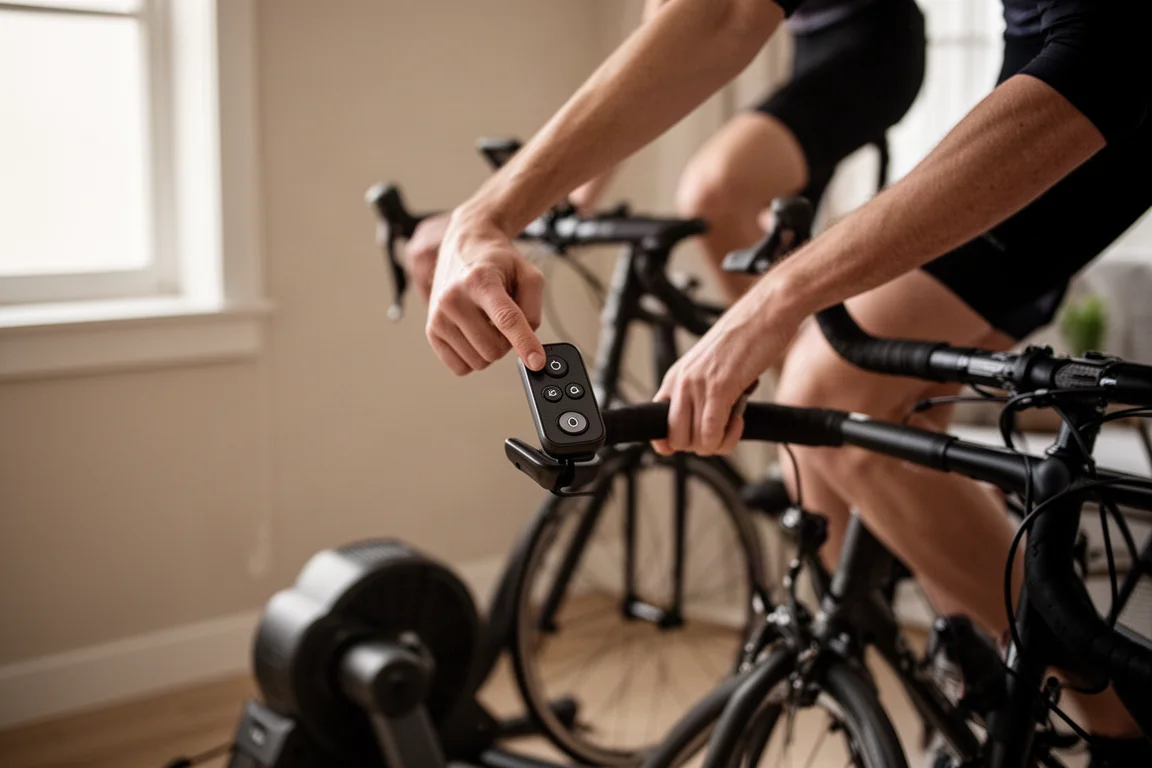
One point worth understanding: the Click essentially combines the functions of the original single-button Click and the Zwift Play controllers, pulling nearly every function into two buttons.
Virtual Shifting Explained
Virtual shifting means you stop using your bike’s own mechanical or electronic shifting entirely. Instead, shifting happens inside the trainer itself by changing resistance internally, controlled by the plus and minus buttons on the top of the remote. There is no shifting sound, and it has been available on supported trainers for several years.
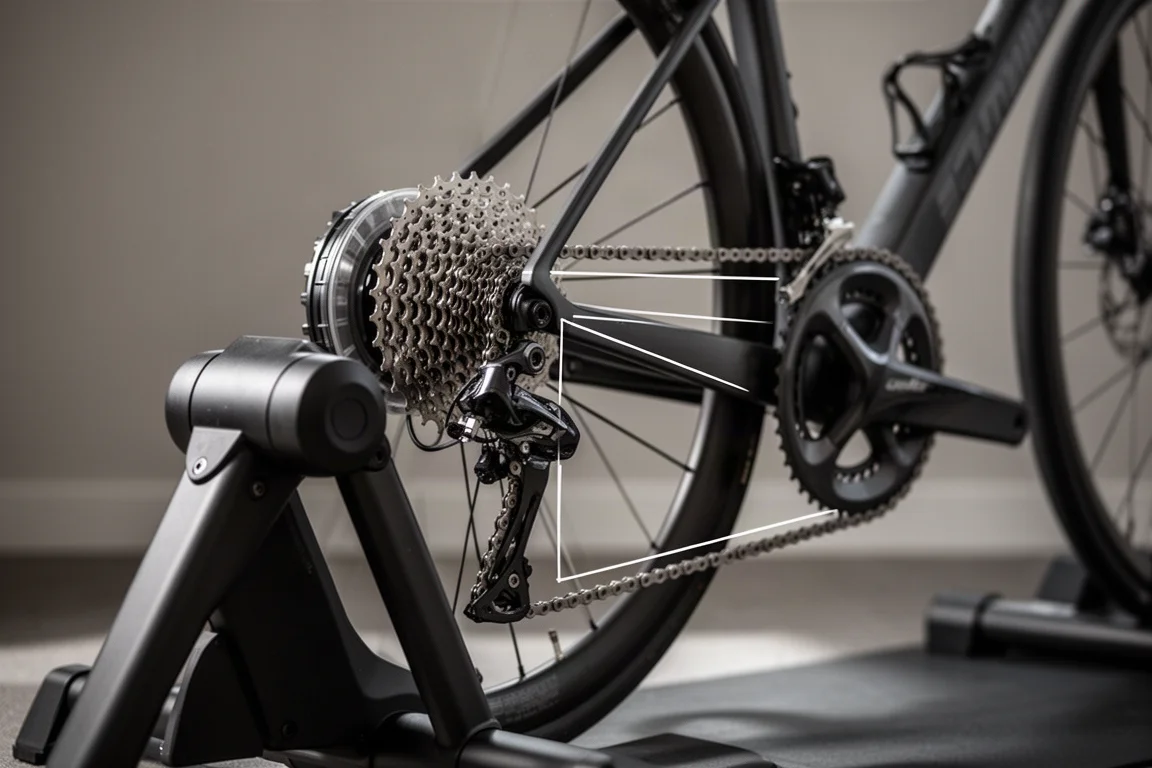
Notably, you do not need the Zwift Cog for virtual shifting. The cog is purely mechanical with no electronics inside; its job is simply to make it easy to keep bikes on the same chain line. That means you can mix a 12-speed, 13-speed, 11-speed, or 10-speed bike on a single trainer. You can also use virtual shifting on any supported trainer with your existing cassette.
Within the menus, virtual shifting offers two modes. Sequential shifting gives you one set of gears from 1 to 21, where 1 is easiest and 21 is hardest. SRAM-style shifting simulates a front derailleur, with two front gears you switch between by pressing the plus and minus buttons at the same time.
Steering, Action Bar and Workout Bias
The arrow buttons also handle steering in Zwift, moving you left or right within your side of the lane. You still cannot leave the road or cause crashes; that behavior is unchanged. What has changed is the price and the ease of mounting compared to the Zwift Play controllers, which could be tricky to fit depending on your bike.
The action bar is here too. From the handlebars you can pop up the bottom bar, change your view, trigger different actions, and generally interact without reaching for anything else. You can also navigate the entire menu system from the remote, so if a setting needs changing, there is no need for a keyboard or mouse.
Finally, in ERG mode the plus and minus buttons increase and decrease the workout bias, making a structured workout harder or easier while keeping the structure intact. That mirrors what the original Click did, except now you keep access to all the other menu features at the same time.
Buying Advice
Credit where it is due: on hardware, Zwift consistently sticks the landing, both on features and on price, and the Click is another example. At $49 including the Click, the Zwift Cog, and the appropriate freehub for your trainer, the bundle is excellent value.
The one significant downside at launch is that you cannot buy this kit separately. It is configured as what would come in the box with a new trainer, and at launch it is not sold on its own. Hopefully that changes down the road, though similar promises were made before without result. If you are buying a new trainer, this kit effectively comes along for the ride; if you already own a trainer, keep an eye on availability.
Conclusion
The Zwift Click is a well-executed, inexpensive way to bring virtual shifting, steering, action bar access, menu navigation, and ERG mode bias to your handlebars. The included mounting bands are annoying, but that is a solvable problem. For anyone setting up or upgrading an indoor training rig, this $49 kit is easy to recommend.
Product link
View more details for Zwift Click
This product is mentioned in the review. Check the specifications, options, and compatibility before buying.
View more details for Zwift ClickFurther reading
Related Reviews
Indoor Training
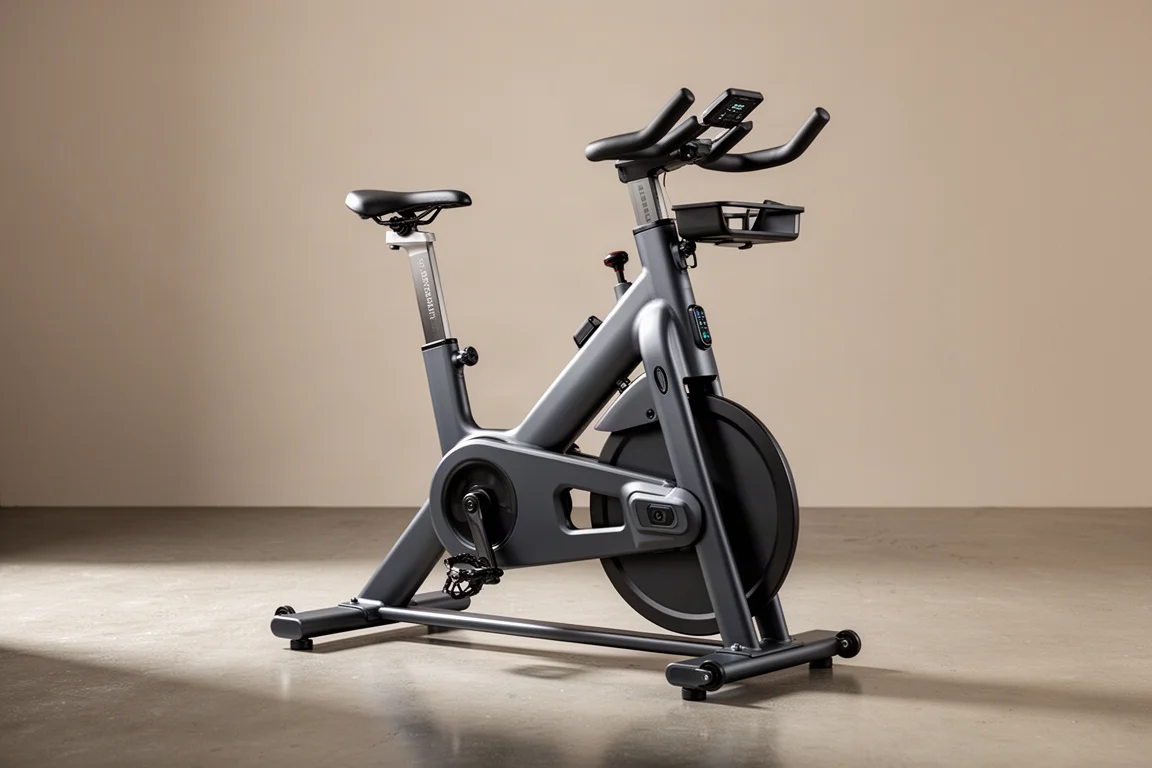
Zwift Ride Review: A Dedicated Indoor Smart Bike Frame Worth Considering
A close look at the Zwift Ride smart bike frame: steel build, fit range, cockpit controls, pricing options, and the limits to check before buying.
Indoor Cycling Tech
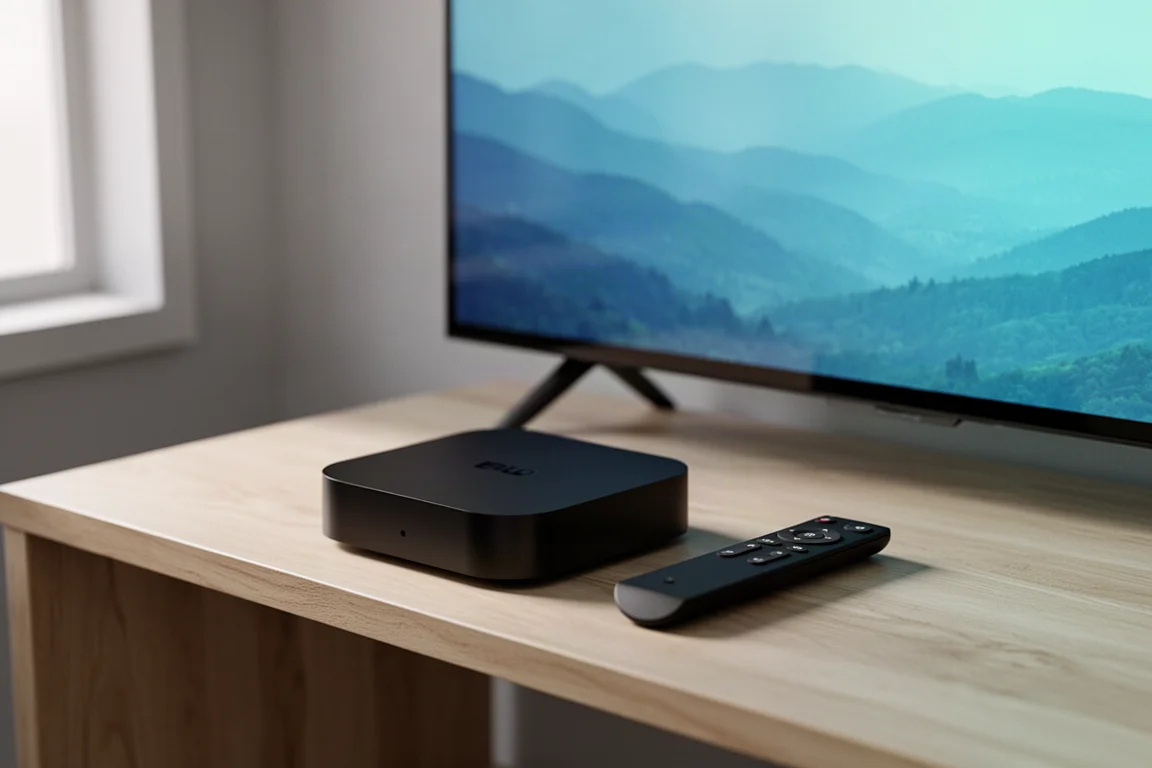
Apple TV 4K Review: A Simple Route to Big-Screen Zwift
A practical look at using the Apple TV 4K as the brain of an indoor cycling setup, what it does well, and what you still need around it.
Indoor Cycling Tech
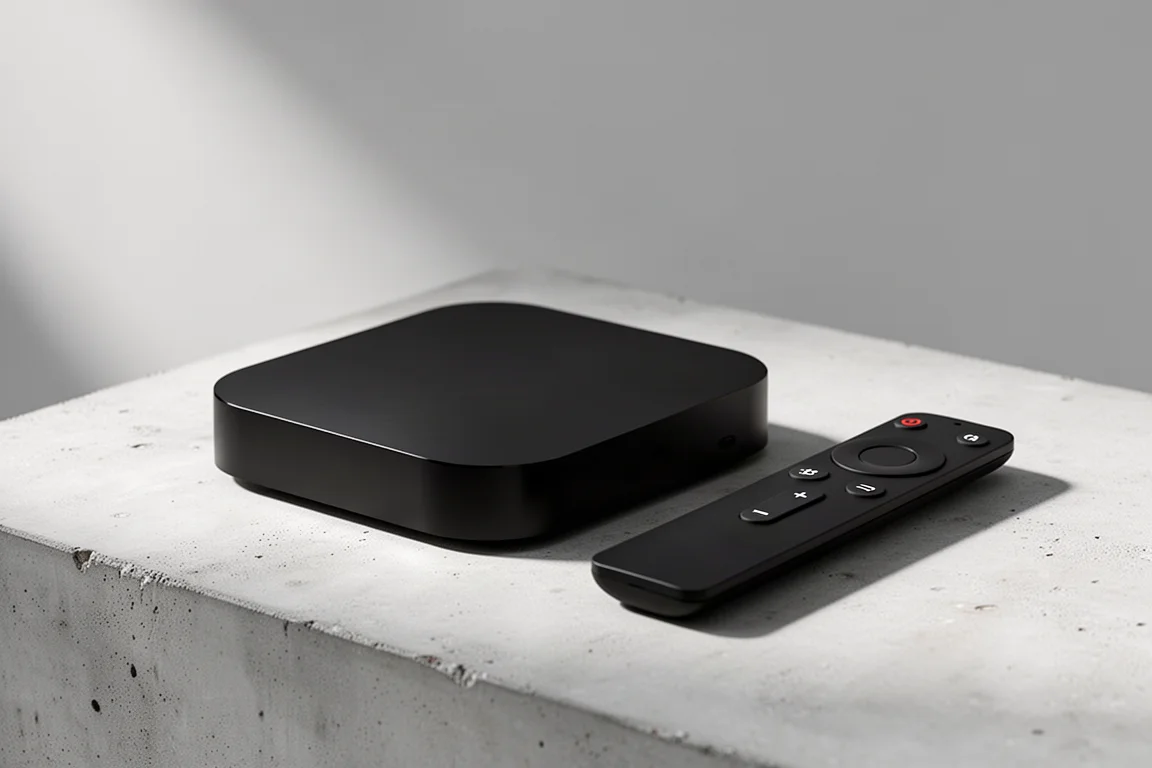
Apple TV 4K for Zwift: The Simplest Route to a Big-Screen Setup
A practical look at the Apple TV 4K as a Zwift device, covering what it does well, how it fits into an indoor cycling setup, and what to weigh before buying.