Soundbars
Yamaha True X Surround 90A Review: A Four-Piece Dolby Atmos System With Real Strengths and Real Setup Friction
A full wireless Dolby Atmos soundbar system with strong tonal balance and surprising bass, held back by a manual setup process, limited app control, and no room correction.
Introduction
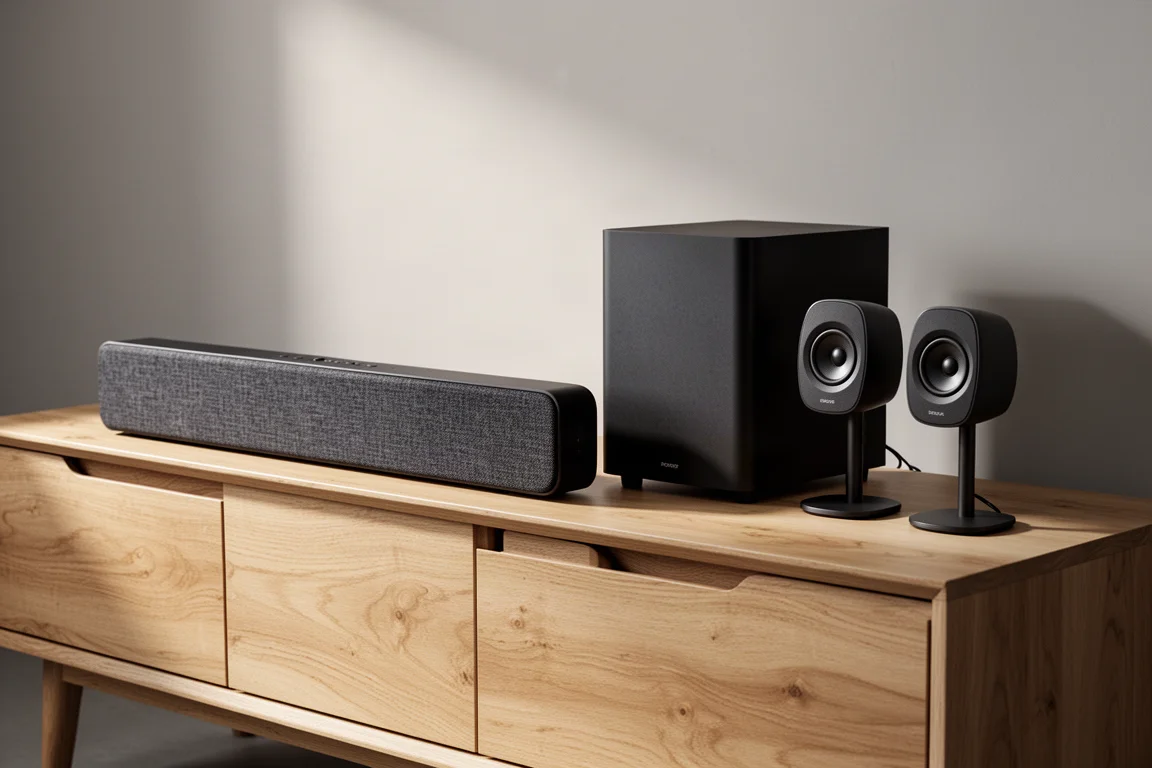
The Yamaha True X Surround 90A is the most complete configuration in Yamaha’s current soundbar family. Where the more basic True X Bar 90A pairs a soundbar with a separate wireless subwoofer, the Surround 90A adds two wireless satellite speakers for the rear channels, giving you a four-piece Dolby Atmos system in the box.
Yamaha’s approach here echoes the company’s earlier beam-based sound projectors, which used reflective technology to build a surround field from a single enclosure. The 90A follows a similar philosophy: the bar carries the height effects with upward-firing drivers instead of putting dedicated height drivers in the rear speakers.
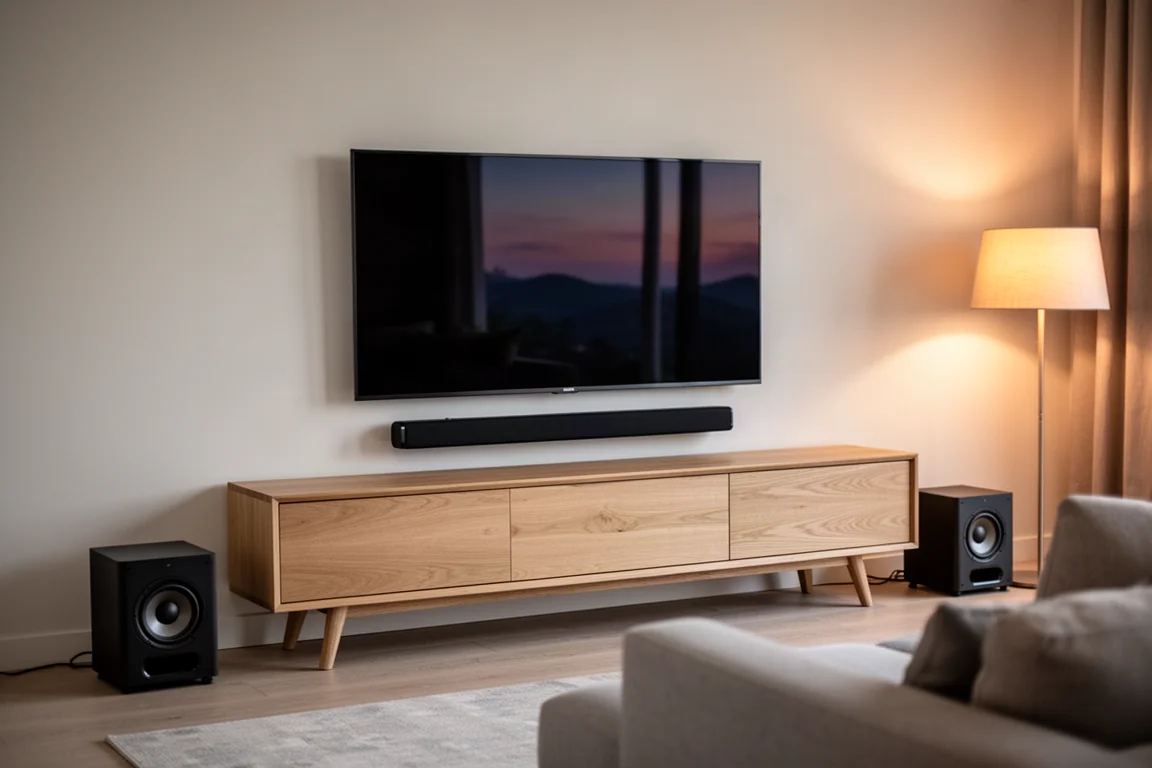
That design decision shapes almost everything about how the system sounds and where it works best. It is also the main reason setup asks noticeably more of you than most current soundbars do.
Who the True X Surround 90A Is For
This system makes the most sense for listeners who watch Dolby Atmos movies regularly, at moderate to high volume, in a room with a standard ceiling height and parallel walls. Those are the conditions where the reflective approach behind the bar has the best chance of creating convincing overhead effects.
The two wireless surround speakers earn their place if you want a genuine 360-degree field. On its own, the bar did not deliver even 180 degrees of immersion in testing, so the rears are not optional extras for a full surround experience.
It is also a reasonable fit for buyers who prefer a physical remote and a full on-screen menu system, and who want to connect a Blu-ray player or gaming console directly to the bar. It is a less natural fit for anyone who expects app-first control, automatic calibration, or modern gaming features out of the box.
Main Strengths: Tone, Bass, and Movie Performance
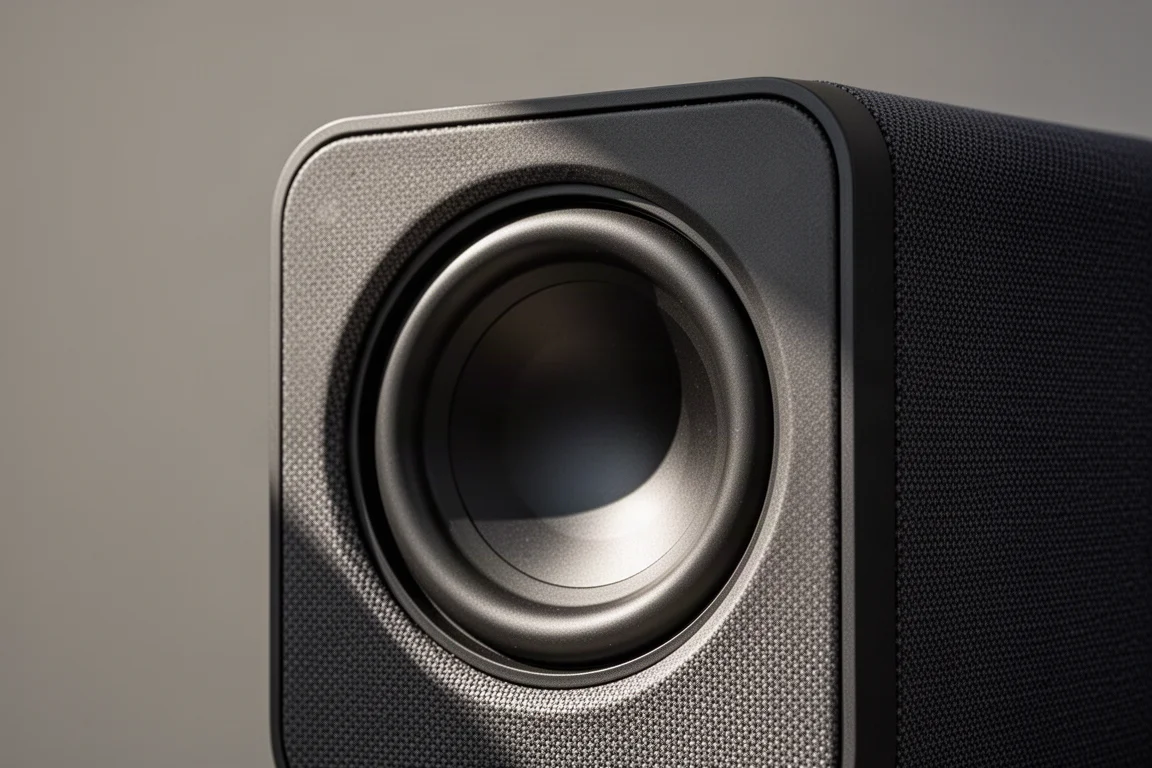
Tonally, the system is genuinely enjoyable. It sounds full-bodied from the bass through the mid-range, and the subwoofer provides a solid foundation for the bar. The sub does not play comfortably below roughly 40 Hz and is crossed over around 100 Hz, with a measurable dip at the crossover point, yet action films still sound excellent. In practice it sounds bigger and more powerful than its physical size and build quality would suggest.
The mid-range leans neutral to slightly forward. With the subwoofer engaged, vocals and mid-range instruments gain real weight and dimension, and the blend between bar and sub is close to seamless.
Dialogue intelligibility improves substantially with the Clear Voice setting enabled. Without it, dialogue sat too far back in the mix. There is no low, medium, or high adjustment for that setting, and it lifts the treble noticeably. The tweeters extend well, but they are energetic, with peaks of up to around 5 dB at 10 kHz that can become fatiguing at higher volumes. Pulling the treble down by about 3 dB made the high frequencies sound more natural.
Four sound profiles are available: Surround AI, Straight, Stereo, and 3D Music. Surround AI analyzes the incoming signal every few seconds to spread it across all of the system’s speakers, and it is not a form of room correction. Switching the surround decoder from the default 3D processing mode to Dolby improved the system’s coherence, tonality, and clarity, and the Straight profile produced even better results. With Dolby Atmos films at 70 dB and above, the system is at its best.
Setup and Daily Use: What to Expect
This is not a plug-and-play soundbar. There are three ways to control it: the included remote, the MusicCast app, and the on-screen display shown on your television. The on-screen menu is the most straightforward path for setup, even though it carries over a great deal from Yamaha’s AV receivers.
Each component has to be initialized individually, and it can take a few attempts before everything connects and syncs properly. The good news is that once the bar establishes its connection to the subwoofer and surrounds, it keeps that connection and reconnects automatically when you power the system back on.
The surround speakers are battery powered. They charge on conductive pads that connect to a wall outlet by USB cable, and wall adapters are not included, so you may need to supply your own. They work while sitting on their charging pads. The included USB cables are around 24 inches long, which can limit where you place the rears. As for runtime, the surrounds need recharging after about two days of intermittent use, and sooner under heavier use.
Each surround powers on as a standalone Bluetooth speaker, because that is effectively what it is. To register them, you first place the main bar into its initialization mode, then press and hold the registration button on each speaker and wait for the left indicator light to stop blinking and turn solid. Both speakers default to the left channel, so you repeat the process and press the registration button again to switch one to the right channel.
CEC is not enabled by default, so a connected source may appear unresponsive until you open the on-screen display with the remote and turn CEC on. Those settings are not accessible from the app. The MusicCast app itself is limited with this bar and is mainly useful for streaming music.
Connectivity, Control, and Room Fit
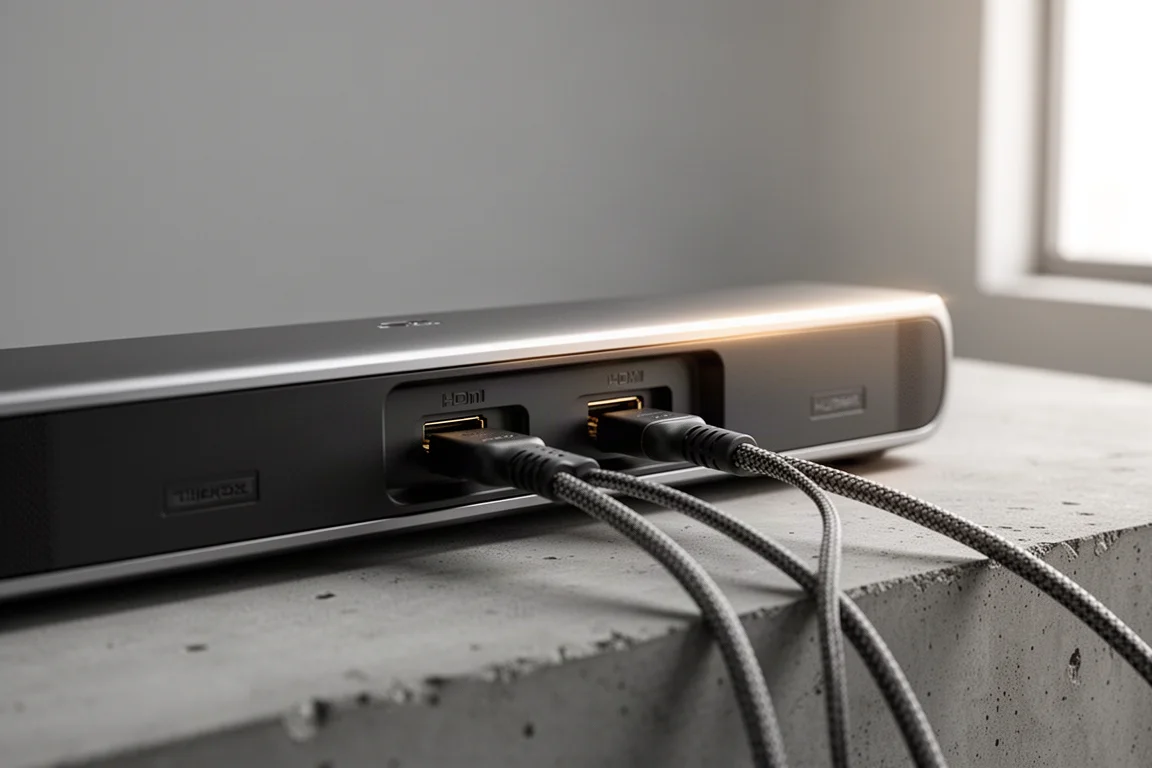
Yamaha gives the bar two HDMI ports: one input and one ARC/eARC output. That means you can connect a Blu-ray player or a gaming console directly to the soundbar rather than routing everything through the television. HDMI 2.1 features such as 4K120 pass-through and VRR are not supported, so gamers who need those capabilities may find the extra port less useful.
There is no automatic or manual room correction of any kind. You cannot adjust the levels of the main left, center, and right channels. Only the subwoofer, the surrounds, and the upward-firing drivers can be adjusted. Tone controls are limited to a bass boost and simple bass and treble sliders.
Room fit matters a great deal with this design. Overhead and side effects depend on the bar’s upward-firing drivers reflecting sound around the room, so the system works best with ceilings that are not too high and with parallel walls that support that reflectivity. Ceilings closer to 10 ft or higher, or irregular room shapes, may leave the system sounding less convincing. The rear speakers are needed to complete a 360-degree field. One clear positive is connection stability: the surrounds maintained their link at distances nearing 30 ft with no dropouts.
Things to Consider Before Buying
Price is the first thing to weigh. The system starts around $2,800 and runs up to about $3,500 for the complete package, which places it in direct competition with well-established alternatives that offer more automated setup and broader app control.
Music listening is a mixed bag. Dolby Atmos tracks sound noticeably better than non-Dolby material, and stereo playback was inconsistent across different recordings. Stereo and Direct profiles tended to sound too center-weighted.
Then there is the setup and control experience. Components must be registered individually, CEC has to be switched on manually, and the app cannot handle many of the settings you will want to change. There is no auto setup or room correction to smooth any of this out, and the Clear Voice setting that fixes dialogue intelligibility also brightens the treble with no adjustable levels. If you need HDMI 2.1 gaming features, this system does not provide them.
Buying Advice
If your main goal is Dolby Atmos movie nights in a room with a standard ceiling and parallel walls, this system is competitive. Its tonal balance and subwoofer output are the strongest arguments in its favor, and the wireless surrounds hold their connection reliably over long distances.
If automatic calibration, app-first control, or HDMI 2.1 gaming support matter to you, this is not the system to build around, or you should plan to spend real time on manual configuration. It is also worth deciding up front whether the two battery-powered surround speakers justify the extra setup steps and charging routine for the way you actually watch and listen.
Conclusion
The Yamaha True X Surround 90A gets a lot right where it counts most: it sounds full-bodied and tonally pleasing, it delivers convincing bass, and it performs well with Dolby Atmos films at higher volumes. The friction sits in the experience around the sound. Setup is manual and repetitive, the app is limited, there is no room correction, and the price sits at the top of the category. Buy it for the movie performance and the four-piece wireless design, and go in with realistic expectations about the setup process.
Product link
View more details for Yamaha True X Surround 90A
This product is mentioned in the review. Check the specifications, options, and compatibility before buying.
View more details for Yamaha True X Surround 90AFurther reading
Related Reviews
Soundbars
Bang & Olufsen Premiere Review: A Compact Soundbar Built to Last
A close look at the Bang & Olufsen Premiere, a compact soundbar with deep bass for its size, automatic sound profiles, and a clear modular upgrade path.
Soundbars
Best Dolby Atmos Soundbars: Six Picks for Movies, Music, and Small Rooms
A practical roundup of six Dolby Atmos soundbars, from compact dialogue-focused bars to expandable systems and an all-in-one flagship.
Soundbars
Bluesound Pulse Cinema Review: A Music-First Soundbar With a Software Catch
A close look at the Bluesound Pulse Cinema, a 3.2.2 soundbar with a genuinely expressive midrange and natural tone, plus the app and expansion limits worth knowing before you buy.