Laser Cutters
xTool S1 40W Diode Laser Cutter Review: Power, Enclosure, and Trade-Offs
A fully enclosed 40W diode laser cutter with autofocus, dual software support, and swap-in heads. Here is what it does well and where it falls short.
Introduction
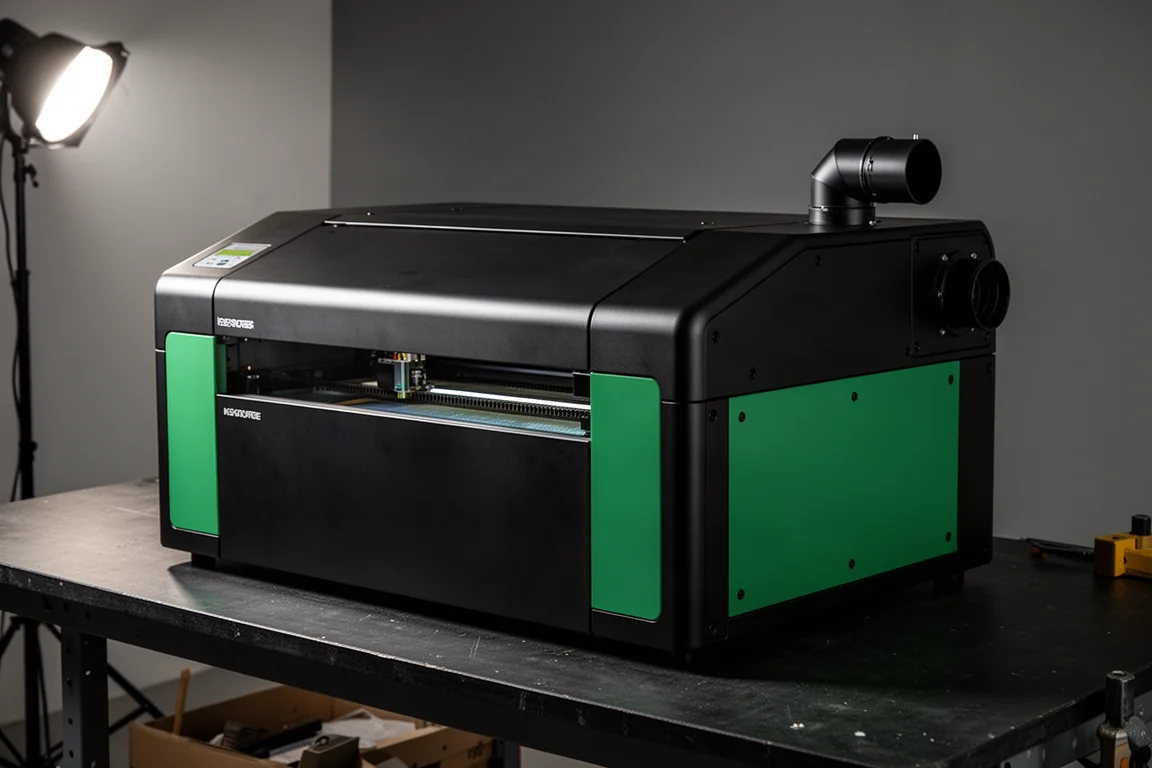
The xTool S1 40W is an enclosed diode laser cutter and engraver, and it is the top-of-the-line diode laser in xTool’s lineup. At $2,200 for the full package, down from a list of $638 higher, it sits at the bottom end of genuinely quality equipment rather than the top of the hobbyist range. This review walks through the setup experience, real project results, specs, and an honest list of strengths and weaknesses so you can decide whether it fits your workshop.
Setup and First Use
Setup is refreshingly well documented. The manual is thorough, and the accessory pack includes a small tool kit with a hex driver. You attach the air pump hose, plug the fan connector and power into the rear ports, and use the three-USB bank on the back to power and control the air assist unit. The USB key acts as a safety lock: remove it and the laser is disabled, which is handy if you have kids around the machine. There is also an emergency lock that stops everything instantly if something goes wrong.
Two setup steps take a little patience. Shipping blocks lock the carriage in place and are hard to reach in the dark interior, though they can be removed with effort. The protective stickers on the rail peel off cleanly if you pull slowly, and any residue wipes away without solvent. From there, you mount the laser module with two bolts, attach the air hose and the plastic power connector, and snap the magnetic depth gauge and focusing tool into place.
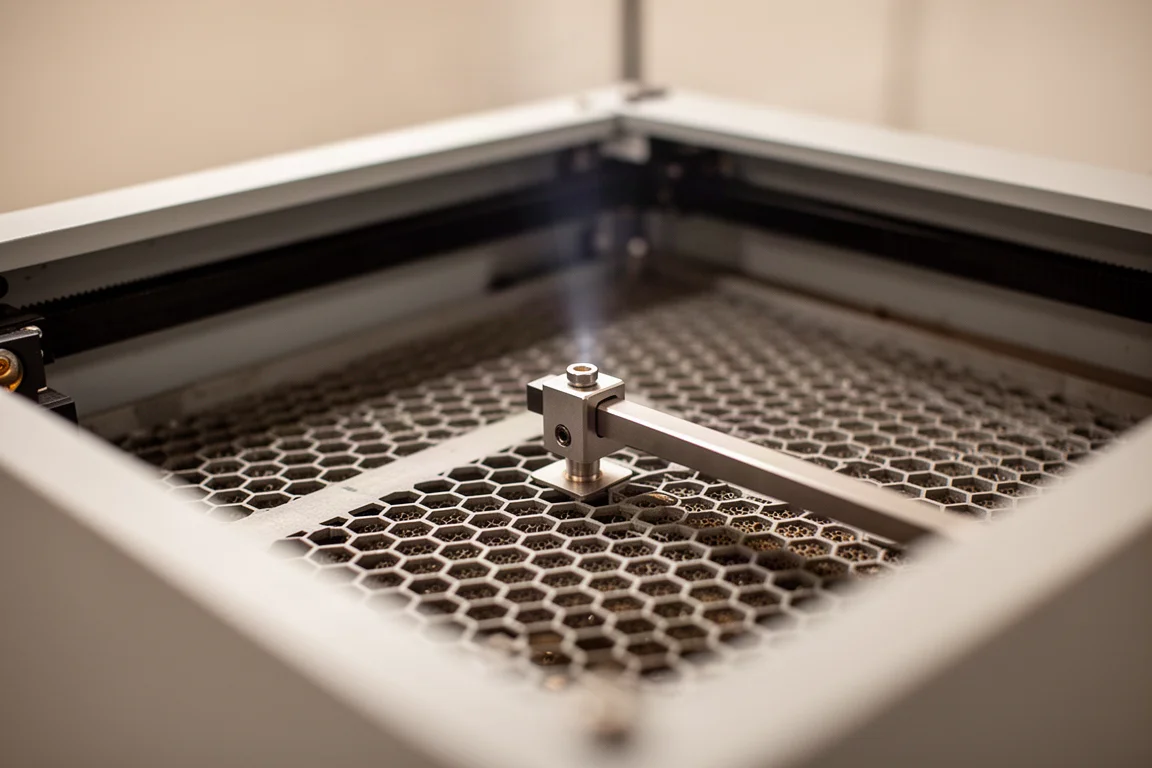
The machine ships with four magnetic hold-downs that slide into the honeycomb bed and latch down. The software installation is straightforward: you download the Creative Suite, flash the firmware, power on, and the machine performs its startup sequence with a light bar at the back. In practice, Wi-Fi setup took only a few minutes after an initial USB connection, which is far smoother than most machines in this space.
Materials and Software
The 40W diode is a cutting specialist first. It cuts up to roughly 18 mm of wood, which is about 0.7 inches, and it handles a wide variety of woods, papers, and plastics. The included upgraded air assist is a genuinely smart unit with multiple settings plus an auto mode that listens to the machine, and it draws power directly from the cutter itself.
A 3 mm basswood test project, cutting an intricate design with engraving and a final cut, took about five minutes and fifteen seconds. Compared with most consumer lasers, that is quick. The cutout lifted off the bed perfectly clean, with no sprues, no deburring, and no cleanup. Engraving, while slightly less sharp than cutting due to the wider dot of the 40W diode, still produced crisp text and detailed etching.
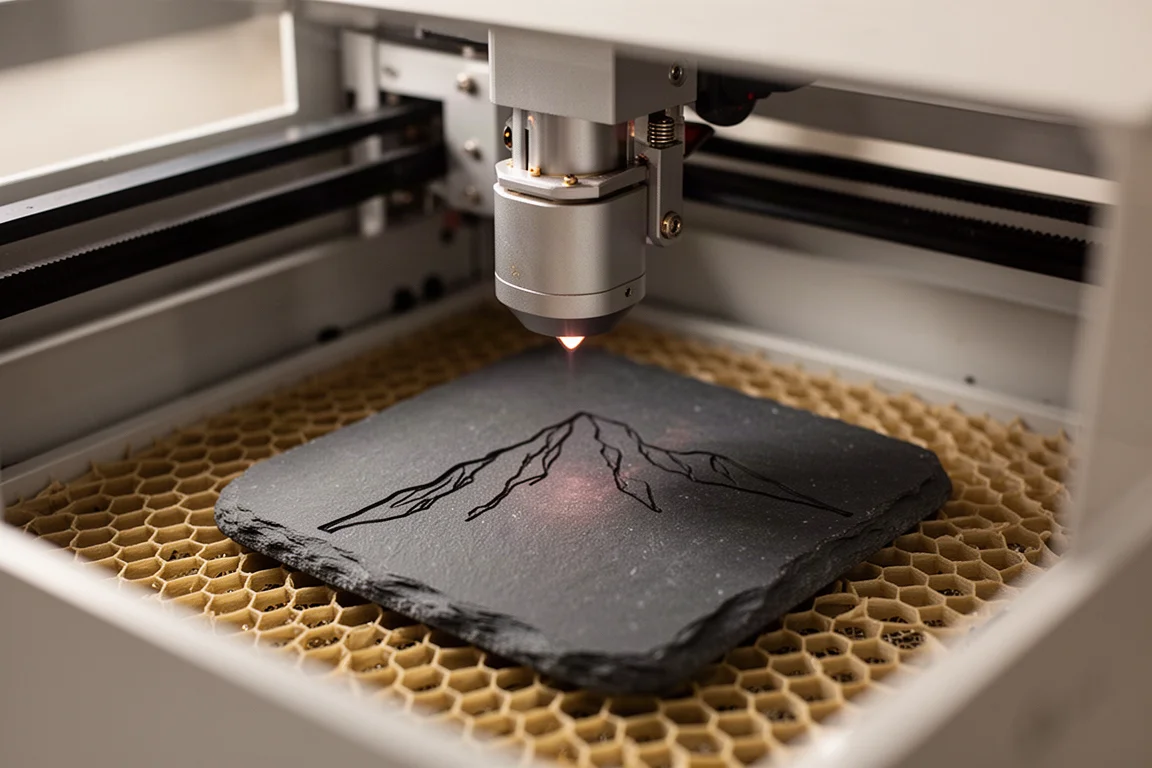
Stone is fair game too. A slate coaster etched with a state outline and mountain silhouette came out sharp despite very thin line work, though diode lasers etch stone rather than cut it. One limitation to know about: diode lasers struggle with clear plastics, which the beam simply passes through.
On the software side, you get xTool’s Creative Space, an integrated browser-based workspace that works locally, without the constant internet connection some higher-end competitors demand. You can import your own art, set layer speeds, enter material thickness for autofocus, mark the working boundary with the laser head, and preview the framing before cutting. Crucially, you are not locked in: the S1 also works with LightBurn, the professional-grade laser software. LightBurn support is not 100 percent, sitting in the high 90s with a few gaps that occasionally force a detour back to the stock software, but for hobbyist and prosumer use that rarely matters.
Ventilation and Exhaust
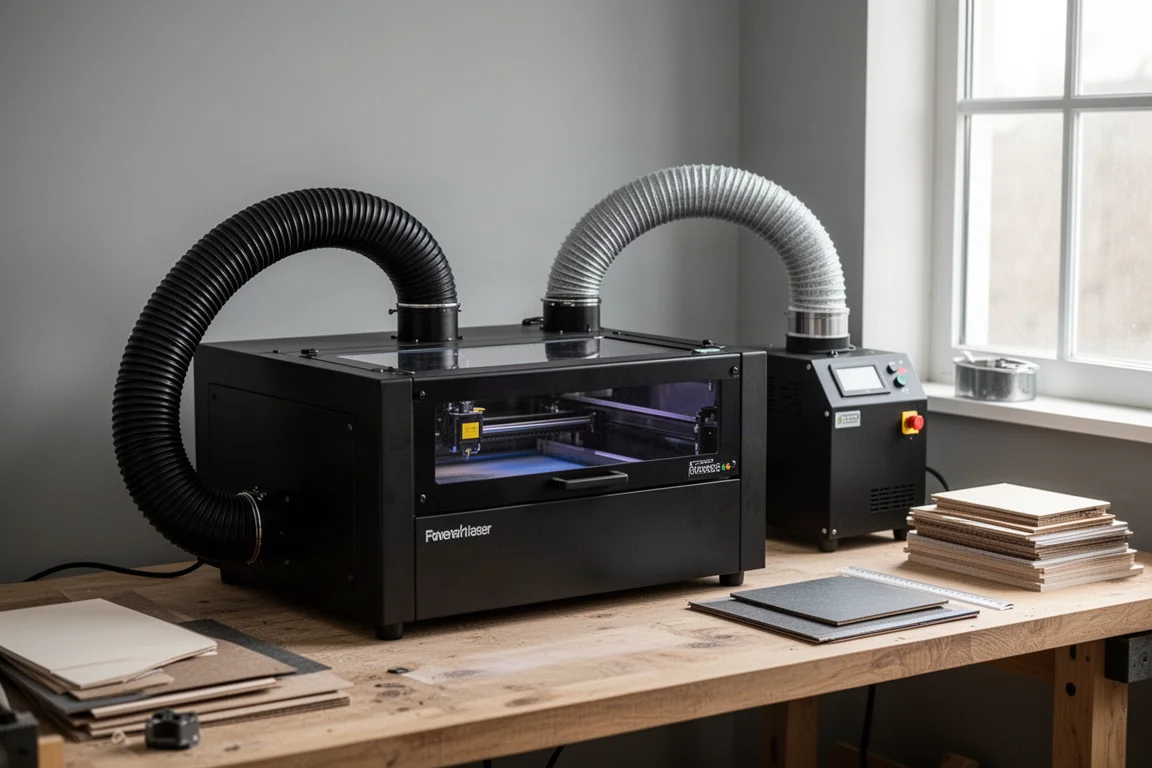
The fully enclosed design is one of the biggest advantages here. The green protective panel shields your eyes from the laser, and the enclosure gives you real control over both fumes and laser exposure. You never need to wear goggles while the machine works in the corner of the room.
One weak point is the stock exhaust fan. It does not have much power, and in windy conditions a hose routed out a window can be overpowered, blowing fumes back into the room. The practical fix is either a dedicated fume extractor that runs the output through a filter, or xTool’s inline ducted fan accessory, which pushes enough airflow to clear the space properly. Given how unpleasant laser fumes are, budget for one of these solutions.
Heads, Accessories, and Expandability
The S1 uses interchangeable laser modules. If the 40W head is more cutting power than a job needs, you can swap in a 20W head for finer engraving, a 10W head for delicate materials, or an infrared head for better metal performance. Swapping takes two or three minutes: unplug the air and electrical connectors, remove two bolts, and slide the new module in.
The accessory ecosystem is deep. There are rotary attachments for engraving round objects, including cups, mugs, spheres, and rings, held from the inside, the outside, or pressed against an end stop like a lathe. A screen printing kit is available, along with a riser base that adds working height and enables pass-through of longer material, and a smoke purifier. Note that the bundled fire safety device was not included in this unit but does come with the full package.
Pricing and the Good, Bad, and Ugly
The good: the S1 delivers strong value for the performance. Build quality is excellent, designed from the ground up with packaging and organization on the level of a premium consumer electronics unboxing. Connectivity is USB and Wi-Fi, both stupidly easy to configure. It is fast for a consumer machine, cuts a broad material range, and xTool has an established community, so solutions to common problems are a quick search away. Autofocus is an elegant, nifty solution to a genuinely annoying problem. The working area of roughly 20 by 12 inches is wider than most, which suits long-format projects better than a deep square bed.
The bad: $2,200 is a hefty chunk of change that puts it out of reach financially for many people. There is no camera for automatic material positioning, which is the biggest single negative. The workaround is the laser marking system, where you set waypoints to draw a boundary the head must stay inside. It works, but it is not as elegant as a camera, and it requires your material to be squared to the gantry first. LightBurn support is high-90s rather than perfect, which matters most if you plan to run this as a production machine. And while it is fast for a consumer laser, it is not commercial-grade fast, so pros should calibrate expectations.
As a diode laser, it also cannot match a CO2 machine’s material flexibility for clear plastics. The ugly column is essentially empty: nothing here is a dealbreaker, and the closest thing to ugly is simply the missing camera, which the marking tool largely compensates for.
Who Should Buy It
On a one-to-five scale from entry-level to high-end pro, this lands around 3.5 to 3.7: better than average prosumer equipment, but not professional grade. It is best suited to the serious prosumer, the budget-minded pro, or a professional who needs a capable secondary tool. It also suits an entry-level buyer who is committed to taking the hobby seriously and wants a machine they will not outgrow. If you need CO2 material flexibility or fiber-grade metal work, look elsewhere in the laser family. But at the hobbyist-to-value-pro level, it is hard to call this a bad choice.
Conclusion
The xTool S1 40W is an incredibly versatile and powerful machine for the money, with excellent build quality, safe enclosure design, fast cutting, and a rare dual-software option. Its trade-offs are the price, the missing camera, and the diode laser’s inherent limits with clear plastics. For a serious maker or a pro needing a strong secondary machine, it is one of the most complete packages in its class.
Product link
View more details for xTool S1 40W Diode Laser Cutter
This product is mentioned in the review. Check the specifications, options, and compatibility before buying.
View more details for xTool S1 40W Diode Laser CutterFurther reading
Related Reviews
Laser Cutters
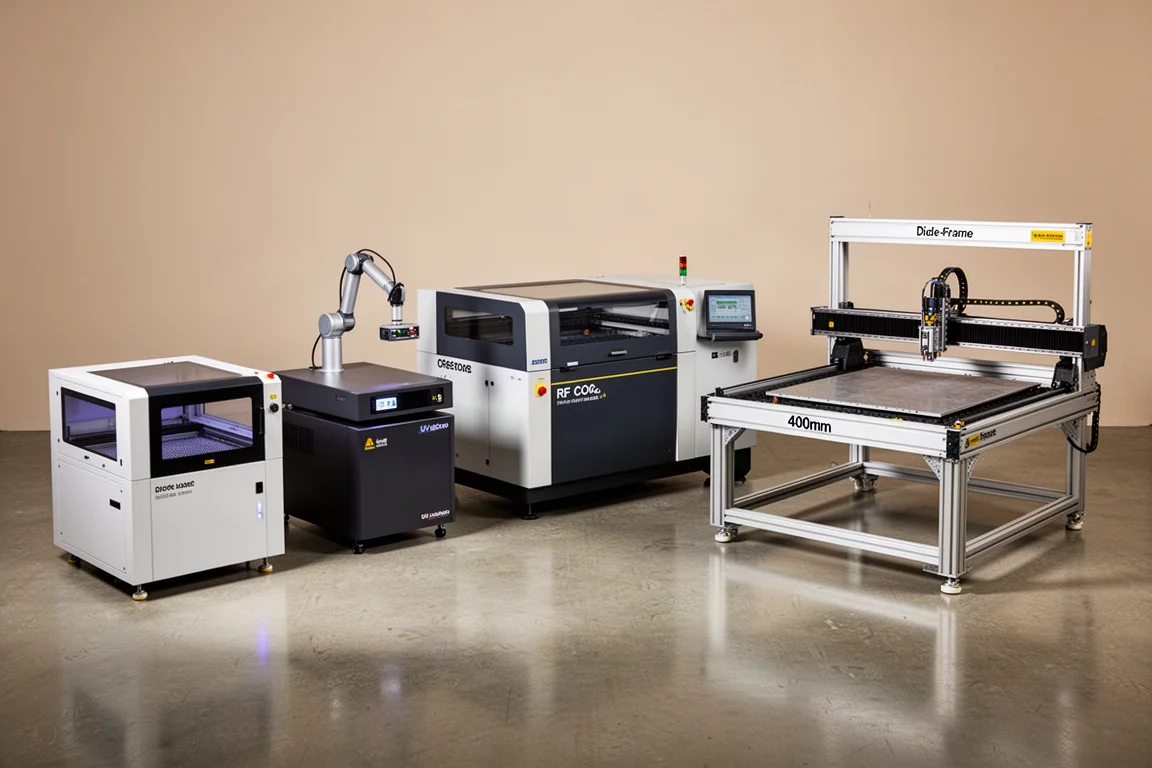
Best Laser Cutters 2026: Four Machines for Different Users
A practical guide to choosing the right laser cutter in 2026, based on your skill level and workflow rather than raw specs.
Laser Cutters
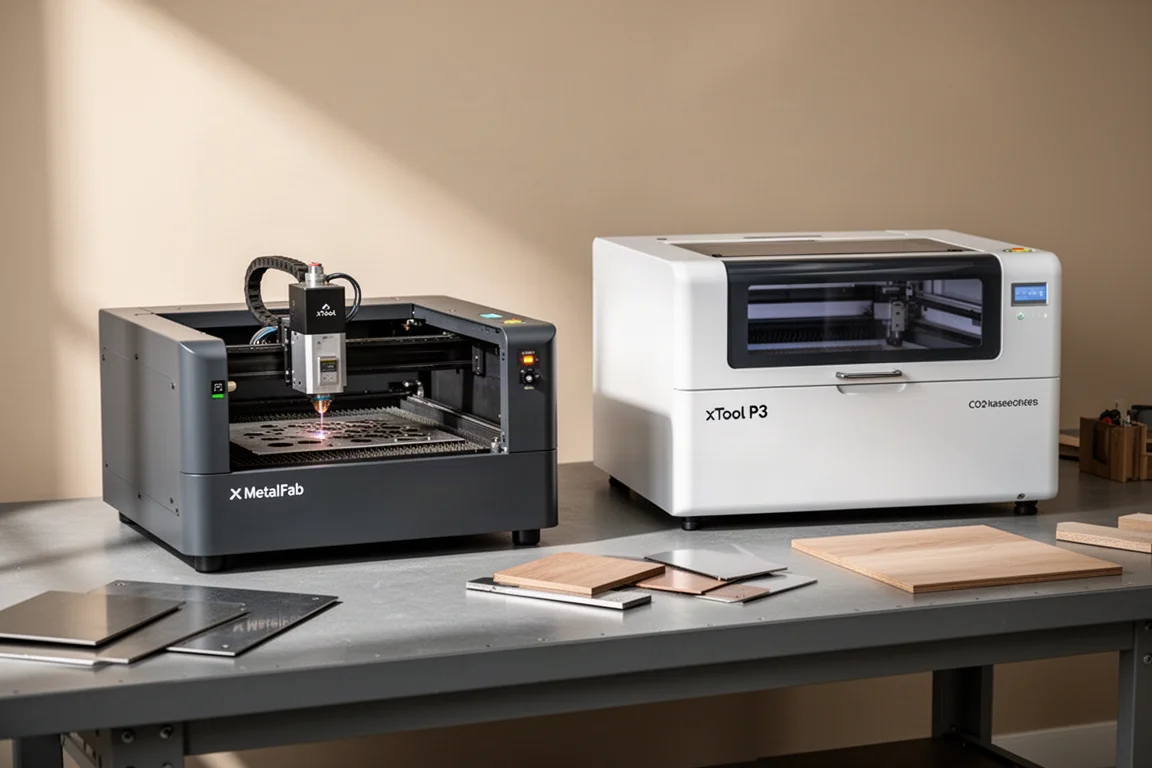
xTool MetalFab and xTool P3: Two Laser Tools for Metal and Wood Projects
A look at two laser cutting tools that handle metal fabrication and wood cutting with precision, speed, and minimal cleanup.
Laser Cutters
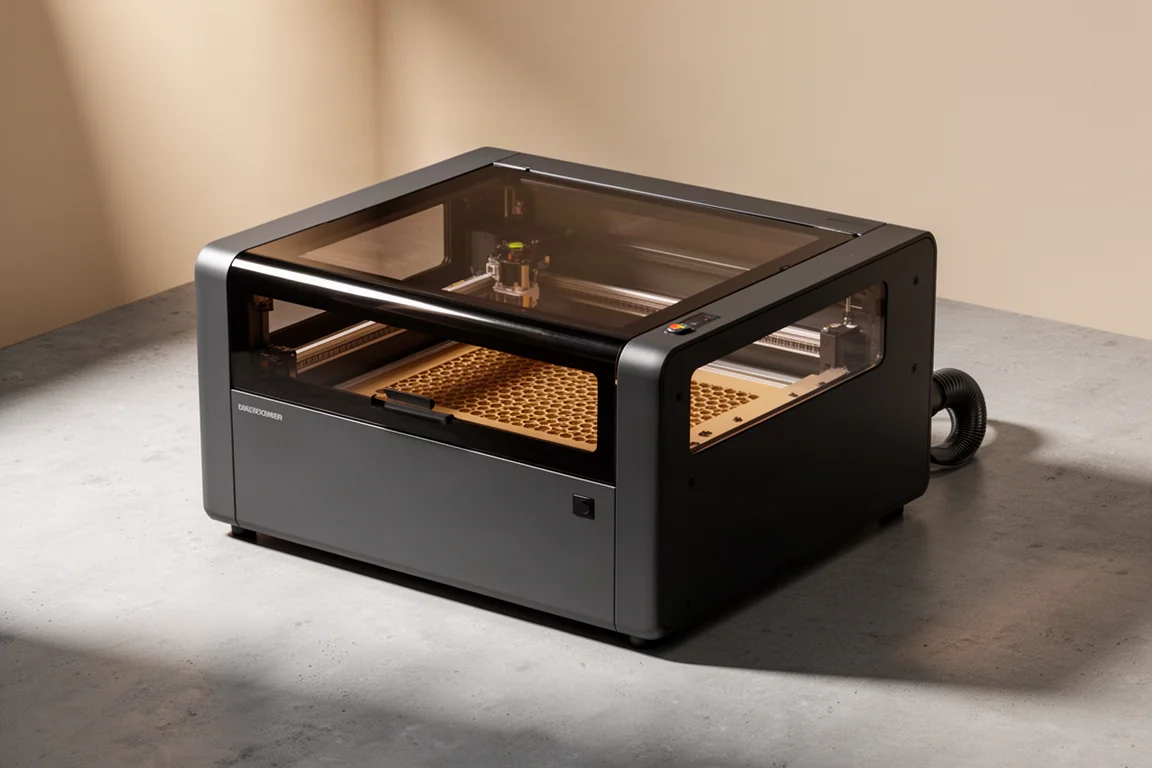
WeCreat Vision Pro 45W Review: The Goldilocks of Laser Cutters?
A 45-watt diode laser with beam focus technology that promises both high-power cutting and fine precision work in one fully enclosed machine.