Laser Cutters
WeCreat Vision Pro 45W Review: The Goldilocks of Laser Cutters?
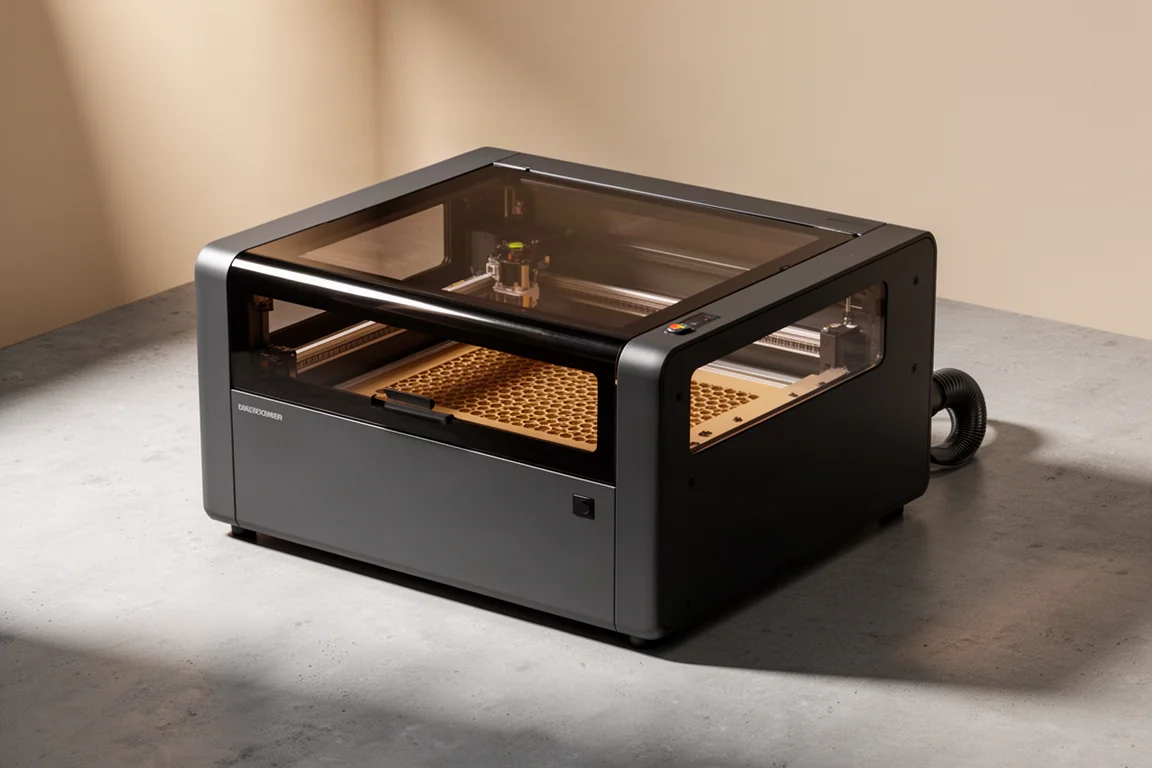
A 45-watt diode laser with beam focus technology that promises both high-power cutting and fine precision work in one fully enclosed machine.
Introduction
Most desktop laser cutters force a compromise. Low-wattage diode machines are easy to live with and rarely need maintenance, but they etch far better than they cut. Step up to a 40-watt class machine and you gain cutting ability, but precision starts to slip. The WeCreat Vision Pro 45W aims to close that gap, and it does so with a feature set that feels genuinely thoughtful rather than spec-sheet padding.
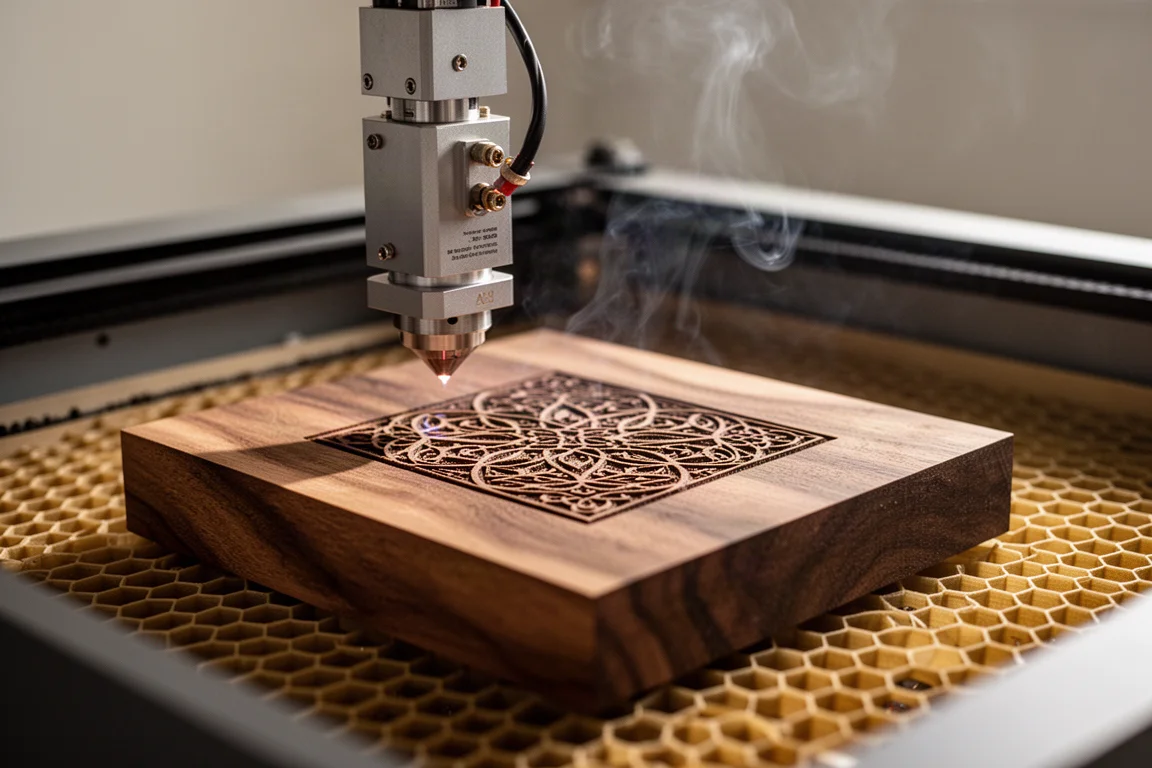
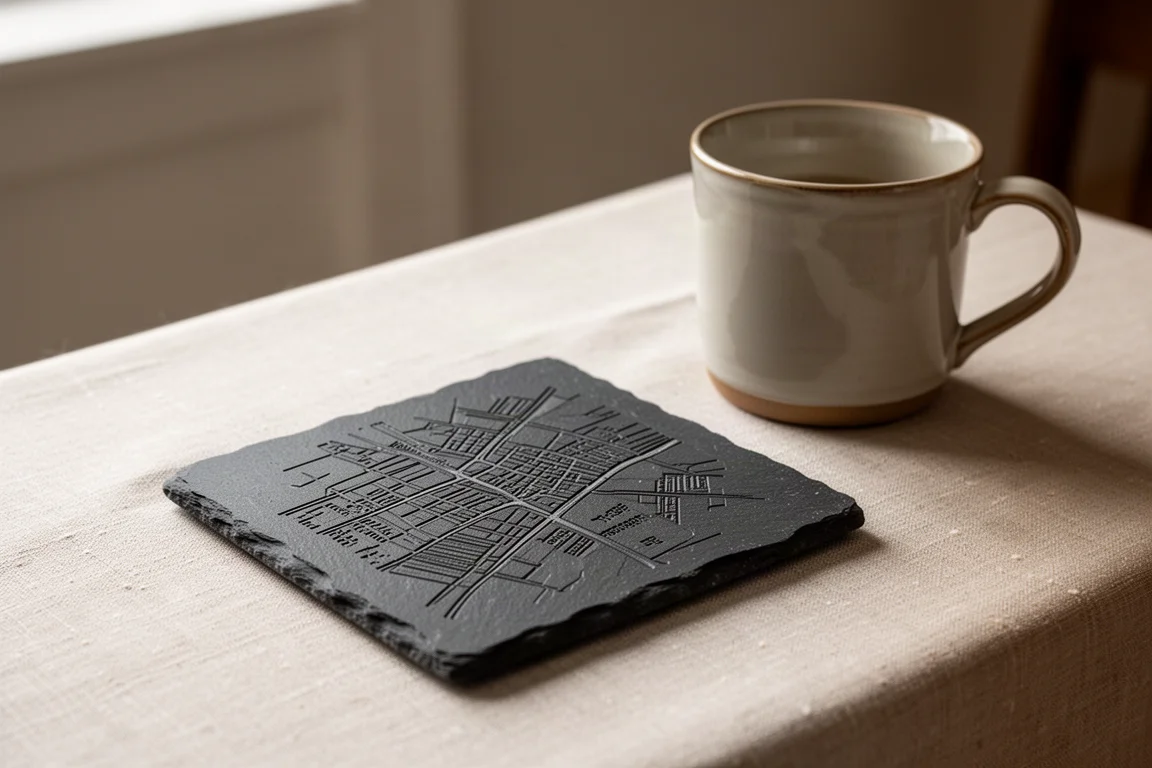
The headline technology here is beam focus. According to WeCreat, it lets the 45-watt diode burn at roughly the level of a 60-watt laser while also delivering the fine spot size you would expect from a 10 or 20-watt machine. In practical use, that means you can push deep cuts through hardwood in one session and then turn around and engrave an intricate map onto a slate coaster with street-level detail. Getting both in one box is unusual at this price point.
Who This Product Is For
This machine is aimed squarely at beginners who do not want to outgrow their first laser. Setup is minimal: it arrives essentially preassembled, you remove six packing screws, drop in the bottom grates, connect the dust extractor and air pump, and optionally attach a Wi-Fi antenna. There are no riser legs to buy, no wood blocks to stack, no leveling gymnastics.
The built-in HD camera and autofocus remove the two most intimidating parts of laser work: positioning your material and finding focus. You can toss a dozen items into the bed, and the software lets you replicate one design across all of them with a single press. The tinted lid filtration means you do not need laser glasses. If you are an amateur who wants professional-looking results without a steep learning curve, this is built for you. And if you eventually do become a pro, LightBurn compatibility means the machine grows with you instead of getting replaced.
Main Strengths
The beam focus technology is the story. The spot size comes in at 0.8 by 0.08 mm, which the company positions at the level of a 20-watt or even some 10-watt lasers, while the power ceiling behaves like a much larger machine. Max cutting depth on wood is a claimed 25 mm, with a 6x cutting speed versus 4x on the brand’s own 40-watt Vision model.
Other strengths stack up quickly:
- Auto-lifting workbed. The machine raises and lowers automatically, so thick items and uneven materials are far less of a hassle. This is a feature that is hard to find elsewhere.
- HD top-mounted camera. Placement, alignment, and even batch production become trivial. You can drop an irregularly shaped leather caddy into the bed and align the design in software instead of squaring the material.
- 3D preview in the software. Before you burn, you get a rendered preview of the result, which makes it easy to check spacing and placement.
- Rotary support. The Rotary Pro set uses an advanced chuck with silicone grips and supports one-pass full-wrap tumblers. A first-time rotary user reported getting a usable mug engraving on the very first attempt.
- Fully enclosed design. With the shield filtration on the lid, the go button, and autofocus all integrated, it behaves as a complete all-in-one unit rather than a kit.
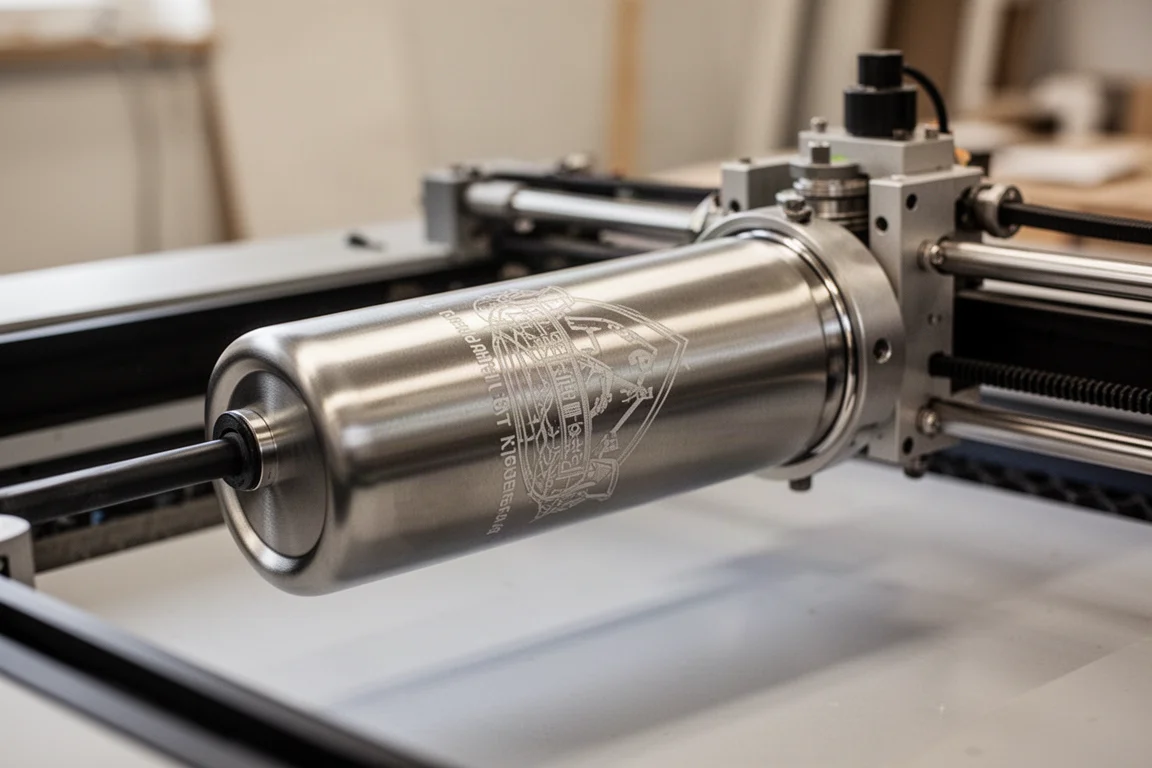
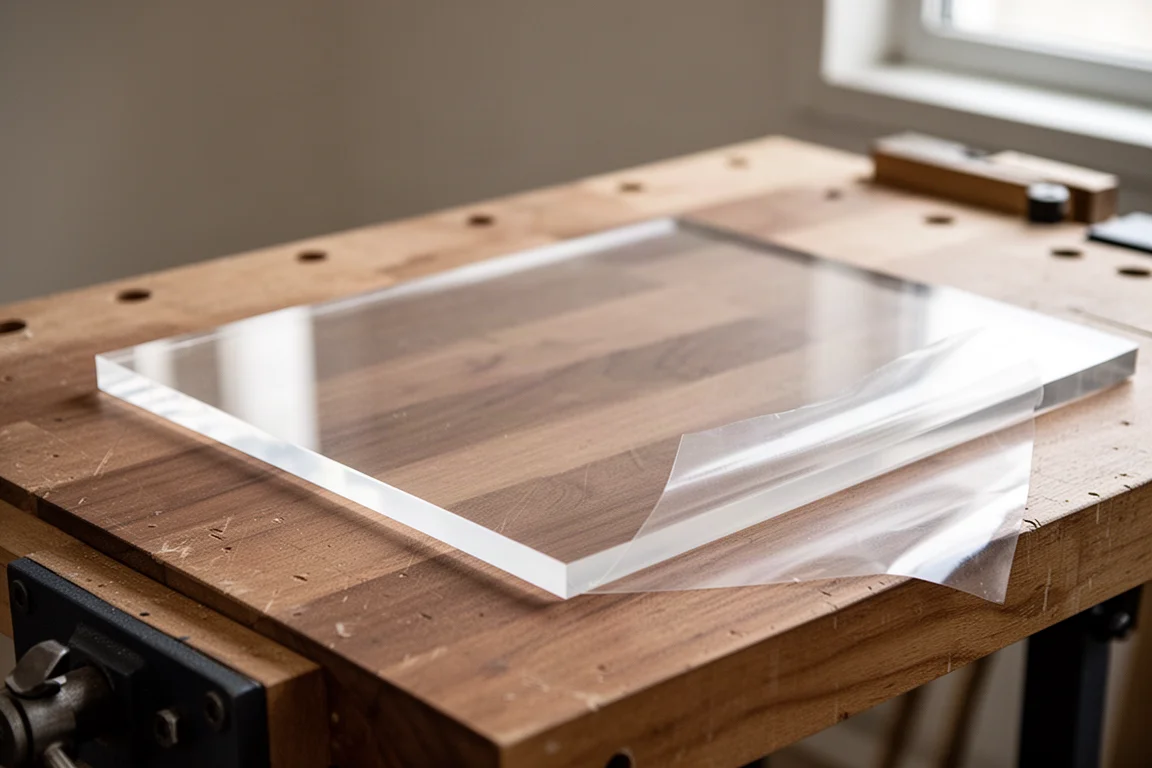
The bundled software is genuinely good too, refined over multiple iterations, and the quick-view burn level previews make material setup painless. For people who want to sell at craft fairs, tumblers, coasters, and custom acrylic pieces are realistic products, and one good event could plausibly offset a meaningful chunk of the machine’s cost.
Things to Consider Before Buying
It is not perfect, and a few nitpicks matter depending on your plans. First, the bed size: the working area measures 19.7 by 12.6 inches. That is generous, but it will not fit a standard 24-inch-wide pre-cut board in one pass, so expect to trim material down. A few more inches would have solved a common frustration.
Second, the rotary tool’s cable is short and routes from an awkward side; a longer cable or a mirrored motor placement would make it more pleasant to use.
Third, and most important, the machine is not completely sealed. Because of the auto-rising base, there are air gaps, so you will want a genuinely powerful fume extraction setup. The stock extractor moves air but not enough; the company sells an inline duct fan for around a hundred dollars, and ducting straight out a window is the most effective approach. In a small room, you can still tell when it is burning even if you never see smoke.
Also note that the 2W infrared switchable module, useful for engraving metals, is sold as an optional add-on. It is not a true fiber laser, but it meaningfully expands what you can do with metal surfaces.
Buying Advice
Pricing sits at $2,900 normally, with promotions that have brought the base unit down to $2,200 when combined with available coupons. The company has also offered 0% APR financing for 12 months, which is worth considering only if you can genuinely manage the payments.
A few bundle notes:
- The rotary pack adds about $50 more after coupons (roughly $2,249 total), which is a strong deal since most buyers will want rotary capability for tumblers and mugs.
- The conveyor (pass-through) pack supports pieces up to 18.1 by 13.7 inches, but it has a large footprint. Only buy it if you know you will use it.
- The 2W infrared pack adds around $600 and is worthwhile mainly if metal engraving is on your list.
- For extraction, ducting outside beats buying the fume extractor.
Compared to the company’s own Vision 40W, the 45W justifies its position with the finer 0.8 by 0.08 mm spot, deeper 25 mm wood cutting, faster 6x speed, a larger 22.8 by 15.7 inch bed, and the auto-lifting feature. If you are choosing between the two, the 45W is the one that handles both precision and power without compromise.
Conclusion
The WeCreat Vision Pro 45W earns its Goldilocks reputation. It cuts deep like a bigger machine, engraves finely like a small one, and wraps both in an enclosed, camera-guided, autofocus-friendly package that a complete beginner can use productively within a week. The bed size, rotary cabling, and extraction needs are real but manageable trade-offs. For hobbyists, side-business makers, and anyone tired of choosing between power and precision, this is currently one of the best value propositions in the desktop laser space.
Product link
View more details for WeCreat Vision Pro 45W
This product is mentioned in the review. Check the specifications, options, and compatibility before buying.
View more details for WeCreat Vision Pro 45WFurther reading
Related Reviews
Laser Cutters
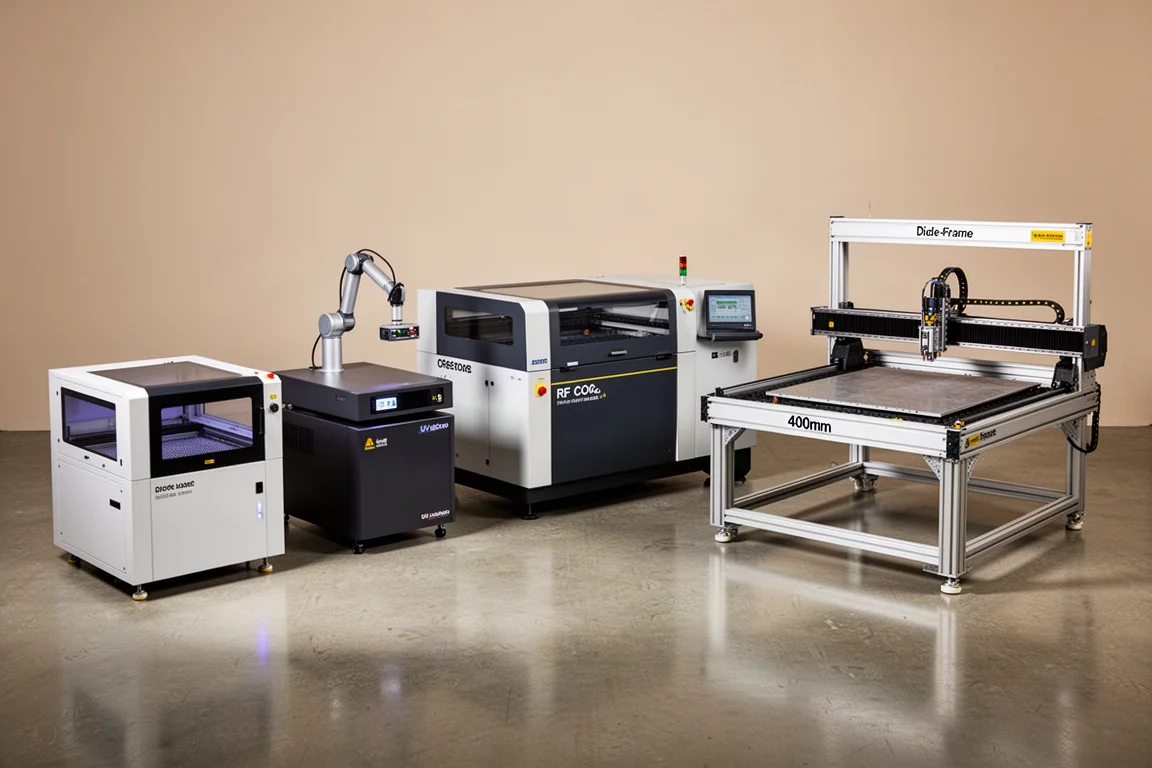
Best Laser Cutters 2026: Four Machines for Different Users
A practical guide to choosing the right laser cutter in 2026, based on your skill level and workflow rather than raw specs.
Laser Cutters
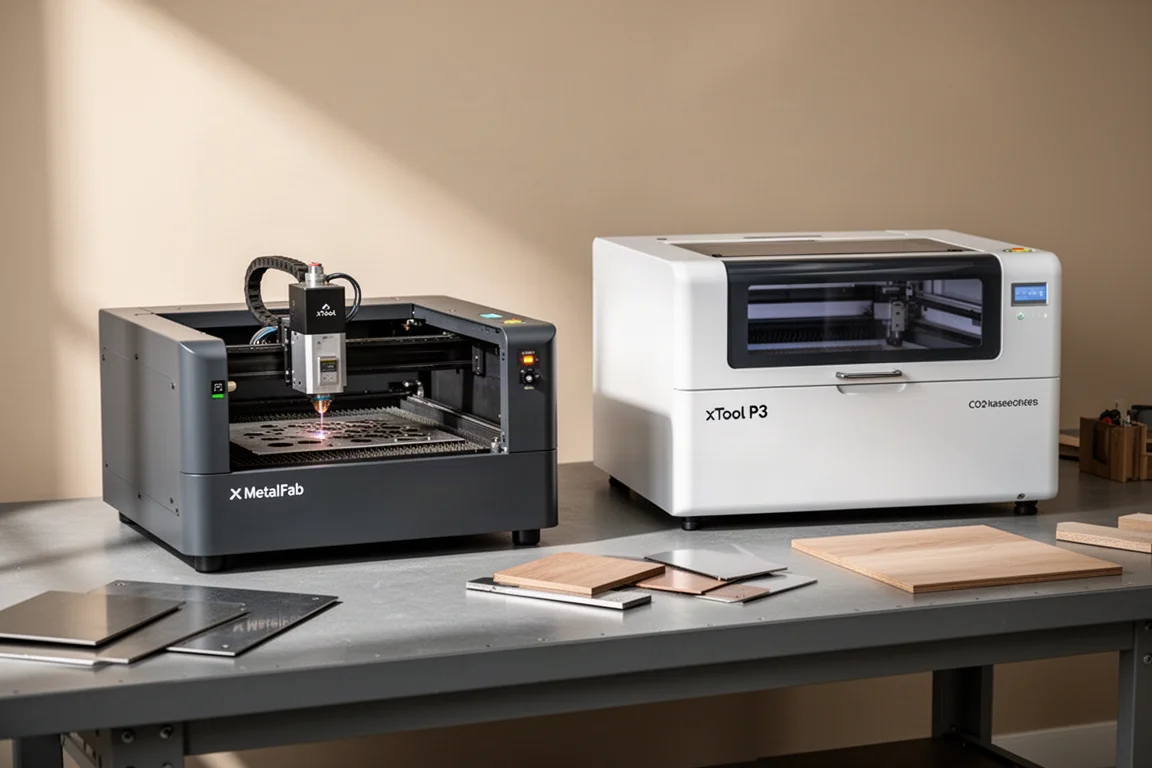
xTool MetalFab and xTool P3: Two Laser Tools for Metal and Wood Projects
A look at two laser cutting tools that handle metal fabrication and wood cutting with precision, speed, and minimal cleanup.
Laser Cutters
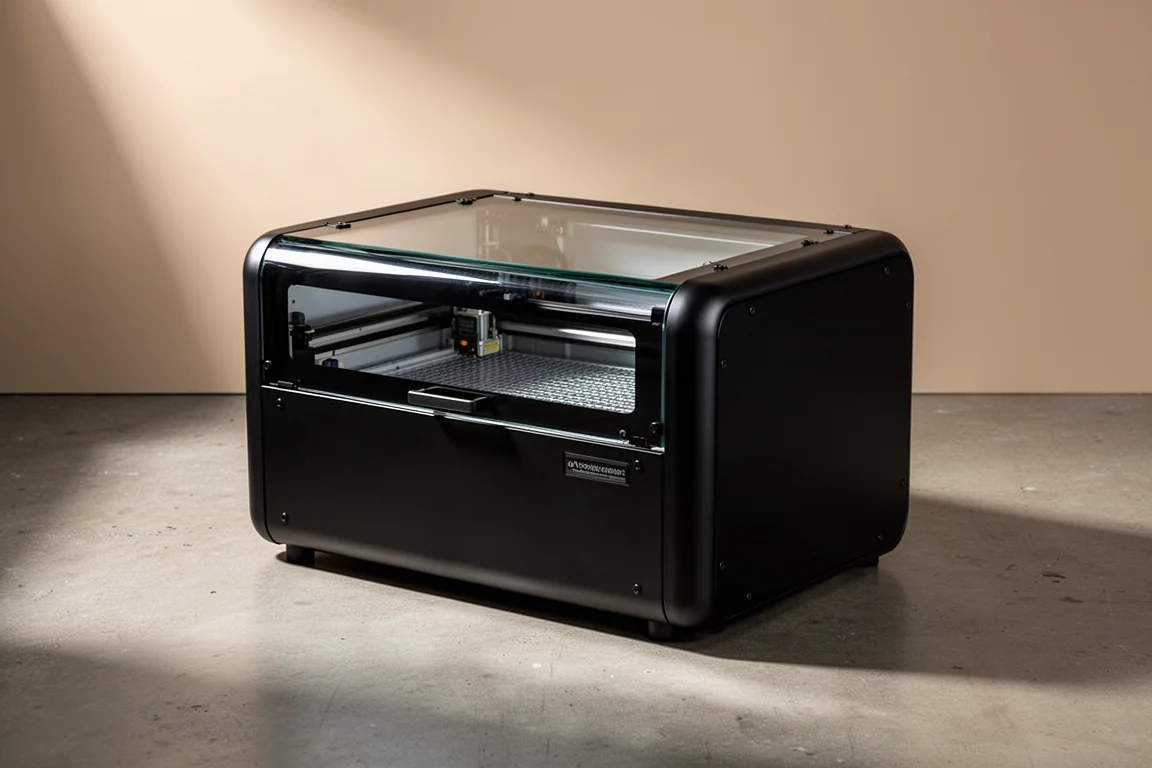
WeCreate Vision Laser Cutter Review: A Fully Enclosed 20W Desktop Laser for Makers
A fully enclosed, Class 1 certified 20W diode laser cutter with built-in camera, autofocus, air assist, and beginner-friendly software. Here is how it performed in a working shop.