Automotive Diagnostics
XTOOL IP900BT Review: A Wireless All-System Diagnostic Scanner
A detailed look at the XTOOL IP900BT, a wireless OBD diagnostic tool with 41 plus special functions, bidirectional control, and a built-in AI assistant.
Introduction
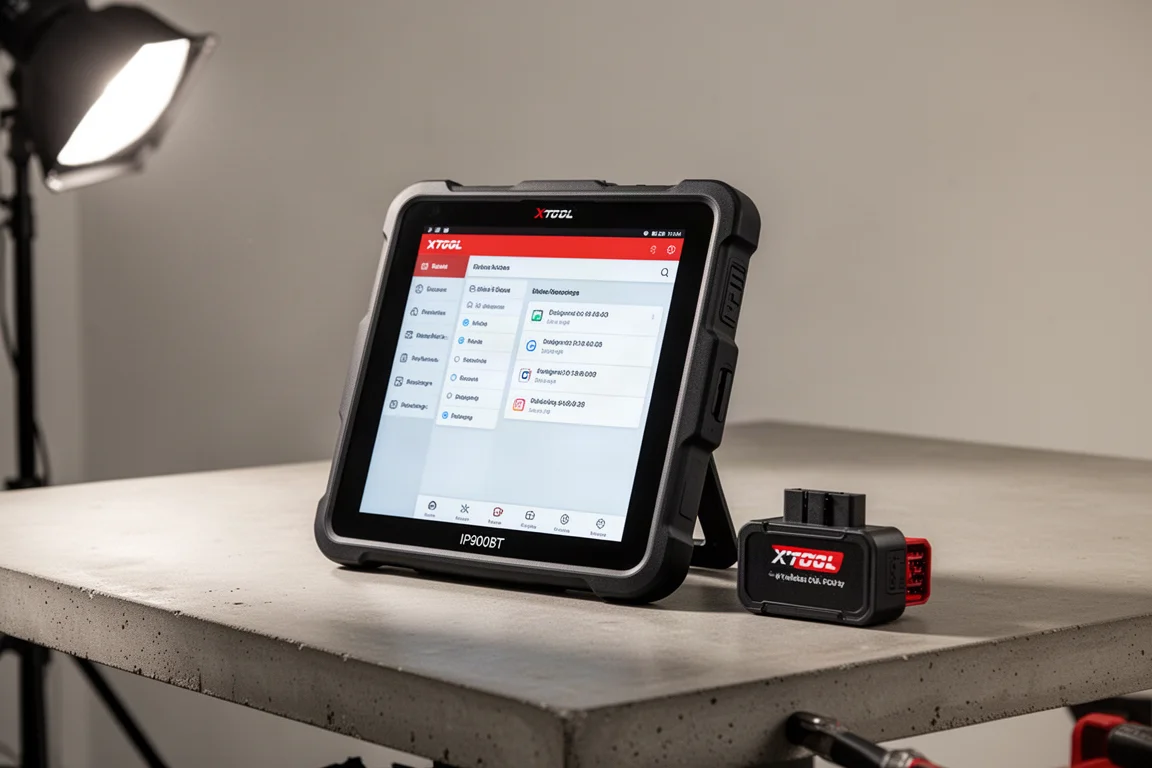
The XTOOL IP900BT is a wireless OBD diagnostic tool designed for technicians and DIY mechanics who want a full-system scanner without being tethered to the vehicle. It connects to the OBD port through a wireless VCI dongle, giving you the freedom to move around the vehicle while diagnosing. The tool supports 41 plus special functions for relearns and resets, bidirectional control for live component testing, and a built-in AI assistant that offers troubleshooting suggestions.
Who This Product Is For
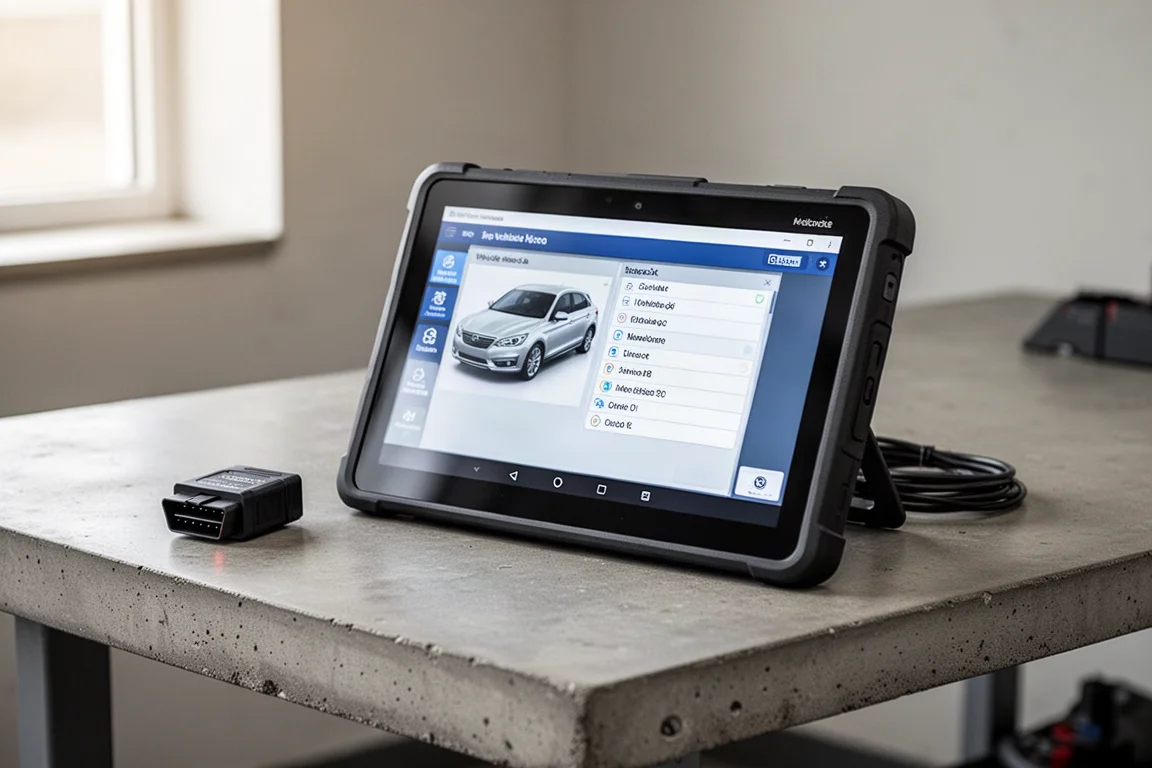
This scanner suits anyone who works on modern vehicles with multiple electronic modules. Because it performs all-system diagnostics, it can scan the ECM, TCM, ABS, SRS, and every other module in the vehicle. That makes it a practical choice for independent shops, mobile mechanics, and serious home enthusiasts who need more than a basic code reader.
The wireless VCI dongle is a standout feature. Instead of keeping the tool plugged into the OBD port, you can carry the tablet around the vehicle while checking live data or performing actuator tests. The wireless connection range is 100 feet, which gives plenty of freedom in a typical garage or driveway setting.
Main Strengths
The IP900BT runs on Android 10 with a quad-core 1.5 GHz processor. The large 8-inch LCD display has a resolution of 1024 by 768, which makes menus and live data easy to read. The internal 5,000 mAh 7.3 volt lithium-ion battery provides up to 7 hours of operation on a full charge, so it can handle a full day of diagnostic work.
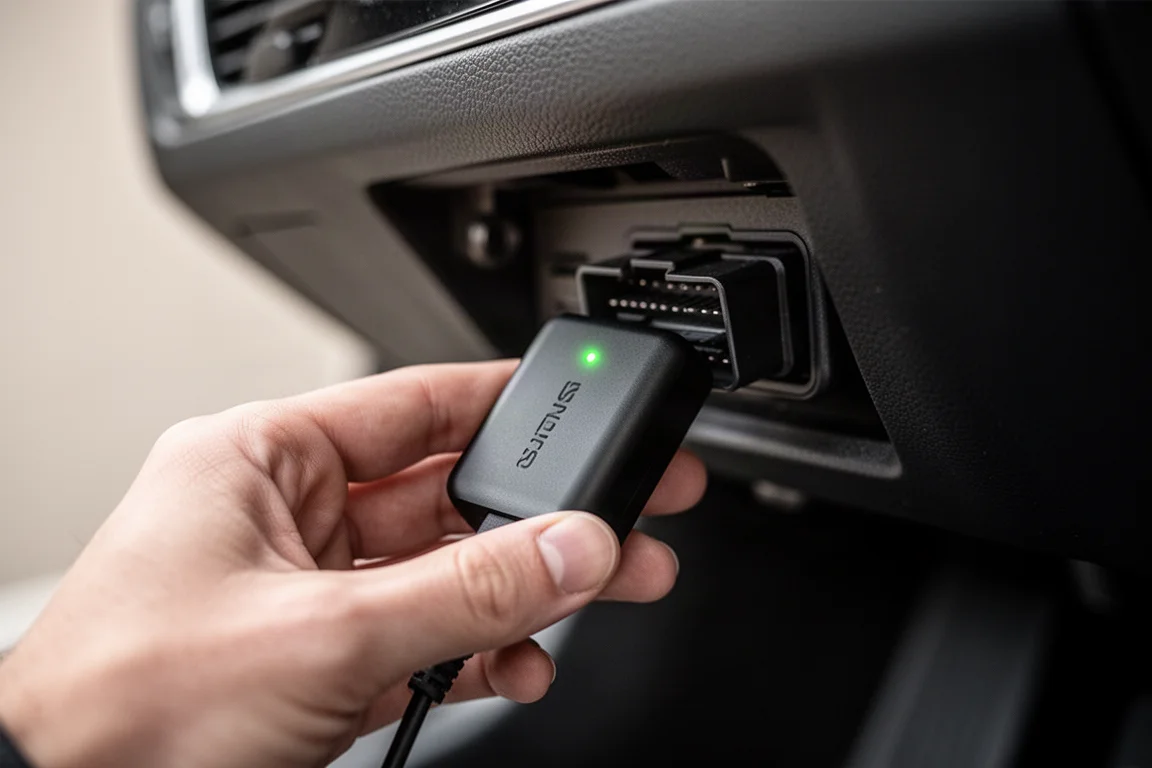
The all-system scan is one of the most useful features. When connected to a 2017 Nissan Pathfinder, the tool scanned 32 modules and automatically placed any modules with faults at the top of the list. That saves time when you are looking for the source of a problem.
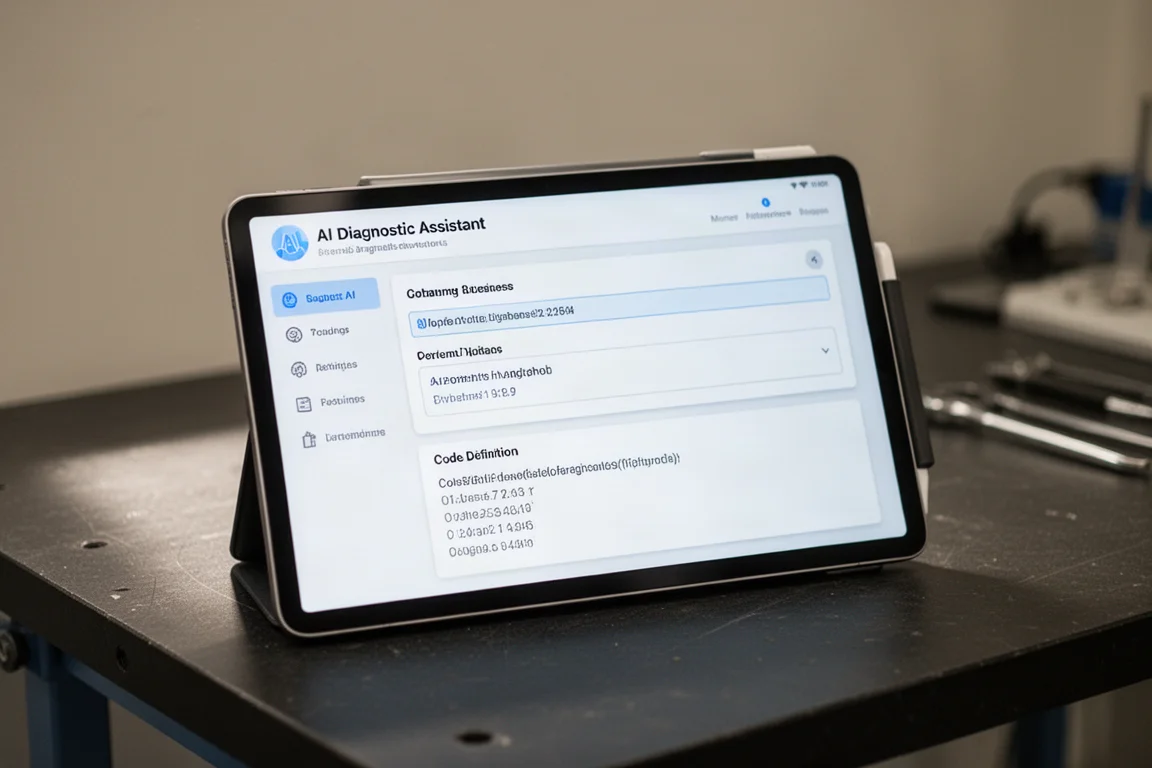
The AI assistant is another highlight. When a fault is detected, you can press the AI assistant button to get a detailed explanation. The report includes the code definition, the impact of the fault, typical root causes, and step-by-step repair guidance. It is clearly labeled as a reference tool, but the information is practical and can help guide your troubleshooting.
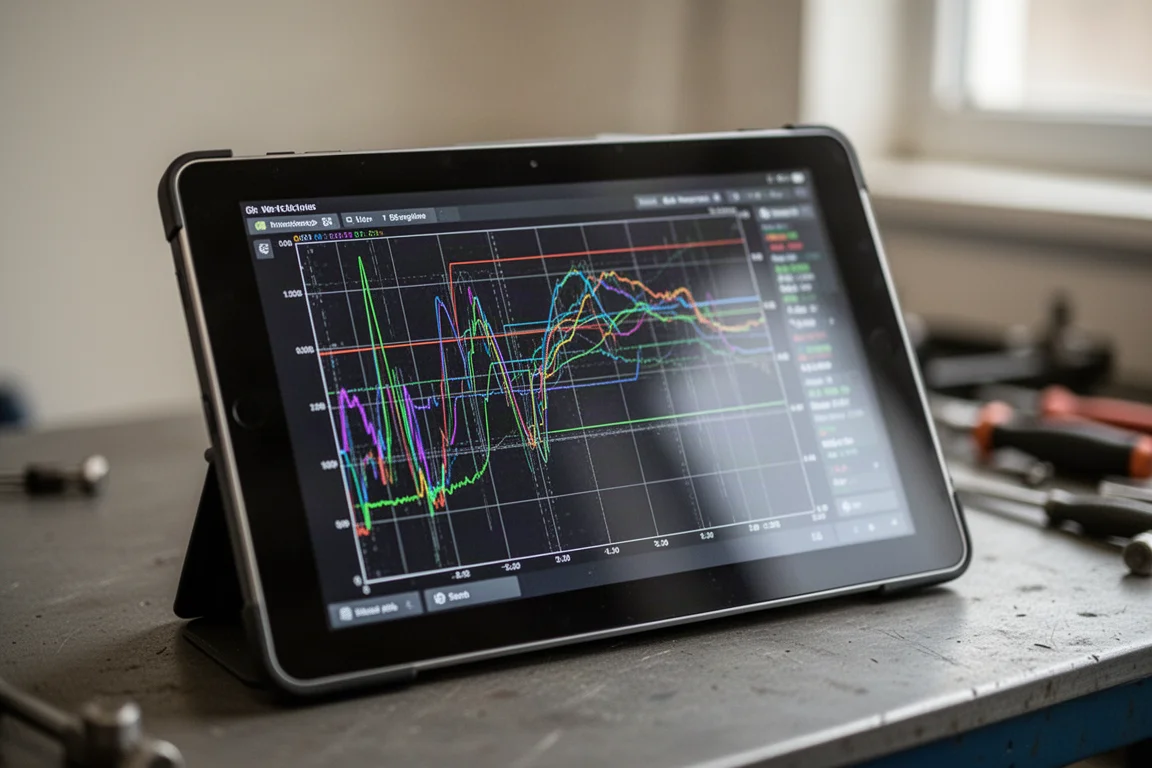
Live data is handled well. You can monitor up to eight data streams simultaneously, view them as a list, column graph, or 2D graph, and record the data for later review. During testing, battery voltage read 13.6 volts, brake switch status updated in real time, and engine RPM responded immediately when the throttle was opened. You can also select multiple parameters, such as coolant temperature, battery voltage, engine oil temperature, and engine speed, and display them together on a 2D graph.
Bidirectional control is available for actuator tests. For example, the HVAC system test cycles through different modes, letting you hear the fan and confirm airflow through the top, bottom, and rear vents. This is valuable when verifying that components respond correctly during troubleshooting.
The tool also includes 41 plus special functions. Depending on the vehicle, you can perform procedures like idle air volume learn after cleaning or replacing a throttle body, or BMS reset after installing a new battery. Not every function applies to every vehicle, but the coverage is broad across many makes and models.
Pre-scan and post-scan reports are another practical feature. Before starting a repair, you can run a pre-scan and save the results as a PDF report. After the repair, you run a post-scan and compare the results. This is useful for documenting work and confirming that the repair resolved the issue.
Things to Consider Before Buying
The initial setup takes some time. You need to select your language, country, and time zone, connect to a Wi-Fi hotspot, and create an account. After the first startup, the device updates its software. In the review, there were 216 updates available, and downloading all of them takes a while. It is worth doing so you have the latest software, but plan for the update process to run for some time.
Software updates are free for 3 years. After that period, you have to pay for updates. The hardware warranty covers 2 years. If you plan to keep the tool for many years, factor in the future cost of software updates.
The package includes an OBD26 adapter and a cable that appear to be for a wired scan tool. The IP900BT uses the wireless VCI dongle, and the manual does not mention using the cable. It is unclear why these items are included, but they do not interfere with normal use.
The AI assistant is a helpful reference, but it is not guaranteed to be accurate or complete. Use it as a guide alongside your own knowledge and the vehicle service information.
Buying Advice
The XTOOL IP900BT is a capable all-system diagnostic scanner with a strong feature set. The wireless dongle, bidirectional control, 41 plus special functions, and AI assistant make it a versatile tool for diagnosing modern vehicles. The 8-inch display and 7-hour battery life support extended use in a professional setting.
If you work on vehicles regularly and need a scanner that can handle multiple modules, perform resets and relearns, and provide guided troubleshooting, this tool is worth considering. The 3 years of free software updates add value, but remember that updates will require a paid subscription after that period.
Conclusion
The XTOOL IP900BT delivers a comprehensive diagnostic experience in a wireless package. It scans all modules, offers live data graphing, supports bidirectional testing, and includes a useful AI assistant for troubleshooting guidance. For technicians and enthusiasts who want a high-level OBD diagnostic tool, this is a strong option.
Product link
View more details for XTOOL IP900BT
This product is mentioned in the review. Check the specifications, options, and compatibility before buying.
View more details for XTOOL IP900BTFurther reading
Related Reviews

Automotive
Best Brake Parts Cleaner 2026: 14 Brands Tested for Speed, Cleaning Power, and Residue
We tested 14 brake parts cleaners for evaporation speed, grease removal, sludge breakdown, and residue to find the best value for your garage.
Automotive
LiPower Solid-State Car Battery Review: A Lighter, Longer-Lasting Upgrade
A practical look at the LiPower solid-state car battery, covering its specs, real-world performance, and how it compares to a traditional AGM battery.
Automotive Tools
Milwaukee M18 Hot Shot Review: A Jump Starter That Is Always Ready
The Milwaukee M18 Hot Shot uses super capacitor technology to deliver up to 70 jump starts from a single M18 battery. Here is how it performs.