Laser Engravers
xTool F2 Ultra Review: A 60-W MOPA Laser That Halves Engraving Time
A hands-on look at the xTool F2 Ultra, a dual-capability 60-W MOPA laser engraver that cut engraving times in half and unlocked two-tone titanium work.
Introduction
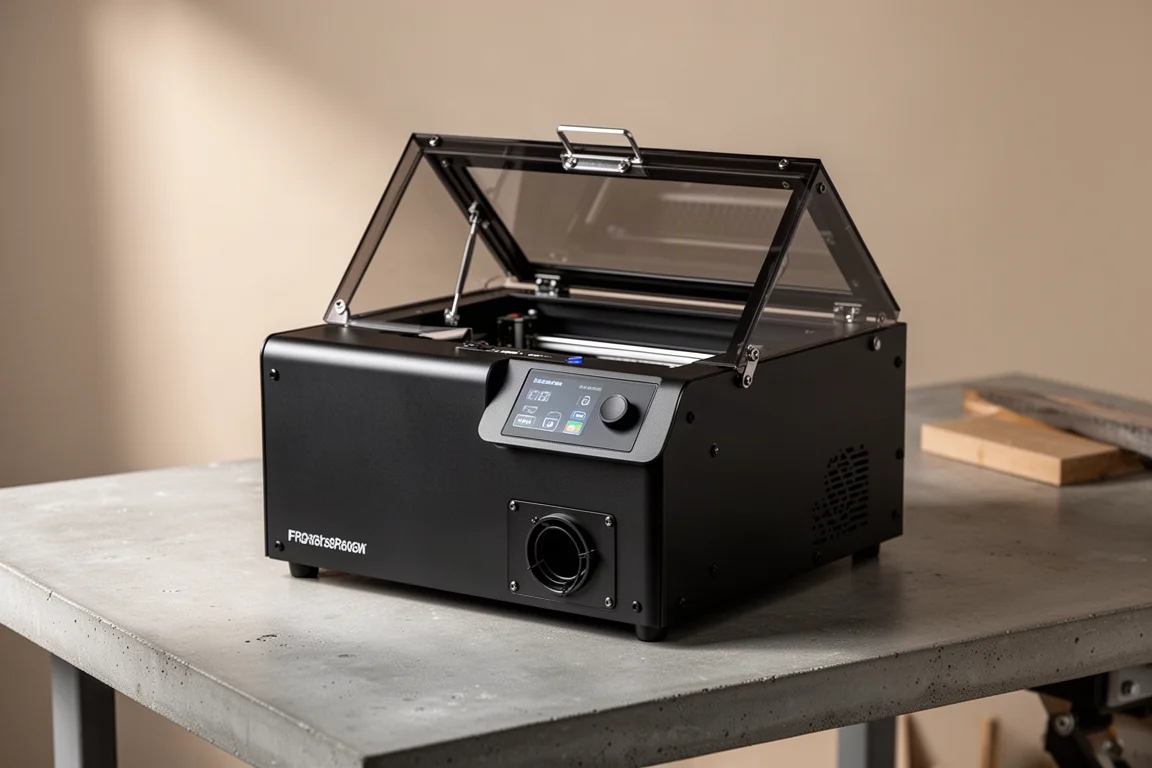
The xTool F2 Ultra is a 60-watt MOPA laser engraver that arrived in the workshop with one job to prove: make a stack of titanium key clips engraveable in a fraction of the usual time. The previous baseline came from a dual 20-watt machine, the F1 Ultra, which pairs a blue diode with a fiber laser. On that setup, a deep two-sided engrave took roughly 12.5 minutes per piece. The F2 Ultra promises to change that math dramatically.
This review covers real production use: side-by-side speed tests, deep engraving, two-tone color work on titanium, and the bundled AP2 air filtration unit.
Who This Laser Is For
The F2 Ultra makes the most sense for small businesses and makers who run repetitive engraving jobs where every minute per piece matters. Anyone producing batches of engraved products will notice the difference immediately. It is equally relevant for anyone who needs precise, clean output at faster speeds than entry-level diode or lower-wattage fiber machines can deliver.
Speed: Half the Time, Same Job
The clearest result came from running comparable engraving jobs on both machines. On a Gaslight lighter engraving job, the F1 Ultra needed 1 minute 42 seconds while the F2 Ultra finished in 45 seconds. That is a full minute saved on a job under two minutes total, or less than half the time.
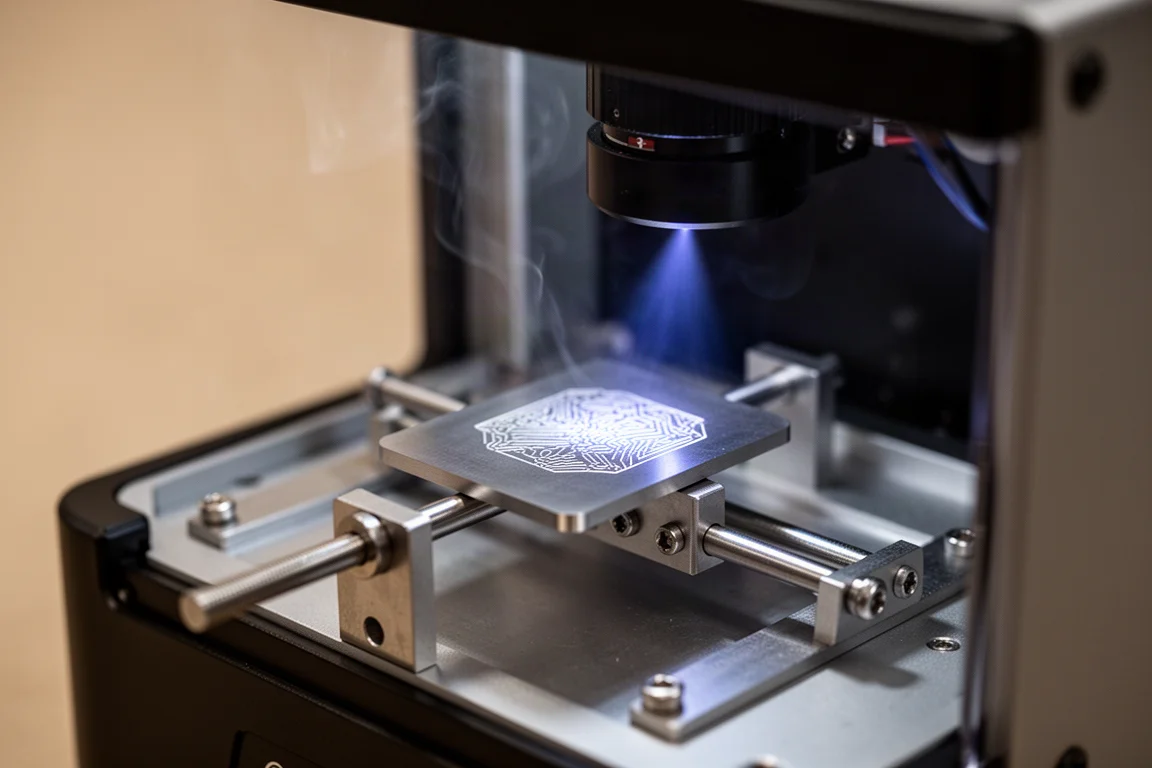
Output quality held up too. The F1 Ultra’s engrave was slightly deeper but showed more burning and shadowing around the edges, having been run at 70% power for 15 passes. The F2 Ultra ran the same effect at 40% power for just 5 passes and produced a cleaner result. The significant difference is not just speed, it is the quality of the output at speed.
Two-Tone Engraving on Titanium
The real headline feature is two-tone engraving, something this workshop had never been able to produce in-house before. This is not possible on the F1 Ultra with comparable accuracy and ease. The 60-watt MOPA source can produce distinct gold and silver tones on titanium, opening up design work that was previously outsourced.
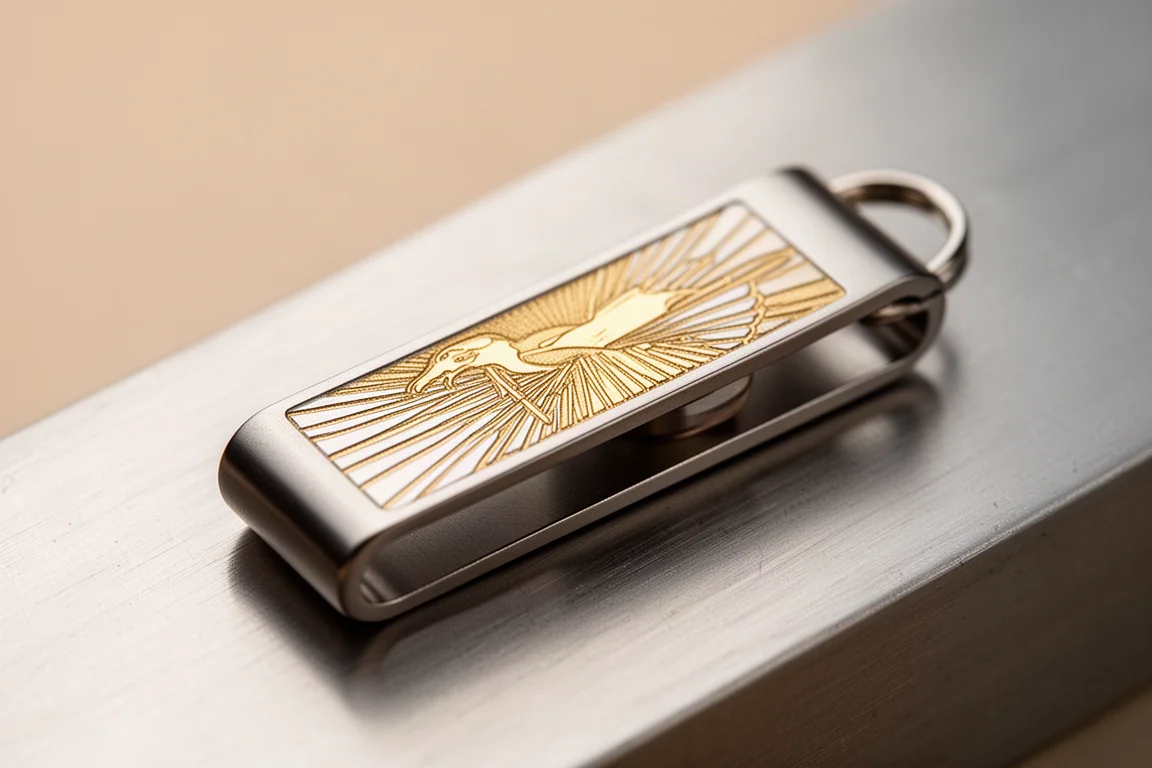
The effect was achieved through a color-layered laser file, with different colors assigned to different passes and power levels. It took a few attempts to dial in, but the finished pieces show clear separation between gold and silver tones that changes character depending on the viewing angle.
Getting There Took Tuning
A fair caveat: settings do not transfer one to one between machines. Even with a proven file and known settings, the results differed because of how the metal acts as a heat sink. Scaling up a design required reworking parameters rather than a simple copy-paste. Early test attempts produced inconsistent bluing that had to be tuned out by slowing down the gold passes and rotating some line work.
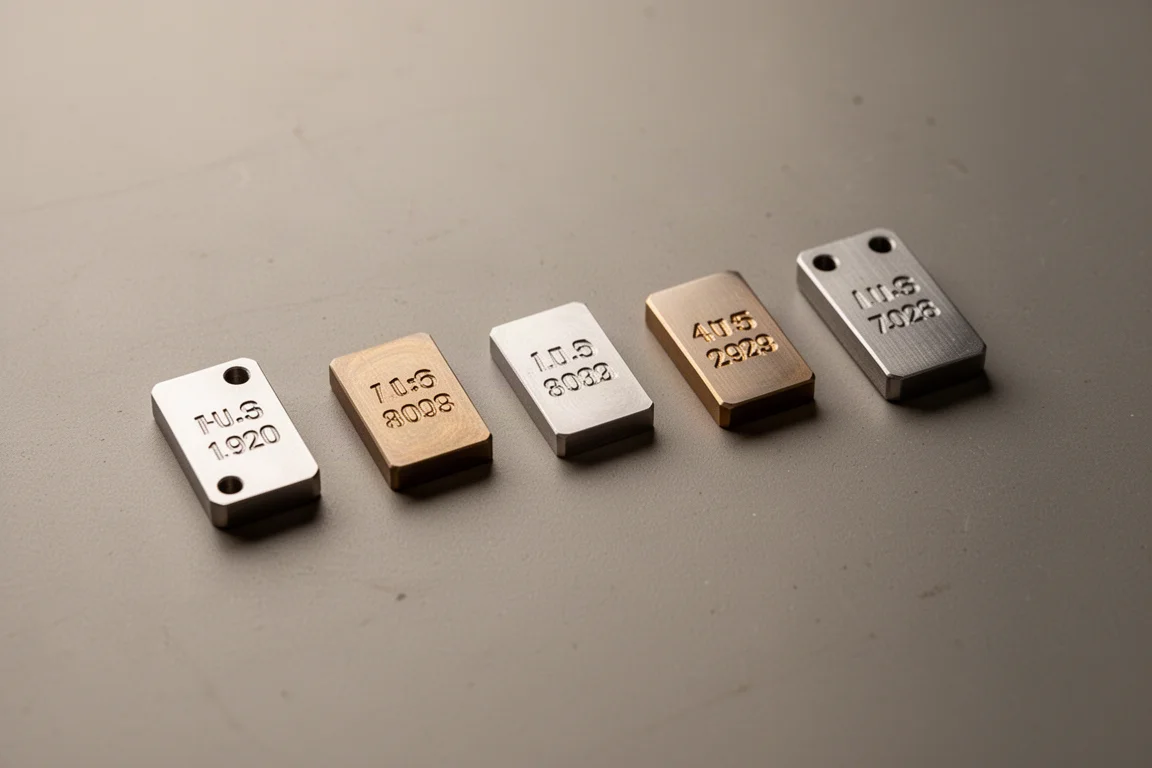
There were misfires along the way, including a piece lost to a misaligned file position. Final two-tone runs took roughly 4 to 5 minutes per clip across two sides. That is still less than half the 12.5-minute deep engrave time on the smaller machine, and the repeatability improved as settings matured.
Setup and Daily Use
First setup is straightforward, with one gotcha worth noting: the kill switch ships engaged, so the machine will appear dead until it is disengaged. Once running, the workflow was smooth, with framing and alignment handled before processing. Connectivity is an area to be careful with, since connecting an accessory to the wrong machine slot wiped saved settings in one test session.
The AP2 Air Purifier Is a Genuine Upgrade
The F2 Ultra bundles the AP2 air purifier, and it is a meaningful step up from the earlier box-style filter unit. The old purifier was fully manual: you turned it on and chose the fan level yourself. The AP2 connects via Bluetooth to the F2 Ultra and manages filtration automatically.
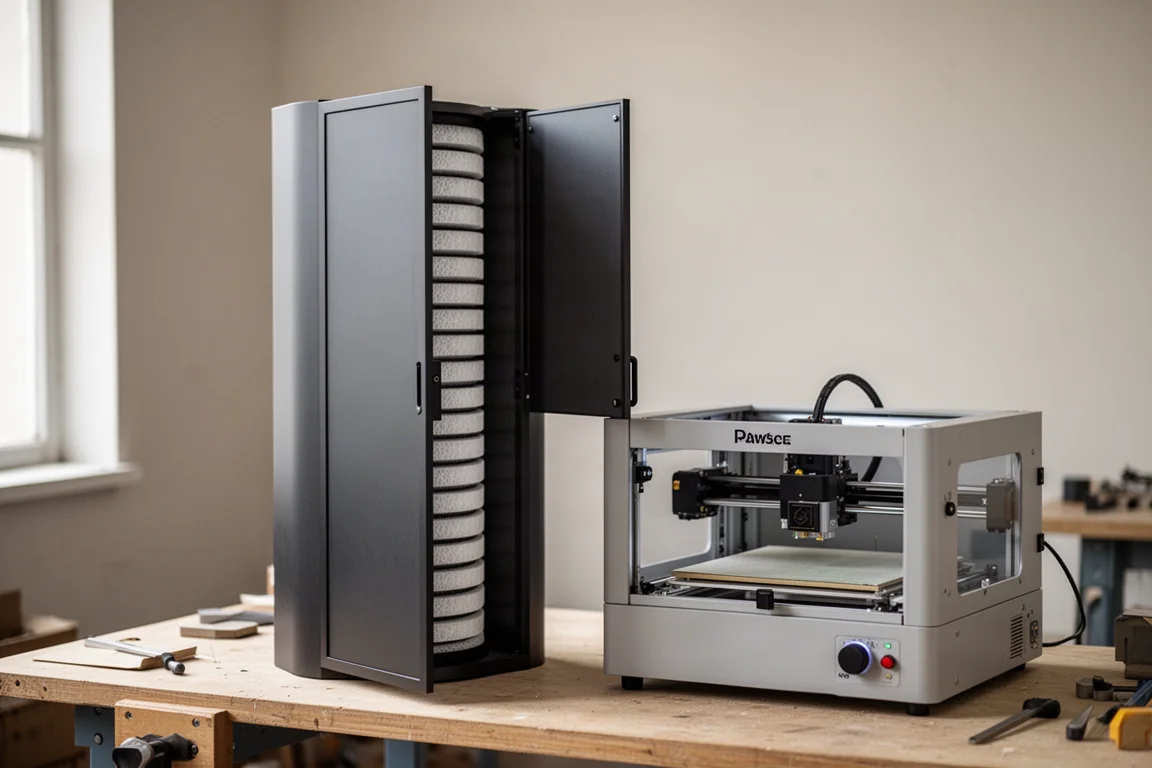
Filtration is layered, with a cyclone pre-filter, medium efficiency filter, activated carbon filter, ultra dense carbon mesh filter, and a high efficiency filter behind a magnetic front plate. Each stage is a separate unit, so you can replace only what needs replacing. It is also quieter, even at the highest fan speed, which matters in a shared workspace. Ventilation is genuinely important when lasering, so a bundled system this capable is a practical advantage.
Buying Advice
If you run batch engraving work where two-sided deep engraves currently eat 10+ minutes per piece, the F2 Ultra pays for itself in time saved quickly. If two-tone color marking on titanium or stainless is on your wishlist, this is one of the few accessible desktop machines that can genuinely deliver it. Budget for the tuning curve: expect to spend time dialing in settings per material and per design rather than expecting imported files to work perfectly on day one. If your work is lighter-duty or occasional, the smaller F1 Ultra class of machine may still be sufficient.
Conclusion
The xTool F2 Ultra did exactly what it was brought into the workshop to do: it cut engraving times to less than half, produced cleaner output than a lower-wattage machine at reduced power settings, and enabled two-tone titanium engraving that was previously impossible in-house. Combined with the capable AP2 filtration, it is a legitimate production tool for anyone scaling up an engraving operation. It will not make you a laser expert overnight, but as a speed and capability upgrade, it earns its place on the bench.
Product link
View more details for xTool F2 Ultra
This product is mentioned in the review. Check the specifications, options, and compatibility before buying.
View more details for xTool F2 UltraFurther reading
Related Reviews

Laser Engravers
AlienCell X1 Laser Engraver Review: Polished Hardware, Software Still Catching Up
The AlienCell X1 impresses with clean unibody hardware and easy setup, but LightBurn compatibility quirks and bundled software hold it back.

Laser Engravers
Ortur R2 Review: Powerful Laser Modules Held Back by Software and Homing Issues
The Ortur R2 pairs excellent laser modules with a solid frame, but software frustrations and rehoming inaccuracy make it hard to recommend.
Laser Engravers
xTool F1 Review: A Compact Dual-Laser Engraver for Small Spaces
A first-hands look at the xTool F1, a portable IR and diode laser engraver that handles metal, wood, slate, and paper from a desktop footprint.