Laser Engravers
xTool F1 Review: A Compact Dual-Laser Engraver for Small Spaces
A first-hands look at the xTool F1, a portable IR and diode laser engraver that handles metal, wood, slate, and paper from a desktop footprint.
Introduction
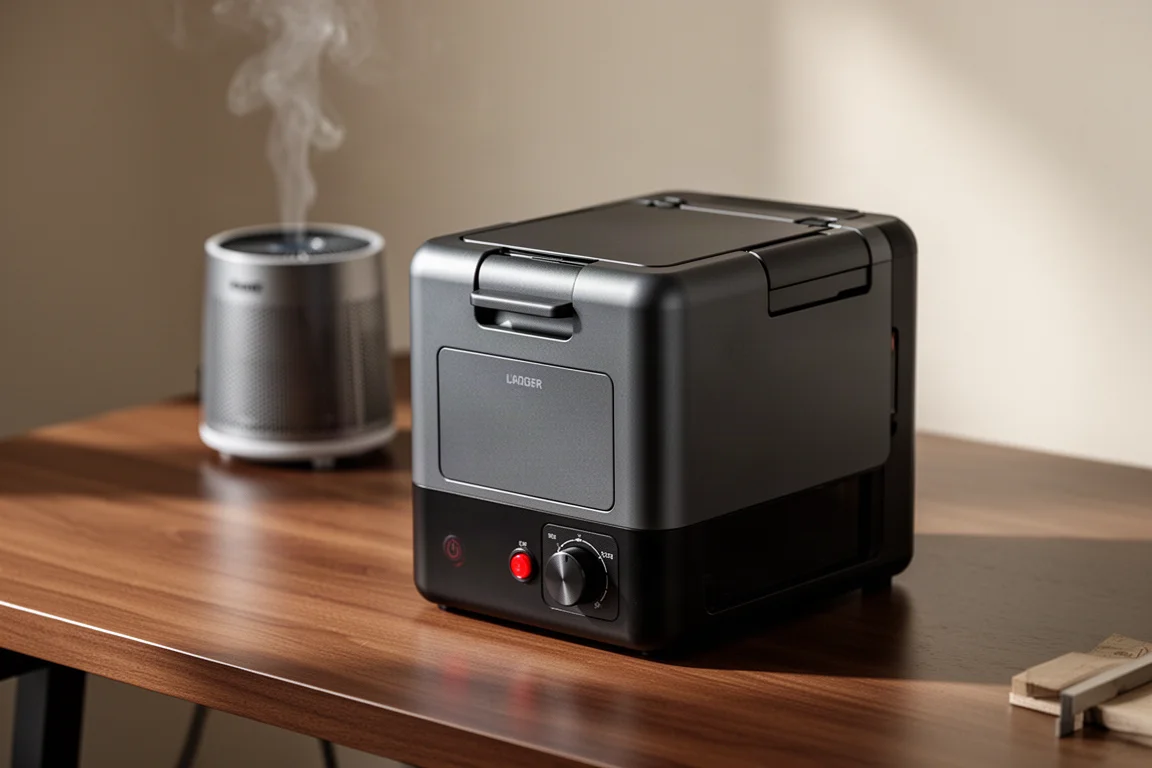
The xTool F1 is a small, portable laser engraver and cutter that combines two laser types in one compact body: an IR laser for metals and plastics, and a diode laser for wood, acrylic, glass, rock, and more. Its biggest selling point is that it does not demand a dedicated workshop. After years of assuming lasers were simply too big to fit into a normal home, the F1’s small footprint is what makes it interesting.
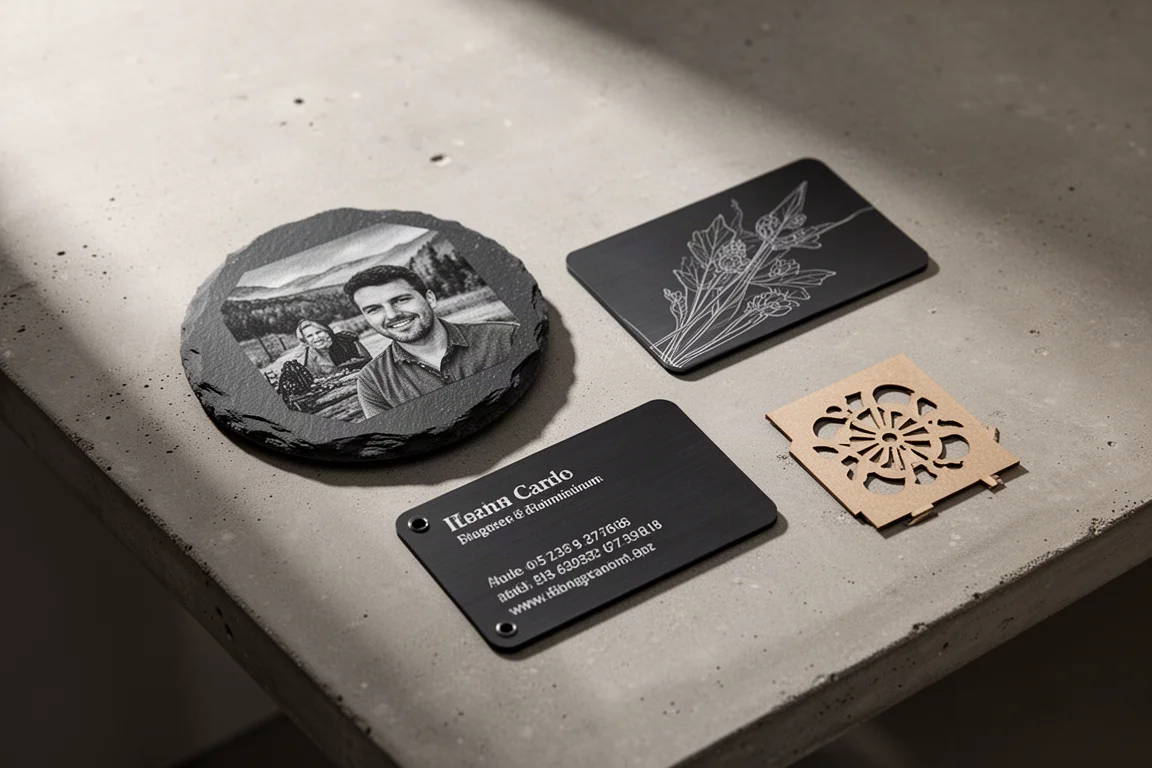
Setting it up takes an afternoon rather than a weekend. The package includes the machine itself, a desktop smoke purifier, a slide extension accessory, and a generous set of starter materials: leather patches, acrylic blocks, pet name tags, slate coasters, laser photo paper, aluminum business cards, and wood planks. A safety key dongle lets you unplug and carry the key with you so nobody can operate the laser unsupervised.
Who This Product Is For
This is a machine for hobbyists, small-batch makers, and anyone who wants to personalize objects without dedicating an entire room to the equipment. Because it is genuinely portable, you can carry it to a friend’s house, a craft fair, a wedding, or a souvenir shop and engrave items on the spot. It also suits sellers who batch-produce small goods: an aluminum art trading card took roughly five seconds per card in score mode, so you could pop a card in, engrave it, and swap in the next one continuously.
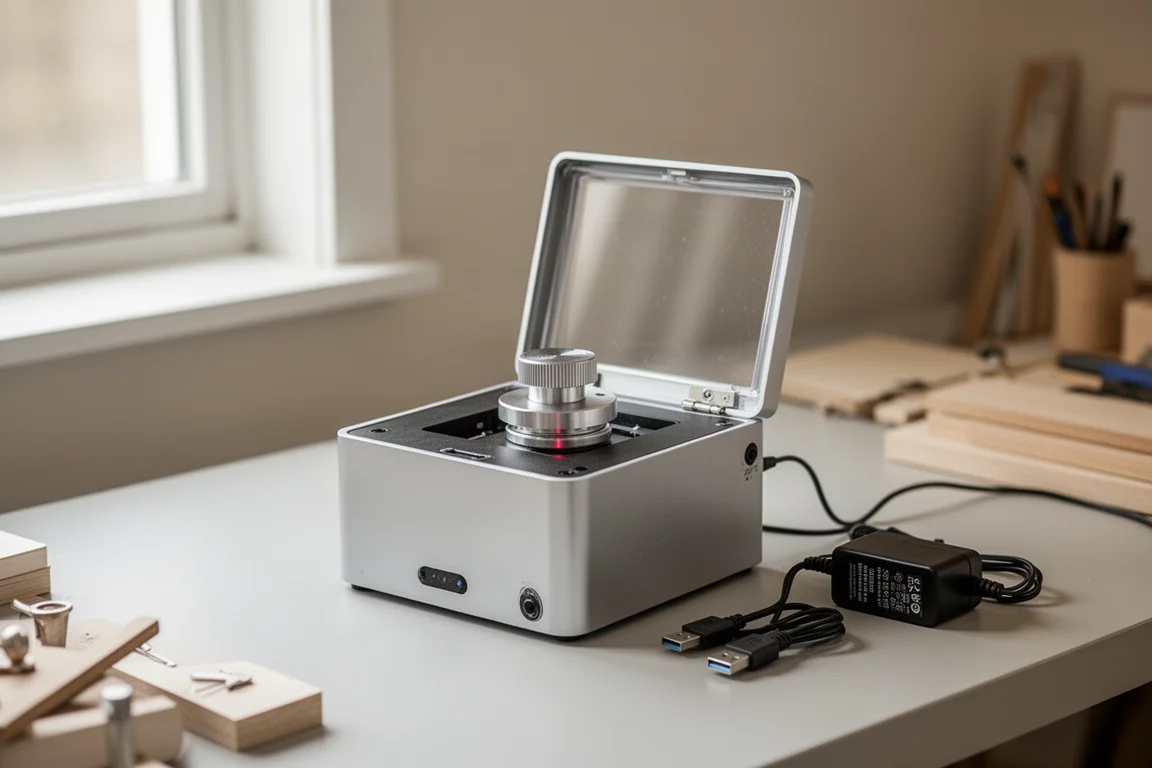
Another underrated use case: light engraving on wood as a way to transfer a sketch or line art before painting. Compared with setting up a projector, running cables, and aligning everything just right, dropping a piece of wood into the laser is far less effort.
Main Strengths
The headline spec is speed. The F1 is positioned as the fastest portable IR and diode dual laser, with speeds up to 4,000 mm per second. Instead of a moving laser head, the machine uses small mirrors to direct and angle the beam, which keeps the hardware compact. Accuracy is impressive too: it can engrave fonts as small as 0.3 millimeters and reaches HD resolution up to 1,270 dpi, well beyond the 300 dpi you would expect from a standard printer.
Material results in real use were encouraging. A photo engraving on slate took about eight and a half minutes with default settings and came out with good contrast. A cork coaster with a photo took just over two minutes. Photo engraving on laser paper took around eleven minutes and produced a satisfying result after inverting the image for the black surface. Cut craft paper came through cleanly as a single stencil piece, with no fire scares.
On metal, the difference between the two lasers is clear. Engraving stainless steel spoons with the diode laser took eleven minutes and barely marked the surface, while the IR laser delivered a strong result, even producing an attractive orange tint. The IR laser is clearly the right choice for metal work. The software, xTool Creative Space, also includes a built-in shop of free and paid designs, and the material kits arrive with recommended settings printed on the cards, which removes a lot of guesswork for beginners.
Focusing and Framing
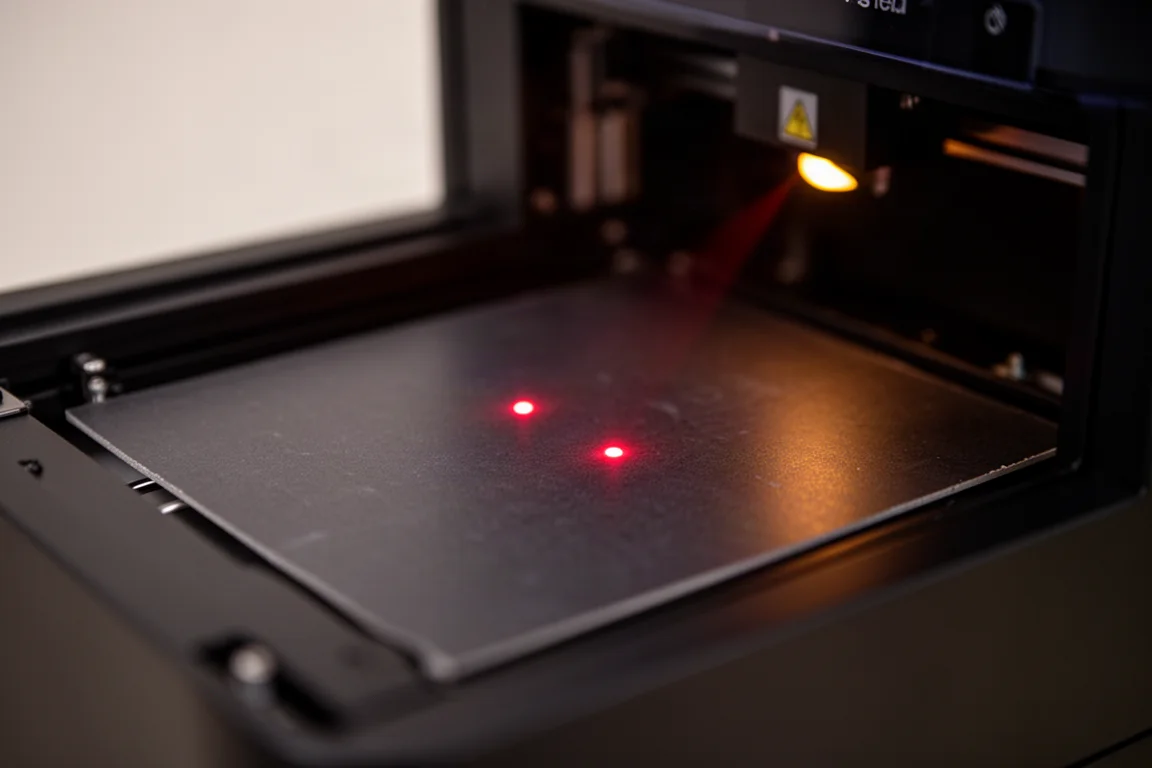
Focusing is handled two ways. Two small dots are projected onto the material, and you align them either with the autofocus setting in the software or by turning the manual knob that raises and lowers the beam. Manual focusing is simple and satisfying, and many users will end up preferring it.
Framing preview is another highlight. You can project either a rectangular frame or the actual outline of your design to check placement before committing. The rectangular frame suits batch work with an L bracket for repeatable positioning, while outline mode is better for one-off items like coasters where you want the engraving centered on the object. One caution learned the hard way: the extraction fan can pull lightweight photo paper toward the back of the machine, so check orientation and seating before starting a long job.
Things to Consider Before Buying
The F1’s compact design comes with trade-offs. Because the laser head is stationary and the beam angles outward, cuts near the edge of the cutting range can come out slightly angled. If your primary focus is cutting wood and other thick materials, a laser with a larger bed is the better choice. xTool makes a larger version called the F1 Ultra, plus bigger-bed machines, so there is an upgrade path.
Fumes are the other real consideration. Cutting cork and wood produces noticeable smoke, and using the slide extension with the lid partially open stunk up an entire room, even tripping a separate air purifier’s poor-air-quality indicator. Ventilation matters: batch work is best done outdoors or with serious extraction. Cutting thick wood also takes patience. A recommended four-pass cut through wood planks took around 45 minutes, and in practice two passes were enough once pieces started falling through. Testing settings before a big job saves a lot of time, and the software can engrave test swatch grids comparing power and speed combinations.
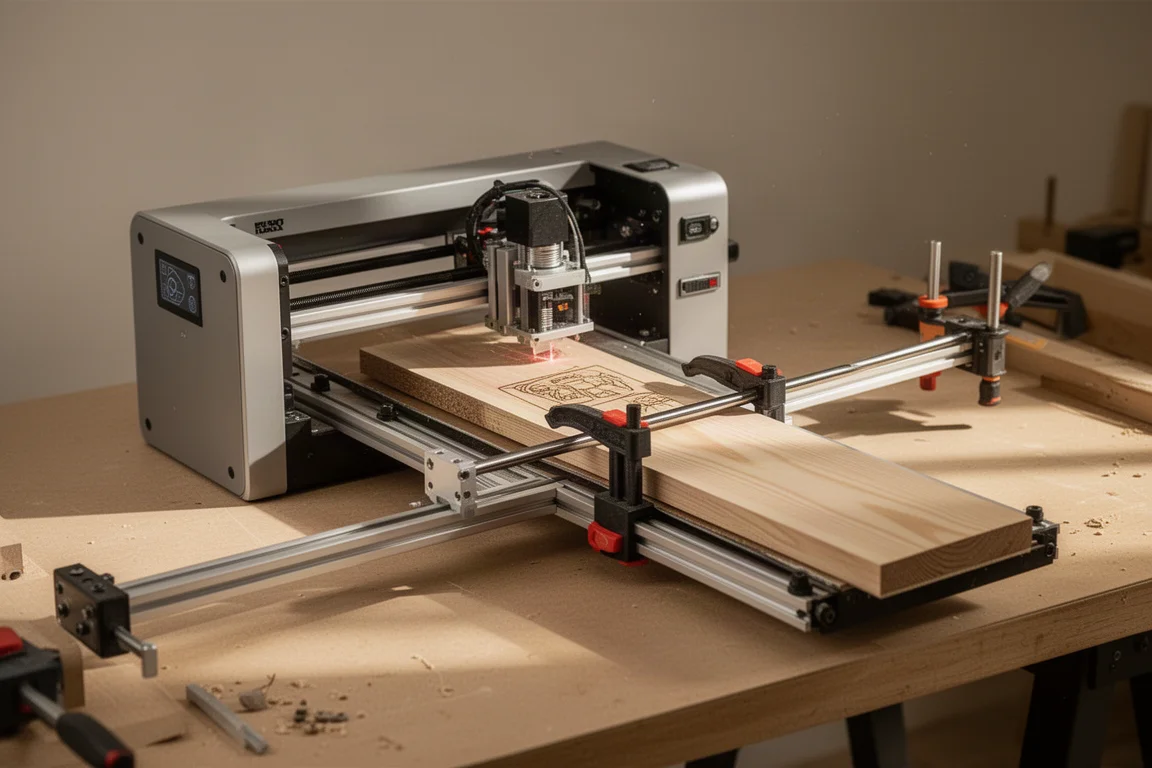
The slide extension itself works well for long items, moving the laser side to side to engrave longer boards or multiple items in a row. The openable bottom plate is similarly clever, letting you engrave surfaces like a desk top or even hold the machine up against large objects.
Buying Advice
Choose the xTool F1 if you want a genuine dual-laser machine that fits on a desk and travels easily. It is strongest at engraving metal, slate, paper, and thin materials, and at fast, repeatable small-batch production. Look at a larger-bed machine instead if thick wood cutting is your main goal. Expect some trial and error with settings as a newcomer, but the defaults, material presets, and community-shared settings get you surprisingly close on the first try.
Conclusion
The xTool F1 makes laser engraving approachable without sacrificing genuine capability. Dual lasers, high resolution, fast small-batch work, and real portability add up to a compelling package for hobbyists and small sellers alike, as long as you respect its limits on thick material cutting and manage fumes sensibly.
Product link
View more details for xTool F1
This product is mentioned in the review. Check the specifications, options, and compatibility before buying.
View more details for xTool F1Further reading
Related Reviews

Laser Engravers
AlienCell X1 Laser Engraver Review: Polished Hardware, Software Still Catching Up
The AlienCell X1 impresses with clean unibody hardware and easy setup, but LightBurn compatibility quirks and bundled software hold it back.

Laser Engravers
Ortur R2 Review: Powerful Laser Modules Held Back by Software and Homing Issues
The Ortur R2 pairs excellent laser modules with a solid frame, but software frustrations and rehoming inaccuracy make it hard to recommend.

Laser Engraving
Laser Engraver Tier List 2026: Top Picks Ranked by Real-World Use
A practical breakdown of popular laser engravers ranked by real-world performance, usability, and value, from standout S-tier machines to budget-conscious options.