Laser Engravers
xTool F2 First Impressions: A Compact Laser Engraver With a Learning Curve
Day one with the xTool F2 laser engraver: what it does well, what surprised us, and what to check before buying for crafts or tool marking.
Introduction
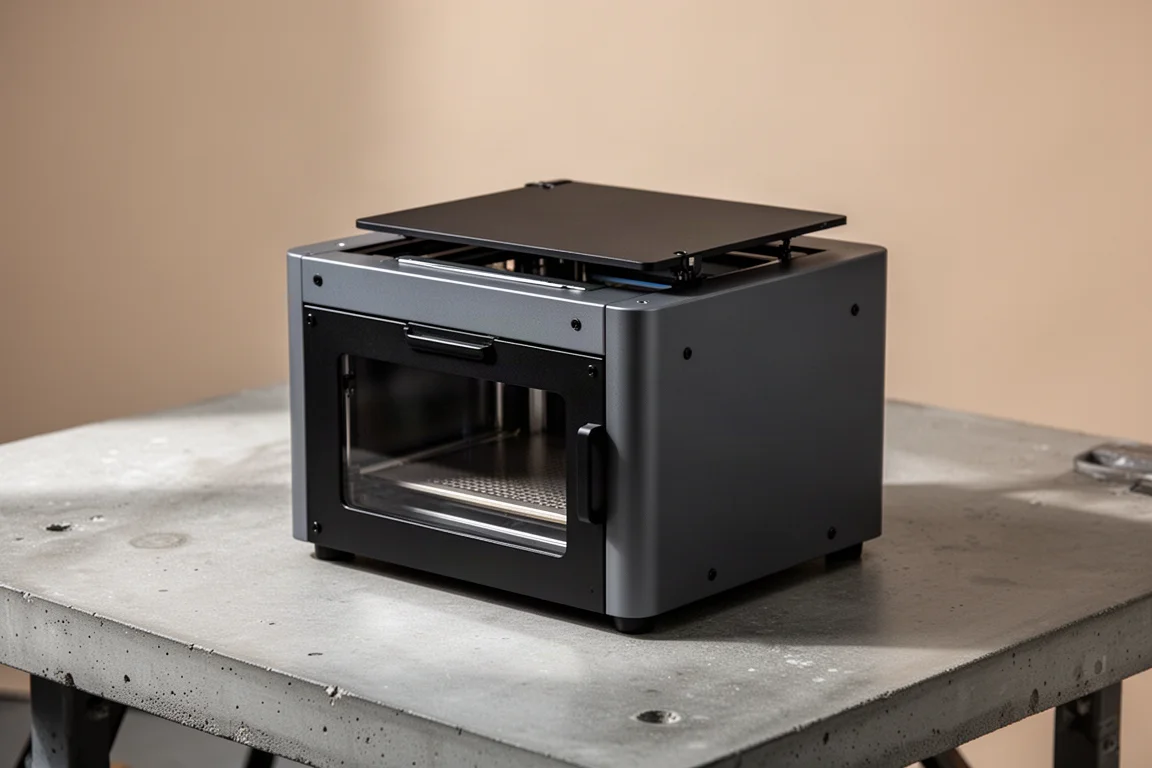
There is a real difference between reading about a laser engraver and actually running one on day one. The xTool F2, the standard model rather than the F2 Ultra, is the more affordable option in the lineup, and it is aimed squarely at people who want a small, portable, closed-frame machine for crafts and light-duty engraving. Pricing is all over the place: it lists at around $1,499, can often be found down around $1,400, and some retailers sell it at $2,000, so it pays to shop around.
The F2 is not a fire-and-forget machine. Setup takes time, the software rewards patience, and the first day is mostly about learning what the laser can and cannot do on different materials. That said, it is a genuinely promising starting point for craft work, and this first-impressions look covers what stood out early on.
Who This Machine Is For
The F2 is best suited to craft-oriented users rather than someone hoping to mark hardened chrome tools on day one. It handles curved surfaces, works with tumblers and similar items using dedicated settings, and the free xTool software includes AI-style tools and ready-made design elements you can customize and cut out, such as ornaments. Job times are reasonable for simple items: some pieces finish in around two to five minutes, while one job took roughly twenty minutes depending on settings.
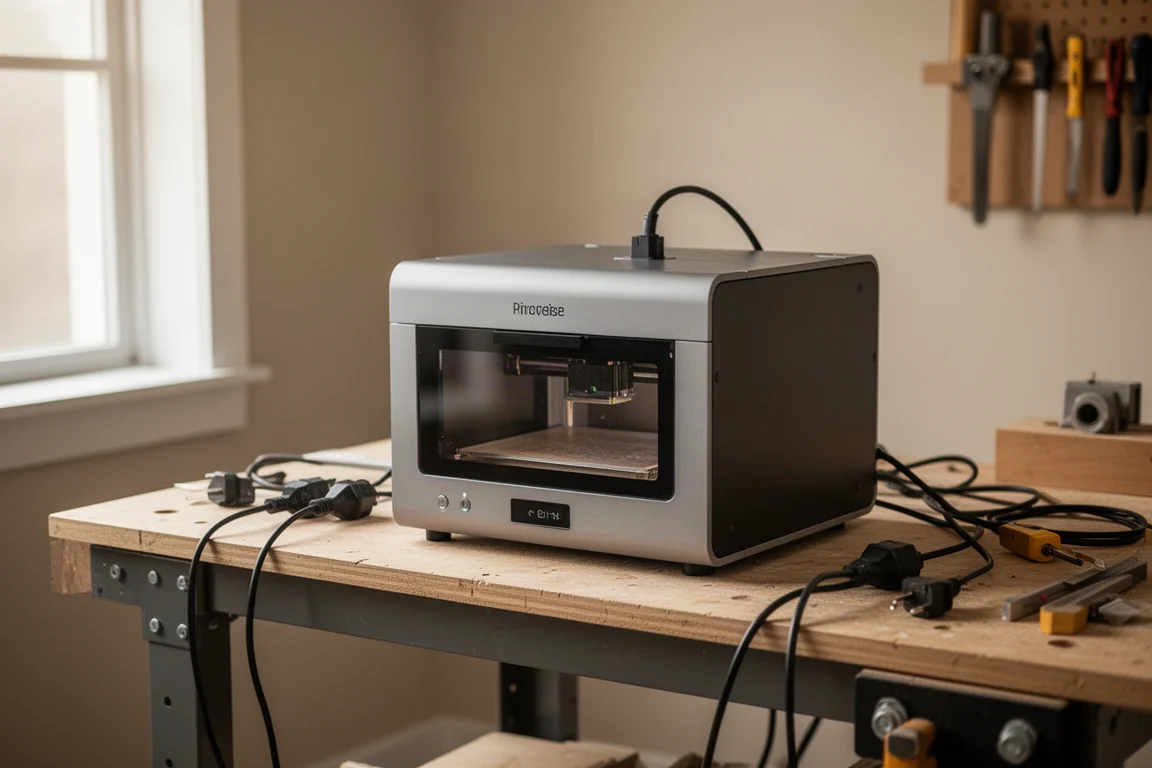
You do not need a computer attached. The machine works with an iPad and other devices, everything connects together, and the xTool software is free and kept deliberately simple. Think of it as closer to a simplified Photoshop with AI assistance than a full design suite, which keeps the barrier to entry low for beginners.
Main Strengths
The compact, portable form factor is the headline. The F2 is genuinely small and easy to move, which makes it a realistic option for craft shows where a customer wants something custom and you can produce it on the spot in a few minutes.
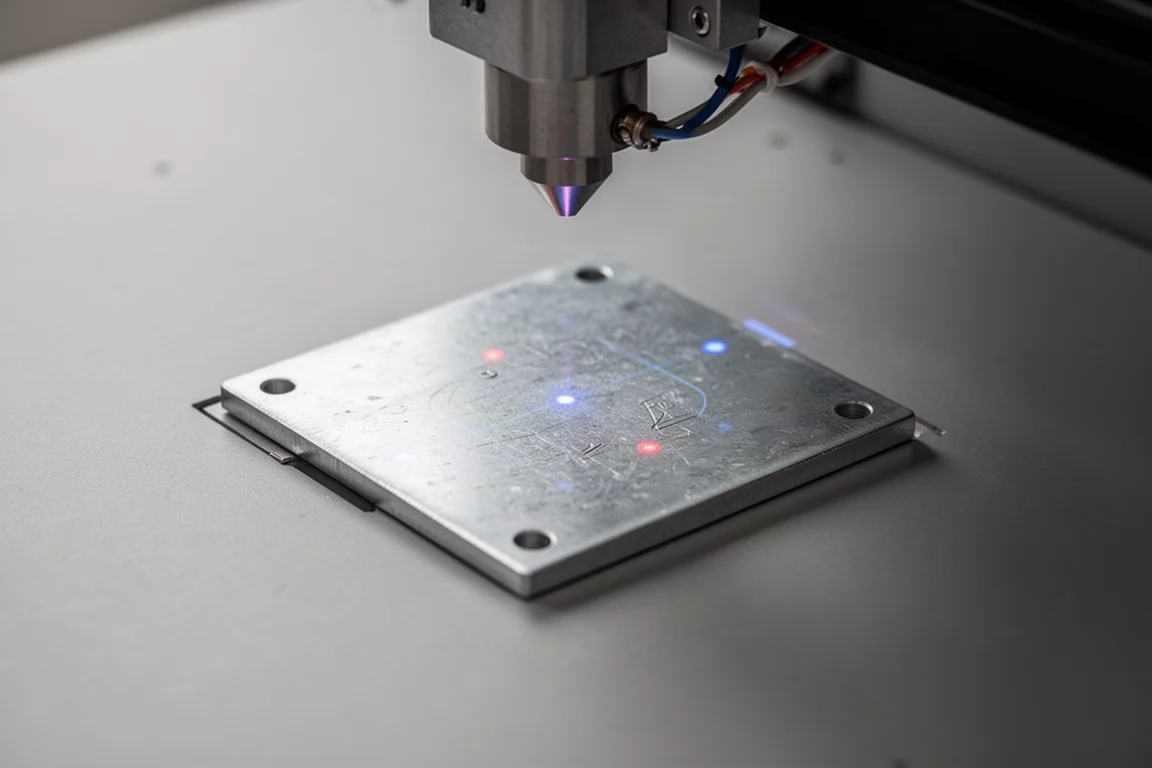
The built-in 50 megapixel camera is a standout feature. You can see a live preview of exactly where the engraving will land on the workpiece inside the machine, which takes a lot of guesswork out of positioning. The machine also supports color engraving, though mastering that feature takes additional learning.
Alignment after moving the machine is handled by a simple calibration process that lines up a blue and a red dot. It is not a big deal, just something to know about if you plan to transport it regularly. The included plate system is also thoughtfully done, with plates for setting items on, gridding, attaching workpieces, and a cut-through plate so the laser can pass without damaging the surface beneath.
Things to Consider Before Buying
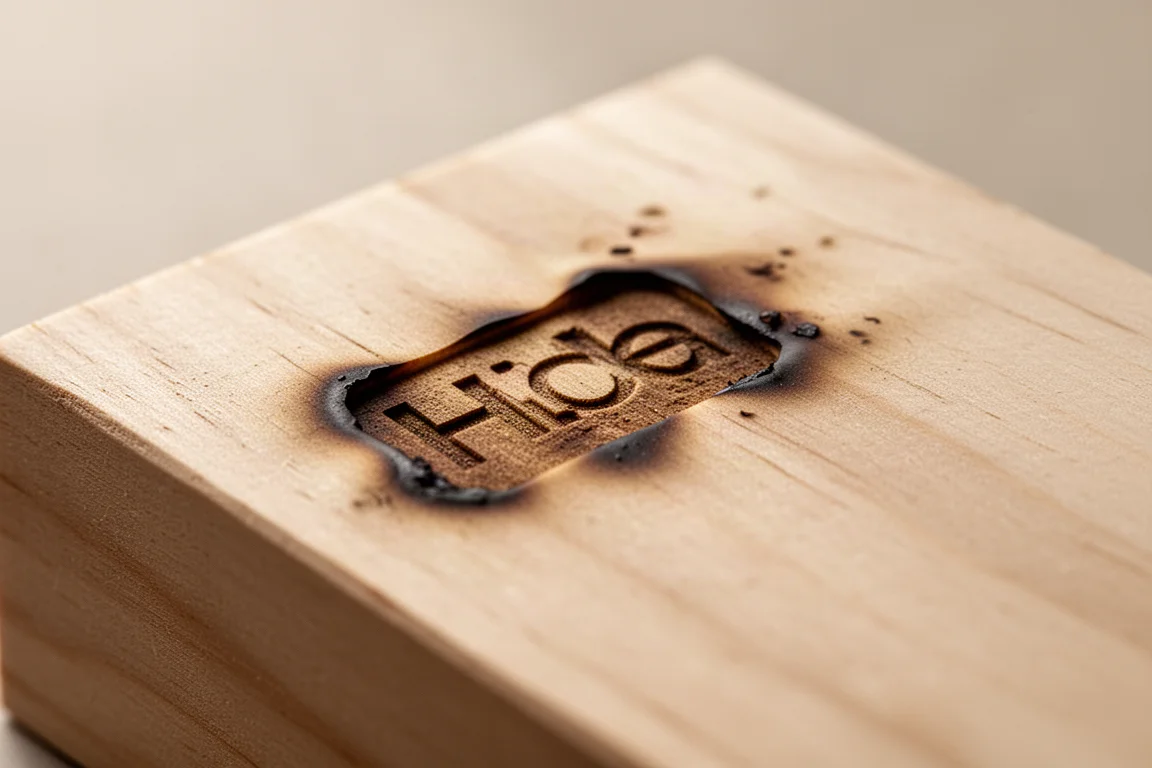
The first day is a learning process, and the material results reflect that. On bare metal, a wrench test produced essentially nothing; the faint result could be wiped off. On wood, an early logo attempt created multiple gray areas from too much power, and an accidental power increase burned holes into a second piece. On painted metal, the laser scorched the paint without going through it. The machine runs at 5 W or 15 W depending on whether you use the blue light or the IR light, and dialing in power settings per material clearly matters.
Internet access is effectively a requirement. Setup needs a connection, and changing materials in the software pulls from the internet, as do the AI tools. Working in a space without connectivity makes the workflow noticeably harder, so plan your workspace accordingly.
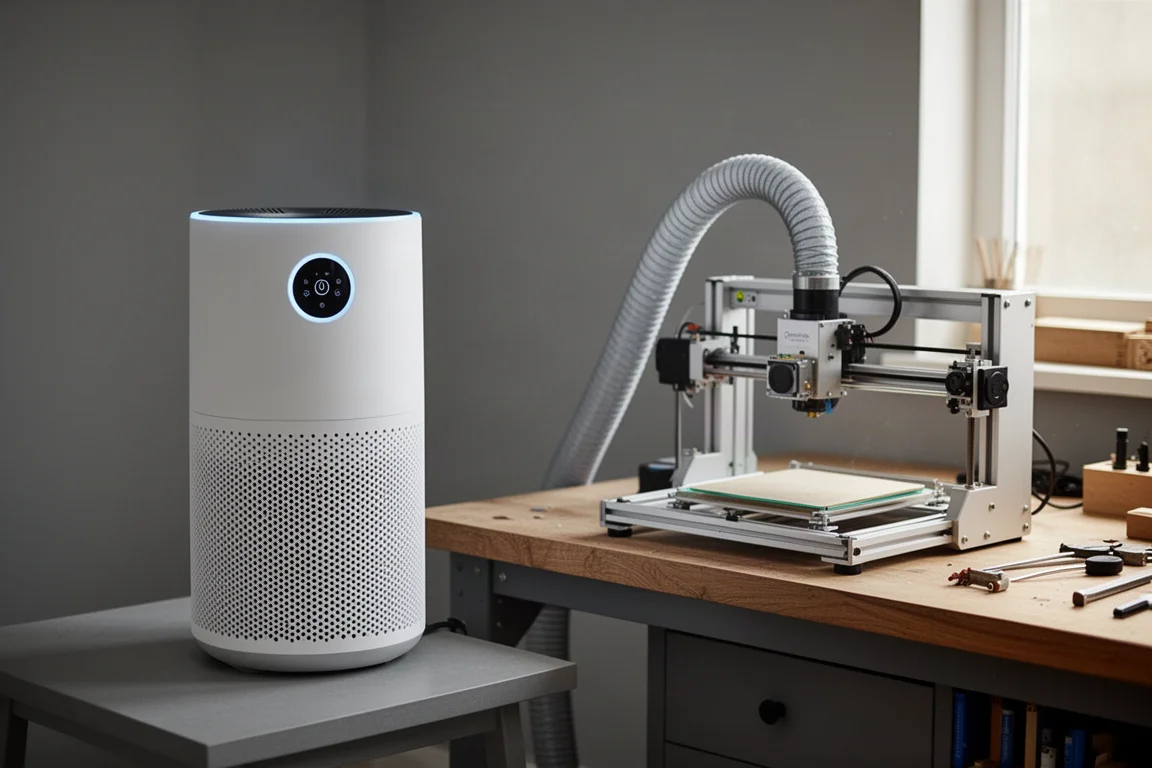
Fumes are a genuine consideration. Even with the recommended $299 air purifier running, burnt paint and burnt wood smells were still noticeable in the space and lingered after sessions. An air purifier is highly recommended, and running this machine inside a living space without ventilation would be a mistake.
Buying Advice
Set expectations honestly: plan on spending time with setup and tutorial content before expecting clean results. Diving in expecting craft expertise on day one is not realistic, and the first sessions should be treated as calibration of your own skills as much as the machine.
For craft users, the picture is very positive. The combination of portability, the camera preview system, free software with AI tools, and quick job times makes the F2 a strong starting machine. For tool and hard-metal engraving, it is likely underpowered for chrome and similar surfaces unless the item is painted black, where early results were more encouraging. Impact sockets, on the other hand, worked with zero issues, and larger lettering for easier reading was one of the more satisfying early uses.
Conclusion
The xTool F2 is a great tool to start with for crafts: small, easy, portable, and capable of turning around custom items in minutes. Its limits show up with hard metals and bare chrome, and the software wants an internet connection more often than you might expect. If your goals align with personalized crafts, tumblers, ornaments, and painted or curved surfaces, it is an easy machine to recommend, with the air purifier treated as a required companion rather than an optional extra.
Product link
View more details for xTool F2
This product is mentioned in the review. Check the specifications, options, and compatibility before buying.
View more details for xTool F2Further reading
Related Reviews

Laser Engravers
AlienCell X1 Laser Engraver Review: Polished Hardware, Software Still Catching Up
The AlienCell X1 impresses with clean unibody hardware and easy setup, but LightBurn compatibility quirks and bundled software hold it back.

Laser Engravers
Ortur R2 Review: Powerful Laser Modules Held Back by Software and Homing Issues
The Ortur R2 pairs excellent laser modules with a solid frame, but software frustrations and rehoming inaccuracy make it hard to recommend.
Laser Engravers
xTool F1 Review: A Compact Dual-Laser Engraver for Small Spaces
A first-hands look at the xTool F1, a portable IR and diode laser engraver that handles metal, wood, slate, and paper from a desktop footprint.