Handheld Gaming
Xbox Ally X20 Hands-On Review: A Limited Edition Refresh With an OLED Upgrade
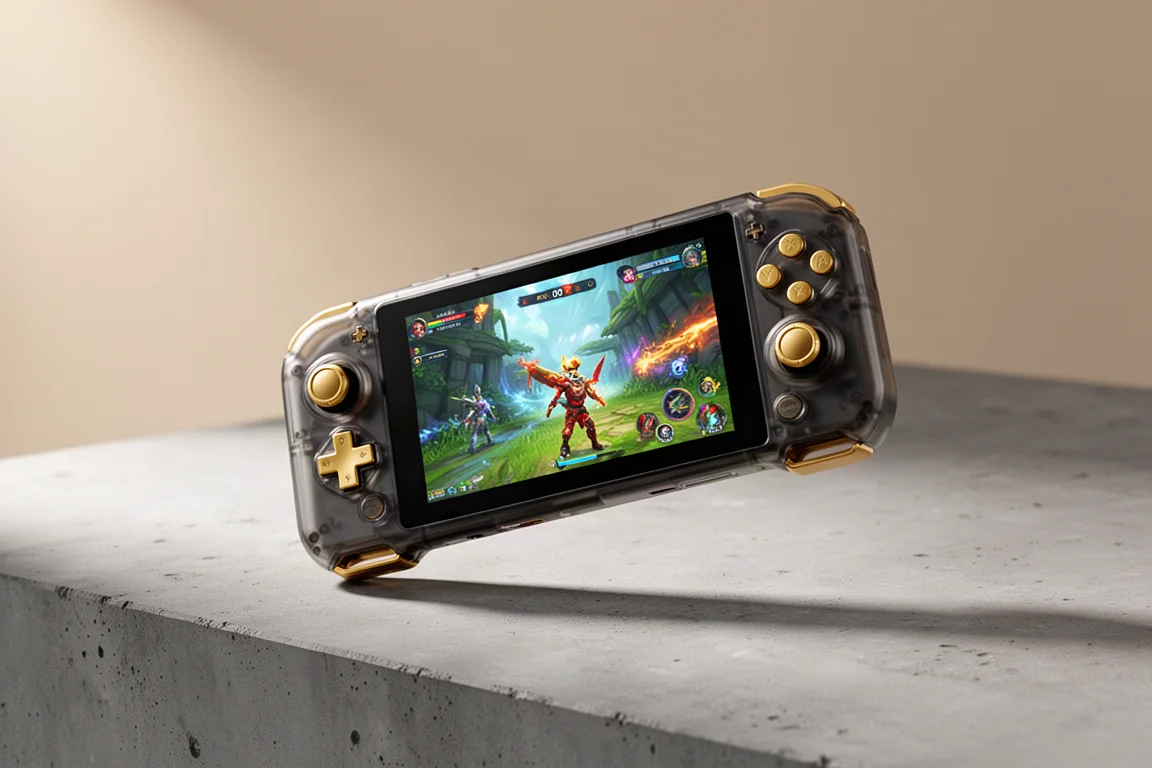
The Xbox Ally X20 brings a new OLED screen, redesigned controls, and a translucent shell to the ROG Ally line, but it only ships as a bundle with XR glasses.
Introduction
The Xbox Ally X20 is a 20th anniversary limited edition version of the Xbox Ally X. It keeps the same core hardware as last year’s model, including the AMD AI Z2 Extreme chipset, 24 GB of RAM, and 1 TB of internal storage. What changes is the shell, the screen, and the controls. This is a mid-cycle refresh that fixes several complaints from the previous generation while introducing a few new ideas.
The device is not sold as a standalone handheld. It comes bundled with the R1 glasses, made in partnership with XRE, which were shown at CES earlier this year. That bundling decision is one of the more notable aspects of this release, and it affects both the price and the audience.
Who This Product Is For
The Xbox Ally X20 is aimed at people who already appreciate the ROG Ally line but want a more refined experience. The OLED display is the headline upgrade, and the redesigned face buttons and D-pad address two of the most common criticisms of earlier models. If you have been holding off on buying an Xbox Ally because of the screen or the controls, this version is the one to consider.
It is also a collector’s item. The translucent smoky black shell with gold accents marks this as a 20th anniversary edition, and the limited nature of the release adds to its appeal. If you are the kind of buyer who wants a distinctive version of a familiar device, this fits that profile.
That said, the bundle requirement means this is not for everyone. If you have no interest in XR glasses, the forced pairing may be a dealbreaker. The estimated price of around $2,000 for the bundle also puts it well above what most people would consider reasonable for a mid-cycle refresh.
Design and Build
The most obvious change is the shell. The Xbox Ally X20 uses a translucent smoky black plastic that looks refined and slightly different from the solid black of previous models. The plastic is a bit thicker to maintain sturdiness, which adds roughly 40 g to the overall weight. In hand, the difference is barely noticeable.
Gold accents appear across the ASUS and ROG branding, tying into the 20th anniversary theme. The back of the device features a rubberized texture using a material called TPS. It is harder than TPU or TPE and is designed not to become sticky over time, which is a practical concern for long gaming sessions.
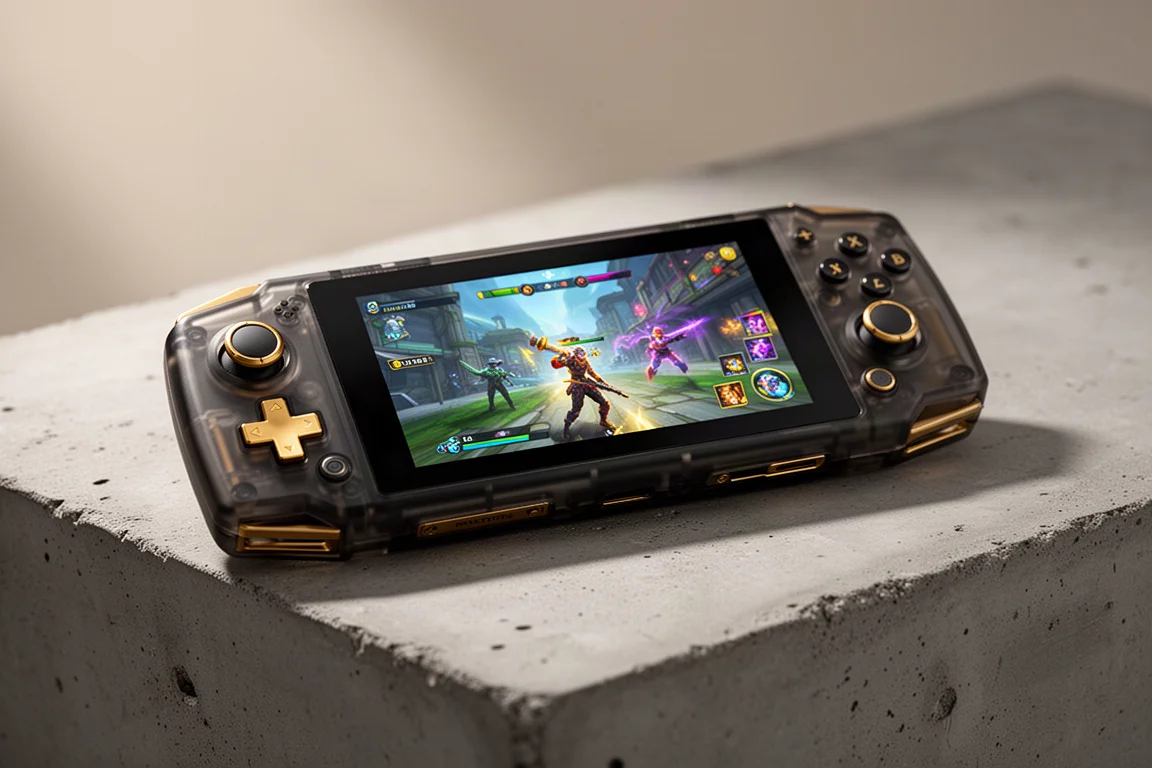
The shell also includes the same impulse triggers from the previous model, providing a slight rumble during supported games. The shoulder buttons have been realigned at an angle that matches the Xbox controller, making them feel less resistant when pressed. It is a small change, but it improves the overall feel.
Display and Screen
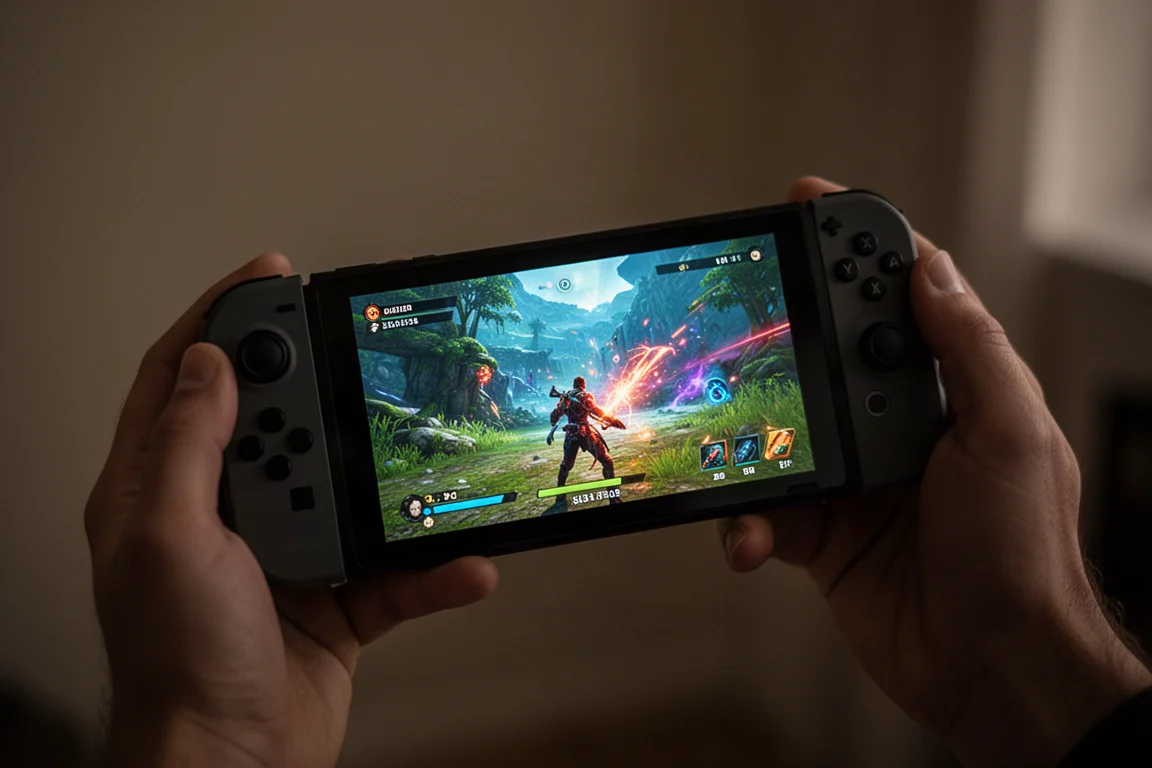
The screen is the biggest upgrade here. The Xbox Ally X20 finally moves to an OLED panel, something fans of the line have wanted for a long time. The display is slightly larger at 7.4 inches, with the top bezel reduced to match the sides. It remains 16:9, which fits the same shell with minor modifications.
The panel offers 120 Hz variable refresh rate, and crucially, the VRR starts at 30 Hz. The original ROG Ally started at 48 Hz, which required low frame compensation below that threshold. With the new panel, you can target 30 fps and anything above that will feel smooth. For handheld gaming, where frame rates often dip, this is a meaningful improvement.
Peak brightness is rated at 1,400 nits, with a 1,000,000:1 contrast ratio. The display is HDR compatible and covers 100% of the DCI-P3 color gamut. The anti-reflective coating from previous models is also present. In practice, the OLED panel delivers saturated colors, deep blacks, and strong brightness that make the screen feel significantly more modern than before.
The larger size, even at just 0.4 inches more, makes a noticeable difference. Combined with the OLED brightness and contrast, the display feels like a proper upgrade rather than a minor tweak.
Controls and Input
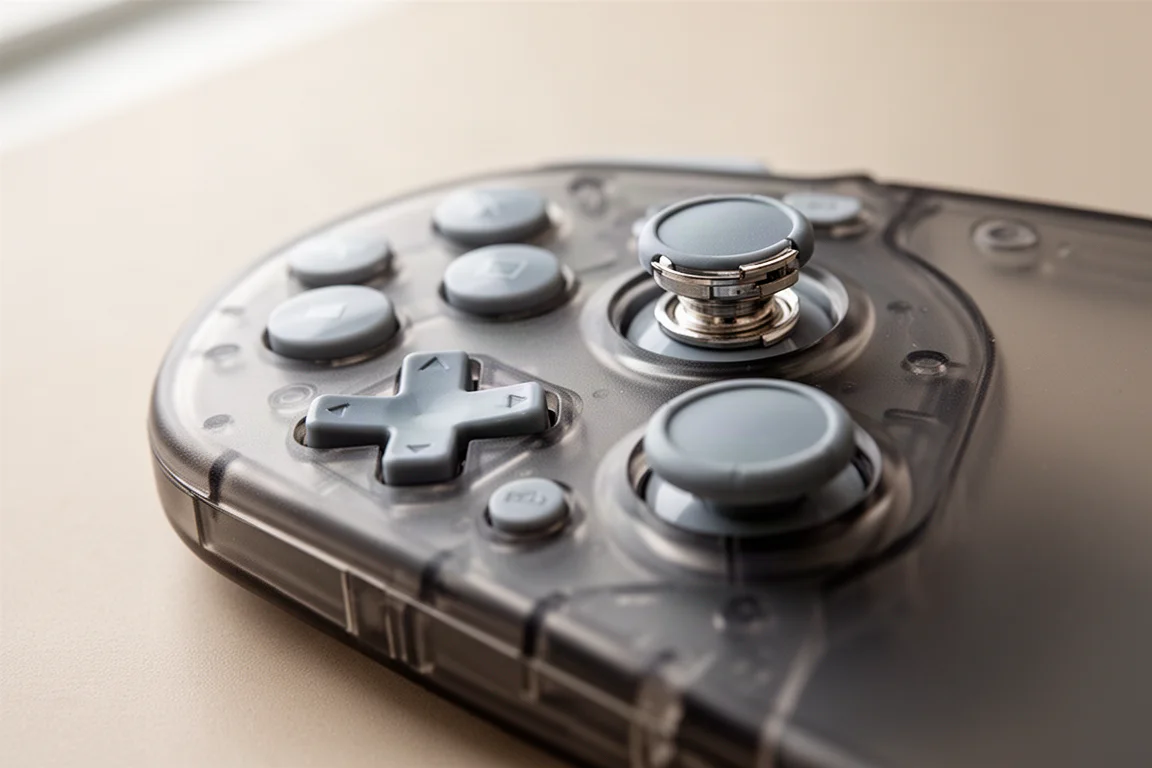
The face buttons have been redesigned from the ground up. They are more rounded, sit closer to the shell, and require less actuation force. They feel quiet and responsive, with no wobble or give. The engineers involved in the design took cues from the Xbox controller, and the result is close to that feel. These may be the best face buttons seen on a PC handheld.
The analog sticks now use TMR technology with magnetic sensors, which means they are not prone to stick drift. TMR also requires less power, roughly 25% compared to traditional potentiometers. The RGB lighting around the sticks has been upgraded from two LEDs to four, and there is a new feature that follows your stick movements with the lights. Another planned feature will sync audio cues to the RGBs, so if you hear footsteps on the left channel, the left stick light will illuminate. That software was not working yet, but the idea has potential for competitive games.
The input algorithm has also been updated. It is now called “squirle input,” which provides a circular input that becomes more squared at the 45-degree corners. This is designed to give more strength to diagonal inputs and feel smooth all around. ASUS worked with Microsoft to mimic an Xbox algorithm, so the transition from an Xbox controller should feel natural.
The D-pad has been switched to a hybrid mechanism that combines dome switches with a rubber membrane. It offers a tactile feel while still resembling a classic controller. You can lift the D-pad and rotate it between an 8-way dome style and a more prominent four-way cross style. Both configurations feel comfortable, and the act of switching between them is satisfying.
Storage and Ports
The micro SD slot has been upgraded to micro SD Express, which offers much faster read speeds. This is useful for installing games and running them directly from the card. Regular micro SD cards still work, but with some limitations. The exact standard, UHS1 or UHS2, was not confirmed, but micro SD Express is likely the most compatible option.
The ports remain the same as the previous model. There is one USB 4 port and another USB 3.2 Gen 2 port. There is no Thunderbolt 5 upgrade, which may disappoint some users, but the existing connectivity is adequate for most handheld use cases.
The XR Glasses Bundle
The Xbox Ally X20 ships with the R1 XR glasses, and there is no standalone option. The glasses feature micro OLED displays, a 240 Hz refresh rate, and a very low response time. The sound has been tuned by Bose and sounds good, with a surrounding feel. There are additional tint options, allowing you to darken the lenses for more immersion or use pass-through to see your surroundings.
You can control everything from the handheld rather than the glasses themselves. The settings are built into Armory Crate and the control center, so you can adjust the tint or change whether the spatial awareness floats in one spot or follows your head movement. There is also an auto 3D option, but it currently looks limited and runs at 30 Hz. A software update may bring it to 60 Hz, but for now it feels more like a tech demo.
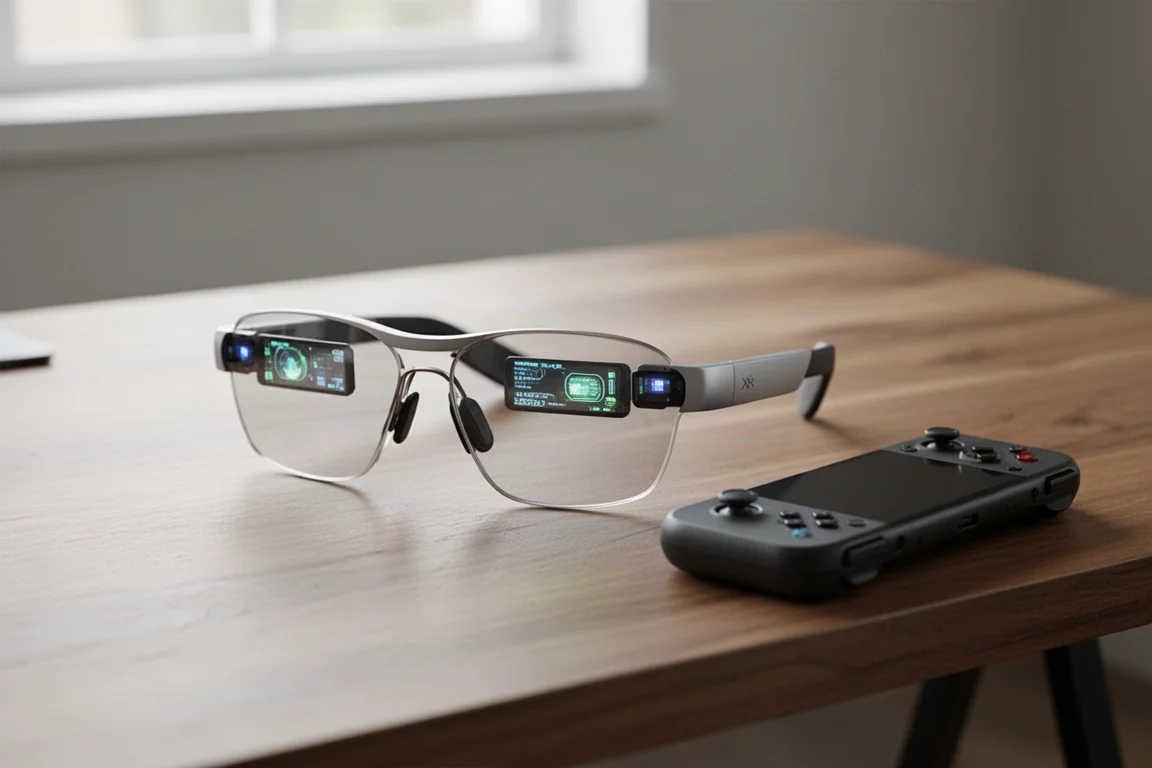
The glasses are comfortable and well-made, and they are probably the best option if you are going to pair XR glasses with a handheld. However, the forced bundling is a point of criticism. Many people would prefer the option to buy the handheld on its own, especially at the expected price.
Buying Advice
The Xbox Ally X20 is expected to launch during the holiday season of 2026, with more information likely at Gamescom. Pricing has not been confirmed, but estimates put the bundle at upwards of $2,000. That is a significant investment, especially for a mid-cycle refresh.
If you already own an Xbox Ally X, this is not a necessary upgrade. The performance is identical, and the improvements are focused on the screen and controls. If you are new to the line and want the best version available, the OLED display and redesigned controls make this a compelling option, provided you are willing to accept the XR glasses bundle.
The comparison to the Steam Deck to Steam Deck OLED transition is apt. That upgrade was better in almost every way, but it was not something existing owners needed to buy. It made the device a better purchase for new buyers. The Xbox Ally X20 follows a similar pattern, but the forced bundle and high price narrow its appeal.
Conclusion
The Xbox Ally X20 fixes several of the biggest issues with the previous model. The OLED screen is a major improvement, the face buttons feel excellent, and the D-pad offers a satisfying and flexible design. The translucent shell and gold accents give it a distinctive look that fits the 20th anniversary theme.
The main concern is the bundle. Requiring the XR glasses and the expected $2,000 price tag will limit the audience. A standalone option would have made this a much easier recommendation. As it stands, the Xbox Ally X20 is a well-executed refresh that will appeal most to collectors and those who want the best screen and controls in the ROG Ally line, provided they are comfortable with the bundle.
Product link
View more details for Xbox Ally X20
This product is mentioned in the review. Check the specifications, options, and compatibility before buying.
View more details for Xbox Ally X20Further reading
Related Reviews
Handheld Gaming
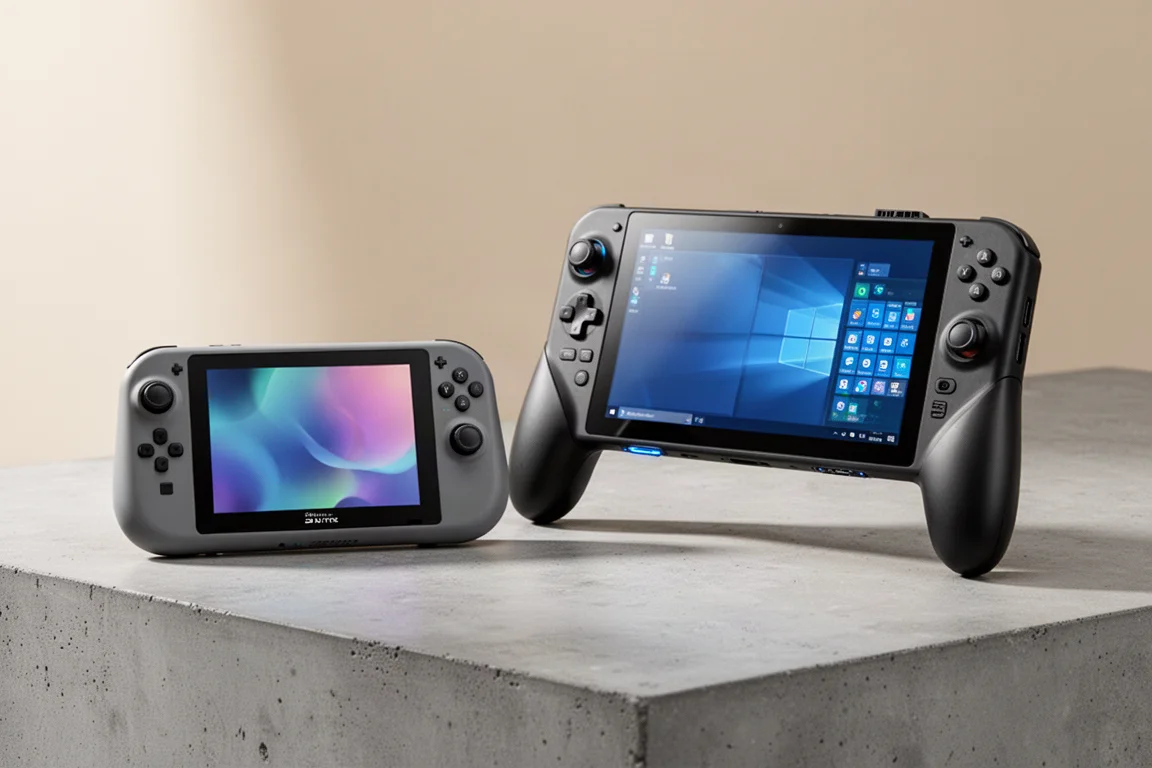
Acer Nitro Blaze Link and Predator Atlas 8: Two New Handhelds Compared
Acer's new handheld lineup includes a budget streaming device and a powerful Windows gaming machine. Here is what to expect from both.
Handheld Gaming
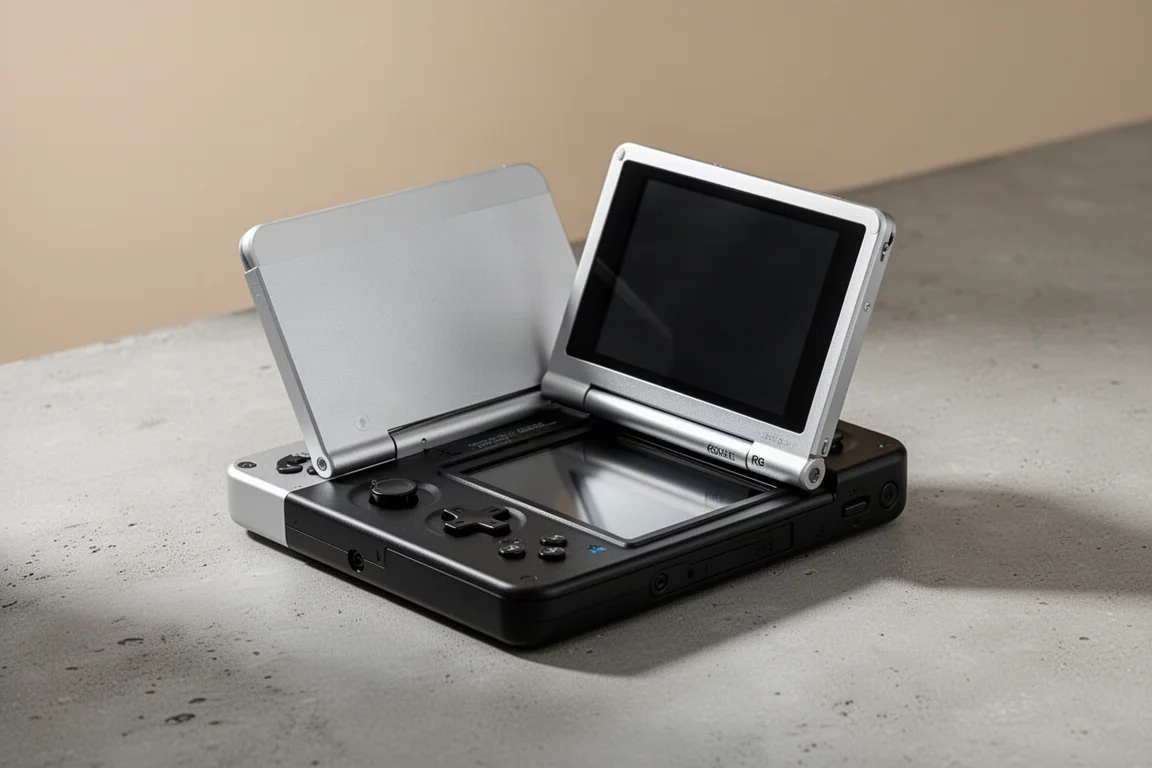
Anbernic RG Rotate Review: A Unique and Powerful Pocket Handheld
The Anbernic RG Rotate brings a clever rotating design, a square 720x720 screen, and solid Android performance to a truly pocketable form factor.
Handheld Gaming
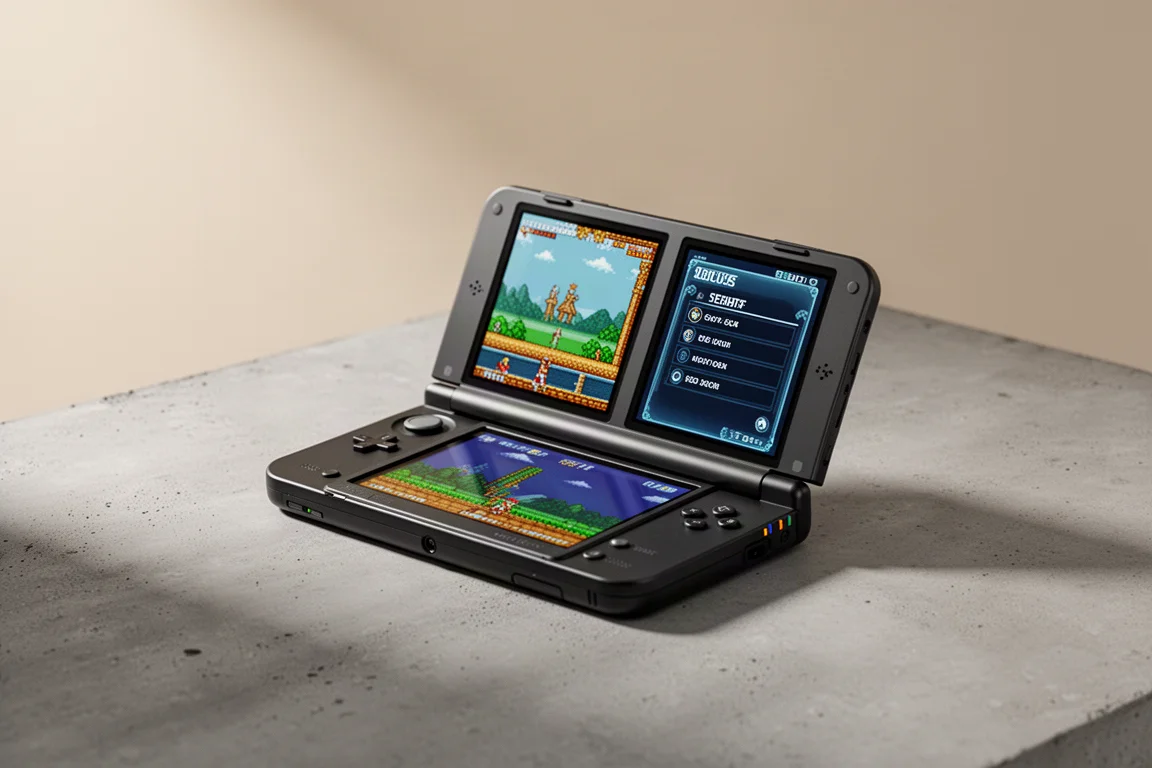
Anbernic RGDS: A Fresh Look at the Linux Experience
The Anbernic RGDS gets better with updated Linux firmware. We explore Rocknix improvements, the new official Anbernic Linux OS, and how this dual-screen handheld handles Nintendo DS gaming.