Handheld Gaming
Anbernic RGDS: A Fresh Look at the Linux Experience
The Anbernic RGDS gets better with updated Linux firmware. We explore Rocknix improvements, the new official Anbernic Linux OS, and how this dual-screen handheld handles Nintendo DS gaming.
Introduction
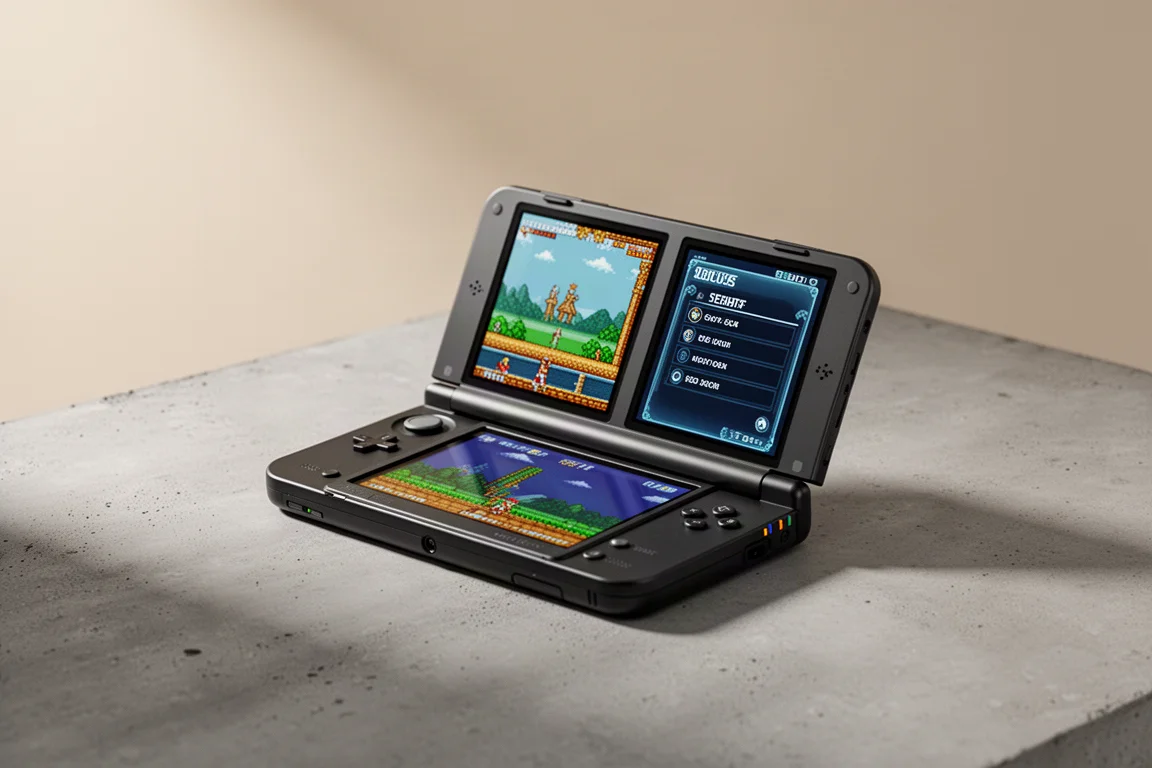
The Anbernic RGDS has had an interesting journey. When it first launched, it felt rough around the edges. But with recent firmware updates, this dual-screen handheld has become a much more compelling option for retro gaming enthusiasts, especially those who love Nintendo DS titles.
The device can dual boot into both Android and Linux, but the Android side lacks the power for excellent multitasking. The Linux side, however, has become the real star. Two Linux-based operating systems are now available: Rocknix, a community-driven option, and the official Anbernic Linux firmware. Both have received meaningful updates, and both offer distinct experiences worth exploring.
The Anbernic RGDS at a Glance
The RGDS typically costs around $100, sometimes less depending on available coupon codes. It is a clamshell-style handheld with two screens, designed primarily for Nintendo DS emulation. The hardware is modest, so it shines with PS1 and below gaming, with Nintendo DS being a particularly strong fit thanks to the dual-screen setup.
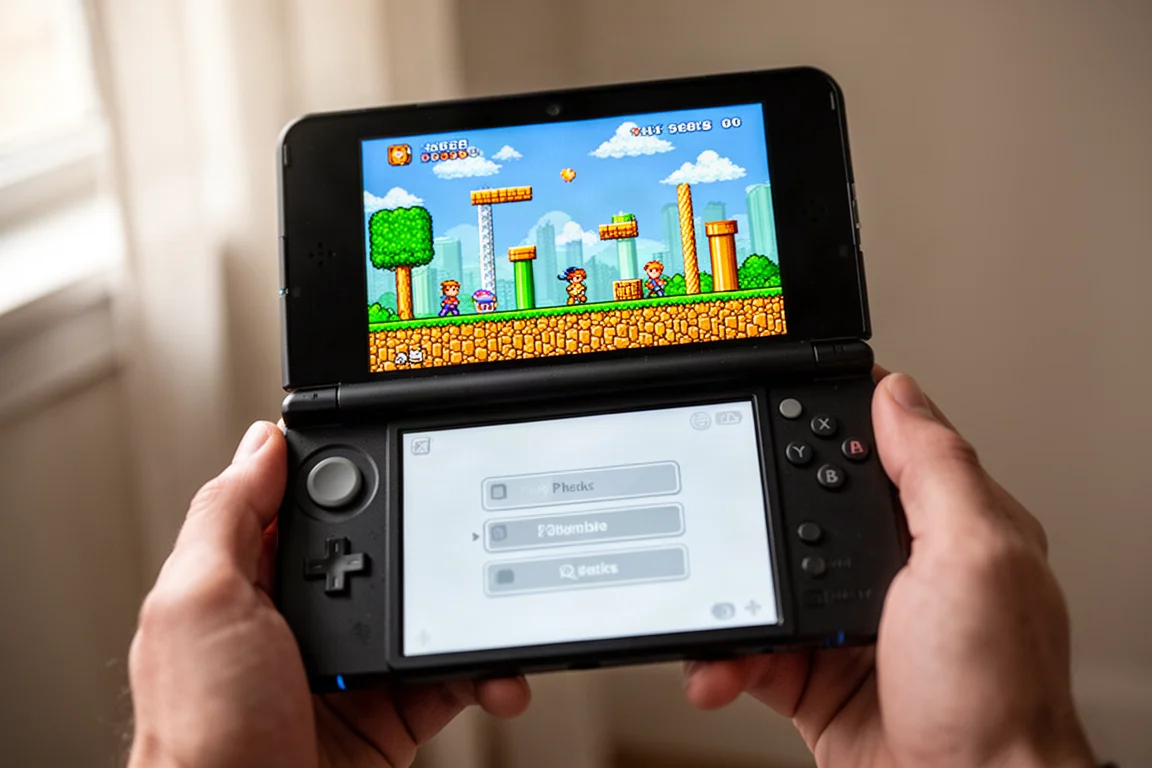
You can attempt more demanding systems like Nintendo 64 or Dreamcast, but performance varies because the chip is not especially powerful. For most users, sticking to PS1 and below delivers the most consistent experience.
Rocknix Updates: A Better Way to Play
Rocknix has been available for the RGDS for a few months, and it remains the preferred Linux option for many. One of its biggest strengths is low input latency when playing Nintendo DS games. It feels almost like playing on the original console, which is a significant improvement over the Android experience.
The latest Rocknix updates focus on single-screen games. By default, games like Sonic the Hedgehog play on the top screen, which is comfortable. But now there is a new quick menu accessible from the bottom touchscreen. Tapping the screen pauses the game within RetroArch and brings up options like brightness adjustment, which affects both screens at once, and the ability to create restore points for quick saves.
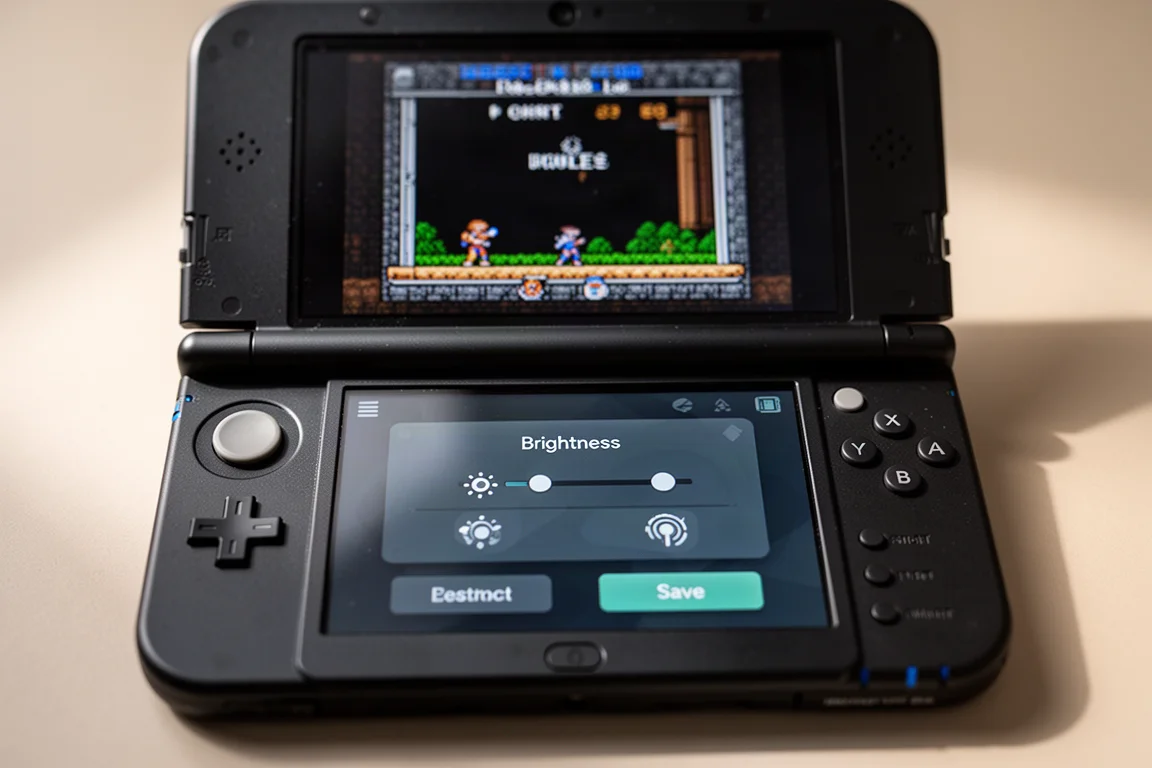
This dual-screen functionality is a thoughtful touch. You can focus on the top screen during gameplay, then tap the bottom screen to adjust settings or save your progress without fumbling through hotkeys. It is a small feature, but it makes the experience feel more polished.
Rocknix also supports Wi-Fi, custom themes, and box art downloads. Everything resides on the micro SD card, so you can easily swap between operating systems by changing cards. There are even unofficial dual-screen themes available from GitHub, though the installation process is more involved and requires networking tools.
The Official Anbernic Linux OS
Anbernic has also released its own Linux firmware for the RGDS. This operating system is simple and plug-and-play. The menu is a dual-screen experience, with tabs navigated using the L and R buttons. The first tab is dedicated to DS games, acknowledging the device’s primary purpose. Other tabs include RetroArch for additional systems, collections, recently played games, and applications like a video player, music player, and ebook reader.
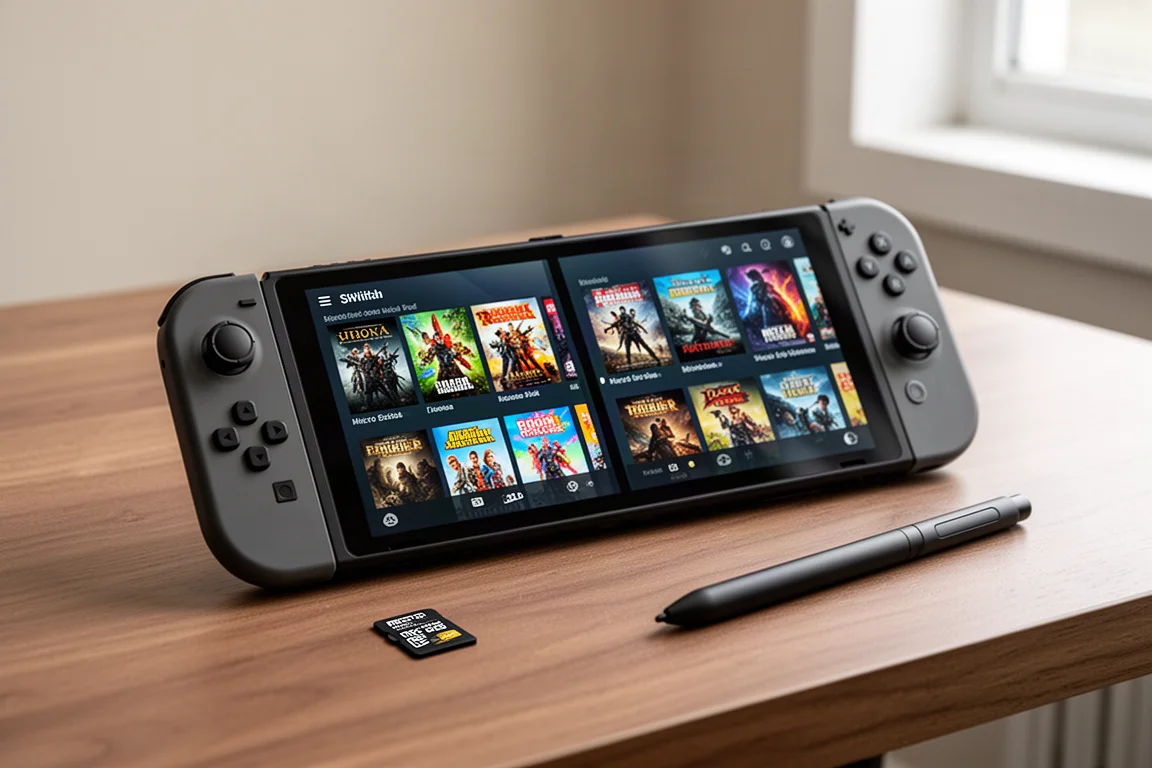
A third-party app called Tiny Scraper handles box art scraping. It is easy to use once installed, showing which systems have missing box art and allowing you to scrape everything at once. The official OS also includes a mod app that updates the firmware and offers settings for system language, arcade core auto-adapt, bezels, turbo buttons, and shaders.
Performance on the Anbernic Linux OS is not quite as good as Rocknix. Some games in high-resolution mode, even something like Mario DS, may have slight audio clipping. For the best experience, Rocknix is the stronger choice. However, the official OS is a solid option for those who want a straightforward setup without extra configuration.
Installing the Anbernic Linux OS
Installing the Anbernic Linux OS requires flashing a micro SD card. The firmware is available from the Anbernic software repository. After downloading and extracting the files, you use an application like Rufus or Raspberry Pi Imager to flash the image to the card. The process takes about 12 minutes.
Once flashed, you boot the device with the card inserted to repartition the extra space. Then you add your games to the appropriate folders in the ROMs directory. You also need to add two apps: the mod app for firmware updates and Tiny Scraper for box art. Both are placed in the apps folder on the card.
After booting again, you run the mod app to finalize the firmware and access system settings. Then you connect to Wi-Fi and use Tiny Scraper to download box art. The entire process is manageable, though it requires a bit more effort than simply dragging and dropping files.
Things to Consider Before Buying
The RGDS has some hardware limitations that are worth knowing about. The screens are not integer scaled for Nintendo DS content, which can cause minor pixel wobble during gameplay. The higher resolution generally works well, but it is not perfect.
Charging speed is slow, around 8 watts max, meaning a full charge takes two to three hours. Battery life is also modest, typically three to four hours. The device can get warm during extended use, especially with demanding systems or at full brightness, since there is no active cooling.
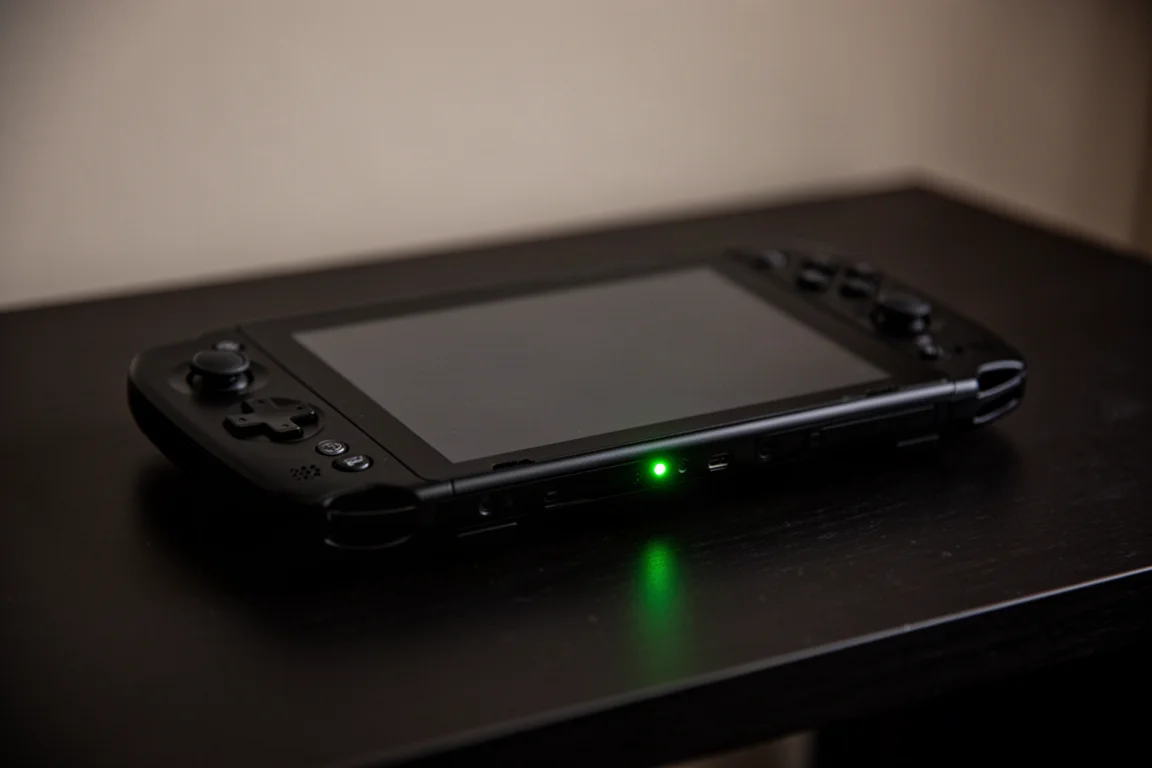
Nintendo DS emulation relies on the DraStic emulator, which works well on lower-powered systems but lacks retro achievement support and is closed source. The ideal Melon DS emulator supports retro achievements but is too power-hungry for this chip, so most games will not run at full speed.
Buying Advice
The Anbernic RGDS is best suited for retro gaming fans who prioritize Nintendo DS and PS1 titles. If you want a simple, plug-and-play experience, the official Anbernic Linux OS is a reasonable choice. If you want better performance and additional dual-screen features, Rocknix is the way to go.
The device is affordable, often under $100, and the ability to swap operating systems via micro SD cards adds flexibility. Just be prepared for slower charging, modest battery life, and the lack of retro achievement support in DS emulation.
Conclusion
The Anbernic RGDS has come a long way since its initial release. With updated Linux firmware from both Rocknix and Anbernic, it has become a genuinely enjoyable handheld for retro gaming. Rocknix remains the stronger option thanks to better performance and dual-screen functionality, but the official OS is a solid alternative for those who prefer simplicity.
If you are looking for an affordable way to play Nintendo DS and classic retro games, the RGDS is worth considering. It is not without its quirks, but the recent software improvements make it a much more compelling purchase than it was at launch.
Product link
View more details for Anbernic RGDS
This product is mentioned in the review. Check the specifications, options, and compatibility before buying.
View more details for Anbernic RGDSFurther reading
Related Reviews
Handheld Gaming
Acer Nitro Blaze Link and Predator Atlas 8: Two New Handhelds Compared
Acer's new handheld lineup includes a budget streaming device and a powerful Windows gaming machine. Here is what to expect from both.
Handheld Gaming
Anbernic RG Rotate Review: A Unique and Powerful Pocket Handheld
The Anbernic RG Rotate brings a clever rotating design, a square 720x720 screen, and solid Android performance to a truly pocketable form factor.
Handheld Gaming
AYN Odin 3 Six Month Review: The Handheld That Keeps Getting Better
After six months of daily use, the AYN Odin 3 remains a top-tier Android handheld with improved software, driver support, and Linux compatibility.