Audio Streamers
WiiM Pro Review: Free Room Correction in an Affordable Streamer
The WiiM Pro gained room correction through a free software update. Here is how the setup works, what the three curves change, and who benefits most.
Introduction
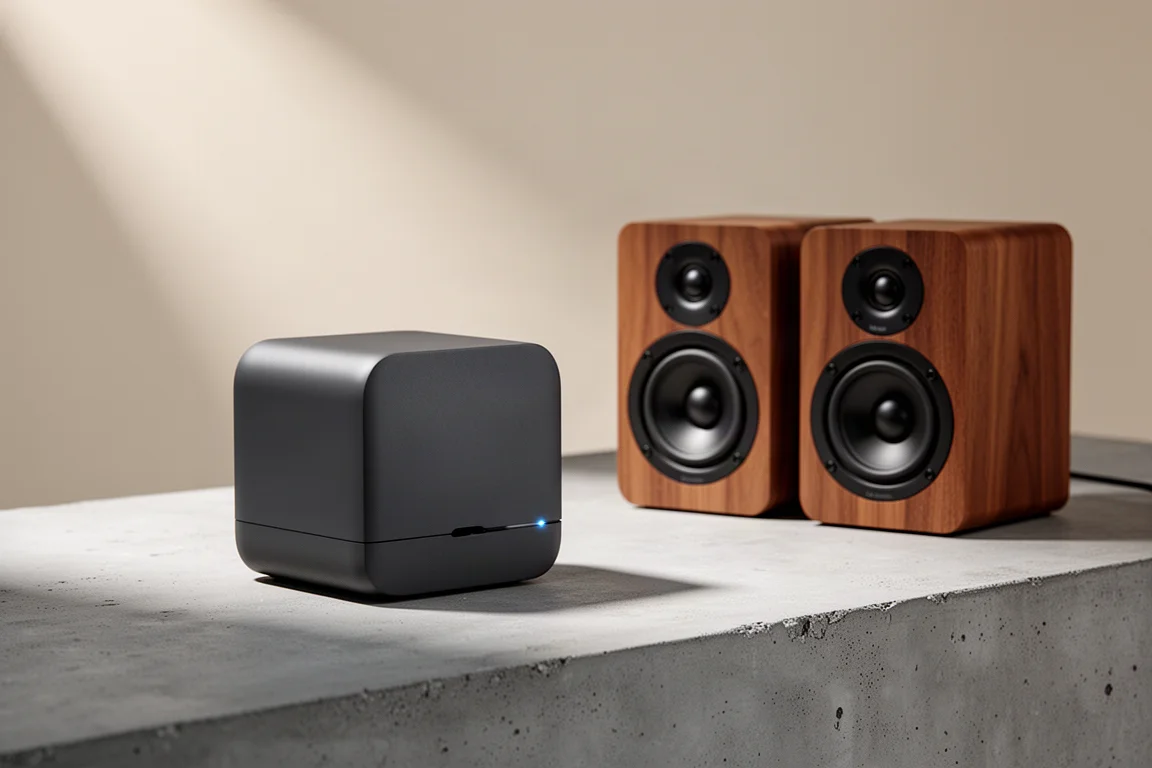
The WiiM Pro is an affordable network streamer that sells for around $150, and it recently gained a capability that used to be reserved for much more expensive hardware. Room correction is now available on the WiiM Pro and the WiiM Pro Plus through a software update. It is not available on the WiiM Mini.
Room correction is digital signal processing that tries to address the acoustic problems a room creates. A speaker placed close to a wall usually gains extra bass output. A speaker sitting near smooth, reflective surfaces creates timing problems, because high frequencies bounce off the wall and reach your ears slightly after the direct sound. When similar frequencies arrive together, instruments lose some of their cleanliness. In an ideal world, a speaker and a listener would sit in an open field with no reflections and no room gain. Almost nobody listens that way.
Until now, this type of processing generally came with a significant cost or a complicated setup. Integrated amplifiers with comparable correction run into the thousands, and the affordable alternatives have mostly been home theater receivers, which are not always the most convincing option for two-channel music. Finding the feature on a streamer at this price, without paying extra for it, is what makes the WiiM Pro worth a fresh look.
Who This Product Is For
The WiiM Pro suits listeners who want an inexpensive streaming source and would benefit from taming the low end in a small or untreated room. Desks, offices and compact living rooms with speakers close to the back wall and the side walls are exactly where the correction does the most audible work.
It is also a straightforward win for anyone who already owns a WiiM Pro or a WiiM Pro Plus, because the feature arrives through the update rather than a new purchase.
Two groups should think carefully. Owners of the WiiM Mini do not get room correction, and households that use Android only cannot run the measurement step, since calibration currently requires an iPhone.
Main Strengths
The most obvious strength is that the feature exists at this price. Room correction on the WiiM Pro is free for existing owners and included with new purchases, which is unusual for a device in this class.
The second strength is that it does something audible. In a room with speakers positioned close to the back wall and the side walls, the correction toned down the bass and firmed up some of the midrange, which is exactly what you hope for when room gain is inflating the low end.
The third is flexibility. Rather than applying one fixed correction, the WiiM Pro gives you a choice of curves and a useful set of controls, so you can decide how far the processing reaches and how strongly it acts.
For listeners who have been living with boomy bass and slightly soft detail, that combination is a meaningful improvement rather than a marketing bullet point.
Room Correction Setup and Controls
Running the measurement is refreshingly short. You open the app, go into settings, select room correction, sit where you normally listen, and start it. The process sends out a single sine wave. That is the whole routine, which is far less involved than the multi-position sweeps some home theater receivers require, where you may be asked for three to six measurement locations. In fairness, those systems are doing more work across many channels, while this one deals with two.
Once the measurement is done, you choose how the correction is applied. Three curves are available: B&K, Harman and Flat. The processing range opens at 40 Hz and reaches up to 4,000 Hz, and a slider lets you pull that window in or out depending on how much of the top end you want left alone. Maximum gain and Q controls set how much adjustment is applied and how widely it spreads around each target frequency.
What the Curves Do to the Sound
The three curves produce noticeably different results. The Harman curve was the most satisfying balance in practice. B&K came across as a little bassier, while Flat sounded close to Harman to the ear. Choosing between them is a matter of taste and of how much low-end lift your room is adding.
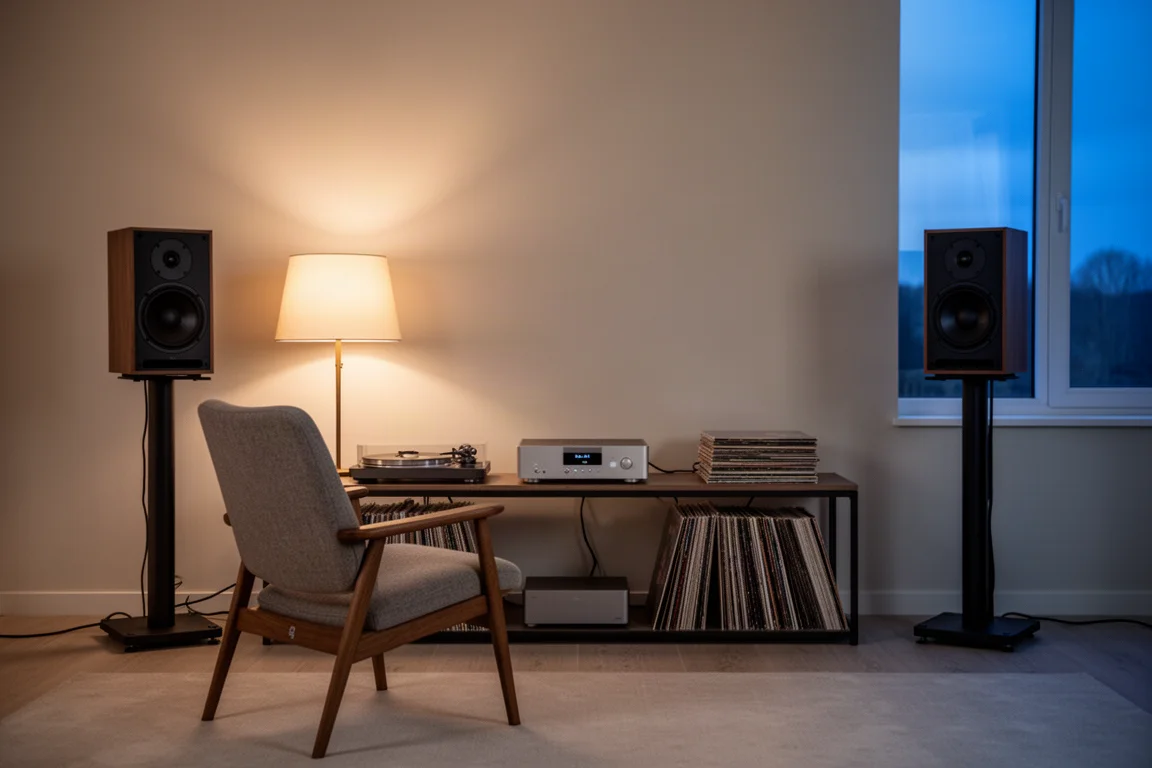
It is worth noting that the correction does not depend on expensive electronics. During testing it ran with a pair of bookshelf speakers connected to far more costly amplification and a separate DAC, but that level of gear is not required to benefit. A modest system in a difficult room stands to gain the most.
Things to Consider Before Buying
Calibration currently requires an iPhone. Android users cannot run the measurement, which is a genuine limitation if your household does not have an iPhone available.
Room correction is not available on the WiiM Mini, so owners of that model do not receive this update.
The measurement is a single pass from one listening position, which is less thorough than the multi-point correction used by home theater receivers. How its accuracy compares with a dedicated measurement microphone is not established, so it is best treated as a strong practical improvement rather than a laboratory-grade calibration.
Finally, room correction helps with room problems, but it does not fix all of them. Speaker placement and room treatment still matter.
Buying Advice
If you already own a WiiM Pro or a WiiM Pro Plus, update the software and try it. Start with the Harman curve, then adjust the frequency range and gain until the low end sits where you want it. There is no cost involved.
If you are buying new, the WiiM Pro at around $150 is a sensible entry point for a streamer with built-in room correction. For listeners who want more hardware in the same family, the WiiM Ultra at $330 includes room correction along with an HDMI input and a display.
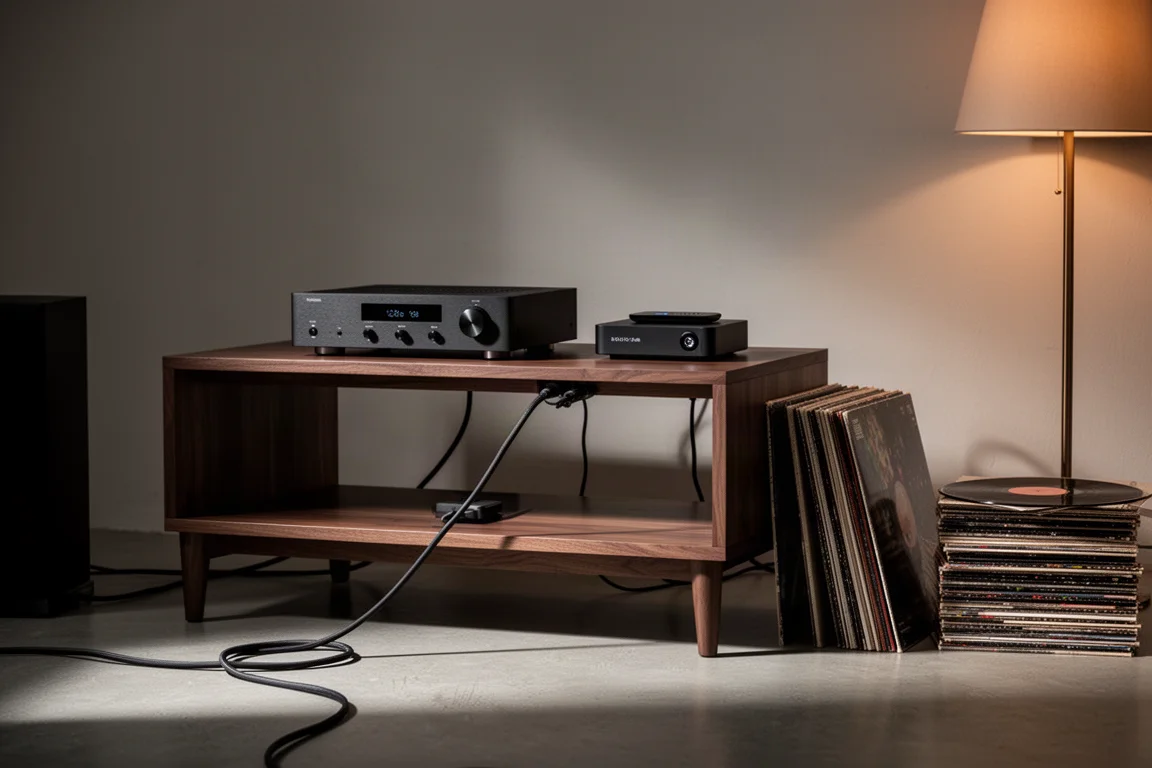
Either way, the practical approach is the same: measure from the seat you actually use, make one change at a time, and give each curve a proper listen before deciding.
Conclusion
The WiiM Pro shows what a well-supported product can do over time. Room correction arrived as a free software update on a streamer that costs around $150, and it addresses one of the most common problems in real rooms: too much bass and less clean detail caused by the space itself. Setup takes minutes, the curves give you control, and the change in a difficult room is easy to hear. If you already own one of these streamers, the update is worth running today.
Product link
View more details for WiiM Pro
This product is mentioned in the review. Check the specifications, options, and compatibility before buying.
View more details for WiiM ProFurther reading
Related Reviews
Audio Streamers
Eversolo DMP-A6 vs WiiM Ultra: Which Network Streamer Fits Your System?
A practical comparison of two screen-equipped network streamers: one built around a high-quality DAC, the other around a preamp with room correction and HDMI ARC.
Audio Streamers
Eversolo T8 vs Eversolo T10: Which Streaming Transport Fits Your System
A practical comparison of two network streaming transports, where the real differences sit, and which one most systems actually need.
Audio Streamers
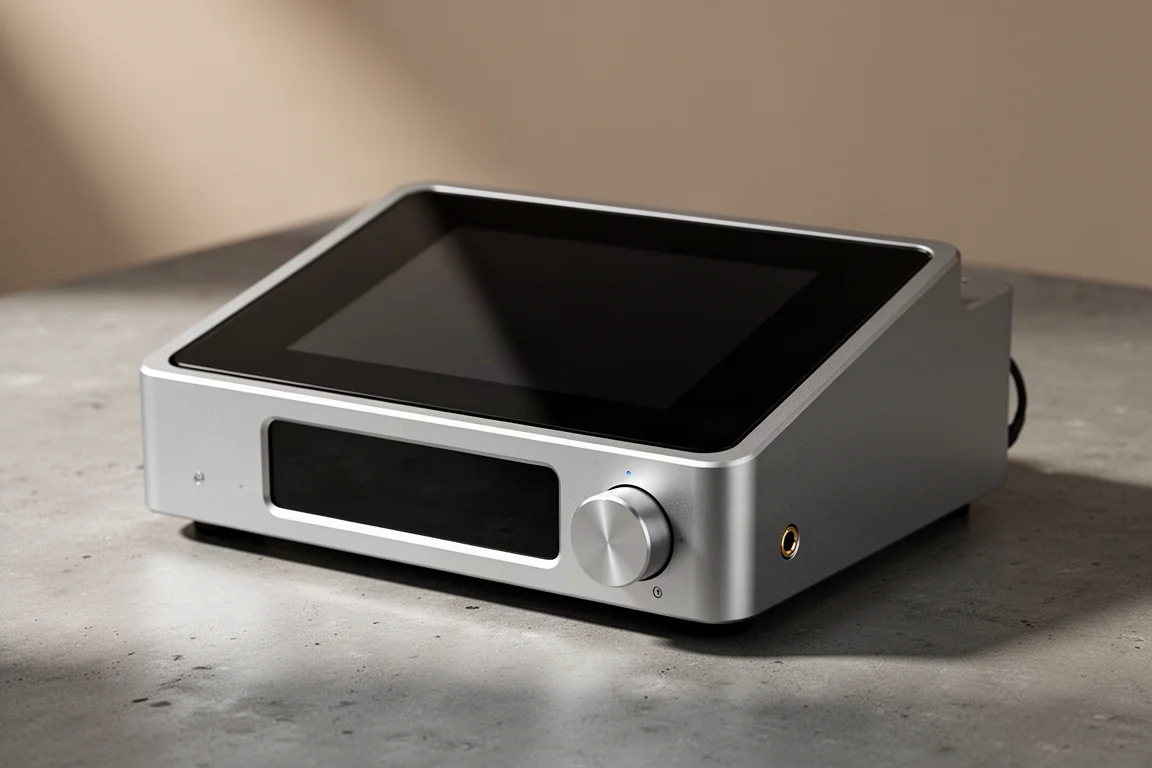
HiFi Rose RS250 Review: A High-Performance Network DAC Streamer
A close look at the HiFi Rose RS250, a compact network DAC streamer and preamplifier with an ESS Saber converter, a fully linear power supply, and an 8.8-inch touch display.