Audio Streamers
Eversolo T8 vs Eversolo T10: Which Streaming Transport Fits Your System
A practical comparison of two network streaming transports, where the real differences sit, and which one most systems actually need.
Introduction
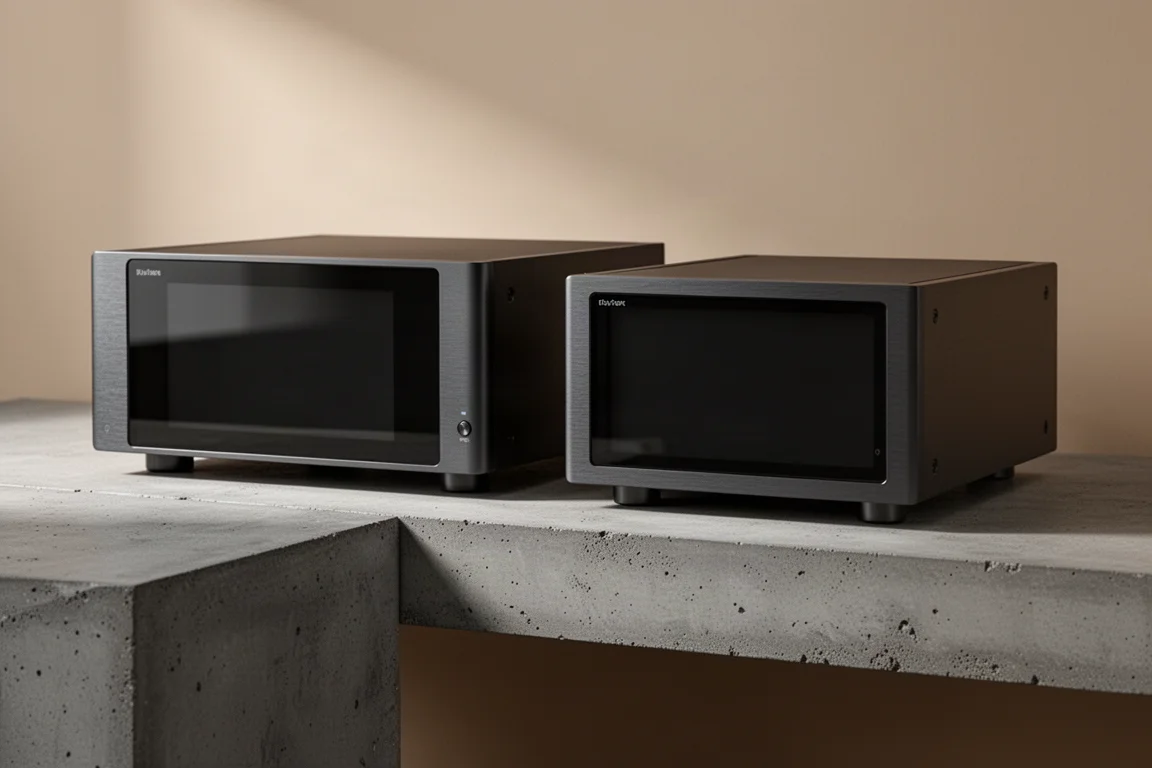
The Eversolo T8 and Eversolo T10 look like two versions of the same idea, and in most of the ways that matter for sound, they are. The T8 sits around $1,380 and the T10 around $2,180, which puts roughly $800 between them. That gap invites an assumption: the more expensive box must hand your DAC a better stream. It does not. Both send identical data out of every port.
That single fact reorganizes the whole comparison. What remains is a short list of real differences, and a longer list of differences that are convenience, aesthetics, or future-proofing. This guide separates them so you can decide which box actually fits your system.
What a Streaming Transport Actually Does
Neither the T8 nor the T10 contains a DAC. Neither can make sound on its own, and neither has analog outputs. They are transports: a high-quality digital source that pulls bits from your network or from internal drives and hands them to a separate DAC for conversion.
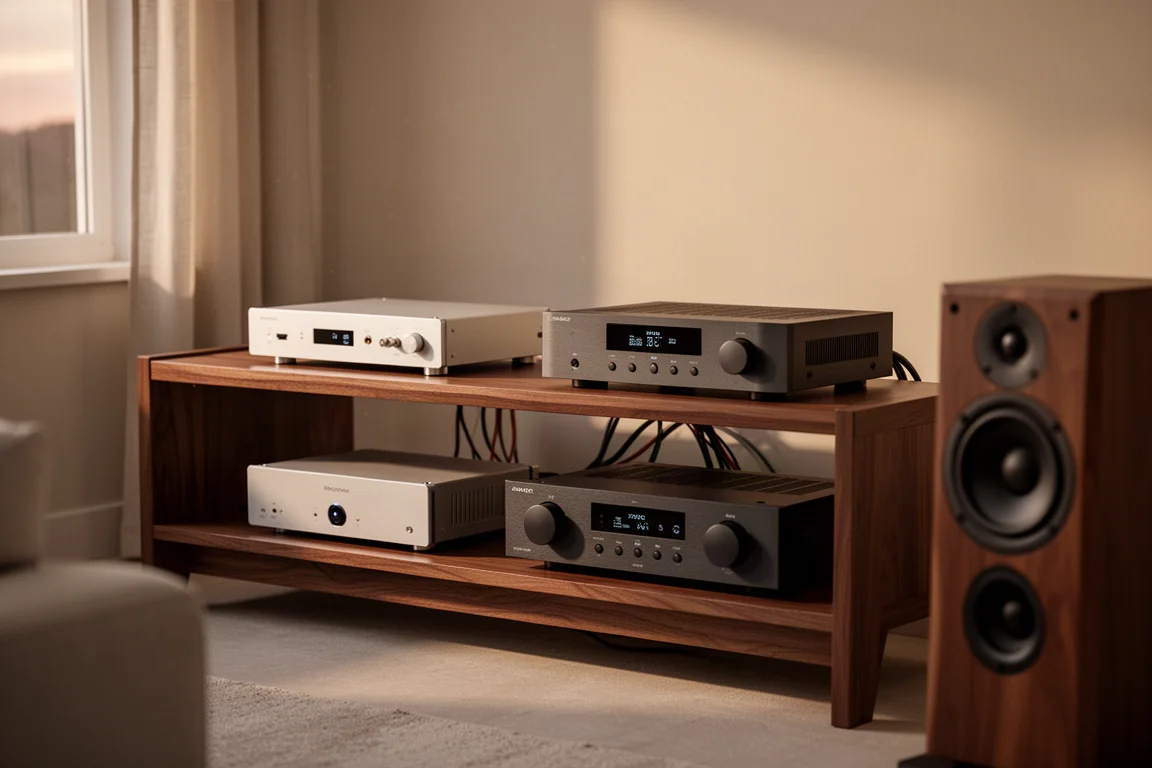
If you are coming from an all-in-one streamer and DAC, the T8 and T10 will require an external converter. If you already own a DAC you love, these two units are built for exactly that arrangement.
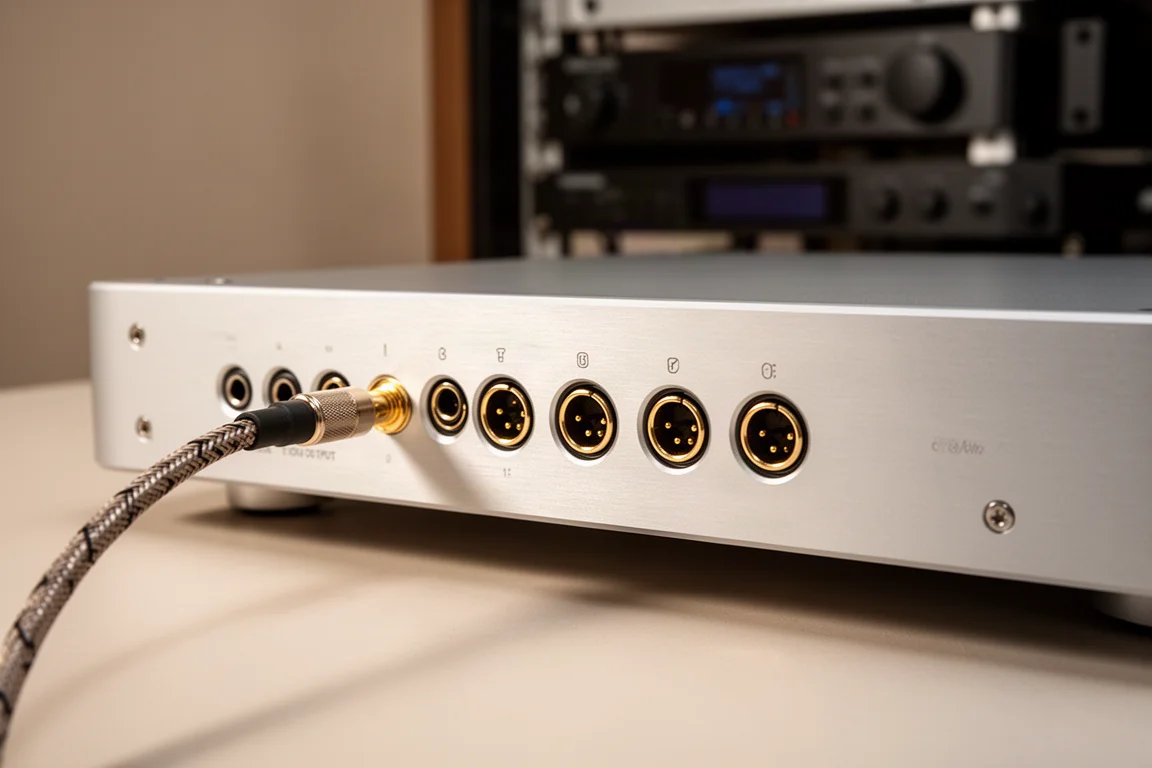
Their job description also explains the output limits. USB and I2S carry PCM up to 768 and DSD512. Coaxial, optical, and AES stop at 192/24. That ceiling is a property of the formats rather than of either Eversolo unit, but it catches people out. Buy a transport like this for high-rate PCM or DSD and you have to connect over USB or I2S.
Where the Two Streamers Are Identical
The list is longer than the price gap suggests.
Both units run the same software, and both screens are genuinely good. This is not a case of a dim, laggy panel on the cheaper model and the real experience on the flagship. The T10 screen is simply larger, around 8.6 inches against the 6 inches of the T8.
Both offer an M.2 storage slot supporting up to 16 TB, enough for a local library of downloaded or ripped files. The T10 specifies NVMe for that slot; otherwise the approach is the same. Both include gigabit-class networking and a fiber SFP port. The T10 steps up to 2.5 gigabit Ethernet, which is a specification win and some future-proofing rather than something that changes what you hear, since even DSD512 does not saturate gigabit.
The fiber port deserves an honest note. Optical links are galvanically isolated by physics, so network noise does not cross them. In practice, the SFP port and the standard Ethernet port sounded the same. It is a reasonable addition, and it is not a reason to choose the T10, because both units have it.
The T10 also carries more RAM and a faster processor. Both run smoothly for streaming and for local playback, and neither has felt like a bottleneck with an extensive library.
Eversolo T8: The Value Choice
The T8 is the box most listeners will need. It runs the same software as the flagship, delivers the same digital data, and handles the same storage and network duties.
Its room correction is EvoTune, which measures your room and generates an FIR filter map automatically, then adds 10 bands of manual parametric EQ on top for taste and fine adjustment. It also accepts your own imported FIR filter, exported as a WAV or BIN file from measurement software, and that detail turns out to matter more than anything else in this comparison.
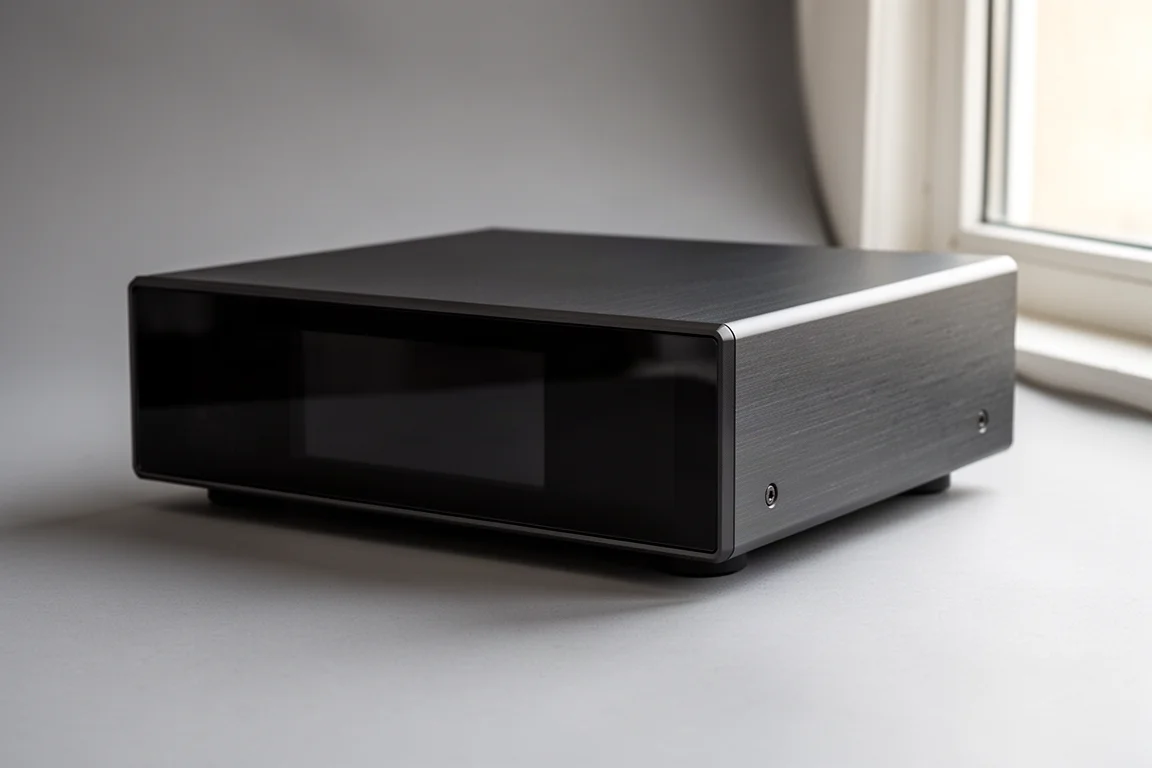
Its internal clock is a solid, well-implemented part rather than a weak link. What the T8 lacks is an external clock input, and that cannot be added later.
Eversolo T10: What the Extra Spend Buys
The T10 is the more capable box, and its advantages are specific rather than general.
First, room correction. EvoTune Pro generates a higher-resolution FIR filter map, then adds 20 automated parametric EQ bands whose job is to clean up what the filter missed, followed by 20 manual bands. It also includes loudness compensation, which balances perceived frequency response across listening levels, and higher-level upsampling.
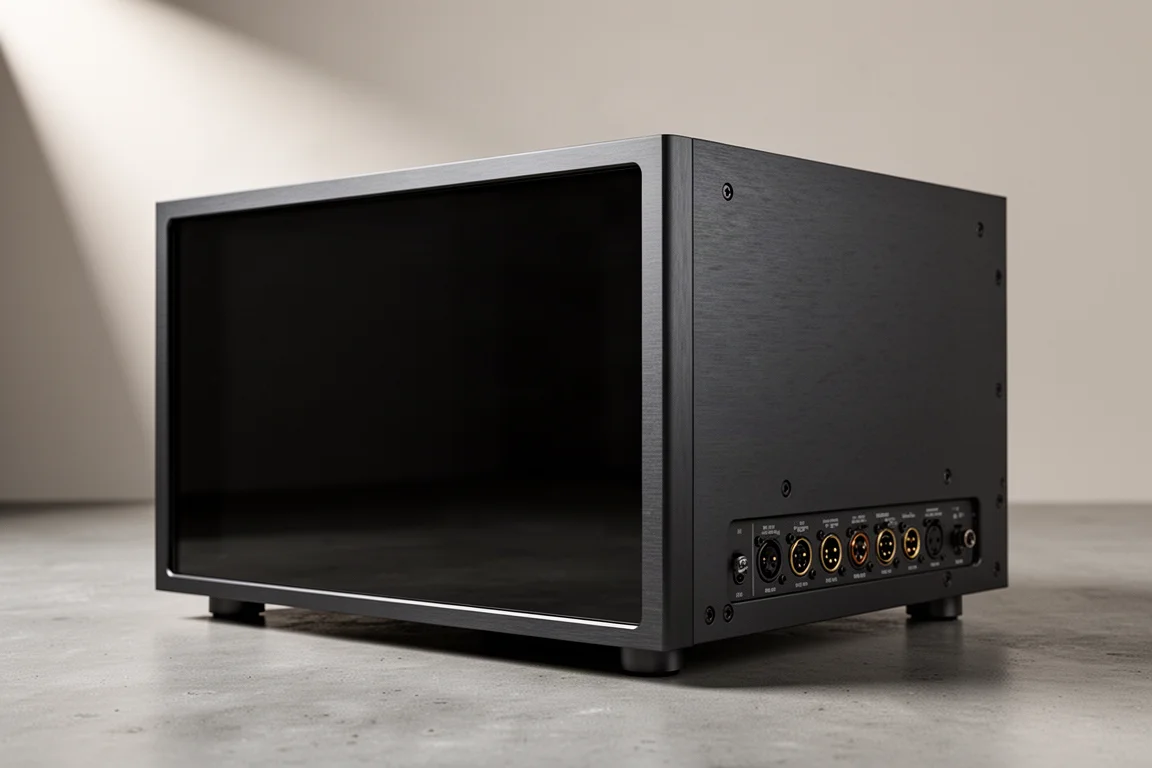
Second, clocking. The T10 uses an OCXO clock system with PLL, holding its crystal at a stable temperature so it drifts less, and it adds an external clock input supporting 10 MHz, 25 MHz, and both 50 and 75 ohm connections.
Both of those are real. Both also come with important context, covered in the next two sections.
Clocking: When It Actually Matters
A clock governs timing: not which samples are sent, but when. If the timing wobbles, that is jitter. At this level of gear, jitter is not a night-and-day difference, but in the right system it can blur the fine timing cues the ear uses to place instruments and to feel the leading edge of a note.
How much the transport clock matters depends on how you connect to your DAC. Over USB into a good modern DAC, the DAC almost certainly runs asynchronous USB, which means the DAC owns the timing and re-clocks everything to its own reference. The transport clock has less say in the final result. Over I2S, AES, or coaxial, the source clock gets a real vote, and that is where a better transport clock and an external master clock become coherent ideas rather than expensive ornaments.
An external master clock is a separate unit that synchronizes both your streamer and your DAC. Plenty of listeners, including experienced ones, are perfectly happy without one. It is a genuine option for some systems and a rabbit hole for others.
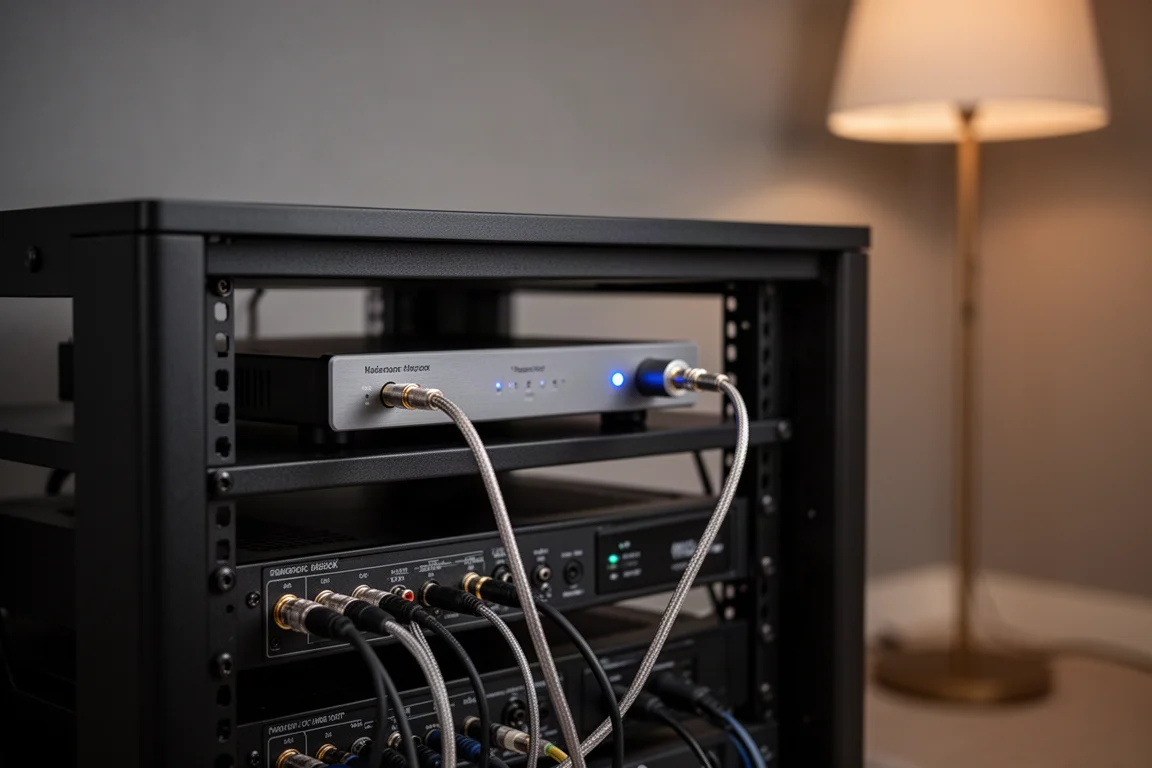
Worth noting as well: the T10 clock is a higher tier of internal clocking, but it is incremental on its own. If it were the only difference between these two units, it would not justify the price gap by itself.
Room Correction and the Real Ceiling
In fully automatic mode, the T10 corrects a room more thoroughly. That is the strongest argument it has, and it is a stronger argument than clocking.
The catch is the ceiling. Both units accept an imported FIR filter, so both can run the same correction you measure and build yourself with a measurement microphone and free software. An afternoon of work produces a curve that outperforms either automatic pipeline, and the T8 loads it just as happily as the T10 does.
That reframes EvoTune Pro as convenience rather than capability. It sells you less work, which is real value for anyone who knows the measurement microphone would stay in its box forever. For anyone willing to do the measuring, both boxes reach the same place.
One honest limit applies to both. Correction helps most below roughly 300 Hz, where room modes live. Above the transition frequency, problems become position-dependent, and aggressive filtering can make things worse. A difficult room is often a treatment problem rather than an EQ problem, and bass traps will do more there than any number of filters.
Who Should Buy Which
For most systems, the T8 is the answer. If you connect over USB to a modern DAC, have no plans for a master clock, and are either content with automatic FIR correction or willing to build your own filter, the T8 does the majority of what the T10 does and leaves $800 for something else, room treatment included.
The T10 makes sense in a narrower set of cases. If you run I2S, AES, or coaxial into a resolving DAC, the transport clock earns more of its keep. If you intend to add an external master clock, buy the door now, because the T8 cannot be retrofitted and upgrading later means selling it and buying the T10 anyway. If you want the best automatic room correction with no homework at all, EvoTune Pro delivers exactly that.
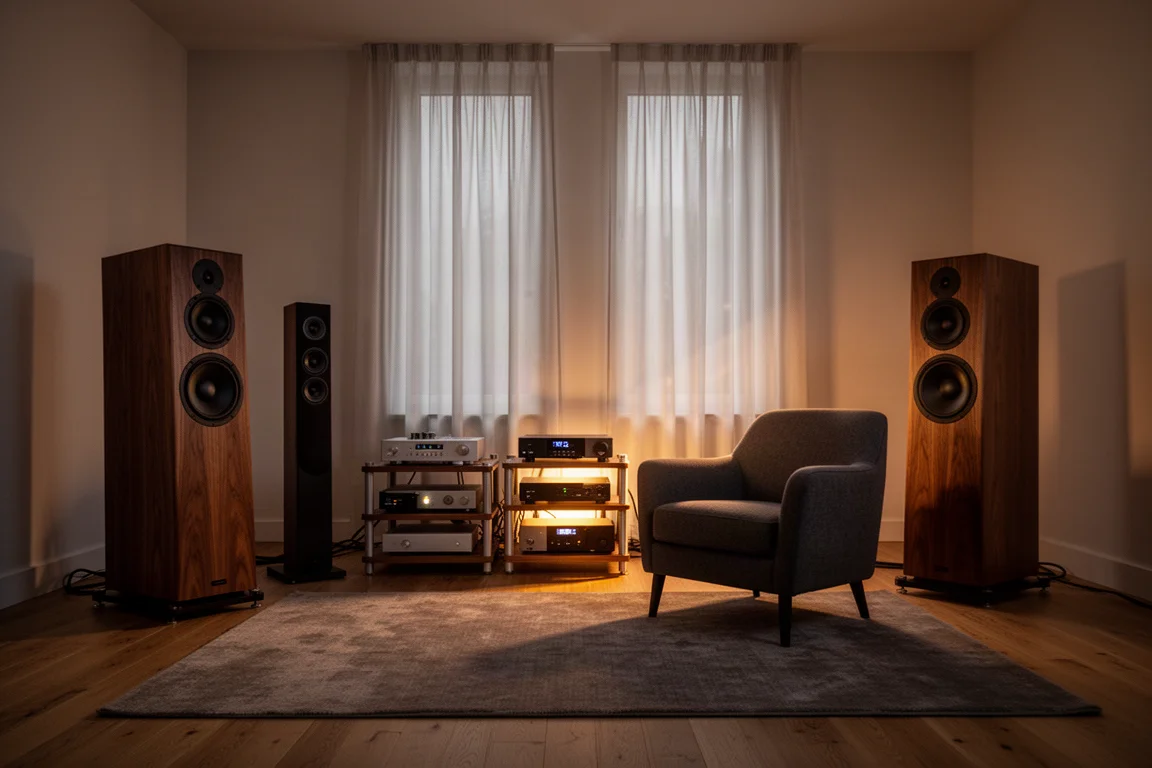
And if you simply want the flagship, the larger screen, and the statement front end in the rack, that is a legitimate reason to spend money. Just be clear that it is a different reason than sound quality. Both units send identical data, so what you hear will be shaped by your DAC, your room, and your correction choices rather than by which of these two boxes is feeding them.
Conclusion
The T10 is the more capable streamer. The T8 is the one most listeners should buy. Between them sit two genuine upgrades, automatic room correction and clocking, plus a larger screen and a faster processor, and whether any of those reach your ears depends on your DAC, your cabling, and your willingness to measure your own room.
If you use USB, do not plan an external clock, and can live with either automatic correction or your own filter, the T8 delivers the same stream and the same correction ceiling for $800 less. If you use I2S, AES, or coaxial, want a clock input you can grow into, or want the best hands-off room correction available here, the T10 is the box that keeps those doors open.
Further reading
Related Reviews
Audio Streamers
Eversolo DMP-A6 vs WiiM Ultra: Which Network Streamer Fits Your System?
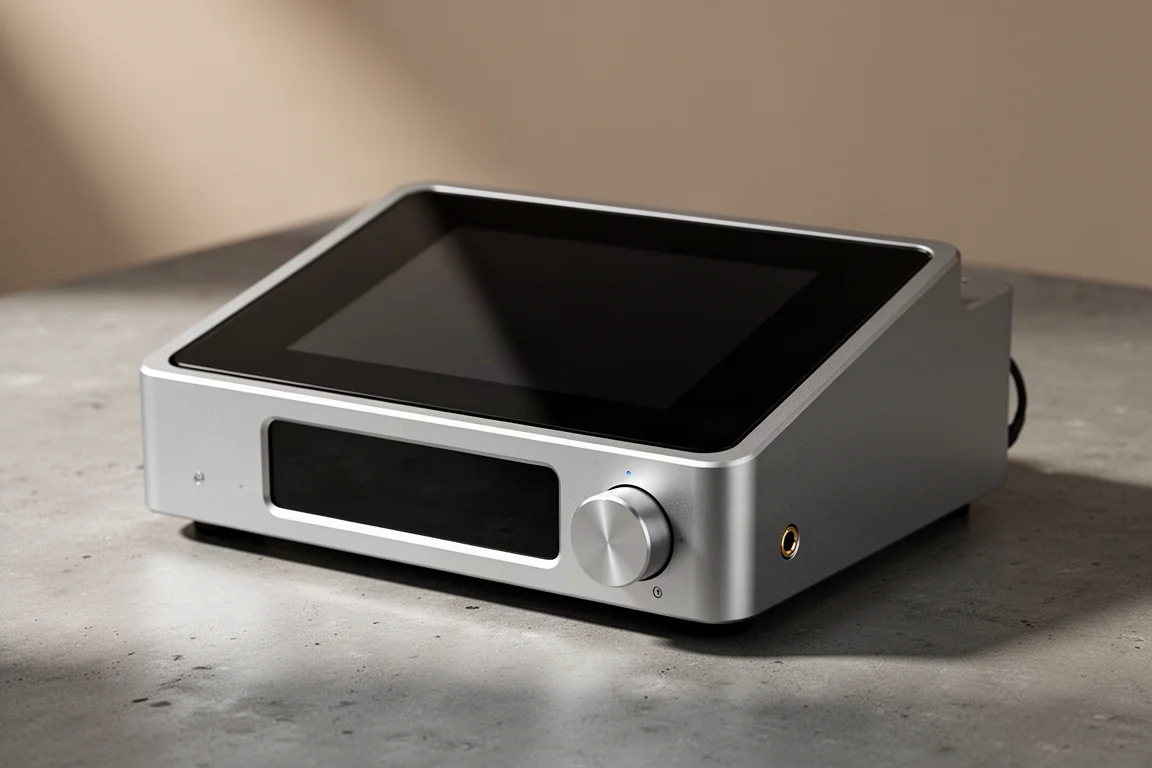
A practical comparison of two screen-equipped network streamers: one built around a high-quality DAC, the other around a preamp with room correction and HDMI ARC.
Audio Streamers
HiFi Rose RS250 Review: A High-Performance Network DAC Streamer
A close look at the HiFi Rose RS250, a compact network DAC streamer and preamplifier with an ESS Saber converter, a fully linear power supply, and an 8.8-inch touch display.
Audio Streamers
Network Streamers and DACs Compared: Six Options for Digital-First Systems
A practical comparison of six network streamers and DACs, covering streaming support, upgrade paths, connection options, and where each unit fits.