Soundbars
WiiM Bar Review: A Dolby Atmos Soundbar That Grows With Your System
A 3.0.2 Dolby Atmos soundbar with real up-firing height drivers, a round touch display, easy room correction, and a wireless path to a full 5.1.2 setup.
Introduction
WiiM has spent the last few years building a reputation around the WiiM Amp and the WiiM Amp Ultra, two amplifiers that deliver far more than their price tags suggest, and around the WiiM Home app that ties them together. The app is clean, quick, and improves steadily through firmware updates, which is a large part of why the ecosystem has such loyal owners.
The WiiM Bar is the company’s first soundbar, and it arrives with the same philosophy. It is a 3.0.2 Dolby Atmos bar that can expand wirelessly into a full 5.1.2 home theater system using other WiiM devices you may already own, or ones you add later. That combination of strong out-of-the-box performance and a genuine upgrade path is what makes it worth a close look.
Who the WiiM Bar Is For
Two groups get the most out of this bar. The first is anyone already inside the WiiM ecosystem, whether that means a WiiM Amp, a WiiM Amp Ultra, or WiiM Sound and WiiM Sound Lite speakers. For those owners, the WiiM Bar is the most natural way to build a surround system around hardware they already have, and the app makes the assignment process straightforward.
The second group is anyone starting fresh who wants a Dolby Atmos soundbar under $500 that can grow over time rather than be replaced. If your room is on the smaller to mid-size side, and you want streaming support that covers nearly every major service, room correction that is genuinely easy to run, and sound that holds up for both movies and music, this is a sensible starting point.
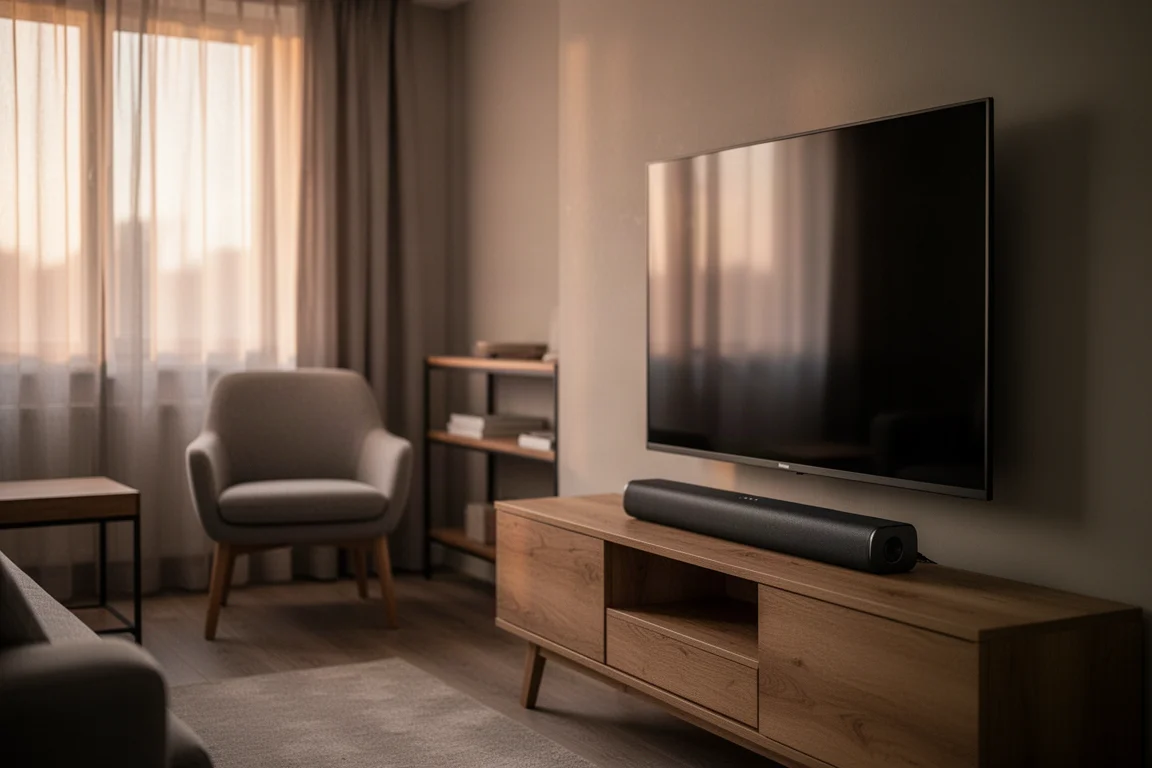
Larger rooms are the one scenario worth planning around from the beginning. On its own, the bar will reach its limits in a big space, which is where the expansion path becomes part of the buying decision rather than an optional extra.
Main Strengths
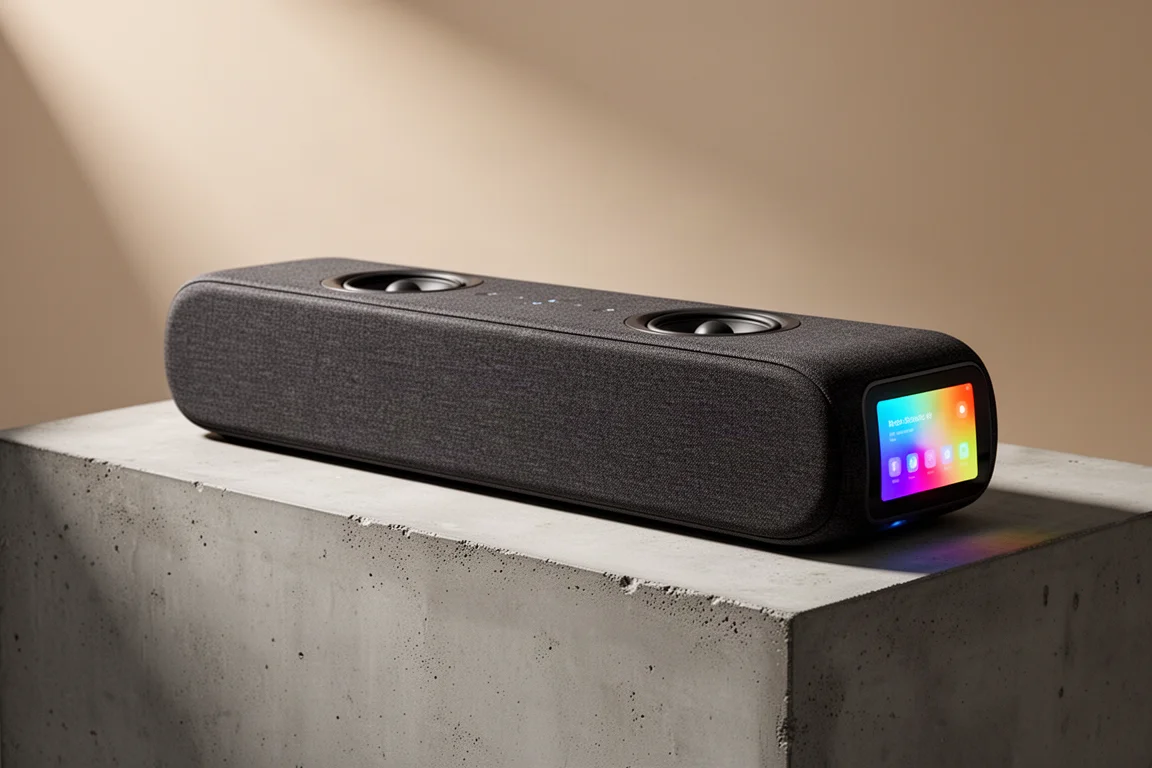
Inside the bar, the hardware is organised into three sections. Three mid-woofers and three tweeters handle the left, center, and right channels across the front, two full-range drivers fire upward for height effects, and four passive radiators support the low end, with two on the front face and two on the rear. Total system power is 135 W across all eight drivers.
The cabinet measures roughly 41 inches wide, 4 inches tall, and 3 inches deep, with capacitive touch controls on top for volume, play, pause, and source switching, plus an RGB status LED that indicates input selection, setup mode, and firmware updates. It is a compact, low-profile design that sits comfortably on a TV stand.
Dolby Atmos Height Performance With Real Up-Firing Drivers
The 3.0.2 configuration plays Dolby Atmos and DTS content natively, and the height channels come from real drivers rather than simulated processing. Those two up-firing drivers reproduce actual height object data from the signal and bounce it off the ceiling back toward the listener, instead of relying entirely on psychoacoustics to create a sense of space.
In practice this makes a bigger difference than the specification alone suggests. Across demanding film scenes with heavy overhead effects, the bar builds a convincing sense of height and scale for its size. It will not match a dedicated in-ceiling setup, but for a single bar it is an effective and honest approach.
To get the most from the up-firing drivers, keep the ceiling flat and around 10 feet or lower, and make sure nothing sits in the path between the drivers and the ceiling. Those two conditions do more for the height effect than any setting in the app.
Dialogue Clarity and Everyday Movie Sound
Dialogue is where the WiiM Bar earns its keep. Speech stays clean and forward in the mix even during busy action sequences, which matters more than any specification for everyday television watching. Voices come across as natural and present, closer to a decent-sized speaker than the small driver array inside the bar.
Low end also holds up better than this price class usually allows. The passive radiators give action sequences a bit of weight without obvious strain, and bass does not simply vanish the way it does on many bars at this level. On music, the presentation is balanced and detailed, well suited to background listening in a living room, though it is not a replacement for a proper stereo pair or large bookshelf speakers.
A Round Touch Display That Stands Out
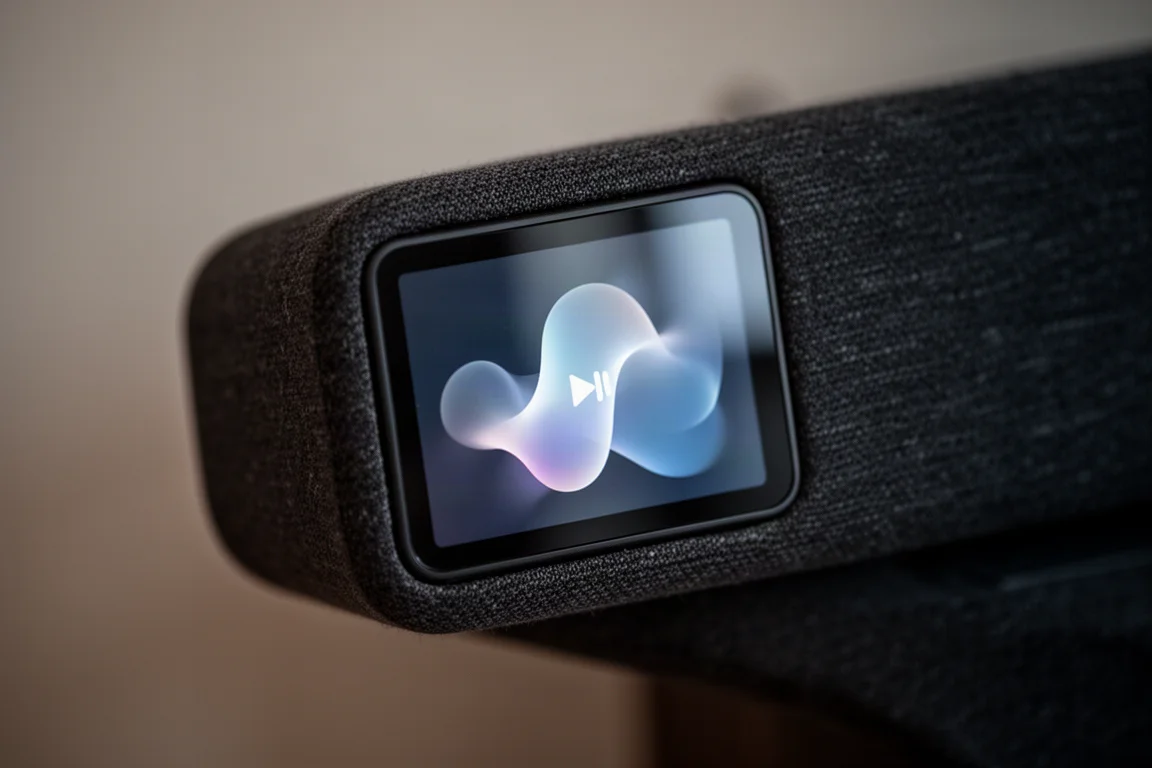
The most distinctive feature is the 2.1 inch round touch display set into the center of the front face and covered in glass. It can show album art, track and source information, EQ controls, smart presets, recently played content, several clock faces, and VU meters, and it supports a custom wallpaper.
You can also swipe directly on it to change volume and EQ settings without reaching for a phone or a remote, which is handy when guests want to adjust something quickly. The honest caveat is size. From across the room the display is small to read comfortably, so it works best for glancing at volume, artwork, or a clock. It can also be dimmed or switched off entirely when you want to focus on a film in a dark room, and turning it back on for music is a simple habit to settle into.
RoomFit Room Correction That Takes a Minute
RoomFit is WiiM’s room correction system, and unlike many bars in this price range it is included and worth running. You open the WiiM Home app, hold up your phone, and the bar plays a couple of test tones while it listens and adjusts. The whole process takes a minute or two.
It is not as technically involved as high-end correction software, but the before and after difference is clearly audible, and it leaves the bar sounding noticeably more balanced in the room it is actually installed in. Two processing modes round out the listening options. Clear Voice uses AI-based dialogue enhancement to separate speech from background audio in real time, which helps on content where dialogue gets buried. Night Mode softens loud effects while preserving dialogue clarity, which is useful for late-night viewing in a bedroom.
Surround Expansion Through the WiiM Ecosystem
Expansion is the feature that separates the WiiM Bar from most soundbars at this price. Out of the box it is a 3.0.2 system, and through the WiiM Home app you can build it into a full surround setup in stages.
The first step is adding surrounds. WiiM Sound or WiiM Sound Lite speakers can serve as left and right surrounds, or you can pair a WiiM Amp or WiiM Amp Ultra with passive bookshelf speakers if you want to go bigger. This alone adds a great deal of immersion on content with active surround mixes, because sound starts arriving from behind you rather than leaning on height effects alone.
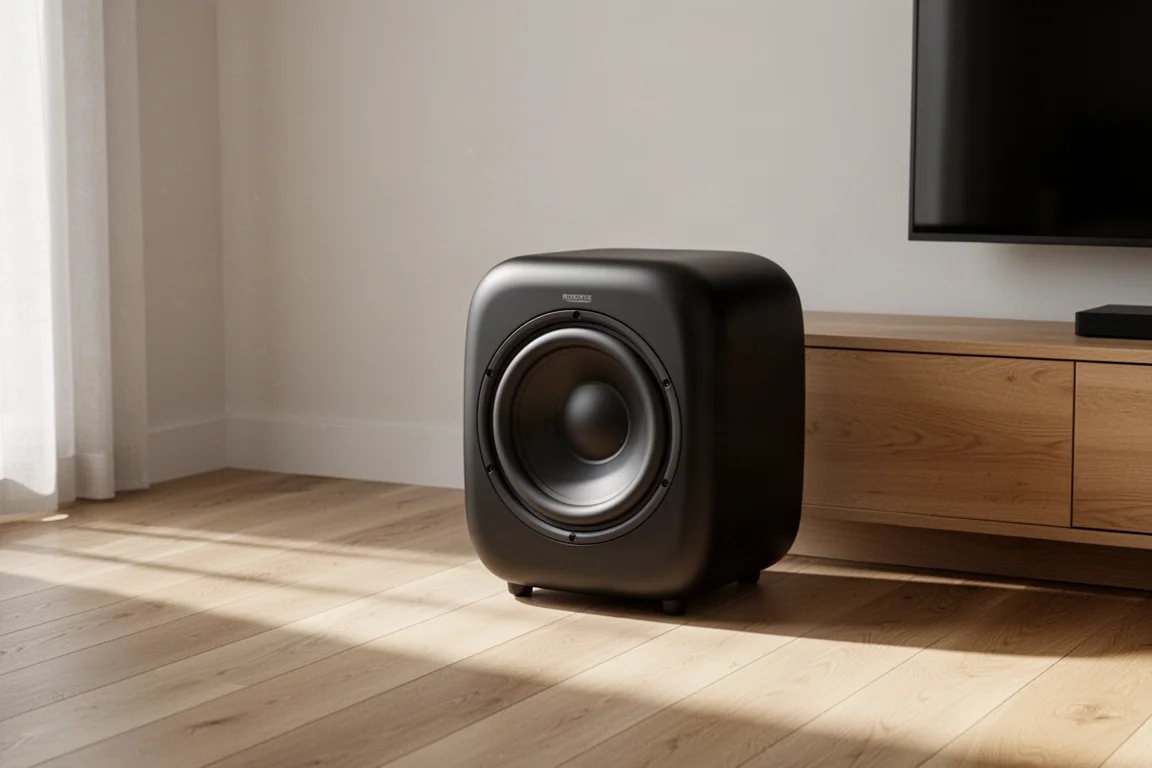
For low end, the WiiM Sub Pro is the dedicated option. It is a wireless subwoofer built around a custom 8 inch driver with 250 W of power and extension down to 25 Hz, listed at $449. It runs its own RoomFit auto calibration, and the app lets you adjust crossover frequency, phase, level, and latency manually if you prefer to dial things in yourself.
The bar has no dedicated subwoofer output, so everything connects wirelessly. Once components are assigned in the app, a layout diagram confirms the full configuration before you start watching anything. Pairing the Sub Pro with WiiM Sound surrounds and WiiM Sound speakers up front produces a 5.1.2 system with sound wrapping fully around the room, and the channel panning blends smoothly without obvious handoff artifacts.
Streaming, Connectivity, and Control
Connectivity covers the essentials and then some. HDMI eARC lets your television remote handle volume, and there is optical in, line in, and USB audio that can be configured as either an input or an output through software. Networking runs over Wi-Fi 6E, with Ethernet available for a wired connection, and Bluetooth 5.4 includes LE Audio support planned for a future firmware update.
Streaming support is thorough and covers all the major services, with one notable exception: there is no Apple AirPlay. Control options include the WiiM Home app, the front touch display, Alexa, Google Assistant, and an included voice remote. The app handles full EQ with preset and custom options, smart presets that can be configured for one-tap content and settings, and multi-room grouping so the bar can sync with other WiiM speakers and amplifiers around the home.
Things to Consider Before Buying
There is no Apple AirPlay support, which is the most significant omission for anyone invested in that ecosystem.
The 2.1 inch display is charming but small, and reading detailed information from across a room is not realistic.
In a large room, the bar alone will show its limits, so plan for surrounds and a subwoofer if you want full-scale output.
There is no dedicated subwoofer output, so low-end expansion happens wirelessly through the WiiM Sub Pro.
Ceiling height matters for the height channels. Flat ceilings around 10 feet or lower work best, with nothing obstructing the path to the ceiling.
Buying Advice
Two paths make sense. If you already own WiiM hardware, adding the WiiM Bar is the most natural route to a surround system, and the app guides you through assigning surrounds and a subwoofer. If you are starting from scratch, the bar is a strong first step in a small to mid-size room, with the option to add WiiM Sound speakers and the WiiM Sub Pro later.
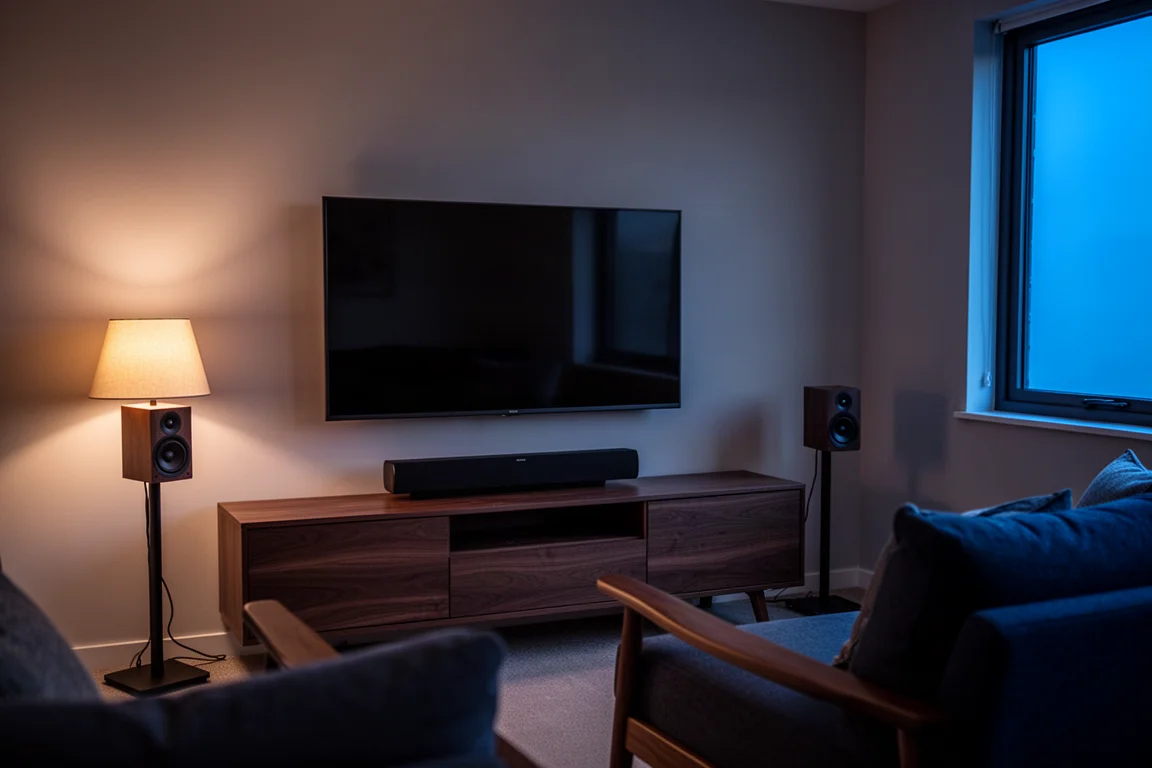
A practical sequence is to start with the bar, run RoomFit, and live with it for a while before expanding. If dialogue clarity is your main motivation for moving up from television speakers, Clear Voice alone can be a meaningful improvement, and it costs nothing to try. If you want the full 5.1.2 experience, plan the surrounds first and add the subwoofer when budget allows, because rear channels tend to transform movie watching more than extra bass does.
For larger rooms, factor expansion into the decision from the start, since a single bar in a big space will not fill it the way a bar plus surrounds and a subwoofer will. Matching the configuration to the room is the single biggest factor in how satisfied you will be with the result.
Conclusion
The WiiM Bar is one of the most complete soundbars at its price point. Real up-firing height drivers, clean and forward dialogue, easy and effective room correction, broad streaming support, and a wireless upgrade path into a full 5.1.2 system set it apart from most of the competition. The round touch display gives it a personality no other soundbar really has, even if it is more decorative than practical from across the room.
It suits small to mid-size rooms best, and it rewards buyers who plan to expand. Skip it if Apple AirPlay is essential to how you listen. Otherwise, this is an easy recommendation for anyone building a home theater around WiiM hardware, or anyone who wants a Dolby Atmos bar that can grow along with the room.
Product link
View more details for WiiM Bar
This product is mentioned in the review. Check the specifications, options, and compatibility before buying.
View more details for WiiM BarFurther reading
Related Reviews
Soundbars
Bang & Olufsen Premiere Review: A Compact Soundbar Built to Last
A close look at the Bang & Olufsen Premiere, a compact soundbar with deep bass for its size, automatic sound profiles, and a clear modular upgrade path.
Soundbars
Best Dolby Atmos Soundbars: Six Picks for Movies, Music, and Small Rooms
A practical roundup of six Dolby Atmos soundbars, from compact dialogue-focused bars to expandable systems and an all-in-one flagship.
Soundbars
Bluesound Pulse Cinema Review: A Music-First Soundbar With a Software Catch
A close look at the Bluesound Pulse Cinema, a 3.2.2 soundbar with a genuinely expressive midrange and natural tone, plus the app and expansion limits worth knowing before you buy.