Laser Cutters
WeCreate Vision Laser Cutter Review: A Fully Enclosed 20W Desktop Laser for Makers
A fully enclosed, Class 1 certified 20W diode laser cutter with built-in camera, autofocus, air assist, and beginner-friendly software. Here is how it performed in a working shop.
Introduction
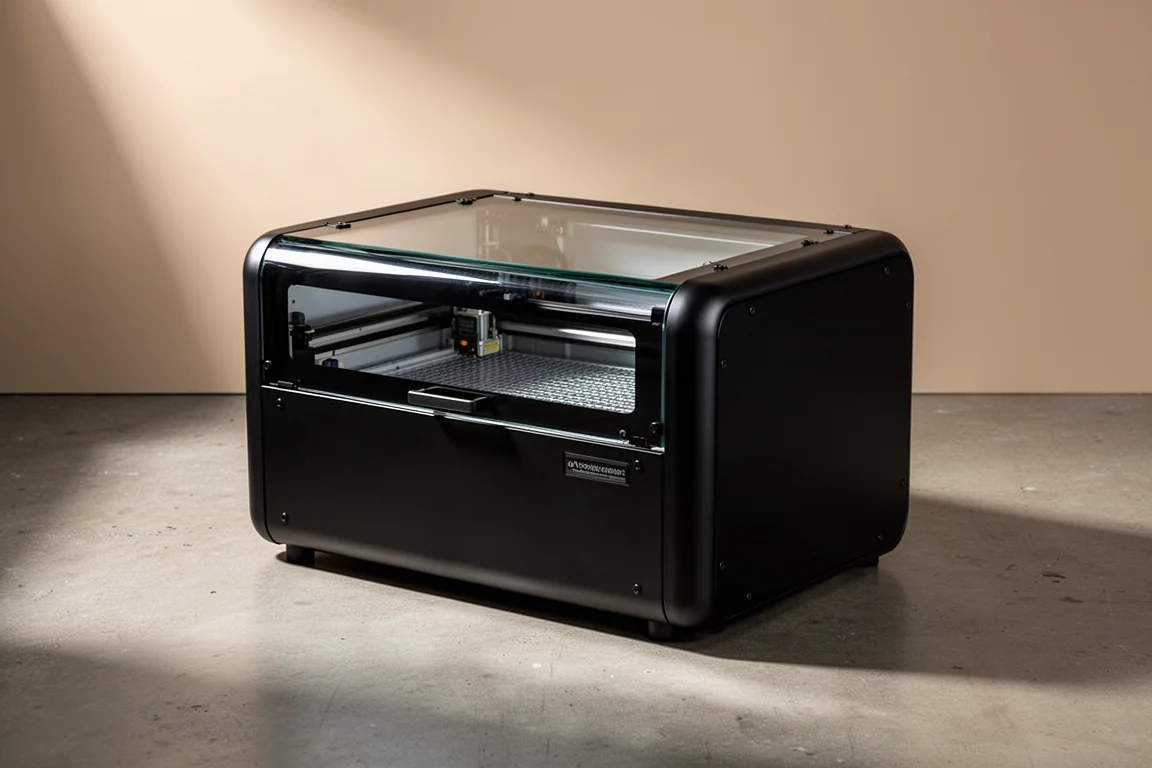
Diode lasers in the 20W range have become the sweet spot for hobbyists, prosumers, and even small professional shops looking for strong value. The WeCreate Vision stands out in that space because it does things most open-frame competitors simply do not: it arrives fully assembled, fully enclosed, and ready to produce finished projects with almost no fiddling. After putting it through its paces on cardboard, wood, metal, and foam in a working shop, here is the full picture of what it does well and where it falls short.
Who This Product Is For
The Vision is aimed squarely at anyone who wants “toaster-level appliance” behavior from a laser cutter. Put the material in, press start, get the project out. There is no belt tensioning to chase, no open frame spitting fumes across the desk, and no safety glasses requirement, because the fully enclosed design makes it a Class 1 certified laser. That makes it a strong fit for hobbyists, prosumer makers, value-oriented professional shops, and anyone eyeing a side hustle. Craft fairs, personalized tumblers, and small batch production are all realistic use cases. A local hardware store, for example, laser-cuts electrical box tags for electricians and turns out an hour or two of that work daily, all on a machine of this class.
What You Can Make With It
The Vision handles an impressively broad material list: wood, metal, leather, stone, paper, fabric, acrylic, and ceramic. In testing, it cut and engraved a shop logo into cardboard at high power with a fast pass, cleanly obliterating the cutout spaces. A downloaded slot and tab design, pulled free from a project-sharing website rather than designed from scratch, locked together surprisingly well even on wood that was arguably too thin for the job. Metal engraving on an axe head worked by cutting into the factory finish, though it is worth experimenting on similar scrap plastics before committing to a finished piece.
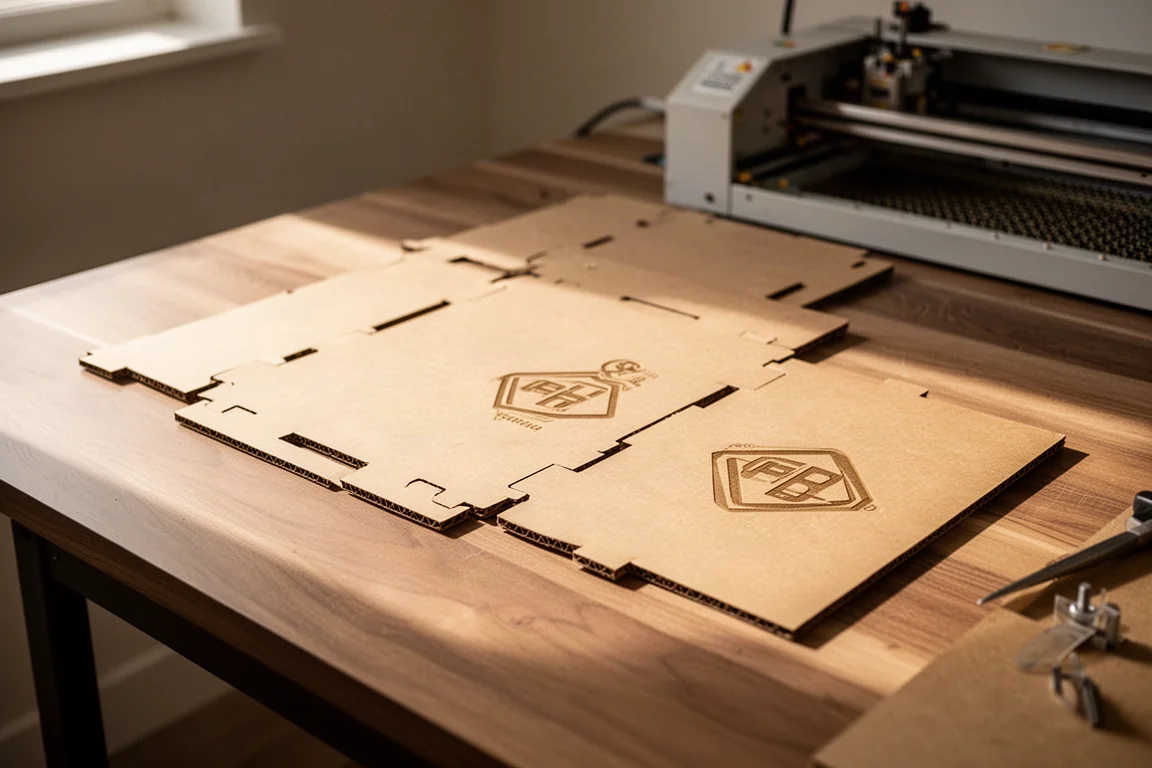
One detail worth noting: the built-in exhaust clears smoke remarkably fast. After pausing for about a minute, the interior was completely clear. Still, proper venting matters. If you cannot vent through a window or duct, third-party filter options exist and are worth shopping for.
Software and Connectivity
The included Easy Canvas software takes a controlled, appliance-like approach. Basic editing tools are all there, but the standout is numeric precision: position, scale, and rotation can all be typed in at the digital level, in millimeters, so every shape lands exactly where intended. A rectangle can be made a perfect square, a rough ellipse can be set to exactly 100mm, and text with adjustable fonts and sizes drops in just as easily. A stock image library is built in and grows with each software update, and a live preview grid shows exactly what an engrave will look like before you commit.
The software philosophy is deliberately the opposite of LightBurn. Where LightBurn is open and powerful but unforgiving, Easy Canvas guides you and makes basic through moderately advanced work easy. If you eventually feel constrained, LightBurn support is coming, so you can graduate without changing machines.
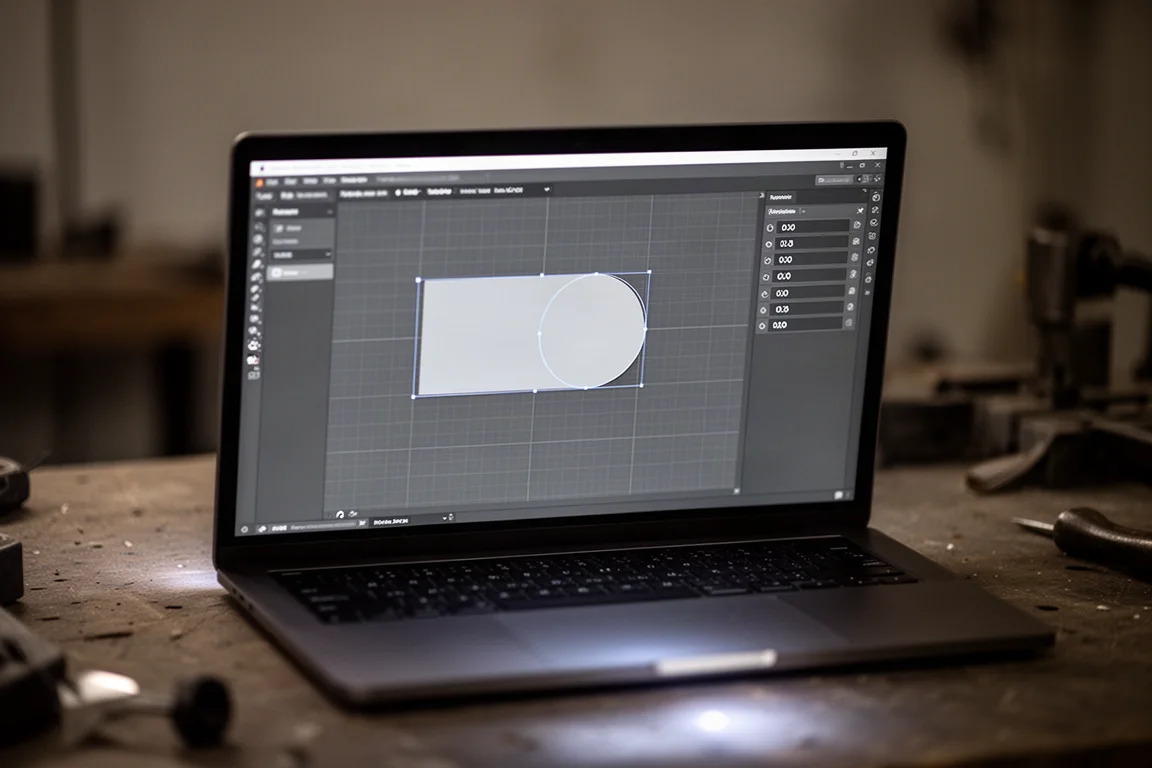
Connectivity is the one rough edge. The device must be connected via USB first before Wi-Fi works, and Wi-Fi is worth the effort if the machine lives across the shop. The catch: there is no static IP support on the device, and depending on your router setup, you may not be able to pin an IP address from the network side either. In practice that means occasionally checking the IP in the companion app and re-entering it in the desktop software to reconnect. Annoying, but a two-minute fix.
Hands-On Testing: Materials and Projects
A good chunk of time went into testing laser settings on roughly an inch-thick laminated foam from a marketplace order, with an eye toward custom foam inserts for toolbox organization. A test matrix of high, medium, and low power paired with high and low speeds and multiple passes produced a full spread of results: some configurations burned straight through cleanly, others left rougher back-side holes, and one near-full-sheet split cut needed a couple more passes to finish.
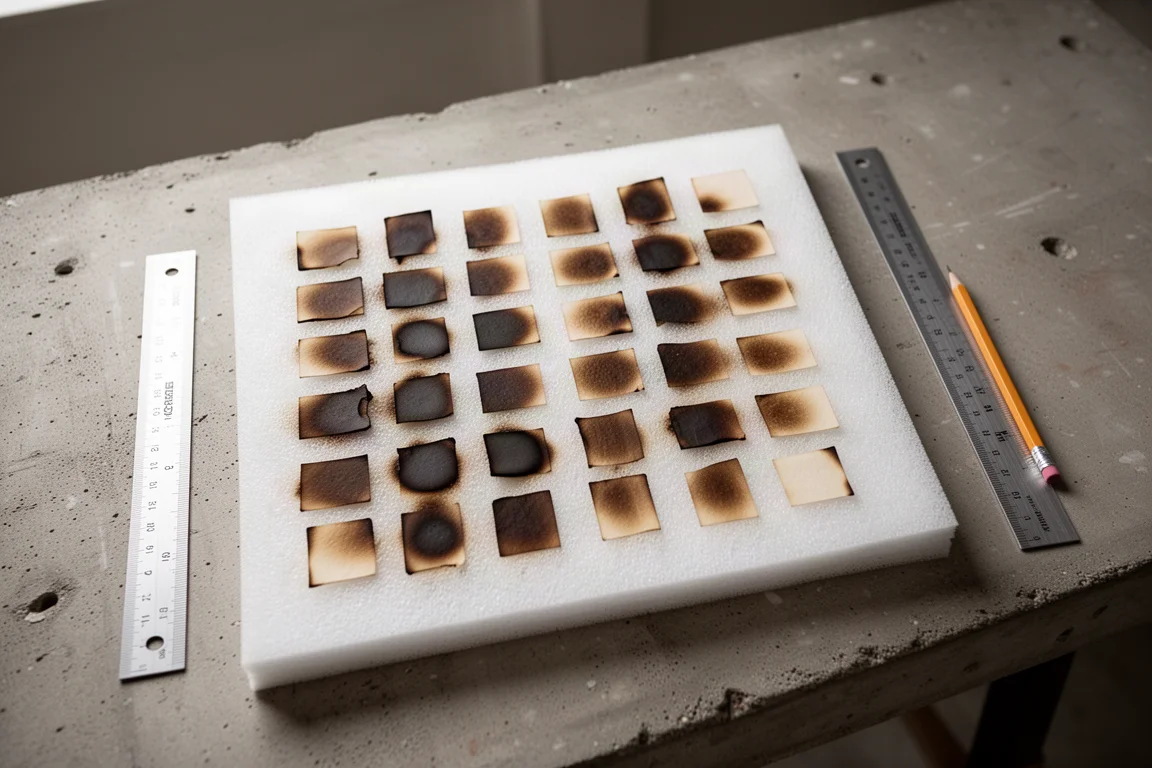
The lesson from that experiment is practical rather than negative. Burning foam down to a set depth is not the way to get an even base. Cutting the sheet into thinner layers, engraving the top half, and gluing it back together is the better path, ideally sourcing thinner single-color sheets in the first place. Foam cutting also demands good ventilation, and the machine’s built-in air module helps by blowing smoke away from the laser path so cuts stay clean and the beam is not diffused.
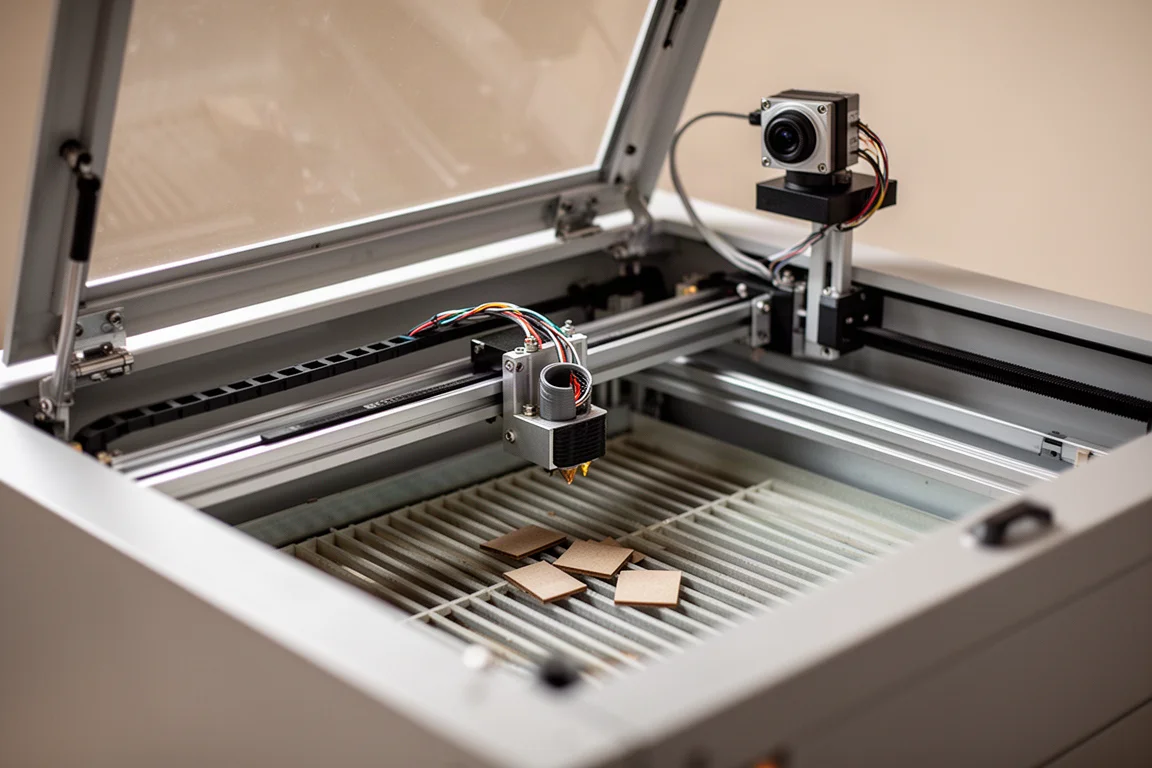
A quick hardware tour reinforces the build quality story: all-metal outer case, metal interior components, glass top panel, solid hinges, a track for wiring, a slatted grid bed that empties from the front, a rotary unit connection, and all connections on the back panel. Nothing on it feels cheap. The height-adjustable design means no stacking it on riser blocks, and the built-in camera, while not the sharpest image, makes positioning your canvas over the material a one-click affair with autofocus doing the rest.
Pricing and Configuration Options
Early bird pricing has been listed at $1,200, though availability at that price may vary. The standard lineup breaks down like this: the base Vision at $1,500, the base plus the rotary tool accessory at $1,700, a color pack adding a selection of colored woods, and a Premium Pack bundling everything. Most buyers should probably start with the base unit. If you already know you want rotary engraving for tumblers, rings, and mugs, buy it up front rather than separately later, since that route costs more overall.
Key Features at a Glance
- 20W diode laser with a max speed of 600mm/s
- Fully enclosed, Class 1 certified design with built-in fume extraction and air assist
- Built-in HD camera for material positioning and canvas alignment
- Reliable autofocus, in the same spirit as auto bed leveling on modern 3D printers: it just works
- One-click speed matrix: pick a material and a desired shade, and the power and speed settings are set for you, with the supported material library expanding rapidly through software updates
- Rotary accessory with external clamps and internal expanding fingers for rings and hollow items
- LightBurn support announced as coming soon
- Broad material compatibility: wood, metal, leather, stone, paper, fabric, acrylic, ceramic
The Good, the Bad, and the Ugly
The good is substantial. The fully enclosed, Class 1 certified, appliance-like experience is genuinely rare at this price, and the build quality backs it up. The autofocus, camera positioning, one-click material matrix, and expanding software library add up to a machine you can be productive with on day one.
The bad is minimal, and mostly situational rather than a flaw in the hardware. LightBurn support was not available at launch. The Wi-Fi connection quirk described above needs occasional manual IP entry. And the community around this machine is still small compared with the massive followings around much more expensive competitors, some of which cost around $4,000. Buying in early means you may trade some polish and community knowledge for a lower price and early access to new features, so sharing what you learn becomes part of the deal.
The ugly? There is not much of it. The main caution is simply that this is a young product from a company that has made machines like this before, so some features are still rolling out and you are somewhat at their mercy on update timing.
Buying Advice
If you are a hobbyist, a prosumer, a value-focused professional, or someone exploring a laser side hustle, the Vision deserves a hard look at $1,500 for the base unit. Budget for venting, either through a duct or a third-party filter unit, and add the rotary tool at purchase if tumblers and rings are on your list. If you want to wait for a bigger community or native LightBurn support out of the box, that is a reasonable reason to hold off, but you will pay more elsewhere for a comparable feature set.
Conclusion
The WeCreate Vision delivers the enclosed, autofocus, camera-guided laser experience many makers have been waiting for at a price well below the premium competition. Its quirks, mostly around connectivity and a young ecosystem, are real but manageable. For anyone who wants clean cuts and engravings without the open-frame hassle, it is one of the most compelling 20W desktop lasers currently available.
Product link
View more details for WeCreate Vision Laser Cutter
This product is mentioned in the review. Check the specifications, options, and compatibility before buying.
View more details for WeCreate Vision Laser CutterFurther reading
Related Reviews
Laser Cutters
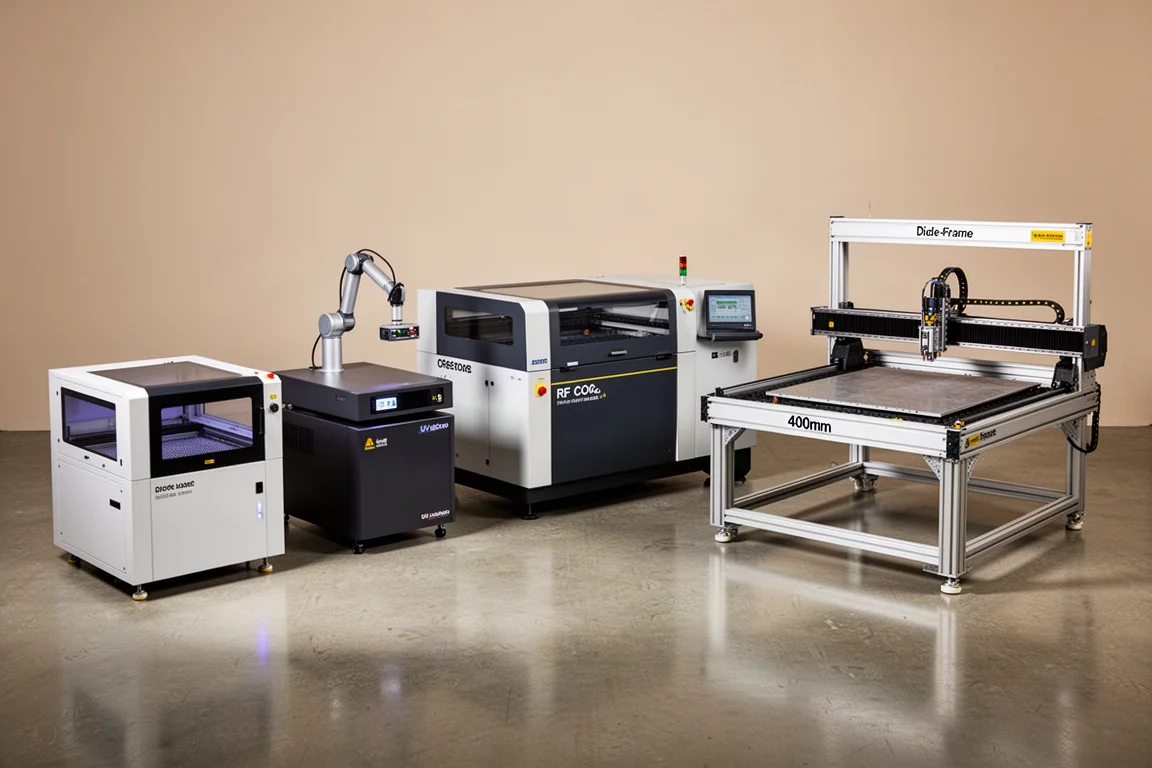
Best Laser Cutters 2026: Four Machines for Different Users
A practical guide to choosing the right laser cutter in 2026, based on your skill level and workflow rather than raw specs.
Laser Cutters
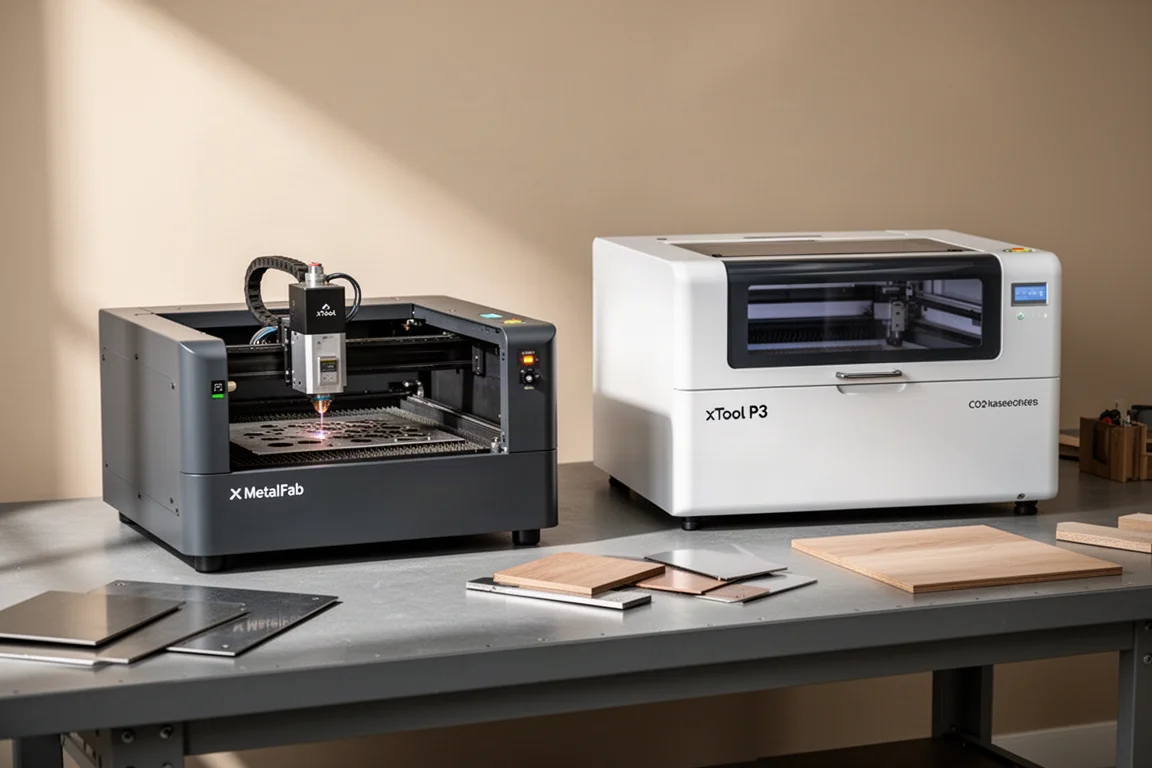
xTool MetalFab and xTool P3: Two Laser Tools for Metal and Wood Projects
A look at two laser cutting tools that handle metal fabrication and wood cutting with precision, speed, and minimal cleanup.
Laser Cutters
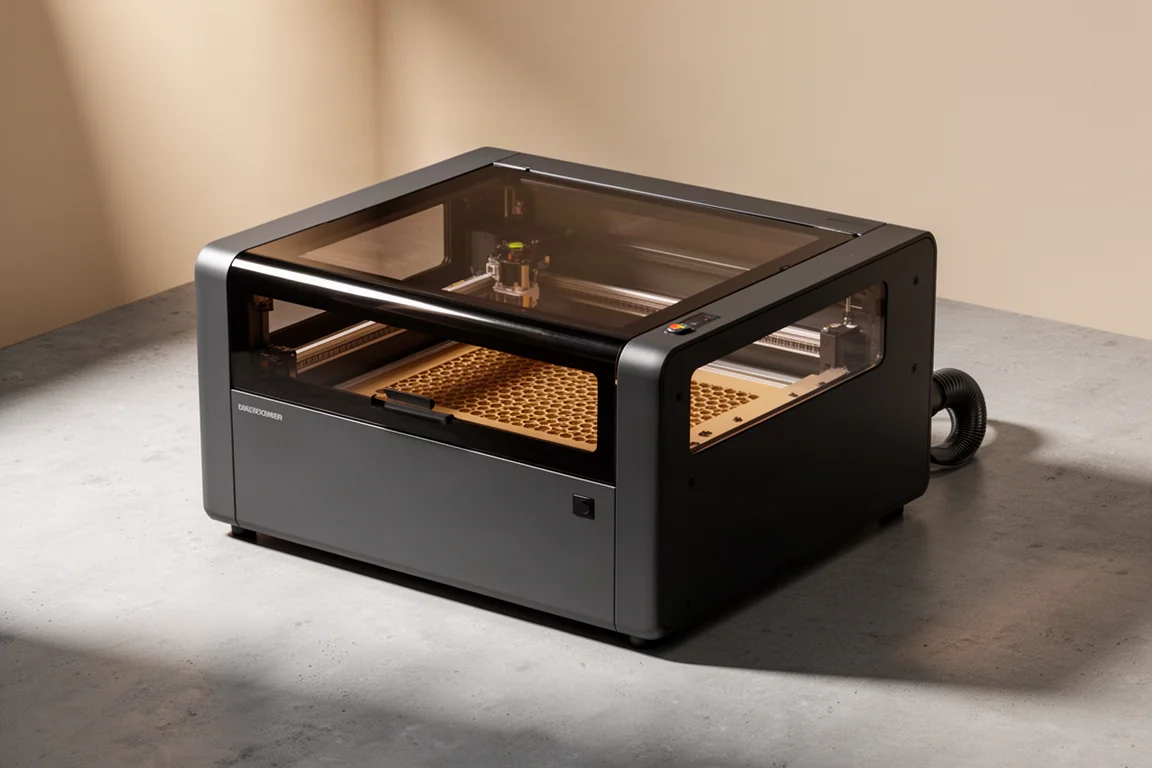
WeCreat Vision Pro 45W Review: The Goldilocks of Laser Cutters?
A 45-watt diode laser with beam focus technology that promises both high-power cutting and fine precision work in one fully enclosed machine.