Microphones
Tula Mic Review: A Pocket-Sized USB-C Microphone That Also Records on Its Own
A compact USB-C microphone and standalone 12-hour recorder in one, with built-in noise reduction and a fold-out desk stand.
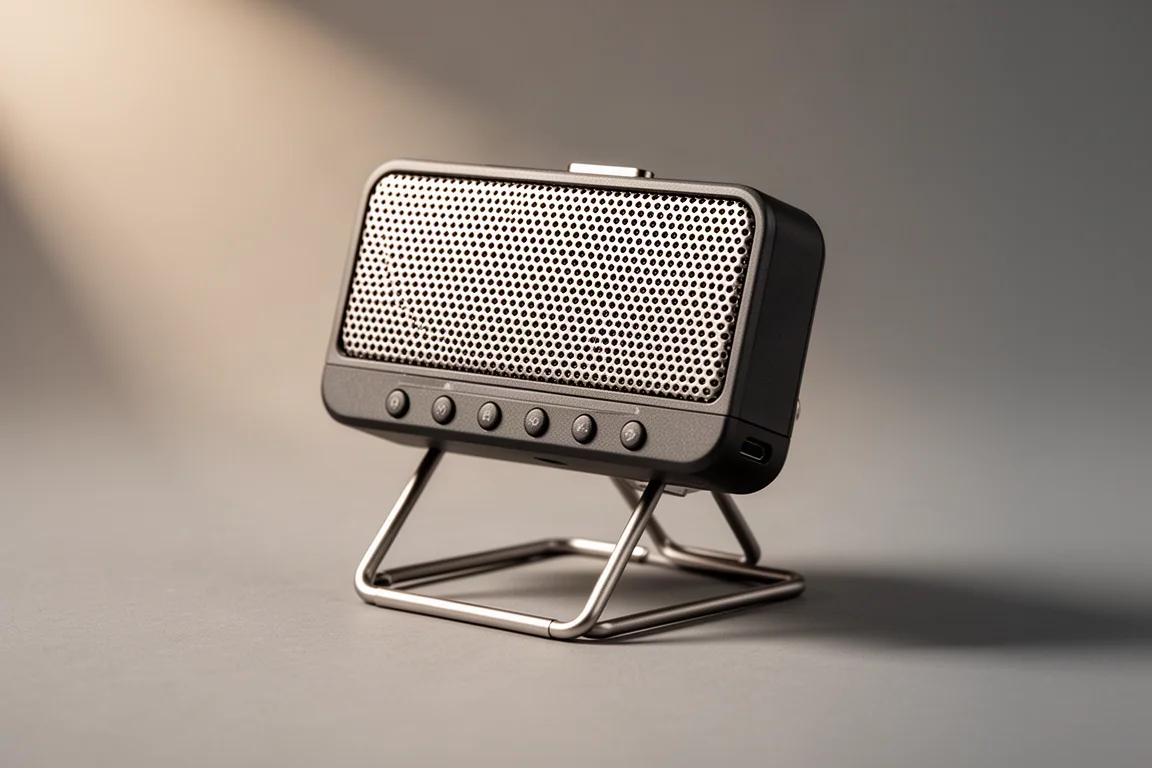
Introduction
The Tula Mic is a compact USB-C microphone that does something many desktop microphones cannot: it keeps recording when nothing is plugged into it. It works with computers, phones, and tablets over USB-C, and it doubles as a standalone mobile recorder with 12 hours of battery life and 8 GB of internal memory.
That combination places it in a genuinely useful category. Most USB microphones are tethered to a laptop. The Tula Mic can capture a session on its own, then hand the files over later.
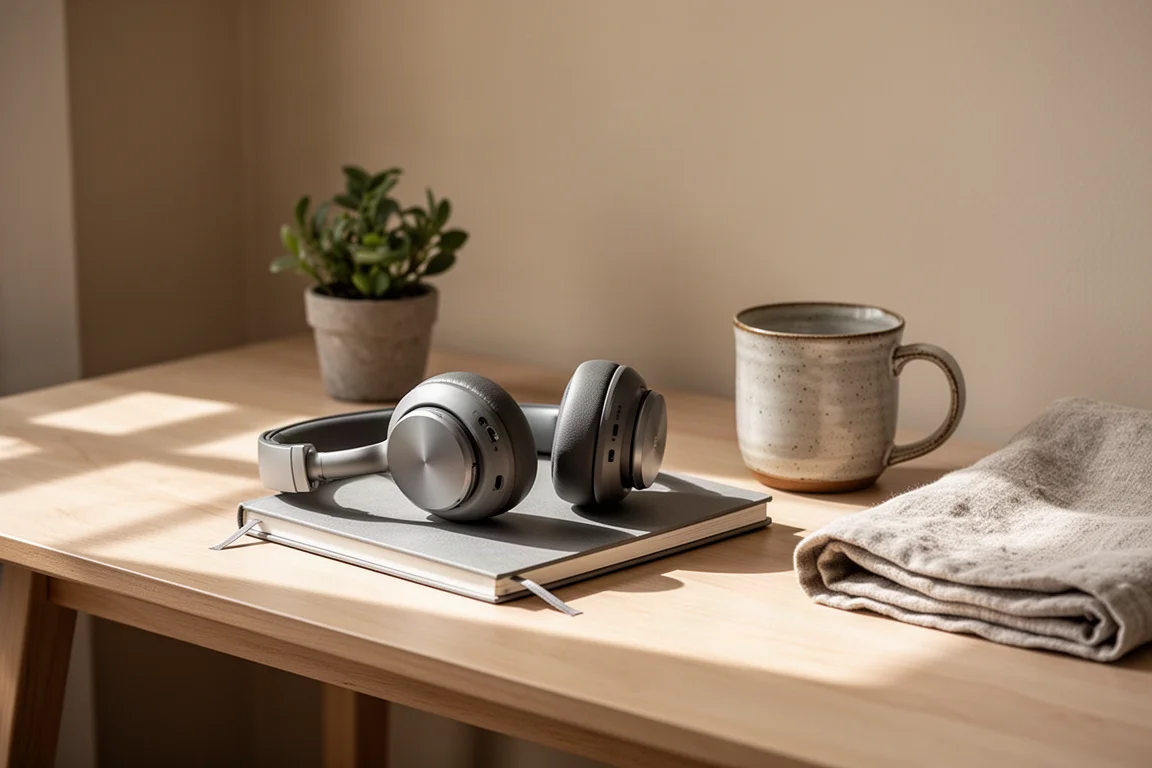
The physical size is a big part of the appeal. The body is roughly the size of a pack of cigarettes, so it slips into a shirt pocket or a small bag without a second thought. It comes from the same founders behind a professional studio microphone maker, which helps explain the audio-first design choices.
Who the Tula Mic Is For
The design brief behind this microphone is straightforward: people who need good sound but do not necessarily know much about sound. That covers podcasters, YouTubers, live streamers, and voice over artists, along with anyone who wants a clean signal on video calls without learning a mixing console.
It also reaches further than the creator market. Digital nomads who work away from an office can carry it for better sound on meetings. Corporate users such as lawyers recording depositions can use it for spoken-word capture. Field recordists who gather samples will appreciate that it runs without a laptop.
There is one more practical angle. After a firmware update, the Tula Mic can switch to 16-bit/44.1 kHz operation, which lets it work directly with an Akai MPC over the USB port.
Main Strengths
The headline strength is the dual role. In one small housing you get a USB-C microphone for computers, phones, and tablets, plus a self-contained recorder that does not need a host device at all.
Battery life supports that second role properly. The Tula Mic delivers 12 hours of continuous recording, and the internal memory covers 12 hours of recording as well, so a full working day fits comfortably inside the device. For most sessions, that is more headroom than you will need.
Pickup patterns add flexibility. The microphone defaults to cardioid, and the mic select button switches it to Omni mode when you want to capture a room rather than a single voice.
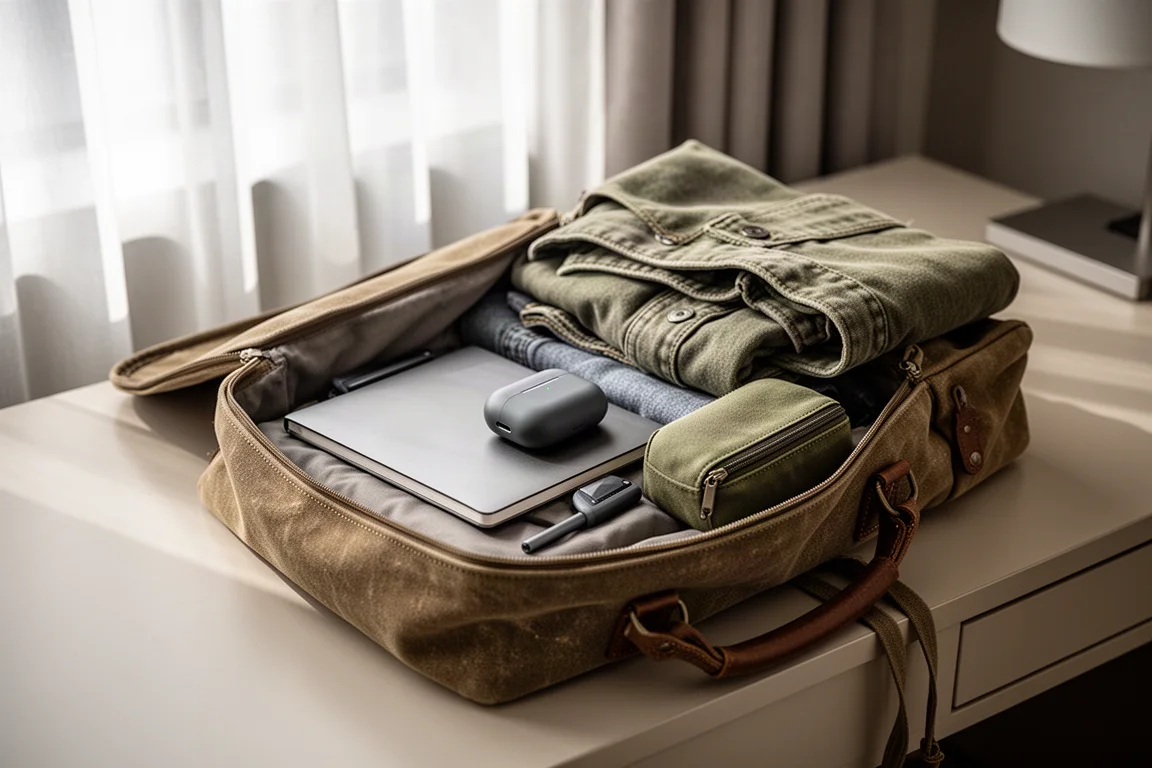
Portability is not an afterthought here. The folding stand is built in, so the microphone can be set on a desk without extra hardware, then collapsed for travel. Between the pocket-sized body, the onboard battery, and the onboard storage, the whole recording chain travels in one hand.
Design, Controls, and Stand
The control layout is built around obvious, single-purpose buttons. There is a power button, a record button, and a play/pause button for reviewing takes. Volume up and down sit alongside skip forward and back for playback. Gain up and down let you set levels directly on the device.
A headphone jack handles monitoring, and it doubles as an input for a lavalier microphone. The mic select button handles pattern switching, with a long press enabling the lavalier input.
On the front, a red light confirms that recording is active, and a gain meter shows whether the signal is clipping. The mute button is right there as well, which is handy during calls.
The included stand attaches with a quarter turn and holds the microphone upright on a desk. Fold it away and the footprint shrinks back to pocket size.
Noise Reduction and Recording Flexibility
A built-in noise reduction algorithm, licensed from a Swedish audio software company and adapted to run on the microphone’s own chip, is one of the more distinctive features. It was tuned to run efficiently on that hardware, which keeps the processing practical on a battery-powered device.
Using it is simple. Hold the noise reduction button for about two or three seconds and the microphone samples the surrounding environment, dividing the noise profile into 16 bands before applying reduction. It is designed for steady room ambience rather than one-off sounds.
The thoughtful part is how the results are stored. When noise reduction is enabled, the Tula Mic saves both the processed file and the raw file. If the reduction turns out better than expected, you have saved time. If it does not suit the recording, the untouched audio is still there to work on afterwards.
Things to Consider Before Buying
Noise reduction works best in a room with real, consistent ambience. In a very quiet space there is little for the algorithm to sample, so the benefit will be limited. Treat it as a tool for steady background noise rather than a fix for every recording environment.
Recording capacity is fixed. The Tula Mic records to its internal 8 GB of memory rather than a removable card, so long projects need to be offloaded to a computer between sessions. Both battery life and memory are rated at 12 hours, which means a very long day of capture will need a break to transfer files.
The lavalier input is not a dedicated socket. It shares the headphone jack and requires a long press on the mic select button to activate, so it is worth learning that step before you are mid-session.
Buying Advice
The decision comes down to how you record. If you only ever capture audio at a desk with a laptop open, a conventional USB microphone will do the job. The Tula Mic earns its place when your recording moves around: interviews away from a computer, field samples, travel, or a backup recorder that lives in a bag.

If your work involves spoken word and you would rather not manage an audio interface, a separate recorder, and a stand, the all-in-one approach here removes several pieces of gear from the equation. The gain meter and pattern switching keep it approachable for people who are not audio engineers, while the raw and reduced file pairing gives more experienced users room to work.
For anyone weighing a first serious microphone, the sensible move is to match it to your actual routine. A pocketable device that is always with you tends to get used far more than a better microphone that stays on a shelf.
Conclusion
The Tula Mic makes a clear case for itself as a two-in-one tool: a USB-C microphone for computers, phones, and tablets, and a 12-hour standalone recorder with 8 GB of internal memory. The built-in noise reduction, the option to keep both raw and processed files, and the folding desk stand round out a package that is easy to live with.
It is not the right fit for every studio, and anyone recording marathon sessions will need to manage the fixed internal storage. But for creators, remote workers, and anyone who needs dependable spoken-word capture away from a desk, it solves a real problem in a very small package.
Product link
View more details for Tula Mic
This product is mentioned in the review. Check the specifications, options, and compatibility before buying.
View more details for Tula MicFurther reading
Related Reviews
Microphones
Audio-Technica AT2020 vs AT2020 USB Plus: Which Version Fits Your Setup?
The AT2020 and AT2020 USB Plus share the same capsule, so the real choice comes down to signal chain, cable reach, and how far you plan to grow your recording setup.
Microphones
Dynamic vs Condenser Microphones: Ten Mics Worth Knowing
A practical guide to how dynamic and condenser microphones differ, with ten models that show what each design does best on stage and in the studio.
Microphones
Razer Seiren V3 Pro Review: A Standalone Mic That Earns Its Place on Your Desk
The Razer Seiren V3 Pro delivers polished sound, deep software control, and a premium build, but it needs an arm to shine.