Microphones
Audio-Technica AT2020 vs AT2020 USB Plus: Which Version Fits Your Setup?
The AT2020 and AT2020 USB Plus share the same capsule, so the real choice comes down to signal chain, cable reach, and how far you plan to grow your recording setup.
Introduction
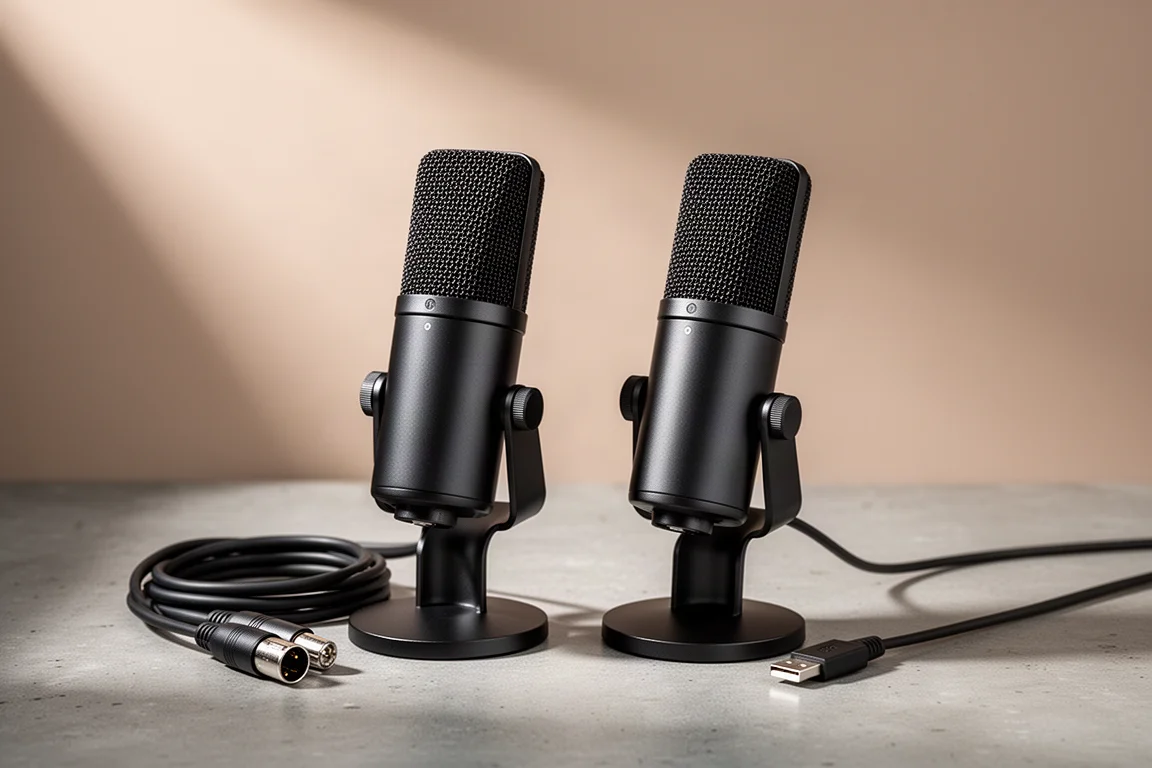
The Audio-Technica AT2020 comes in two versions that look almost identical: an XLR model and a USB model called the AT2020 USB Plus. Both use the same capsule, so the decision is not really about the microphone element. It is about the signal chain behind it. One version plugs straight into a computer, while the other needs an audio interface and an XLR cable before it can record anything at all.
This guide walks through how the two setups behave in daily use, what that means for cable runs and expandability, and which one is the better match for a given desk.
Why USB and XLR Setups Differ
A USB microphone is a complete recording chain in one housing. It carries its own microphone preamplifier and analog-to-digital converter, and in most cases a headphone amplifier as well. You connect it to a computer with a USB cable, then plug your headphones or speakers into the microphone itself. Everything you need sits on the microphone, which keeps controls within reach during a call or a stream.
An XLR microphone works differently. It does not connect to a computer directly. Instead, an XLR cable runs from the microphone to an audio interface, and the interface connects to the computer over USB or Thunderbolt. In that arrangement, headphones and powered speakers connect to the interface rather than to the microphone.
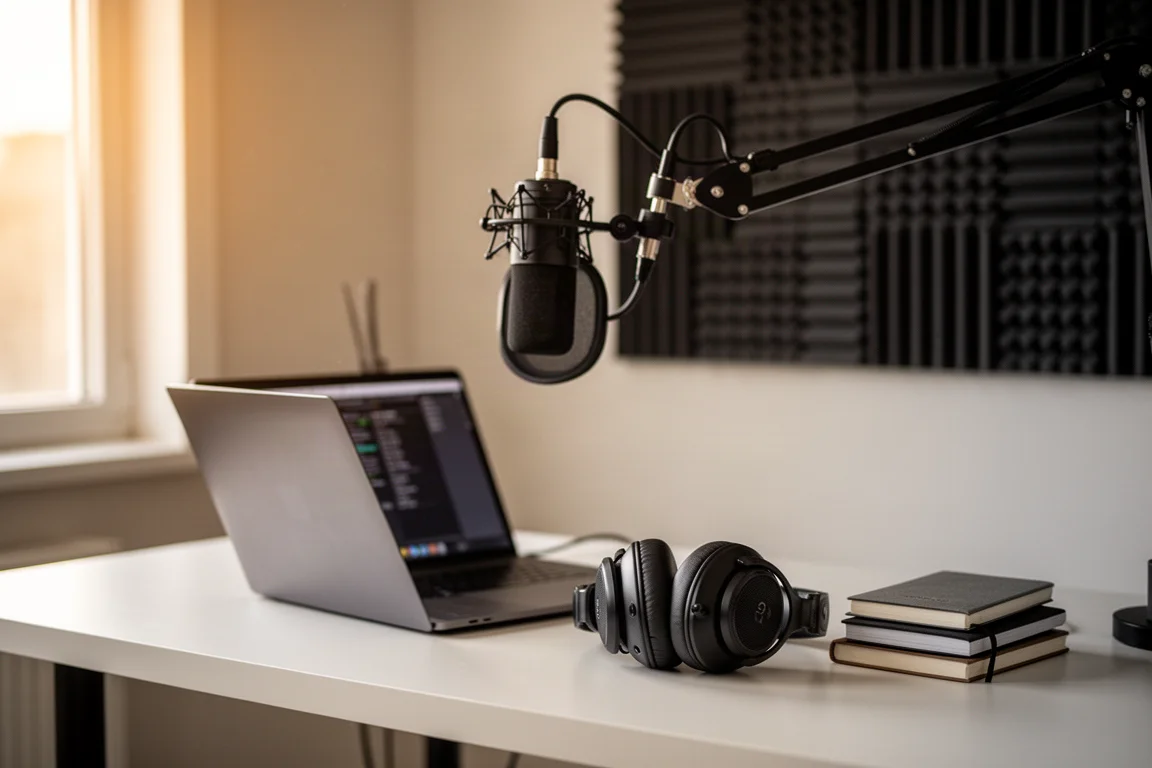
That difference shapes the whole workflow. With the XLR route, monitoring runs through the interface, which typically offers separate outputs and a volume control for speakers and headphones. With the USB route, you are swapping cables on the microphone whenever you move between speakers and headphones, which gets tedious if you use both.
On price, the two paths trade places depending on how you count. The USB microphone tends to cost a little more as a microphone, but it is the cheaper complete setup, because it needs no interface and no XLR cable. An XLR microphone costs less on its own, but it only works once you add an interface.
Audio-Technica AT2020: The XLR Microphone
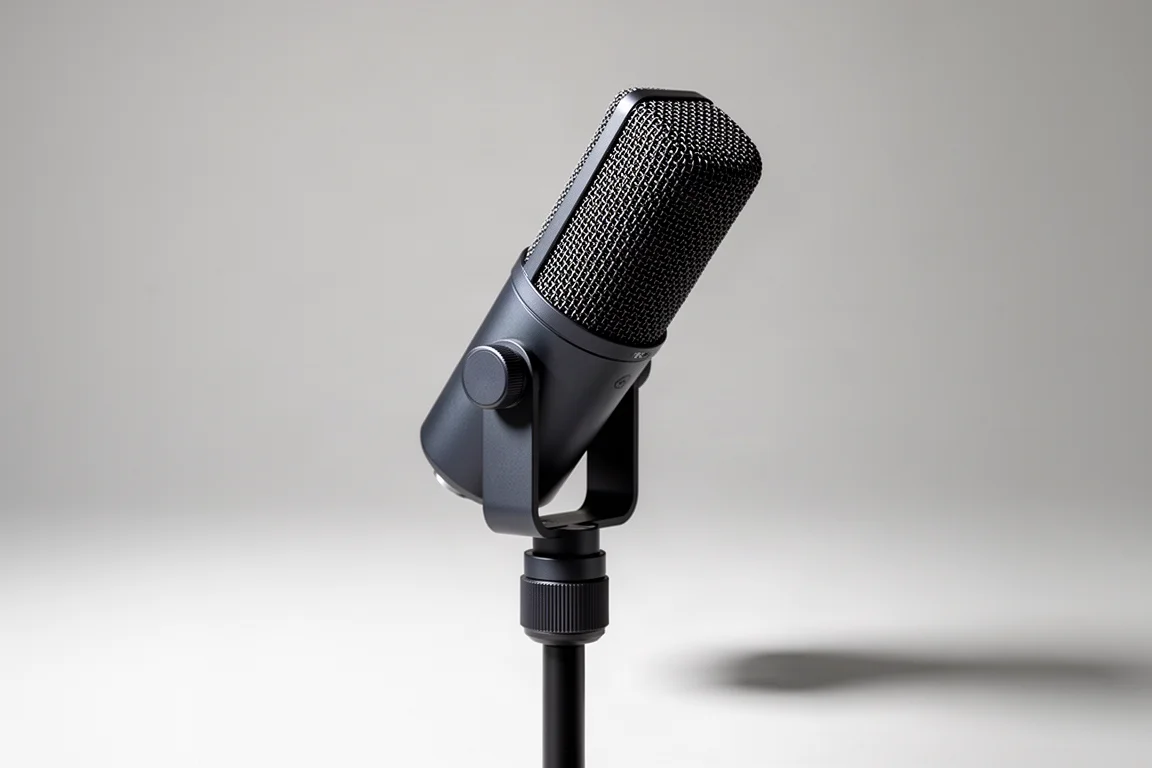
The AT2020 in its XLR form is the more flexible of the two, provided you already own or plan to buy an audio interface. The interface supplies the preamp and the converter, and it also gives you a place to connect other sources, such as an electric guitar or a keyboard, and to try different microphones for different sounds.
Because XLR is the standard connector for microphones, the same mic can move between setups: a mixer at a live performance, a portable recording device, or a home interface. If you expect your recording interests to grow, that compatibility is the main argument for this version.
The trade-off is that nothing works out of the box. You need an interface and an XLR cable, and you will be adjusting levels on the interface rather than on the microphone itself.
Audio-Technica AT2020 USB Plus: The USB Microphone
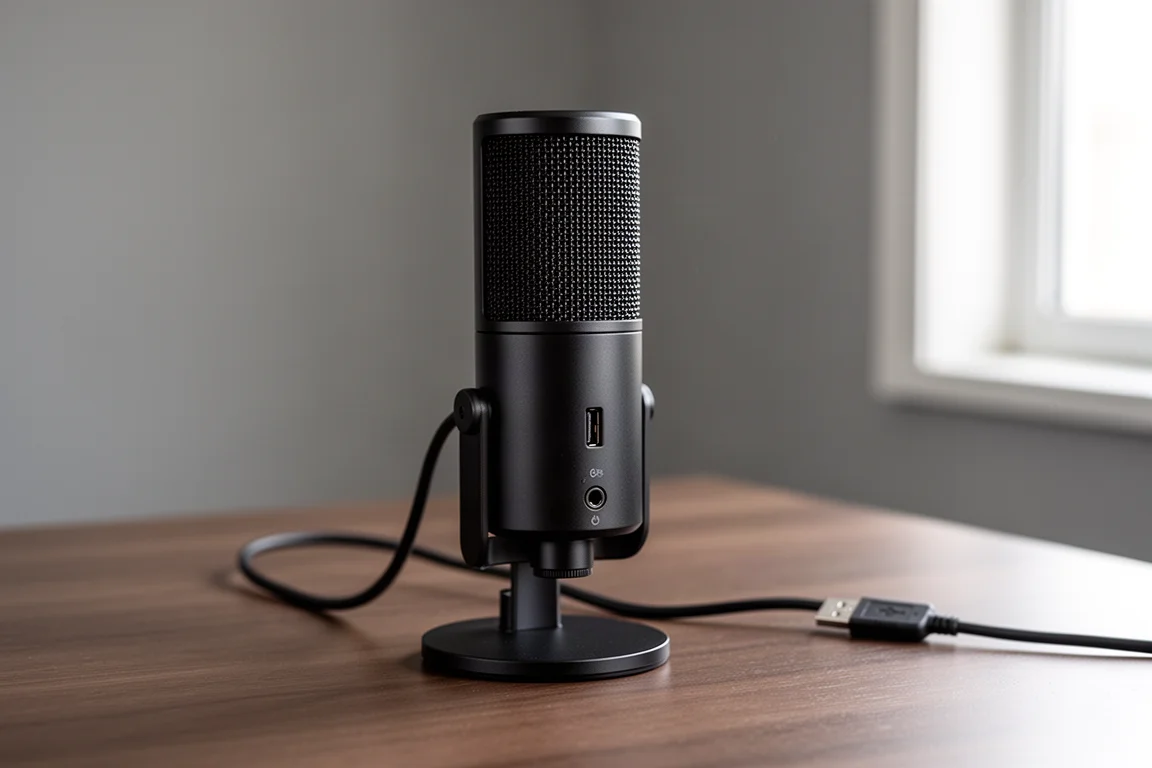
The AT2020 USB Plus is the plug-and-play version. One USB cable to the computer, headphones or speakers into the microphone, and you are recording. For video calls, streaming, or capturing a single source such as a voice or an acoustic guitar, that simplicity is genuinely useful, and having the controls on the microphone means no reaching across the desk.
The limits show up as soon as the setup grows. Every device has to connect to the microphone, so switching between a pair of speakers and a pair of headphones means physically moving cables. USB 2.0 also caps practical cable length at around 5 m, roughly 16.5 ft, which keeps the microphone close to the computer.
Sound Quality: Same Capsule, Different Signal Chain
Both versions share the same capsule, so any difference in recorded sound comes from the preamplifier and analog-to-digital converter rather than from the microphone element itself. In the XLR version those stages live inside the audio interface. In the USB version they are built into the microphone body.
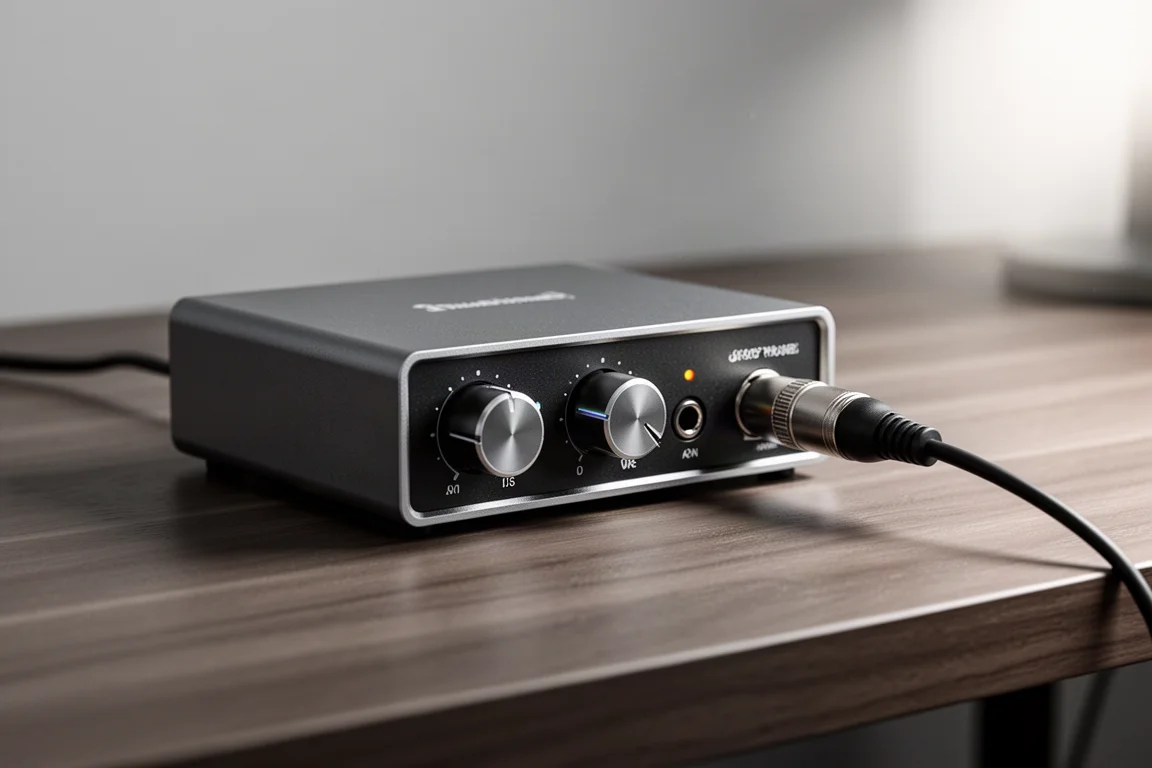
In a direct comparison of the two, the audible difference is small. That is worth remembering when weighing the options, because it means the decision rests mainly on workflow, cabling, and how far you expect your setup to grow rather than on a clear sonic winner.
Cable Length, Placement, and Expandability
Placement is where the XLR approach pulls ahead. An XLR cable can run hundreds of feet without problems, so the interface can sit next to the computer while the microphone goes anywhere in the room, or anywhere in the building for that matter. A USB 2.0 connection is limited to about 5 m, so the microphone has to stay within reach of the machine.
Expandability follows the same pattern. An interface accepts different source types and different microphones, which makes the XLR version part of a system rather than a single-purpose device.
Recording Multiple Sources at Once
Recording more than one source at a time is the clearest dividing line between the two. A USB microphone records one source at a time, which covers a voice, an acoustic guitar, or a guitar amplifier on its own.
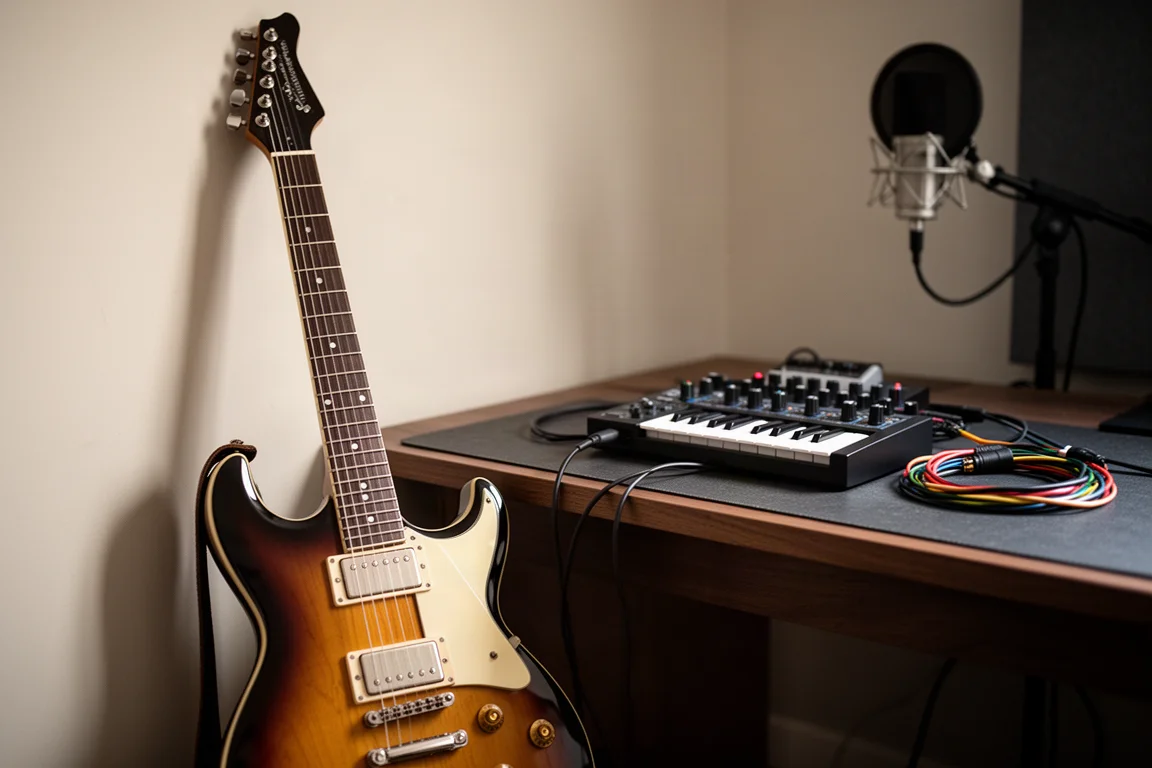
Anything beyond that, such as singing and playing guitar together, a podcast with a guest, or a full band, needs an audio interface with at least two inputs. A multi-channel interface records each input to a separate track, which gives you far more control when mixing and editing. If any of those scenarios sound likely, the XLR version paired with an interface is the route that will still work later.
Who Each Microphone Suits
The USB version suits anyone who records in one place, close to the computer, and mostly captures a single source: calls, streams, voiceover, or a solo instrument. It is the simpler purchase and the simpler setup.
The XLR version suits anyone who wants room to move, plans to record several sources, or wants to use the same microphone with a mixer or a portable recorder. It costs more to get running, but it does not need to be replaced when the setup grows.
Buying Advice: Matching the Microphone to Your Setup
Start with what you intend to record. If the answer is one voice or one instrument at a desk, the AT2020 USB Plus covers it with the least equipment and the fewest decisions.
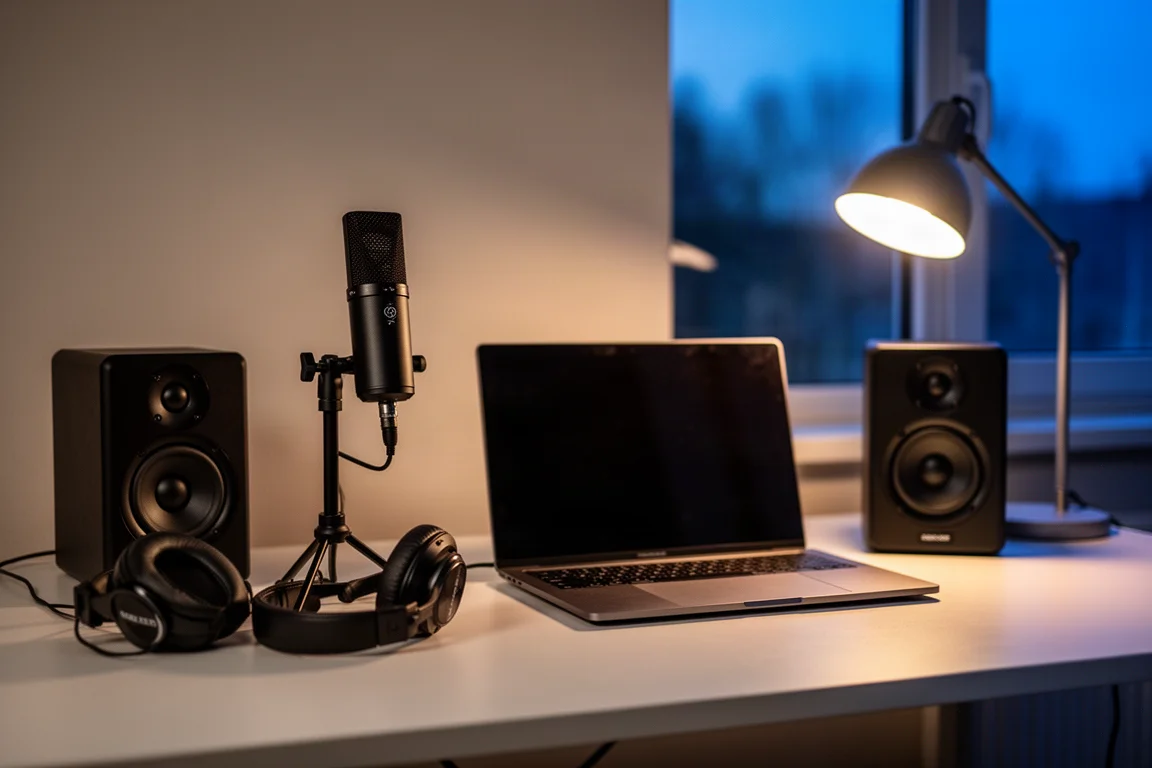
If the answer includes a second person, a second instrument, or recording anywhere other than beside the computer, plan for the XLR version plus an audio interface and an XLR cable. Budget for the interface as part of the purchase, and check that it offers the outputs you need for both speakers and headphones, since those connect to the interface rather than to the microphone. Either way, the capsule is the same, so you are choosing a workflow rather than a sound.
Conclusion
The AT2020 and the AT2020 USB Plus are the same microphone with two different ways of getting audio into a computer. USB wins on simplicity and on total cost for a single-source desk setup. XLR wins on cable reach, flexibility, and the ability to record multiple sources as the setup grows. Choose the version that matches the recording you actually plan to do, and the rest of the chain falls into place.
Further reading
Related Reviews
Microphones
Dynamic vs Condenser Microphones: Ten Mics Worth Knowing
A practical guide to how dynamic and condenser microphones differ, with ten models that show what each design does best on stage and in the studio.
Microphones
Razer Seiren V3 Pro Review: A Standalone Mic That Earns Its Place on Your Desk
The Razer Seiren V3 Pro delivers polished sound, deep software control, and a premium build, but it needs an arm to shine.
Microphones
Tula Mic Review: A Pocket-Sized USB-C Microphone That Also Records on Its Own
A compact USB-C microphone and standalone 12-hour recorder in one, with built-in noise reduction and a fold-out desk stand.