Golf Simulators
TruGolf Launch Box Review: A Subscription-Free Simulator Experience
A detailed look at the TruGolf Launch Box, a portable launch monitor that combines accurate data with a subscription-free simulator experience.
Introduction
TruGolf is widely recognized for its E6 simulator software, but in recent years the company has expanded into hardware. The Launch Box is their flagship portable launch monitor, and a significant update has added additional club data metrics. With so much competition in this price range, the question is whether this device deserves a spot in a simulator setup.
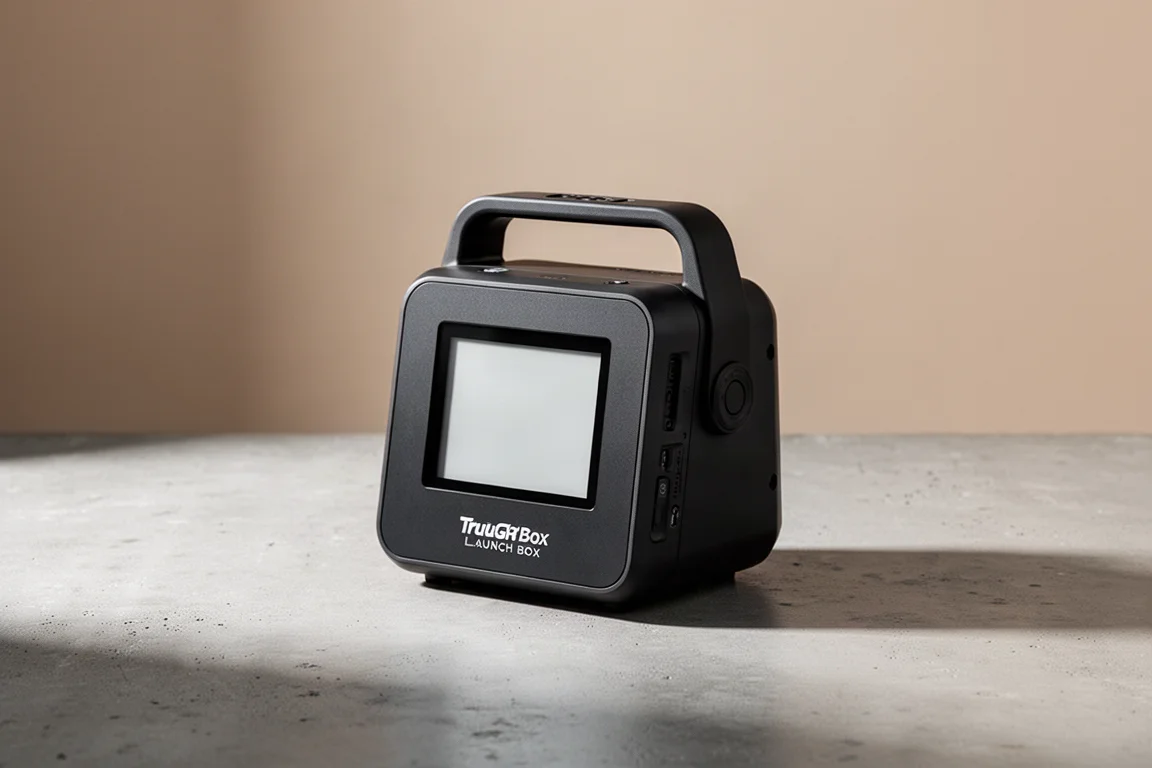
The unboxing experience is refreshingly simple. Inside the box, the unit itself is much smaller and lighter than expected, especially for this price point. The package includes the unit, an AC adapter, an ethernet cable, a USB-C cable, and manuals. It is a compact package overall.
Who This Product Is For
The TruGolf Launch Box is ideal for someone who wants a subscription-free simulator experience and appreciates the E6 software ecosystem. The price paid up front is the total cost, covering the launch monitor, the software, and the courses, with no worry about losing features when an annual subscription lapses. In a market where subscriptions are attached to nearly everything, this is a significant advantage.
This device is also a good fit for someone who values simplicity and ease of use. If the goal is building a home simulator and playing golf without dealing with club stickers or complex setup, the Launch Box makes a compelling case. It is less suited for those looking for a dedicated fitting tool or who prefer third-party software platforms like GS Pro.
Hardware and Portability
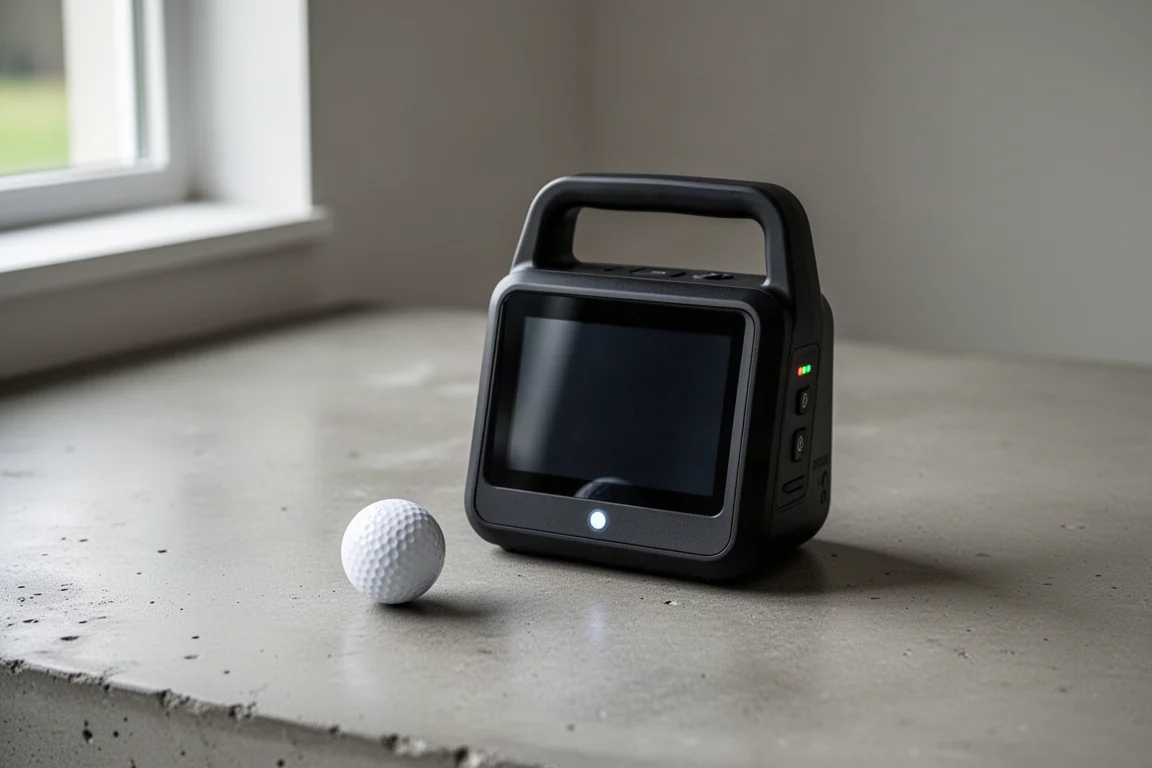
The Launch Box is compact and lightweight, with a built-in carry handle that makes it easy to move around the house or take to the range. It is designed for both indoor and outdoor use, though TruGolf currently recommends a mat when using it outside.
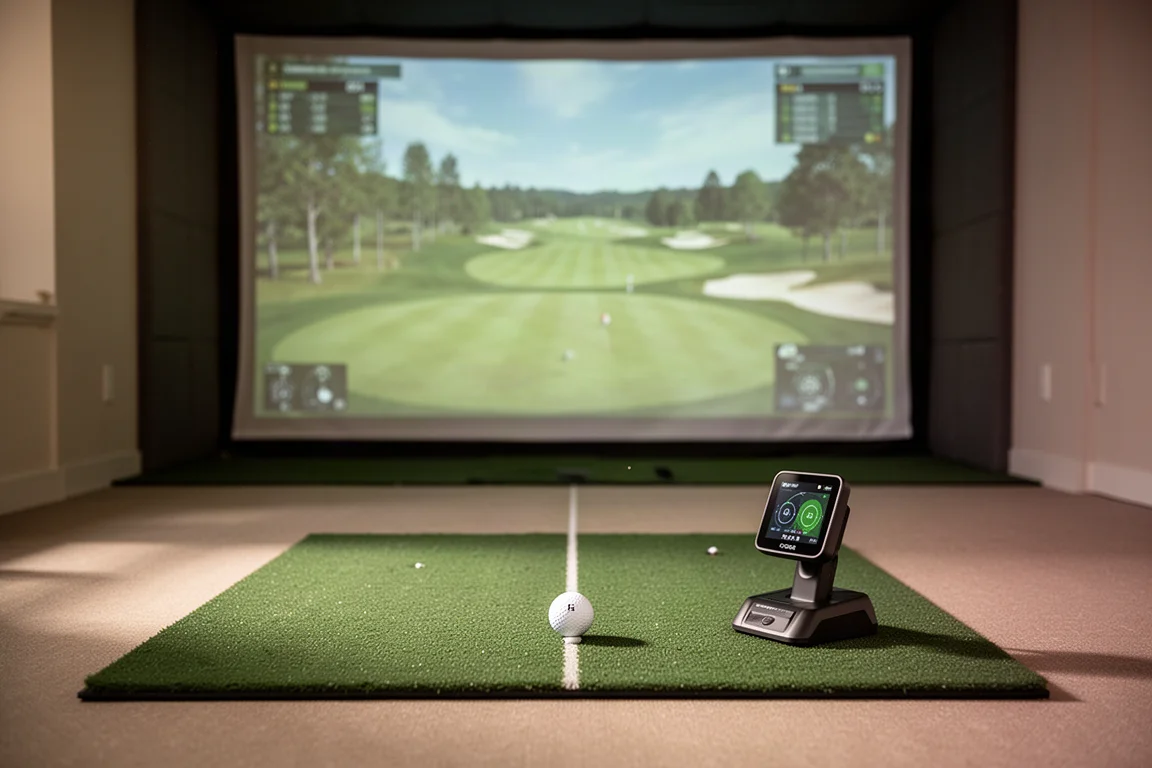
One surprise is that there is no carrying case included, despite the mobile-friendly design. This is not a device that can be tossed into the side of a golf bag like some ultra-portable monitors. It is better described as transportable rather than ultra-portable. Software compatibility is a nice touch, as it runs on PC or iOS devices, meaning a dedicated expensive gaming computer is not required to get started.
Software Experience
The software experience is where the Launch Box really separates itself. The course renderings look noticeably better than many competitors, and there are genuinely fun practice modes built in. This is a product where the company’s deep software background is evident. The E6 Connect platform provides a polished and engaging experience.
Metrics and Data
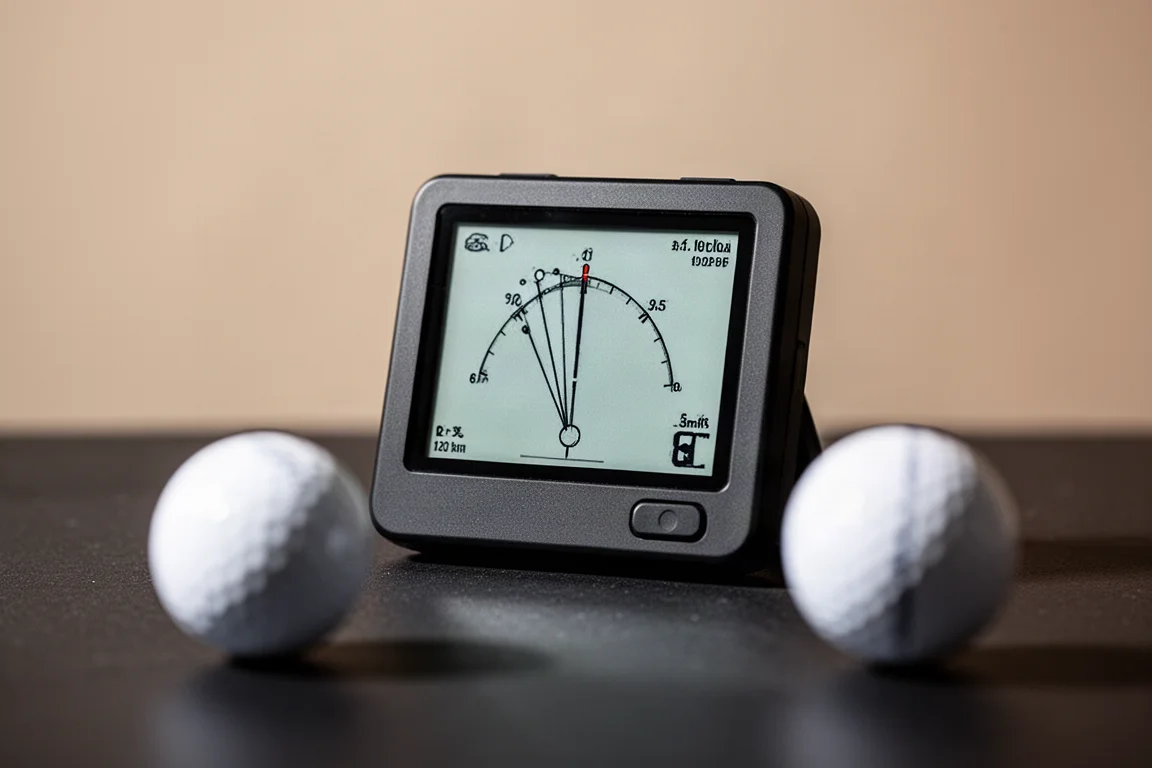
One of the biggest updates to the new Launch Box is the addition of club data. It provides club head speed, smash factor, ball speed, launch angle, launch direction, backspin, spin axis, carry distance, total distance, apex height, descent angle, shot shape, and now also offers club path, face angle, and angle of attack.
Perhaps the most impressive part is that no stickers are needed on clubs to get this data. This is a big win for convenience, as nobody enjoys applying stickers to every club before a practice session. However, the Launch Box still lacks some advanced fitting metrics found on higher-end systems, such as dynamic loft, lie angle, impact location, and face to path. This data is helpful for detailed club fitting or swing analysis, which is why the Launch Box is best viewed primarily as a simulator and entertainment platform that provides useful launch monitor data, rather than a dedicated fitting tool.
Accuracy and Performance
Accuracy is one of the most important factors for any launch monitor, and the Launch Box is impressively accurate. It proved to be spot on for every club in the bag, from wedges all the way down to driver and even putting. During simulator rounds, putting was particularly accurate, with pushes, pulls, and distance read much better than most devices and on par with some of the most expensive options available. The device did an amazing job of nailing every metric and correctly simulating trajectory and shot shape.
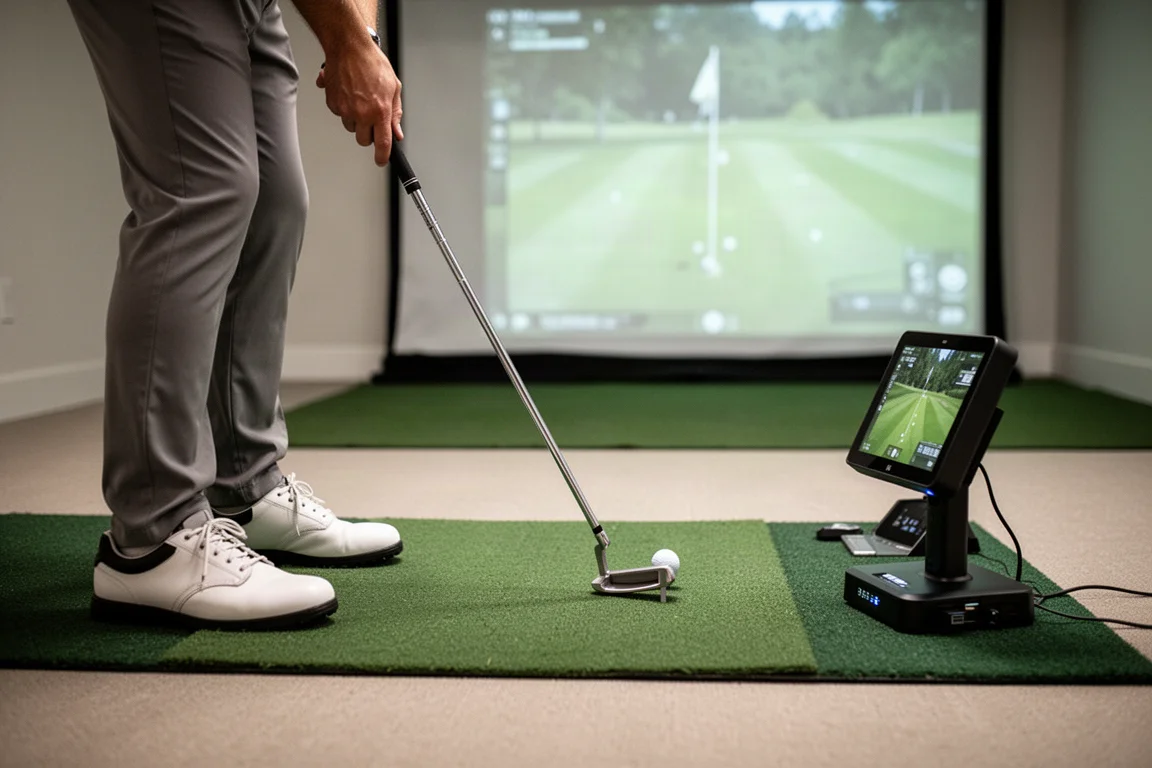
There are a couple of quirks worth noting. The first is shot lag, with a one to two second delay between the strike and seeing the ball fly through the air. This is very close to the SkyTrak system. The other quirk is the e-ink style screen, similar to what you would see on an e-reader. While it is super clear, especially in bright sun, it refreshes slowly and can seem stuck when booting up, powering down, or switching modes. Neither of these are game changers, but they are worth knowing before purchasing.
On the positive side, ball placement is much easier than with some competitors. The ball sits in line with the launch monitor about 6 to 8 inches parallel to the unit itself, and an on-screen prompt with a red and green light signals whether the ball is in the correct zone. This makes it much easier to find the right spot.
Buying Advice
The TruGolf Launch Box comes in two options. The first is $29.99 and includes 27 courses loaded for life on the updated E6 Connect platform. The second option is $500 more expensive and adds three premium courses: Pebble Beach, St. Andrews, and Oakmont. Whether the premium courses are worth the extra cost is a personal choice, but the 27 included courses offer plenty of variety.
This price point is significantly more expensive than some competitors like the Square Omni and the Mevo Gen 2, and also more expensive than the Bushnell Launch Pro. However, once subscriptions required to unlock simulation and advanced club data on those devices are factored in, the price gap shrinks considerably. The Uneekor EYE Mini Launch is another contender at this price point, but it also requires a subscription for simulator golf and advanced features.
The pros of the Launch Box include the on-board screen for quick data access, no subscription fees, no stickers needed for club face metrics, and impressive accuracy. The cons include a lower resolution black and white screen that feels dated compared to newer products, and a build quality that does not feel quite as premium as some competitors, though it is not fragile or poorly made.
Conclusion
The TruGolf Launch Box is a compelling option for golfers who want a subscription-free simulator experience and value the E6 software ecosystem. Its accuracy is impressive, and the convenience of no stickers and an on-board screen are genuine advantages. While there is steep competition at this price point, including products that are significantly cheaper, the Launch Box is definitely worth a look for those who prioritize a subscription-free experience and the E6 platform.
Product link
View more details for TruGolf Launch Box
This product is mentioned in the review. Check the specifications, options, and compatibility before buying.
View more details for TruGolf Launch BoxFurther reading
Related Reviews
Golf Simulators
Uneekor EXR with Swing Optics Cameras: A Complete Indoor Simulator Upgrade
The Uneekor EXR paired with Swing Optics cameras brings overhead launch monitoring, AI swing analysis, and immersive 4K simulation to the home golf studio.

Golf Technology
BlueTees Rainmaker Launch Monitor Review: A Promising First Effort
A week of testing the BlueTees Rainmaker launch monitor reveals a beautiful interface, subscription-free pricing, and some accuracy concerns worth knowing about.
Golf Simulator Software
Shot Forge Review: A Fresh Take on Golf Simulator Practice Software
Shot Forge brings structured practice, club mapping, and shot shaping drills to golf simulator users at a surprisingly accessible price.