Golf Simulator Software
Shot Forge Review: A Fresh Take on Golf Simulator Practice Software
Shot Forge brings structured practice, club mapping, and shot shaping drills to golf simulator users at a surprisingly accessible price.
Introduction
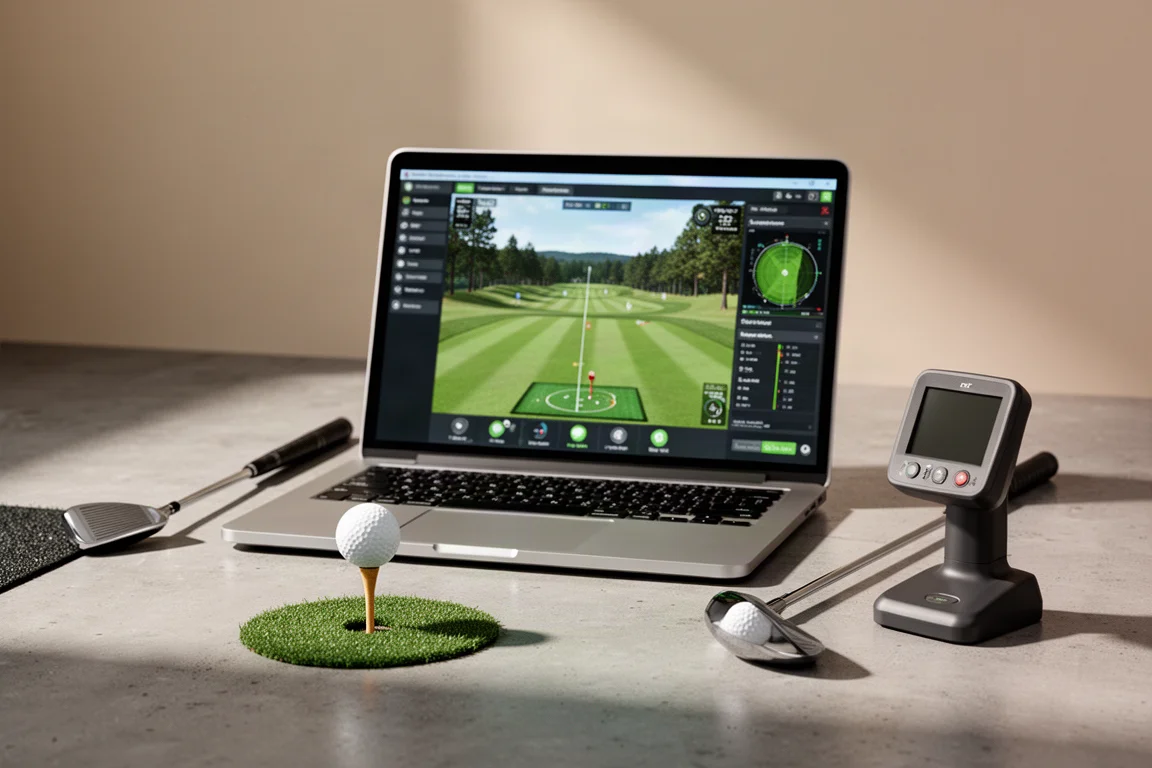
Golf simulator software has become the backbone of modern practice, and most players already know the big names. But a new piece of software called Shot Forge is making a strong case for itself as a focused practice companion. Built as an add-on to GS Pro, the widely used golf simulator platform, Shot Forge aims to turn your simulator time into structured, measurable improvement rather than just hitting balls into a digital range.
Shot Forge works alongside GS Pro, which itself connects to a wide range of launch monitors, from budget-friendly options like the Square Omni and Mevo up to higher-end units like the Uni-Core EXR. The software lives outside of GS Pro but uses some of the same connections and mechanics, so it fits naturally into an existing simulator setup. The result is a clean, responsive practice tool that feels purpose-built for golfers who want to know exactly how far they hit every club.
What Shot Forge Offers
Shot Forge is organized into three main modules: a range module, an improvement module, and a review module. The range is straightforward and clean, letting you select a club and hit shots while your launch monitor data streams in real time. Stats like carry distance, ball speed, and launch angle appear clearly on screen, and the shot trace view gives you a satisfying drone-style look at the ball flying through the air.
The improvement module is where Shot Forge really stands out. It includes a skills challenge, a wedge matrix for dialing in wedge distances, shot shaping practice for draws and fades, driving practice with fairway targets, approach practice for greens in regulation, a ladder challenge for distance control, and even a combine-style skills test that can help establish a handicap. There is also a club fitting element that lets you test different drivers, shafts, and iron combinations using tracer data.
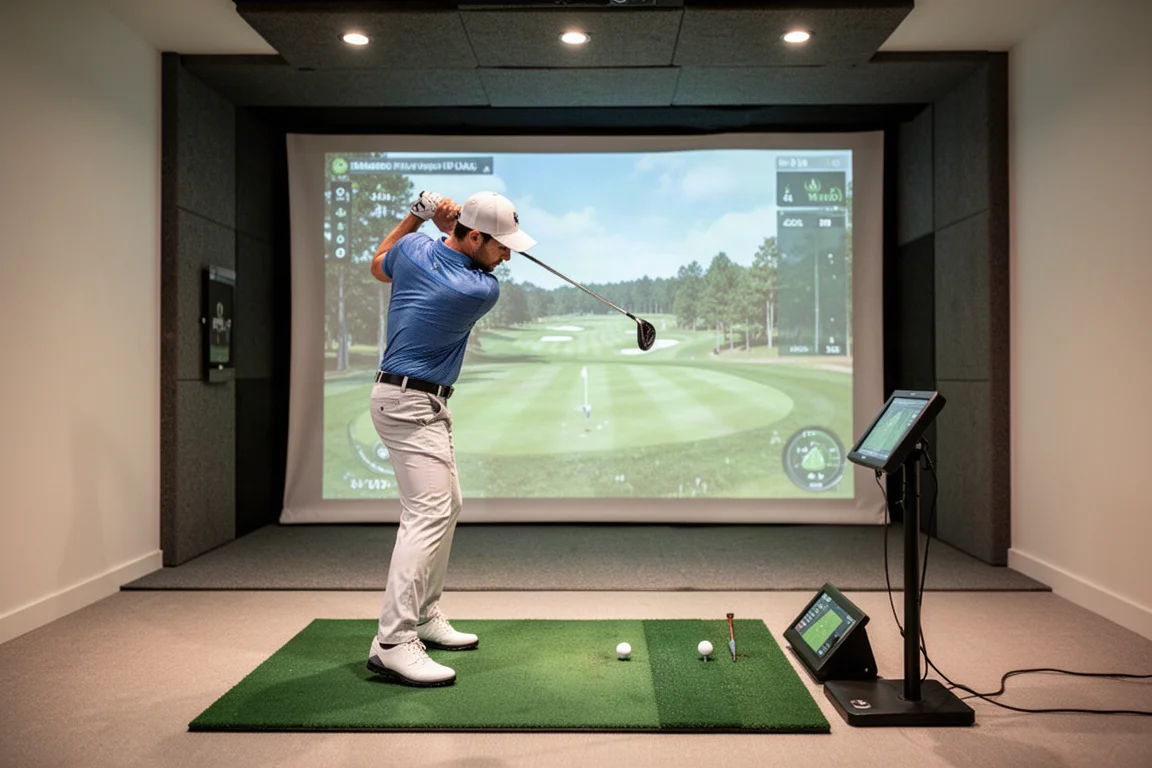
The review module rounds things out by storing your session history, letting you track stats over time, view dispersion patterns, and even analyze your swing with AI if you have a swing camera connected. For a piece of software at this price point, the feature set is genuinely impressive.
Wedge Matrix and Bag Mapping
One of the most valuable features in Shot Forge is the wedge matrix. This module walks you through mapping your wedge distances at different swing lengths, from quarter swings up to full swings, using carry distance as the primary metric. Carry distance matters more than total distance for wedges because of the spin they generate, so this data is directly useful on the course.
The process is simple: you select your wedges, choose how many shots to hit per station, and work through each swing length. The software then builds a chart showing your carry distances for each wedge at each swing length. In testing, the results revealed some interesting patterns, such as a sand wedge and gap wedge producing nearly identical distances on quarter and half swings, which is exactly the kind of insight that helps you simplify club selection.
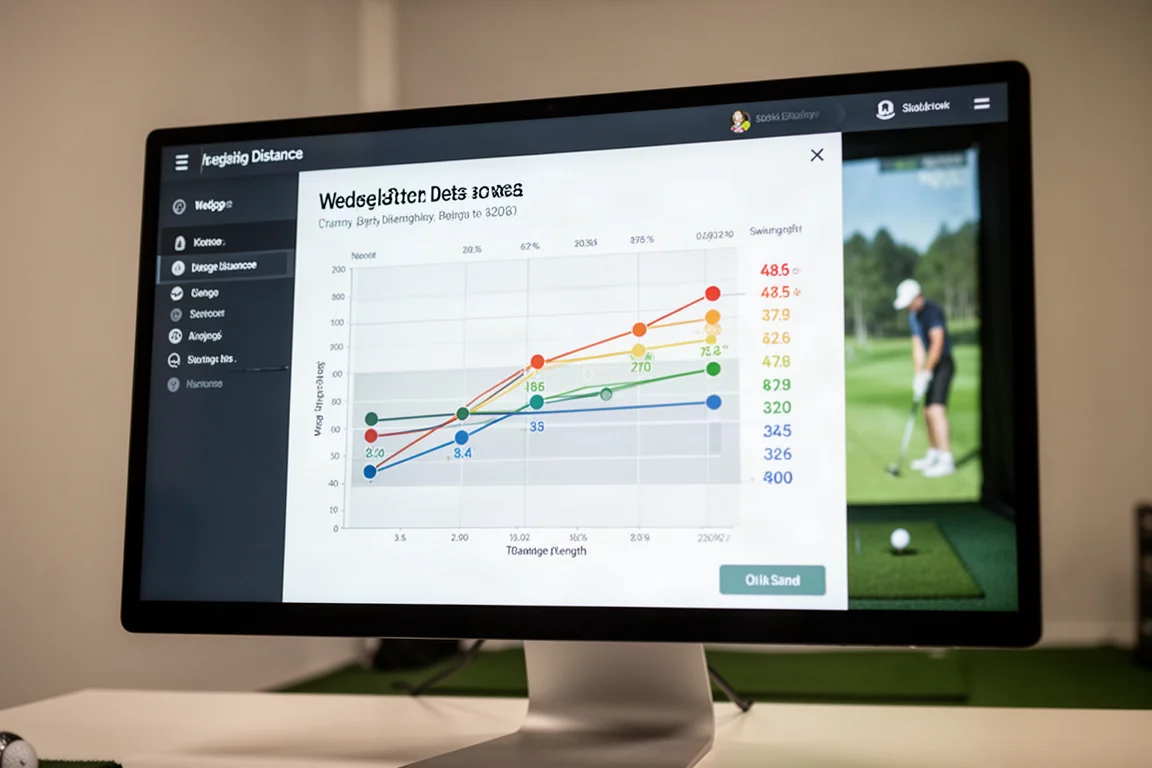
You can also map your entire bag using the same process, selecting the clubs you carry and hitting shots at each swing length. This gives you a true average carry distance for every club, which is far more reliable than guessing based on your best shot. Many amateurs overestimate how far they hit their clubs, and having accurate numbers can help you avoid coming up short on approach shots.
Shot Shaping and Custom Drills
Shot Forge also includes a shot shaping module that lets you practice draws and fades with adjustable target offsets. You can move the green to the left or right and set how much curve you want to try to produce. This is a practical way to work on shaping the ball without needing a real course or a specific lie.
The software is notably responsive, with shots registering almost immediately after impact. This snappy feel makes practice sessions flow well and keeps you engaged. In testing, hitting a controlled fade with a seven iron produced a nearly perfect result, finishing just in front of the green, which shows the module gives you clear feedback on your swing path and face control.
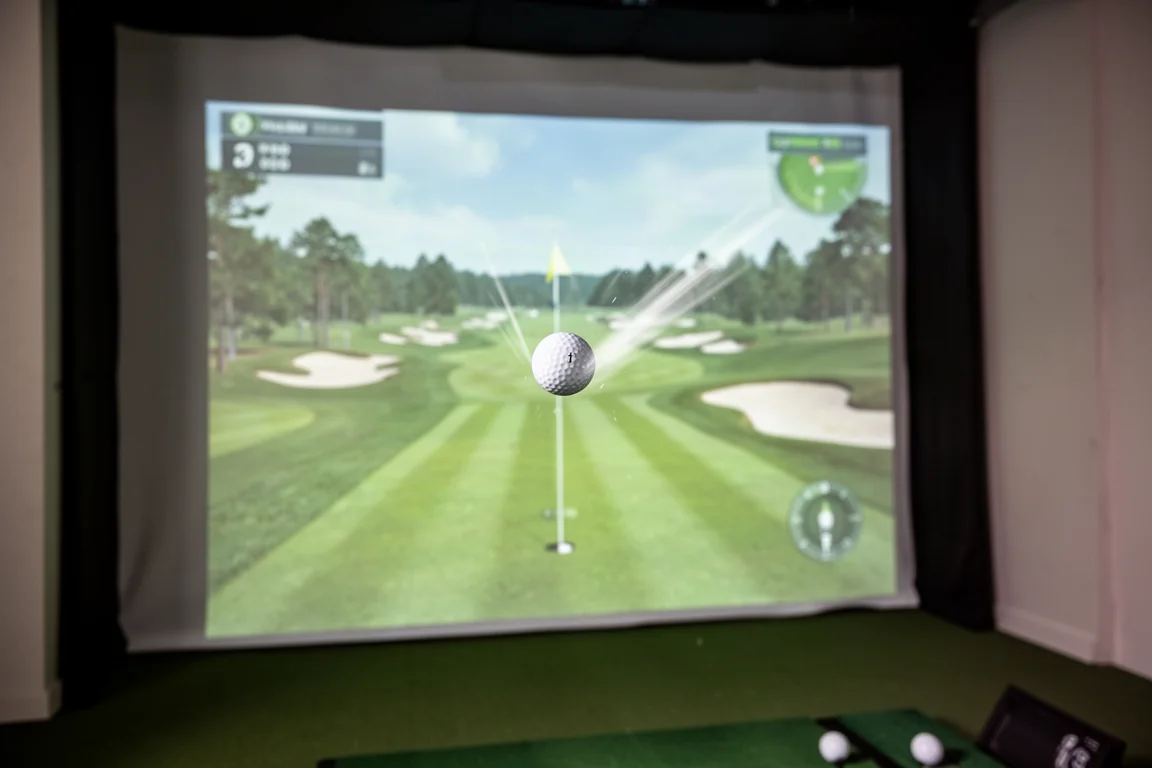
Beyond shot shaping, there are custom hole builder options that let you design your own practice holes. You can choose green types, add or remove bunkers, adjust green size, and set the distance. This adds a fun, creative layer to practice while still giving you meaningful data on accuracy and consistency.
Driving and Approach Practice
The driving practice module lets you set a fairway start distance and width, then track how often you hit the fairway. You can make the fairway as narrow as 20 yards, which is a great way to test your driver accuracy under pressure. The software tracks your carry distance and gives you a clear percentage of fairways hit, so you know exactly where your game stands.
Approach practice works similarly, letting you set a green at a specific distance and size, then track greens in regulation. You can choose a target like 150 yards, make the green narrow or wide, and hit shots with any club. The software displays your accuracy percentage in real time, and you can work through every club in your bag to see which ones you hit most consistently.
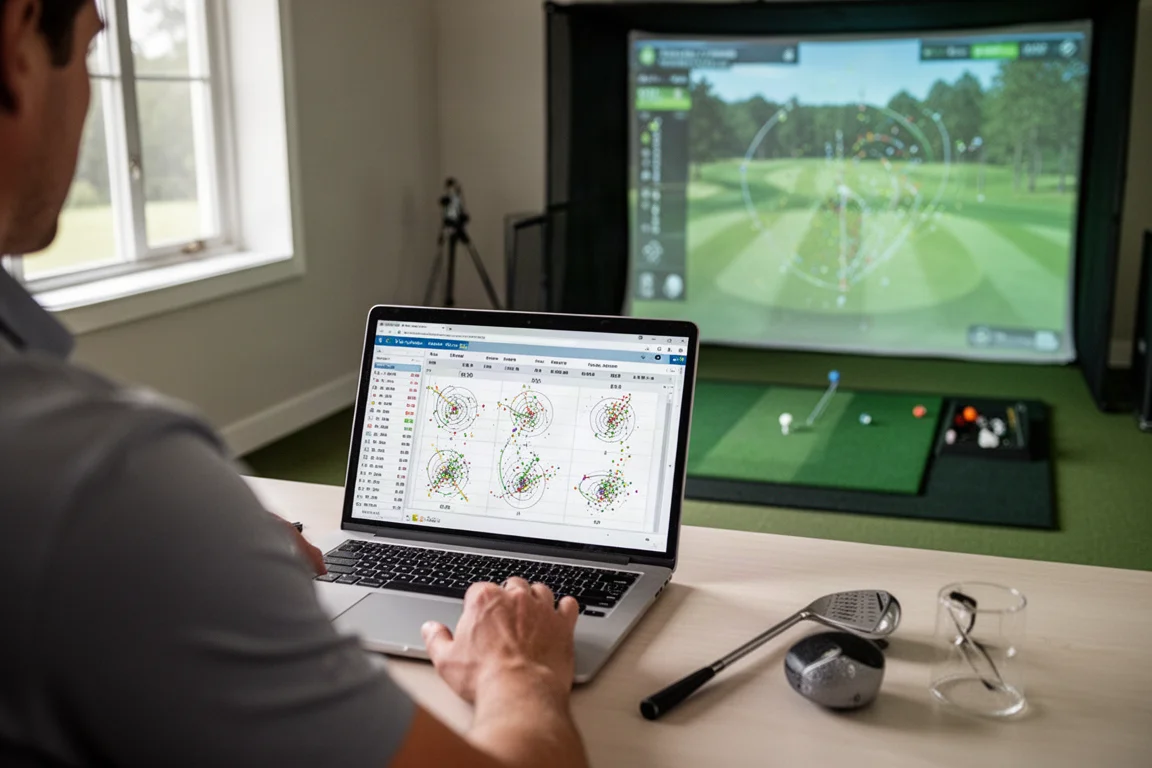
The data from these modules is practical and easy to understand. You get directional tendencies, average offline distance, standard deviation, carry consistency, lateral consistency, and average proximity to the hole. That kind of detail helps you identify patterns, like a consistent left miss, so you can adjust your aim or swing path accordingly.
Session Review and AI Analysis
The review module stores all of your practice sessions, letting you compare results over time. You can view individual sessions, see your average carry and total distances, check ball speed, and look at dispersion maps for each club. This makes it easy to track progress and spot trends before they become bad habits.
If you have a swing camera set up, Shot Forge can pair your recorded swings with each shot, and the AI analysis feature will break down your swing mechanics. This is similar to what you would find in dedicated swing analysis tools, but having it built into a practice suite at this price is a notable bonus.
Buying Advice
Shot Forge is priced at $6.99 per month or $60 for a full year, which is remarkably affordable for the depth of features it offers. There is also a free trial, so you can test it out before committing. The software works with GS Pro, which itself requires a compatible launch monitor, so you will need that setup in place first.
This is best suited for golfers who already own a simulator and want to add structure to their practice. If you are serious about knowing your exact carry distances, improving your wedge game, or working on shot shaping, Shot Forge delivers a lot of value for the price. It is also worth noting that the developer, a young course designer known as the Golf Boy, has put together something genuinely impressive, and supporting the project is easy given the low cost.
Conclusion
Shot Forge is a well-designed practice companion for golf simulator users. Its range, improvement, and review modules cover the essentials of structured practice, and the wedge matrix and bag mapping features alone are worth the subscription price. The software is responsive, easy to navigate, and packed with useful data. For anyone looking to get more out of their simulator time, Shot Forge is a smart, affordable addition.
Product link
View more details for Shot Forge
This product is mentioned in the review. Check the specifications, options, and compatibility before buying.
View more details for Shot ForgeFurther reading
Related Reviews

Astrophotography Software
AstroWizard vs Siril vs PixInsight: A Practical Comparison for 2026
We compare three astrophotography processing tools across real images, looking at ease of use, control, and final results.
Astrophotography Software
RC Astro Tools Standalone: Blur, Noise, and Star Exterminator Explained
RC Astro's Blur Exterminator, Noise Exterminator, and Star Exterminator are now available outside PixInsight, bringing advanced processing to free software like Siril.
Golf Tech
Square Omni Review: A Subscription-Free Optical Launch Monitor for Simulator Golf
The Square Omni delivers accurate launch data, realistic game physics, and a subscription-free simulator experience with 22 courses.