Golf Simulators
Uneekor EXR with Swing Optics Cameras: A Complete Indoor Simulator Upgrade
The Uneekor EXR paired with Swing Optics cameras brings overhead launch monitoring, AI swing analysis, and immersive 4K simulation to the home golf studio.
Introduction
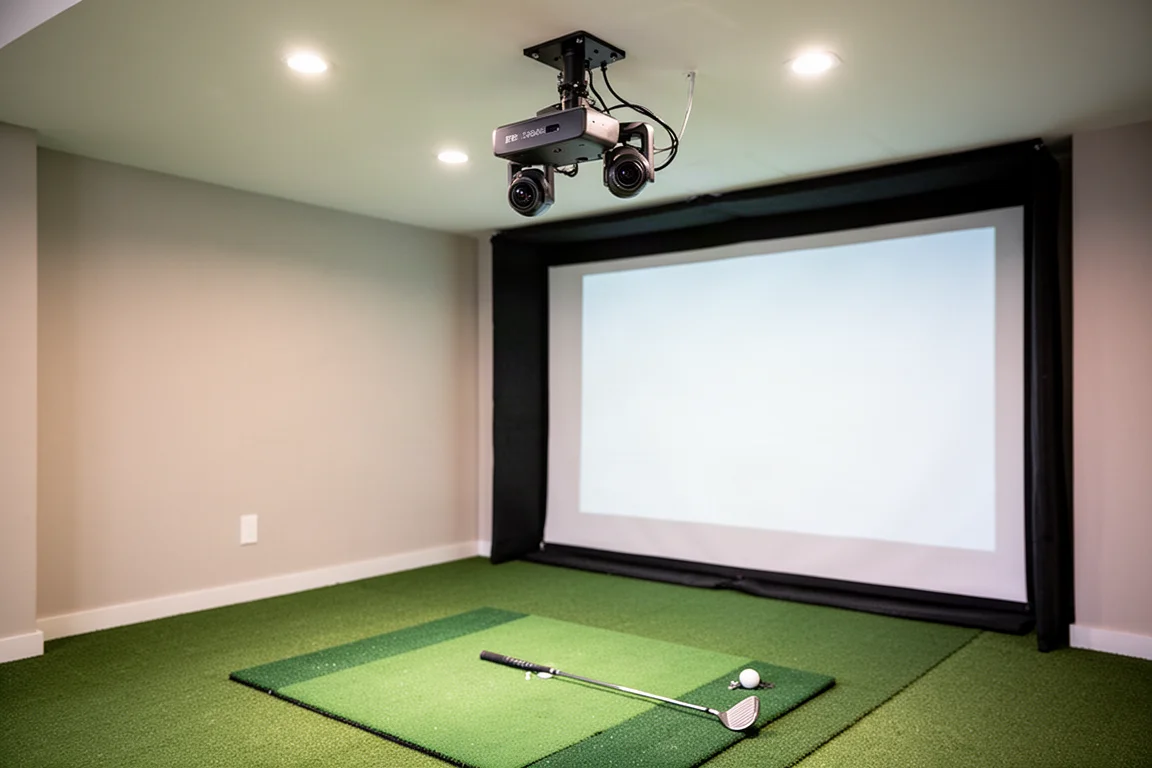
Building a home golf simulator studio is a journey of constant upgrades. For years, a floor-mounted launch monitor served its purpose well, offering reliable data both indoors and on the course. But as more friends began visiting the studio, some clear limitations started to show. Left-handed players required moving the unit from one side to the other. Guests unfamiliar with simulators often placed the ball outside the narrow hitting zone. And capturing club face data meant attaching stickers to every club, which became tedious during fitting sessions.
The solution came in the form of an overhead launch monitor system that works equally well for righties and lefties, offers a generous hitting area, and captures detailed club data without stickers. The Uneekor EXR paired with Swing Optics cameras checks all three boxes and brings a suite of powerful software features that make it one of the most compelling home simulator packages available.
Why Switch to an Overhead Launch Monitor
The move from a floor-mounted unit to an overhead system transforms the simulator experience in several meaningful ways. With the Uneekor EXR mounted on the ceiling, there is no need to reposition anything when a left-handed player steps up to hit. The overhead position also means the hitting zone is much wider, so guests who are new to simulators can simply place the ball anywhere in the zone and get accurate reads.
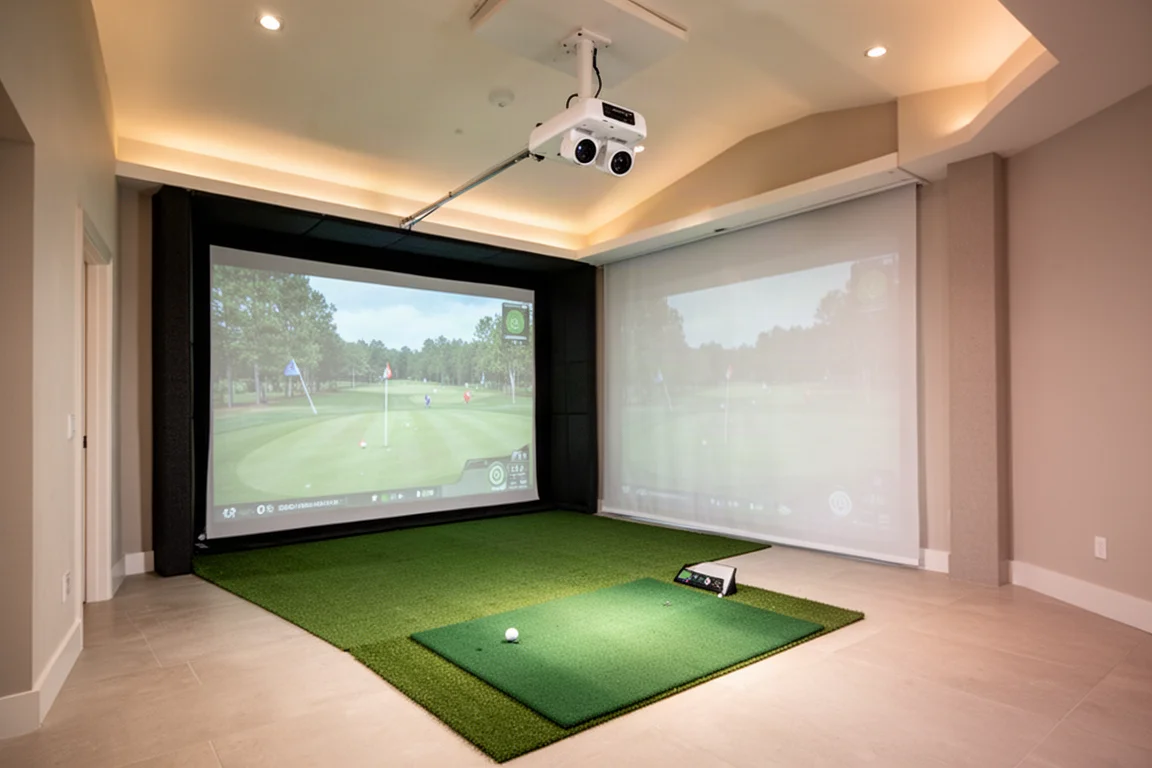
Another significant advantage is the elimination of club face stickers. The EXR captures club data directly through its dual onboard cameras, which simplifies the process for both casual visitors and serious fitting sessions. The unit itself is compact and weighs about 15 pounds, making it easy to mount on any standard ceiling projector mount.
Unboxing and First Impressions
The EXR package arrives well organized. The main box contains an alignment grid for setup, cabling including a long Ethernet cable, a dongle for internet connectivity, and a leveling piece. A second box holds the AC adapter, another Ethernet cable, and a conversion box. The unit itself is a dual camera device with a mounting bracket that attaches to any ceiling projector mount.
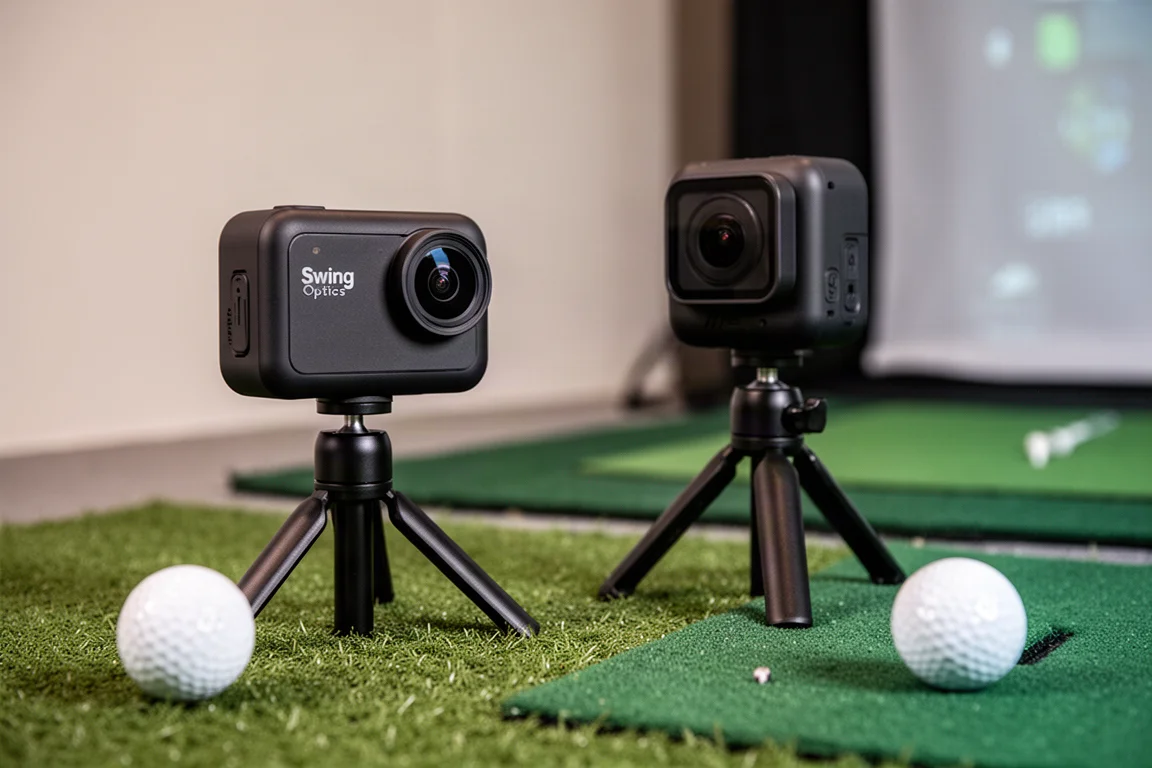
The Swing Optics cameras come in a separate box with two stands, cabling for each camera, mounting hardware, and interchangeable lenses. One camera uses a longer lens and the other a shorter lens, allowing one to sit behind the hitting area while the other is positioned to the side. The cameras are small but powerful, and the lenses screw directly onto the camera bodies.
Installation and Setup
Setting up the EXR requires careful attention to positioning. The unit needs to hang 9 to 10 feet above the floor, sit 3.5 feet behind the hitting area, and have about 9 to 10 feet of clearance to the screen. In rooms with a projector, the main challenge is ensuring the EXR can see the ball past the projector housing.
The manufacturer’s tech support team proved exceptionally helpful during installation. After describing the room layout, a support representative built a 3D model and recommended moving the projector up about a foot to give the EXR enough clearance. This level of after-sales support is a welcome change in the simulator market.
The EXR supports power over Ethernet, meaning a single Ethernet cable running to the computer can power the unit without a separate AC adapter, though one is included. The software setup process is notably smooth. The Uneekor launcher guides users through device detection and calibration in minutes, with clear on-screen instructions for positioning and alignment.
View Software: The Practice Range
Once calibrated, the View software transforms the simulator into a comprehensive practice facility. The driving range interface allows users to create sessions, name them, assign colors, and track individual clubs. The system normalizes data based on the type of ball being used, which improves accuracy across different ball models.
The data display is highly customizable, letting users focus on the metrics that matter most to them. After each shot, the system instantly registers ball speed, club speed, launch angle, side angle, backspin, carry distance, and total distance. A club face impact view shows exactly where on the face the ball was struck, which is invaluable for diagnosing toe and heel hits.
The trajectory view builds a shot pattern over time, revealing tendencies such as consistent misses left or right. The club view screen provides a detailed look at club path and angle of attack, helping players understand what creates their natural ball flight. With very little lag between impact and data display, the practice experience feels immediate and responsive.
Game Day: Immersive 4K Simulation
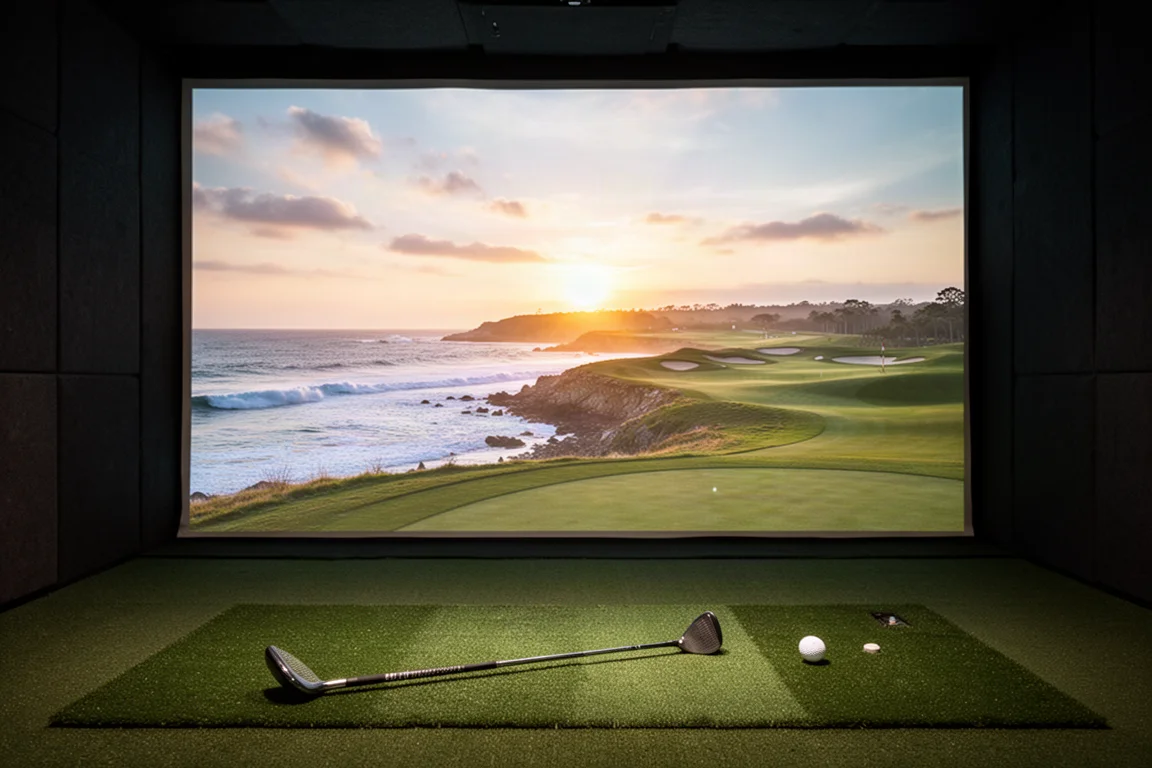
Beyond practice, the Game Day software delivers a full simulation experience with stunning visuals. The course library has grown to around 40 courses, including the signature Pebble Beach layout. The rendering quality is impressive, with moving trees, crashing waves, and atmospheric sound effects that create a genuinely immersive experience.
Round settings are highly configurable. Players can choose 18 holes or a quick few holes, randomize pin positions, adjust fairway and green firmness, set wind conditions, and select units of measurement. The continuous putting feature saves significant time by allowing each player to putt out once they reach the green rather than alternating short putts.
The dual display setup shows the simulator on one screen while displaying impact camera footage and detailed stats on the other. This allows players to see exactly where they struck the ball on the face while also tracking carry numbers, totals, and distance remaining. Online matches against other players in real time add a competitive dimension that makes the system feel connected to a broader community.
AI Trainer: Real-Time Swing Analysis
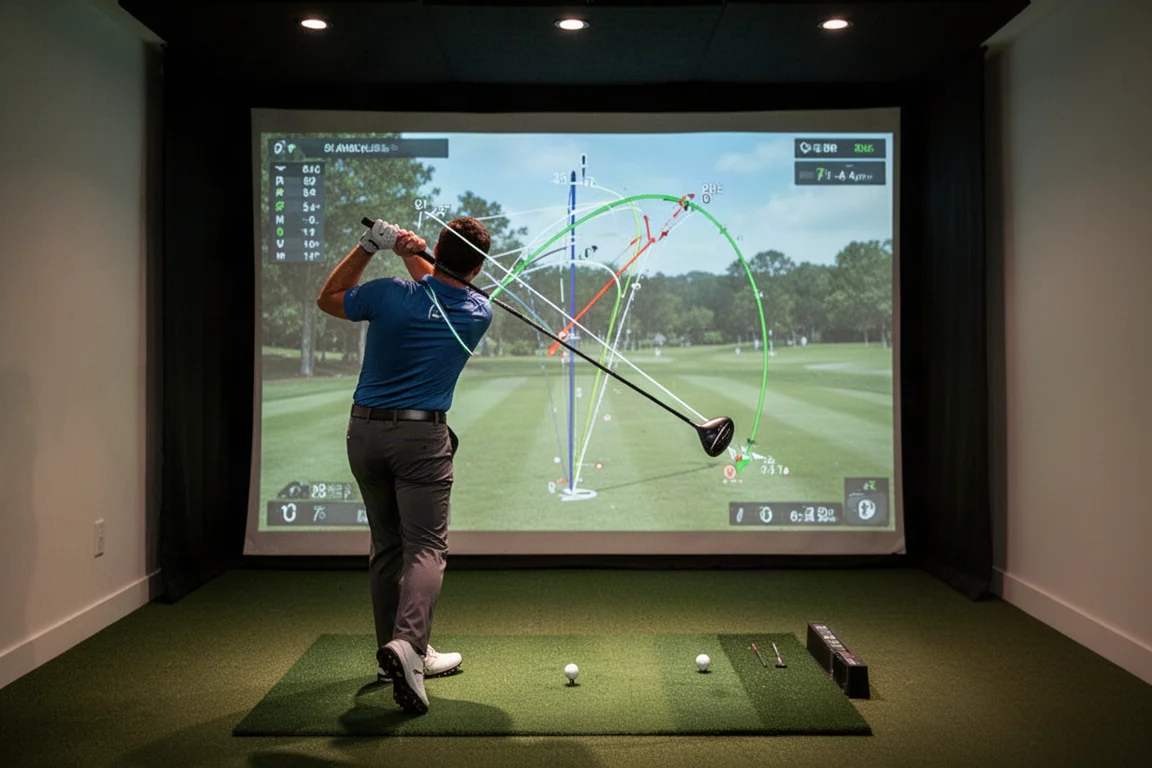
The standout feature of the Swing Optics package is the AI trainer. Once the cameras are positioned and paired with the EXR, the system analyzes every swing from multiple angles, drawing lines on the body and club to highlight swing faults. It examines spine angle, head position, knee flex, hip movement, and club path, then assigns a swing score that quantifies overall mechanics.
During a practice session, the AI trainer provides immediate feedback after every swing. It identifies issues such as the head dropping, hips pulling out, or the club path coming too far inside. Each swing receives a score, allowing players to track progress in real time. The system also generates a lesson plan with strategies for improvement, making it a powerful tool for structured practice.
The ability to see swing faults diagnosed automatically is genuinely remarkable. For players who have struggled to identify what they are doing wrong, the AI trainer removes the guesswork and provides clear, actionable feedback. Watching the swing score improve over the course of a session is both motivating and satisfying.
Buying Advice
The Uneekor EXR with Swing Optics cameras represents a significant investment, but the value proposition has improved considerably. The complete package with two Swing Optics cameras, the EXR unit, one year of the AI trainer, and three months of the ultimate software package is priced at $5,999. This represents a substantial discount compared to the roughly $9,000 cost of the components purchased separately.
For golfers who take their practice seriously and want a simulator that works for both right-handed and left-handed players, the EXR is a compelling choice. The overhead design eliminates the hassles of floor-mounted units, and the AI trainer adds a coaching dimension that most competitors cannot match. The wide hitting zone also makes it ideal for hosting friends and family who may be new to simulator golf.
The main consideration is the installation requirements. The unit needs a ceiling height of at least 9 feet and careful positioning relative to any projector. Rooms with unusual layouts may require additional mounting hardware, and the included setup guide is essential for getting the alignment right. The tech support team is responsive and helpful, which mitigates some of the installation complexity.
Conclusion
The Uneekor EXR with Swing Optics cameras is a complete home simulator solution that addresses the shortcomings of floor-mounted launch monitors while adding powerful software features. The overhead design works seamlessly for players of any handedness, the wide hitting zone is forgiving for beginners, and the elimination of club face stickers simplifies the entire experience.
The AI trainer is the standout feature, providing real-time swing analysis that rivals professional coaching. Combined with the immersive Game Day simulation and the customizable View practice range, this package offers exceptional value at its current price point. For golfers looking to build or upgrade a home simulator studio, the Uneekor EXR with Swing Optics cameras is a system worth serious consideration.
Product link
View more details for Uneekor EXR
This product is mentioned in the review. Check the specifications, options, and compatibility before buying.
View more details for Uneekor EXRFurther reading
Related Reviews
Golf Simulators
TruGolf Launch Box Review: A Subscription-Free Simulator Experience
A detailed look at the TruGolf Launch Box, a portable launch monitor that combines accurate data with a subscription-free simulator experience.

Golf Technology
Best Golf Tech by Budget: Smart Picks From $500 to $25,000
A practical guide to building a golf tech setup at every budget level, from launch monitors to rangefinders and simulators.

Golf Technology
Best Launch Monitors 2026: From Ultra Budget to Luxury
A practical guide to the best launch monitor deals in 2026, covering budget-friendly options, mid-tier favorites, and premium simulator setups.