TVs
TCL Q-Class QLED TV Review: Value, Gaming Speed, and Out-of-the-Box Trade-Offs
A sub-$1,000 4K QLED with HDMI 2.1, Dolby Vision, and 120Hz gaming, plus the out-of-the-box accuracy and screen reflection issues worth knowing before you buy.
Introduction
The TCL Q-Class QLED is one of those televisions that looks excellent on paper. It is a native 4K QLED panel with HDMI 2.1 inputs, Dolby Vision support, and Dolby Atmos capability that rewards anyone willing to add a soundbar, or better, a receiver with multiple speakers. Google TV handles the streaming side, with Netflix, Hulu, and Apple TV available without extra hardware. It also arrives at a price point that makes 4K QLED ownership more obtainable than many competing sets.
That combination is exactly why the out-of-the-box experience matters so much here. The overwhelming majority of television owners never calibrate their displays, with roughly 93 percent saying they rely on the picture modes the set ships with. Any honest assessment of a television like this one should therefore start with what it looks like shortly after setup, not what it can become in the hands of a professional calibrator.
The Q-Class is a genuinely capable television in several areas and an inconsistent one in others. What follows covers where it performs well, where it does not, and who should consider it.
Who This TV Is For
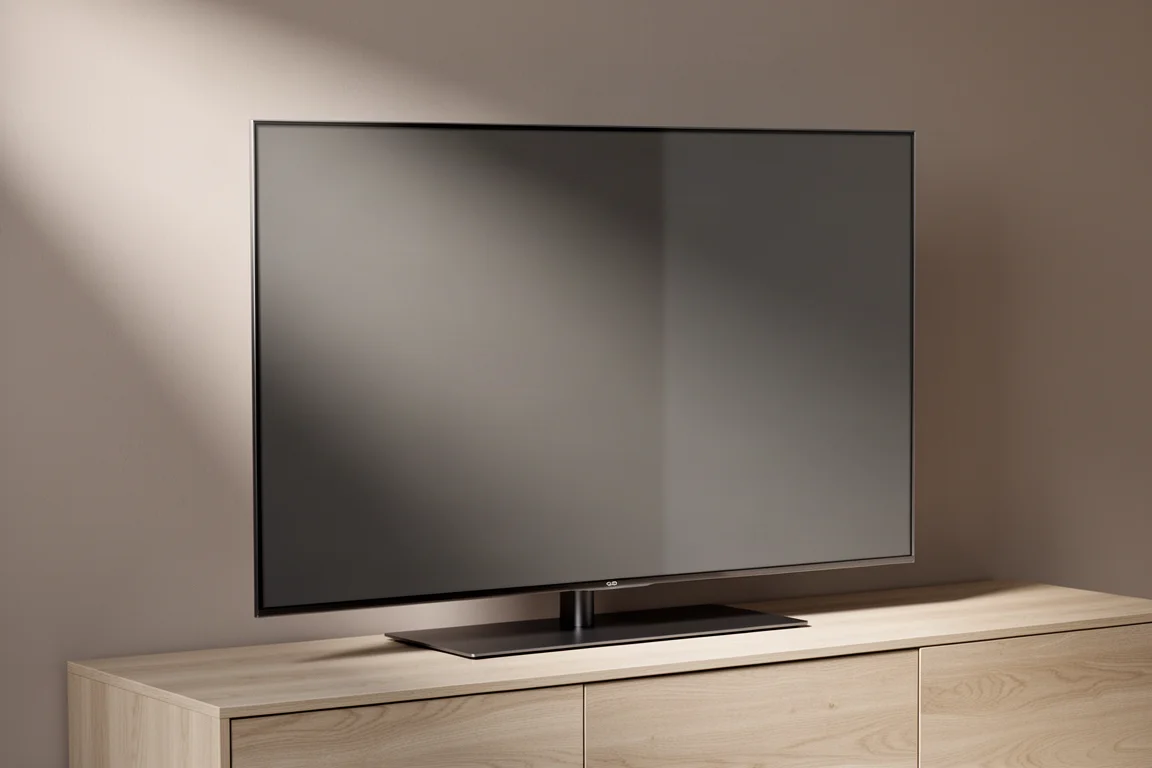
The 65-inch model weighs around 34 pounds, light enough that a single person can manage the install in a pinch, and the included stand supports a straightforward tabletop setup. Software updates and app downloads take a few minutes on first boot, after which Google TV setup is quick and painless.
This is a television for viewers who want a large 4K screen with modern gaming features and streaming built in, at a price below the premium tier. Gamers get variable refresh rate, auto low latency mode, AMD FreeSync Premium Pro, and a native 120Hz panel with limited support for higher rates such as 144Hz depending on the connected input. Streamers and casual viewers get a warm, flattering picture for series and films.
It also suits households where seating stays within a few meters of the screen, since the picture holds up across a three or four seat sofa. Buyers who plan to place the television in a room with a lot of windows should read the reflection section below before deciding.
Main Strengths: Picture Quality Out of the Box
Non-HDR series and older films look very good on the Q-Class. The mildly warm tone makes skin tones appealing, and wide landscape shots carry real richness. Both older HD content and newer 4K material look impressive for the price, even if they are not quite as naturally sharp or dimensional as the best panels on the market.
Contrast is above average. It does not reach OLED-level depth, but it is respectable for a set in this bracket. There is mild crush in the darkest shadows and in bright highlights, such as deep shadow detail in storm footage or the texture in puffy white clouds, though nothing that becomes distracting in normal viewing.
Dolby Vision content is arguably the strongest case for this television. Three profiles are available: Dolby Vision Dark, Dolby Vision Bright, and Dolby Vision IQ. IQ produces the brightest image and handles ambient light well without becoming blinding, but it is not adjustable, so viewers who dislike ultra-smooth motion may prefer to skip it. Dolby Vision Bright is slightly dimmer while offering more control over the final image.
Pre-calibration black and white crush is still present in Dolby Vision, but the red bias seen elsewhere is far less noticeable and at times absent entirely.
Main Strengths: Gaming, Motion, and Backlight Control
Gaming is one of the Q-Class’s biggest strengths. The gaming dashboard groups the relevant features in one place, and higher frame rate games in HDR ran without issues. VRR, ALLM, and AMD FreeSync Premium Pro are all present, backed by a native 120Hz refresh rate.
Motion is smooth even with motion smoothing aids disabled, in both standard HD and HDR content. That matters for viewers who want a clean image without the soap opera effect.
Backlight control is the other standout. Full array local dimming keeps blooming to an absolute minimum. Subtitles stacked on a stark black background showed no perceivable halo, which is impressive for this price class.
Things to Consider Before Buying
Out-of-the-box accuracy is the main compromise. Measured grayscale and color accuracy lands at a Delta E of nearly 7, where a Delta E of 3 or lower is the target. The two visible symptoms are a noticeable red bias and some loss of contrast in low light and highlights.
The default picture mode is a power saving profile, which is clearly not calibrated. With the exception of the Movie profile, none of the out-of-the-box modes are particularly accurate. Movie is more natural but distinctly warmer than the cooler tone of the other profiles, and it still carries a red bias that pushes skin tones and white objects toward magenta rather than true red.
Color behavior can also shift between built-in apps. Streaming the same content through the YouTube app produced more red than Netflix, and the color space occasionally appeared to change mid-content or when pausing to open a pop-up menu. The issue was intermittent, and playing the same content back through a third-party device did not reproduce it, which points to a software-level quirk rather than a panel limitation.
Adjusting contrast, black level, and gamma by eye never produced a perfect balance. One setting could be improved only at the expense of another. Screen uniformity and off-axis viewing are also limited: everyone on a three or four seat sofa gets a comparable experience, but beyond that the picture falls off noticeably.
Brightness deserves its own note. TCL claims a peak of 1,000 nits, which assumes maximum brightness and contrast settings and a small measurement window. Measured output came close but fell short at around 950 nits on such windows, and real-world brightness sits closer to 500 nits. That is enough for most rooms, but there are brighter sets at this price, including older TCL models.
Brightness and Screen Reflections
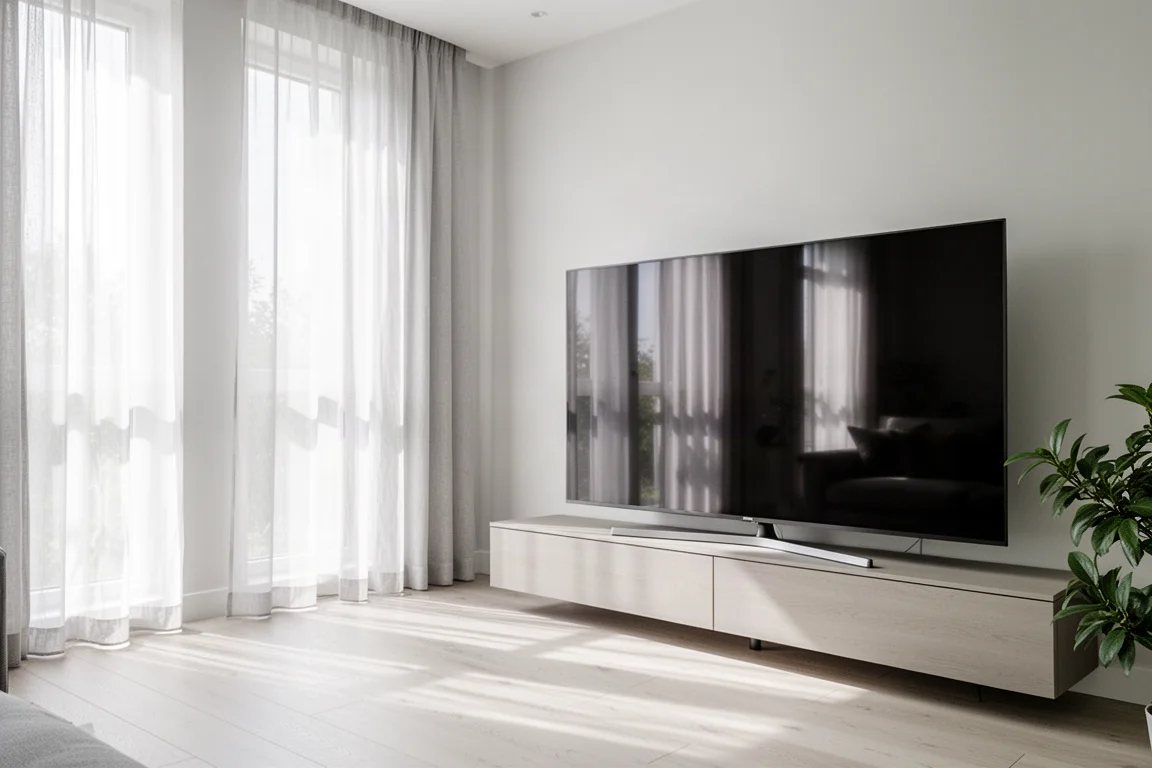
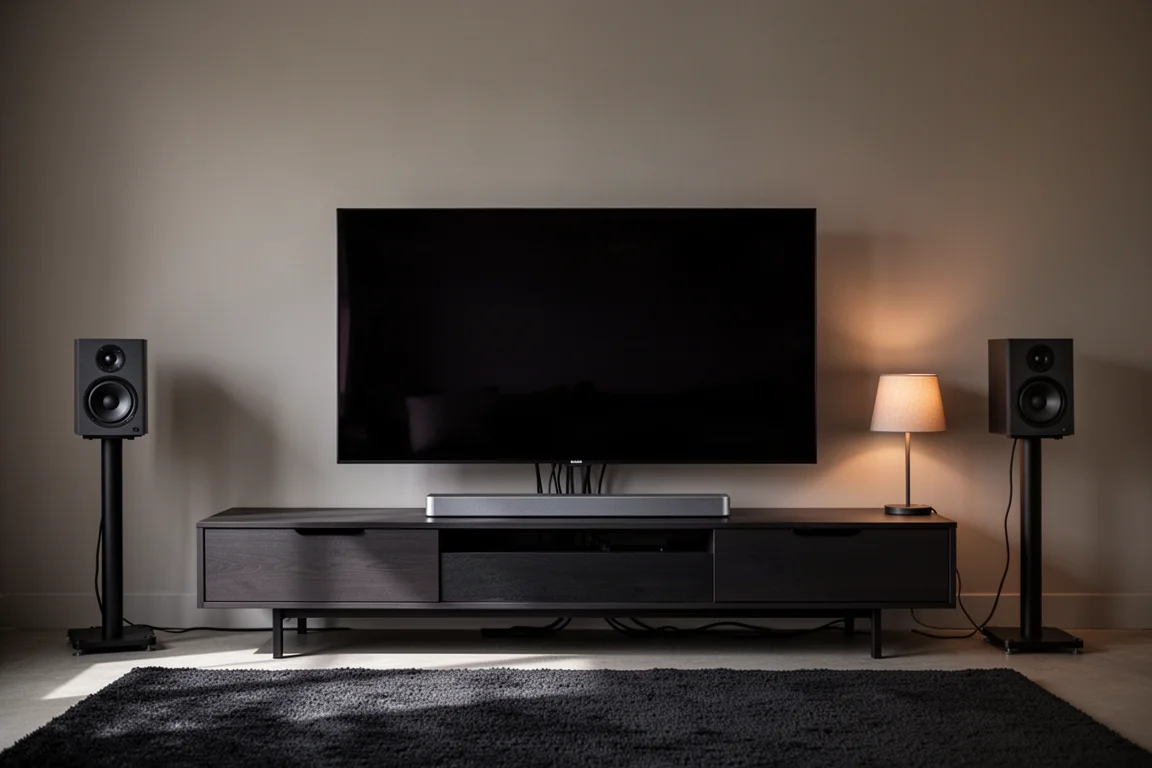
The panel has a highly reflective finish, and around 500 nits of real-world brightness may not be enough to overcome it in a brightly lit room. In a space with a lot of windows, daytime viewing becomes a struggle, and the room has to be adapted to the television rather than the other way around. Buyers who watch mostly during the day, or who cannot control glare, should weigh this carefully before committing.
Buying Advice
A full calibration of grayscale and color transforms this television. The same set that measured a Delta E of nearly 7 out of the box reached 1.4 after adjustment, with only mild low-light crush keeping it from scoring better. The catch is that the calibration settings were wiped more than once when the television was powered down, so write the values down if you go this route.
The economics are worth thinking through. Calibration tools and software can cost as much as $5,000 depending on where you live, and hiring a professional calibrator adds roughly $300 to $600, assuming one is available locally. On a television that sells below $1,000, that is a significant additional investment. Most buyers will use the set as it comes out of the box, which makes the red bias, the reflective screen, and the limited off-axis performance the details that actually shape day-to-day ownership.
If you want a large 4K QLED with strong gaming features, good Dolby Vision performance, and excellent backlight control for the money, the Q-Class is worth a look, provided your room lighting is manageable. If you need accurate color without a calibration, or you watch in a bright room with large windows, it is worth comparing what else your budget can reach.
Conclusion
The TCL Q-Class QLED is a compelling package on paper and a genuinely enjoyable television in the right room. Gaming, motion handling, and local dimming are clear strengths, and Dolby Vision content looks excellent. The compromises are out-of-the-box color accuracy, limited brightness headroom, and a reflective panel that demands some control over ambient light. Buyers who accept those terms get a lot of television for the price, while buyers who need accurate color from the first power-on should plan for a calibration or look elsewhere.
Product link
View more details for TCL Q-Class QLED TV
This product is mentioned in the review. Check the specifications, options, and compatibility before buying.
View more details for TCL Q-Class QLED TVFurther reading
Related Reviews
TVs
Best Sony XR TVs Compared: X90K, X95K, A80K, A90K, A90J, A95K and Z9K
A practical guide to Sony's XR television range, from the value-focused X90K to the 8K Mini LED Z9K, with clear advice on which model suits which room.
TVs
Hisense 100UR8SG Review: A 100-Inch RGB Mini-LED That Takes On OLED
A 100-inch RGB mini-LED television with measured peak brightness of 3,850 nits, wide color volume, and a price far below large-format OLED.
TVs
Hisense U9 vs Hisense U8 vs Samsung S90C OLED: Which TV Is Worth Buying?
A practical comparison of two Hisense RGB Mini-LED televisions and an OLED alternative, with real strengths, trade-offs and a clear buying recommendation.