TVs
Sony X95K Review: A Mini LED 4K TV That Gets Remarkably Close to OLED
The Sony X95K pairs full array mini LED backlighting with strong out-of-box color and brightness that rivals OLED contrast. Here is what to know before buying.
Introduction
The Sony X95K is the 2022 successor to the X95J, and the most meaningful change sits behind the panel. Sony moved to a full array mini LED backlight, which places far more, much smaller LEDs behind the screen and allows finer control over which parts of the picture are lit and which stay dark. The goal is contrast that reads much closer to OLED while keeping the brightness headroom LED televisions have always offered.
Sony also carries forward its cognitive processing, a form of AI-driven image enhancement that aims to make pictures look more natural rather than simply pushing global sharpness and contrast. This look at the 85-inch X95K puts it alongside the LG C2 OLED and the Samsung QN900B, two of the strongest reference displays of the same generation.
Who the Sony X95K Is For
The X95K makes the most sense for viewers who want deep blacks and strong dark-scene detail without giving up brightness, and who would rather not commit to a professional calibration appointment. In testing, its color rendering out of the box was better than both the LG C2 OLED and the Samsung QN900B, with skin tones and primary colors that simply looked more correct. Anyone who already lives inside Google’s ecosystem will feel at home immediately, since the X95K runs Google TV with the full Play Store library and Google Assistant built in.
It is also a sensible option for larger rooms. The 85-inch size gives it two inches over the LG C2’s 83-inch model, and the extra brightness helps in spaces where daylight is difficult to control.
Where the X95K is less compelling is for buyers who treat gaming features as a priority, since its feature set trails both rivals in that specific area.
Mini LED Backlighting and Contrast
Local dimming on the X95K is a clear step up from the X95J, which was noticeably prone to blooming. No LED television avoids blooming entirely, and a small amount is natural, but the X95K keeps it under control. The only case where the limits of its backlight control became obvious was a dark scene from a fantasy series in which a bright candle sat just above the black letterbox bars. The bars themselves stayed true black, and a soft halo appeared where the candle met them. Outside of that kind of extreme case, blooming was no better or worse than on an OLED.
The dirty screen effect, or DSE, was also handled well. Some graying and discoloration showed up in dedicated test patterns, but nothing outside what similarly priced and even more expensive televisions show. It is not edge-to-edge perfection, but it is not a reason for concern either.
HDR Brightness and Color Accuracy
The X95K is a native 4K panel with support for Dolby Vision, HDR10 and HLG, plus Dolby Atmos and eARC. After calibration, real-world full-screen brightness in standard dynamic range landed close to 500 nits, which is nearly twice what the LG C2 OLED manages. It still sits below the Samsung QN900B, the 8K mini LED flagship, for maximum brightness. The Vivid profile will happily exceed 1,000 nits of peak brightness in both SDR and HDR, but it does not look good doing it.
Out of the box, the picture profiles on the 85-inch sample were close to accurate but not perfect, so the claim of a calibrated set is a stretch. Vivid and Standard were the brightest and the least accurate. Cinema improved things to a margin of error of about 6.5, and Custom came closest at roughly 3.5. Anything below 3 is technically calibrated, so Custom is near enough for most people who do not plan to hire a professional.
With a meter and calibration software, the Custom profile’s grayscale and color can be dialed in to a Delta E of 0.1, which puts the X95K in a dead heat with the LG C2 OLED. At that point there is no measurable difference between the two in grayscale or color accuracy.
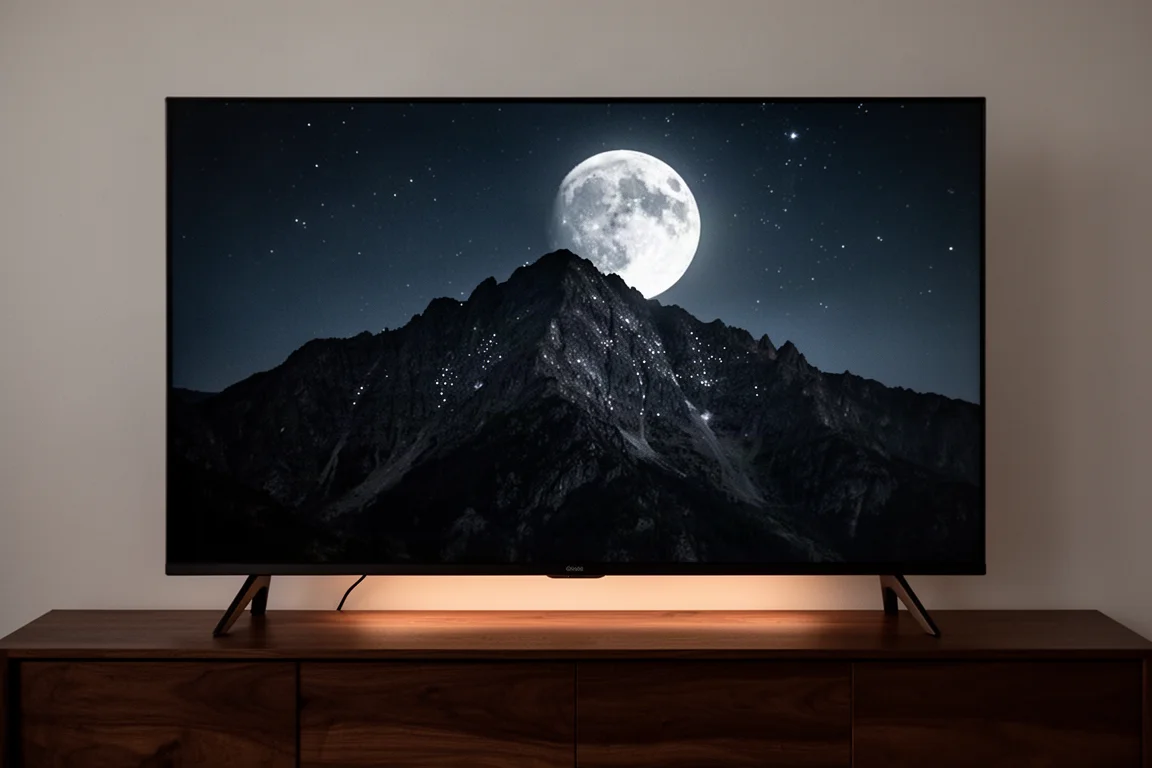
Brightness is also what gives the X95K the edge in dark HDR content. In one dramatic series, certain fabrics and textures were subdued or lost on the C2 because of its lower light output near absolute black, while the X95K revealed patterns and designs that were barely visible on the OLED. Crucially, that added detail did not come at the cost of absolute black, at least not to the naked eye.
Motion, Sports, and Gaming
Motion performance was excellent even with all motion aids switched off. Sony’s intelligent motion processing is better than most, and its lowest setting is one of the few interpolation modes that can be left on without producing the soap opera effect. Fast-paced sports looked strong, particularly in 4K HDR, where motion stayed smooth and artifact free. Broadcast sports are often limited by the source signal rather than the television, so this is a case where the panel is doing its part.
For gaming, the X95K supports 4K at 120Hz along with VRR and ALLM, but only HDMI ports 3 and 4 carry the full HDMI 2.1 specification. For a casual gamer, the set felt as smooth and responsive as the LG C2 OLED and the Samsung QN900B. When the full gaming feature set is compared, though, the Sony finishes a distant third.
Google TV, Sound, and Connectivity
The operating system is Google TV, which means the Play Store and its catalogue of downloadable apps, plus Google Assistant support. It felt snappier than the outgoing model, though a newer set has not yet absorbed a year of updates. If Google is not your ecosystem, a third-party streamer can be plugged into one of the four HDMI inputs. There are benefits to staying native: Bravia Core, Sony’s higher-end streaming service, and Netflix calibrated picture mode are only available through the built-in apps rather than through external devices.
The internal speakers are not bad, and the X95K can serve as the center channel when paired with Sony sound bars or compatible speakers, though that requires a headphone-style cable connection. The television does not automatically play nicely with every third-party bar. The Samsung Q990B needed tinkering and a restart of both devices before Dolby Atmos playback worked properly. It is all achievable, but it is not automatic.
Four HDMI inputs, eARC and Dolby Atmos support cover the usual mix of consoles, streamers and sound systems, and the connection panel keeps everything reachable for routine swaps.
Things to Consider Before Buying
The out-of-box accuracy claim deserves scrutiny. On the 85-inch sample, no picture profile was fully accurate, and reaching reference-level results means calibration.
Only two of the four HDMI inputs offer the full HDMI 2.1 feature set, which matters if several high-frame-rate devices are part of the plan.
Gaming features trail the competition, so buyers who prioritize that side of the hobby should weigh it carefully.
Brightness is strong, but the Samsung QN900B is brighter still, and the Vivid profile’s headline peak numbers come with accuracy trade-offs.
Finally, third-party sound bar pairing can require patience.
Buying Advice
Against the outgoing X95J, little has changed beyond the move to mini LED backlighting. The X95K is the better television, and it is a worthwhile upgrade, but anyone who bought an X95J recently should not feel pressure to replace it. The X95J is also frequently discounted, which makes it a reasonable value for shoppers who want most of the experience for less.
Against the LG C2 OLED, the two end up in a dead heat after calibration. Without calibration, the Sony is the better choice, and the 85-inch size beats the LG’s 83-inch model, though two inches is rarely a deal breaker, especially for a wall-mounted set.
Against the Samsung QN900B, the Sony gives up brightness and 8K resolution. The Samsung is roughly twice as bright as the Sony, which is itself roughly twice as bright as the LG C2, and there is such a thing as too bright. The 8K upscaling is impressive but not night-and-day better than the 4K image from the Sony or LG panels. The QN900B was also evaluated at 75 inches while the X95K was tested at 85, so a larger Samsung could change the calculus.
Against last year’s Sony A90J Master Series OLED, the choice is genuinely difficult. The cognitive processor gives Sony’s OLEDs an edge over LG OLEDs in everyday viewing, but between the A90J and the X95K, test patterns show no real measurable difference. The X95K’s brightness headroom is the stronger argument, since it is better to have light to turn down than to lack enough for difficult scenes.
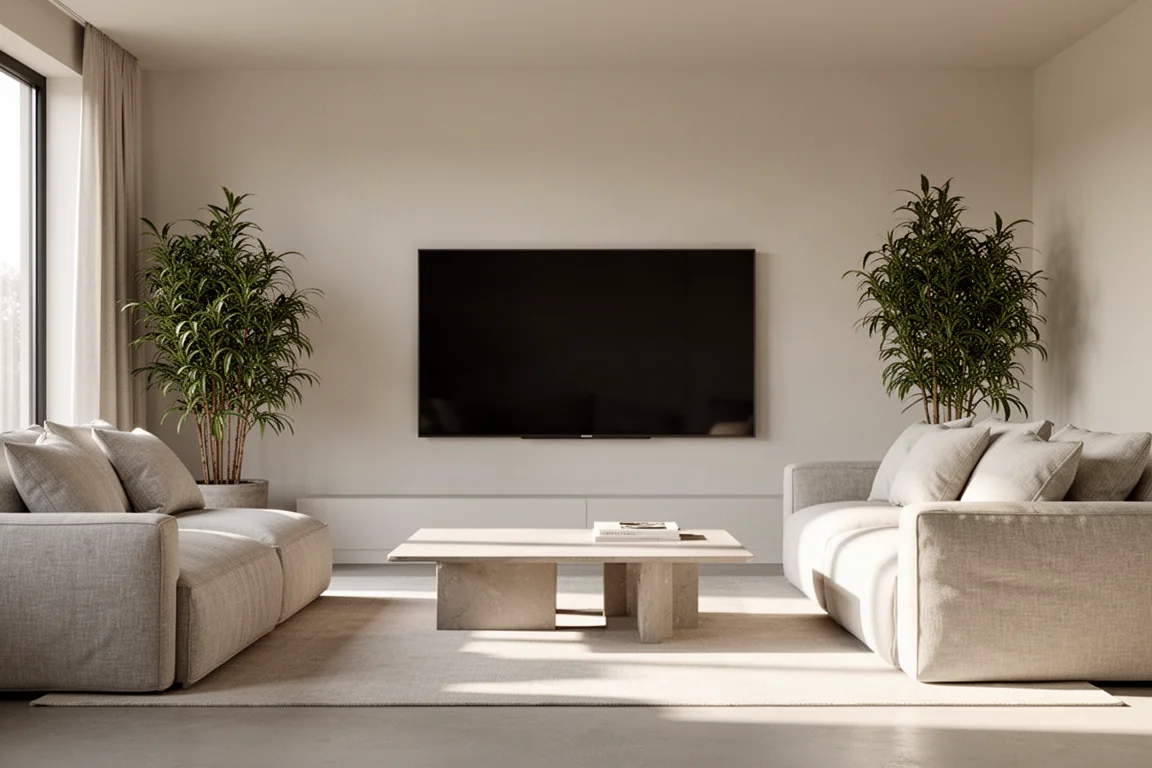
Whichever way the comparison lands, the practical advice is simple: match the television to the room, the budget and the features that will actually get used, and the X95K holds up well against that test.
Conclusion
The Sony X95K proves that OLED is not automatically the best answer. On a calibrated basis it matches the LG C2 OLED for grayscale and color accuracy, and its extra brightness and improved local dimming deliver detail in dark scenes that the OLED can lose. Out of the box, it is the easiest of the three to live with. The trade-offs are real but specific: calibration for reference accuracy, a limited HDMI 2.1 input count, and a gaming feature set that lags behind. For most viewers, the X95K is a confident pick.
Product link
View more details for Sony X95K
This product is mentioned in the review. Check the specifications, options, and compatibility before buying.
View more details for Sony X95KFurther reading
Related Reviews
TVs
Best Sony XR TVs Compared: X90K, X95K, A80K, A90K, A90J, A95K and Z9K
A practical guide to Sony's XR television range, from the value-focused X90K to the 8K Mini LED Z9K, with clear advice on which model suits which room.
TVs
Hisense 100UR8SG Review: A 100-Inch RGB Mini-LED That Takes On OLED
A 100-inch RGB mini-LED television with measured peak brightness of 3,850 nits, wide color volume, and a price far below large-format OLED.
TVs
Hisense U9 vs Hisense U8 vs Samsung S90C OLED: Which TV Is Worth Buying?
A practical comparison of two Hisense RGB Mini-LED televisions and an OLED alternative, with real strengths, trade-offs and a clear buying recommendation.