Soundbars
Sony Bravia Theater Bar 9 Review: Big Movie Punch From a Single Bar
Sony's flagship soundbar delivers broad, punchy movie sound and an easy single-bar setup, but there are real trade-offs to weigh before buying.
Introduction
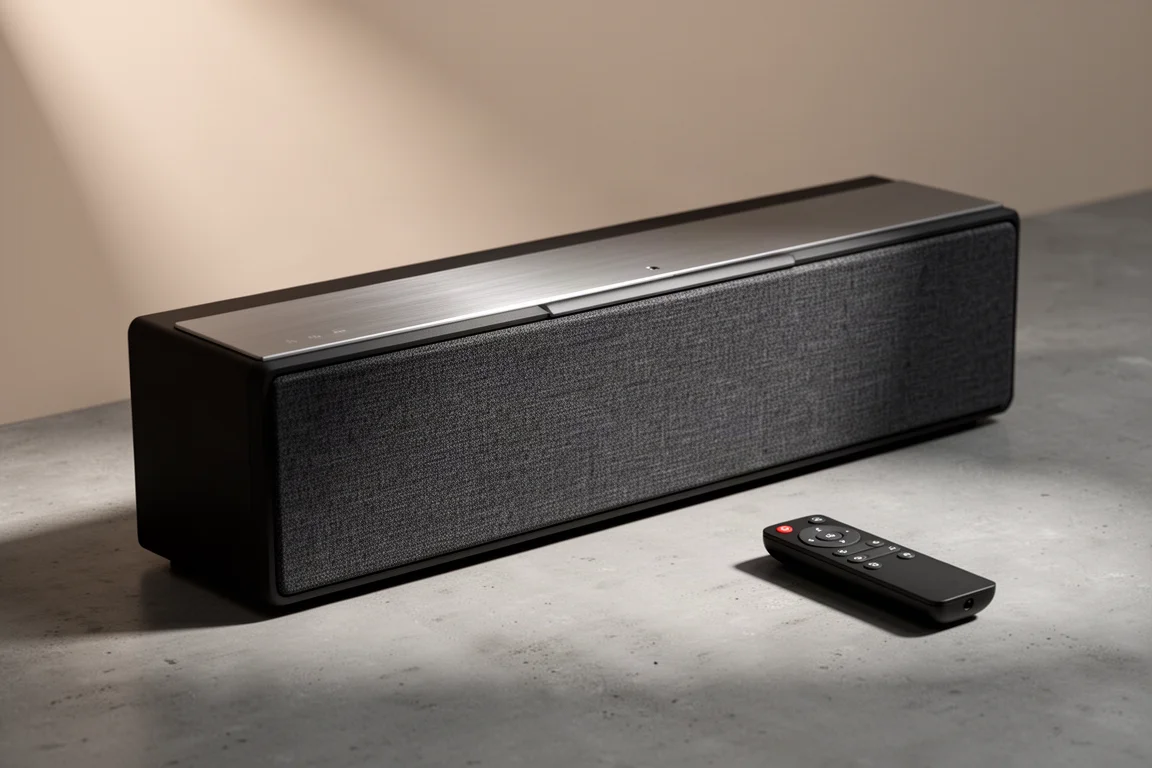
The Sony Bravia Theater Bar 9 is Sony’s flagship soundbar, and it is built to do a lot of work on its own. Sony has packed 13 drivers into the cabinet, aimed forward, to the sides, and upward, and the bar decodes both Dolby Atmos and DTS content. Sony’s 360 Spatial Sound Mapping processing is the engine behind its surround-like presentation.
Amplification is built in, so there is no need for an AV receiver or a separate amplifier. One HDMI cable to a compatible TV plus a short app-based setup is all it takes to get started. The design is also expandable: Sony’s SW3 and SW5 subwoofers and its wireless surround speakers, the smaller RS3S or the larger RS5, can be added later. Both the subwoofer and the surrounds are optional and sold separately.
Sony states the Bar 9 is not a reskin of its 2021 soundbar, the HT-A7000, but an all-new design from the bottom up.
Who This Soundbar Is For
The Bar 9 is aimed at listeners who want a serious step up from TV speakers without building a component system. If you would rather not buy an AV receiver, run calibration software, or manage a rack of separates, this is a single box that handles the job.
Console players get much of the connectivity they need. Beyond the HDMI eARC input that carries Dolby Atmos, Dolby Vision, and HDR10 from a modern TV, there is a second HDMI 2.1 compatible input that supports signals up to 8K60 and 4K120. The bar also supports VRR and ALLM, and PS5 owners get additional features such as Auto HDR and genre picture modes.
The upgrade path is another part of the appeal. You can start with the bar alone, add a subwoofer when budget allows, and bring in surround speakers later. That said, the bar is a weaker fit for listeners who put music first, and it will not suit anyone who needs analog sources such as a CD player or a turntable, because there are no additional digital or analog audio inputs.
Main Strengths
On its own the Bar 9 produces a broad, bold sound with a decent amount of scale and punch. Its lower mid-range and upper bass response are the standout areas. It is not a full-range bar, and it does not pretend to be, but it comfortably outperforms the built-in speakers of a modern TV when playing Dolby Atmos films or multi-channel content.
Sony’s 360 Spatial Sound Mapping does a good job of turning the front of the room into a broader wall of sound, with some surround-like effects emerging from the side and upward-firing drivers. It is the default setting, and it delivers the most engaging presentation of the three decoding options. DTS is the more neutral choice, with a balance that leans slightly bass-heavy before tapering into a mostly linear mid-range and rolling off through the highs, and it tends to sound clearer the longer it plays.
A height setting lets you raise or lower the perceived center image, which can help separate dialogue from the physical cabinet and place it closer to the actors on screen.
Connectivity is generous for a soundbar. Wi-Fi, Bluetooth, AirPlay 2, and Spotify Connect are all on board, and the bar can be integrated into a smart home through Google Assistant or Alexa.
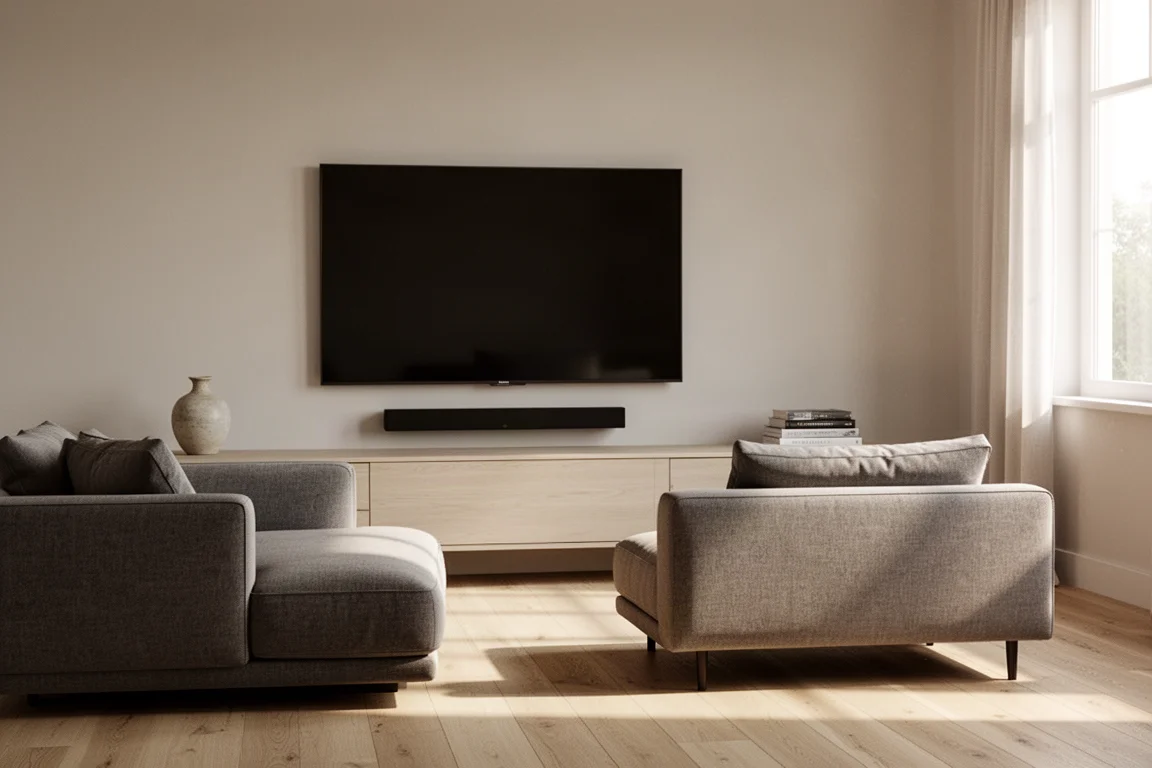
Setup is straightforward. The bar can sit on a console below the TV or be wall-mounted using the hardware Sony includes in the box, and auto calibration tunes it to the room’s acoustics.
Setup and App Experience
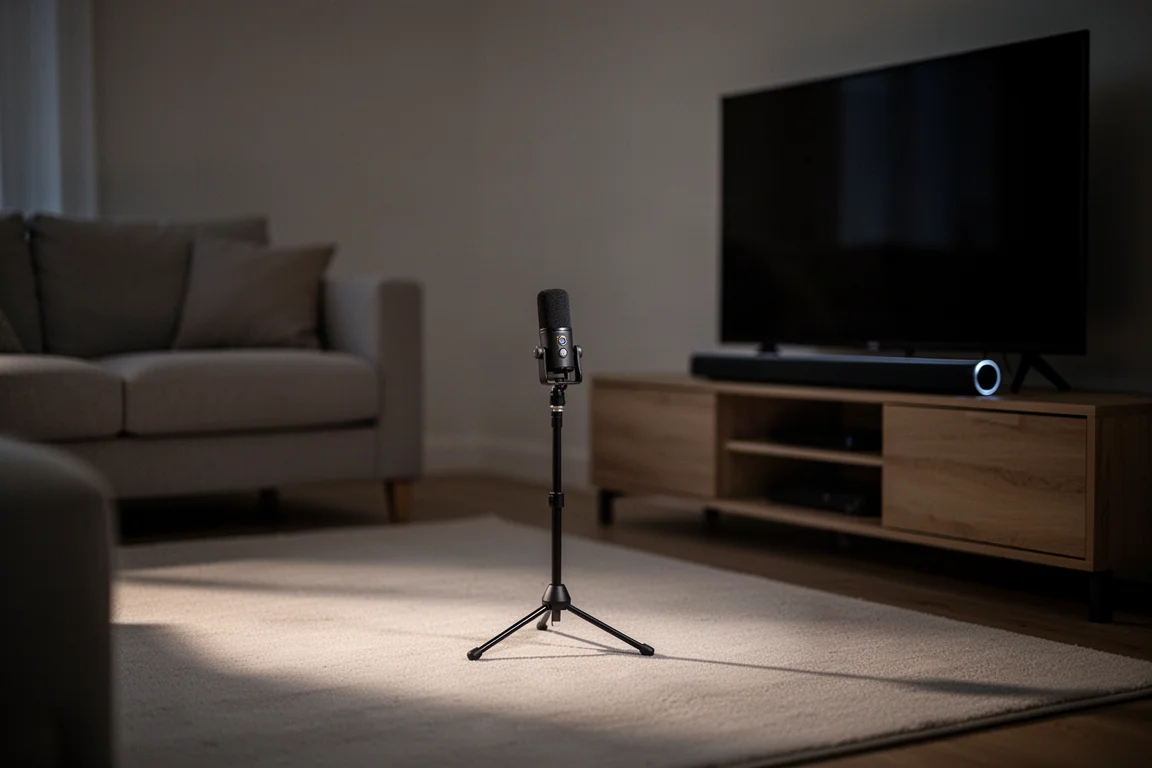
Initial setup runs through the Bravia Connect mobile app, which also gets the bar onto your home network. During setup you are prompted to run Sony’s auto calibration, which tunes the bar to the room, followed by a short 360 sound demo that confirms the process worked.
If you add a subwoofer or surround speakers later, the setup and auto calibration process has to be repeated each time a new product joins the system. Building the complete system from the start is simpler, because the app can configure the bar, subwoofer, and surrounds together.
Center Sync is available on compatible Sony TVs and uses the television’s built-in speakers alongside the bar. It works, but the tonal difference between the TV speakers and the bar makes the result more distracting than enhancing, so it is worth leaving off even when the option is available.
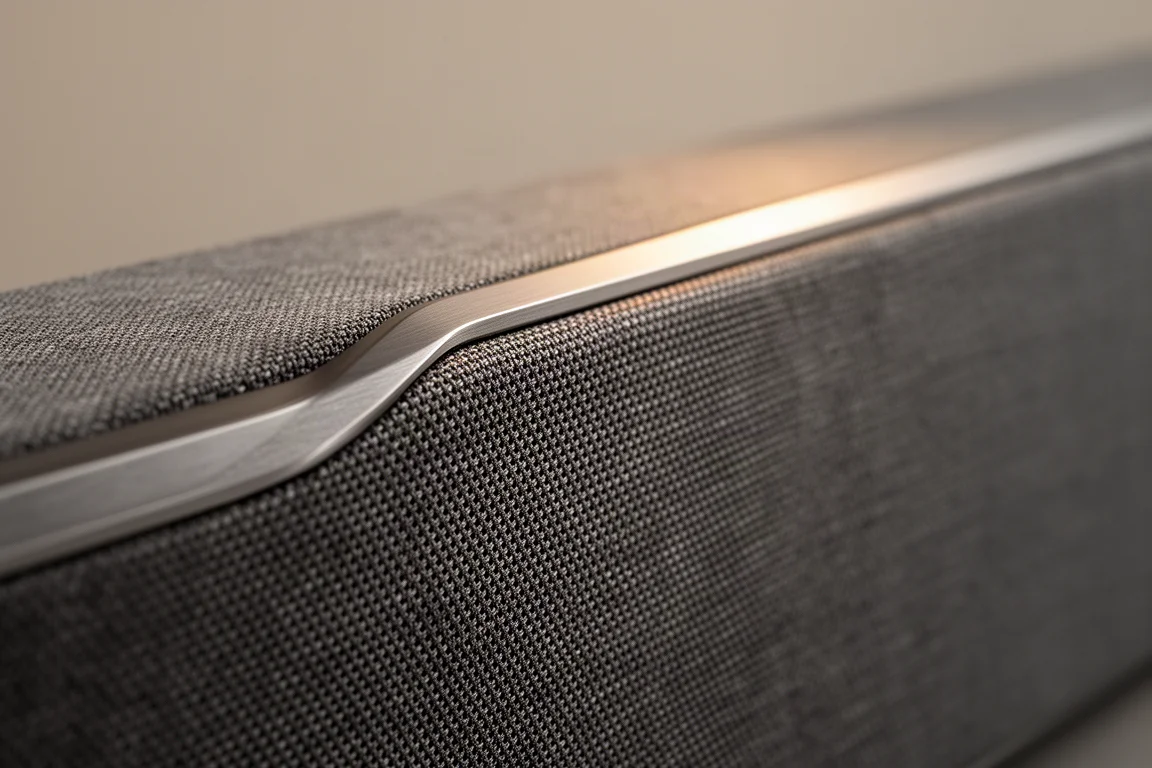
The app is effectively required for most adjustments, and the included remote is basic. The app can be slow to connect and, on occasion, failed to find the bar at all, which forced a restart and reinstall of the system. Volume and source selection are indicated by small light-based indicators that do not communicate much information; a compact display, like the one used on Sony’s Bravia Theater Quad, would have been a better choice.
Adding a Subwoofer and Surrounds
Adding Sony’s SW5 subwoofer brings a welcome sense of weight to the mid-range, particularly for dialogue, and increases the bar’s overall scale. It extends bass down into the mid-30 Hz region, which is what big action scenes need to land properly. If you have a larger room or specific bass concerns, the subwoofer is the upgrade to prioritize. Note that the bar only works with Sony subwoofers, and only one subwoofer can be connected.
The surrounds complete the picture. With the RS5 surrounds and the SW5 subwoofer in place, elements of a mix can travel front to back, side to side, and top to bottom with fewer gaps.
Adding the surrounds does change the overall tone. Dialogue placement and timbre shift noticeably, and dialogue had an easier time breaking free of the bar and lining up with the actors on screen, though some dialogue stems sounded less focused and less intelligible with the surrounds connected. Effects that move from the front of the room to the back change character as they travel, and the surrounds are easy to locate sonically in their default setting because the bar leans on them heavily.
Gaming is worth flagging. With the surrounds connected, locating enemies in a surround-heavy title on PS5 was difficult, with much of the mix appearing to come from behind the listening position. Without the surrounds, locating enemies was just as hard, and some effects such as gunfire sounded distorted and unnatural. The bar’s gaming features themselves, including VRR, ALLM, and the auto genre picture modes, worked without issue.
Things to Consider Before Buying
The Bar 9’s standalone performance has limits. It does not match the solo performance of similarly priced bars when it comes to convincing you that speakers are placed all around the room. Surround elements approach the listening position, but they do not fully envelop it.
The sound enhancement features need care. Individually they can clean up poor signals, enhance dialogue, or reduce dynamic range so volume shifts are less jarring at low listening levels. Stacking them, or combining several at once, can introduce distortion during some content and at loud volumes.
The 360 setting is dynamic and exciting, but it has peaks and valleys that boost bass and some treble frequencies, which can bury subtle details in a mix and, in extreme cases, worsen dialogue intelligibility. The Dolby setting is the weakest of the three and is best skipped. DTS is the most neutral option.
Music playback is not a strength. Apart from a handful of Atmos-encoded tracks, the bar is clearly voiced for movies rather than music.
There is no support for analog or additional digital audio inputs, so sources such as a CD player or turntable cannot be connected directly.
The physical space around the two HDMI ports is cramped, and not every third-party HDMI cable will fit, let alone two at once. It is worth planning the cable run before installation.
Finally, expansion is limited to Sony’s own ecosystem: Sony subwoofers and Sony wireless surrounds.
How It Compares
The Bravia Theater Bar 9 retails for just under $1,400 for the bar alone, with the subwoofer and surrounds sold separately, and that price puts it in direct competition with complete systems. Samsung’s Q990D retails for $1,700 and includes a subwoofer and surrounds in the box, and it is proving to be the more coherent and complete solution across a wider range of content. A Sonos package built around the Arc and the Sub Gen 3 costs roughly what the Bar 9 costs on its own and sounds larger, more refined, and more immersive, with much stronger music performance, though the Arc gives up some additional inputs and gaming functionality. Sony’s own Bravia Theater Quad is the stronger performer overall, and a Quad paired with one of Sony’s wireless subwoofers is only marginally more expensive than a complete Bar 9 system with surrounds and subwoofer.
For the Bar 9, the practical takeaway is that its case rests on convenience and ecosystem fit rather than outright performance per dollar. Buyers who want a Sony soundbar to pair with a Sony television, and who value the simplicity that brings, will find the reasoning holds up. Buyers shopping purely on sound quality and completeness for the money should audition the alternatives before deciding, because the gap is audible rather than marginal.
Buying Advice
The Bar 9 makes the most sense for a specific kind of buyer. If you want a single-bar solution with easy setup, you own a Sony TV and value the way the bar integrates with it, you play on PS5 and want the HDMI 2.1 features, and you watch mostly films, this is a reasonable purchase, particularly if you plan to add the SW5 subwoofer for full-scale action sound.
If music is a priority, if you need analog inputs, or if you want the most convincing surround illusion from a single bar, it is worth looking at the alternatives before committing. Buyers who want a complete surround system for roughly the same total spend also have stronger options.
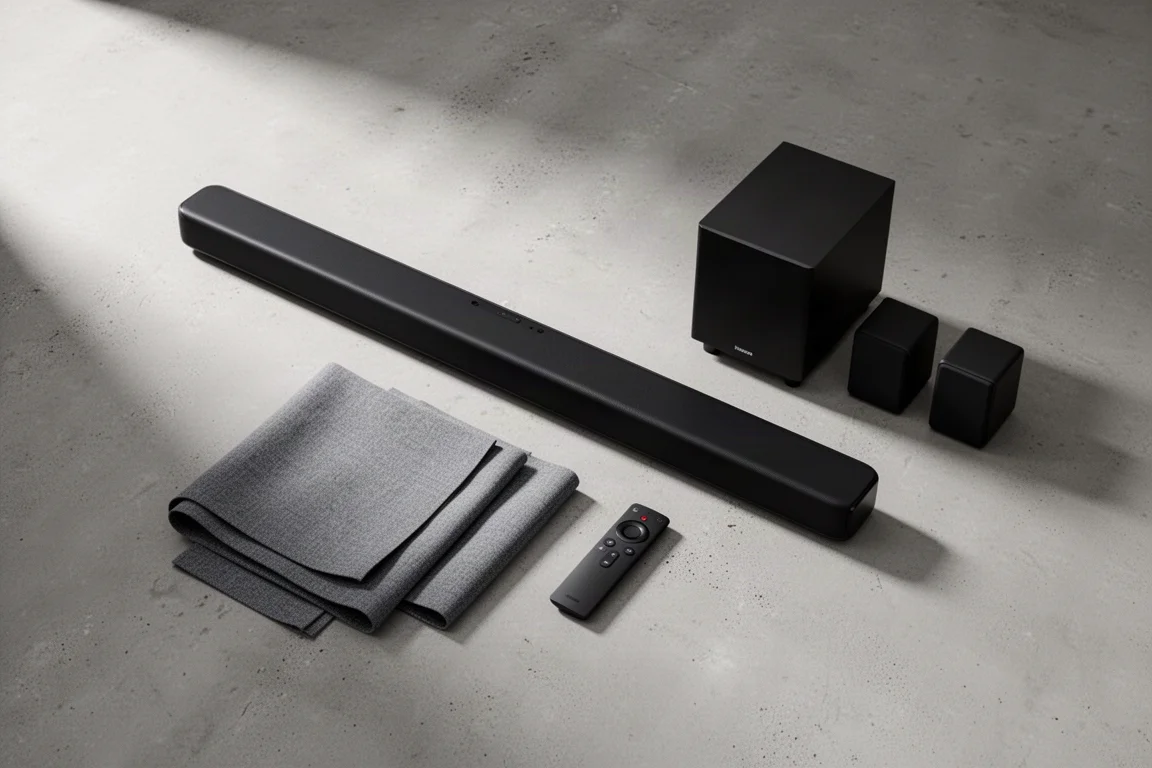
A few practical notes. Try both the 360 and DTS profiles rather than leaving the default in place, since the two sound noticeably different. Avoid enabling every sound enhancement at once. Plan for tight HDMI clearance around the rear connections. And budget for the subwoofer if big action scenes matter to you, because the bar alone does not deliver full-range weight.
Conclusion
The Sony Bravia Theater Bar 9 is a capable flagship soundbar with a genuinely easy setup, strong movie punch, and a useful expansion path. It is also a bar with clear limits: it is not the most convincing standalone surround performer at its price, music is not its strength, and its inputs are restricted. Buyers who want a simple, Sony-friendly single-bar solution and plan to add the subwoofer will get the most from it. Buyers who want the best possible home theater experience for the money should compare carefully before deciding.
Product link
View more details for Sony Bravia Theater Bar 9
This product is mentioned in the review. Check the specifications, options, and compatibility before buying.
View more details for Sony Bravia Theater Bar 9Further reading
Related Reviews
Soundbars
Bang & Olufsen Premiere Review: A Compact Soundbar Built to Last
A close look at the Bang & Olufsen Premiere, a compact soundbar with deep bass for its size, automatic sound profiles, and a clear modular upgrade path.
Soundbars
Best Dolby Atmos Soundbars: Six Picks for Movies, Music, and Small Rooms
A practical roundup of six Dolby Atmos soundbars, from compact dialogue-focused bars to expandable systems and an all-in-one flagship.
Soundbars
Bluesound Pulse Cinema Review: A Music-First Soundbar With a Software Catch
A close look at the Bluesound Pulse Cinema, a 3.2.2 soundbar with a genuinely expressive midrange and natural tone, plus the app and expansion limits worth knowing before you buy.