TVs
Sony Bravia 9 Review: A Flagship Mini LED That Balances Brightness and Accuracy
A close look at the Sony Bravia 9, covering out-of-the-box picture accuracy, sustained brightness, local dimming, gaming features, and the trade-offs to weigh before buying.
Introduction
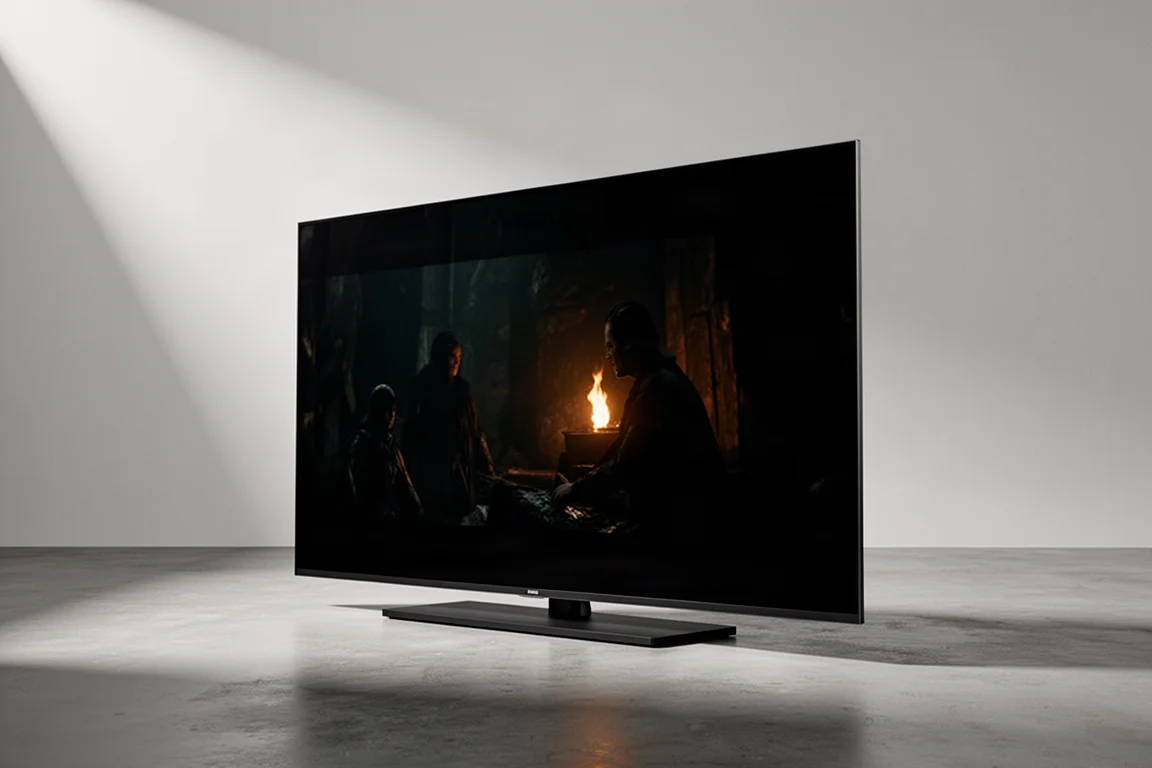
The Sony Bravia 9 is Sony’s flagship mini LED television, and it sets out to deliver something that has traditionally been difficult to achieve: OLED-like blacks alongside the sustained brightness an LED backlight can produce. It is available in 65, 75, and 85 inch sizes, and the 85 inch version is light enough to mount on a wall without much struggle. Once powered up, two things become obvious immediately. The panel is noticeably brighter than the 98 inch Sony X90L it was compared against, and the Google TV interface feels quicker to navigate. From there, the story is mostly about accuracy, backlight control, and how well the set handles imperfect sources.
Who This TV Is For
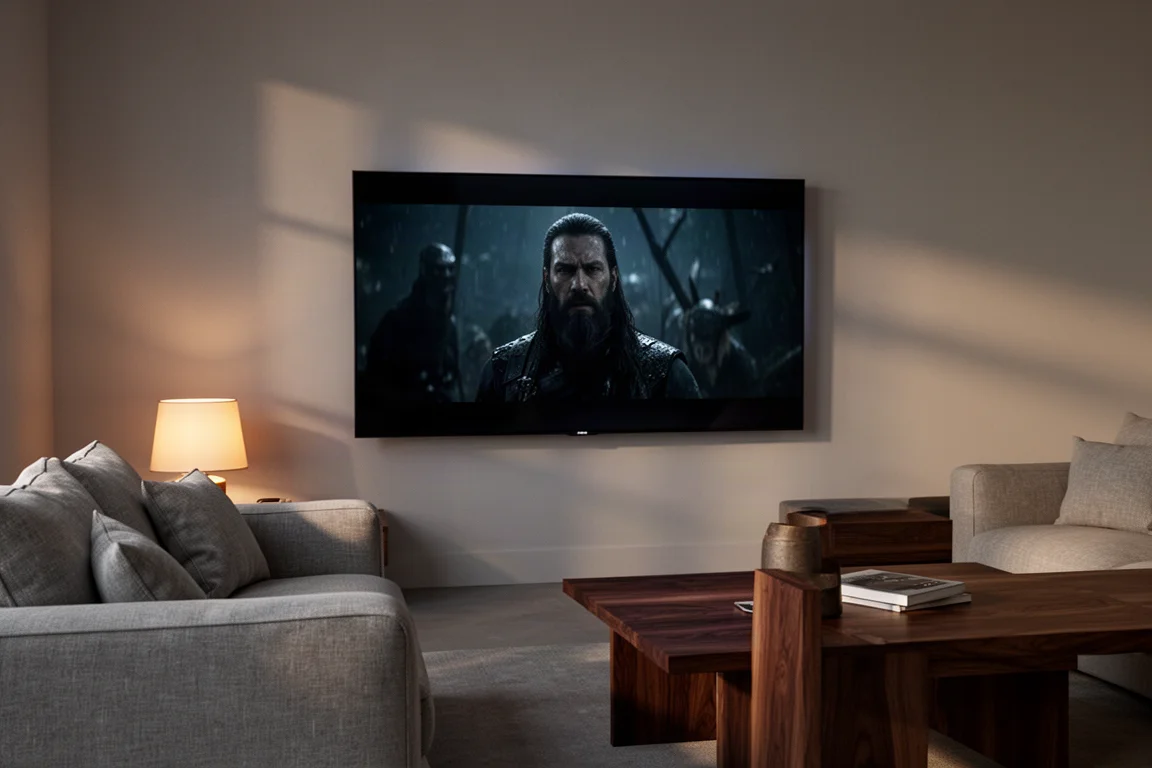
The Bravia 9 makes the most sense for viewers who want a picture that is close to reference quality without paying for professional calibration. Its Cinema and Professional picture profiles measure well straight out of the box, which means the set can be unboxed, mounted, and enjoyed without a technician visit. It also suits households with mixed viewing habits. Movies, streaming series, and live sports all benefit from the same combination of high brightness and careful processing, and the set does not force a choice between a bright room and an accurate image.
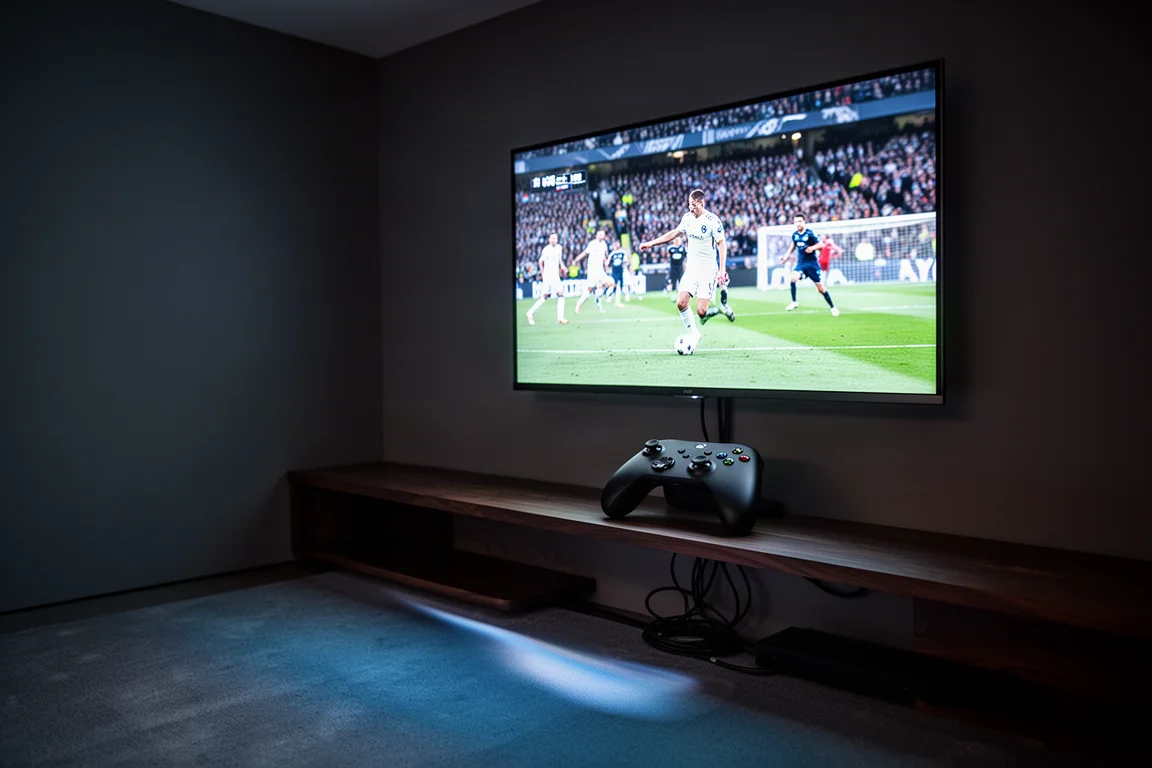
Gamers are well covered too. The Bravia 9 supports 4K at up to 120Hz with variable refresh rate and HDR enabled, and PlayStation 5 owners get an extra convenience because the television automatically applies its best picture settings for the console rather than requiring manual setup. Anyone who wants the largest possible screen, however, should read the sizing notes further down before committing.
Main Strengths
Sony’s approach to backlighting has attracted criticism in the past, particularly around blooming. The Bravia 9 is a clear response to that, and the improvements show up across accuracy, brightness, and motion rather than in a single headline number.
Out-of-the-Box Picture Accuracy
Out of the box, the set launches in its Standard picture profile, which is bright and usable but not especially accurate. Grayscale measured a Delta E close to 9, with color a little over 7, against a target of 3 or less for a genuinely accurate result. The Bravia Cinema profile is a significant step up, measuring around a Delta E of 3 for both grayscale and color while keeping most of the panel’s brightness, which is unusual because cinema modes typically sacrifice light output first. It is not flawless. Reds are slightly oversaturated, which tints the white point a touch yellow, and blues are a little boosted.
The Professional profile goes further and measures better than Cinema, with both grayscale and color coming in under a Delta E of 3. A full calibration using Professional as the starting point brought both figures to less than 1, which places the Bravia 9 among the most accurate displays measured this year. Sony’s processing naturally crushes blacks while lifting luminosity, and that is what gives the set its deep, inky contrast and colors that pop without looking artificial.
The practical takeaway is simple. Switch to the Professional profile, turn off the test patterns, and start watching. The gap between that result and a professionally calibrated image is small enough that it will not be noticeable in normal viewing.
Brightness, Contrast, and Local Dimming
Brightness is the headline improvement. With real-time local dimming and the peak brightness setting on low or medium, the Bravia 9 holds above 1,000 nits of real-world brightness in any picture profile. Switch those settings to high and the panel sustains more than 2,000 nits, with peaks hovering just under 3,000 nits in both SDR and HDR. Brighter displays exist, but few balance that level of light output with this degree of image accuracy.
Backlight control is equally strong. Blooming is virtually absent, and subtitles show no visible halos or streaks even when placed over a dimly lit scene. Dirty screen effect is also effectively absent on gray and solid color test patterns, and edge light uniformity is among the best seen from an LED display. Off-axis performance holds up to almost 180 degrees, so the picture remains consistent for viewers seated well to the side.
Processing, Motion, and Gaming
Processing is where the set earns its keep with everyday material. Streaming content looks sharper and more accurate than expected, to the point where well-encoded streaming can be mistaken for physical media. Lower-quality sources benefit too. 720p news and sports broadcasts look far better than their resolution suggests, and while standard definition and 1080p signals are not transformed into native 4K, they are elevated enough that the source matters less.
Motion handling is excellent, particularly for sports. Field action tracks smoothly and accurately with minimal artifacts and smearing, and the detail on player jerseys and the specular highlights on helmets stand out. Gaming is equally straightforward. The gaming dashboard is minimal and responds quickly to remote adjustments, and 4K play at up to 120Hz with VRR and HDR enabled held up without issues.
The Google TV interface is snappy and includes built-in streaming services. Internal speakers are a genuine improvement over the 98 inch X90L, but a soundbar or a dedicated system such as the Sony Bravia Theater Quad remains the better route for anyone who cares about audio. When paired with the Theater Quad, S-Center Sync sounded good and offered a modest gain in dialogue intelligibility, though the Quad’s phantom center performance is already strong enough that S-Center Sync is not essential.
Things to Consider Before Buying
Two of the four HDMI inputs are HDMI 2.1 and the other two are HDMI 2.0. A single next-generation console is fine, but households with more than one 2.1 device will need to plan around that split.
Screen reflectivity is another consideration. In a light-controlled room it is rarely an issue, but in a room with windows, reflections can become noticeable when sitting far off to the side. It is not a deal breaker, but it is worth positioning the set with that in mind.
Size is the biggest limitation. Despite being the flagship, the Bravia 9 is only available in 65, 75, and 85 inch sizes. There is no 98 inch option, which is a real constraint for anyone building a large-format home theater around this level of picture quality.
Buying Advice
For most buyers, the Bravia 9 is an easy recommendation. It delivers reference-level accuracy out of the box, sustained brightness that holds up in a bright room, and backlight control that avoids the blooming problems associated with earlier Sony LED sets. For anyone upgrading from a solid mid-range model such as the Sony X90L, the difference in brightness, contrast, and light uniformity is immediately visible.
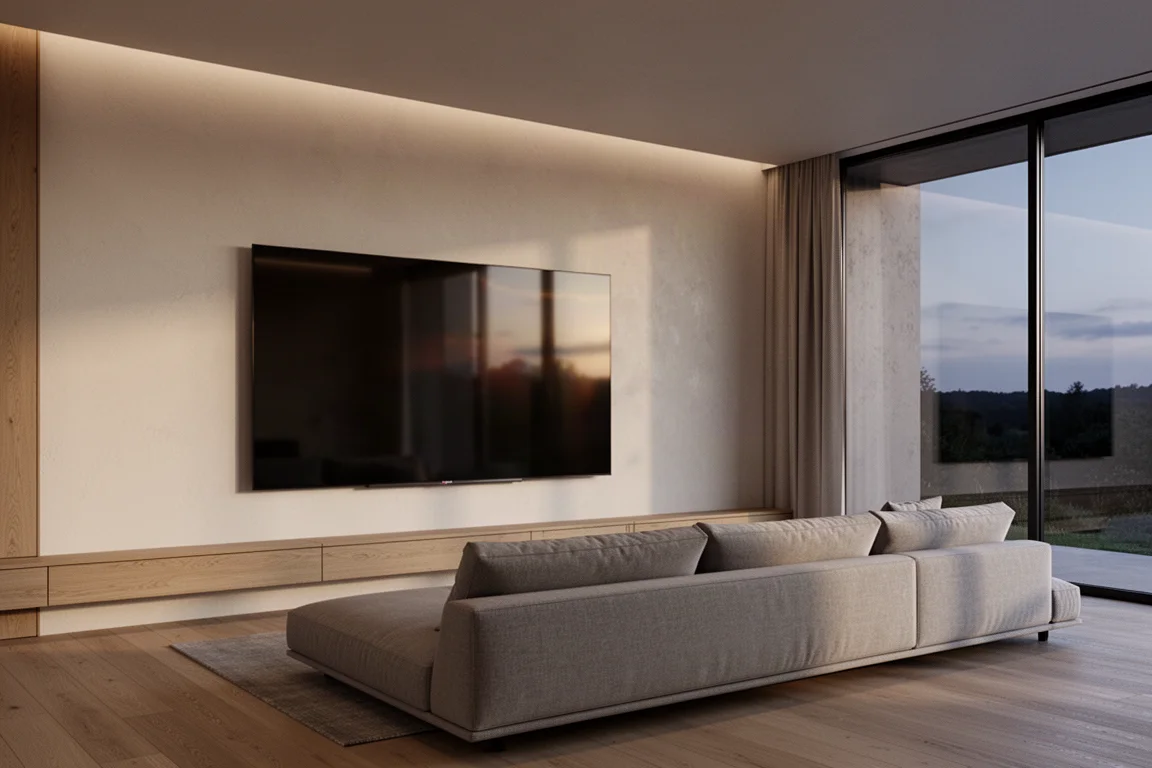
The main alternative worth weighing is screen size. A 98 inch TCL QM8 mini LED was recently reduced to roughly the same price as this television, and that model is available in sizes up to 115 inches. It is the brighter of the two, but the Sony is the more accurate and better balanced display. Buyers who prioritize image quality should lean toward the Bravia 9. Buyers who want the biggest possible screen for the money should compare sizes carefully before deciding.
Conclusion
The Sony Bravia 9 is the strongest LED television Sony has produced, and its combination of accuracy, brightness, and backlight control puts it ahead of the OLED models it competes with on overall balance rather than on black levels alone. The Professional picture profile is accurate enough that calibration is optional, the panel handles sports and games with confidence, and the only meaningful compromises are the HDMI 2.1 split and the absence of a 98 inch option. If those two points are acceptable, this is a flagship that justifies its position.
Product link
View more details for Sony Bravia 9
This product is mentioned in the review. Check the specifications, options, and compatibility before buying.
View more details for Sony Bravia 9Further reading
Related Reviews
TVs
Best Sony XR TVs Compared: X90K, X95K, A80K, A90K, A90J, A95K and Z9K
A practical guide to Sony's XR television range, from the value-focused X90K to the 8K Mini LED Z9K, with clear advice on which model suits which room.
TVs
Hisense 100UR8SG Review: A 100-Inch RGB Mini-LED That Takes On OLED
A 100-inch RGB mini-LED television with measured peak brightness of 3,850 nits, wide color volume, and a price far below large-format OLED.
TVs
Hisense U9 vs Hisense U8 vs Samsung S90C OLED: Which TV Is Worth Buying?
A practical comparison of two Hisense RGB Mini-LED televisions and an OLED alternative, with real strengths, trade-offs and a clear buying recommendation.