TVs
Sony Bravia 7 Review: The Affordable Mini LED That Gets Most Things Right
A practical look at Sony's more affordable mini LED television, from out-of-the-box accuracy and HDR brightness to viewing angles, HDMI limits and who should buy it.
Introduction
Sony’s flagship mini LED, the Bravia 9, ranks among the best televisions available today, and recommending it is close to automatic. Its roughly $3,000 starting price is the one thing that gives most buyers pause. That is exactly the gap the Sony Bravia 7 is built to fill.
The Bravia 7 is the more affordable mini LED in Sony’s lineup, offered in 55, 65, 75 and 85 inch diagonal sizes. The 85-inch model covered here retails for less than the 65-inch Bravia 9, which makes the value question far more interesting than the spec sheet alone suggests. Read the Bravia 7’s specifications next to the Bravia 9’s and the two look strikingly similar, close enough that a quick glance could convince you they are the same television. In person they are not, and the differences are worth understanding before you commit.
Who This TV Is For
The Bravia 7 suits viewers who want a large, bright and accurate mini LED display without paying flagship money. It is a strong fit for a main living room television where most viewing happens roughly straight on: seating positioned across from the screen, a room where at least some of the light can be controlled, and a mix of streaming, broadcast and disc content.
It is also a sensible choice for households that want the television to handle everything on its own. Google TV is built in, so popular video and music streaming services such as Netflix, Disney+, YouTube and Apple TV are available without adding a separate streaming device. Gaming features are covered as well, which makes the Bravia 7 a reasonable single-screen solution for a family room rather than a dedicated home theater.
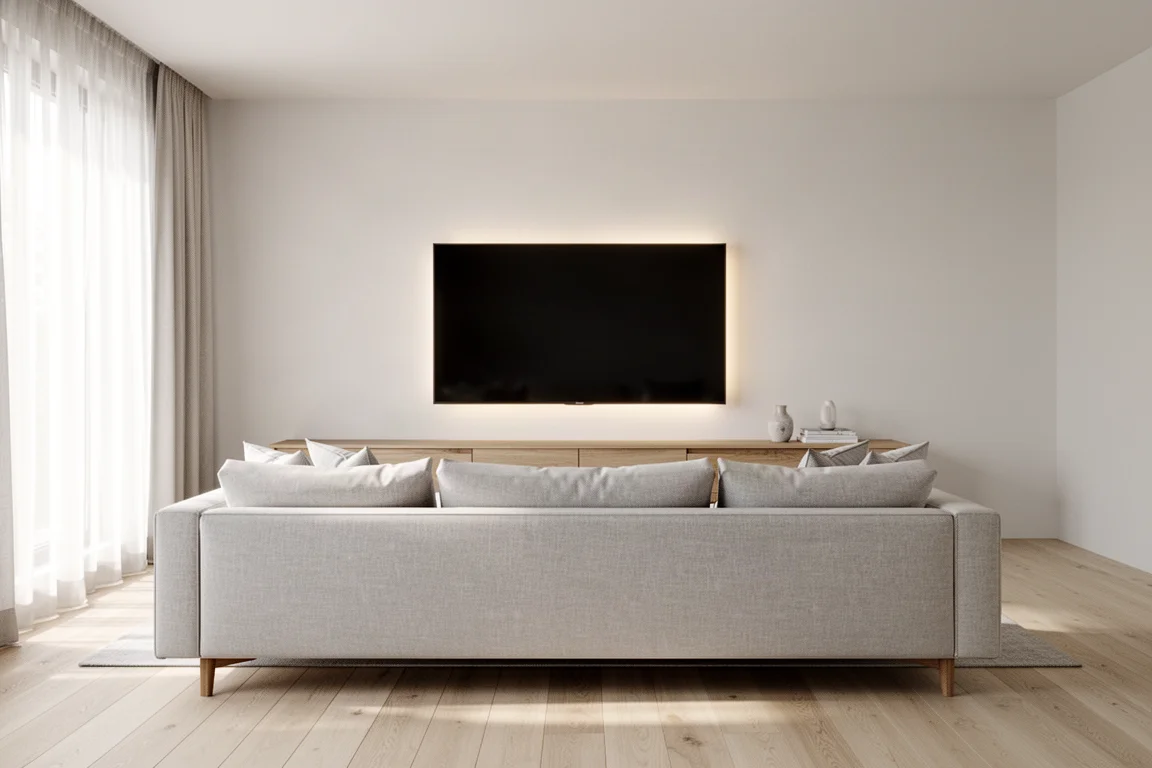
Where the set is less suited is a room with wide seating spread far off axis, or a space with large windows to the side of or behind the main seats. Those setups play directly to the Bravia 7’s weaker points, which are covered in more detail further down.
Picture Quality Out of the Box
Sony equips the Bravia 7 with its XR processor, which works in real time to enhance contrast, color accuracy and overall image clarity, along with XR Backlight Master Drive. The panel is a native 4K display with support for formats from standard definition up through 4K HDR, including Dolby Vision, HLG and HDR10.
From the factory the Bravia 7 launches in its Standard picture profile. It is not pixel perfect or strictly accurate, but its more contrasty and saturated image is more appealing than most default profiles from other manufacturers, and plenty of viewers will be happy enough that switching never crosses their mind. For the most accurate image straight out of the box, the Cinema and Professional profiles are the ones to choose. Both measured exceptionally well as shipped and can reasonably be treated as calibrated, with margins of error below 3 for grayscale and color. The Standard profile, by comparison, measured around 6 for both.
Cinema and Professional look dimmer than Standard by default, but setting panel brightness to its maximum does not spoil the accuracy of either profile and can make them as bright as the set’s other modes. For anyone willing to invest in a professional calibration, the Bravia 7 includes the higher-level picture controls needed to bring margins of error below 1 for both grayscale and color.
Brightness, HDR, and Calibration
Sony is not the brand most people associate with brightness, but the Bravia 7 is genuinely impressive here. Sustained brightness measured above 1,000 nits with standard definition and non-HDR content, while peak brightness with HDR content came close to 2,000 nits. The costlier Bravia 9 does get brighter, and that is part of what its higher price buys.
A short set of adjustments gets the most out of the panel: choose the Professional picture profile, set brightness to maximum, and set peak luminance and local dimming to medium or high depending on personal taste. Left at that, the Bravia 7 delivers an accurate image that stays bright enough to keep dark scenes from looking crushed and to remain enjoyable in rooms with ambient light.
Across television, streaming, physical media and gaming, the picture held up well. Older material shot on 16 mm film kept its period look while appearing sharper and more defined in color and low-light gradation than other televisions in this price class typically manage. With modern Dolby Vision content, color accuracy and depth stood out, with strong primaries and precise rendering of fine texture, from skin and hair types through to delicate variations in clothing.
Smart Features, Sound, and Everyday Use
Google TV handles the interface, which means popular video and music streaming services are available without a third-party player. Sony also includes access to its own streaming service, Sony Pictures Core, which offers higher bit rate transfers of Sony content along the lines of what a high bit rate movie service provides, without needing a separate device. A special auto-calibrated mode applies when watching movies through Sony Pictures Core and Netflix, intended to show films as the creators intended without added adjustment.
Audio is handled capably for a television. Dolby Atmos content can be played back through the built-in speakers, complete with Voice Zoom 3, Sony’s latest voice isolation and enhancement technology, when used with compatible Sony speakers or soundbars. Acoustic Center Sync is also available, letting the television speakers act more or less as a dedicated center speaker for better home theater viewing. If you use a more traditional setup with an AV receiver and separate speakers, surround sound including Dolby Atmos can be sent to the receiver through the set’s eARC HDMI port.
Gaming and Connectivity
The Bravia 7 has four HDMI ports, two of which are HDMI 2.1 and support signals up to 4K at 120Hz along with gaming features such as VRR and ALLM. The other two ports are limited to 4K at 60Hz signals. One of the HDMI 2.1 ports also serves as the ARC port, which leaves just one additional next-generation HDMI input free.
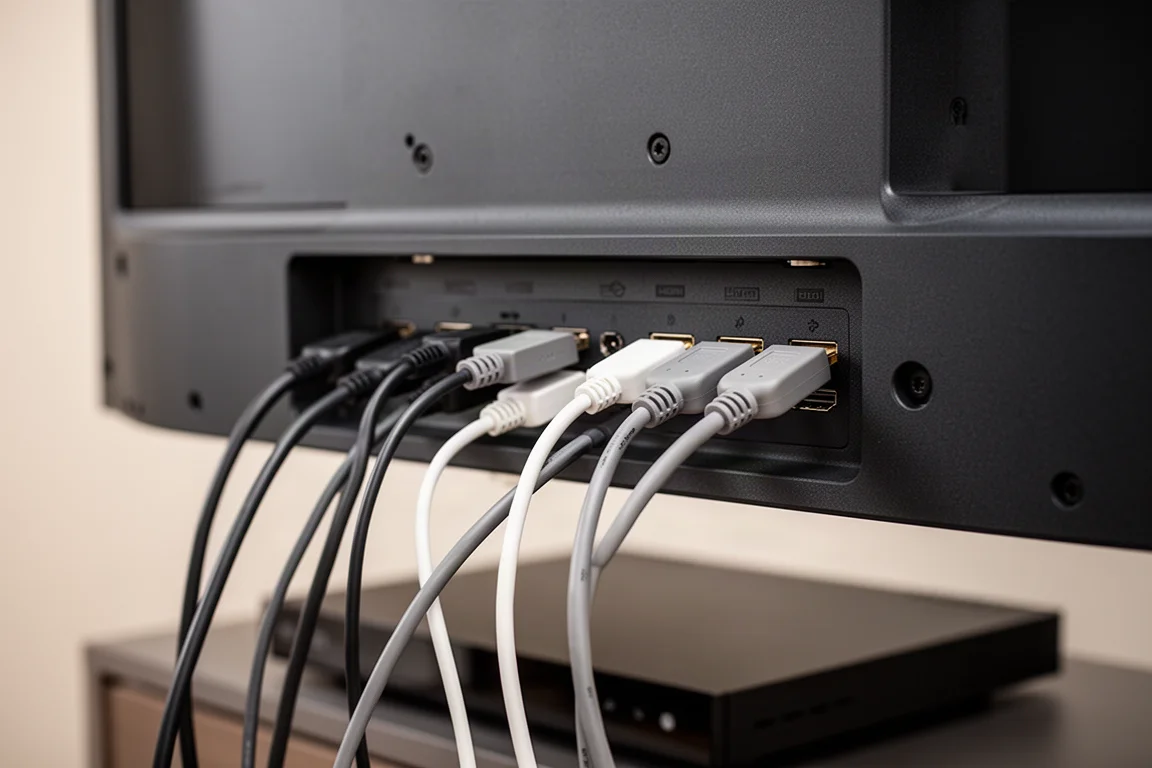
Gaming on the Bravia 7 was excellent: the set passed every gaming test and handled higher frame rates without issue. The catch is for players with more than one next-generation console, who will be forced to use one of the lesser HDMI ports if they also want full surround sound through a separate receiver connected to the eARC port. Many of Sony’s competitors now include four HDMI 2.1 ports, so there is no need to prioritize which device gets the fast connection.
Viewing Angles, Reflections, and Motion
Viewing angle is where the Bravia 7 clearly falls short of the Bravia 9 and some rival mini LEDs. Across the width of a typical sofa the image looks the same regardless of where you sit. Move far off to the side and it degrades noticeably: colors wash out, and in extreme cases the full array backlighting becomes visible as a kind of reverse halo around objects and actors. Sony’s previous-generation X90L behaves similarly when viewed far off axis, so this is not unique to the Bravia 7, and it is not an outright deal breaker since many LED-based televisions share the trait.
Reflectivity is the other thing to plan around. The further off axis you sit, the more reflective the screen becomes, so a room with a lot of windows to the side of or behind the seating deserves attention. The Bravia 7 gets bright enough to combat most ambient light from a window or overhead lighting, but it is not a miracle worker, and in more extreme cases an uncontrolled bright room could make it difficult to watch. With blinds or curtains there is nothing to worry about.
Motion settings also need a small adjustment. Default motion interpolation is a little too high for broadcast sports and some streaming content, which can make rapid camera pans look stuttery rather than smooth. Setting motion interpolation to low or off removes those errors while keeping motion naturally smooth. The operating system is the final small compromise: the Bravia 7 runs the same Google TV software and menu tree as the Bravia 9, but it is not as snappy or responsive to remote commands as the more expensive model. It is not a deal breaker, but it is immediately noticeable.
How It Compares to Other Mini LED Options
The Bravia 7 sits below the Bravia 9, and the flagship still earns its higher price: it is brighter, has a thinner bezel, a shallower chassis and better control of glare and reflections. Against Sony’s previous-generation X90L, the Bravia 7 is a clear upgrade, and the many more LEDs behind its panel compared with the X90L’s more traditional backlighting produce a difference even casual viewers will notice. The X90L’s remaining appeal is sheer size, since it is available as a 98-inch display; if a 98-inch screen fits the room, that scale is still a strong draw, but at any comparable size the Bravia 7 is the better television. The TCL QM8 is the closest rival and trades blows with the Bravia 7 at similar money: it gets brighter, which may be the deciding factor in a bright room, and its Google TV implementation feels a little more responsive, while its off-axis and reflectivity behaviour is similar. The QM8 is also available in a 98-inch model. All things being equal, these are two very comparable televisions, with the Sony holding an edge in accuracy out of the box.
Buying Advice
The Bravia 7 makes the most sense for anyone who wants an accurate, trouble-free Sony television for everyday and casual viewing rather than reference-level flagship performance. If you are not chasing the last few percent of brightness and do not fancy yourself a die-hard videophile, the Bravia 7 represents the smarter buy and the greater value in Sony’s mini LED range. It is a clear step up from older LED-backlit models in the same family, and the improvement in contrast and accuracy is one that casual viewers will notice.
Two situations argue for looking elsewhere. If you watch from seats positioned well off to the side, or you cannot control light from windows, the viewing angle and reflectivity behaviour are worth weighing carefully, and the Bravia 9’s better glare control may justify its premium. If you want the brightest picture possible at comparable money, the TCL QM8 goes brighter, and a 98-inch display may simply matter more than the last degree of accuracy.
For everyone else, setup is refreshingly simple: choose the Professional picture profile, set brightness to maximum, set peak luminance and local dimming to medium or high to taste, and lower motion interpolation for sports. The Bravia 7 asks for very little after that, which is exactly what makes it such an easy recommendation at this price.
Conclusion
The Sony Bravia 7 gets the fundamentals right. It ships with picture profiles that are accurate enough to be treated as calibrated, it is brighter than its price suggests, it runs a full smart TV platform without extra hardware, and it handles gaming at high frame rates without complaint. The compromises are real but predictable: viewing angles narrow off axis, the screen grows reflective as you move to the side, only two of its four HDMI ports are HDMI 2.1, and the menus are not quite as quick as the flagship’s.
Weighed against the Bravia 9’s roughly $3,000 starting price, the Bravia 7 delivers a large share of the experience for considerably less, particularly in the 85-inch size. For a bright, accurate, low-fuss mini LED that you can set up once and simply enjoy, it is a compelling choice.
Product link
View more details for Sony Bravia 7
This product is mentioned in the review. Check the specifications, options, and compatibility before buying.
View more details for Sony Bravia 7Further reading
Related Reviews
TVs
Best Sony XR TVs Compared: X90K, X95K, A80K, A90K, A90J, A95K and Z9K
A practical guide to Sony's XR television range, from the value-focused X90K to the 8K Mini LED Z9K, with clear advice on which model suits which room.
TVs
Hisense 100UR8SG Review: A 100-Inch RGB Mini-LED That Takes On OLED
A 100-inch RGB mini-LED television with measured peak brightness of 3,850 nits, wide color volume, and a price far below large-format OLED.
TVs
Hisense U9 vs Hisense U8 vs Samsung S90C OLED: Which TV Is Worth Buying?
A practical comparison of two Hisense RGB Mini-LED televisions and an OLED alternative, with real strengths, trade-offs and a clear buying recommendation.