Wearables
Smartwatch Emergency Features Compared: Apple Watch, Apple Watch Ultra, Garmin inReach, and Google Pixel Watch
A practical comparison of fall detection, satellite SOS, live tracking, and built-in sirens across four wearables built for remote emergencies.
Introduction
A hard fall on a remote trail is the kind of event most people assume will never happen to them, and the statistics suggest it can happen to anyone at any time. The more useful question is what happens next: if you are injured, or worse, unconscious, can the device on your wrist actually get help moving?
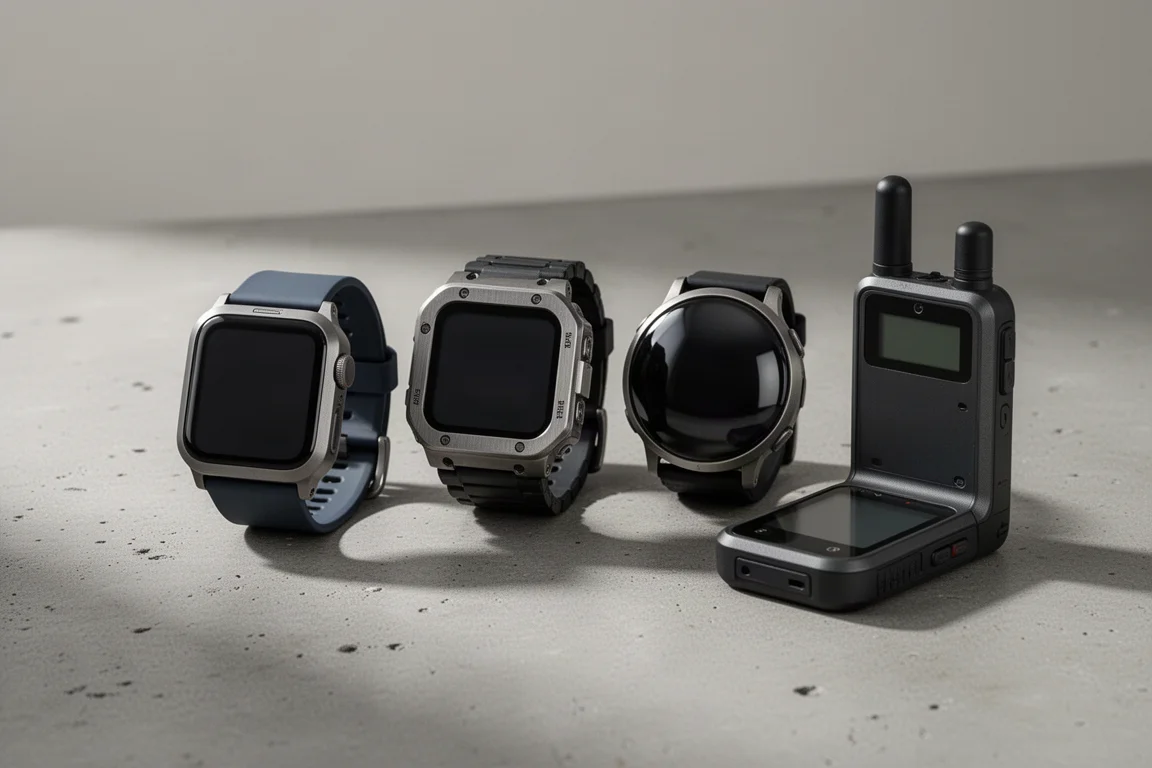
The answer depends far more on the specific device than on the category. Four options dominate the conversation around outdoor safety: the Apple Watch, the Apple Watch Ultra, the Garmin inReach, and the Google Pixel Watch. Each handles an emergency differently, and the gaps between them are worth understanding before you spend money on one.
This guide walks through what each device actually does when it detects an incident, where it stops working, and who each one suits best.
What to Check Before You Rely on a Watch
The phrase fall detection hides a lot of variation. Before trusting any device, it helps to answer four questions. Is detection running all the time, or only while you are tracking a workout? Does the device need a paired phone and a cellular signal to work? Who receives the alert: emergency services, a dedicated response centre, or your own emergency contacts? And finally, does anything at all work when there is no signal?
Those four questions separate a convenience feature from a genuine safety tool, and the answers differ sharply across the watches and communicators covered here.
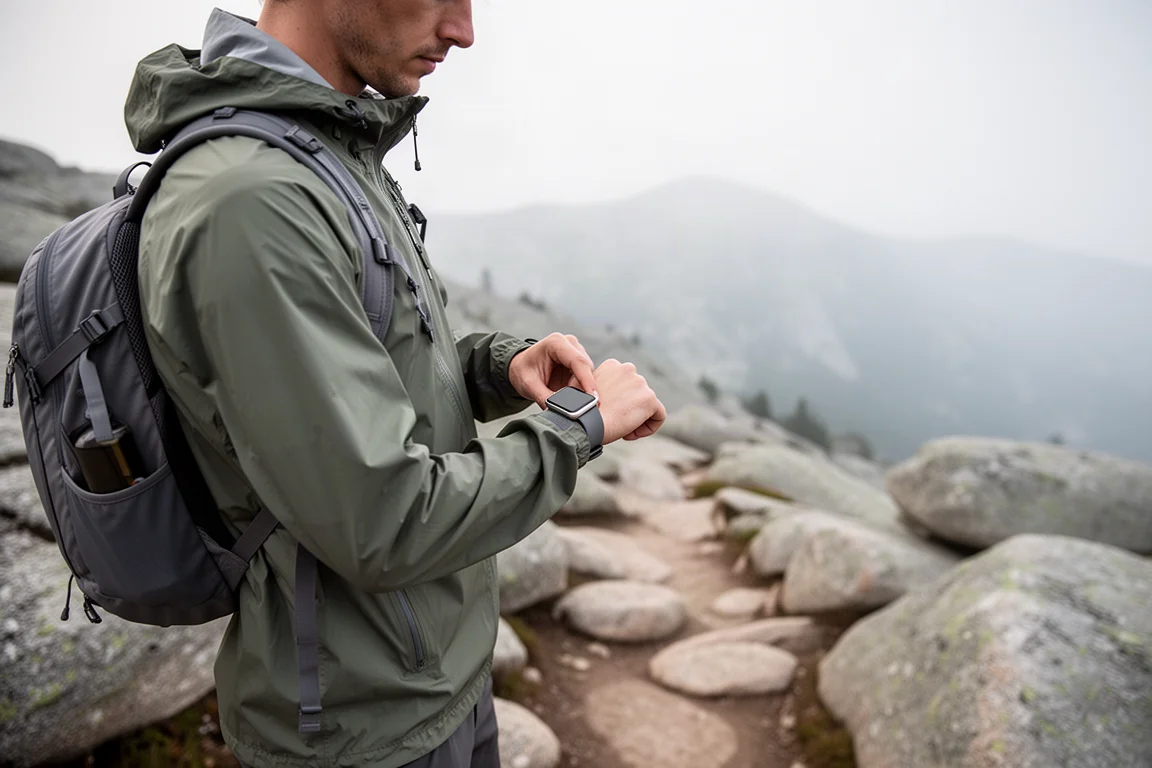
Setup matters as much as hardware. Fall detection is not always enabled by default, emergency contacts and medical details have to be entered in advance, and satellite messaging needs to be activated before you leave. The technology behind these devices is genuinely capable, but none of it is perfect, and no single feature replaces basic preparation.
Apple Watch: Always-On Fall Detection With Satellite SOS
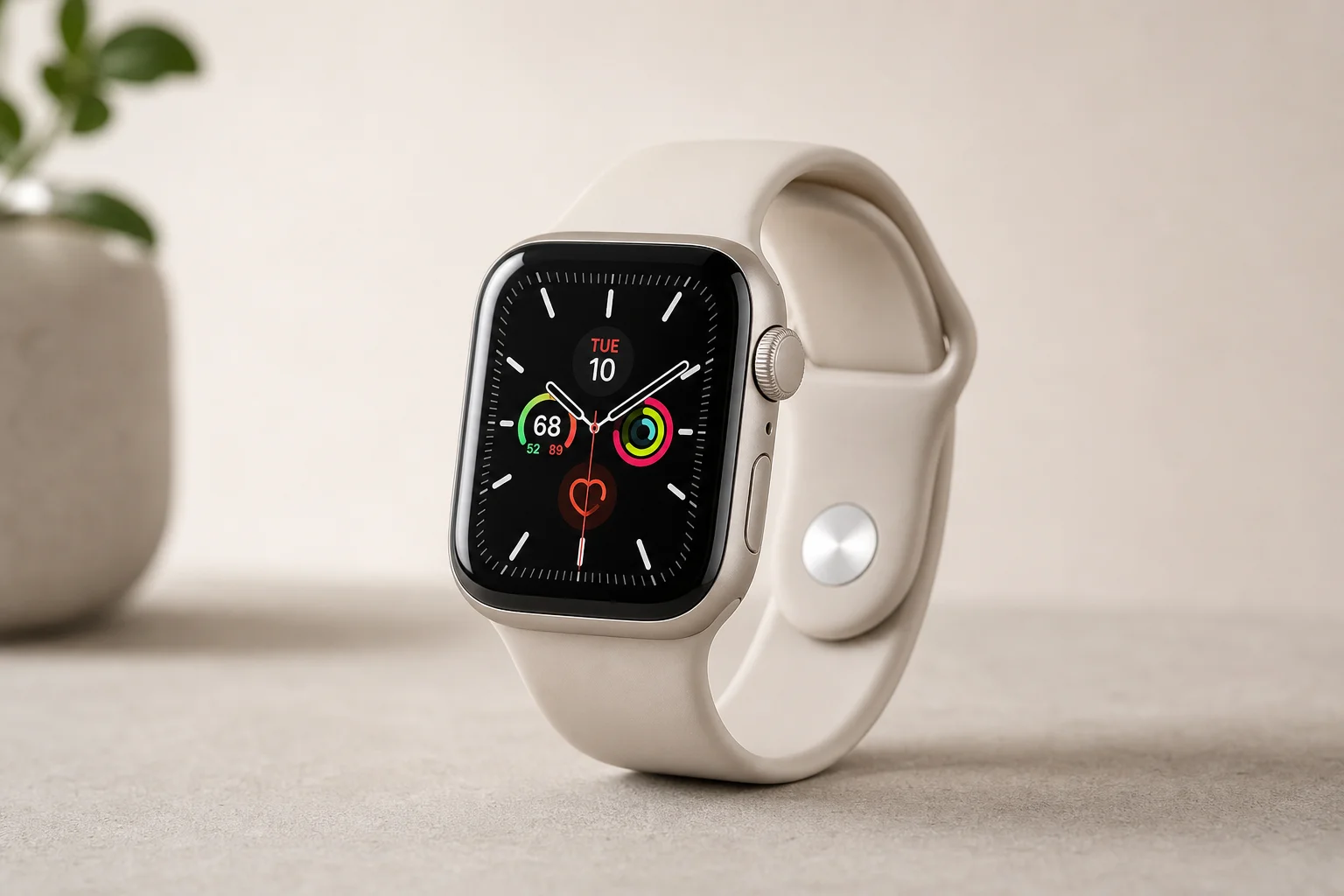
Apple’s system is called fall detection, and it is worth confirming that it is switched on. In the Watch app on a paired phone, open Emergency SOS and check the setting. There are two modes: detection only during workouts, or always on, which keeps it active around the clock whether you are in a living room or miles up a trail.
The watch uses its accelerometer and gyroscope to recognise a hard fall, trip, or slip. When it triggers, you get a warning screen. If you are fine, cancelling is simple. If you need help, a swipe starts a call to emergency services. Should the watch detect that you have not moved for a minute, it escalates on its own: it calls emergency services, buzzes your wrist, and sounds an audible alarm in case anyone nearby can assist.
On a model with its own cellular account, the watch dials emergency services directly. Without one, it looks for a connected phone and places the call through that. If neither device has a signal from your carrier, many countries have reciprocal emergency agreements, so another available carrier can still put the emergency call through.
The more significant fallback is satellite. When there is no cellular signal at all, the process shifts to satellite SOS, which sends a text message rather than a voice call. Pointing the device at a satellite gives the best connection, but messages can still go through with the device lying on the ground. It takes longer, and it works in difficult terrain.
If you are unresponsive but the watch has reached emergency services over cellular, it plays an audio message explaining that a hard fall was detected and that the owner is not responding, then shares your latitude and longitude. The message repeats at a lower volume so that anyone nearby can speak into the watch. Medical ID is transmitted as data at the same time, which means medications and conditions you recorded in the Health app reach responders without you saying a word. Once the call ends, your emergency contacts receive a message with your location. Car crash detection on the iPhone and Apple Watch follows a similar pattern.
The result is a system that can act on your behalf when you cannot act yourself, and that keeps working in some form even outside cellular coverage.
Apple Watch Ultra: A Built-In Siren for Remote Emergencies
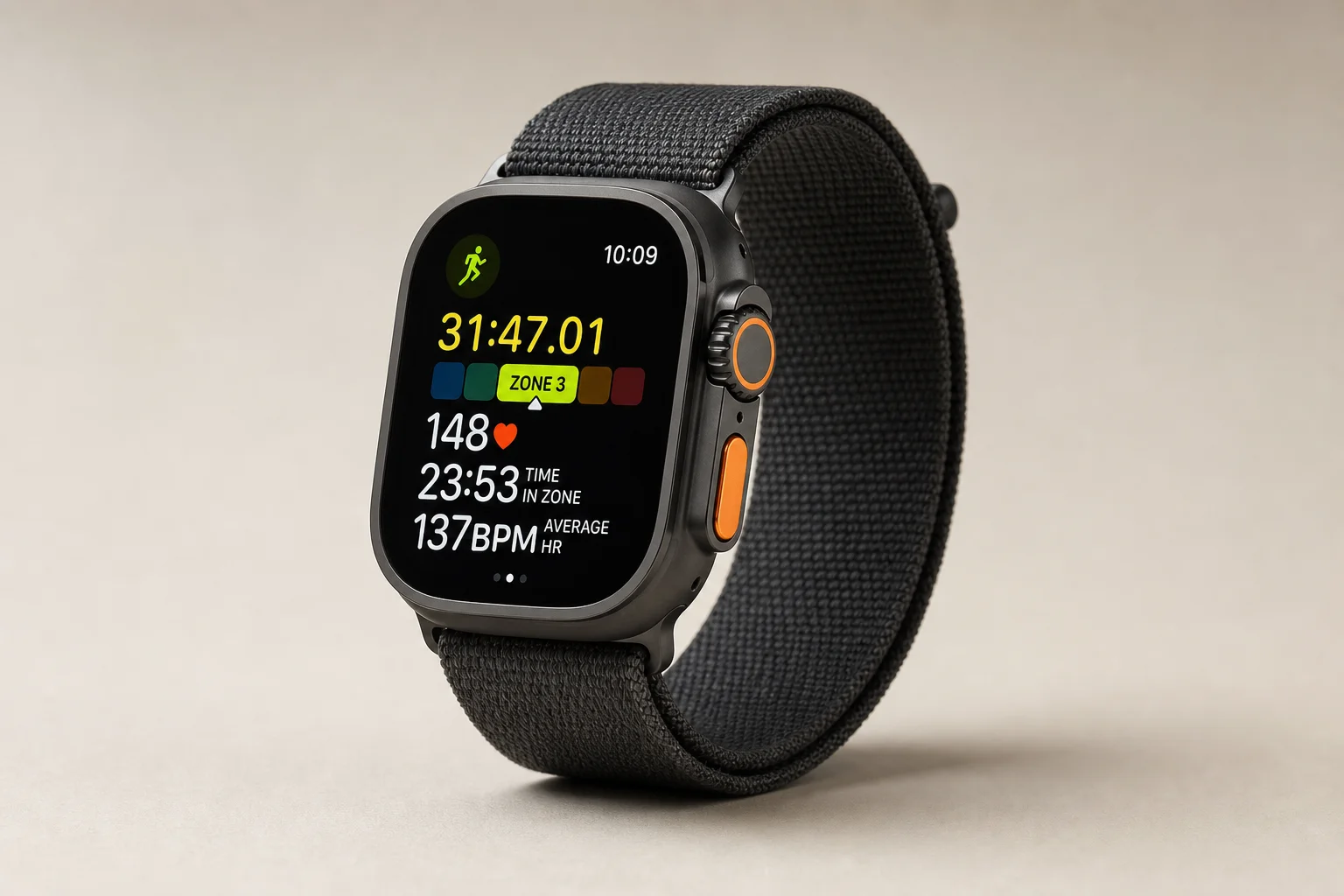
The Apple Watch Ultra adds a notably loud built-in siren. In a situation where you are down in brush, behind a rock, or simply out of sight, sound is often the fastest way to be found, and a siren carries much further than a shouted voice.

The siren is a complement to the rest of the Apple Watch safety toolkit rather than a replacement for it. It only helps if someone is within earshot, so pairing it with a satellite-capable phone or a dedicated communicator is still sensible for genuinely remote trips. It is also worth knowing that the flashlight on Apple Watch models simply turns the screen on. That is acceptable in a pinch, but a headlamp remains the dependable light source.
Garmin inReach: Satellite SOS Beyond Cellular Coverage
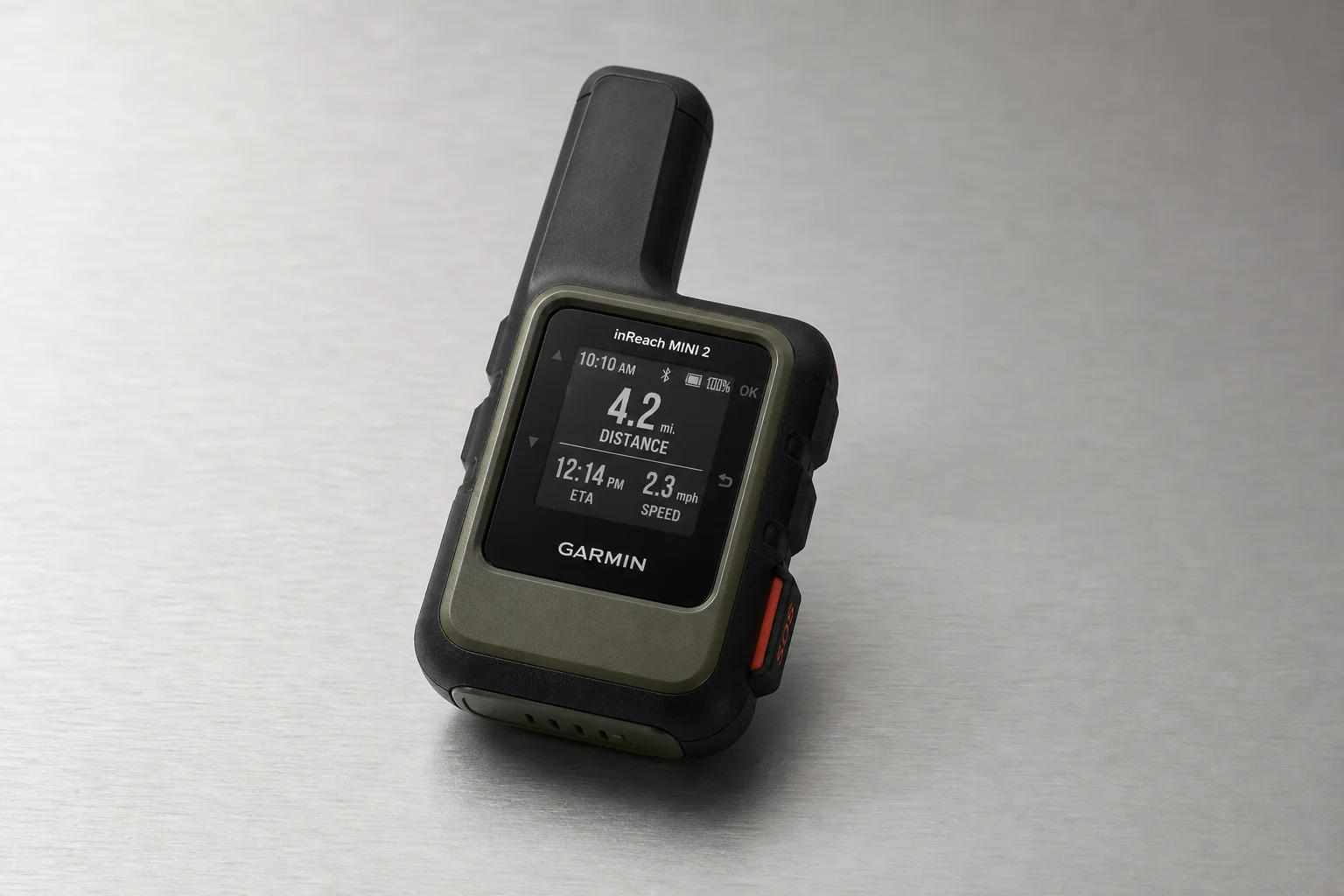
The Garmin inReach addresses the case that watch-based detection cannot: being far outside cellular coverage. It sends messages and SOS requests over satellite, and Garmin Response, the centre behind the service, can contact emergency services or report your condition on your behalf.
Live tracking is one of its strongest features. With a paid subscription, the inReach can send periodic breadcrumb updates, so people at home can follow your position even in areas with no cellular connection and see where you are within a few minutes.
The limitation to understand clearly is automation. Pairing a Garmin watch with an inReach does not automatically trigger an SOS on the inReach. You can pair the two and start an SOS manually, but if you are unconscious and out of cell range, nothing will be sent for you. Garmin’s watch-based incident detection is a separate system again: it runs only while a tracked activity is in progress, needs the watch connected to a phone by Bluetooth with that phone inside cellular coverage, and notifies your emergency contacts rather than emergency services. Garmin’s own documentation is explicit that neither the device nor the companion app will contact an emergency service on your behalf. Some Garmin watches with LTE can reach Garmin Response automatically, which is the same response centre that handles inReach traffic, but that is a different route from the inReach itself.
Google Pixel Watch: Fall and Car Crash Detection on Wear OS
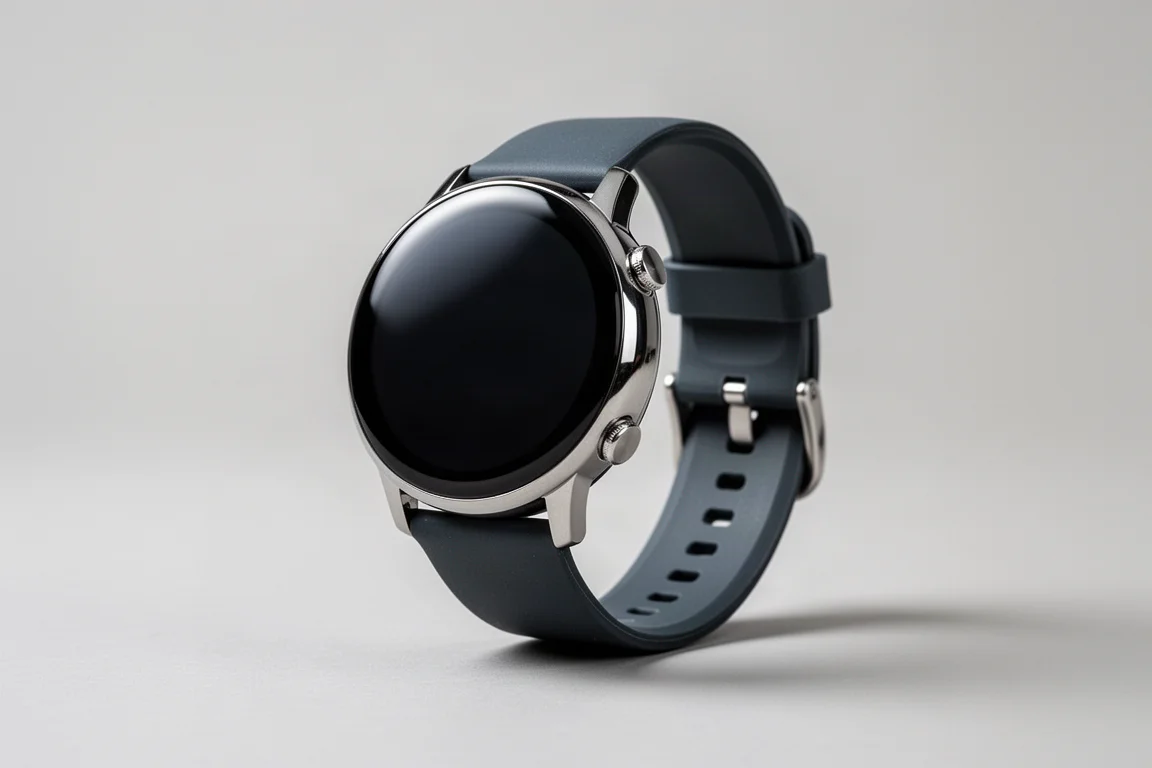
Wear OS watches come from several manufacturers, and their safety features vary by model, so checking the specification sheet before buying is worthwhile. The Google Pixel Watch line includes fall detection and car crash detection, and it behaves much like the Apple Watch: you receive a warning you can cancel, and if you do not, the watch dials emergency services directly on an LTE model or places the call through your phone.
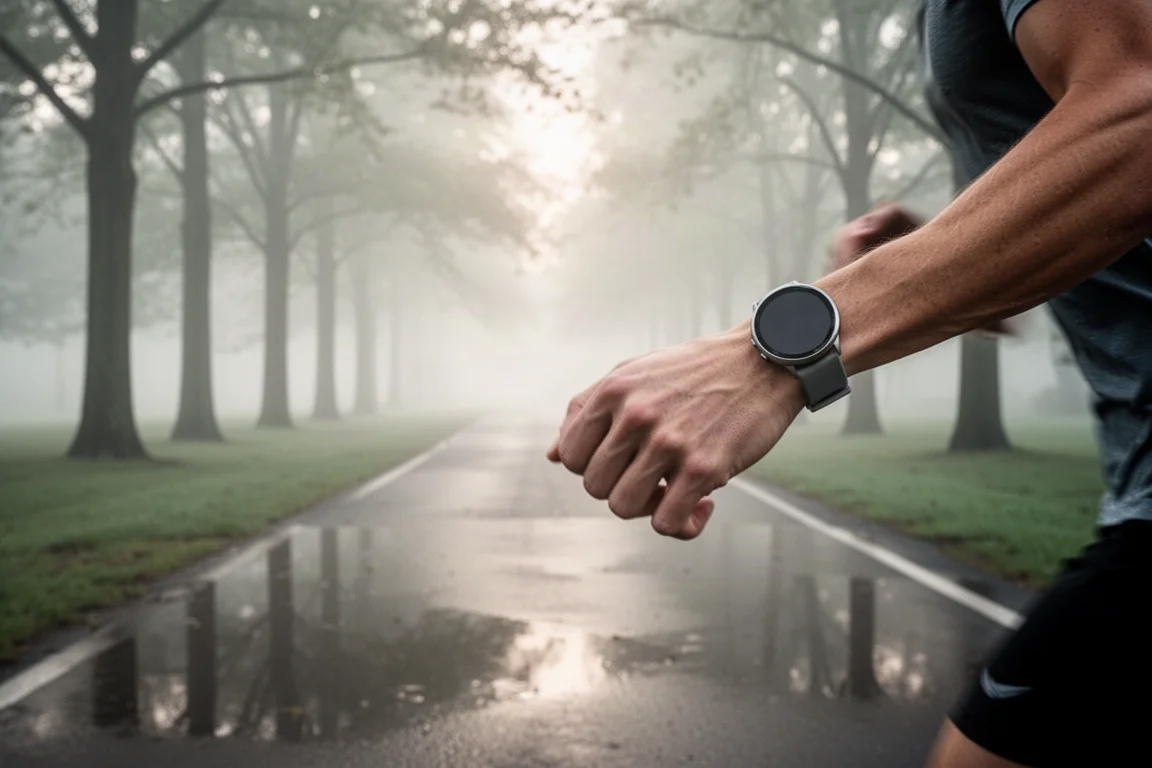
One detail is less clear. Whether the Pixel Watch falls back to satellite when paired with a satellite-capable phone is not documented, so it is best to treat satellite messaging as unconfirmed for this platform. For anyone on Android who wants automatic incident detection with a direct route to emergency services, the Pixel Watch line is the option to check first.
Staying Found: Live Tracking and Navigation
Detection is only half of the safety picture. If nothing dramatic happens but you need to be found, or you simply need to get back to the trailhead, the tools differ just as much.
Garmin’s live tracking has to be enabled and requires cellular range, but it works well when it is available: whoever you share it with can follow your position on a map in real time. The inReach equivalent sends periodic breadcrumb updates over satellite, which is what makes it useful in areas with no cellular coverage at all.
On the Apple side, location sharing through Find My or a text message is straightforward while you have a signal. Outside coverage, a manual location update can be sent via satellite, but you have to trigger it yourself and do so periodically for it to be useful. Check In adds a different kind of safety net: it can be set up through a text message or prompted at the start of a workout, and it alerts your contact if you do not finish a workout or do not check in within a set window.
For navigation, Garmin’s TrackBack is the standout. Start an activity such as a hike or a run, then open navigation and follow the exact path back to your starting point, with course fidelity that holds up well. Apple’s approach is less tidy. The Compass app begins tracking automatically once you leave cellular range, but the tracks can be inconsistent, and it can also be started manually. Recording a workout in an app and following the recorded line back is the easier route on an Apple Watch.
How to Choose
Start with where you actually go. If your hikes and rides stay inside cellular coverage, watch-based incident detection paired with emergency contacts covers most realistic scenarios, and both the Apple Watch and the Pixel Watch line handle it well.
If you regularly travel beyond coverage, satellite messaging becomes the deciding factor. The Apple Watch can fall back to satellite SOS through a satellite-capable phone, while the Garmin inReach sends satellite messages and SOS requests on its own with a subscription.
If the scenario you are most worried about is being unable to respond, prioritise always-on detection that can reach emergency services without your input. That is the clearest advantage of the Apple Watch approach, and the Garmin inReach, capable as it is, requires you to trigger the SOS yourself.
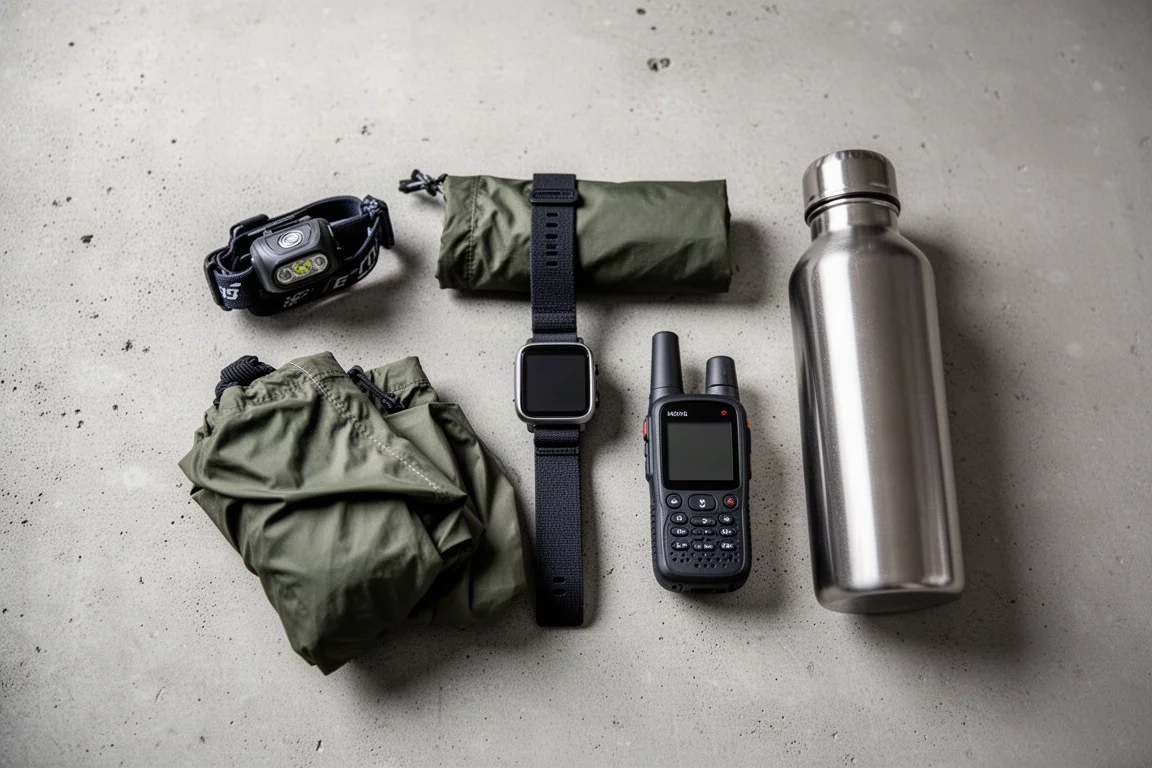
Two practical points apply regardless of which device you choose. First, fill in your Medical ID and emergency contacts now, because none of these features can use information you never entered. Second, carry a headlamp. The flashlight on the Apple Watch and the Pixel Watch is effectively a bright screen, which is acceptable but not something to depend on, while newer Garmin models include an actual LED light with a strobe mode for signalling.
It is also worth checking that detection is switched on. Fall detection is not always enabled by default, Garmin’s incident detection works only during tracked activities, and live tracking usually has to be turned on before you leave. A few minutes in a settings menu is the difference between a feature that works and one that exists only on paper.
Conclusion
There is no single winner here, because these devices solve different problems. The Apple Watch offers the most complete picture for people who want help to arrive without them doing anything: always-on fall detection, a direct call to emergency services, Medical ID transmission, and a satellite SOS fallback when cellular coverage disappears. The Apple Watch Ultra adds a loud siren that makes you easier to locate in the final metres.
The Garmin inReach is the specialist tool for genuinely off-grid travel, with satellite messaging, breadcrumb live tracking, and Garmin Response handling your situation, provided you can trigger the SOS yourself. The Google Pixel Watch brings fall detection and car crash detection to Wear OS with a direct route to emergency services, as long as you confirm the features on the specific model you buy.
Match the device to the trips you actually take, set everything up before you leave, and carry a light. That combination is what turns a wrist device into a safety tool.
Further reading
Related Reviews
Wearables
Apple Watch Ultra 3 vs Garmin: Which Training Watch Wins for Athletes
A practical head-to-head comparison of the Apple Watch Ultra 3 and Garmin for serious training, covering GPS accuracy, data tracking, usability, and recovery metrics.
Wearables
Apple Watch vs Garmin for Running: A Year of Training Compared
After a year training for marathons with both devices, here's what actually matters when choosing a running watch.
Wearables
Apple Watch Ultra 3 vs Garmin Fenix 8 Pro: Satellite Messaging Compared
A practical comparison of satellite messaging on the Apple Watch Ultra 3 and the Garmin Fenix 8 Pro, covering connection methods, messaging workflows, coverage, and running costs.