Wearables
Apple Watch Ultra 3 vs Garmin Fenix 8 Pro: Satellite Messaging Compared
A practical comparison of satellite messaging on the Apple Watch Ultra 3 and the Garmin Fenix 8 Pro, covering connection methods, messaging workflows, coverage, and running costs.
Introduction
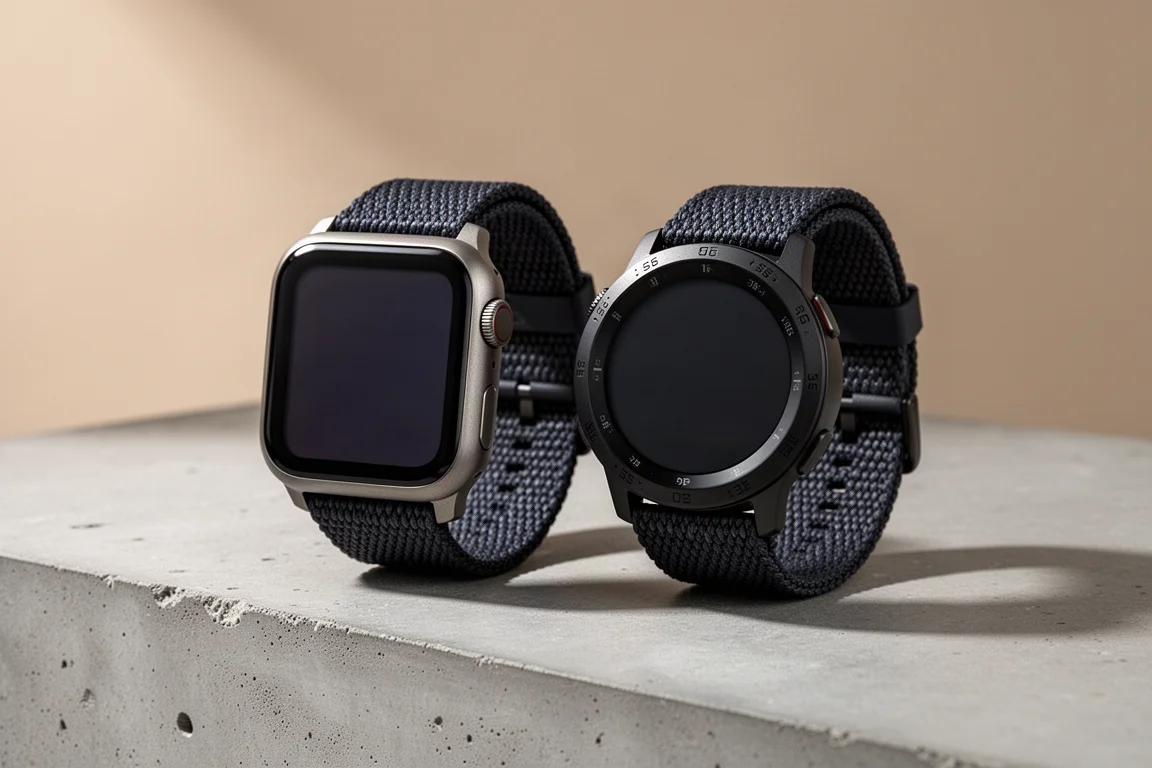
Two rugged smartwatches now offer satellite messaging without a phone: the Apple Watch Ultra 3 and the Garmin Fenix 8 Pro. Both can send and receive messages over satellite and even fire off a quick tapback-style reaction. Where they separate is in how each watch decides to use satellite, how the connection process feels in the field, who you can reach, and what it costs to keep the feature running.
Apple Watch Ultra 3: Satellite Messaging That Just Works
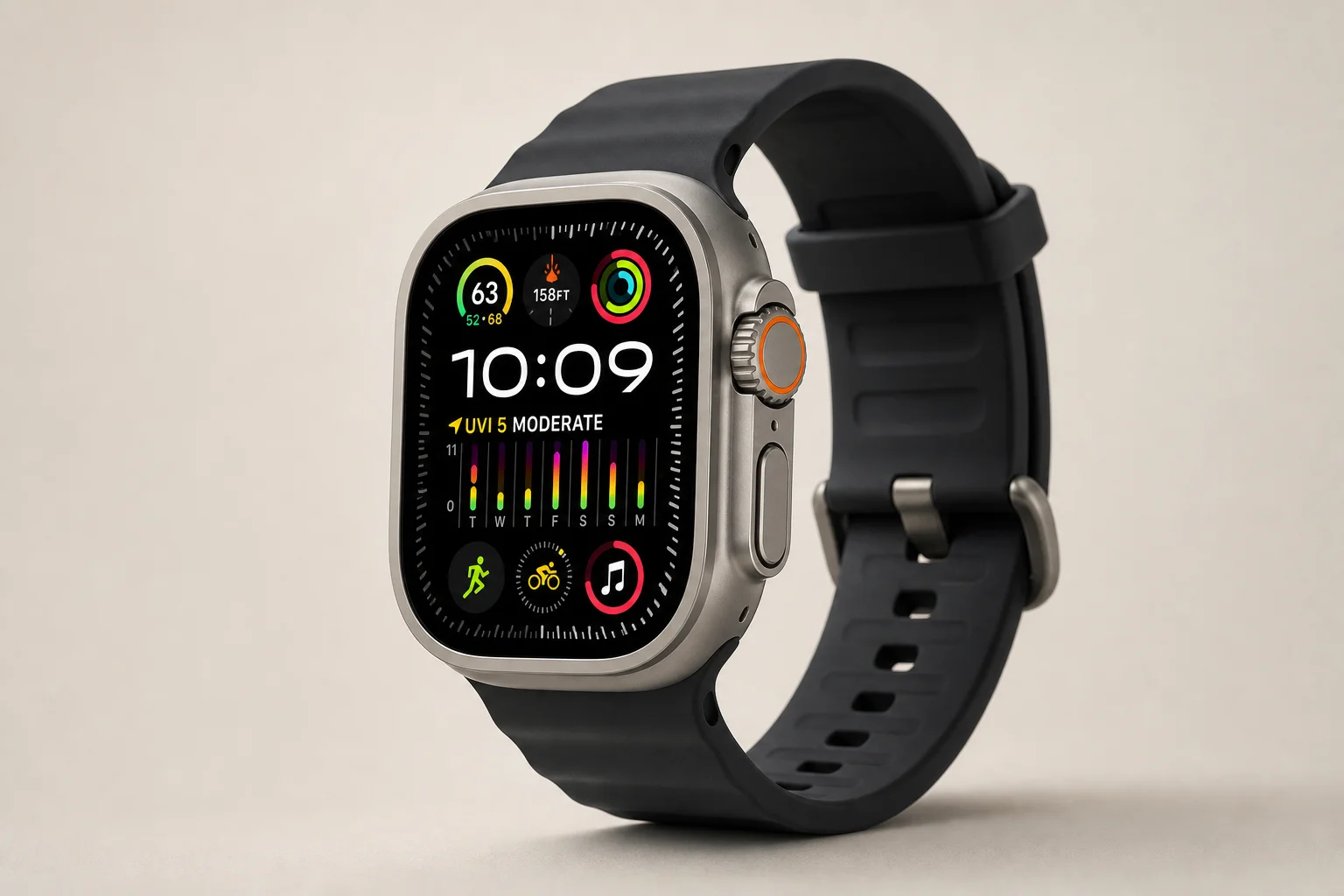
The Apple Watch Ultra 3 moves to satellite only when the watch has no cellular or Wi-Fi signal. If a paired iPhone is with you, it also has to be out of cell and Wi-Fi range. One wrinkle worth knowing: if the iPhone is connected to T-Mobile’s Starlink service, that counts as a connection, so the watch will not switch into satellite mode.
When satellite is an option, a small icon appears on the watch. The icon is a small tap target, so adding the satellite control to Control Center makes it easier to reach with a press of the side button. From there you can send a message, share your location, or start an emergency SOS.

The watch uses Globalstar low Earth orbit satellites roughly 879 miles above the surface. Because several dozen of them circle the planet, a satellite that is not overhead right now is likely to pass within range in a few minutes. That matters if you are somewhere you cannot move from. The interface tells you when a satellite is coming and about how long the wait will be, and you can hold the watch in a natural reading position rather than twisting your wrist to aim it.
Messaging follows the same flow as the iPhone. Speech-to-text works offline on the watch, so you can dictate a message, or use the on-screen keyboard if you prefer. Messages go to your normal contacts and replies arrive at your regular phone number.
There are caveats. iMessage recipients need to have been texted within the last 30 days for satellite messaging to work. For non-iMessage contacts, such as Android phones, the paired iPhone has to be powered on and connected to cellular or Wi-Fi data, though it does not need to be with you. If the phone is with you and offline, satellite messaging to those contacts will not go through.
Apple includes unlimited satellite text messages and location sharing free for two years, but an active carrier plan on the watch is required. In the United States that is usually a $10 to $20 add-on to a phone plan. Emergency SOS works whether or not the watch has a cellular plan.
Garmin Fenix 8 Pro: More Control, More Friction
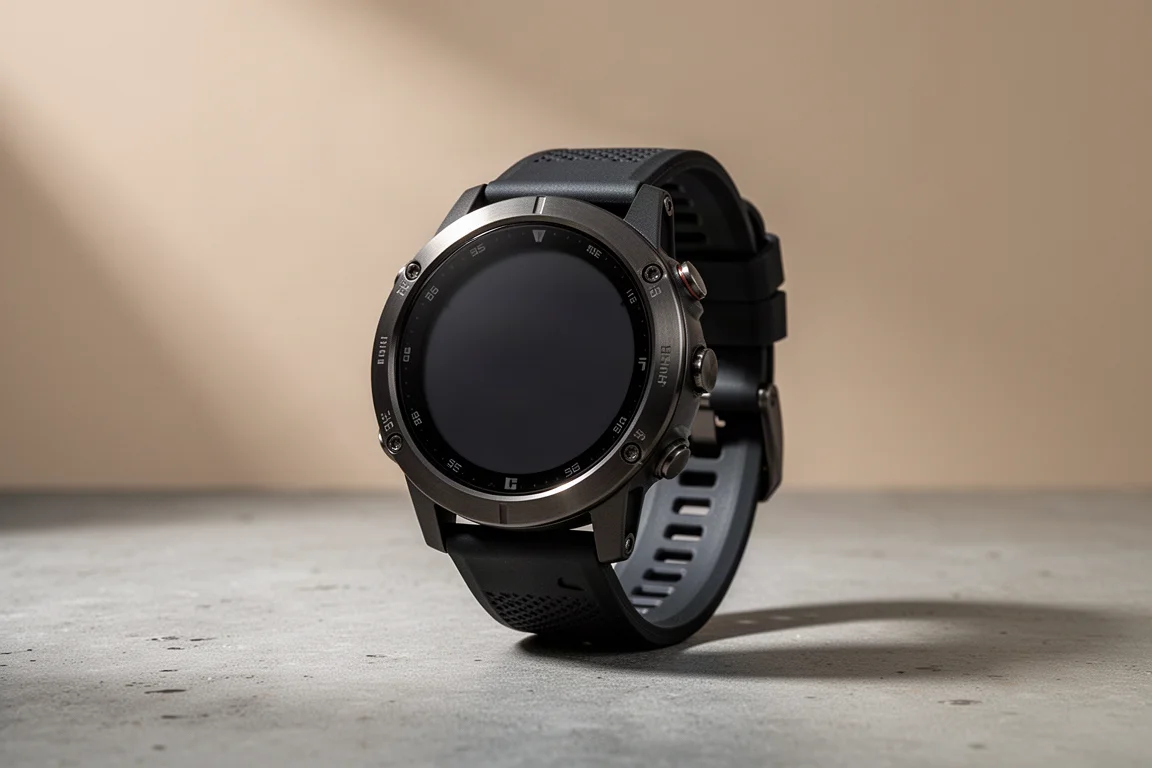
The Garmin Fenix 8 Pro handles satellite differently. You can carry your phone in airplane mode, and the watch will try its internal LTE connection first before falling back to satellite. Settings also let you force satellite-only use when the phone is not connected, which puts the decision in your hands.
Garmin uses geostationary satellites about 22,000 miles above the surface. They sit over the equator and stay fixed over one spot as the planet turns, which gives a single satellite a very large footprint. The trade-off is that the farther you are from the equator, the lower the satellite sits on the horizon and the trickier the connection becomes. Because the satellite does not move for you, a blocked view, such as a cliff face, may mean moving to get a connection.
Connecting is a multi-step process. You rotate until you face the satellite using a compass rose, sometimes calibrating the compass with a figure-eight wrist motion, then tilt your wrist so the watch face lines up with the satellite. When the on-screen circles overlap, you hold steady until they turn blue for searching and then green for connecting. Once linked, latency is low and messages move quickly.
Typing is manual, since there is no voice-to-text. The keyboard offers predictive text, and you can load quick messages in advance through the messenger app. You can message anyone: ideally they install the free Garmin Messenger app, or you can send to an SMS number. The watch does not have its own phone number, and the number a message comes from is a random one that changes over time.
SOS goes to the Garmin Response team, which is built around outdoor emergencies and has handled more than 20,000 backcountry rescues. Weather forecasts can also be pulled over satellite, but they have to be triggered from the phone in the Messenger app. Connected features, including SOS, require a paid Garmin InReach subscription, with tiers based on how much satellite time you use. Coverage is limited to certain countries and does not span the entire globe, and the watch does not use the same satellite system as traditional InReach handhelds.
How Each Watch Connects to a Satellite
The two systems produce very different field experiences. With the Apple Watch Ultra 3, satellite mode engages automatically once cellular and Wi-Fi are out of the picture, and the watch handles the aiming for you. You keep your wrist in a normal reading position and wait for a pass.

With the Fenix 8 Pro, you are an active part of the connection. You find the satellite, calibrate if needed, align the watch face, and hold still through each stage. That is more work, but it also means you know exactly what the watch is doing and can choose between LTE and satellite on your own terms.
Messaging Experience: Voice, Typing, and Recipients
Both watches send and receive messages over satellite and support quick tapback-style reactions. Beyond that, the workflows diverge. Apple’s approach folds into your existing messaging app, so contacts reply to your usual number with no secondary app involved. Garmin’s approach asks recipients to use the Garmin Messenger app for the best experience, with SMS as a fallback.
If the people you message are willing to use Garmin’s app, the Fenix 8 Pro works well. If you want satellite messages to look exactly like the texts you already send, the Apple Watch Ultra 3 fits more cleanly into that routine.
Reliability in the Field
In extended backcountry use, the Apple Watch Ultra 3 has connected consistently. There can be a wait of a few minutes for a satellite to come into view, but connections have held and messages have gone back and forth while the watch was held naturally.

The Fenix 8 Pro has been more hit or miss. Once connected, latency is very low and messages move fast in both directions. Getting connected is the harder part: it can drop from the blue searching circle to a poor connection state, it struggles under tree cover, and it has failed even under clear skies, though open sky is clearly where it performs best. Both watches also tend to take longer to send and receive than larger satellite-capable devices such as a phone or a handheld communicator.
Coverage, Plans, and Battery Impact
Coverage limits on both watches are generally regulatory rather than technical, and neither offers global coverage today. Apple’s satellite messaging and location sharing are free for two years with an active carrier plan on the watch, while SOS works without one. Garmin requires a paid InReach subscription for its connected features, including SOS.
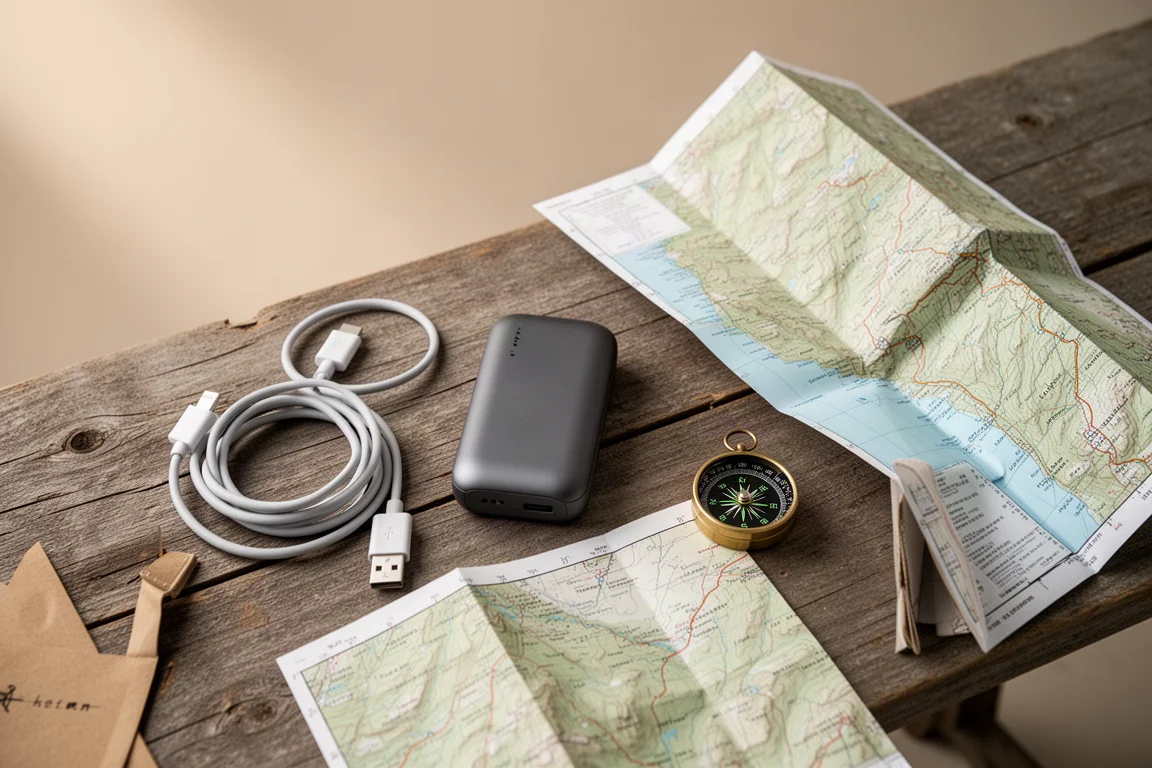
Battery impact is modest in normal use. A heavier exchange of roughly four to six messages has been observed to draw down around one to two percent, while sending a message every hour or two barely moves the needle. Because an emergency can mean a lot of back-and-forth, charging to 100 percent before heading out is sensible. Location sharing is manual on both watches, with no automatic tracking over satellite.
Overall Buying Advice
Choose the Apple Watch Ultra 3 if you want satellite messaging that behaves like your normal texting, connects without wrist gymnastics, and works alongside an existing carrier plan. Its automatic switching and low-effort connection routine make it the easier watch to live with when conditions are imperfect.
Choose the Garmin Fenix 8 Pro if you want explicit control over when satellite is used, need to message any SMS number, and value an SOS pathway built around outdoor emergencies. Accept that you will point and hold the watch to connect, that a subscription is part of the cost of ownership, and that coverage varies by country.
For either watch, the practical advice is the same: treat satellite messaging as one layer of safety rather than the only one, keep the battery topped up, and know the manual steps for sharing your location before you need them.
Conclusion
Both watches can reach the outside world from places with no cell service. The Apple Watch Ultra 3 is the more reliable and more intuitive satellite experience, with messaging that fits an existing iPhone workflow. The Garmin Fenix 8 Pro trades some convenience for user control and a dedicated outdoor emergency response network. The right pick comes down to which of those priorities matters more on your next trip.
Further reading
Related Reviews
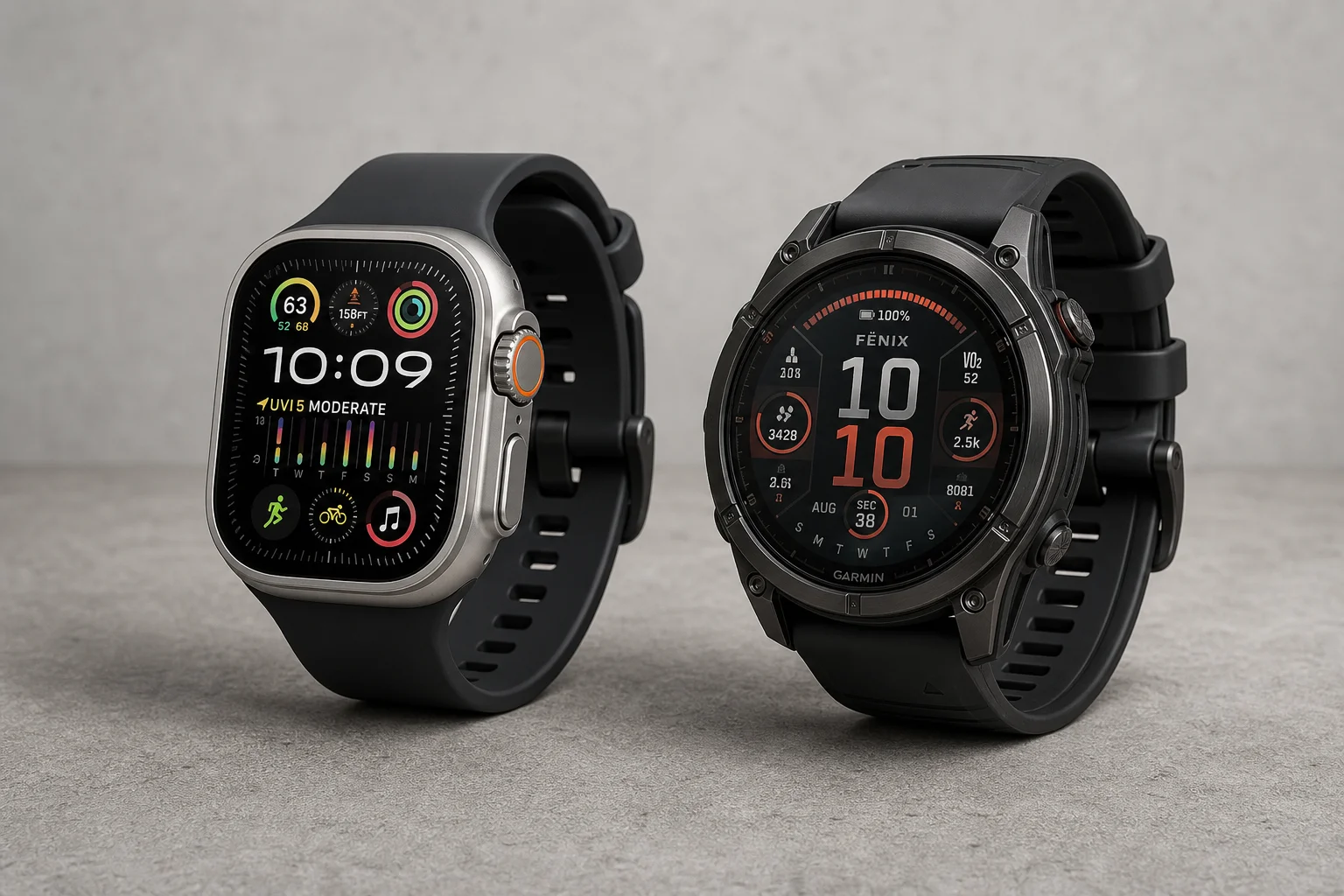
Wearables
Apple Watch Ultra 3 vs Garmin: Which Training Watch Wins for Athletes
A practical head-to-head comparison of the Apple Watch Ultra 3 and Garmin for serious training, covering GPS accuracy, data tracking, usability, and recovery metrics.
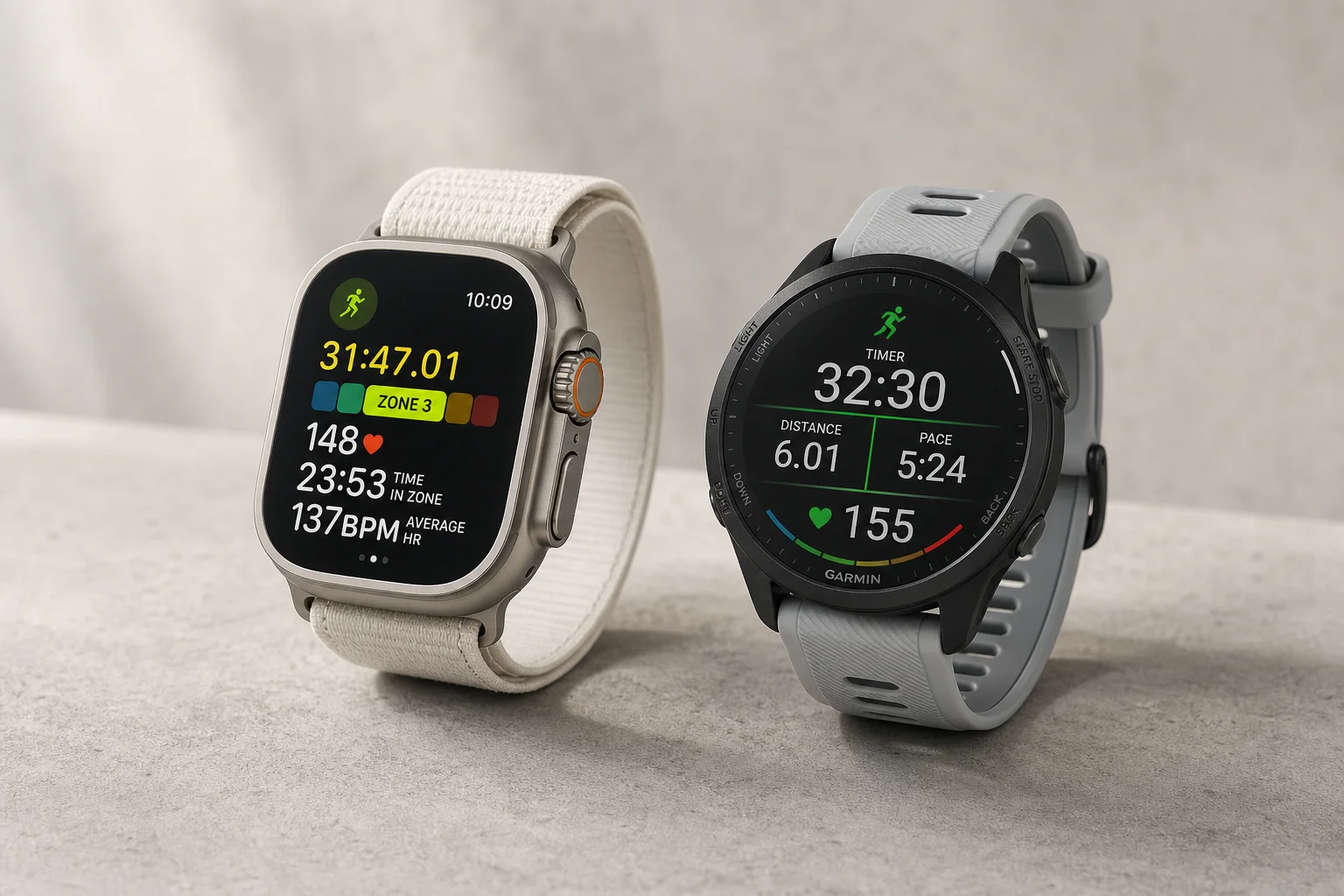
Wearables
Apple Watch vs Garmin for Running: A Year of Training Compared
After a year training for marathons with both devices, here's what actually matters when choosing a running watch.
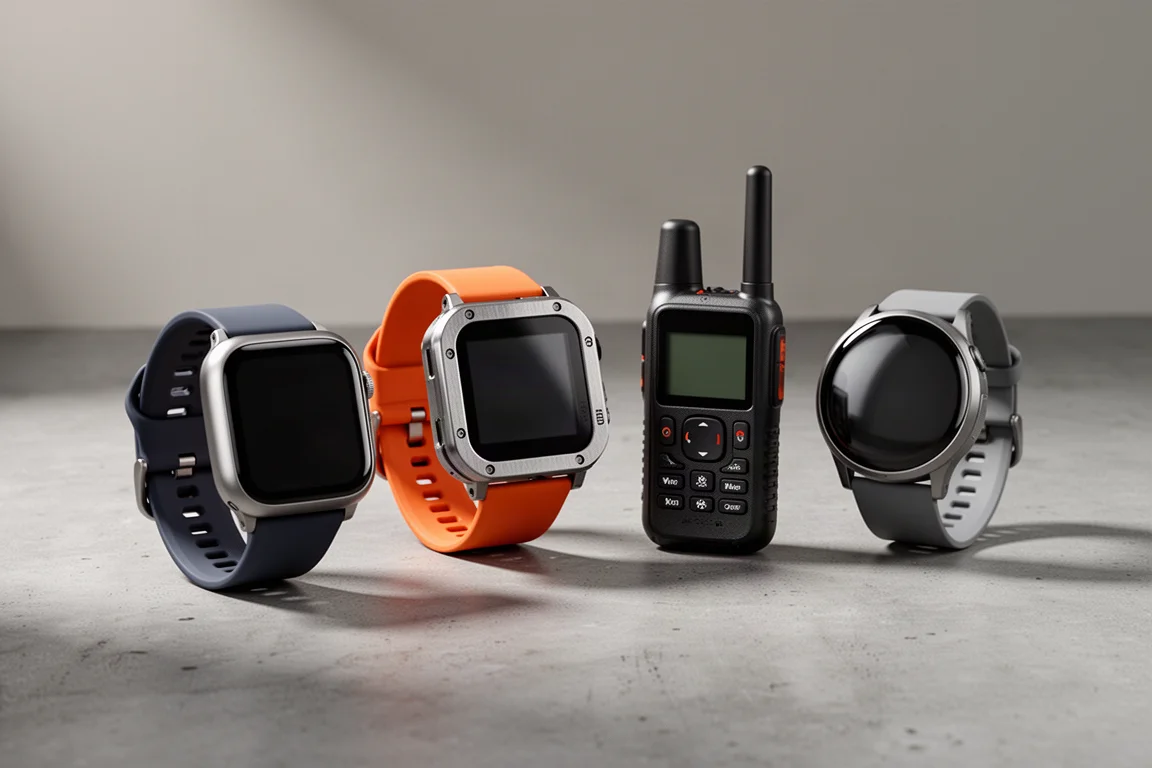
Wearables
Best Smartwatches for Emergency Safety: Apple, Garmin and Pixel Compared
How the Apple Watch, Apple Watch Ultra, Garmin inReach and Google Pixel Watch 3 handle fall detection, satellite SOS and live tracking when something goes wrong off-grid.