Smart Glasses
Rokid vs Meta Ray-Ban vs Oakley Meta: Which Smart Glasses Are Actually Worth Wearing?
Three smart glasses compared on camera quality, display, battery, and everyday usability to help you pick the right pair.
Introduction
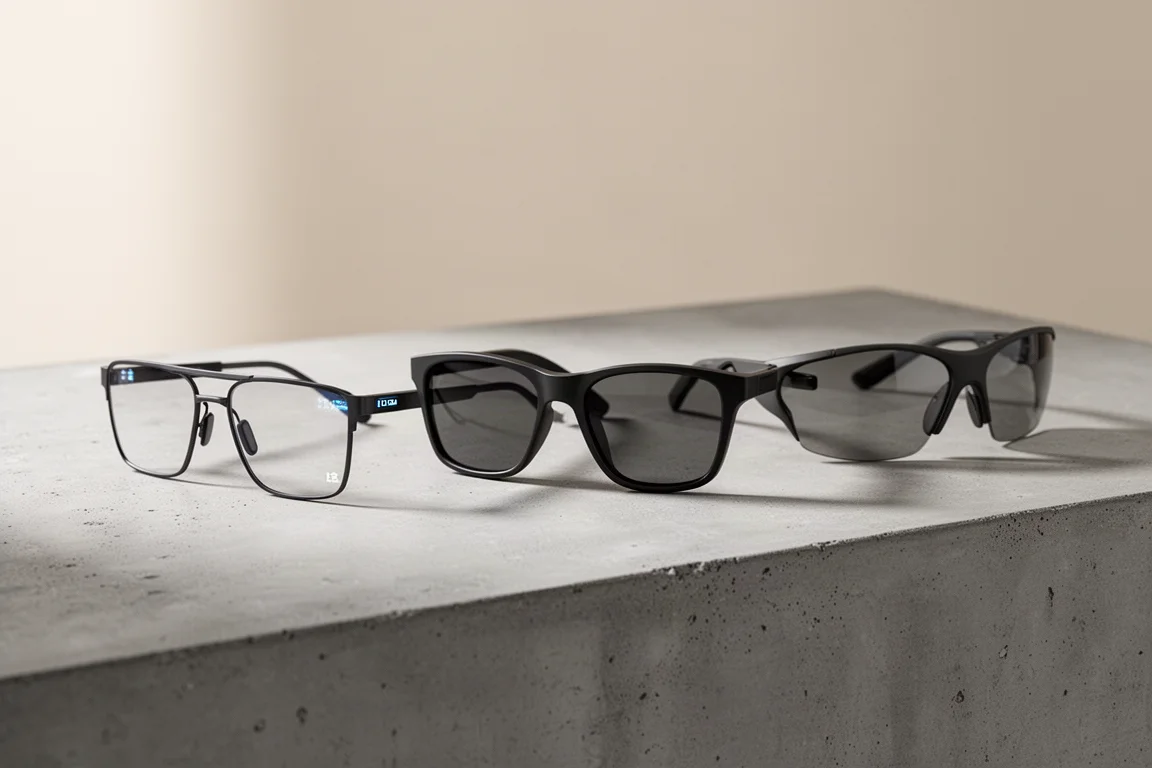
Smart glasses promise something the rest of tech cannot: a computer, a camera, and an AI assistant hidden inside something you would already wear every day. The idea is simple. Glasses are familiar, easy to carry, and for most of us, they just look normal. That normality is exactly why they get used, unlike other wearables that end up in a drawer.
After two weeks of real daily use with the Rokid Glasses, alongside hands-on time with the Meta Ray-Ban Smart Glasses and the new Oakley Meta Smart Glasses, one thing became clear: AI software has improved faster than the hardware supporting it. Battery and camera technology are still catching up, and that will be the biggest downfall for a lot of buyers. But for some users, this category has quietly become an everyday essential rather than a gimmick.
What Makes Rokid Glasses Different
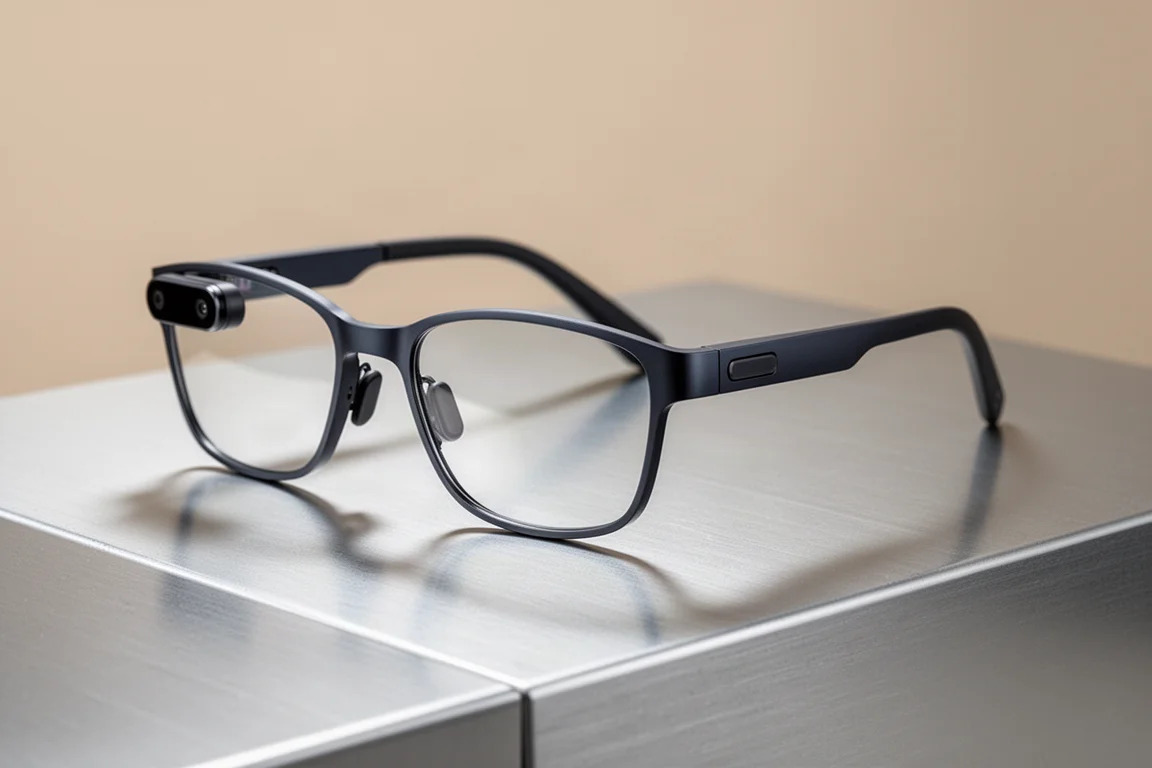
The Rokid Glasses pack three things into one device that no other pair here combines: a built-in display only the wearer can see, a camera, and ChatGPT 5 access. The design is deliberately understated, so you do not look like you are wearing a sci-fi computer on your face, which matters more than it sounds when you want to actually wear these in public.
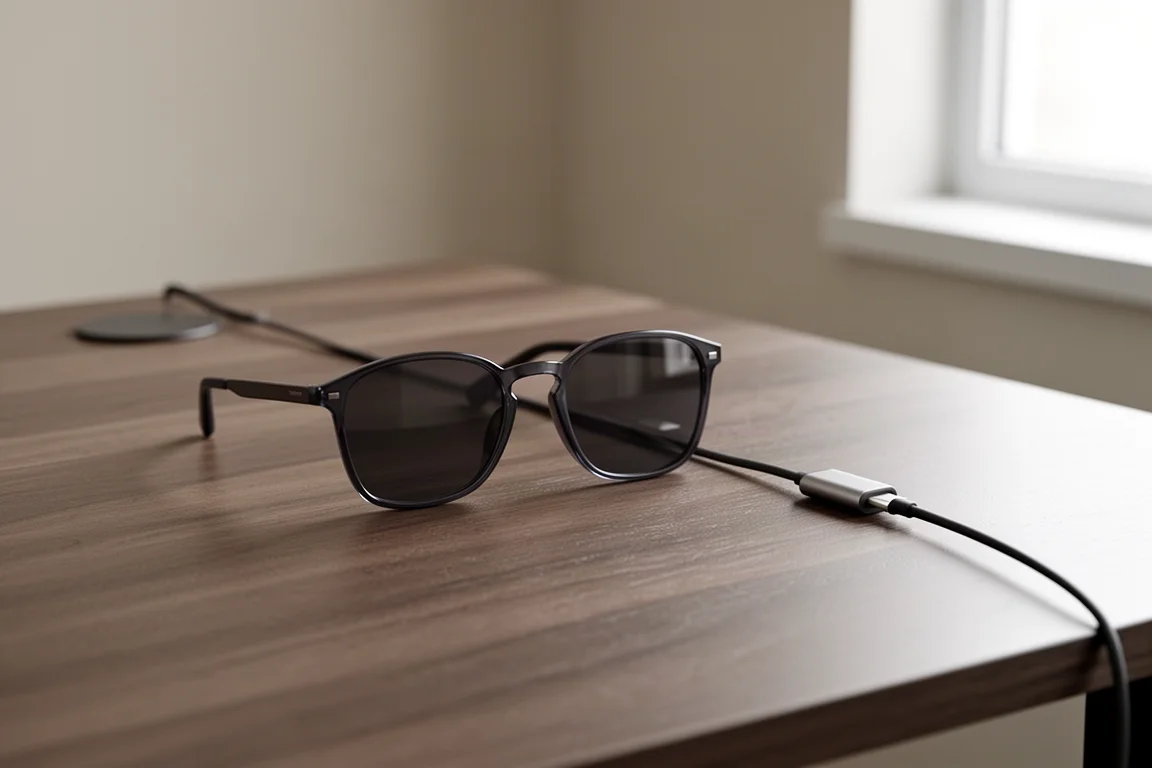
The hardware layout is minimal: a camera, a single button, a touchpad, and a side magnetic charging port. That last detail is a bigger deal than it seems, because it means you can charge the glasses with a wire without taking them off, and keep using them while they charge. The built-in display doubles as a notification screen, so a quick glance keeps you updated without reaching for your phone, which genuinely helps you stay in the moment.

They also work as everyday earphones, with built-in open-ear speakers rated for 5 hours of music playback, which is longer than many dedicated earphones. The trade-off is that people nearby may hear your audio, but the comfort of not having anything plugged into your ears all day makes it worthwhile for many.
Real-Time Translation and Live Subtitles
The standout feature is real-time live translation to English. Point the camera at foreign text, ask, and the glasses translate what is in front of you on screen. It works on signage, packaging, booklets, and printed instructions, which makes it a must-have for travel if you do not speak the local language.

Beyond text, the glasses support full spoken conversations with real-life subtitles, so you can talk with someone in a language you do not understand and follow along as if you did. For travelers, collectors dealing with imported goods, or anyone navigating foreign packaging, this is the feature that makes the display worth having.
Camera and Audio for Everyday Capture
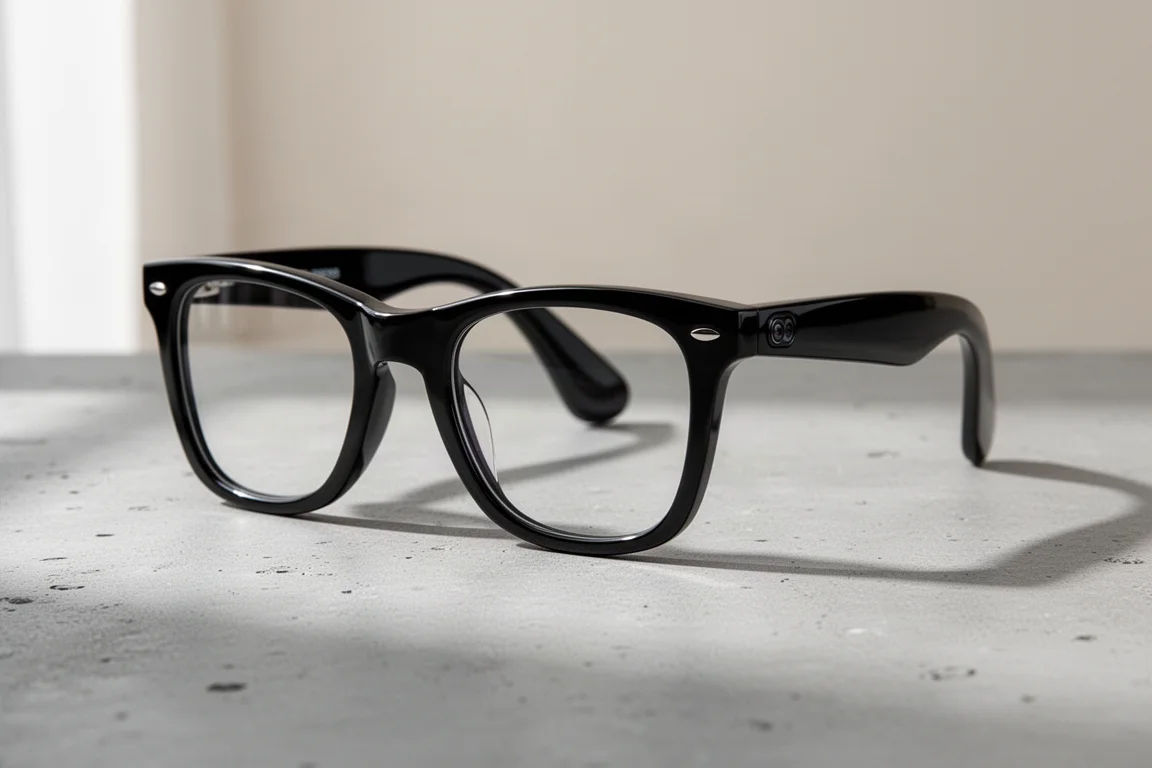
For daily content capture, the camera and display combo is what earns these glasses a permanent spot in the routine. The best camera is the one you have with you, and having a camera always ready quadruples the amount of content you capture. The quality is roughly comparable to phone footage, shooting fully automatic, and a 12 megapixel sensor handles product shots, video clips, and quick documentation of finds.
The on-screen display is genuinely useful for framing: it shows that you are recording and roughly what you are capturing. Aim is accurate for subjects far away, but up close, framing shifts because the camera sits on the left side of the glasses. A practical rule of thumb: keep your subject in front of your left eye and aim slightly lower.
Audio is where the hardware impresses most. Four built-in microphones, one hidden inside the frame, capture voice so cleanly that footage sounds like it was recorded into a close mic even with surrounding noise and wind. That makes voiceovers trivial, and there is also an audio-only recording mode for meetings and voice notes.

For constant all-day capture, be aware that heavy recording and AI use will drain the battery faster, which is exactly why the charging approach matters so much.
Battery and Charging: The Deciding Factor
Here is the difference that decides which pair stays in daily rotation. The Meta Ray-Ban glasses must be placed into their charging case to charge, which means taking them off and not using them during that time. The Rokid Glasses also have a case available, but the magnetic USB-C cable lets you charge directly without ever taking them off your head. The supplied cable is fairly flimsy and easy to lose, but with a simple workaround keeping it ready in a sling bag, you can record your day without worrying about battery or missing shots.
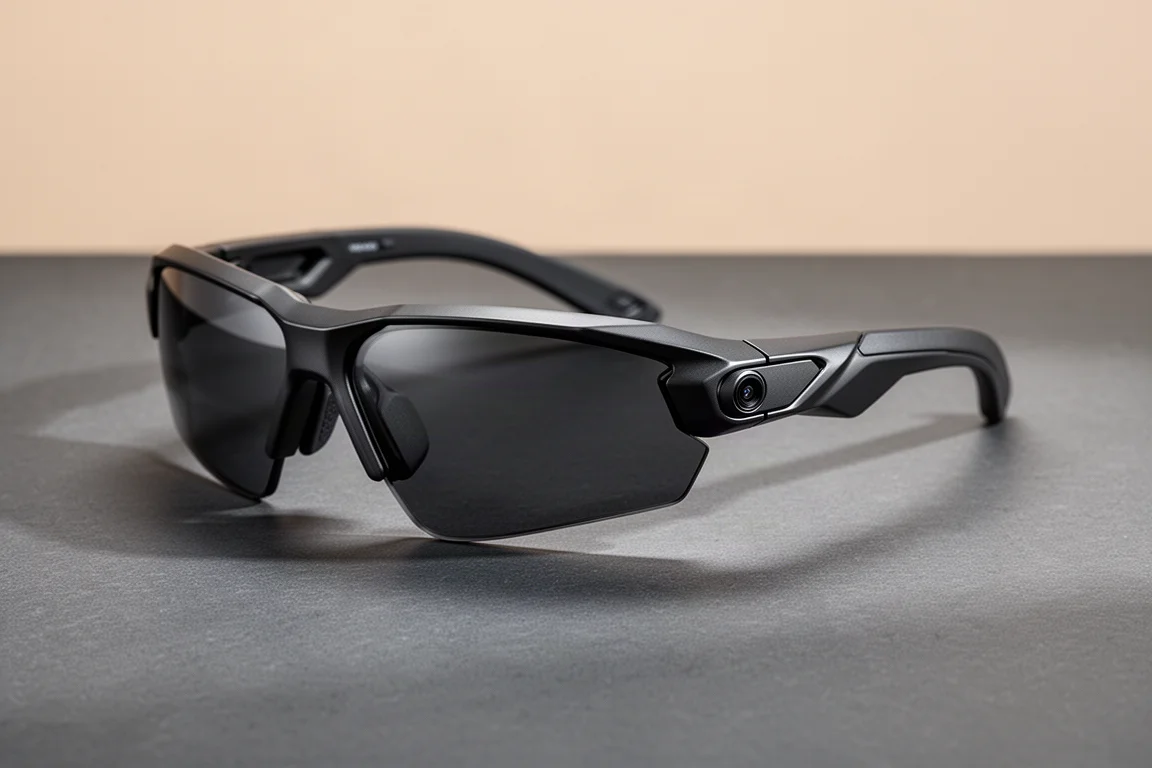
The new Oakley Meta Smart Glasses improve on hardware in some ways: a better 3K camera and double the battery life compared to earlier Meta glasses. However, the design went backwards for comfort. They come in a single size, and for anyone with a larger head, the sharp arm design digs in and the plastic nose bridge lets them slide down within about 30 minutes. If you have a larger head, the comfort of softer contact pads all day beats a better camera. The Rokid Glasses also carry a bigger battery without extra bulk, which supports a set-it-and-forget-it usage style.
Overall Buying Advice
The value math is straightforward. The Oakley Meta Smart Glasses are priced at $479, the same cost as the Rokid Glasses during their Kickstarter campaign. At that same price, Rokid includes ChatGPT 5 AI available around the clock, a 12 megapixel camera, and a built-in screen, plus a free charging case for Kickstarter backers. That combination is hard to beat on value.
Choose the Rokid Glasses if you want the display, translation features, and continuous charging capability as a daily documentation tool. Choose the Meta Ray-Ban Smart Glasses if you prefer a polished ecosystem and can live with case-based charging and no heads-up display. Choose the Oakley Meta Smart Glasses if camera quality and battery life are your priority and the single-size fit works for you.
Conclusion
Smart glasses have finally crossed from gimmick to genuinely useful, but the right pick depends on how you plan to use them. Rokid wins on all-in-one value and everyday practicality, the Meta Ray-Ban remains the closest competitor on ecosystem and polish, and the Oakley Meta leads on raw hardware specs. Pick based on whether you value the screen, the camera, or the fit, because all three are now credible options rather than novelties.
Further reading
Related Reviews
Smart Glasses
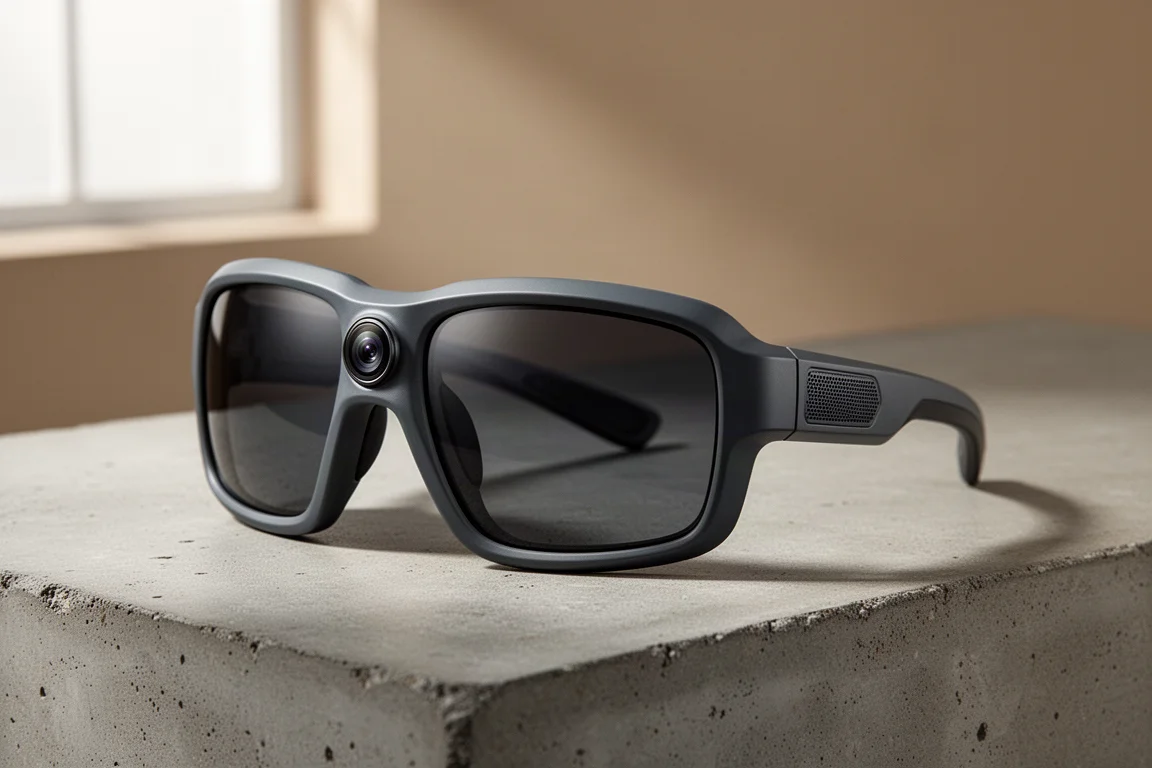
Oakley Meta Vanguard Review: Smart Sunglasses With a Built-In Camera
A practical look at the Oakley Meta Vanguard: strong point-of-view video and open-ear audio, balanced against a premium price and limited battery life.
Smart Glasses
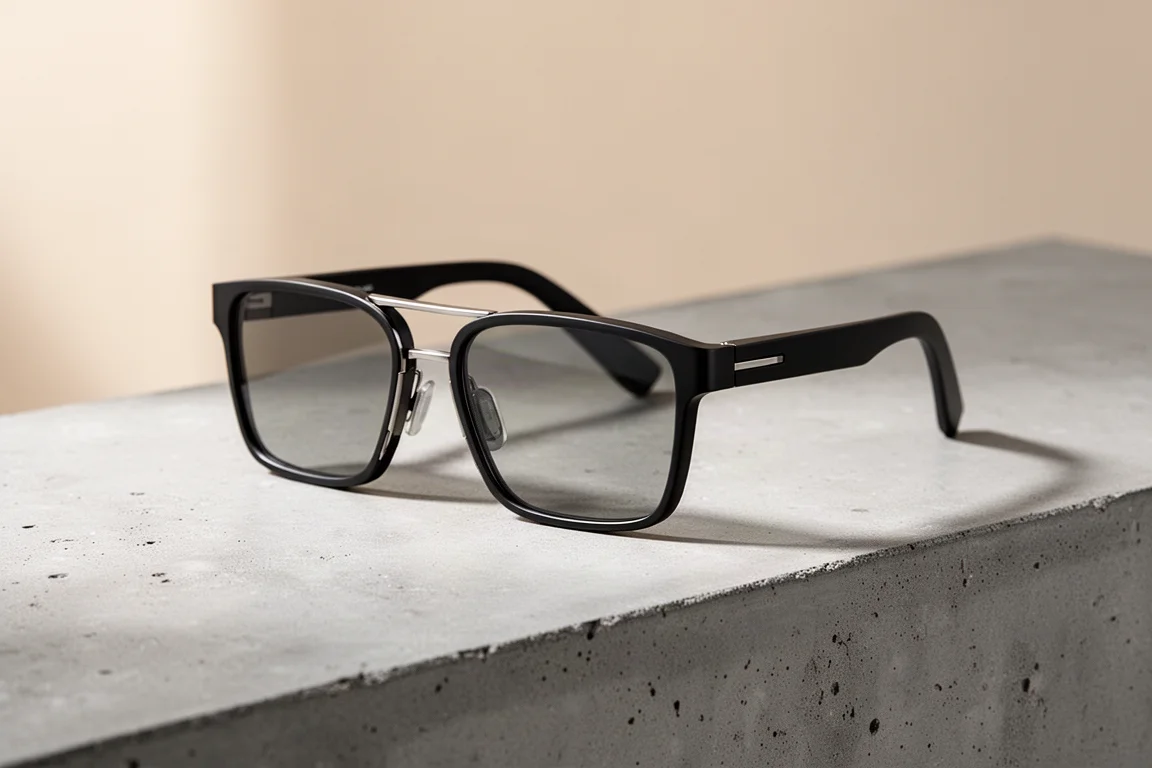
Tozo AIVU AI Glasses Review: A Privacy-First Smart Glasses Option
The Tozo AIVU AI glasses offer a green HUD in both eyes, hands-free AI assistance, and a strong focus on privacy with no image storage.
Smart Glasses
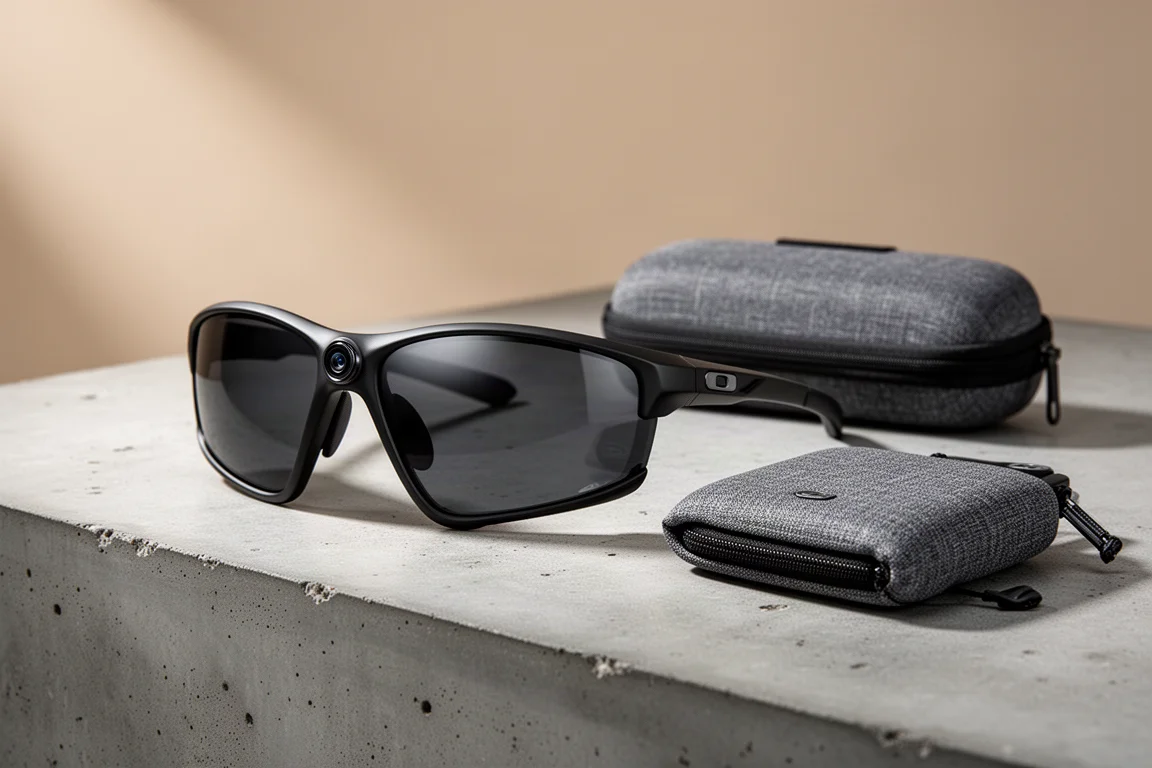
Oakley Vanguards Review: Meta's Smart Glasses Finally Get Sports Right
A 3K camera, open-ear audio, and deep Garmin and Strava integration make the Oakley Vanguards the first pair of smart glasses that genuinely complements a sports watch instead of trying to replace it.