Smart Glasses
Oakley Vanguards Review: Meta's Smart Glasses Finally Get Sports Right
A 3K camera, open-ear audio, and deep Garmin and Strava integration make the Oakley Vanguards the first pair of smart glasses that genuinely complements a sports watch instead of trying to replace it.
Introduction
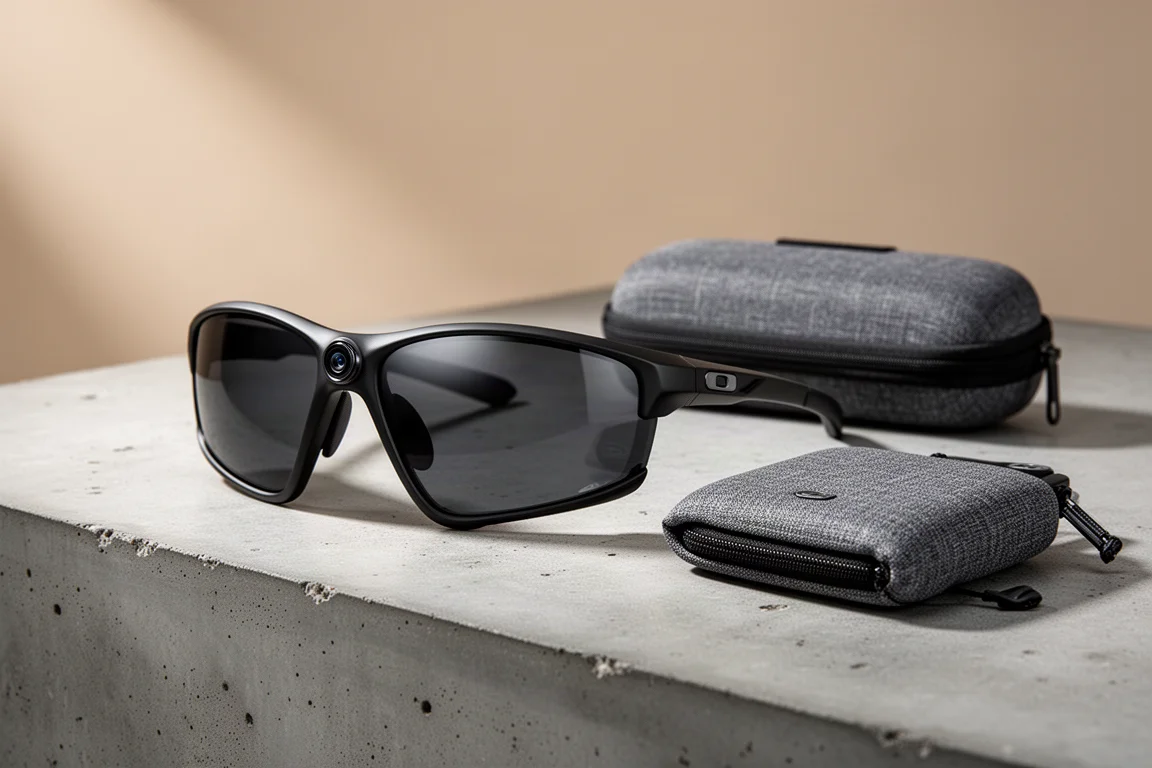
Smart glasses have been promising more than they deliver for well over a decade. The Oakley Vanguards, built in partnership with Meta, are the first pair I have tested that gets the fundamentals right. They are a genuine pair of Oakley sunglasses first, with a 3K camera, open-ear speakers, microphones, and Meta’s AI assistant layered on top. No display, no gimmicks, and no attempt to replace the watch or bike computer you already own. Instead, they complement it, and that single design decision is what makes them work.
Who This Product Is For
These are for runners, cyclists, and anyone who wants hands-free photo and video capture without strapping a camera to their body. If you already ride with a Garmin device or record activities in Strava, the Vanguards add a layer that no other accessory currently matches: real-time audio stats and stat overlays on your own footage. They are less compelling if you want a heads-up display, prescription lenses, or any discomfort with your content living on Meta’s platforms.
What’s in the Box
The package includes the glasses, a charging case, two interchangeable nose bridges (high and low) for fit adjustment, and a polishing cloth. The case is more than a case: when the glasses go inside, it syncs over Wi-Fi, fast charges to 50 percent, and acts as a battery bank good for up to 36 hours of additional charge on top of the claimed nine hours in the glasses.
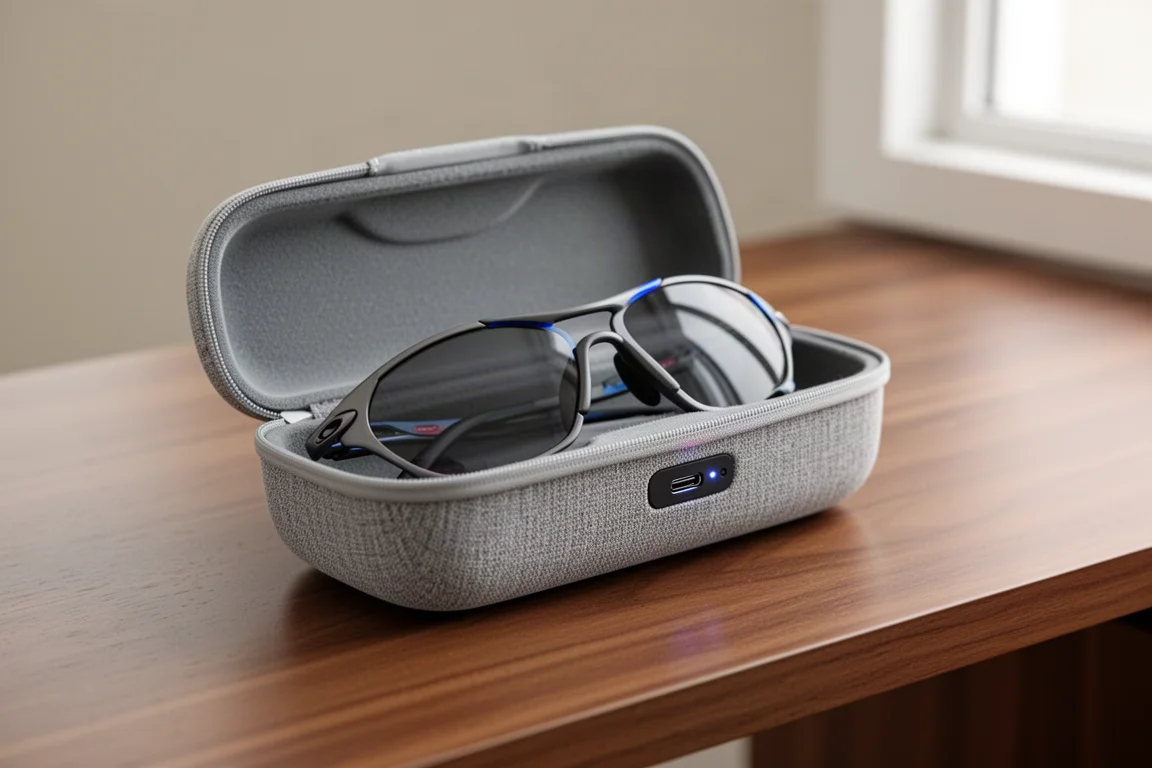
There are four frame and lens combinations available, and replaceable lenses can be purchased later. A low-light lens is expected in the near future, but there is no prescription lens option today. The price is the same regardless of which combination you choose.
Hardware and Controls
On the right side sit two buttons. The main button takes a photo with a single press and starts a video with a long press. The rear button is customizable for actions like hyperlapse or slow motion. Along the same side runs a touch bar: tap once to start music, swipe forward or back to change volume. Microphones handle video audio, phone calls, and voice commands to Meta’s AI assistant.
Call and voice quality held up impressively well, even at around 50 km/h on crunchy gravel, where wind noise stayed under control. One caveat: voice commands to the assistant frequently failed once speeds climbed above roughly 30 km/h, though calls remained clearly audible to the person on the other end.
Camera and Video Quality
The 3K camera sits dead center in the front of the frame, which is exactly where it should be. A white status light on the outside switches on while recording so people around you know capture is active, and a second light on the inside confirms it for you. The outside light cannot be disabled, though the interior one can be dimmed.
Footage quality is genuinely impressive across cycling, running, and everyday use. Default capture is 1080p at 30 fps with medium stabilization, and you can step up to 3K at 30 fps or 1080p at 60 fps. Stabilization settings made no obvious difference in repeated trail-run testing, and stabilization is not adjustable on the 3K option, but it hardly mattered in practice. Slow motion is limited to 720p, well below what a dedicated action camera or a modern phone can manage, and hyperlapse mode lacks the silky smoothness of a GoPro or DJI. One quirk: sweat dripping directly onto the lens occasionally ruined a clip without any way to know mid-workout.

Recording length is set to 1, 3, or 5 minutes per clip. Three minutes proved to be the sweet spot; one minute ends too quickly and five minutes outlasts most moments worth capturing. The main limitation is framing: everything is captured in a vertical-ish format. You can crop to horizontal afterward, but a native horizontal option would be welcome.
Battery Life in Practice
The claimed nine hours only holds if you are mostly just wearing them with the occasional photo. Heavy use tells a different story: a long ride or run with constant photos and three-minute 3K clips drained them in roughly an hour and a half. Dialing back to 1080p and one-minute clips should realistically stretch a three-to-four-hour activity without trouble. On the plus side, the fast-charging case works exactly as advertised and easily tops the glasses back up between sessions.
App, Music, and Calls
The Meta AI app on your phone does most of the heavy lifting; the glasses are essentially a camera, headphones, and microphone in a sunglass form factor. Setup is quick, linking to an existing Meta account. The most important setting is enabling Wi-Fi on your home network so the case automatically syncs all your photos and videos to the cloud when the glasses go inside, much like a GoPro. If you are not comfortable with your content living on Meta’s platform, these are not the glasses for you.
Music integration worked flawlessly. Spotify requests by voice never misfired once, even mid-ride, and audio stayed clearly audible at 50 to 60 km/h. Calls work like any pair of headphones, including integration with WhatsApp, Facebook Messenger, and Instagram calling, with consistently good call quality. One social note: the speakers are loud enough that people nearby will hear your conversation if the volume is up.
Garmin and Strava Integration
This is the marquee feature. The Garmin integration has three parts: hearing your stats in real time through the speakers, overlaying stats on your footage after the fact, and grouping everything into distinct workouts in the Meta AI app. Setup takes minutes: link your Meta AI account to your Garmin account and install the Meta Connect IQ app on your Garmin device, which covers most Garmin watches and bike computers from roughly the last four years.
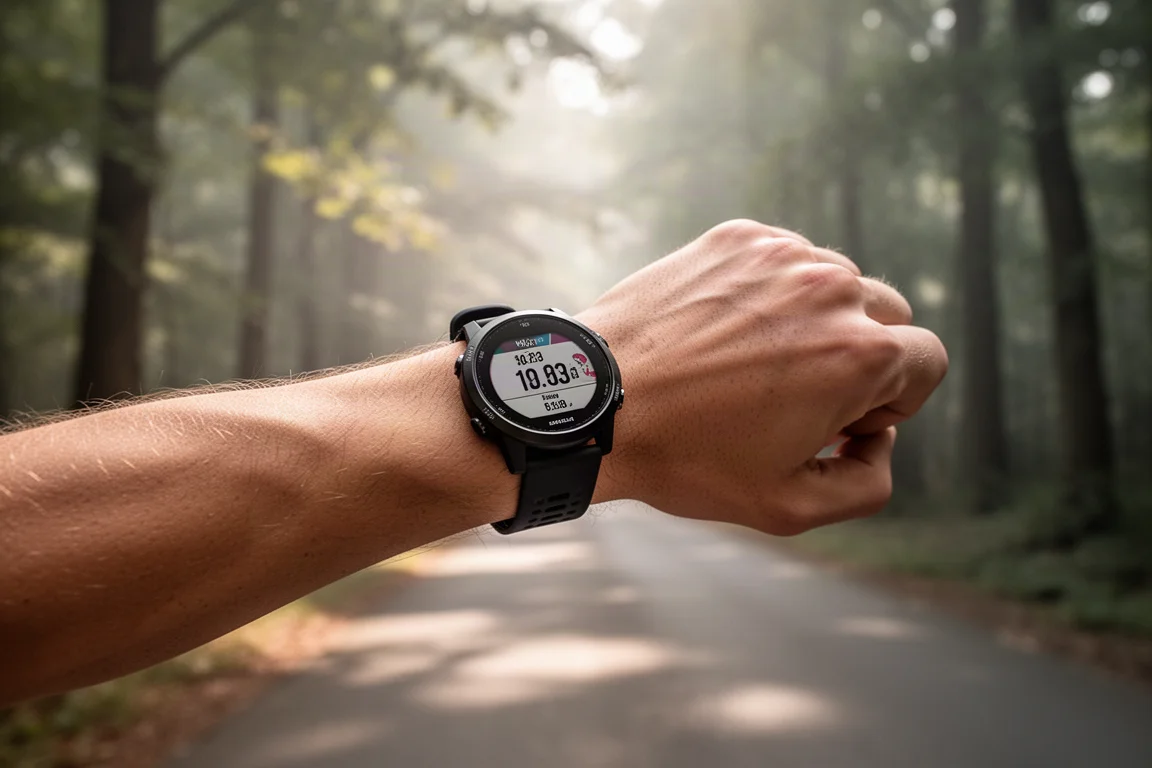
Once an activity starts, auto capture takes photos and video snippets along the way, though its trigger logic feels random and could be smarter. Asking the glasses for your pace or distance works, but honestly, if you already wear a Garmin, you know how to glance at it. The real payoff comes afterward. Your workout syncs from Garmin to the Meta AI app, your footage syncs in from the case, and the app groups everything by activity with an AI-generated summary. You can then overlay up to five Garmin stats, both real-time values and averages, onto any clip before sharing it. It is a fantastic workflow, and it deserves to go even deeper on stat options. Frustratingly, there is no way to trim clips inside the app, and I could not find any way to switch the stat overlays from imperial to metric units.
The Strava integration mirrors the Garmin one minus the real-time audio. Link your Strava account, record your activity with any device you like, then choose a photo or video in the Meta app, pick your workout, select stats to overlay, and push it to your Strava activity or save it to your camera roll.
Things to Consider Before Buying
Battery life under heavy video use is the biggest trade-off, and the vertical-only capture format will bother anyone shooting for horizontal platforms. Slow motion and hyperlapse both trail dedicated action cameras. There is no prescription lens support yet, and the recording light cannot be turned off. None of these are deal-breakers for the core use case, but they are worth knowing going in.
Buying Advice
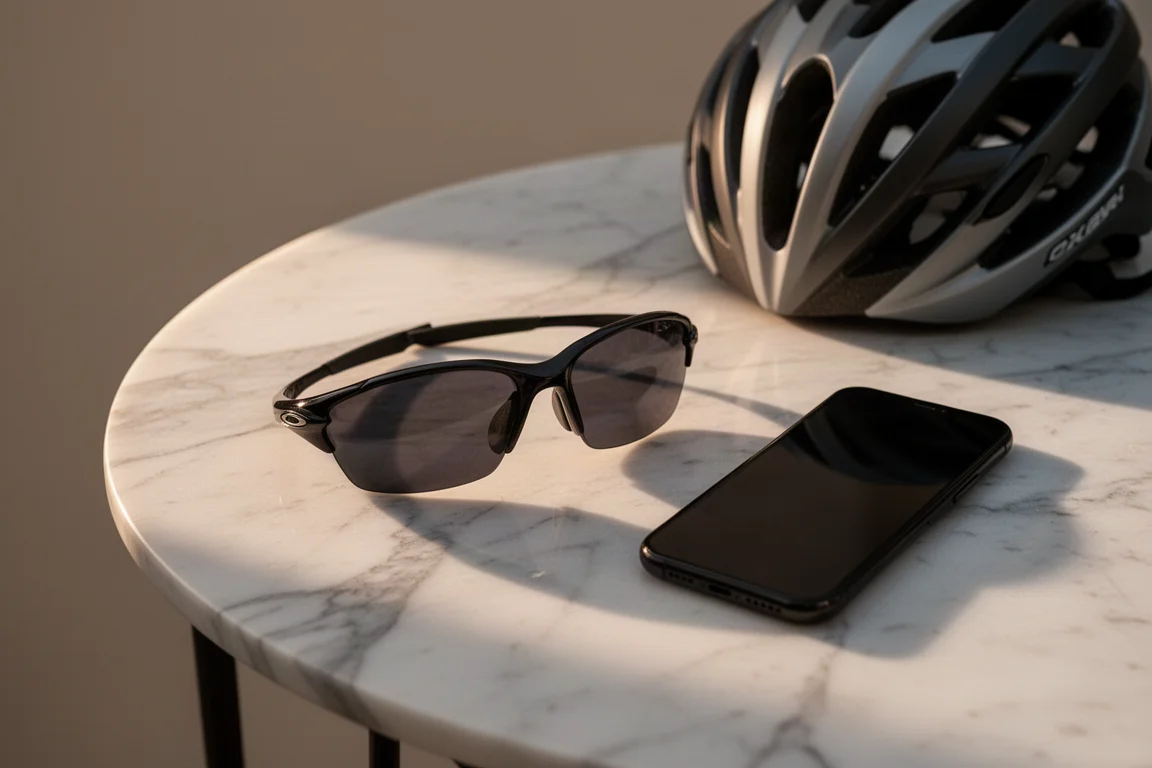
Think of the price this way: a quality pair of Oakley sunglasses runs roughly 120 to 180, and you are adding an action camera plus a set of headphones and a microphone on top. Against that backdrop, the Vanguards make sense, provided you actually want hands-free capture and are comfortable with Meta’s ecosystem. If you mostly want audio and voice control, earlier smart glasses cover that. If you want stats on your ride footage, nothing else does this.
Conclusion
After years of testing smart glasses that promised everything and delivered little, the Oakley Vanguards are refreshingly honest: great sunglasses, a very good camera, solid audio, and a sports workflow that actually complements your existing devices. The battery life under heavy recording and the vertical-only format are real limitations, but for runners and cyclists who want quick, high-quality hands-free clips, this is the first pair of smart glasses that genuinely does not suck.
Product link
View more details for Oakley Vanguards (Meta x Oakley)
This product is mentioned in the review. Check the specifications, options, and compatibility before buying.
View more details for Oakley Vanguards (Meta x Oakley)Further reading
Related Reviews
Smart Glasses
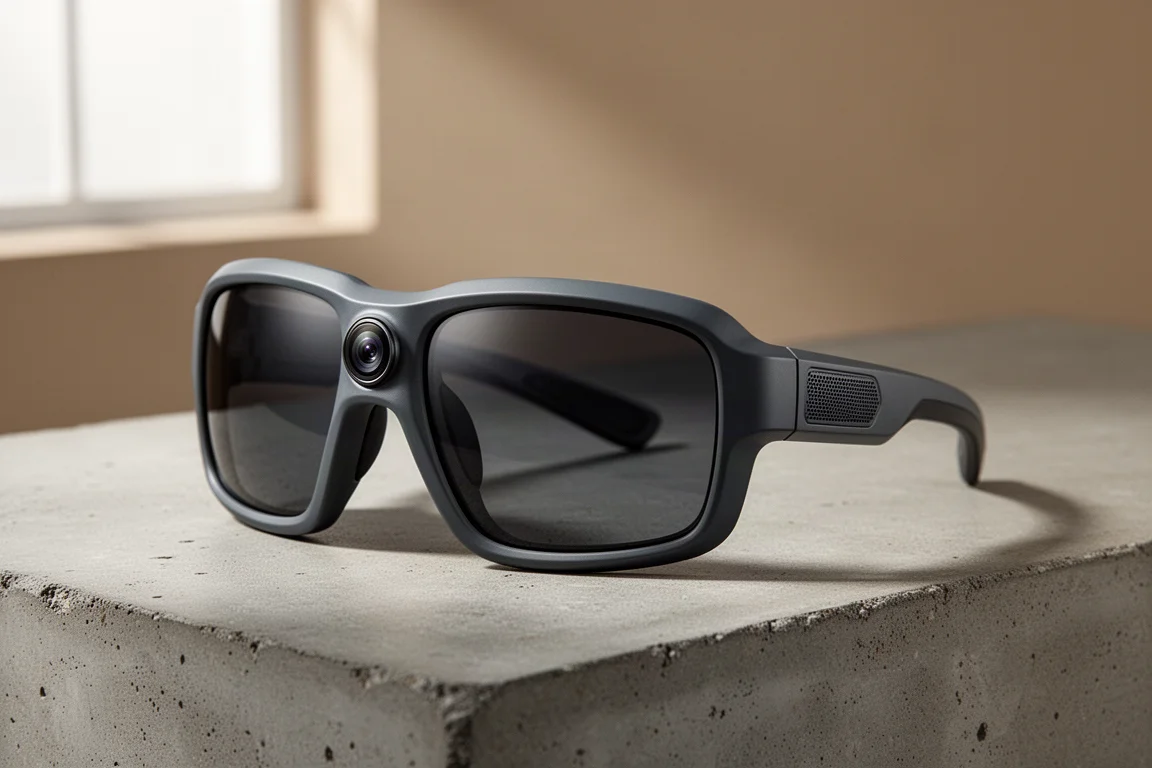
Oakley Meta Vanguard Review: Smart Sunglasses With a Built-In Camera
A practical look at the Oakley Meta Vanguard: strong point-of-view video and open-ear audio, balanced against a premium price and limited battery life.
Smart Glasses
Tozo AIVU AI Glasses Review: A Privacy-First Smart Glasses Option
The Tozo AIVU AI glasses offer a green HUD in both eyes, hands-free AI assistance, and a strong focus on privacy with no image storage.
Smart Glasses
Rokid vs Meta Ray-Ban vs Oakley Meta: Which Smart Glasses Are Actually Worth Wearing?
Three smart glasses compared on camera quality, display, battery, and everyday usability to help you pick the right pair.