Snow Sports Apps
Slopes App for Apple Watch: A Hands-On Review for Skiers and Snowboarders
Slopes automatically tracks your ski days on Apple Watch, from vertical and speed to chairlift names, with a few caveats around external heart rate monitors.
Introduction
If you ski or snowboard with an Apple Watch, the built-in workout profiles capture heart rate and little else. What most riders actually want to know is how many runs they took, how much vertical they covered, and how fast they went on each descent. That is exactly the gap the Slopes app fills, and it has become one of the most polished ways to log a day on the mountain.
What Slopes Does on the Apple Watch
Slopes works like other Apple Watch workout profiles for basics such as heart rate, but it goes further with snow-specific data: run counts, total vert, average and maximum speed per run. The best part is that none of this requires manual input. You start the app, ride, and it records everything automatically in the background. There is an Android version too, but the Apple Watch and iPhone pairing is where the experience shines.

In-App Experience and Tracking
Starting a session works like any watch app. You pick from activity profiles including skiing, snowboarding, backcountry skiing, sit skiing, snow biking, and splitboarding. Before you start, there are toggles for sharing your location with Slopes friends, plus settings for units, smart reminders, nearby-friend notifications, a default resort for the watch face complication, autolock, and auto-pause.
The main data page shows total vert, distance, max speed, heart rate, and total ride time. Using the Digital Crown, you can scroll through more detail: vert and altitude for your last run, last-run distance, average and max speed, heart rate detail, and a breakdown of downhill versus uphill time with your run count. Swiping right reveals nearby friends, then music controls, then screen lock, pause, and finish controls.
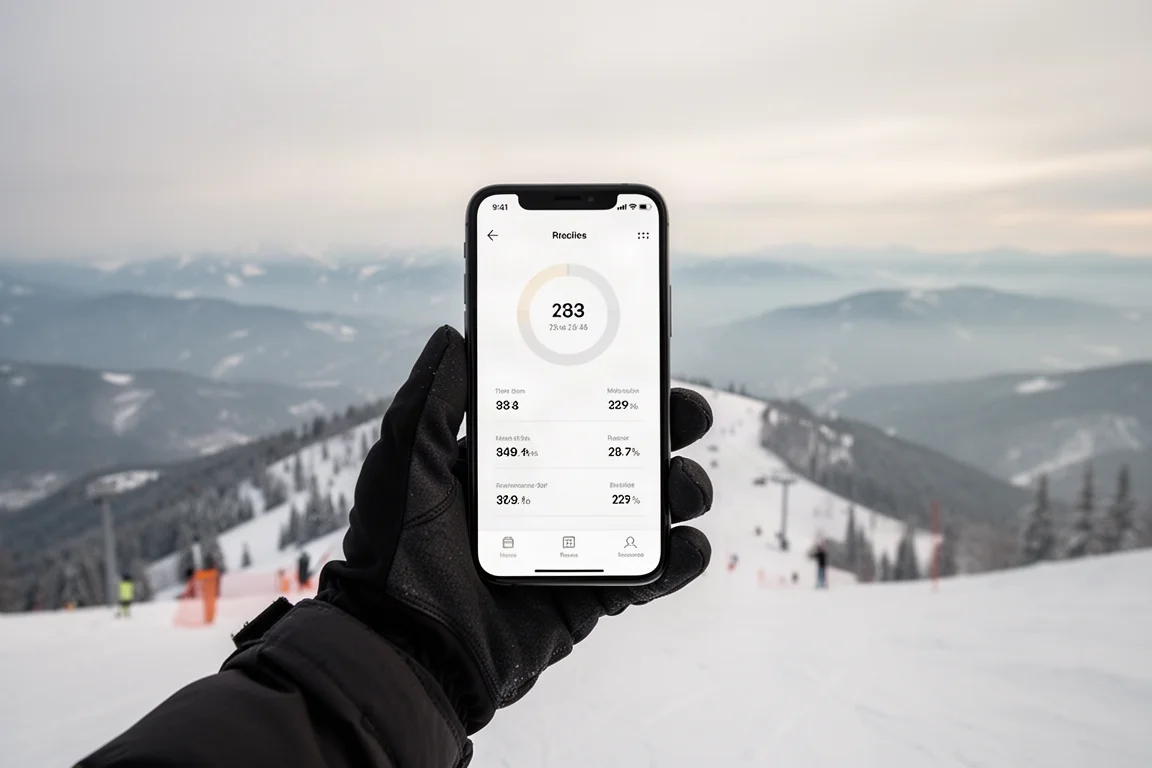
The app identifies runs automatically using the altimeter, distinguishing descents from chairlift ascents and logging per-run vert, distance, time, and speed. On the iPhone afterward, you get a scrubbable day timeline, including which chairlift you rode, speed analysis, heart rate broken out by resting, lift, and descent, 2D terrain, satellite, and interactive 3D maps, photos pulled into your activity summary, key stats, and a running log of personal records like top speed and tallest run. Data also syncs directly to Strava.
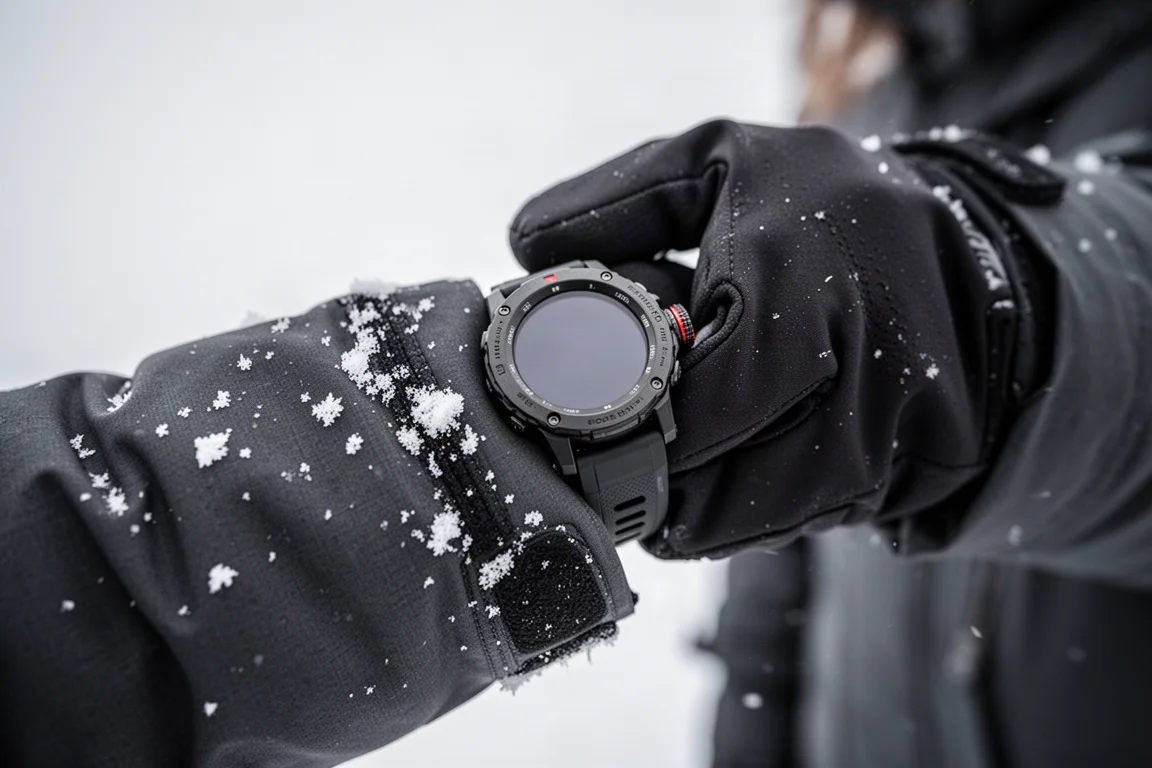
If you own an Apple Watch Ultra or Ultra 2, you can assign the Action Button to launch Slopes or immediately start recording with a chosen profile, which is genuinely convenient with gloves on.
Things to Consider Before Buying
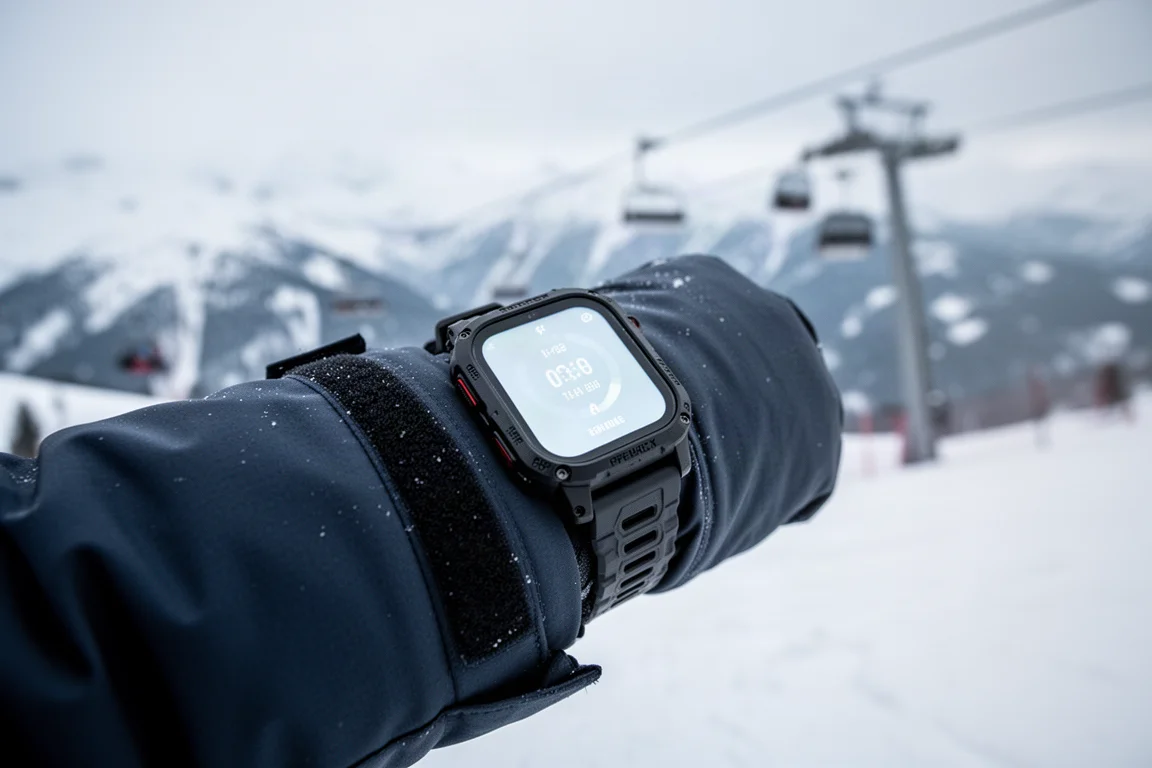
Wearing the watch outside your jacket makes stats easier to glance at, but it disables the wrist-based optical heart rate sensor. You will need an external heart rate monitor in that setup, plus a very secure band; a Trail Loop works, and an Ocean band is likely the most secure option.
There is currently a wrinkle: external heart rate monitors behave inconsistently with Slopes. In testing, pairing a strap before or during a session caused the displayed heart rate to lock up or show nothing, even though correct heart rate data appeared in the Fitness app and HealthFit. The same sensors worked fine with other third-party apps, so this looks like a Slopes-side issue rather than a sensor problem. Given how consistently the developer updates the app, this seems likely to be resolved.
Recent Updates and New Features
A recent update brought a refreshed interface, the Digital Crown scrollable stats page described above, a Live Activity on your iPhone showing total vert and distance while locked (customizable to other stats), Smart Stack support, and a trip planner for setting up trips in advance and inviting friends.
Pricing: Free vs Premium
Slopes is free to download and use, covering high-level stats like lift time, run time, top speed, and total vert. Slopes Premium unlocks the finer details: run-by-run stats, interactive 3D trail maps, extra insights for Apple Watch users, and more.

Buying Advice
If you already own an Apple Watch and ride regularly, Slopes is an easy recommendation, especially at the free tier. If you want run-by-run breakdowns and 3D resort maps, Premium is where those live. Just be aware of the external heart rate monitor issue if you plan to wear the watch outside your jacket with a chest strap.
Conclusion
Slopes turns an Apple Watch into a genuinely capable ski day logger, capturing everything from chairlift names to personal records without asking anything of you mid-run. Aside from the external heart rate quirk, it is an impressive, thoughtfully updated app that makes a day on the mountain easier to relive and analyze.
Product link
View more details for Slopes App
This product is mentioned in the review. Check the specifications, options, and compatibility before buying.
View more details for Slopes AppFurther reading
Related Reviews
Action Cameras
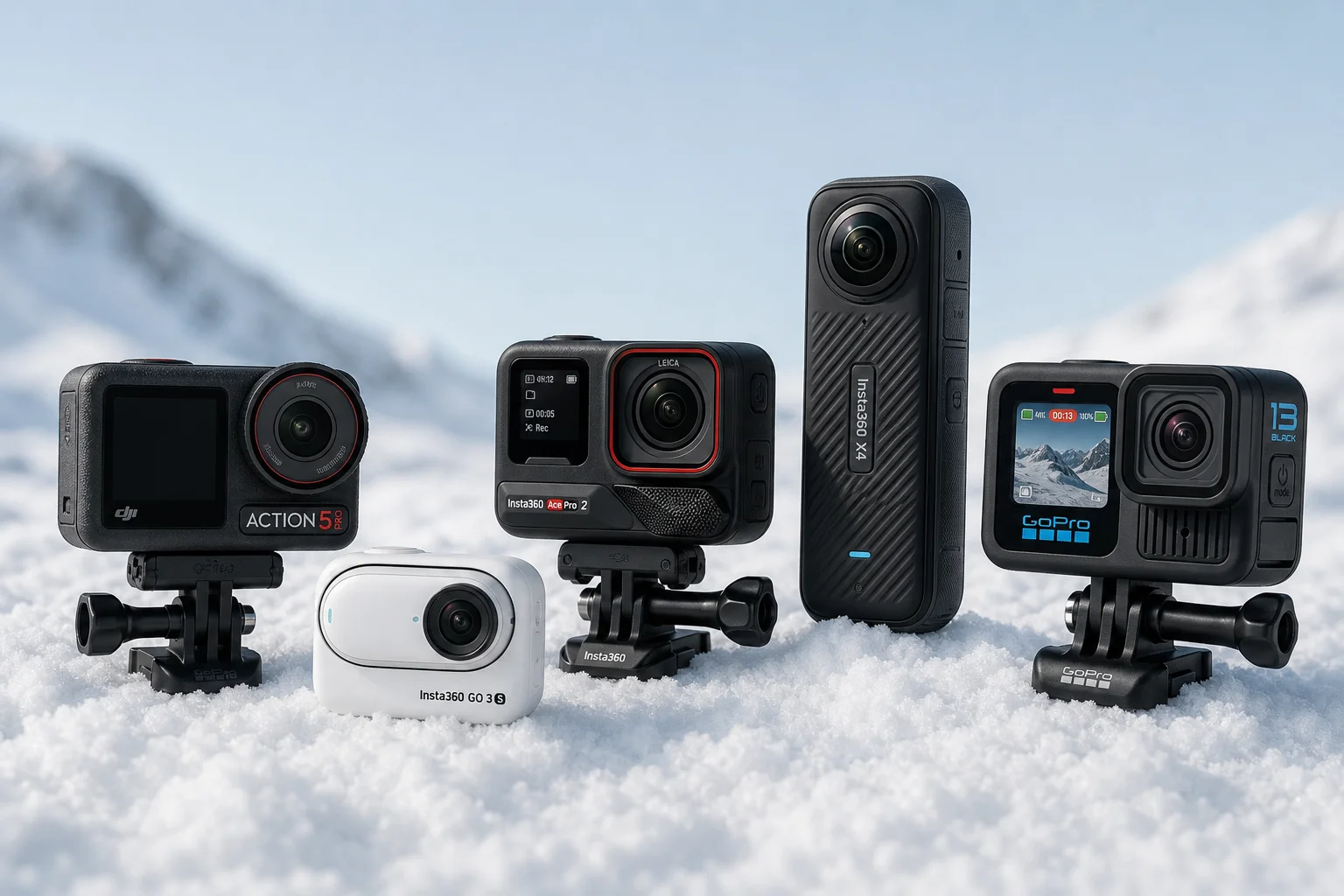
Best Action Cameras for Skiing and Snowboarding: Five Tested Options
Five action cameras tested on the slopes: DJI Action 5 Pro, Insta360 GO 3S, Insta360 Ace Pro 2, Insta360 X4, and GoPro Hero 13. Each excels in different ways.
Outdoor Tech
Apple Watch vs Garmin: Which Outdoor Watch Should You Buy?
A practical comparison of the Apple Watch Ultra, Apple Watch SE, Garmin Fenix 6, and Garmin Epix for daily wear and outdoor use.
Outdoor Watches
Apple Watch vs Garmin: Which Outdoor Watch Should You Buy?
A practical comparison of Apple Watch Ultra, Apple Watch SE, the Garmin Fenix and Epix lines, and the two apps that add offline trail maps to an Apple Watch.