TVs
Samsung S95C Review: A Bright QD-OLED That Finally Delivers
The Samsung S95C pairs class-leading brightness and 144Hz gaming with a slow smart platform, aggressive auto dimming, and thin built-in sound.
Introduction
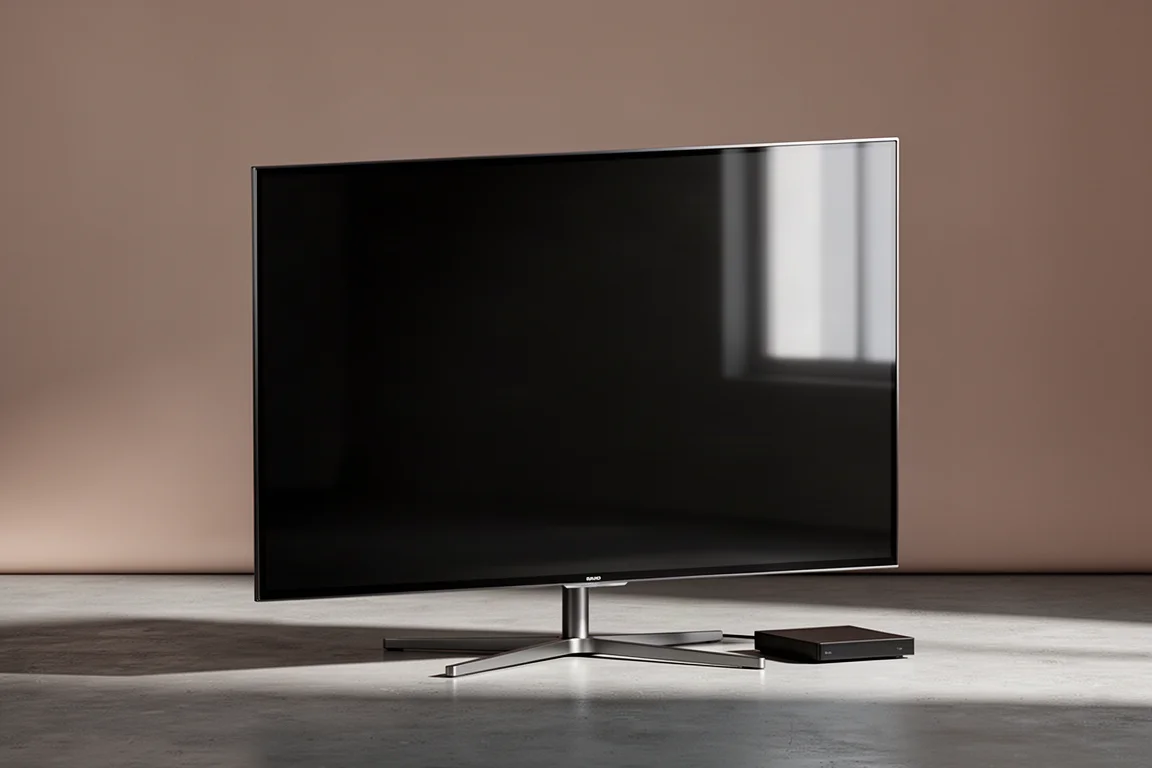
Samsung’s first QD-OLED generation arrived with plenty of promise and a few rough edges. The S95C is the follow-up, and it is a 4K QD-OLED built around Samsung’s Neural Quantum Processor 4K. It is offered in 55, 65, and 77 inch sizes, and the 65 inch model ships with a table stand.
The headline story is brightness and gaming. Peak brightness climbs above 1,000 nits, gaming refresh rates reach up to 144Hz, and Samsung’s Game Bar 3.0 lets you adjust game settings in real time. The panel is Pantone Validated and supports HDR10+ including Adaptive and Gaming, plus HLG. Dolby Vision is not supported, although Dolby Atmos is.
The trade-offs sit mostly on the software and processing side: a Tizen platform that feels slow and carries advertising and preinstalled extras, auto dimming that intervenes aggressively, menu screens that ignore your picture settings, and upscaling that is not the strongest in its class.
Who the S95C Is For
This is a television for people who want OLED contrast without giving up brightness. It suits gamers in particular, thanks to 144Hz support, VRR, FreeSync Premium Pro, and Auto Low Latency Mode. First-person shooters running at 4K 120Hz in HDR look smooth and detailed, and the S95C is one of the most compelling gaming displays in its category.
It also suits movie and series viewers who mostly feed the set native 4K content, where fine detail, contrast, and color accuracy are strong.
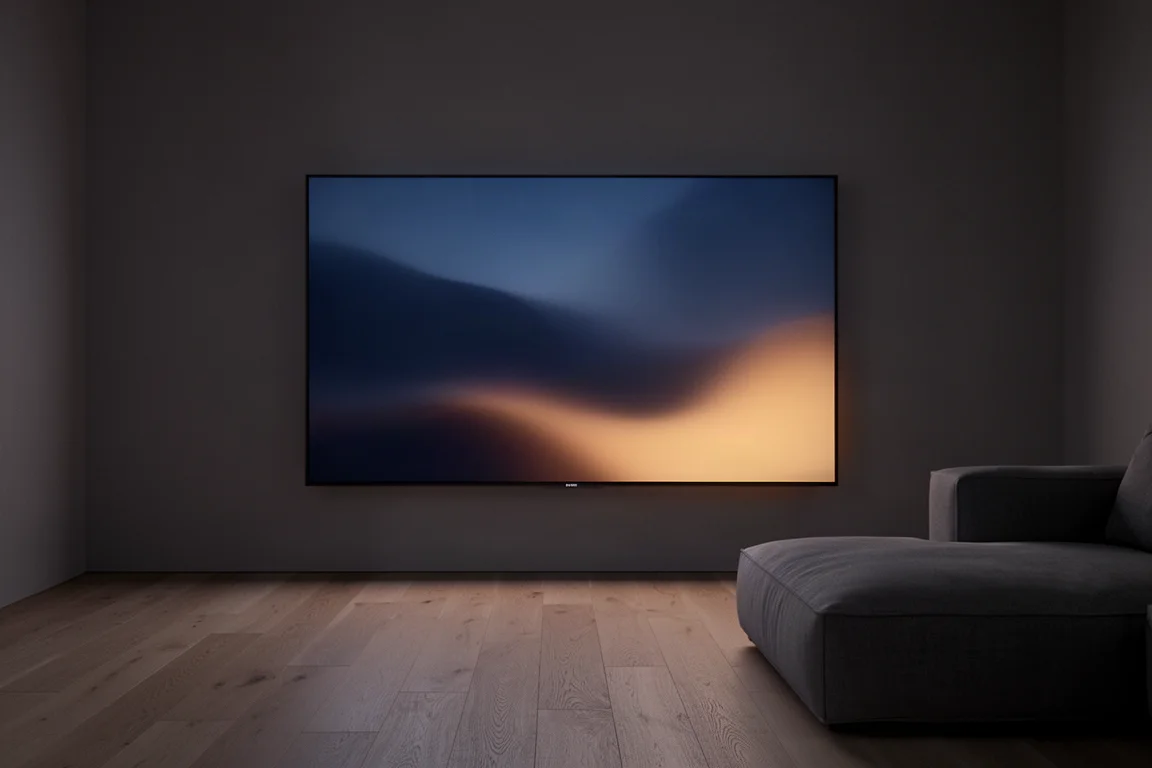
It is a weaker fit for people who watch a lot of standard definition or HD broadcast material, or who still use older DVD players, because upscaling is only modestly improved over the previous generation. Anyone who depends on Dolby Vision, or who still needs component, composite, and analog audio connections, should look elsewhere.
Design and Connectivity
All connections route through the One Connect Box, which can be mounted on the back of the TV, attached to the included table stand, or tucked inside an equipment cabinet for easier access. It provides four HDMI 2.1 inputs, one of which doubles as the eARC connection, plus an Ethernet port, an optical output, an RF antenna input, and three USB 2.0 inputs.
Wireless support covers Wi-Fi, Bluetooth, AirPlay 2, Google Assistant, Alexa, and Bixby. Samsung soundbar owners can sync wirelessly and run the TV speakers alongside the bar through Q Symphony. What you will not find is any support for component video, composite video, or analog audio, so older sources need an adapter or a different display.
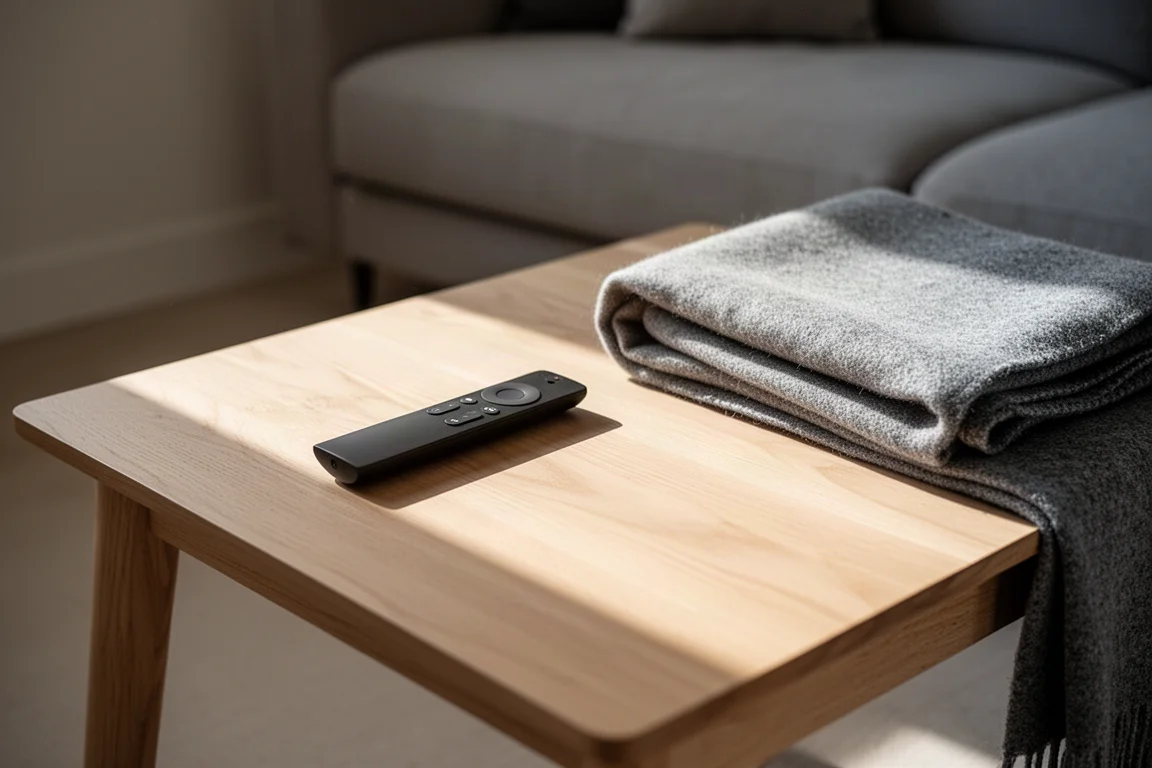
Control is handled either by the solar powered remote or by the SmartThings app, which also connects the TV to your home network and manages other compatible Samsung devices.
Picture Quality and Brightness
Five picture profiles are available: Dynamic, Standard, Eco, Movie, and Filmmaker. Out of the box the TV defaults to Standard, which is bright but inaccurate. Measured results put Movie well ahead of the rest for accuracy, with Filmmaker Mode close behind. Dynamic, Standard, and Eco run cooler in tone and give up dynamic range, so they are best avoided.
In Movie mode, grayscale and color accuracy land below a Delta E of 3, which counts as calibrated. The panel also responds well to manual calibration, reaching a Delta E below 1 for both grayscale and color. For a straightforward setup without a professional calibrator, Movie mode with picture clarity settings switched off and the color tone set to Warm 2 is a solid starting point.
Brightness is the S95C’s signature. Peak output passes 1,000 nits, which is mini LED territory, though full screen brightness sits closer to 250 nits. With peak brightness set to High, the automatic brightness limiter visibly dims the picture during brightly lit scenes, and turning peak brightness off removes that behavior at the cost of overall output. For HDR, static tone mapping avoids the light shifts of active tone mapping and produces a slightly dimmer but steadier image.

With everything dialed in, both standard and high dynamic range content looks impressive. Skin tones are notably improved over the previous generation, which tended to push them toward red and orange. Colors are accurate with strong saturation, though red remains a touch overdone next to the other primaries. Native 4K detail renders beautifully, and the contrast gives the image a three dimensional quality.
Two caveats remain. Black levels are crushed more than they need to be in order to make contrast pop, and rival OLEDs from LG and Sony handle low light detail better. Motion is smooth and improved over last year’s model, and because this is an OLED there is no local dimming or blooming to worry about, which matters if you watch with subtitles.
Gaming Performance
Gaming is where the S95C is at its best. Support for up to 144Hz, VRR, FreeSync Premium Pro, and Auto Low Latency Mode covers the essentials, and Game Bar 3.0 lets you tune settings in real time without leaving the game. A PS5 running first-person shooters at 4K 120Hz in HDR looks smooth and responsive, and the set handles that workload more convincingly than most of the competition.
Smart Platform and Daily Use
Tizen handles streaming duties, with apps such as Netflix, Hulu, and Max available without a third party streamer. The platform is the weakest part of the package: it is slow, carries a lot of bloatware and advertising, and only some of it can be removed.
There is also a quirk that is hard to work around. Menu screens are always presented in the Standard picture profile regardless of the settings you have chosen, so the image can appear to jump out of calibration as you move between apps and content. There does not appear to be a fix.
Auto panel dimming is aggressive, and the reasoning is understandable on a panel this bright, but it does undercut the point of all that light output. An auto calibration feature is available through the SmartThings app on compatible phones, working in conjunction with the TV. Before you get started, make sure the set is running the latest firmware.
Things to Consider Before Buying
Dolby Vision is missing. If your library or streaming habits lean on it, that is a genuine limitation, and Dolby Atmos support does not offset it.
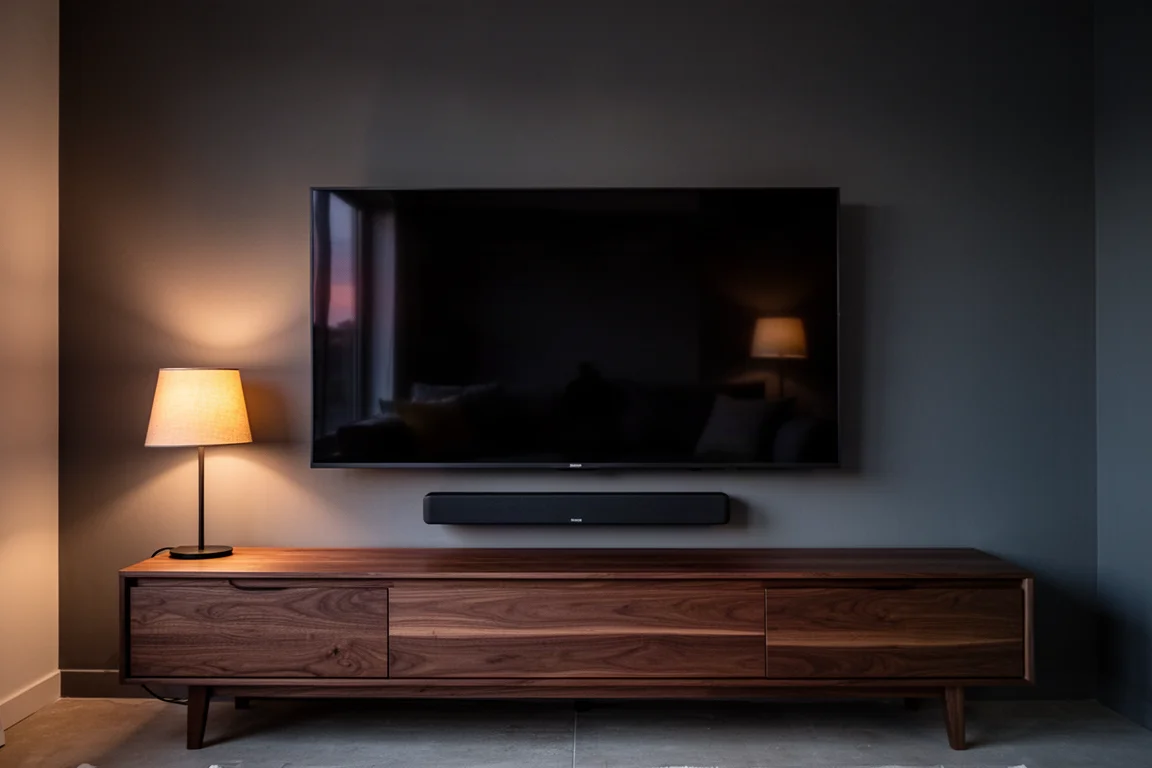
Built-in audio is the other weak point. The internal speakers can play loud and dialogue stays intelligible, but they sound thin and produce very little below 100Hz, so voices lack body. Most buyers will want a soundbar, and Samsung’s own bars add wireless syncing and Q Symphony.
Upscaling is only slightly better than last year. Standard definition and HD content, along with lower quality broadcast sports feeds, will not look their best here, and rival OLEDs handle scaling better.
Finally, black crush, aggressive auto dimming, and the Standard profile menu behavior are things you cannot fully switch off. They are manageable, but they are part of living with this TV.
Buying Advice
If brightness, contrast, and gaming performance are your priorities, the S95C is easy to recommend. It is a stronger all-round performer than the previous generation and, for gaming, more capable than comparable OLEDs, including models that produce a slightly more natural, filmic image but cannot match its light output.
Plan the rest of the setup around its weaknesses. Budget for a soundbar, use Movie mode with clarity processing off and color tone at Warm 2, choose static tone mapping for HDR, and feed it as much native 4K as possible.
Anyone who depends on Dolby Vision, watches a lot of standard definition material, or wants the best upscaling should weigh the alternatives carefully. For buyers who care about pixel density and processing headroom, Samsung’s 8K QN900B is worth a look, particularly as the larger sizes have been discounted.
For everyone else, the S95C is the QD-OLED that finally lives up to the promise of the format.
Conclusion
The S95C fixes the most visible flaw of its predecessor, skin tone handling, while keeping the brightness advantage that made the line interesting in the first place. Gaming performance is excellent, 4K picture quality is excellent, and a satisfying picture is realistic without hiring a professional calibrator.
The frustrations are real: a slow smart platform, unskippable menu behavior, aggressive dimming, thin built-in sound, and upscaling that trails the class leaders. Buyers who can live with those and who will pair the set with a soundbar will find a lot to like here.
Product link
View more details for Samsung S95C
This product is mentioned in the review. Check the specifications, options, and compatibility before buying.
View more details for Samsung S95CFurther reading
Related Reviews
TVs
Best Sony XR TVs Compared: X90K, X95K, A80K, A90K, A90J, A95K and Z9K
A practical guide to Sony's XR television range, from the value-focused X90K to the 8K Mini LED Z9K, with clear advice on which model suits which room.
TVs
Hisense 100UR8SG Review: A 100-Inch RGB Mini-LED That Takes On OLED
A 100-inch RGB mini-LED television with measured peak brightness of 3,850 nits, wide color volume, and a price far below large-format OLED.
TVs
Hisense U9 vs Hisense U8 vs Samsung S90C OLED: Which TV Is Worth Buying?
A practical comparison of two Hisense RGB Mini-LED televisions and an OLED alternative, with real strengths, trade-offs and a clear buying recommendation.