TVs
Samsung S95B QD-OLED Review: Bright, Bold, and Not Always Accurate
The Samsung S95B is the brightest OLED in its class, but its picture accuracy, scaling, and calibration trade-offs decide whether it suits your room.
Introduction
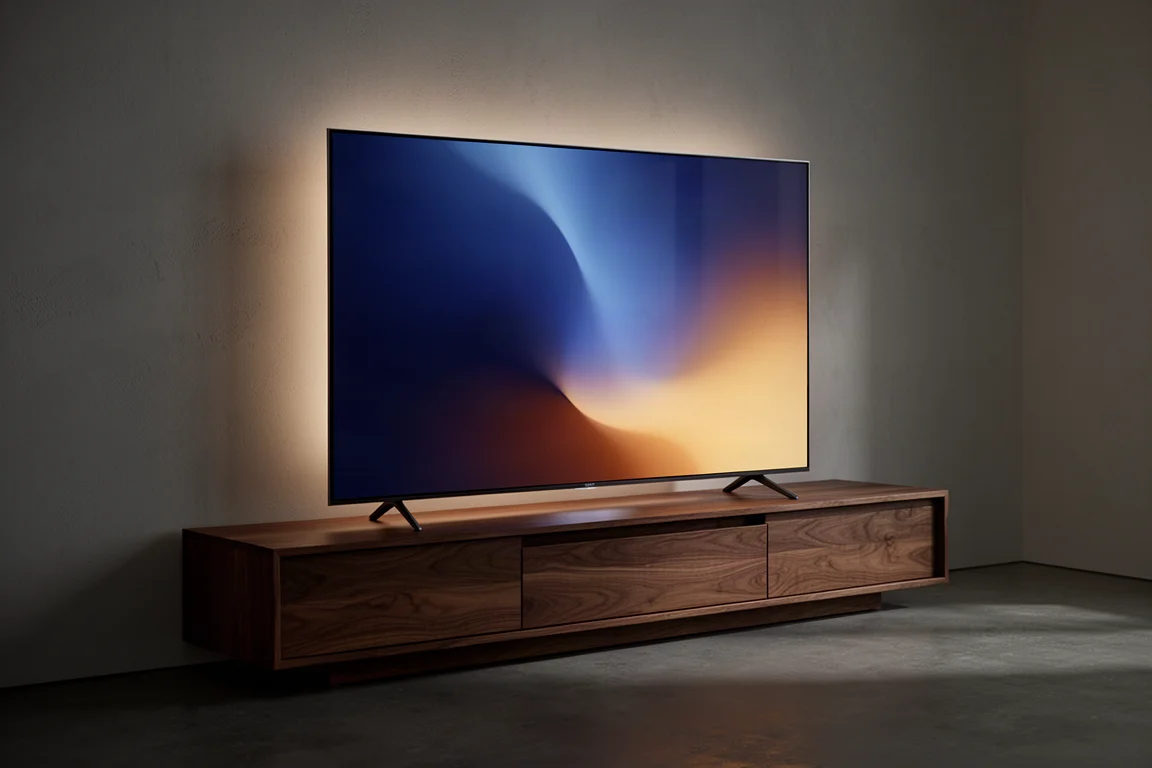
The Samsung S95B is Samsung’s first consumer OLED television, and it is not a conventional one. Rather than a standard OLED panel, it uses QD-OLED, which adds a quantum dot layer to an OLED light source. That quantum dot layer is normally associated with LED-based displays, and here it lets Samsung push OLED brightness beyond what the panel technology typically reaches.
The payoff is a display that can look spectacular. The catch is that the brightest settings and the most accurate settings are not the same settings. This review walks through what the S95B does well, where it asks for compromises, and which buyers will be happiest with it.
Who This TV Is For
The S95B is available in 55 and 65 inch sizes only, so it suits rooms and viewing distances that fit those two options rather than a large home theatre wall.
It is a natural fit for next-generation console owners. All four HDMI inputs are HDMI 2.1, the panel refreshes at a native 120Hz, and gaming features including ALLM and VRR are on board. It also makes sense for anyone who already owns a compatible Samsung soundbar, since the TV can connect wirelessly and combine its own speakers with the soundbar through Q Symphony, with Dolby Atmos support and no additional HDMI cable required.
Above all, it is for viewers who want the brightest OLED picture available and who are willing to spend time in the picture menus to get there.
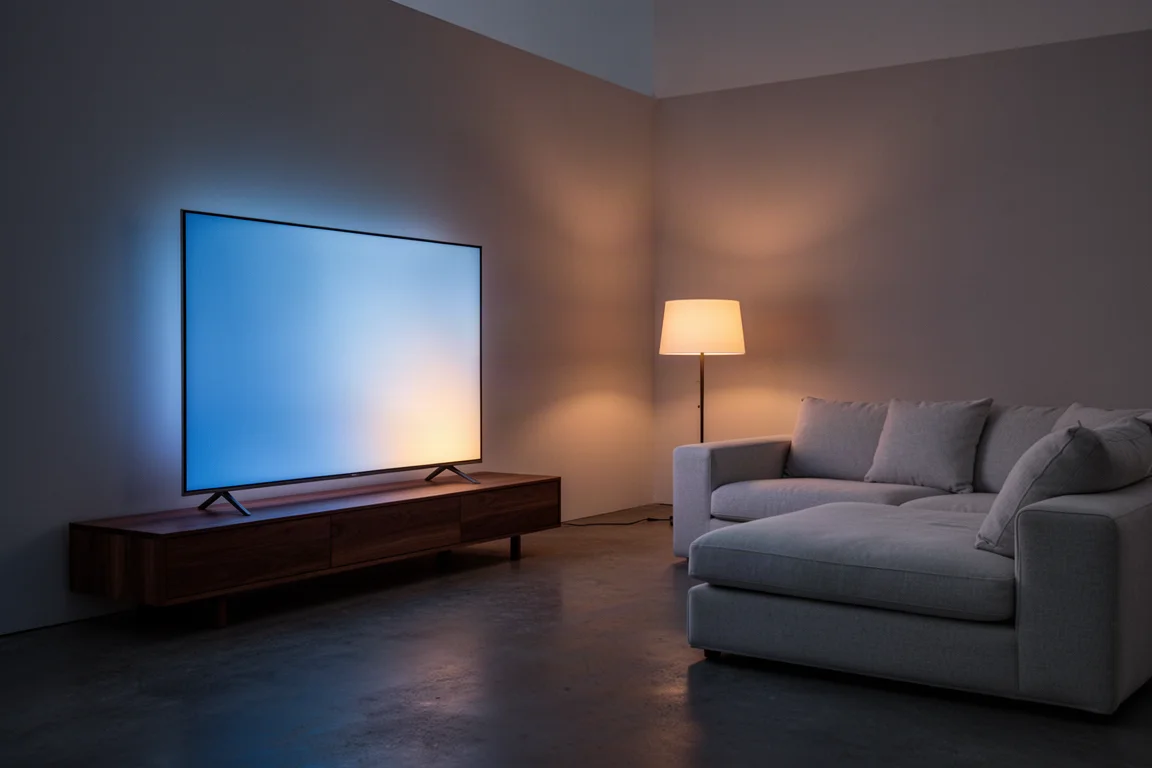
If brightness is not the priority, the S95B’s advantages are less clear cut, and there are other sets worth weighing against it.
Brightness and QD-OLED Performance
Brightness is the headline. In small window measurements, the panel easily reached 1,000 nits with HDR content, which puts it close to a mini LED display such as the Sony X95K. It is technically the brightest OLED in this class.
That figure deserves context. It is a peak measurement, not an edge to edge result, and no OLED delivers 1,000 nits across the whole screen. Full field brightness sits far lower, which matters for anyone who watches bright, uniform content such as sports.
HDR support is broad but not complete. The S95B handles HDR10+, Adaptive HDR10+, HDR10+ Gaming, and HLG, along with Dolby Atmos audio. Dolby Vision is not supported, which is worth checking against the streaming services and discs you use most.
Picture Accuracy and Calibration
Out of the box, the S95B leans heavily blue. Samsung appears to chase maximum brightness by driving the blue OLED light source hard, and the effect is visible immediately. The dynamic brightness and contrast controls make this worse: as those settings rise, the grayscale and colour balance shift further toward blue.
Measured across the four main picture profiles out of the box, none qualified as calibrated. Dynamic and Standard were the furthest off, with Delta E errors of 17 and 16, where anything below 3 is considered calibrated. Movie and Filmmaker mode were closer at a Delta E of 9 and less blue, though they traded the blue cast for a green one.
The good news is that the S95B calibrates well. Starting from the Movie profile, grayscale and colour errors can be brought down to a Delta E of 0.5, which is close to what a well-regarded OLED such as the LG C2 can achieve. The catch is significant: a full calibration to that level cuts light output to roughly 180 nits with SDR content and around 210 to 220 nits with HDR, edge to edge.
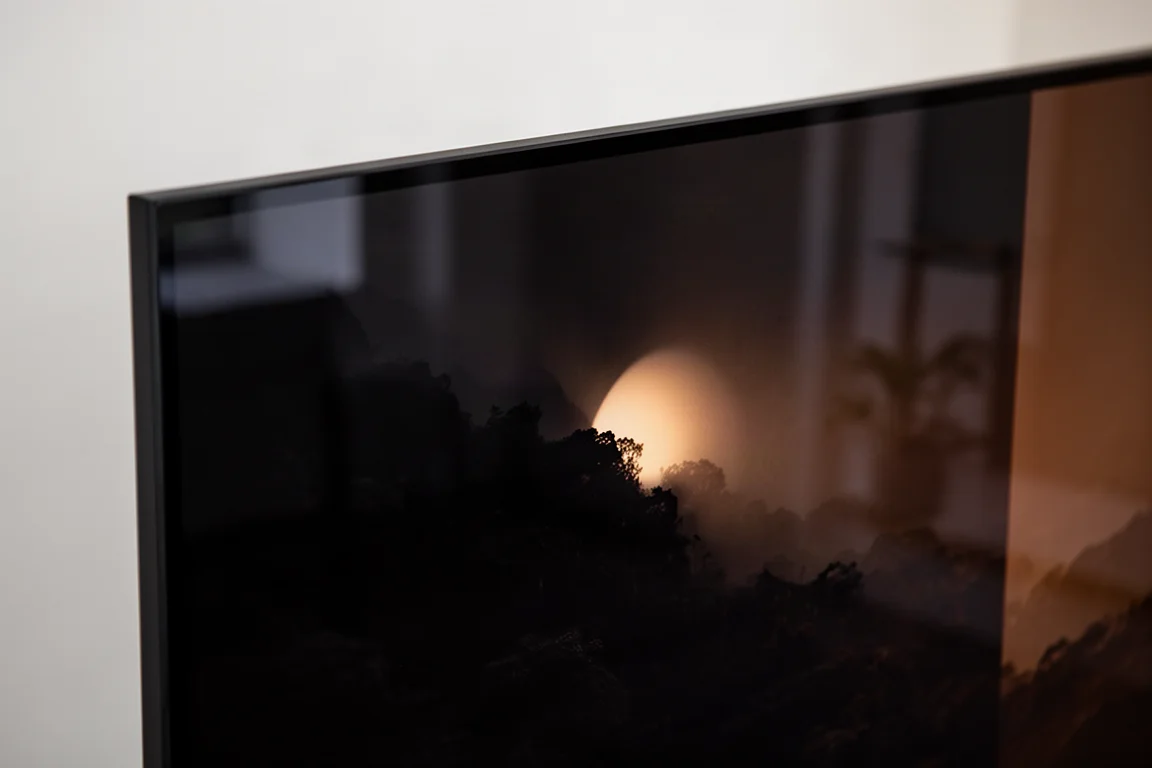
There is a second cost to pushing brightness. To keep the image brighter than average, both blacks and highlights get crushed, so detail is lost at both ends of the range. Watching a dark, gothic-looking film, a properly calibrated set reveals detail in the darkest corners of the sets and in dark costumes, but the picture can feel dim and short on punch. Push the settings back toward brightness and the image leaps off the screen, at the price of those finer details.
One more thing to watch is skin tone. With dynamic contrast and dynamic brightness raised, the picture skews colour noticeably, and darker skin tones can take on a red or orange cast. Scenes that mix several skin tones in the same frame are where this shows up most.
Gaming and Smart Features
Gaming is a clear strength. On a PlayStation 5, demanding titles felt immersive, and the gaming picture profile is plenty bright, not far off the Dynamic and Standard profiles in output. VRR and ALLM both reported as functioning properly, and the panel’s responsiveness means any struggles in a match come down to the player rather than the display.
The TV runs Samsung’s own Smart TV Hub, which puts streaming apps such as Netflix, HBO Max, and Apple TV within reach straight out of the box. Voice assistants including Alexa and Google Assistant are supported. Navigating the interface felt noticeably less snappy than on Samsung’s QN900B 8K set, which is a small but persistent annoyance rather than a deal breaker.
Scaling, Processing, and Design
Scaling is the biggest surprise. Watching 720p broadcast material and HD content upscaled to the S95B’s native 4K resolution, the image did not look as clean or sharp as expected, particularly next to a larger Sony X95K. Motion was smooth when watching sports, but lower thirds and wide crowd shots looked soft, almost out of focus. This is odd given that Samsung’s own QN900B handles scaling exceptionally well.
Physically, the S95B looks like a modern OLED: minimal and extremely thin. In a departure for Samsung, there is no One Connect box, so every input and output lives on the back of the television, which is a simpler arrangement for most installations. The included stand mount is a little trickier to fit than most, and that difficulty is amplified by how thin the panel is.
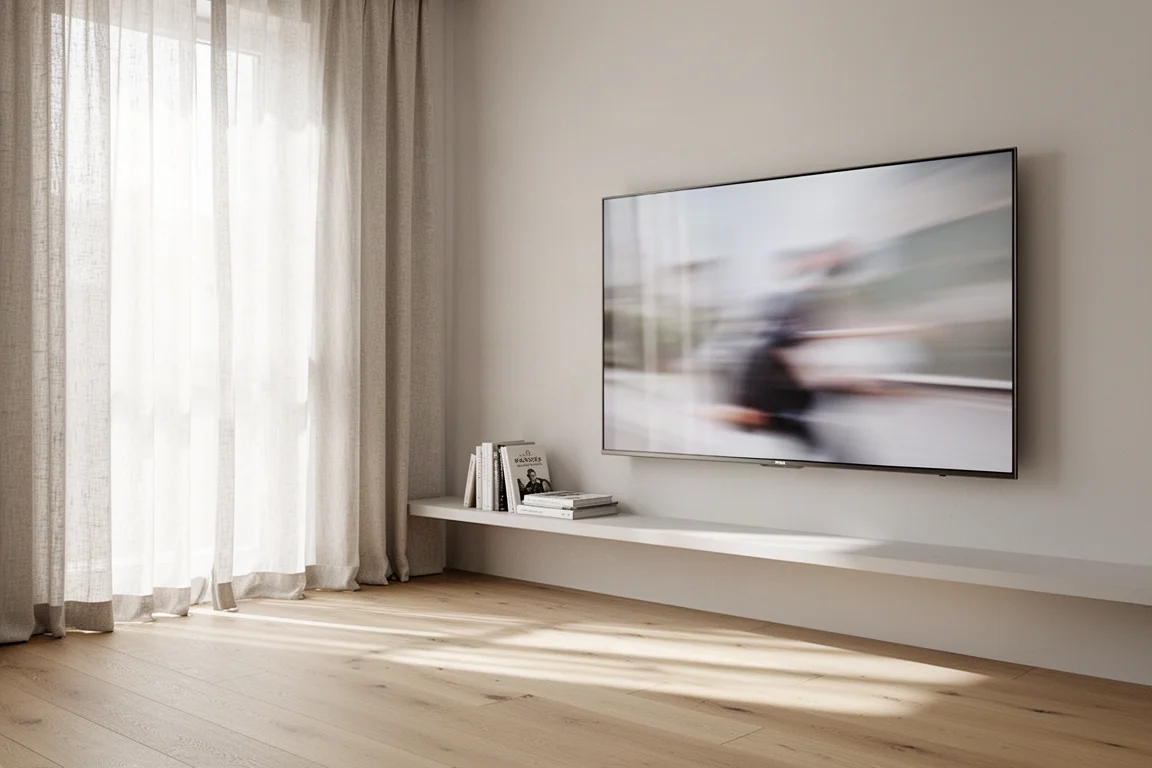
Build quality is unremarkable in both directions, neither a highlight nor a problem. Off axis viewing is a genuine advantage over the LG C2, with better panel dimming behaviour and less white point colour shift when sitting off to the side.
Things to Consider Before Buying
Several points are worth weighing before committing.
- Calibration matters. The most accurate picture requires a professional calibration, and that accurate picture is noticeably dimmer than the out of the box look.
- Brightness and accuracy pull in opposite directions. Raising dynamic brightness and contrast shifts colour and crushes shadow and highlight detail.
- Skin tones can shift. Darker skin tones can appear redder or more orange when dynamic settings are raised.
- Scaling is a weak point. Lower resolution broadcast and HD content does not look as crisp as it does on some competing sets.
- Size tops out at 65 inches, so larger rooms may need a different model.
- Dolby Vision is absent, so HDR10+ and HLG are the formats on offer.
Buying Advice
The S95B makes the most sense for buyers who want maximum OLED brightness, who play a lot of games on current consoles, and who are prepared to calibrate the picture and accept the lower light output that comes with accuracy. Samsung soundbar owners get an extra benefit from the wireless connection and Q Symphony.
For everyone else, the comparison is less flattering. The LG C2 looks more true to life and organic, and the S95B can read more like a very good LED TV than an OLED. The Sony X95K mini LED looks more natural and handles HD content and compressed sports better. Samsung’s own QN900B looks sharper with lesser broadcasts and comes in sizes above 65 inches, though it costs considerably more. The Sony A95K is another direct rival sitting at just under three thousand dollars, and its processing is highly regarded, which leaves the S95B looking strong on value alone.
A middle path works well in practice. Rather than calibrating to the lowest possible error, many owners will prefer to settle around a Delta E of roughly 3, which is still a calibrated result and preserves more of the brightness that makes this TV appealing.
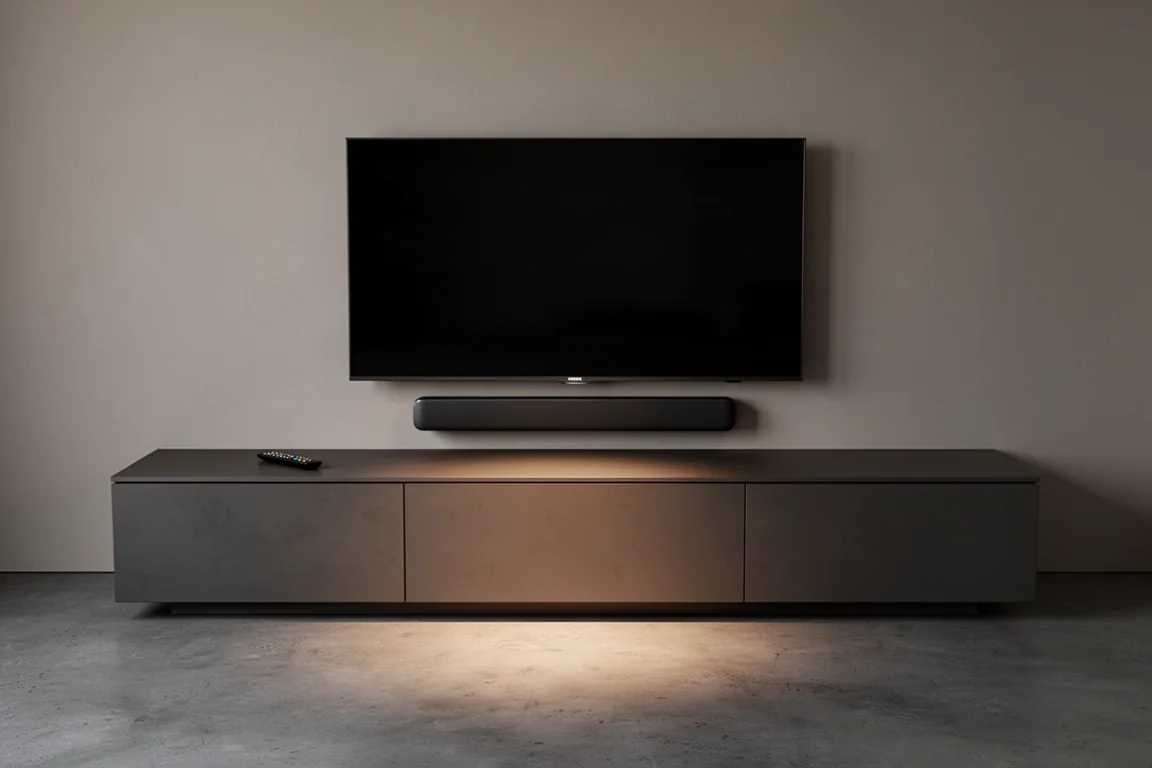
If you watch a lot of HD sports, older films, or heavily compressed streaming content, the scaling weakness deserves serious thought before you buy.
Conclusion
The Samsung S95B is a genuinely impressive OLED and the brightest one in its class, but brightness alone does not make it the best choice for every room. Buyers who calibrate it and accept the trade-offs get a striking, punchy picture with excellent gaming credentials. Buyers who watch a wide mix of content, especially lower resolution material, may find that a competing set delivers a more natural and more consistent image.
Product link
View more details for Samsung S95B
This product is mentioned in the review. Check the specifications, options, and compatibility before buying.
View more details for Samsung S95BFurther reading
Related Reviews
TVs
Best Sony XR TVs Compared: X90K, X95K, A80K, A90K, A90J, A95K and Z9K
A practical guide to Sony's XR television range, from the value-focused X90K to the 8K Mini LED Z9K, with clear advice on which model suits which room.
TVs
Hisense 100UR8SG Review: A 100-Inch RGB Mini-LED That Takes On OLED
A 100-inch RGB mini-LED television with measured peak brightness of 3,850 nits, wide color volume, and a price far below large-format OLED.
TVs
Hisense U9 vs Hisense U8 vs Samsung S90C OLED: Which TV Is Worth Buying?
A practical comparison of two Hisense RGB Mini-LED televisions and an OLED alternative, with real strengths, trade-offs and a clear buying recommendation.