TVs
Samsung QN90D vs Sony X90L: Which 98-Inch 4K TV Makes More Sense?
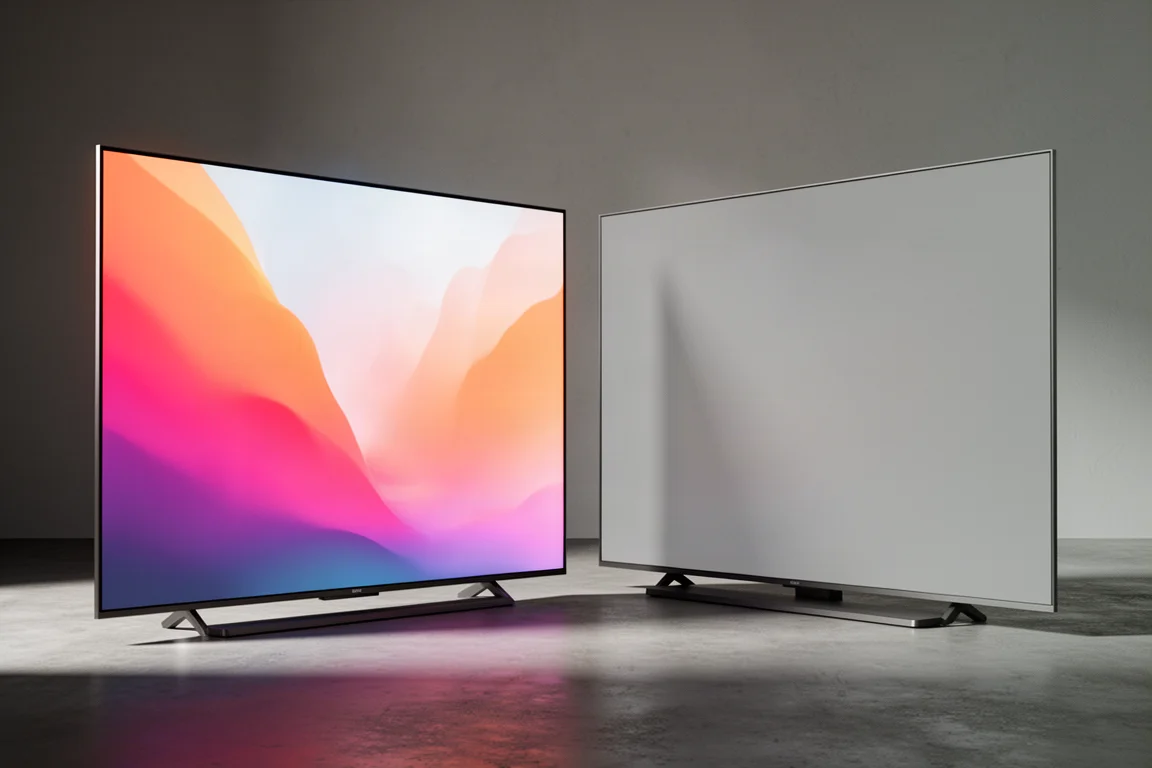
A close comparison of two 98-inch 4K displays: the bright mini LED Samsung QN90D and the consistency-focused Sony X90L.
Introduction
A 98-inch television is no longer a novelty. Large flat-panel displays have become one of the most active segments of the market, with prices spanning roughly $2,400 at the entry point up to around $15,000 at the top. That is still serious money, but it is a very different proposition from the six-figure large-format displays of the past.
Two 98-inch 4K models define the current conversation. The Samsung QN90D is a mini LED 4K QLED set built around the NQ4 AI Gen 2 processor, and the Sony X90L is the display that currently sets the reference for this screen size. They take different routes to the same problem: how to fill a very large canvas with an image that stays clean, bright, and believable.
What Matters Most in a 98-Inch 4K TV
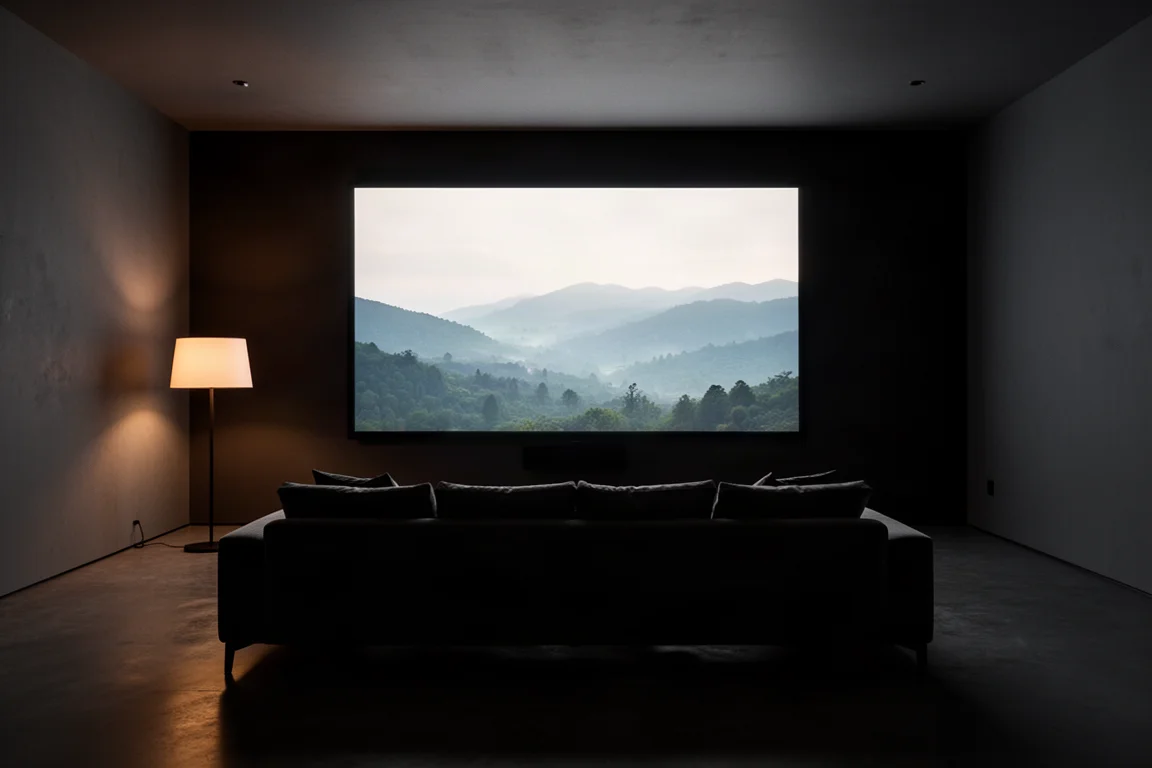
At 98 inches, every small processing decision is magnified. A little overshoot in highlight handling or a slightly aggressive local dimming algorithm is easy to overlook on a 55-inch panel and impossible to overlook here. Brightness headroom matters, but stability matters more. A display that holds a consistent image is usually more satisfying than one that spikes higher for a second or two.
Other factors carry extra weight at this size. Off-axis behavior, screen reflectivity, and the way a set handles lower-resolution or older content all become daily concerns rather than footnotes. So does the practical side: a 98-inch panel is heavy, it needs a wall or stand that can take the load, and it benefits from a room where ambient light can be managed.
HDR format support is worth understanding before it becomes a dealbreaker. The QN90D handles HLG, HDR10, and HDR10+, but not Dolby Vision. In quality terms, HDR10+ and Dolby Vision are broadly interchangeable, and Dolby Vision simply carries broader community and marketing support behind it. Format logos are a weaker signal of picture quality than tone mapping behavior.
Samsung QN90D: Bright Mini LED, Demanding Setup
The QN90D is a 4K QLED display with mini LED backlighting and Samsung’s NQ4 AI Gen 2 processor. Connectivity is generous: four HDMI 2.1 inputs, one of them the eARC input, plus an RF input for an antenna, optical audio out, an Ethernet port, and two USB 2.0 inputs. Gaming features include a 120Hz refresh rate, ALLM, VRR, and FreeSync Premium Pro, with settings surfaced through Samsung’s Game Bar.
The set runs Tizen, with Bixby alongside Alexa and Google Assistant, and it includes Wi-Fi, Bluetooth, and AirPlay. A solar-powered remote ships in the box, and the SmartThings app can stand in as a remote if the bundled one disappears into the sofa. There is no One Connect box, which makes wall mounting noticeably easier. The panel itself weighs 135 pounds without the stand, so plan on two or three people for installation.
Audio comes from an internal 4.2.2 speaker system with Dolby Atmos playback. Paired with a compatible Samsung soundbar, such as one of the Q Series bars, Q Symphony combines the TV’s speakers with the soundbar for a more immersive result.
Out of the box, the default Eco picture profile is the least accurate option, with grayscale and color errors well beyond a Delta E of 3. Standard and Dynamic are brighter but not much better. Movie mode is the most accurate preset, measuring around Delta E 3, though brightness drops to roughly 300 nits. Filmmaker mode measures the same as Movie mode. A basic professional calibration transforms the set: Delta E 1 for both grayscale and color, around 800 nits with SDR signals, and over 1,000 nits in HDR. Peak brightness can touch 1,500 nits, though not for more than a second or two before falling to about 1,300 and then 1,100 nits. The panel holds around 1,000 nits for more than 30 seconds, and it is at its most stable between 700 and 1,000 nits.
Sony X90L: The Consistency Reference
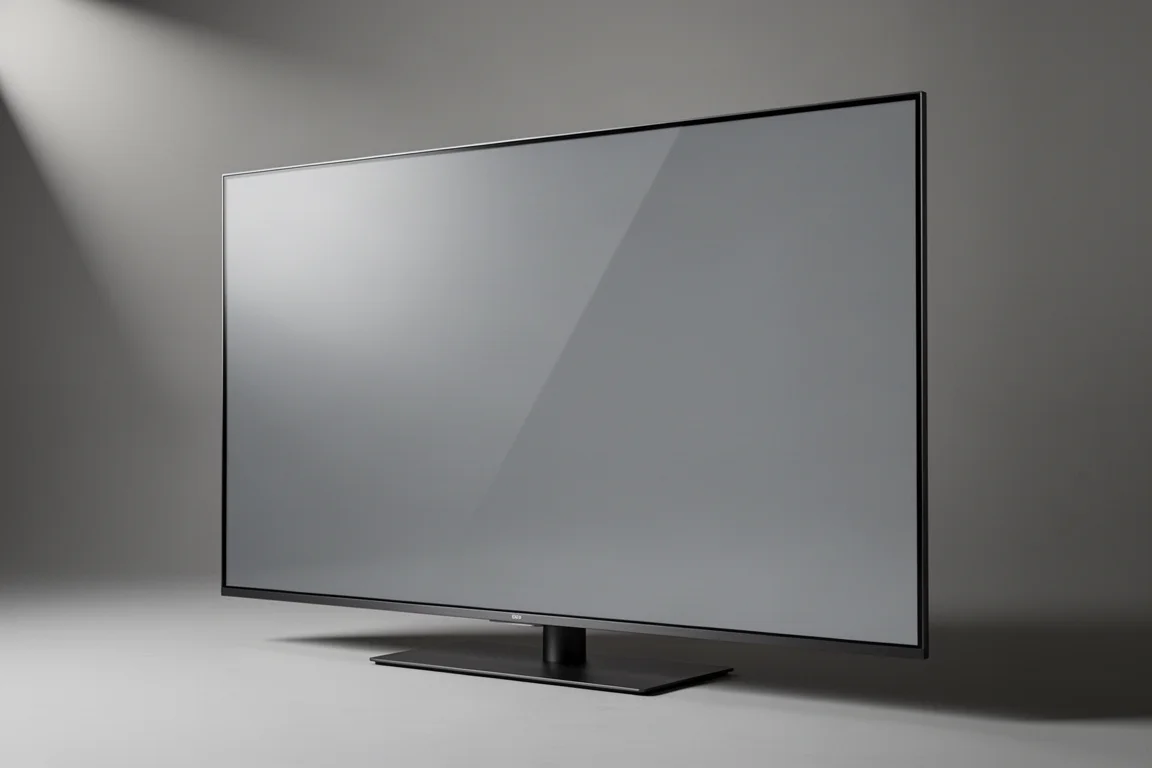
The 98-inch Sony X90L is the current reference among 98-inch televisions, and it holds that position without mini LED backlighting. Its advantage is consistency. Show to show and scene to scene, it stays reliable in a way that matters more the longer you live with a display.
Edge fidelity is a clear strength. Hard black outlines and false edges around foreground objects and performers are far less of an issue, particularly with poor signals and legacy content. The panel is also less reflective than the QN90D, which helps in rooms where light is not fully controlled. Off-axis viewing is a limitation shared across 98-inch displays, and the X90L’s real edge shows up in how evenly it performs across mixed material.
Picture Quality After Calibration
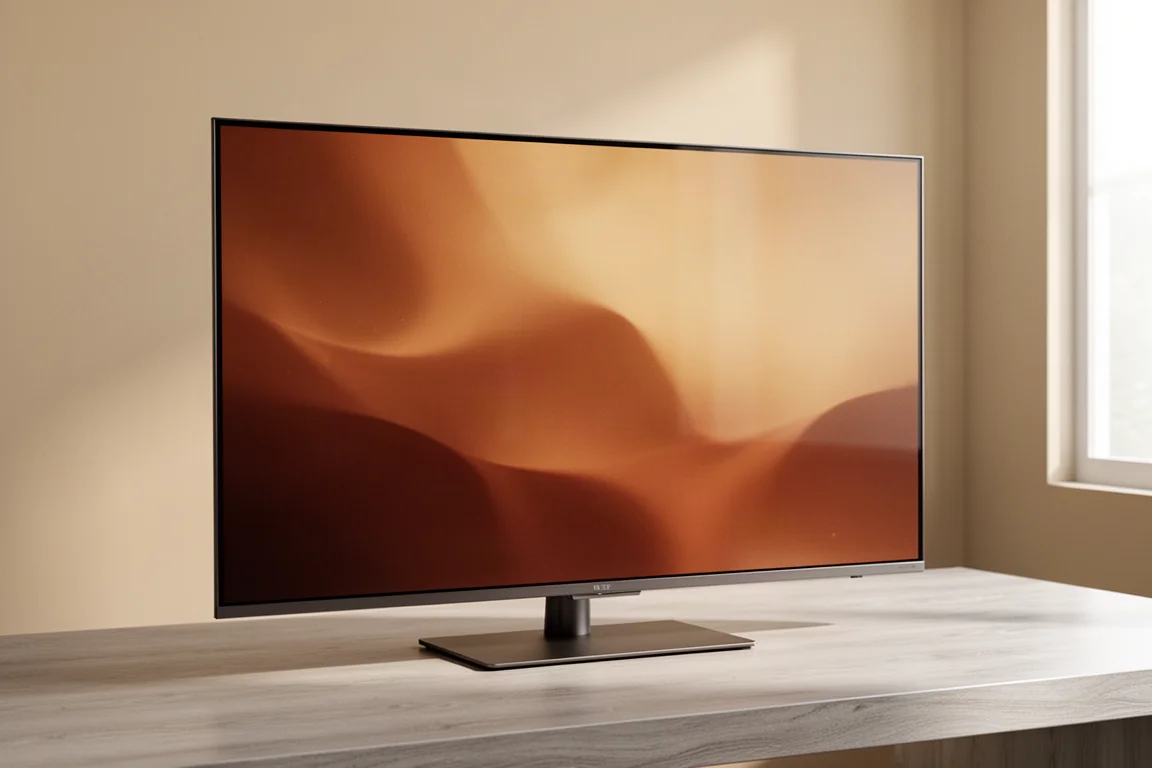
After a basic professional calibration, both displays measure near-textbook contrast and gamma values. The difference is in character. The QN90D looks more contrasty, helped in part by its glossier screen, and its colors read as natural and true to life, with no excess saturation or brightness in the primary colors. Skin tones stay believable, and well-shot HDR material looks genuinely impressive.
The trade-off is stability. The Samsung can reach higher peak brightness, but its stable window sits between roughly 700 and 1,000 nits. The Sony does not chase the same numbers, and that restraint is precisely why it stays consistent across a wide range of material, from reference-grade HDR to ordinary broadcast content.
Where the QN90D Struggles With Demanding Content
The QN90D can be both the most impressive and the most frustrating display in this comparison, sometimes within the same scene. With HDR content it defaults to active tone mapping, which often produces a brighter, more dynamic image but routinely blows out highlights. Clipping is common, and false colors appear, including whites that read green when they should be neutral. Switching tone mapping to Static helps but does not fully solve the problem, especially if local dimming and contrast are also set high.
Local dimming is best kept low. Higher settings introduce visible blooming and a reverse blooming effect, a vignette-like shadow around bright objects in a scene. The set also struggles with scaling. SD and some HD content shows noticeable artifacts in some situations and over-smoothed detail in others. Edge fidelity is weaker than the Sony’s, with hard black outlines and false edges around foreground subjects. Viewing angles are relatively narrow: step about 20 degrees off center and color, contrast, and brightness shift noticeably, although calibration improves off-axis performance somewhat. The screen is also more reflective than the Sony’s, so a light-controlled room gets the best out of it.
Sound, Gaming, and Connectivity
For buyers who rely on the TV’s own speakers, the QN90D has a genuine advantage. Its internal 4.2.2 system plays Dolby Atmos content, and Q Symphony adds the TV’s speakers to a compatible Samsung soundbar, such as one of the Q Series models, for a wider and more immersive presentation. Sony’s S-Center sync on older Bravia models is a less convincing implementation by comparison.
Gaming is well covered on the Samsung side: four HDMI 2.1 inputs with one dedicated to eARC, a 120Hz refresh rate, VRR, ALLM, and FreeSync Premium Pro, all surfaced through the Game Bar. Motion handling is smooth, and the fast-paced sports footage that was available looked good. The largest sound advantage still depends on hardware outside the box, since Q Symphony only applies if you own a compatible Samsung soundbar.
Who Each 98-Inch TV Suits
The QN90D suits buyers who want maximum brightness and are willing to calibrate, or at least to select Movie or Filmmaker mode and keep local dimming and contrast aids low. It also makes the most sense in a light-controlled room, and for anyone already invested in a compatible Samsung soundbar for Q Symphony. Used within its stable brightness window, the image can be genuinely special.
The X90L suits buyers who value consistency over peak numbers: those who watch a broad mix of content, including weaker signals and legacy material, and who want the image to hold up scene after scene. Its lower reflectivity and stronger edge handling also make it the easier display to live with in a room that is not perfectly dark.
Buying Advice for Large-Screen Shoppers
Plan the installation before you plan the picture settings. A 98-inch panel is a two or three person job, and the QN90D weighs 135 pounds without its stand. Confirm that the wall, mount, or furniture can take the load before the delivery date.
Budget for calibration if you want the best from the Samsung. Movie and Filmmaker are the most accurate presets out of the box, but a basic professional calibration is what unlocks Delta E 1 accuracy and a meaningful brightness increase. On the Sony side, the case rests on consistency rather than on tuning.
Think about the room as much as the television. Seating position matters, because off-axis performance is limited across this size class. Ambient light matters, because the QN90D is more reflective than the X90L. Source quality matters too, because the Samsung’s scaling is less forgiving with SD and some HD material.
Finally, weigh price against use. The 98-inch QN90D sits near the top of the large-screen market at around $15,000, and if you have to disable or minimize the processing features you paid for in order to get the most stable image, that is worth factoring into the decision. Large-screen pricing spans a wide range, and the entry point for this size class starts far lower.
Conclusion
The Samsung QN90D is capable of some of the best images a mini LED display can produce, but it asks for calibration, restraint with its own processing features, and a light-controlled room. Used that way, it is remarkable. Used at its defaults, it is inconsistent.
The Sony X90L is the safer choice. It is not a mini LED display and it does not chase the same peak brightness, yet it is more consistent, more forgiving of weaker signals, and easier to live with day to day. For most buyers comparing 98-inch televisions, that reliability is the more valuable quality.
Further reading
Related Reviews
TVs
Best Sony XR TVs Compared: X90K, X95K, A80K, A90K, A90J, A95K and Z9K
A practical guide to Sony's XR television range, from the value-focused X90K to the 8K Mini LED Z9K, with clear advice on which model suits which room.
TVs
Hisense 100UR8SG Review: A 100-Inch RGB Mini-LED That Takes On OLED
A 100-inch RGB mini-LED television with measured peak brightness of 3,850 nits, wide color volume, and a price far below large-format OLED.
TVs
Hisense U9 vs Hisense U8 vs Samsung S90C OLED: Which TV Is Worth Buying?
A practical comparison of two Hisense RGB Mini-LED televisions and an OLED alternative, with real strengths, trade-offs and a clear buying recommendation.