Soundbars
Samsung Q990D Review: A Flagship Dolby Atmos Soundbar, Refined
The Samsung Q990D keeps the 11.1.4-channel formula that made the Q Series a benchmark and adds HDMI 2.1, new dialogue tools, and a front speaker mode for music.
Introduction
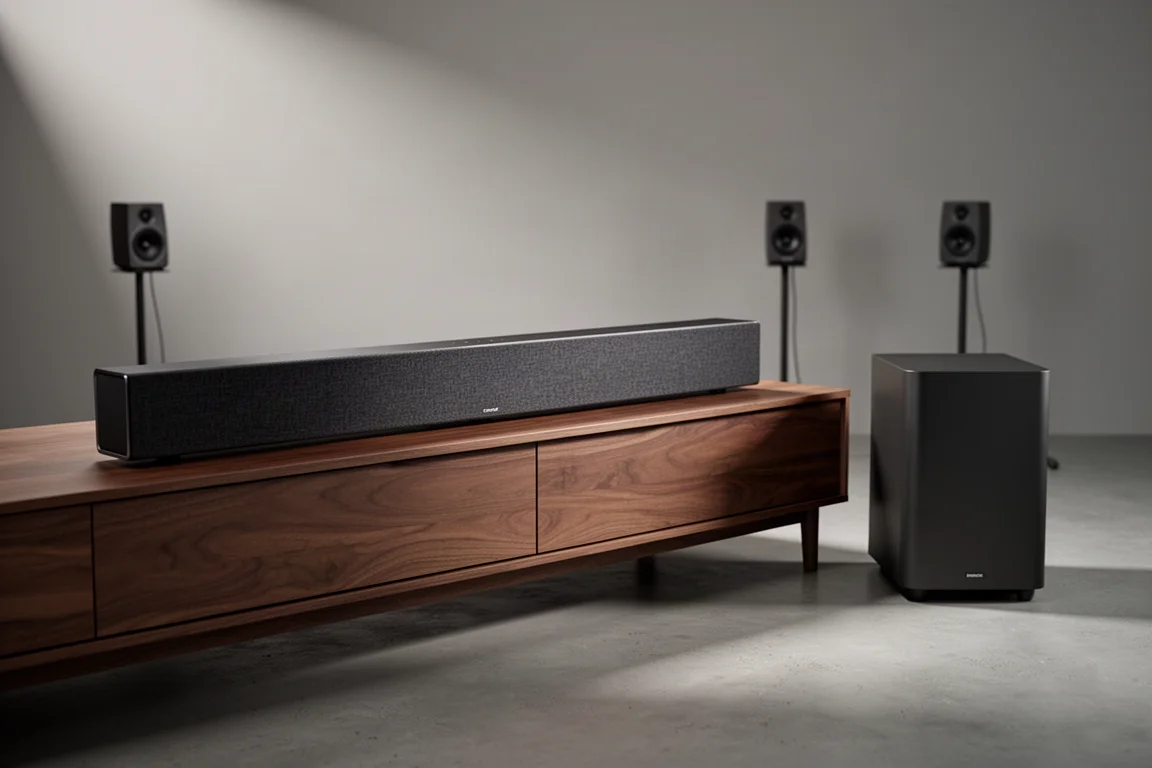
The Samsung Q990D is the current entry in a soundbar line that has been a benchmark for several years running. It is an 11.1.4-channel Dolby Atmos system that arrives with a wireless subwoofer and a pair of surround speakers, so the package covers the whole room rather than just the front wall.
What makes this generation interesting is not a redesign. The physical cabinet, the construction, and the internal driver complement carry over from the Q990C unchanged. The updates are functional: HDMI 2.1 across the ports, a pair of new dialogue tools, and a mode that lets the surround speakers double as front left and right mains for music.
That combination makes the Q990D easy to recommend for one kind of buyer and easy to skip for another, and this review walks through both cases.
Who the Samsung Q990D Is For
This system suits anyone who wants a full surround setup without running speaker cable around the room and without adding a separate receiver. The bar covers the front channels, the subwoofer handles the low end, and the surrounds sit behind or beside the listening position for rear effects.
It also makes sense for households that already own a compatible Samsung TV. Wireless Dolby Atmos playback and Q Symphony, which blends the television’s own speakers with the bar, both depend on that pairing.
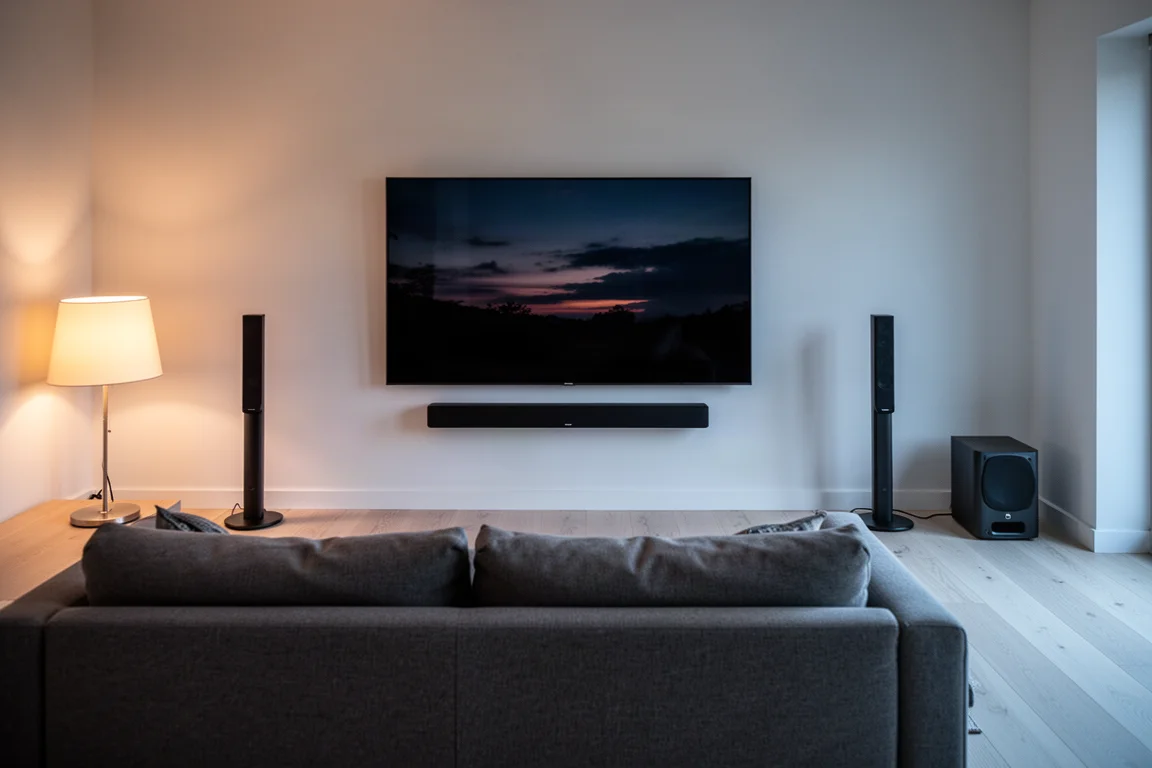
The Q990D is less obviously aimed at stereo purists who mostly listen to two-channel music. The new front speaker mode speaks directly to that group, but it involves repositioning the surrounds, so it is not a set-and-forget solution for every household.
What Is New for 2024
Three changes separate the Q990D from the Q990C. The first is HDMI 2.1 across the connections: there are three HDMI ports in total, one output that supports ARC and eARC, and two inputs, and all of them now accept 8K at 60Hz and 4K at 120Hz. For anyone with a current console or graphics card, that removes the need to route video around the soundbar.
The second is the dialogue toolkit. Voice Enhancement and Active Voice Amplifier join the feature set, and Active Voice Amplifier works in the same spirit as Adaptive Sound by lifting and clarifying speech. Both are useful, though they trim the subwoofer’s bass output, which is worth knowing before stacking them on top of an already brighter sound profile.
The third is front speaker mode. Inside the companion app, the surround speakers can be reassigned as front left and right mains alongside the main bar, which widens the stereo image considerably.
Everything else is familiar. Dolby Atmos and DTS:X support, SpaceFit Sound Pro room calibration, Wi-Fi, Bluetooth, AirPlay, Chromecast, Spotify Connect, and Tidal Connect all carry over, along with Google and Alexa smart home compatibility and an optical input for older televisions that lack HDMI.
Main Strengths
The strengths here are the same ones that have kept this line at the top of the category, with a few new options layered on top.
Movie Sound That Fills the Room
Large-scale action material is where this system earns its reputation. Overhead effects move cleanly from the front of the room to the back and up into the height layer, and the subwoofer gives impacts real weight.

Detail retrieval is strong enough that individual effects stay separated even during busy sequences, and the placement of sounds across a wide room holds together. In a space where the bar and the surrounds sit far apart, that coherence is the hard part, and the Q990D manages it.
The subwoofer is wireless and can be repositioned, so bass performance can be tuned somewhat by where it sits relative to the bar and the seating. SpaceFit Sound Pro is available as an automatic calibration of sorts, and it can be toggled on and off at will.
Front Mode Turns the Surrounds Into Stereo Mains
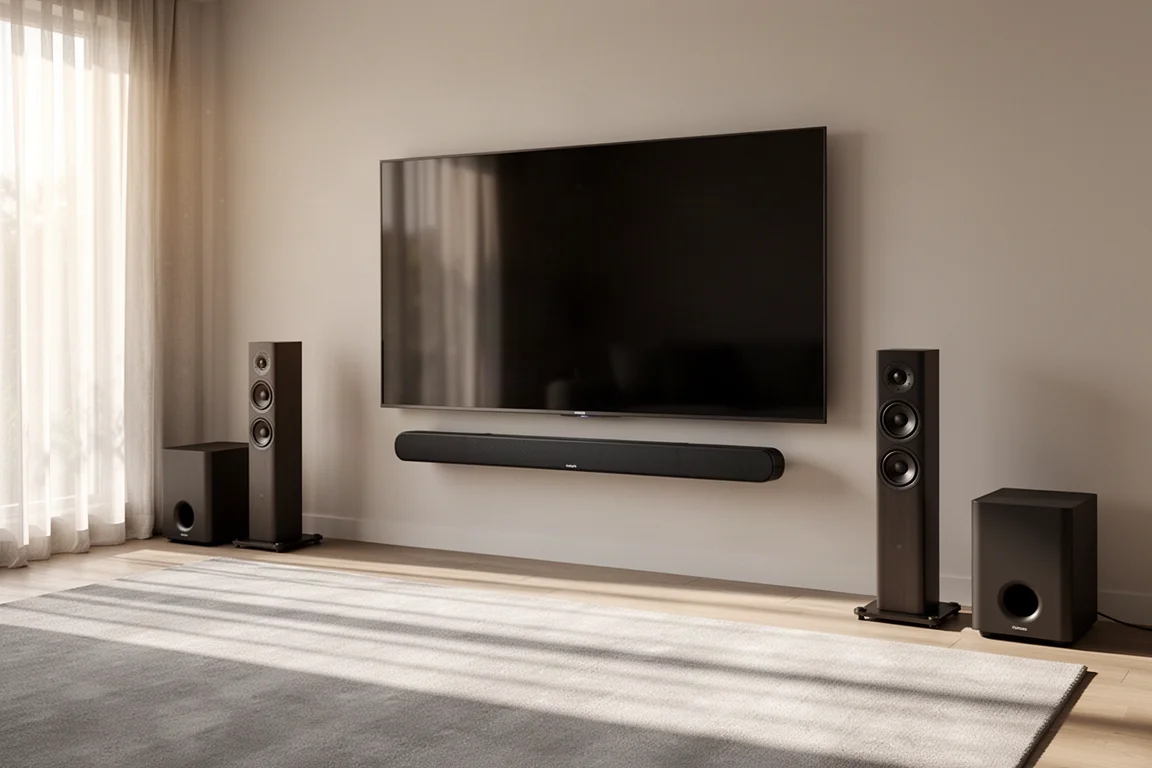
Front mode is a two-step process: place the surrounds to the left and right of the main bar, then set the surround speaker mode to front in the app. The bar still contributes, so this is not a true two-channel configuration, but the effect on music is immediate.
Well-recorded albums gain scale in both directions, and the system keeps a consistent tonal character, which is the more impressive part. Nothing about the switch makes the sound brighter or thinner, and coherence has never been a weak point for this line.
The practical catch is logistics. The surround speakers need a nearby power outlet, so anyone who wants front mode for music and a conventional surround layout for films has to move the speakers and move them back. That friction is likely to keep the feature in occasional use for many owners.
Built for Gamers and Streamers
HDMI 2.1 on the inputs means a console can be connected through the bar rather than directly to the television. For casual play there is no meaningful penalty in input lag or in picture and sound quality, and the convenience of a single signal path is real. Competitive players may still prefer a direct connection to the display.

Streaming and voice control are equally straightforward. AirPlay, Chromecast, Spotify Connect, and Tidal Connect cover the common casting routes, and the system responds to Google and Alexa.
Setup itself is quick: the bar goes below or in front of the television, the surrounds go behind the listening position on stands, and the subwoofer goes wherever it sounds best. The app handles the rest and is the most comfortable way to reach tone controls, speaker levels, and the higher-level functions.
Q Symphony is worth enabling if you own a compatible Samsung TV. It adds height and scale and opens up the centre image, and it blends cleanly without the timbre mismatch that can show up in similar television and soundbar pairing schemes.
The sound profiles cover a useful range. Standard follows a neutral, even-keel response with a slight bass lift, Surround adds a touch of treble and brings the rear speakers forward for a smoother front-to-back handoff, and Adaptive Sound Plus is the most dynamic and cinematic option of the three.
Things to Consider Before Buying
SpaceFit Sound Pro is an automatic calibration, but the effect is subtle. It can be toggled on and off, and other settings such as bass or vocal adjustments may mask whatever it does. Treat it as a small refinement rather than a transformation.
The dialogue enhancements are effective but not infinitely adjustable. There is no low, medium, or high setting, so the amount of lift is fixed. On material with whispered or heavily mumbled delivery, one of the two tools helps; on well-mixed content it can be unnecessary.
Bass output drops slightly when voice enhancement or Active Voice Amplifier is enabled, and the Adaptive Sound Plus profile already lifts the treble. Combining all of them can push the balance too far in one direction, and many listeners will prefer the fuller Standard profile with the dialogue tools engaged.
Front mode asks for speaker repositioning, and the surrounds need mains power wherever they sit. Anyone planning to switch between music and film layouts regularly should weigh that against the benefit.
Finally, this is not a dramatic step up from the previous generation. The cabinet, the drivers, and the measured performance are essentially unchanged, and the additions are specific features rather than a leap in sound quality.
Buying Advice
If you already own a Q990C, there is little reason to move to the Q990D unless HDMI 2.1 passthrough in the soundbar or the new front speaker mode matters to you. Performance and sound quality are effectively the same between the two.
Buyers coming from a Q990A or Q990B have a more interesting decision. The Q990C has been available at deep discounts while stock lasts, which makes it the value pick for anyone who does not need the newest features. Paying more for the Q990D is reasonable if you want the current generation and its additions.
Against competing premium systems, the Q990D holds its own. It outperformed the Sony Bravia Bar 9 when that system was configured with its optional subwoofer and surround speakers. The Sony Bravia Theater Quad is a closer contest: it is better with music and more flexible overall, but it costs more, while the Samsung stays close on well-mixed film material.
In short, buy the Q990D if you want a complete, cable-light Dolby Atmos system with modern gaming connectivity and you value the option of a wider music presentation. Skip it if you already own the previous generation, or if music is your priority and your budget stretches to a more specialised alternative.
Conclusion
The Q990D is a polished, complete home theater package: an 11.1.4-channel bar, a wireless subwoofer, and surrounds that together handle films, games, and casual listening without demanding much setup work. HDMI 2.1, the dialogue tools, and front mode are genuine additions, even if they are incremental.
The bigger picture is that this line has been refined rather than reinvented. That makes the Q990D one of the safest premium soundbar purchases available, and it also makes the previous generation a smart buy for anyone who does not need the new features. For most rooms and most viewers, either route ends with excellent sound.
Product link
View more details for Samsung Q990D
This product is mentioned in the review. Check the specifications, options, and compatibility before buying.
View more details for Samsung Q990DFurther reading
Related Reviews
Soundbars
Bang & Olufsen Premiere Review: A Compact Soundbar Built to Last
A close look at the Bang & Olufsen Premiere, a compact soundbar with deep bass for its size, automatic sound profiles, and a clear modular upgrade path.
Soundbars
Best Dolby Atmos Soundbars: Six Picks for Movies, Music, and Small Rooms
A practical roundup of six Dolby Atmos soundbars, from compact dialogue-focused bars to expandable systems and an all-in-one flagship.
Soundbars
Bluesound Pulse Cinema Review: A Music-First Soundbar With a Software Catch
A close look at the Bluesound Pulse Cinema, a 3.2.2 soundbar with a genuinely expressive midrange and natural tone, plus the app and expansion limits worth knowing before you buy.